Write a rule of your own
Open in the dashboardWhen you are done: your rule runs on the next review of the packs you chose.
-
Open Rules and click New rule.
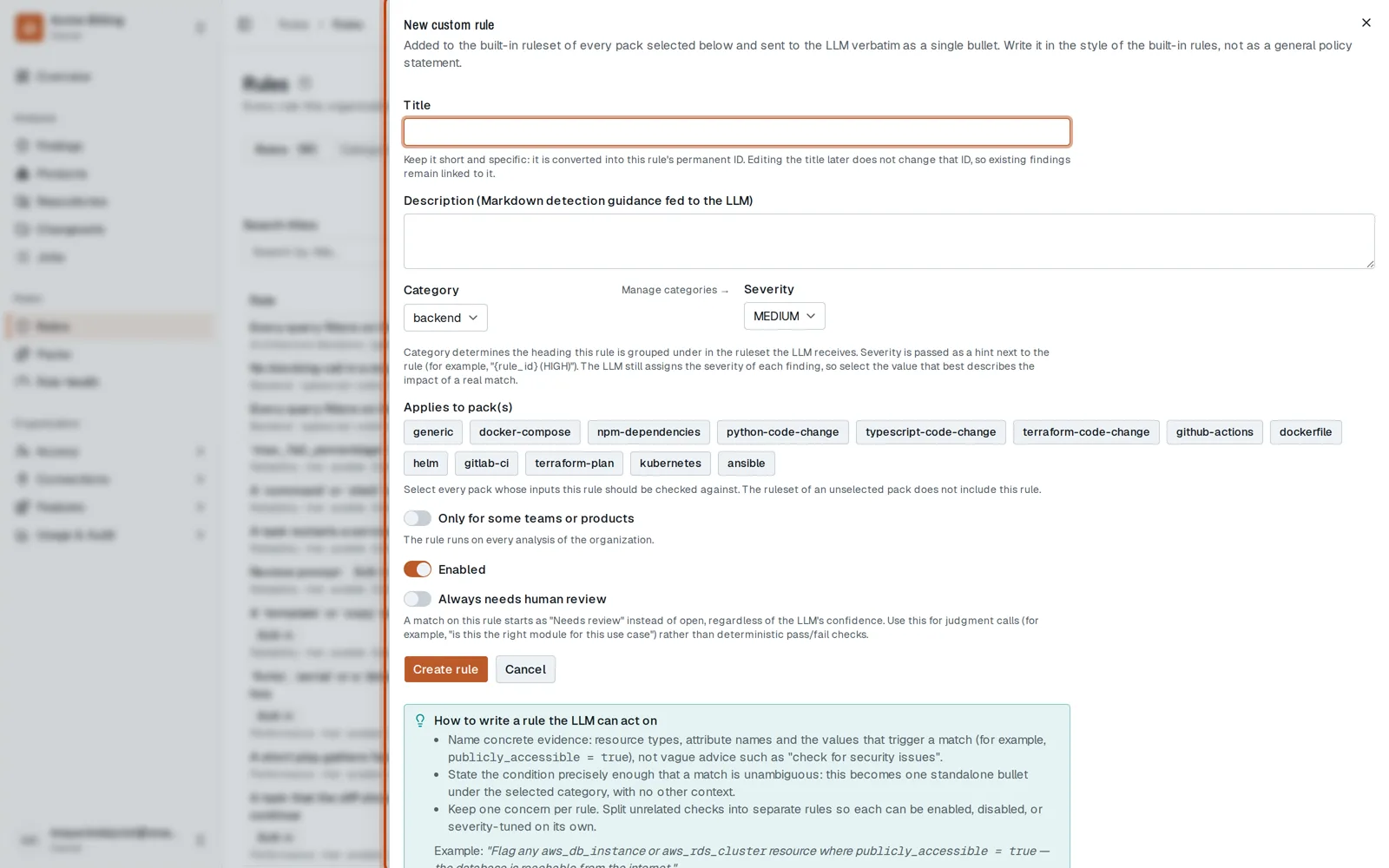
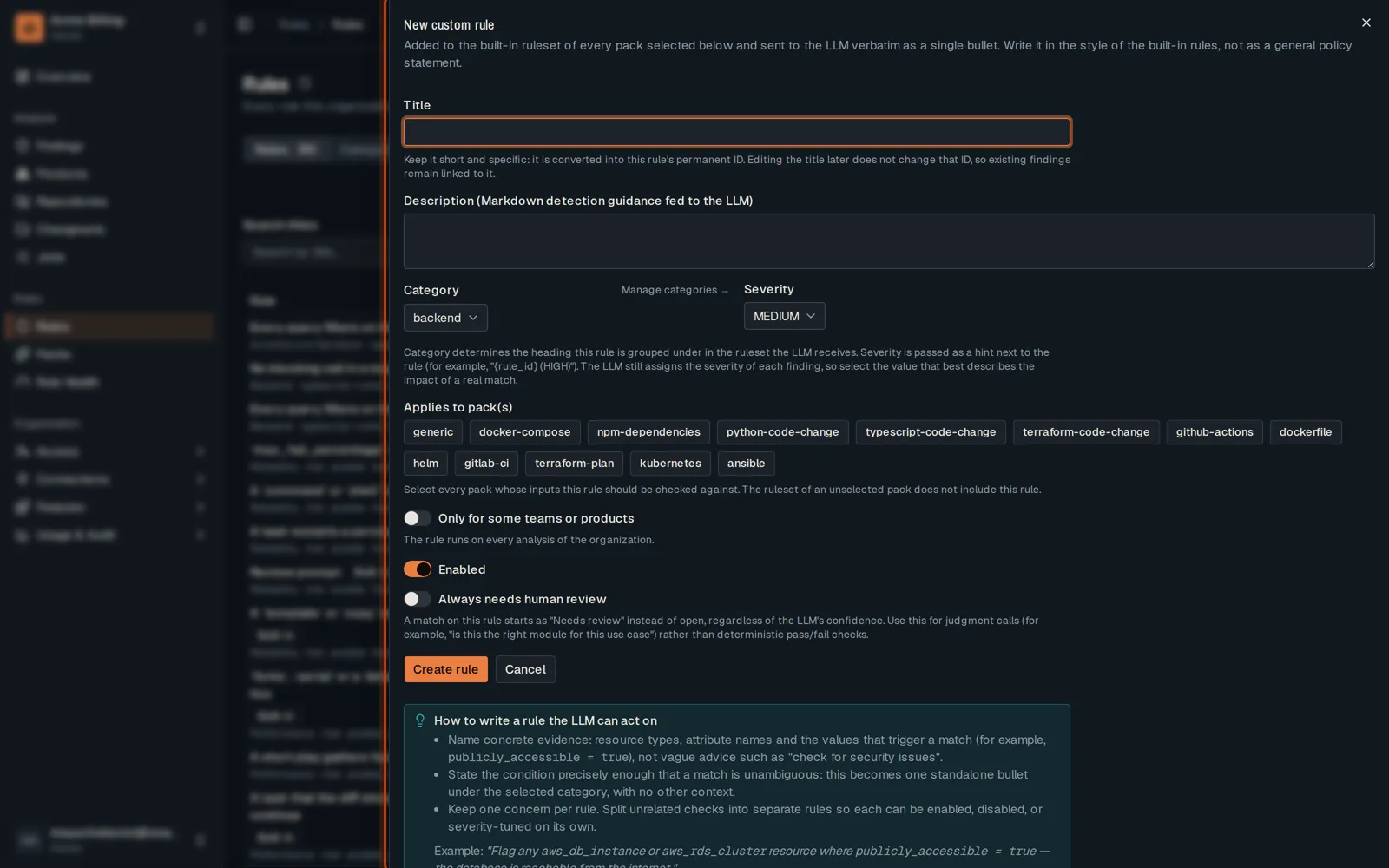
-
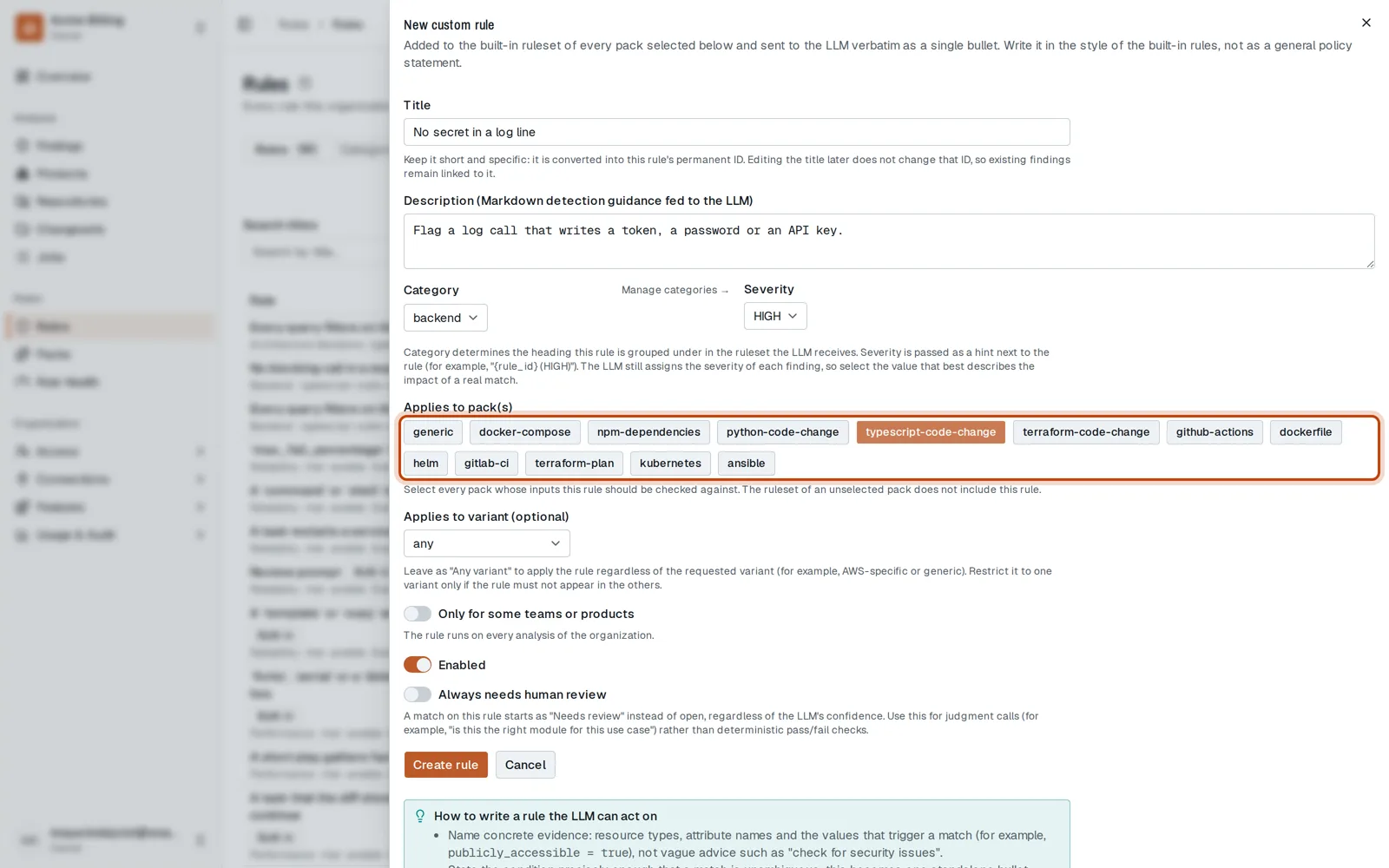
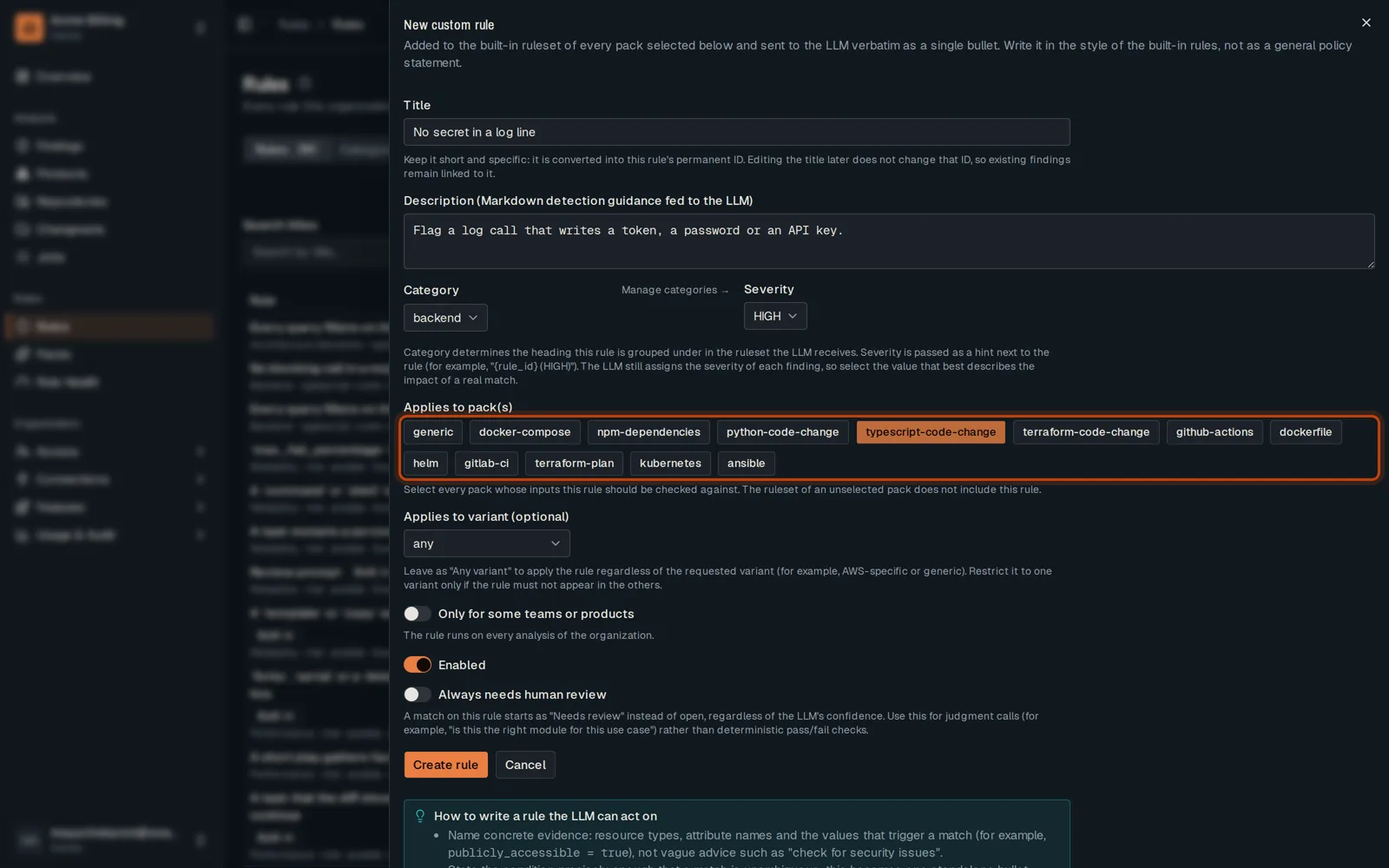
Give it a short title, and say in plain words what to flag.
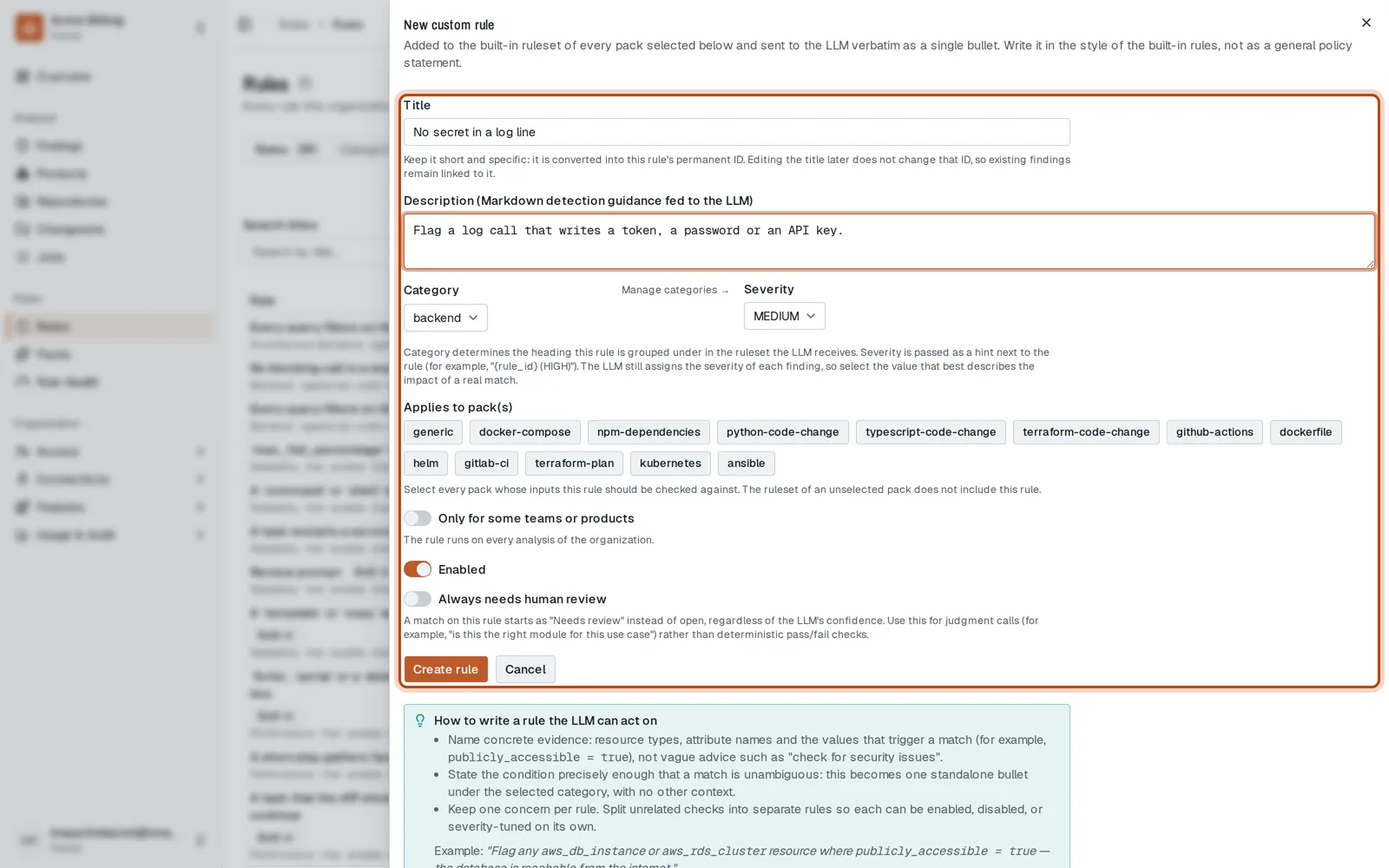
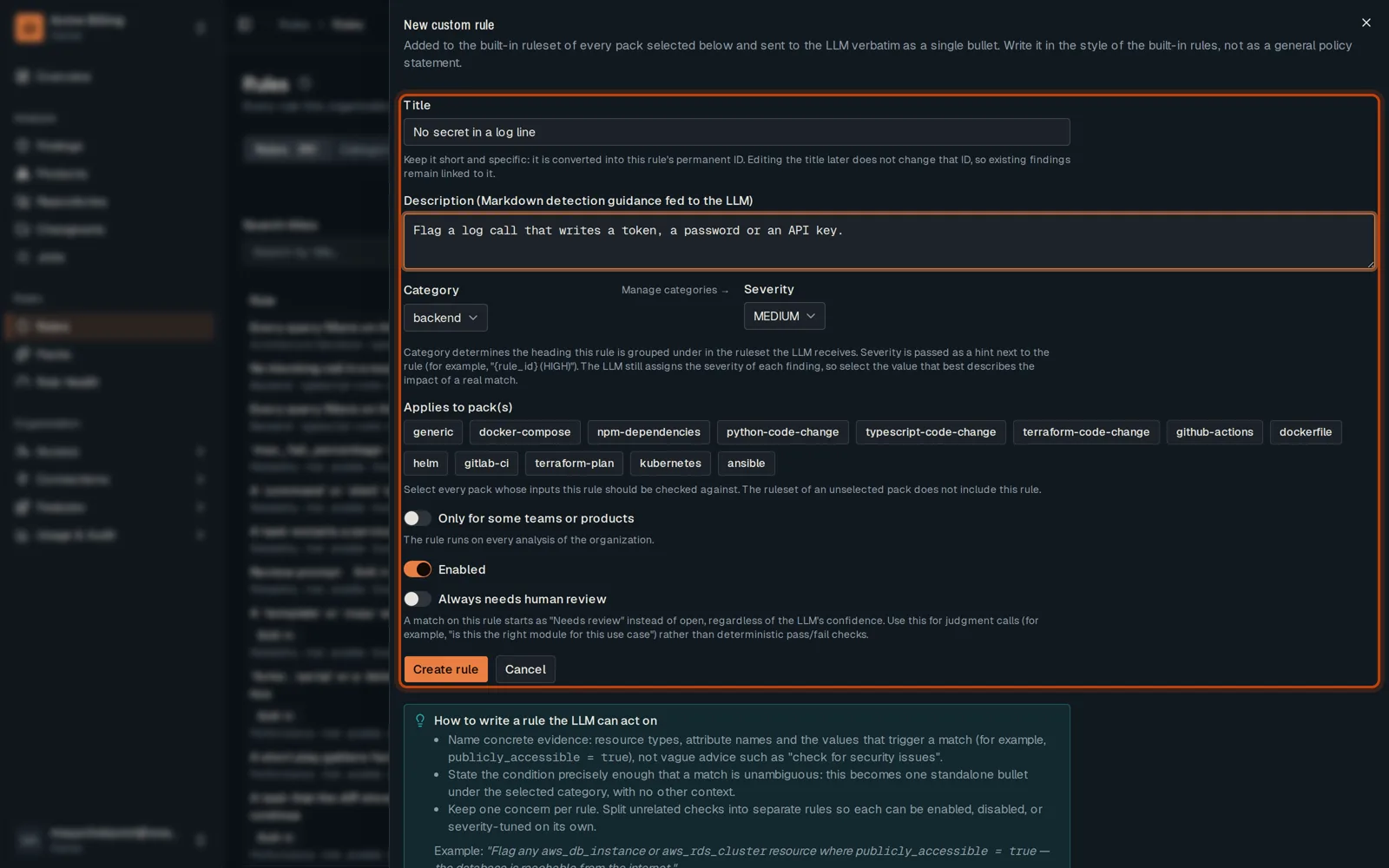
-
Choose its severity and the packs whose files it applies to.
-
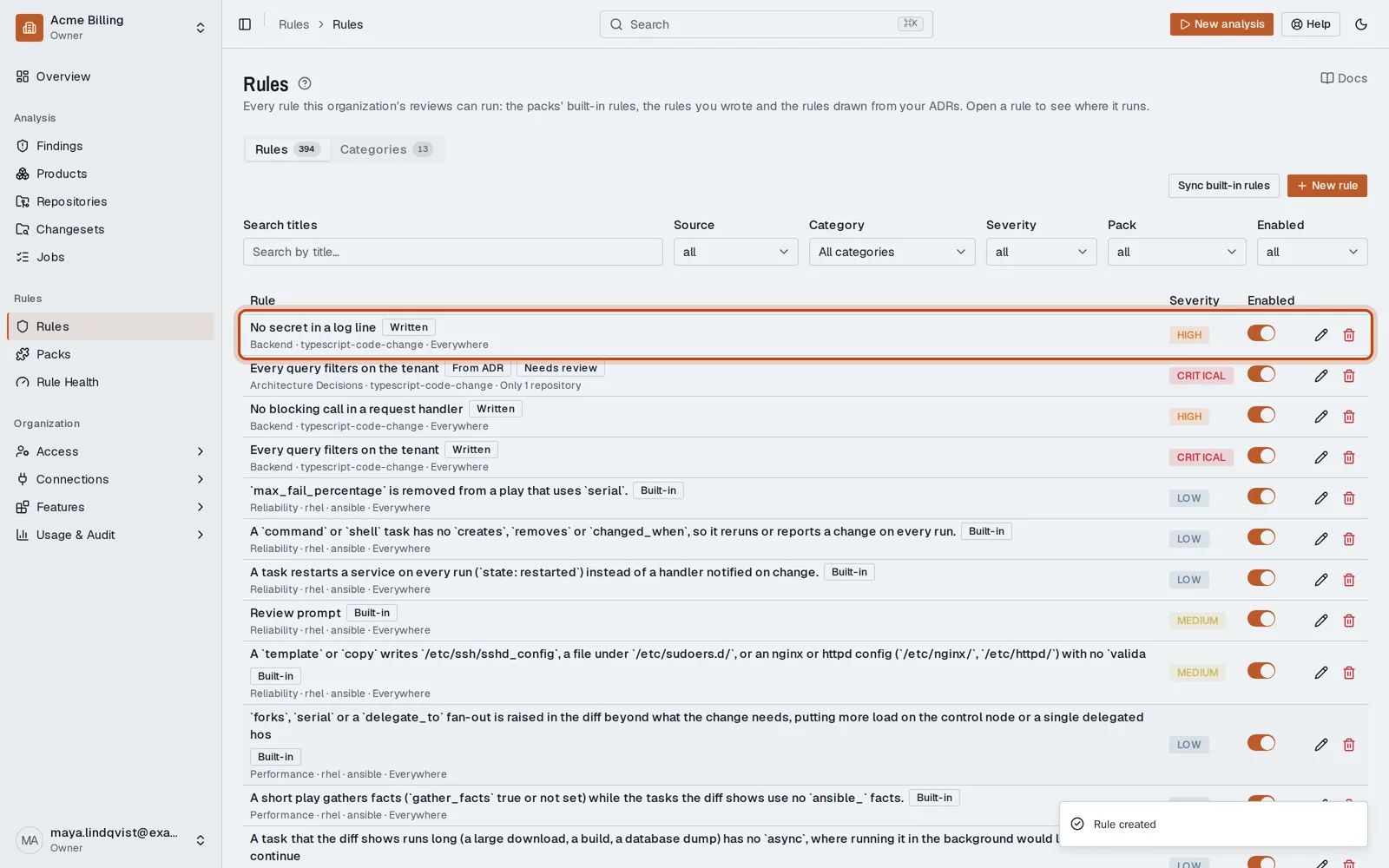
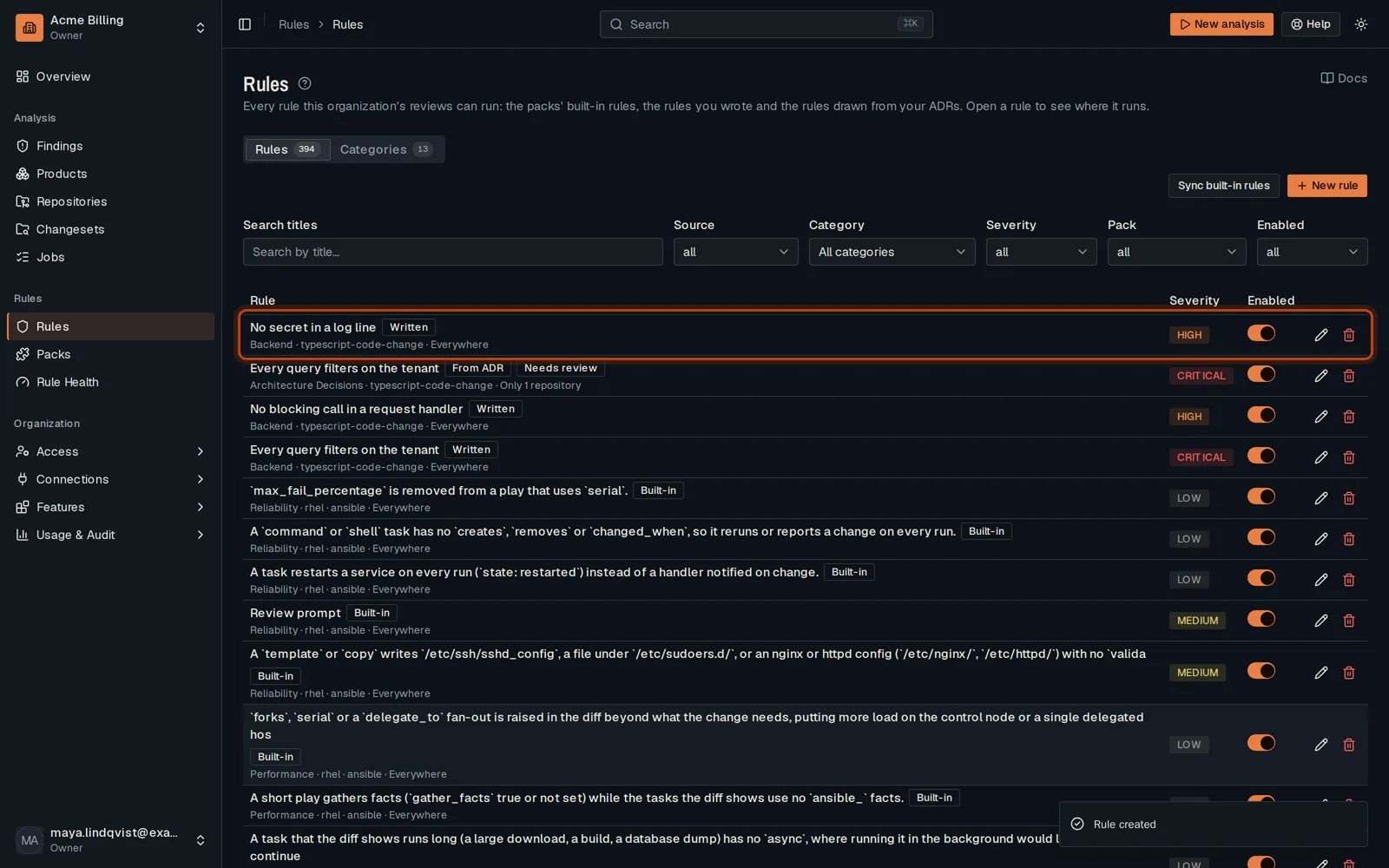
Click Create rule. The next review checks it.
Good to know
Section titled “Good to know”- The title becomes the rule’s permanent ID. Keep it short and specific.
- Turn on Only for some teams or products to limit where it runs.
Go further
Section titled “Go further”How rules apply explains how it works, and how to do it from the API.