Create a team and route its repositories to it
Open in the dashboardWhen you are done: the team’s findings and alerts reach only its members.
-
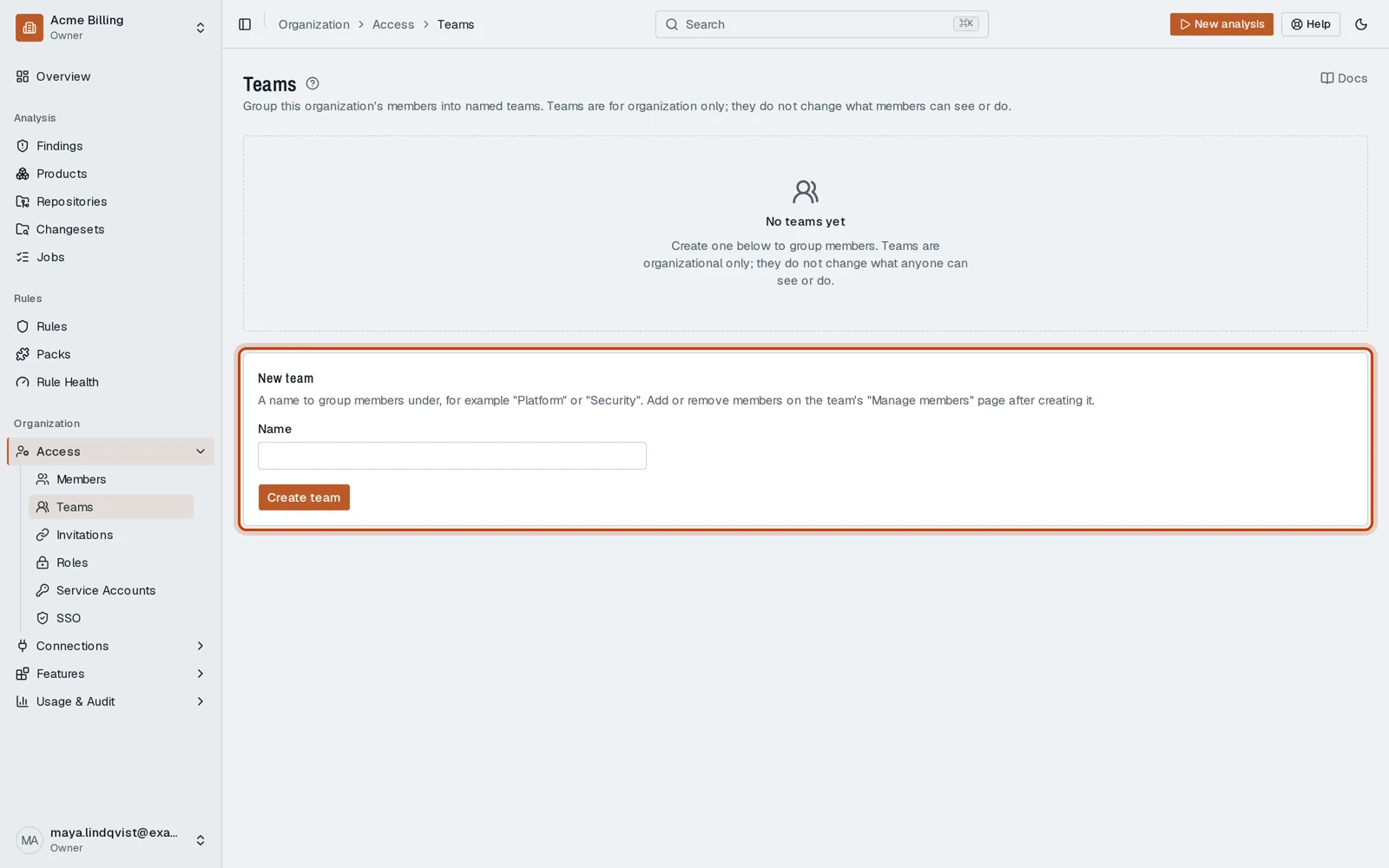
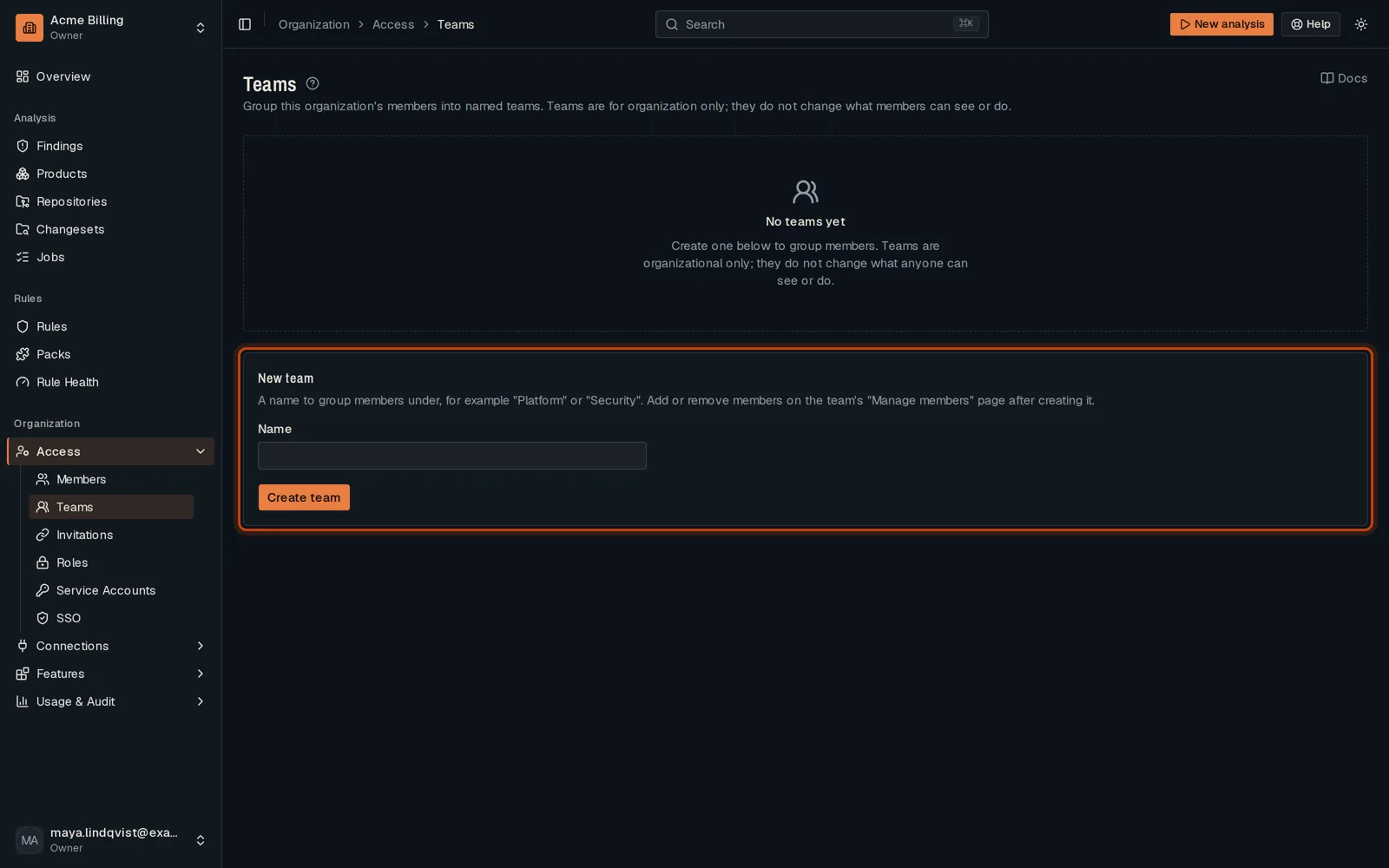
Open Access, then Teams.
-
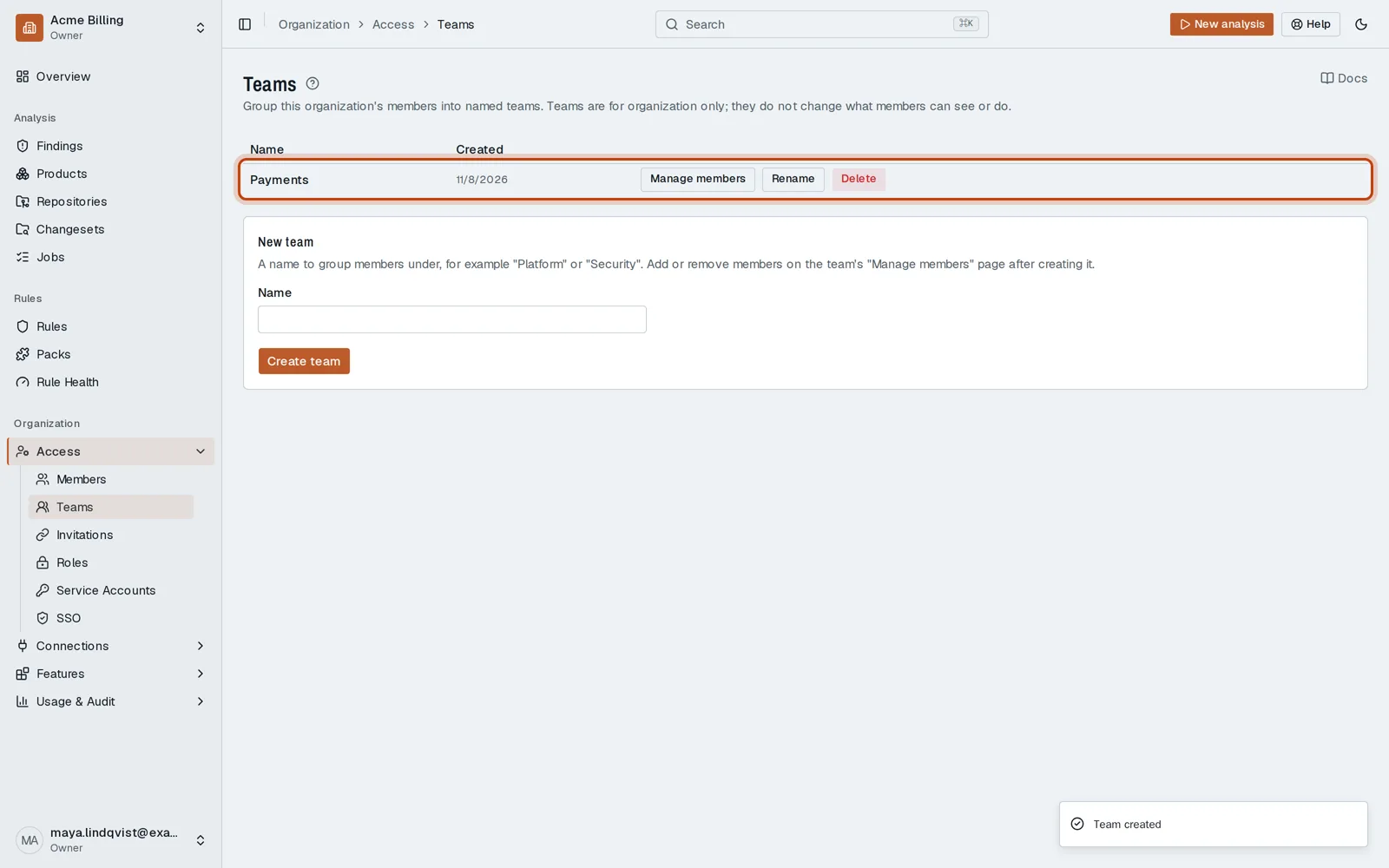
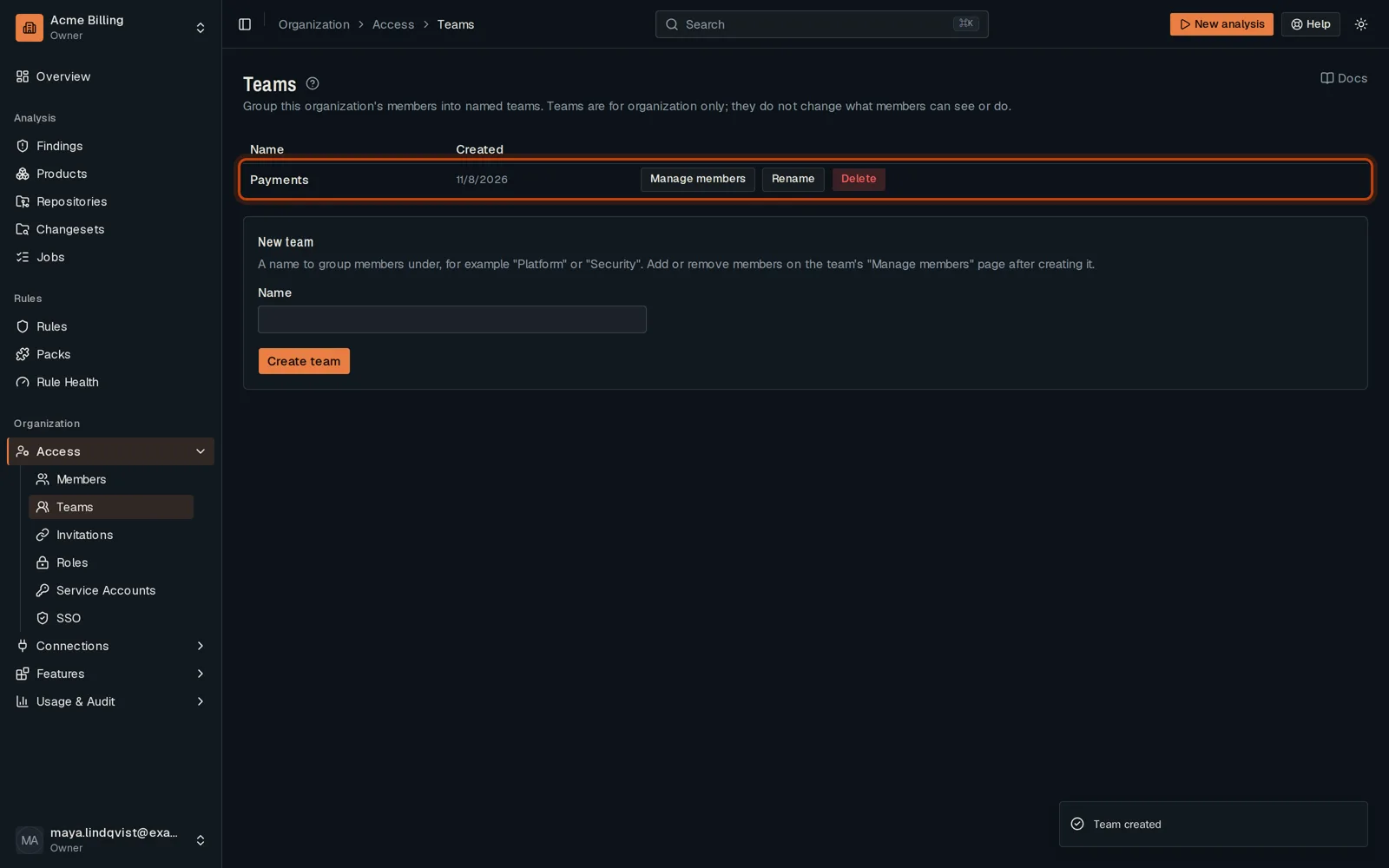
Name the team and click Create team.
-
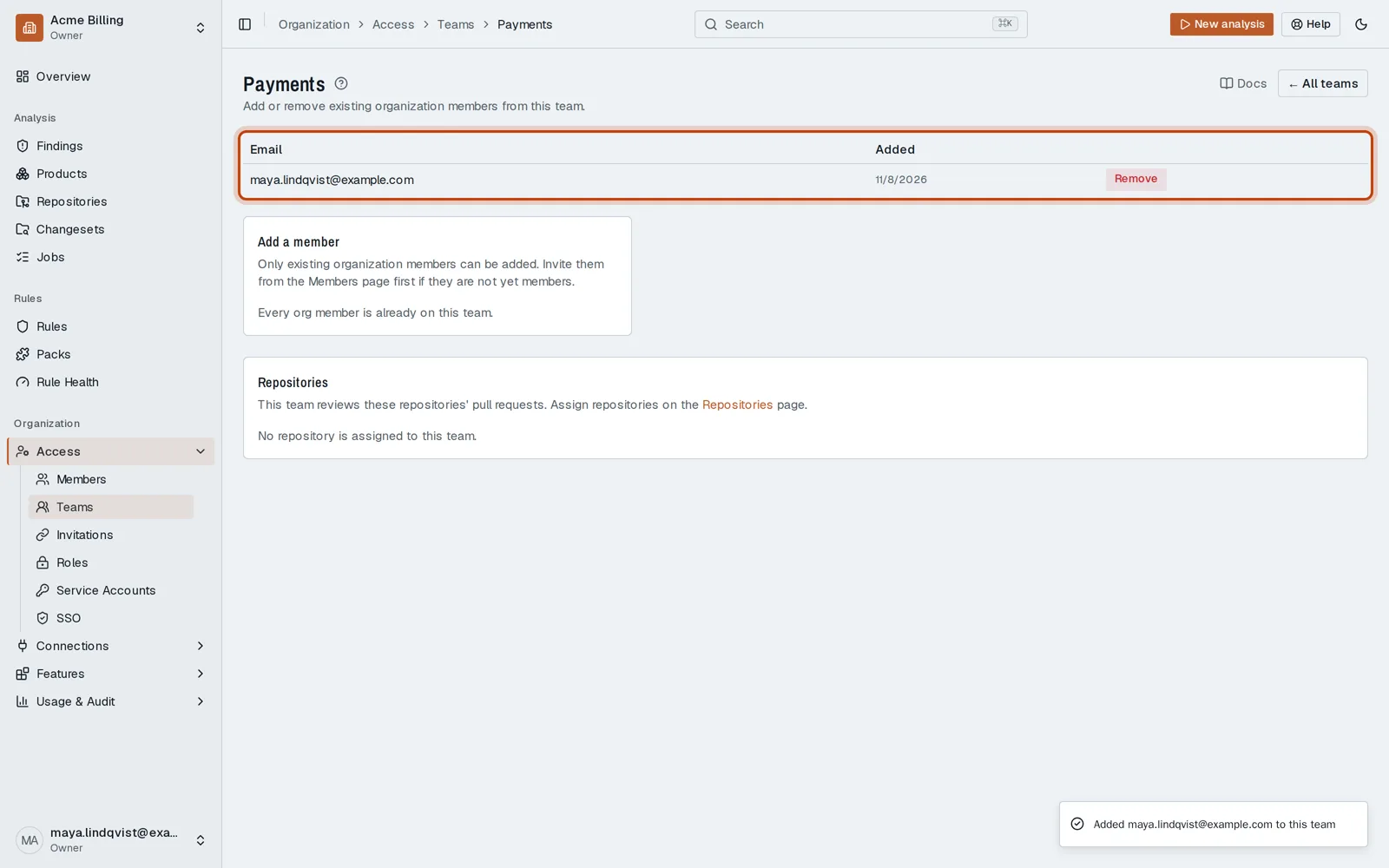
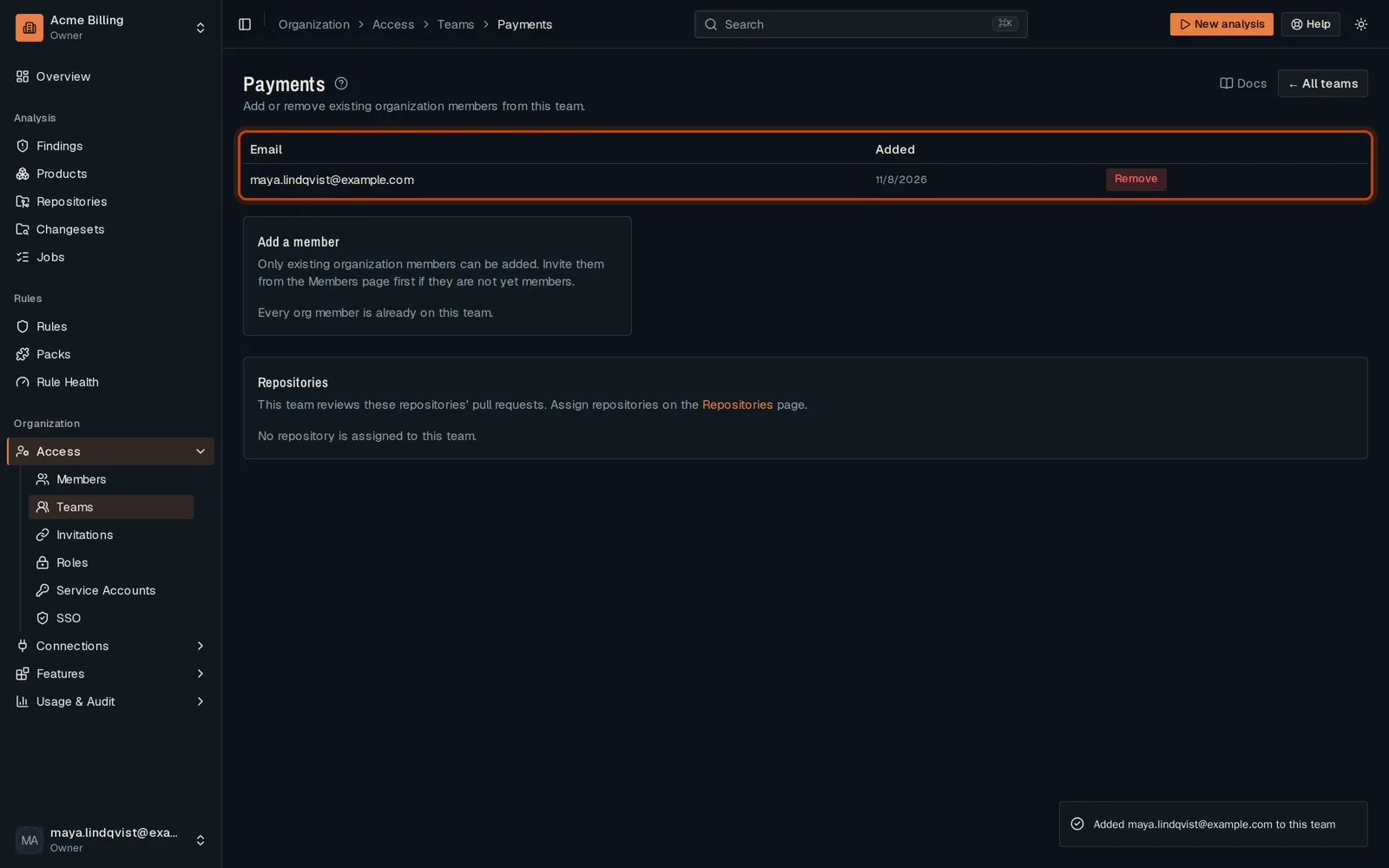
Click Manage members and add the team’s members.
-
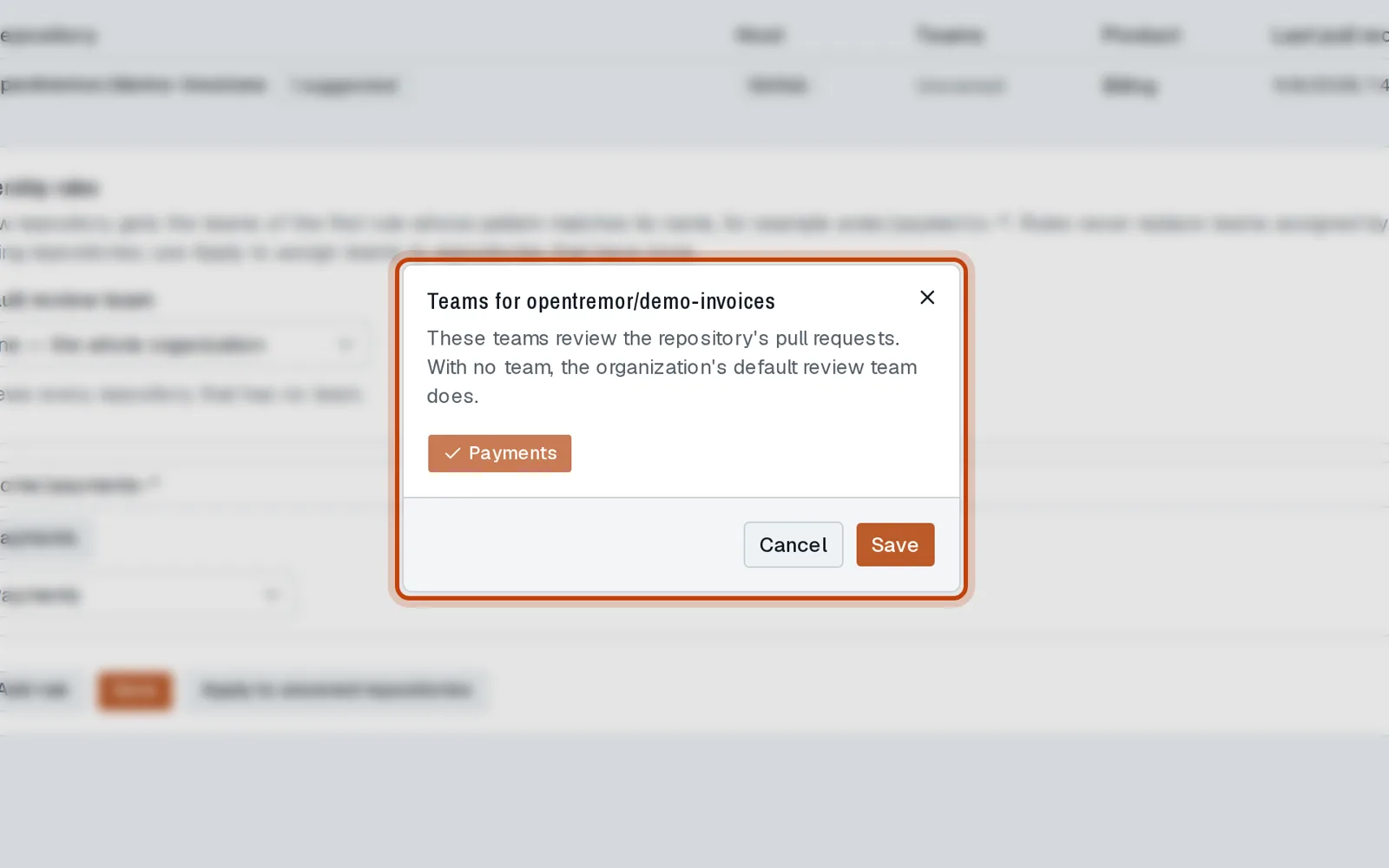
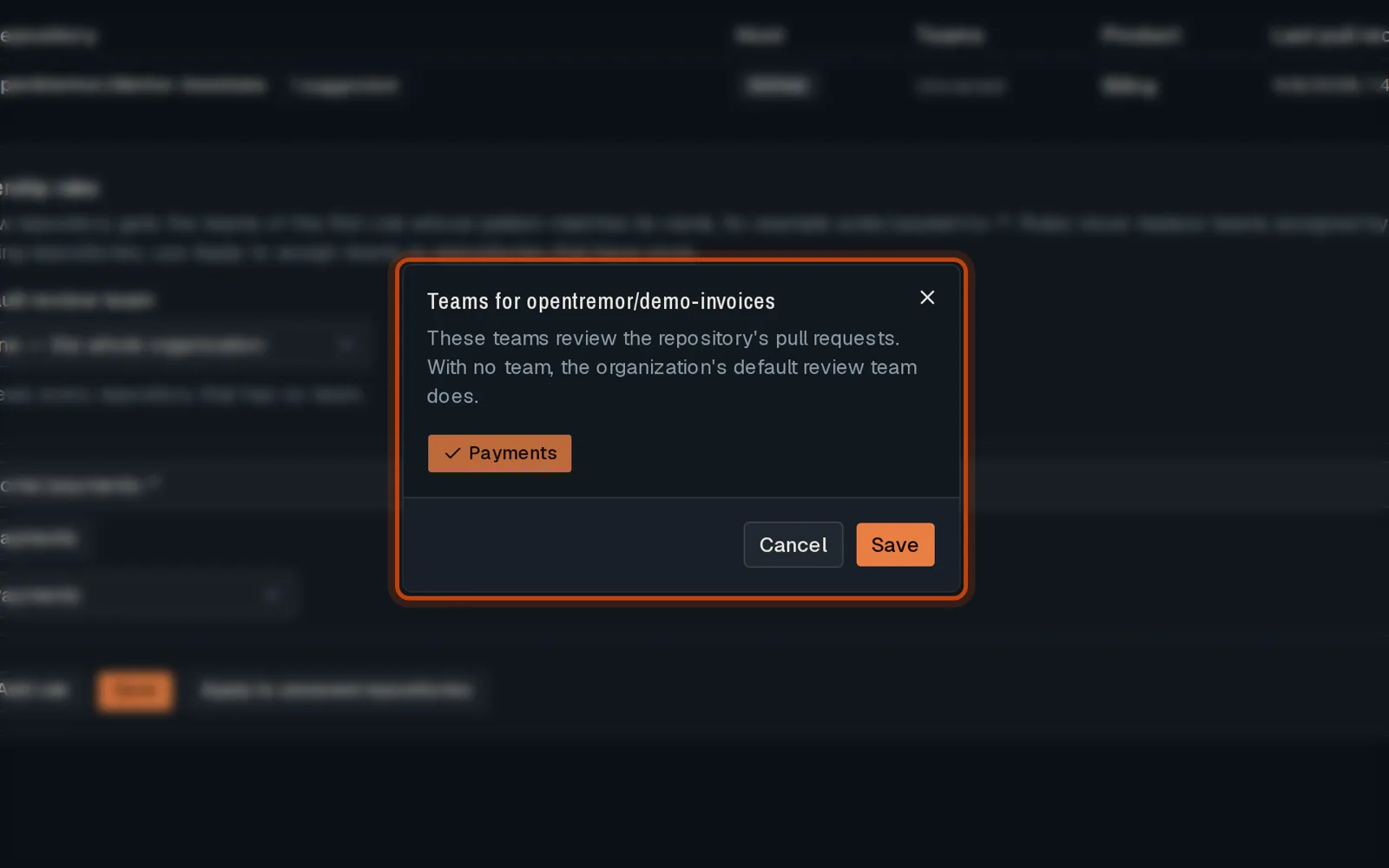
In Repositories, select the team’s repositories, click the team button, pick the team and save.
Good to know
Section titled “Good to know”- With SCIM, teams can follow your identity provider’s groups.
Go further
Section titled “Go further”Review routing explains how it works, and how to do it from the API.