Scan the default branch of a repository
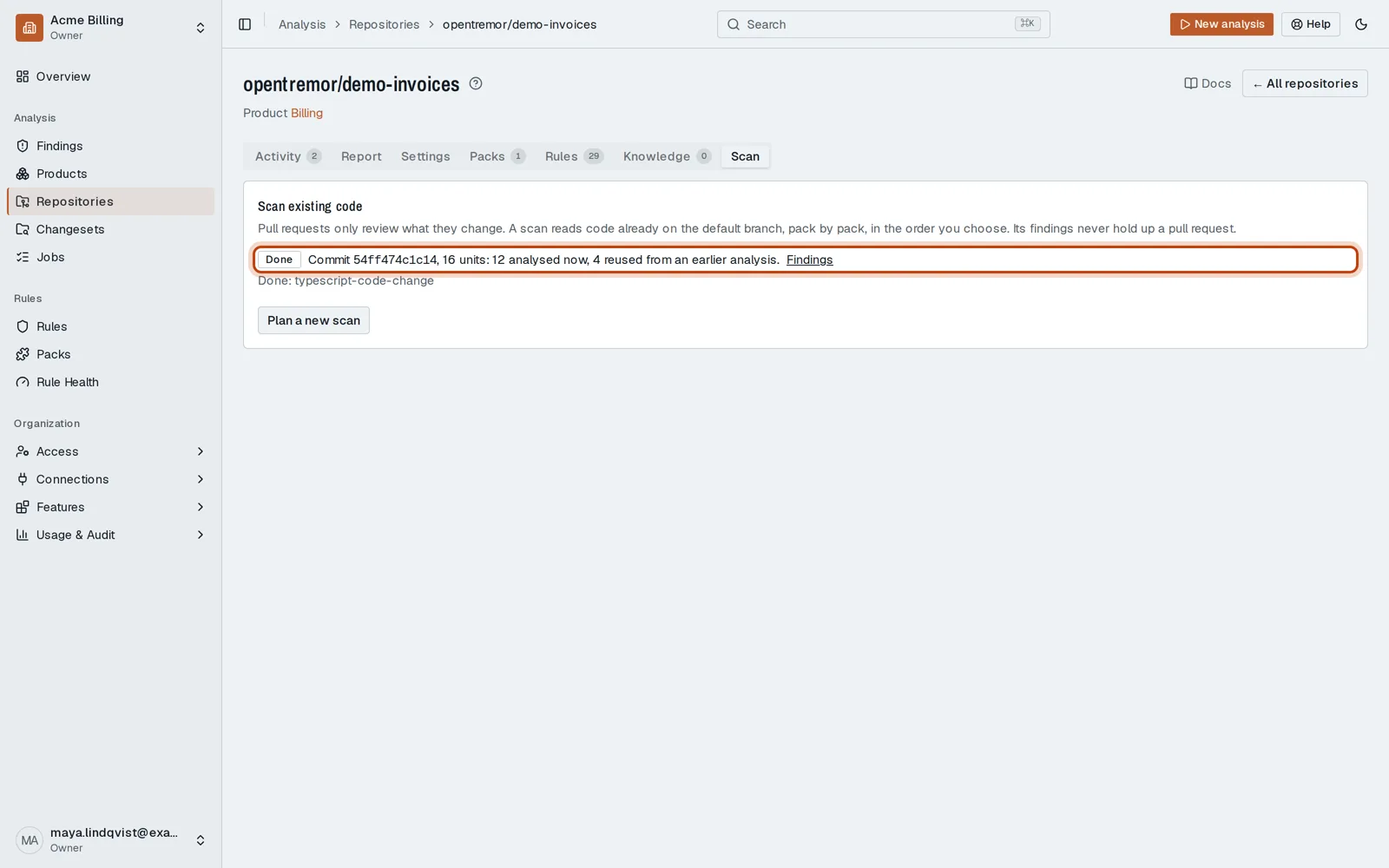
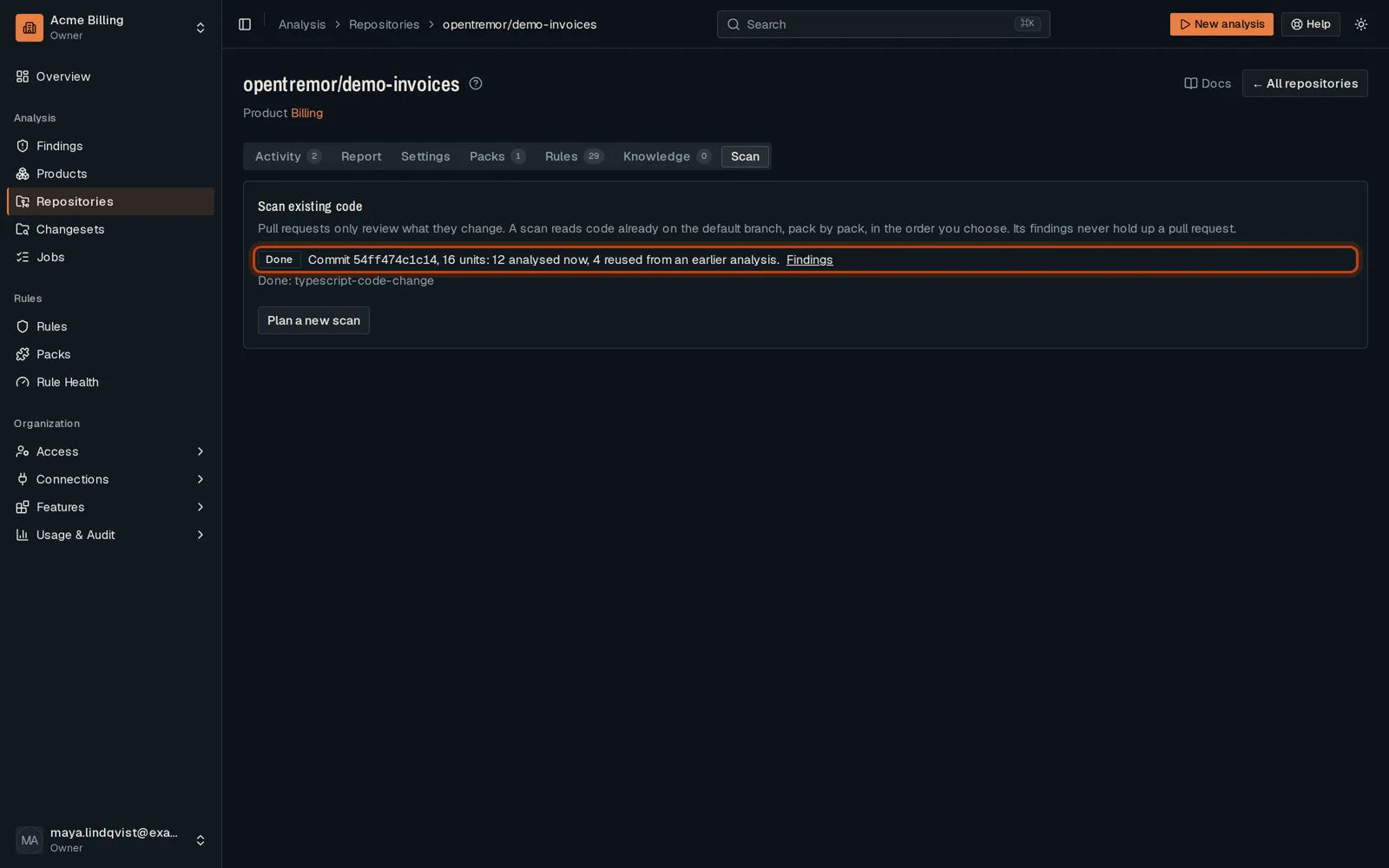
Open in the dashboardWhen you are done: the existing code is reviewed, and what it breaks is in Findings.
-
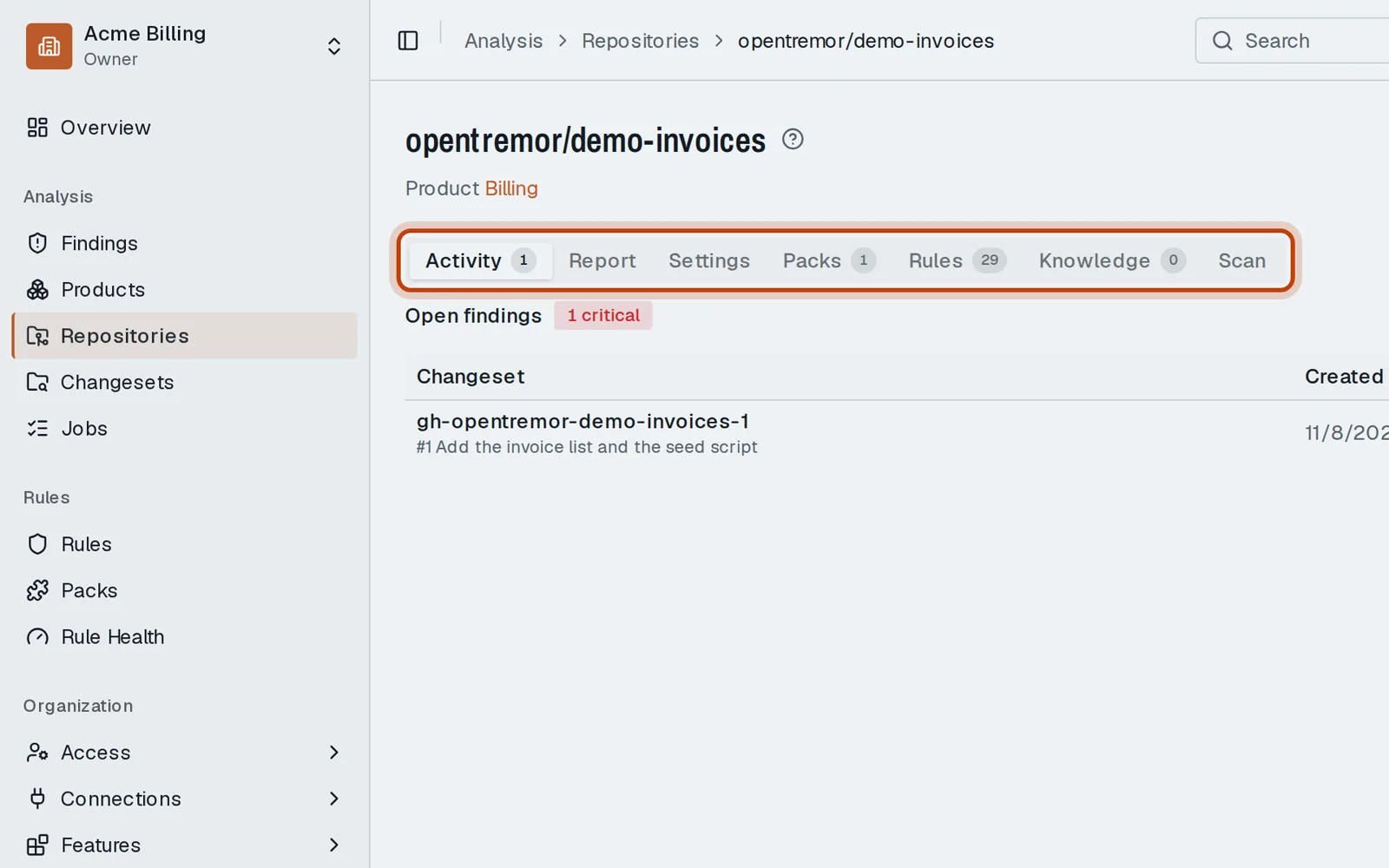
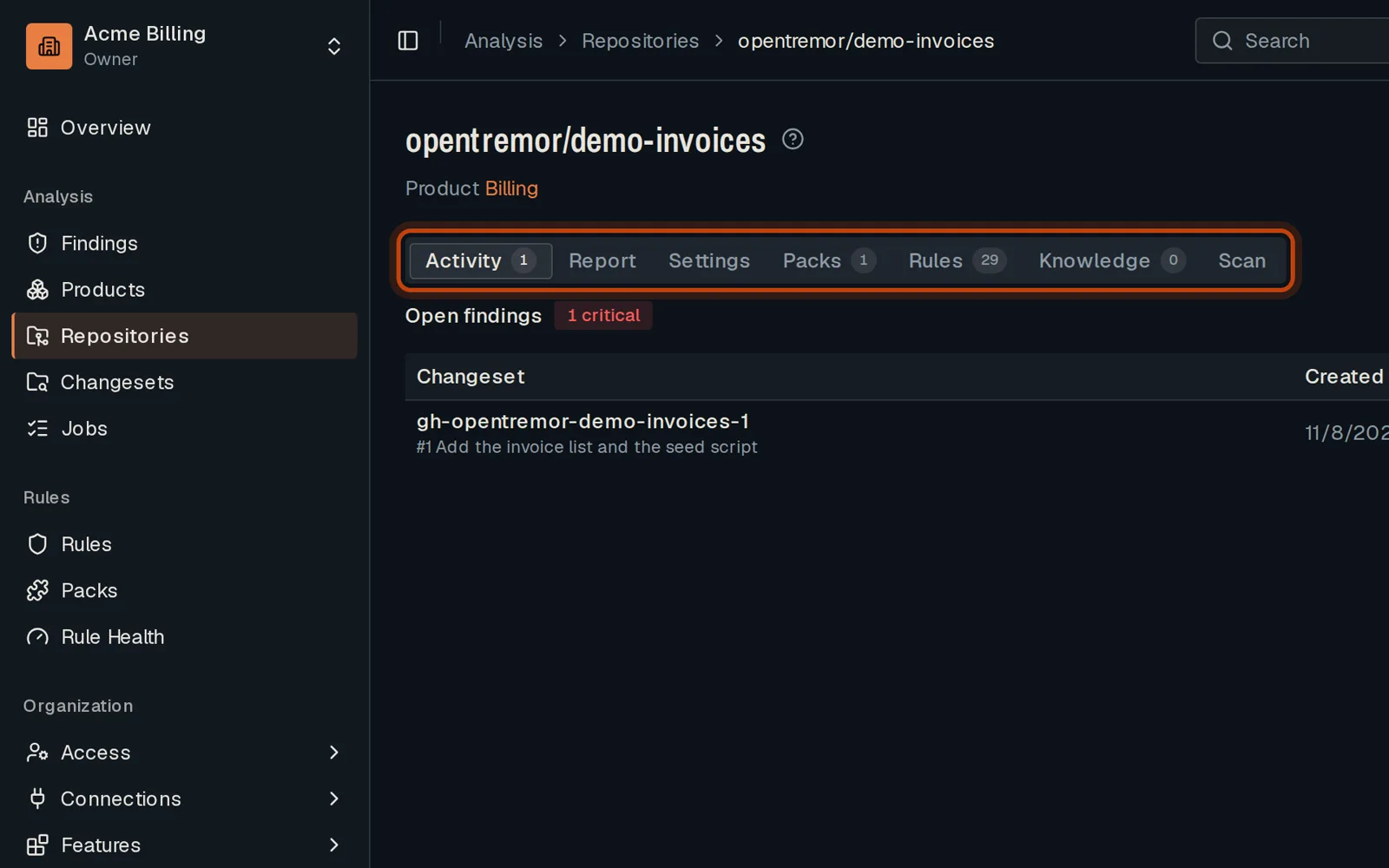
Open Repositories, then your repository.
-
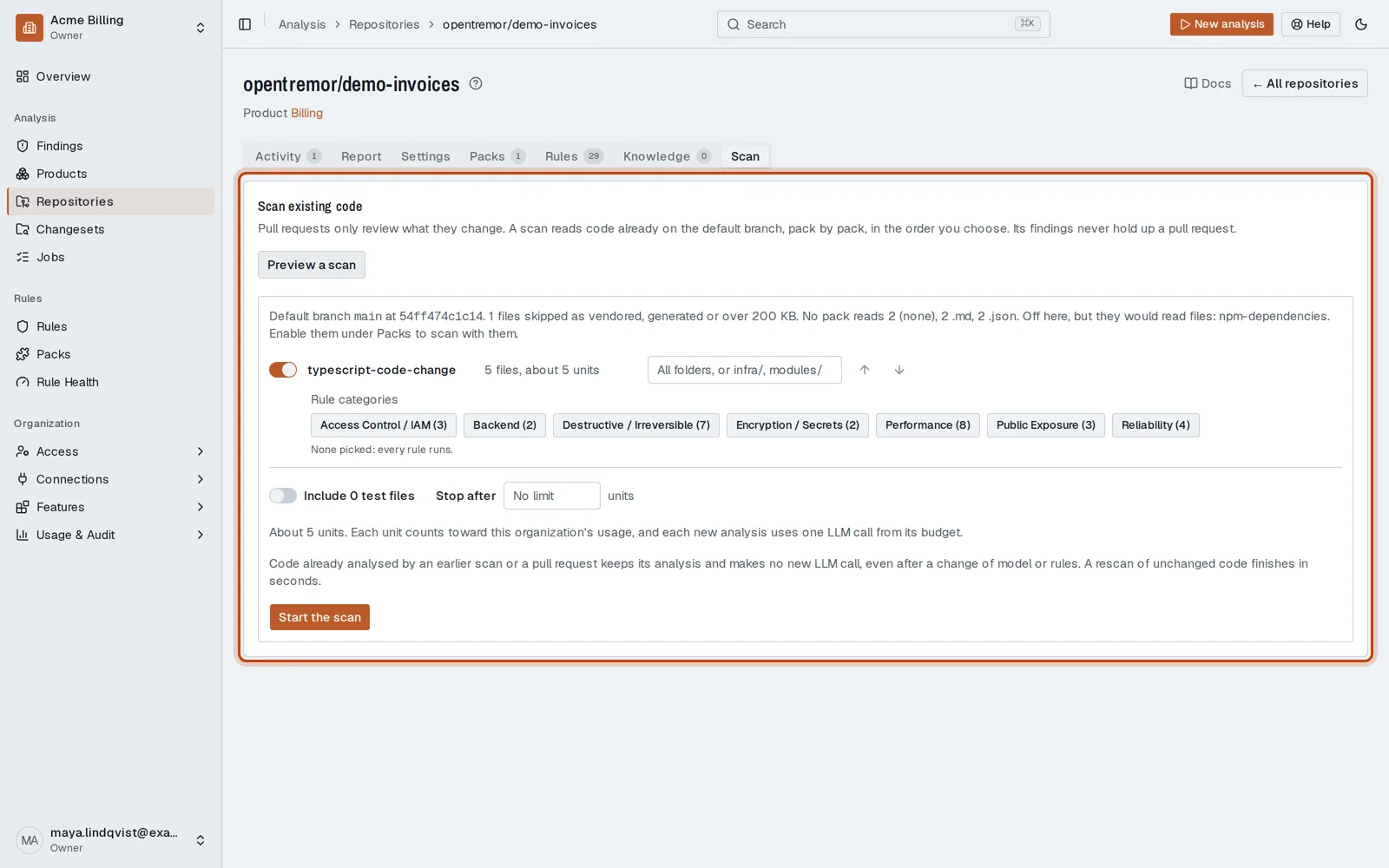
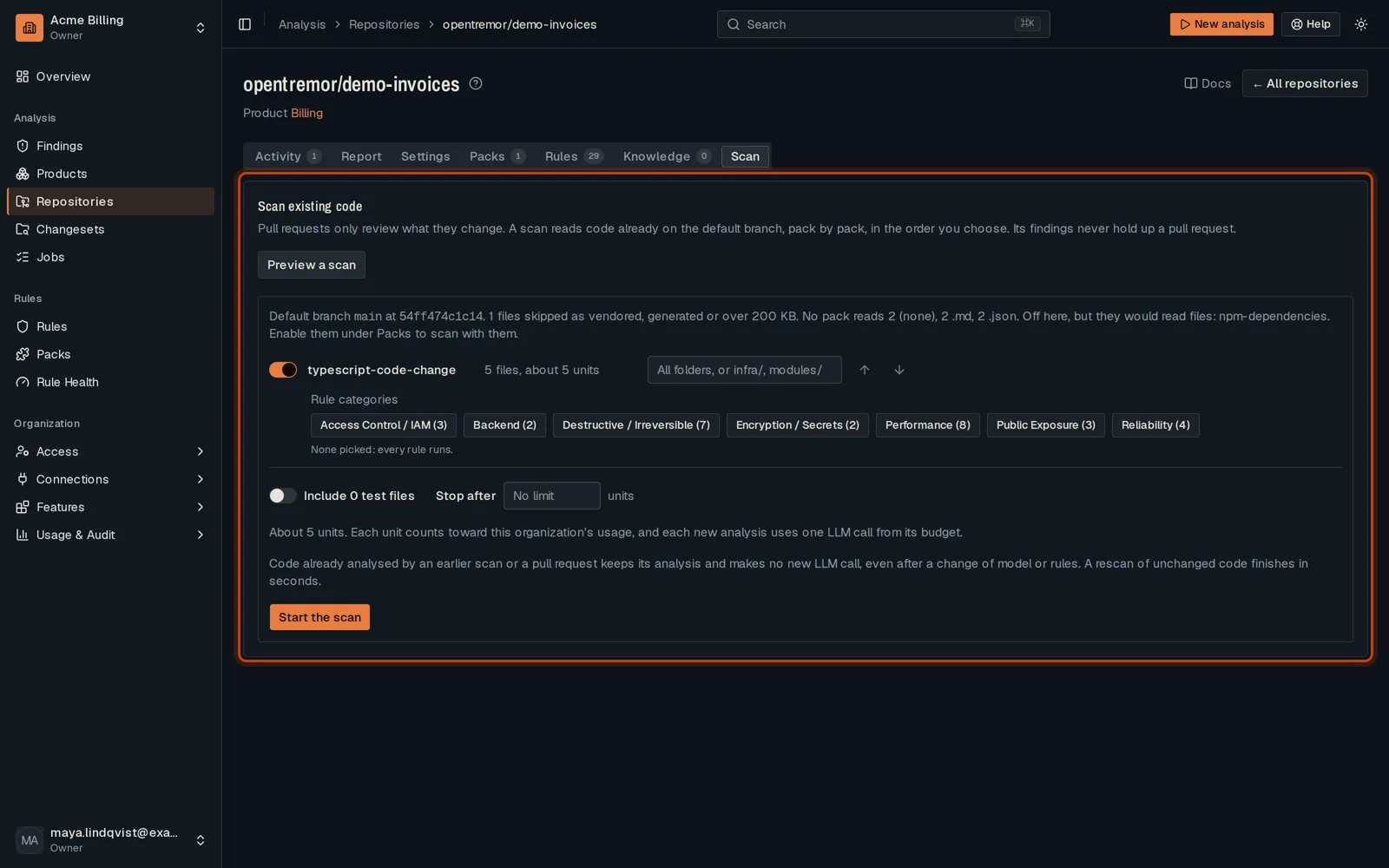
Open the Scan tab and click Preview a scan: the packs it would run, and what it costs.
-
Click Start the scan. When it is done, its findings join the others in Findings.
Good to know
Section titled “Good to know”- A scan runs only the packs you choose in the preview.
- A second scan reuses the results of files that did not change.
Go further
Section titled “Go further”Repository scan explains how it works, and how to do it from the API.