Create a product and add its repositories
Open in the dashboardWhen you are done: the product exists, with its repositories.
-
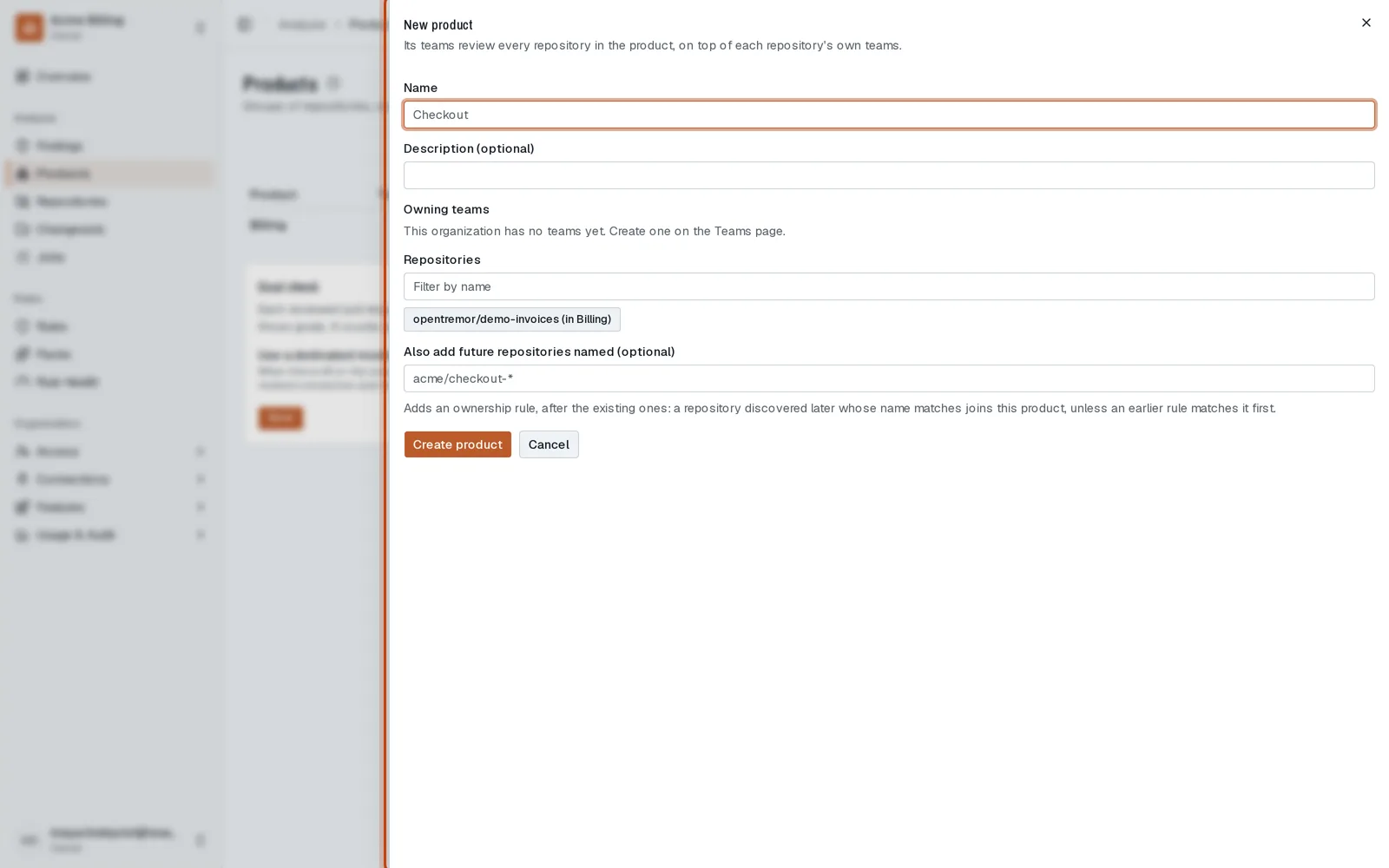
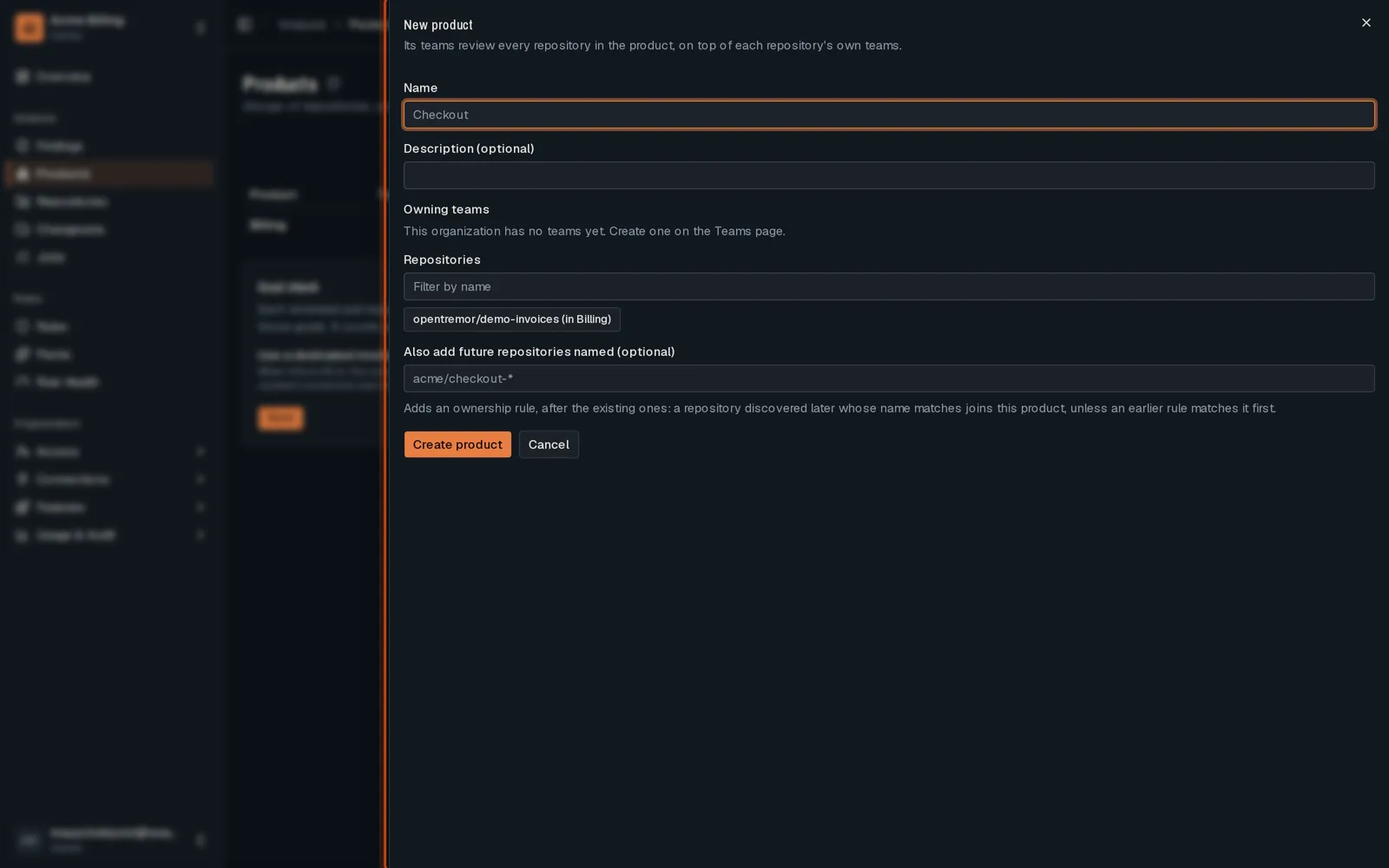
Open Products and click New product.
-
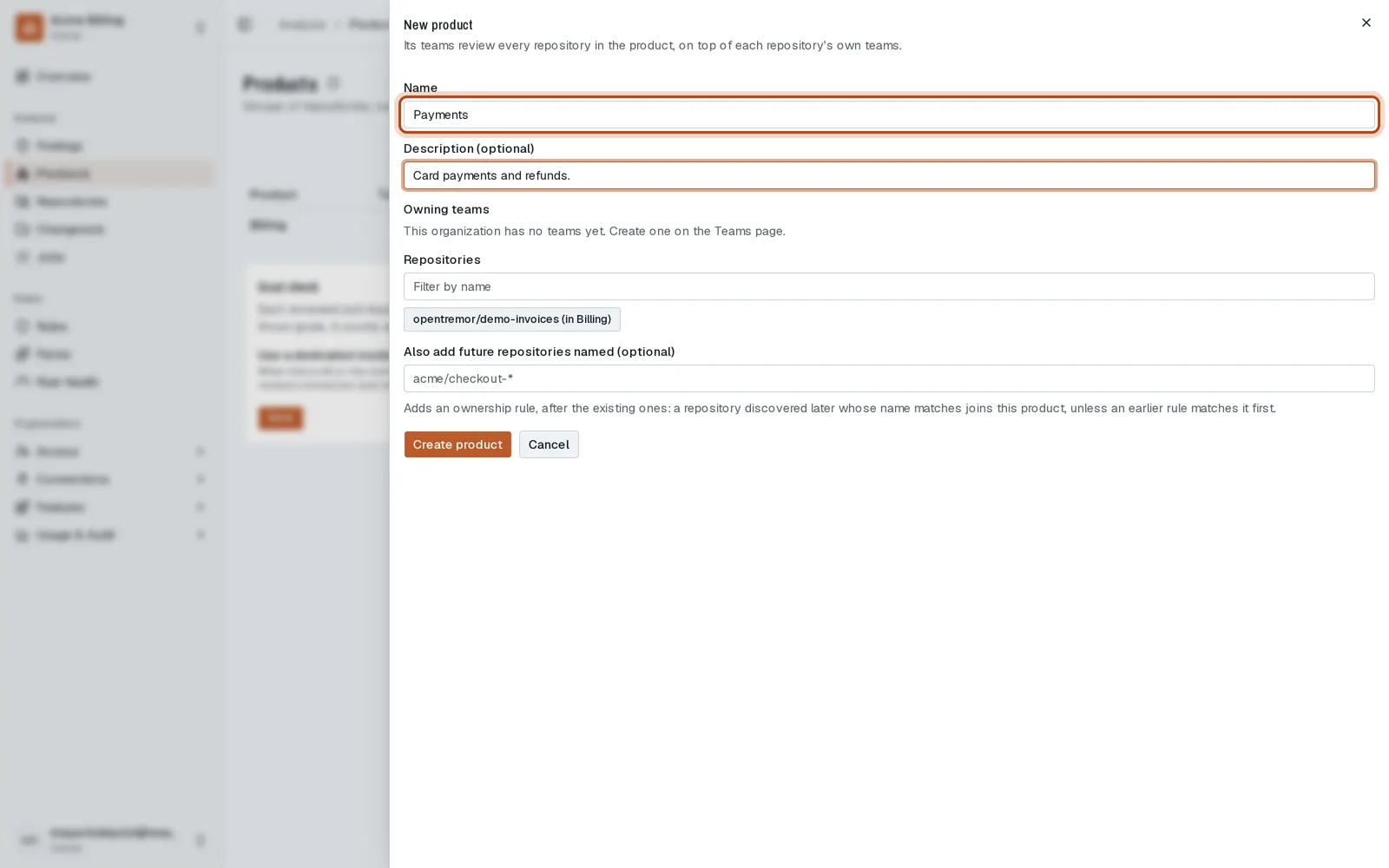
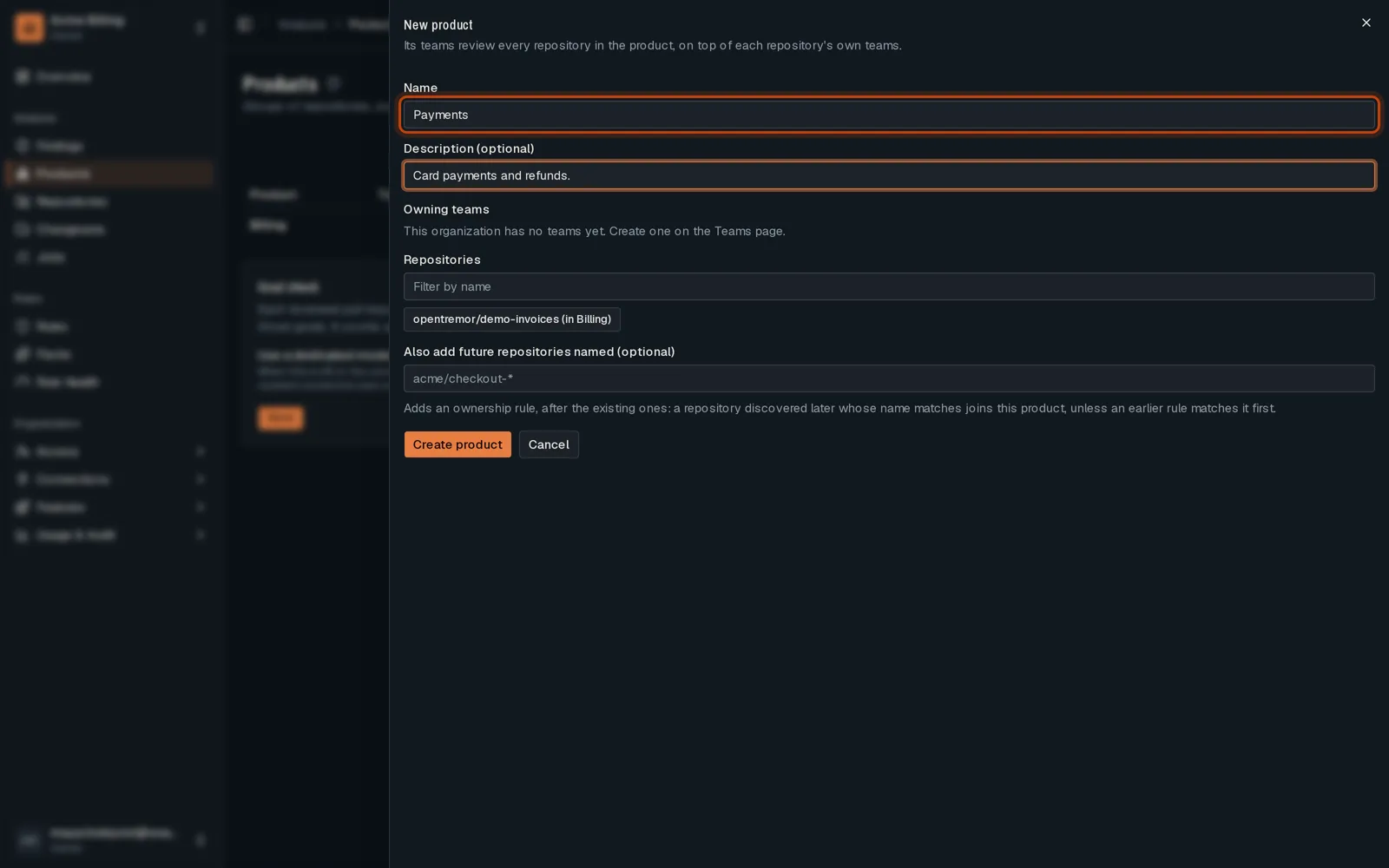
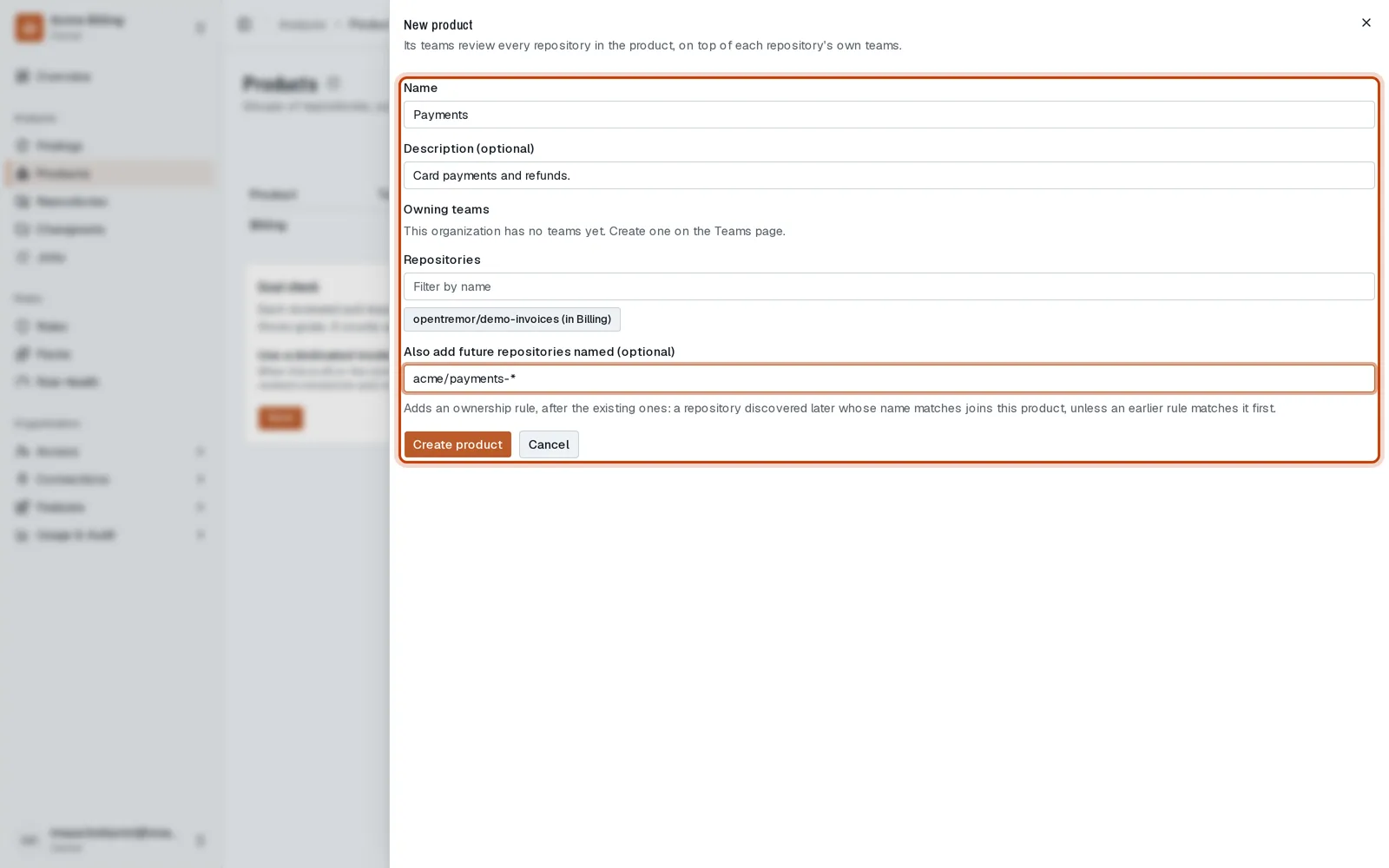
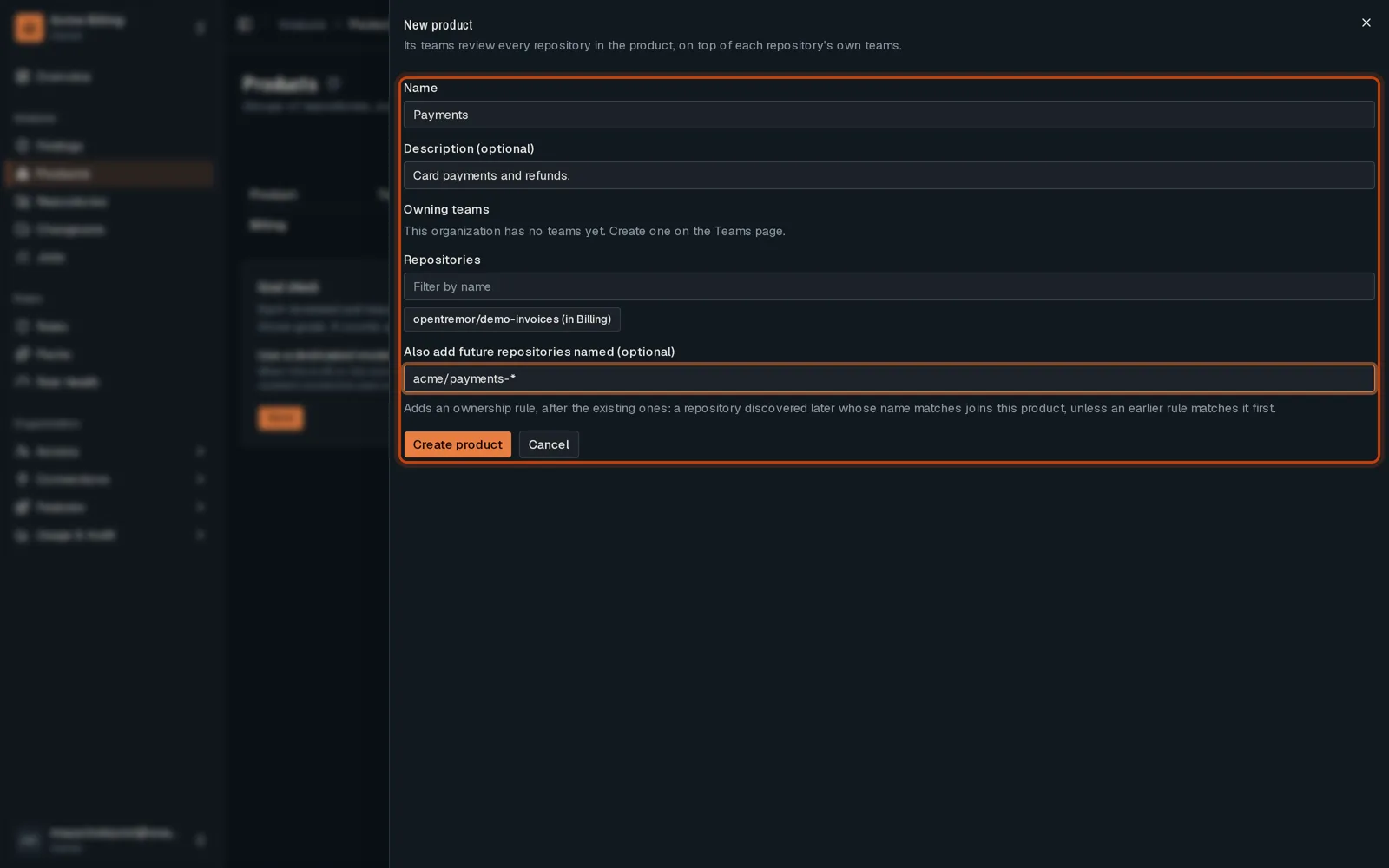
Name the product and, if you like, describe it.
-
Pick its repositories. A name pattern also adds the repositories created later.
-
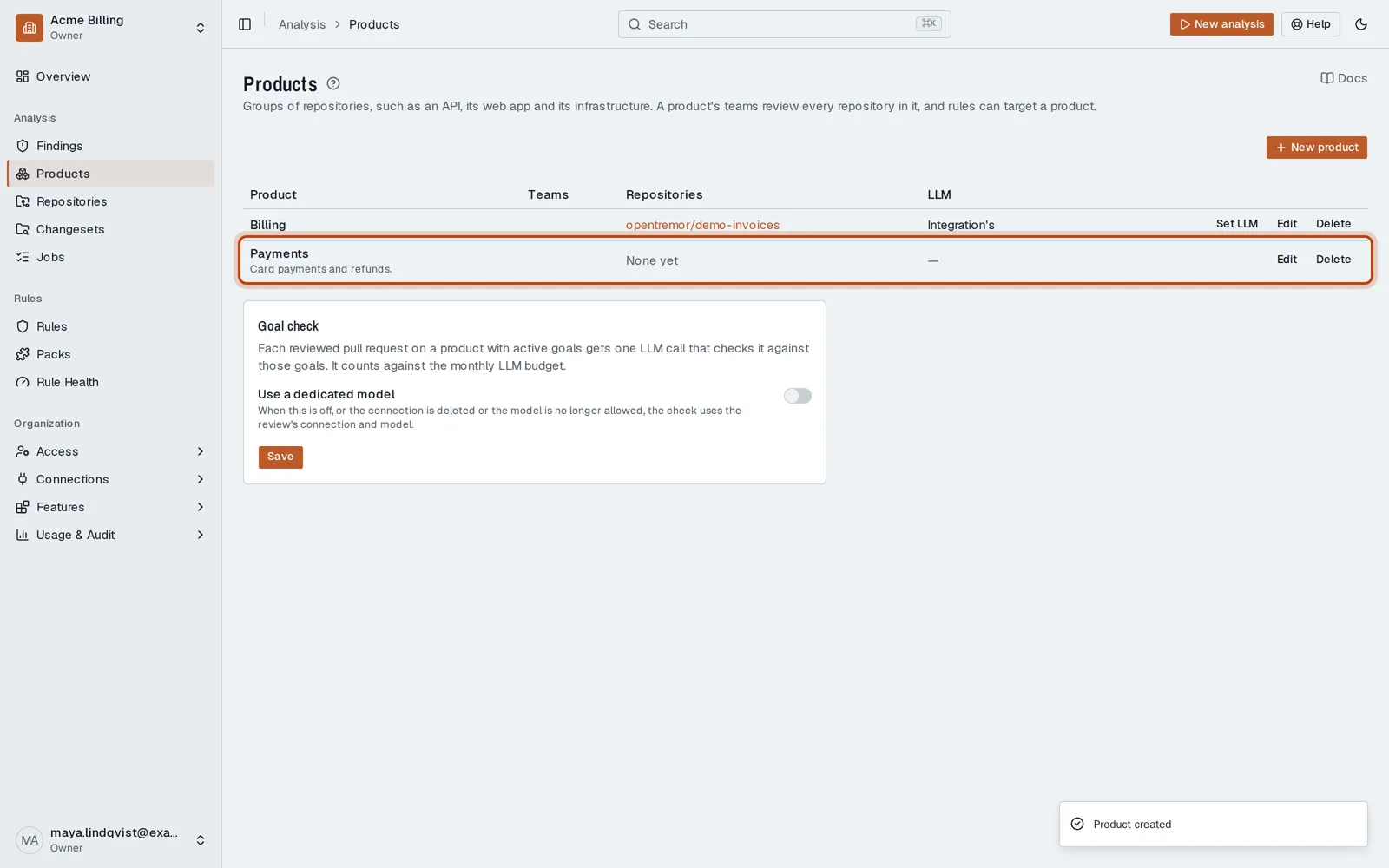
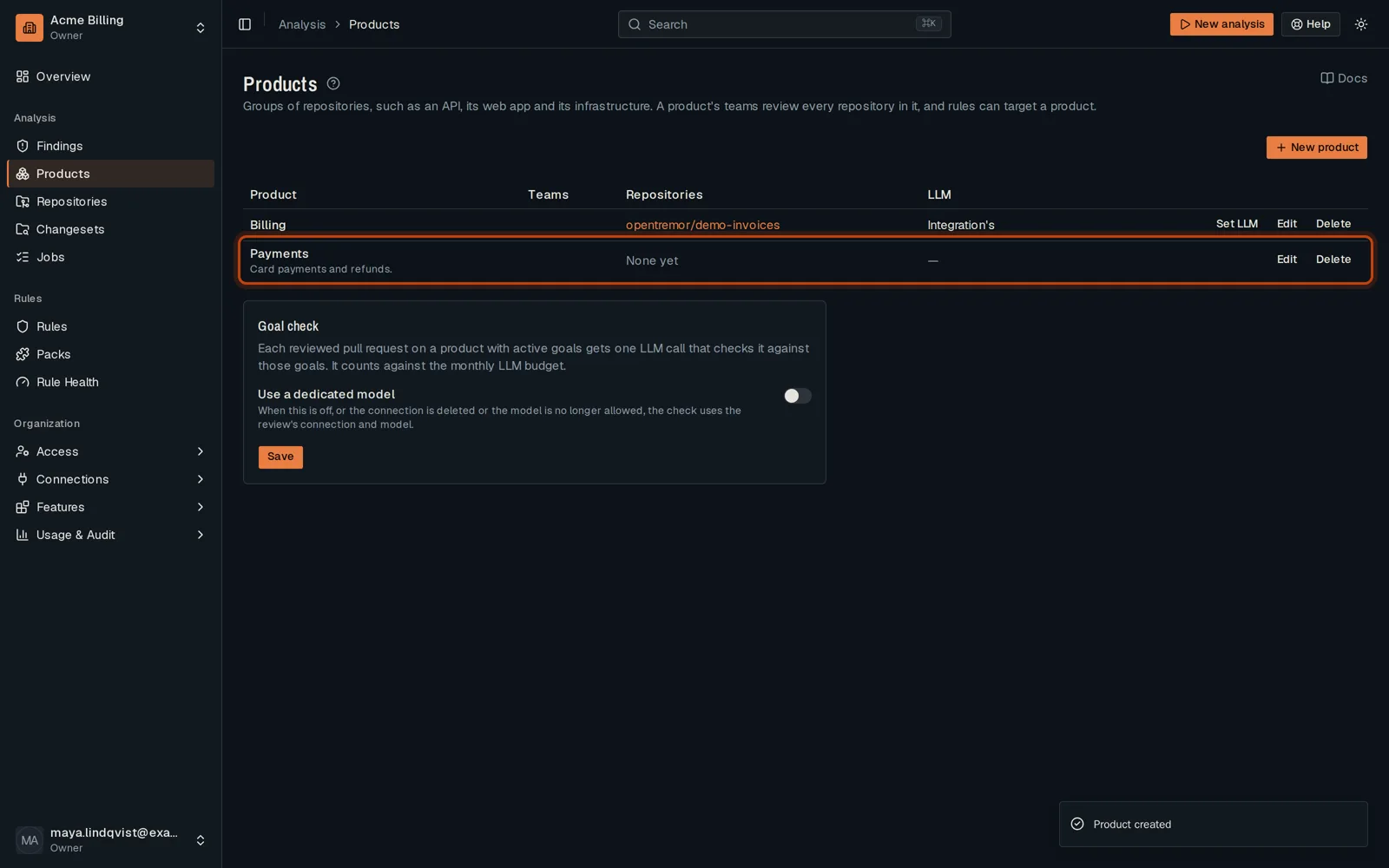
Click Create product. Its teams now review every repository in it.
Good to know
Section titled “Good to know”- A repository belongs to one product at a time. Picking it here moves it from its old one.
Go further
Section titled “Go further”Review routing explains how it works, and how to do it from the API.