Turn agent access on or off
Open in the dashboardWhen you are done: agent access follows the setting you chose.
-
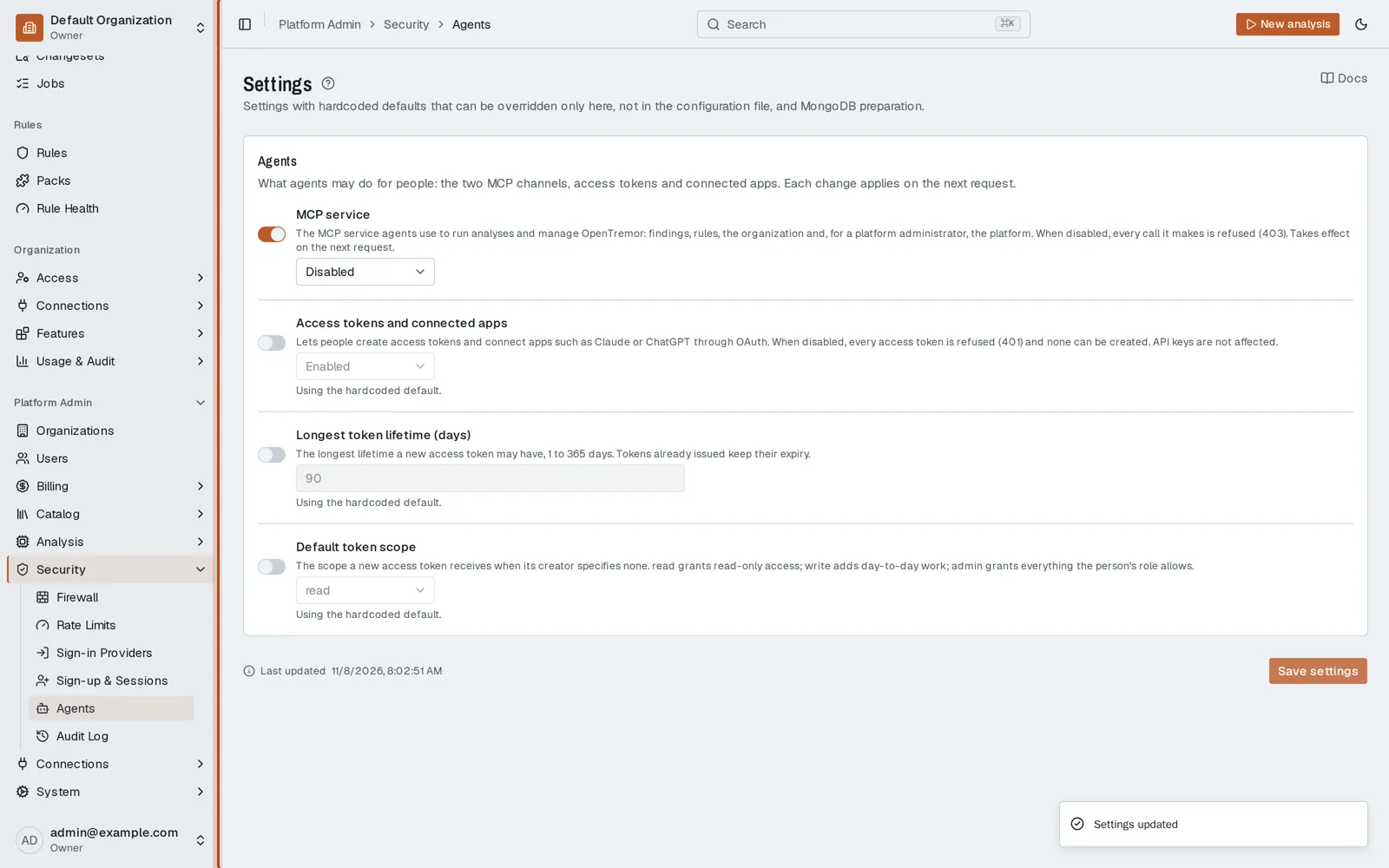
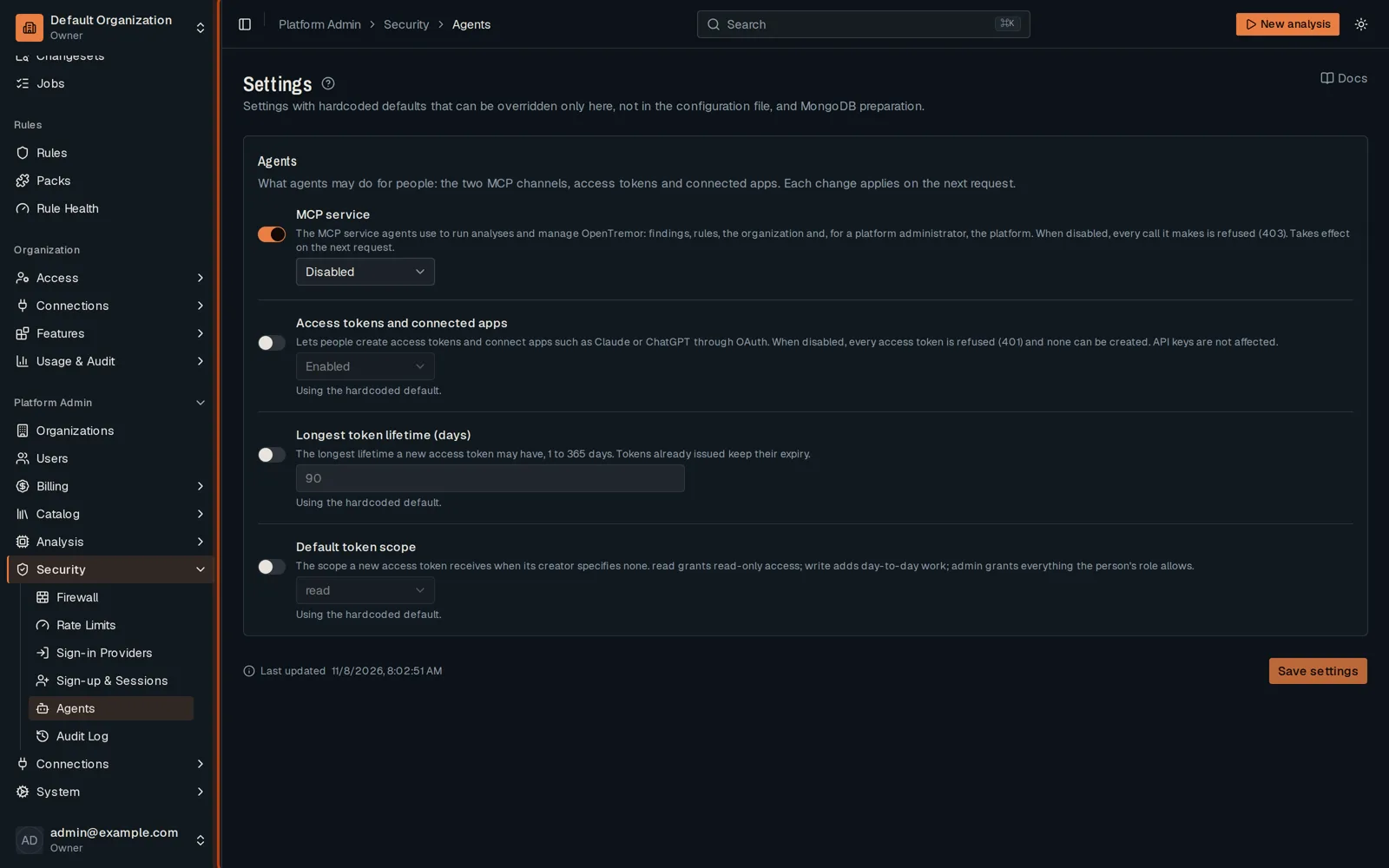
Open Platform Admin, then Security, then Agents.
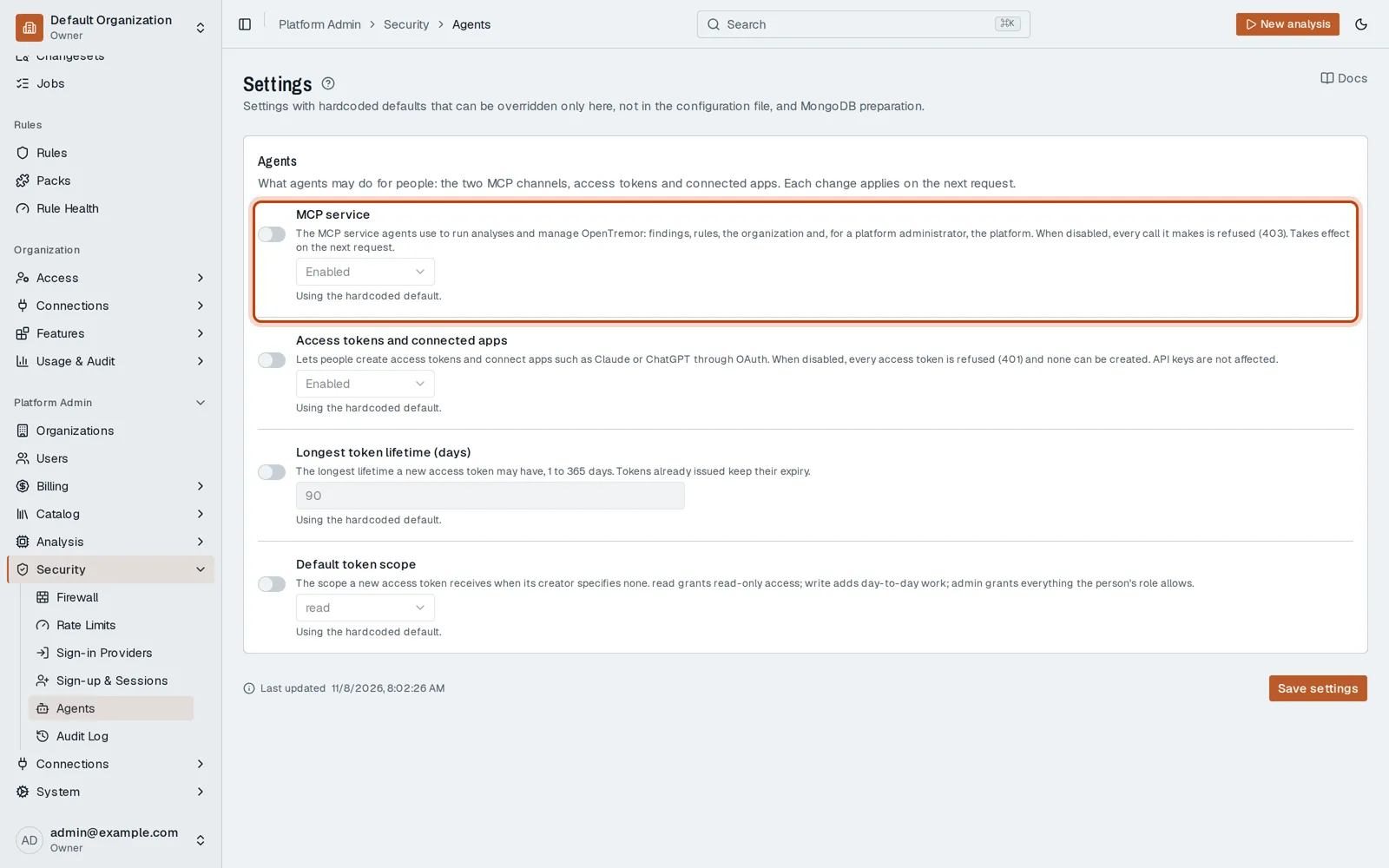
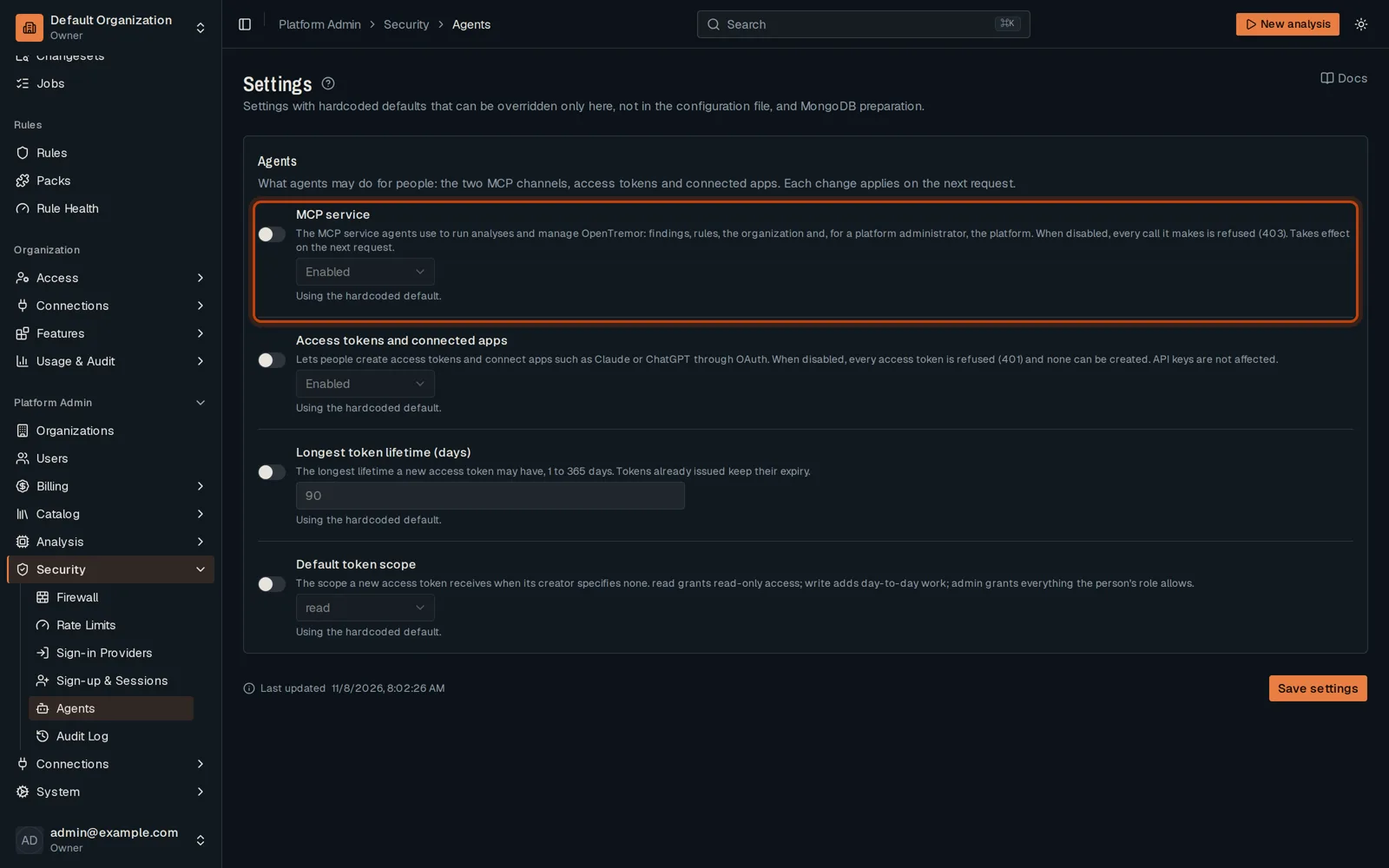
-
Turn on the switch beside a setting to change it, then choose its value.
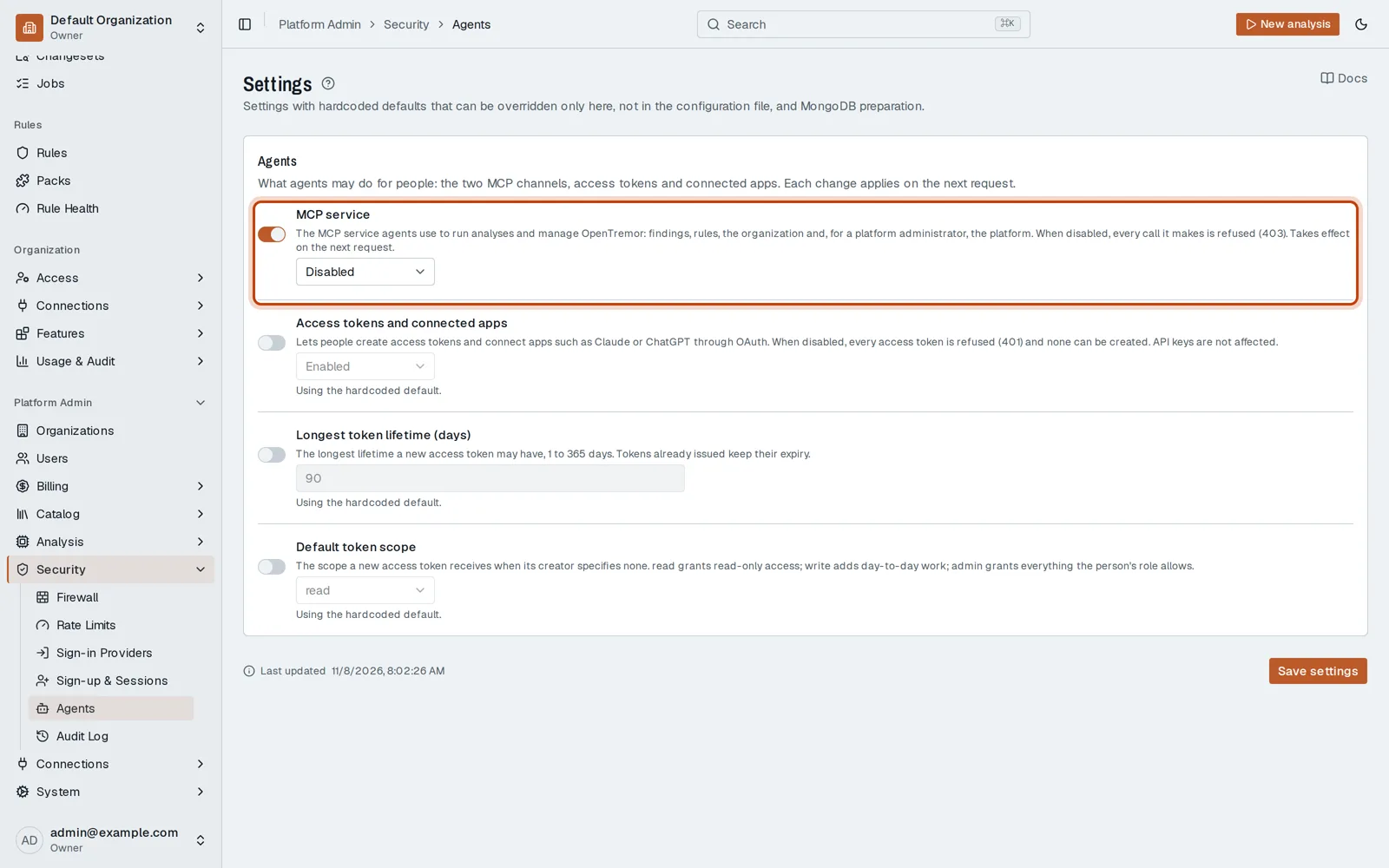
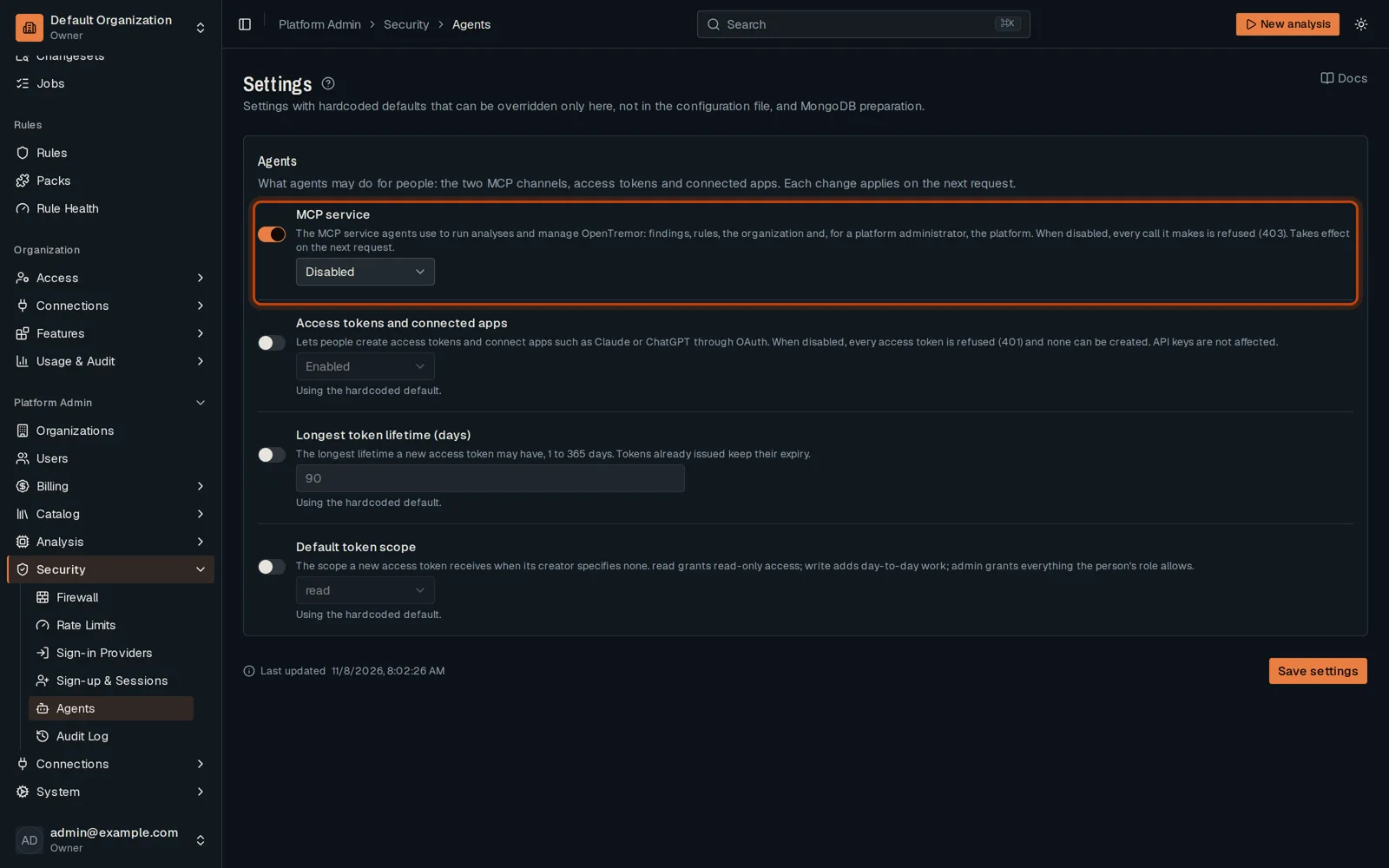
-
Click Save settings.
Good to know
Section titled “Good to know”- Tokens already issued keep their lifetime.
Go further
Section titled “Go further”Agent access explains how it works, and how to do it from the API.