Create a role with only the rights it needs
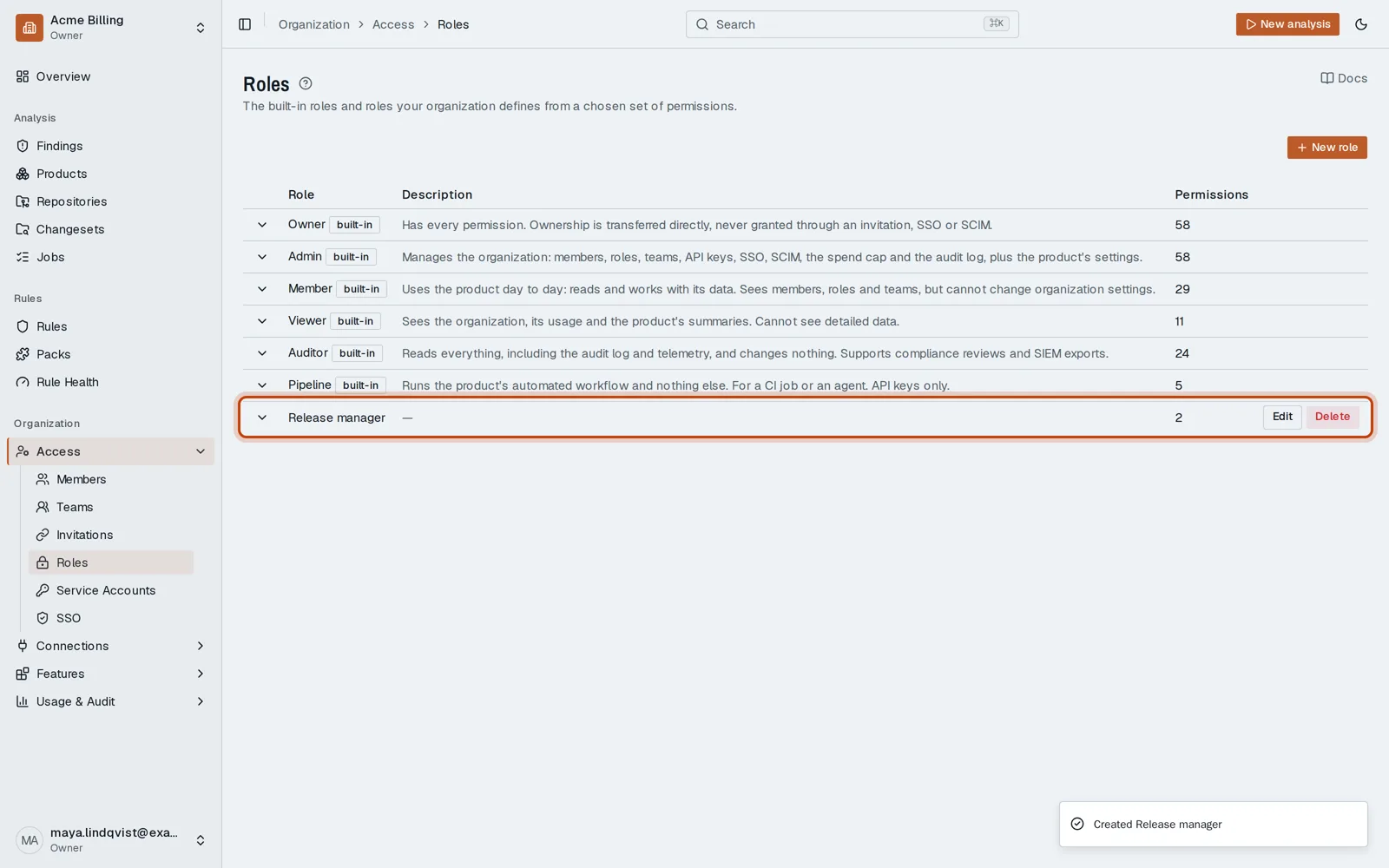
Open in the dashboardWhen you are done: the role is offered wherever you choose one.
-
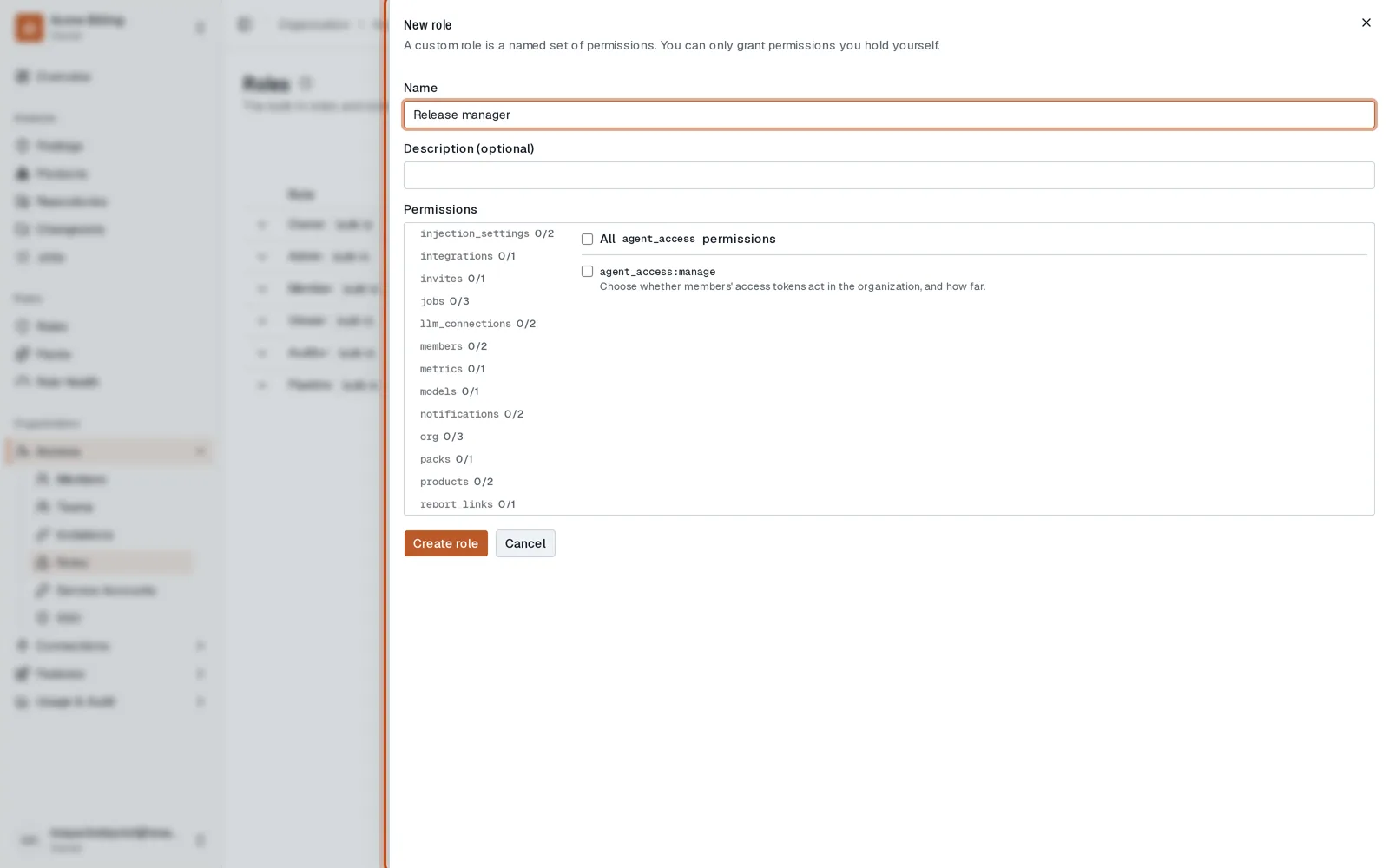
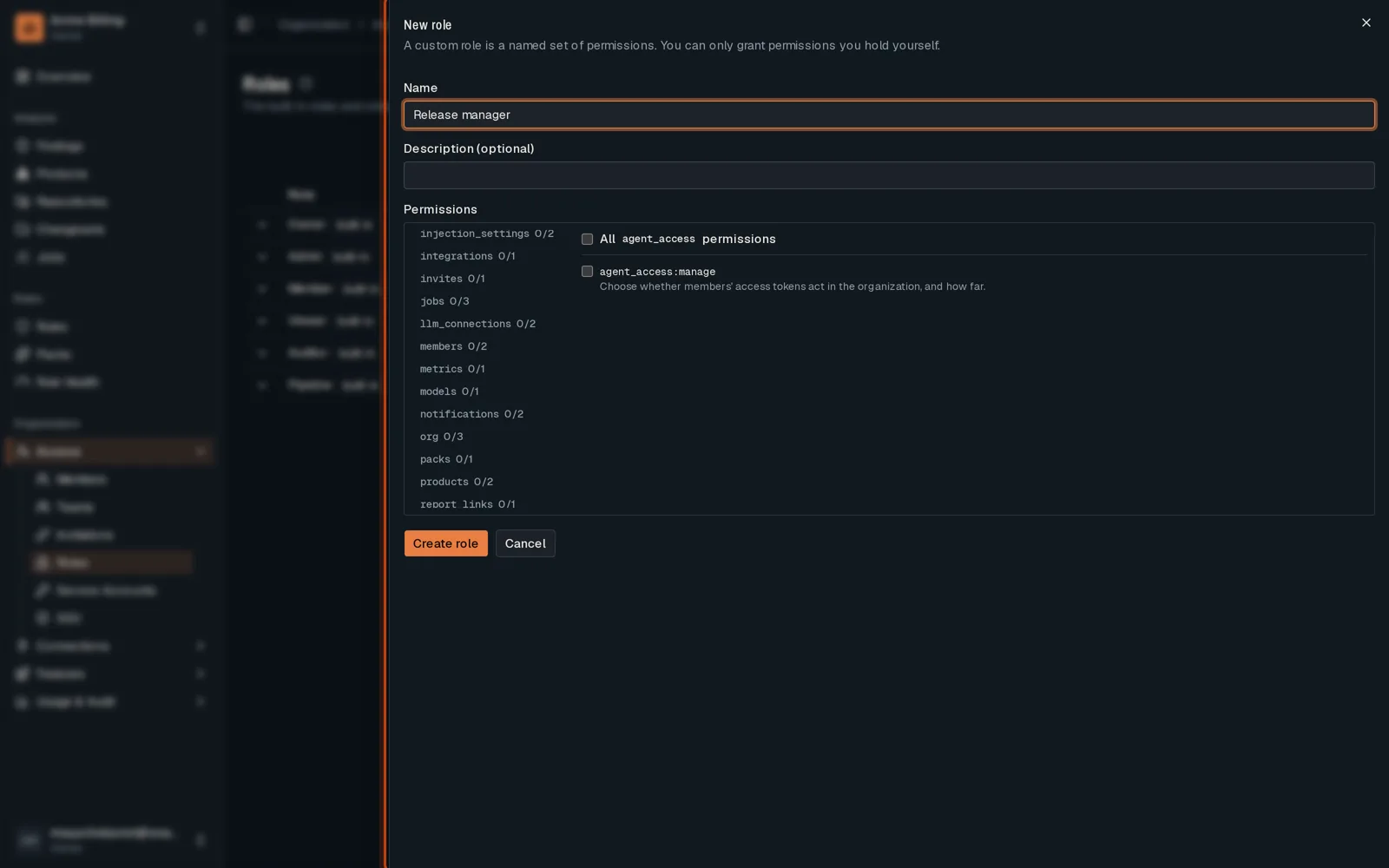
Open Access, then Roles, click New role and name it.
-
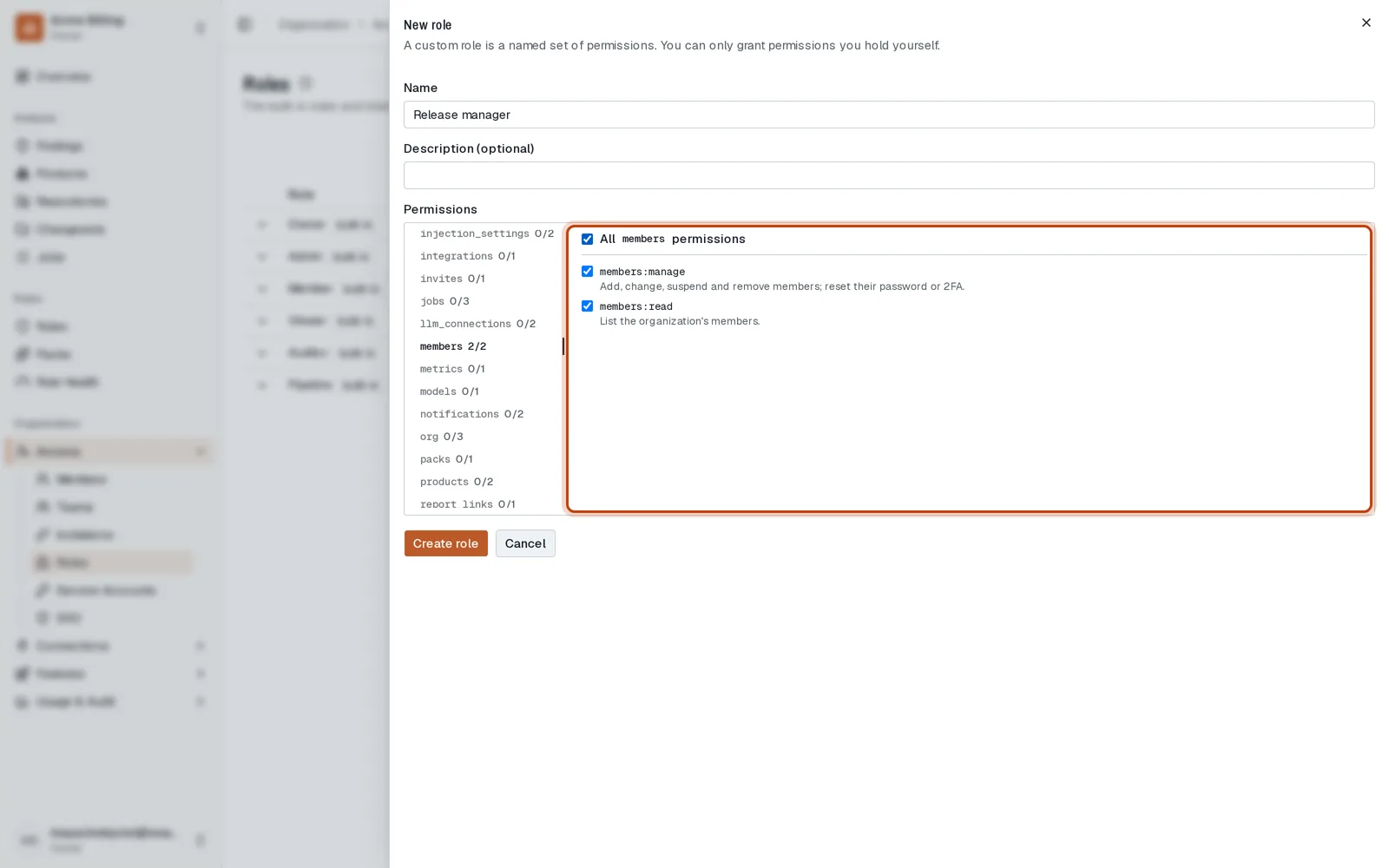
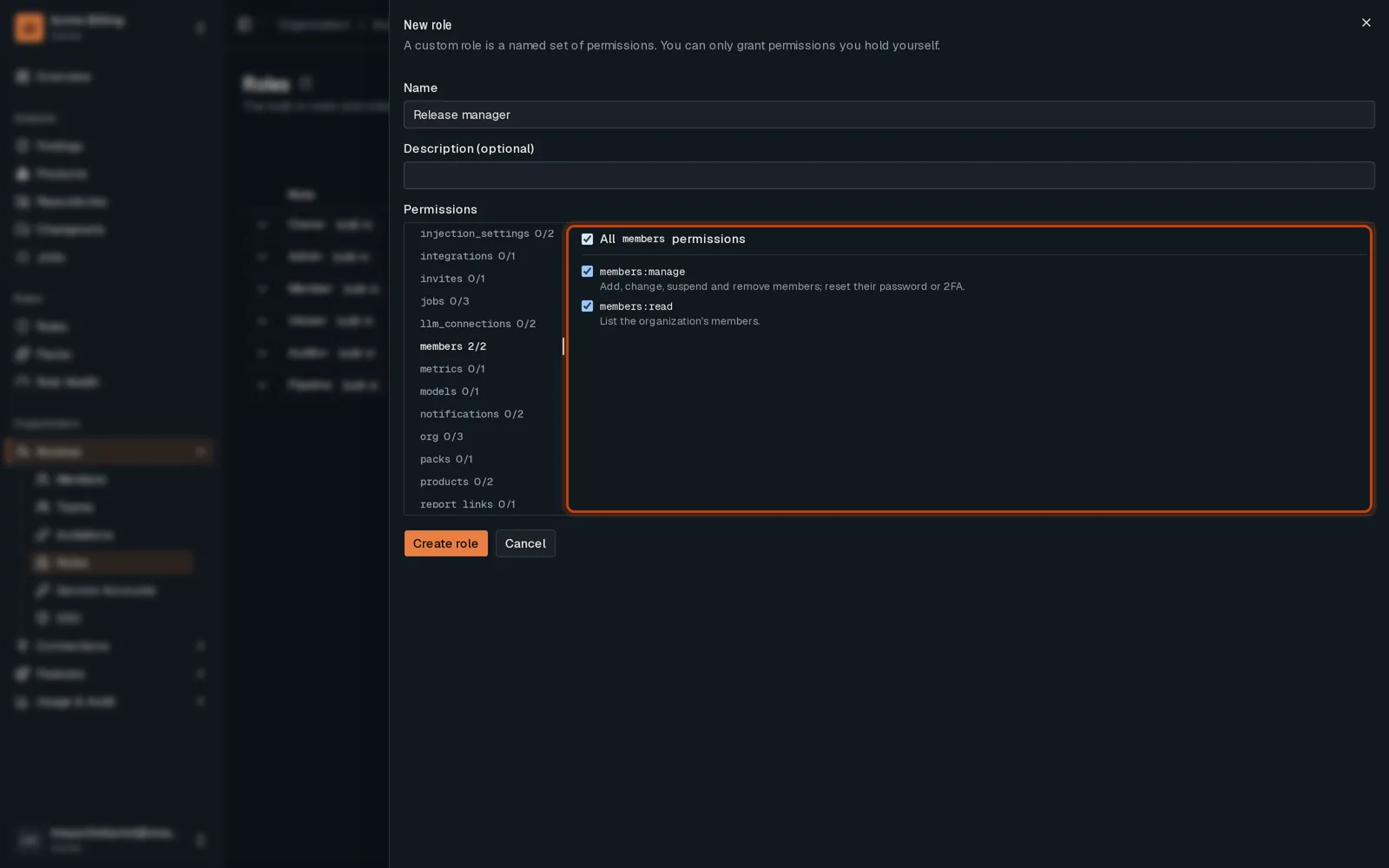
Pick an area, then tick the permissions it grants. You can only grant what you hold.
-
Create the role. It is offered wherever you choose a role.
Good to know
Section titled “Good to know”- You can grant only the permissions you hold yourself.
Go further
Section titled “Go further”Members and roles explains how it works, and how to do it from the API.