Connect GitHub and choose repositories
Open in the dashboardWhen you are done: pull requests on the chosen repositories are reviewed.
-
Open Connections, then GitHub.
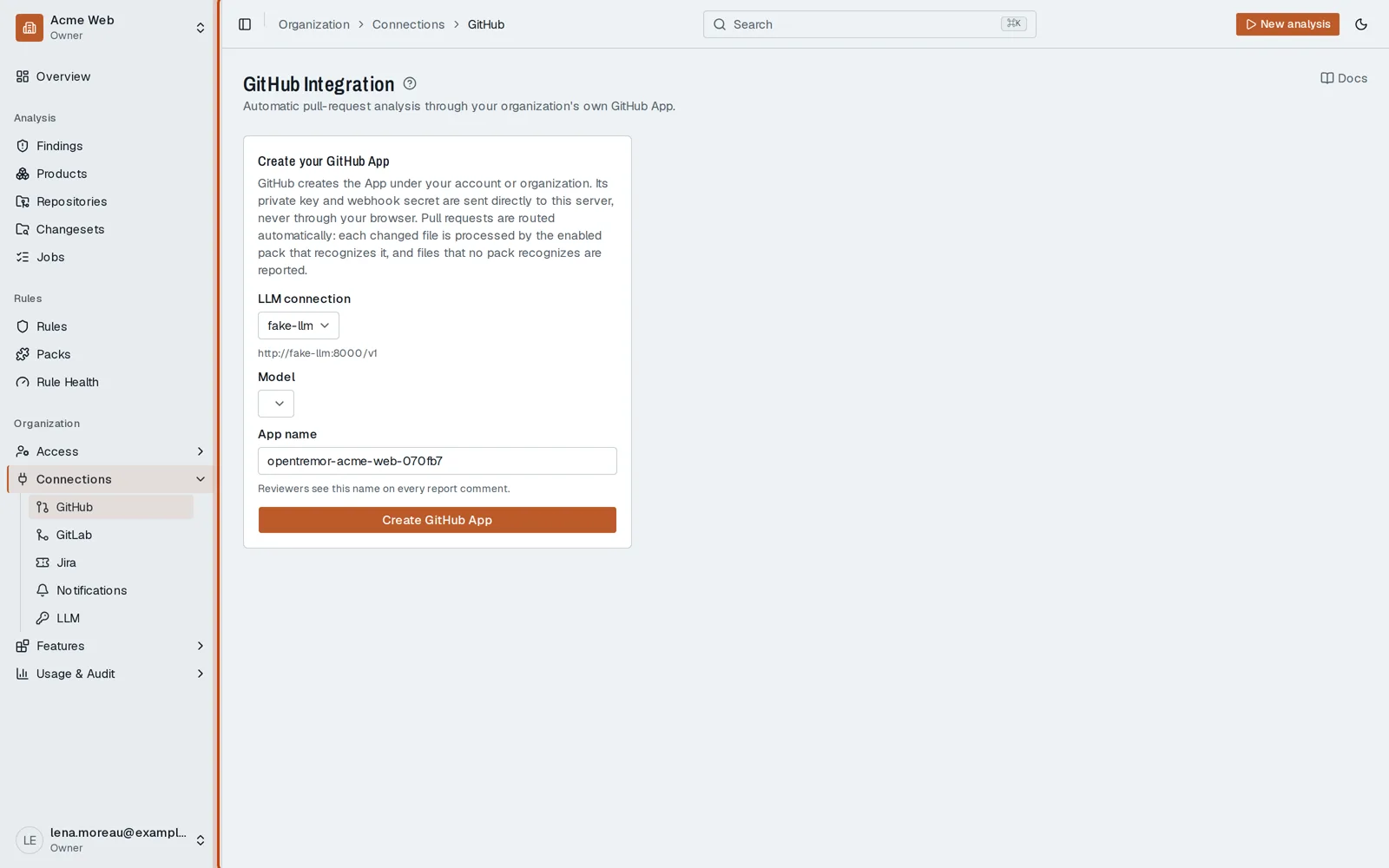
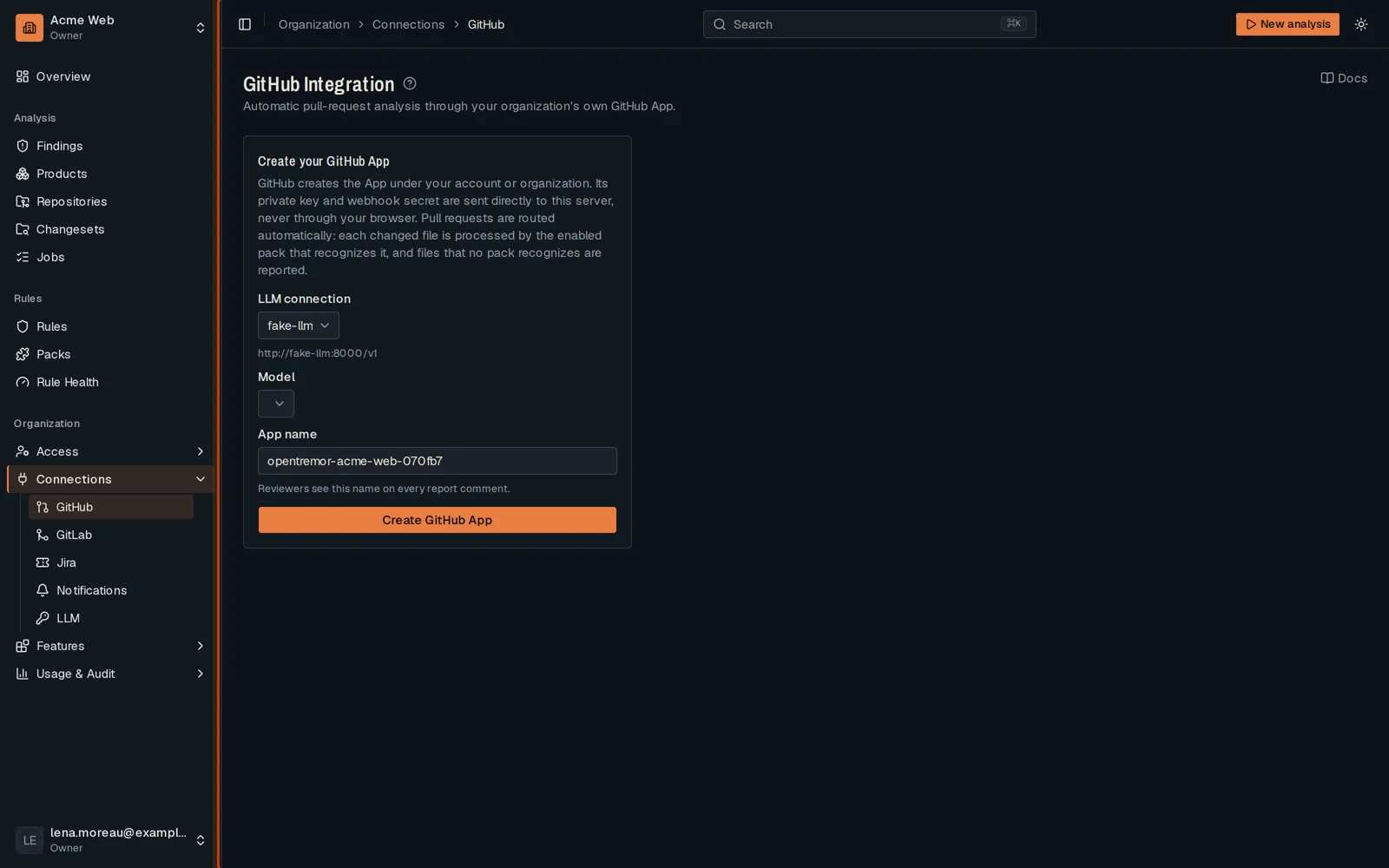
-
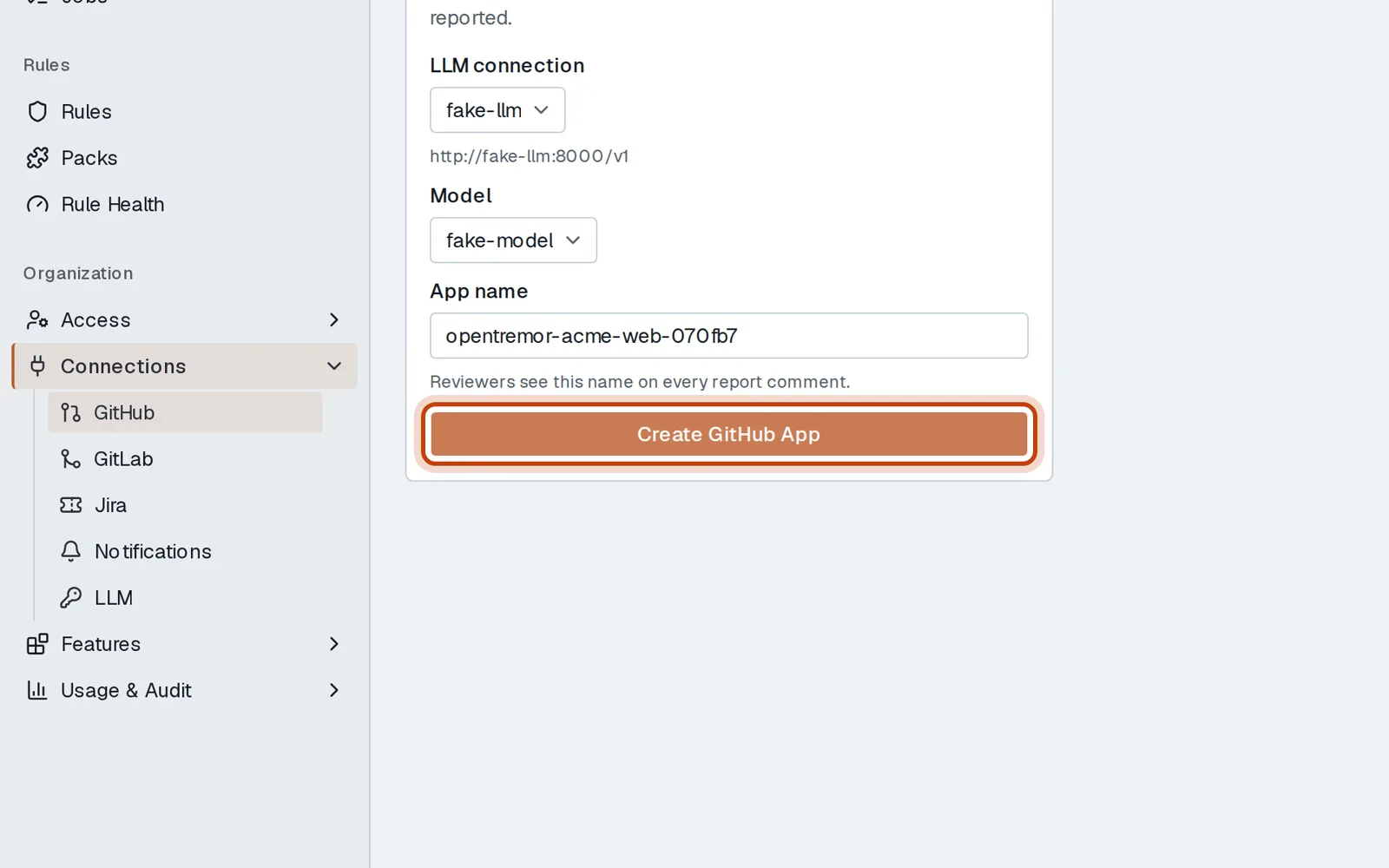
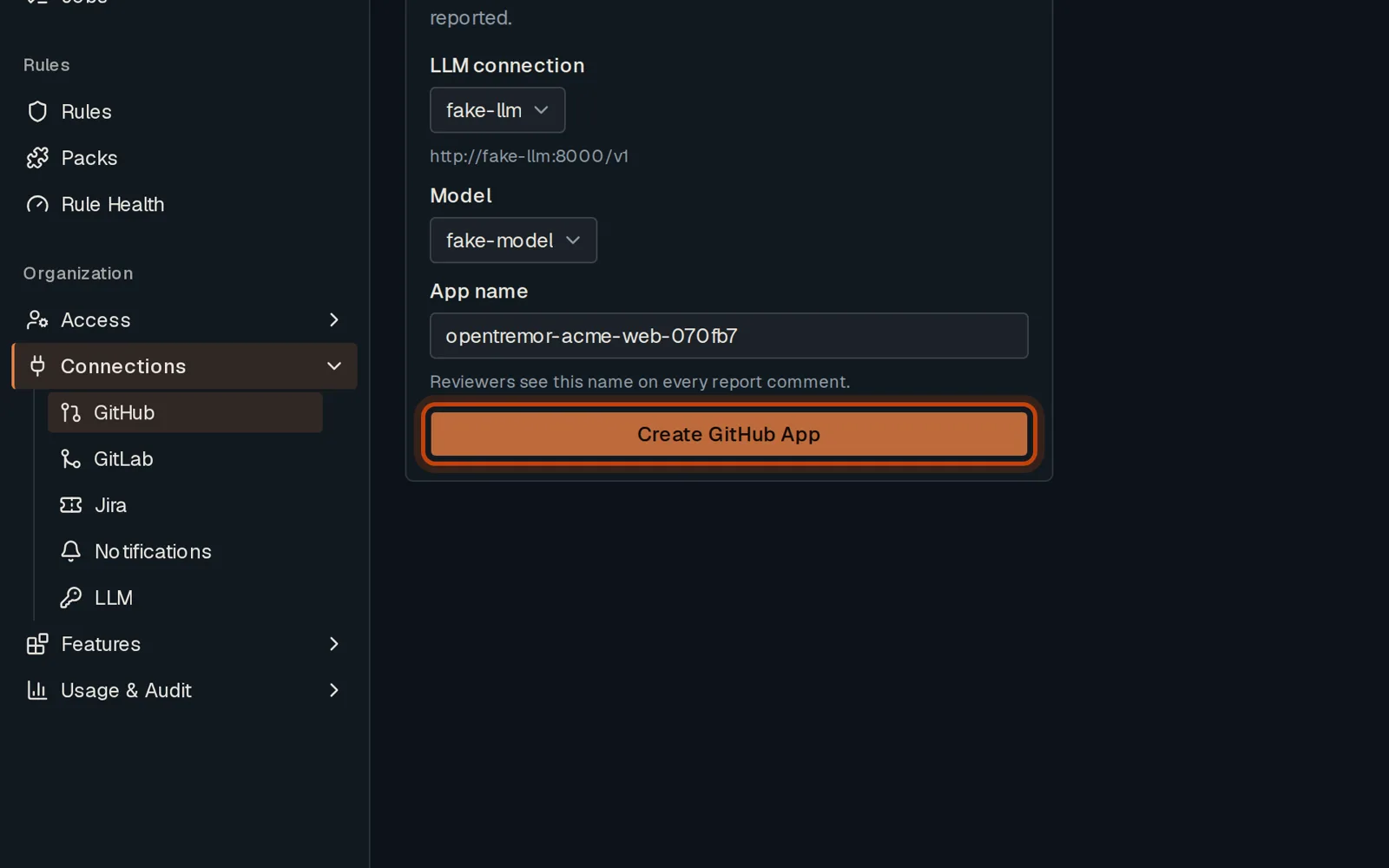
Choose the LLM connection and the model your reviews use.
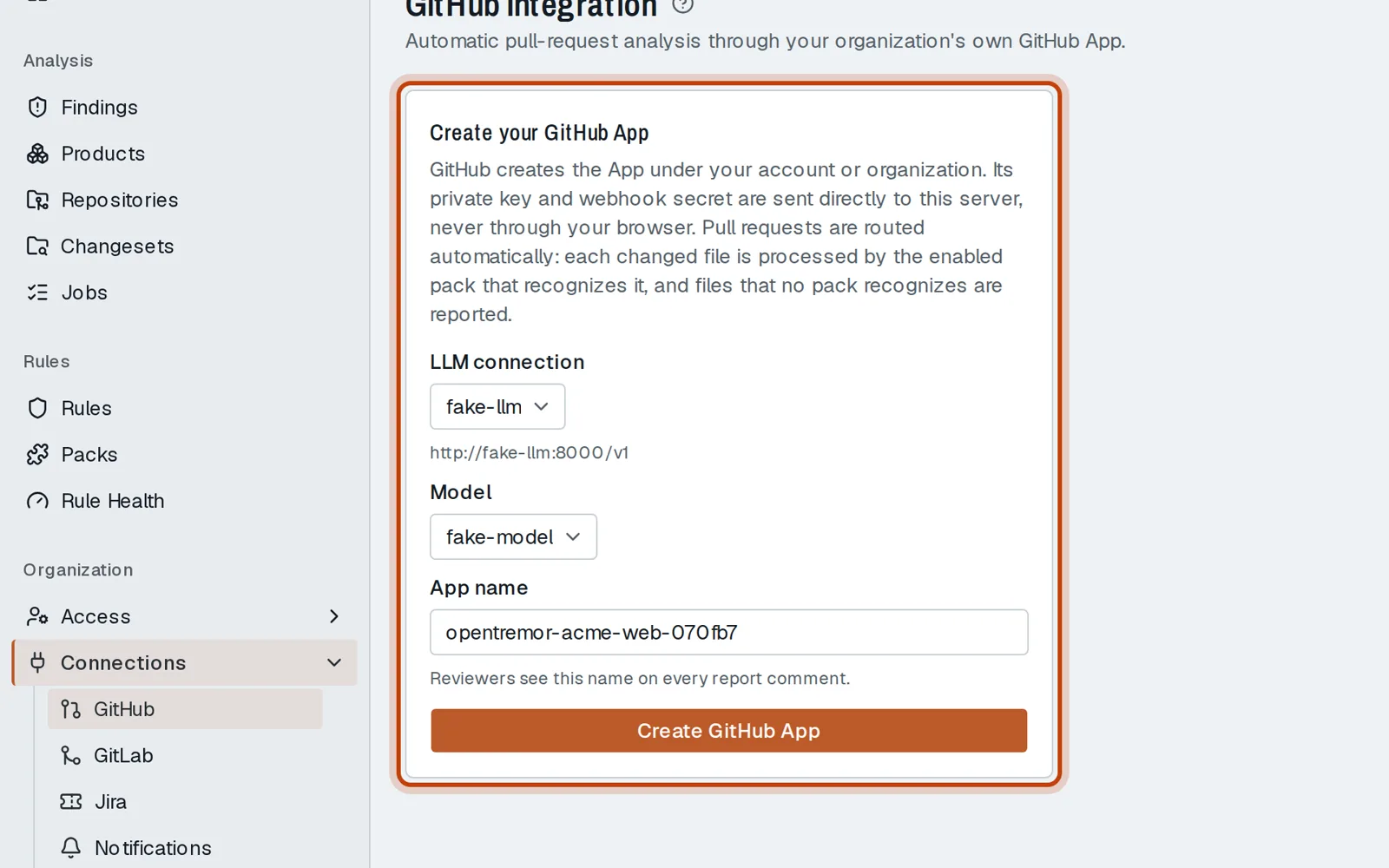
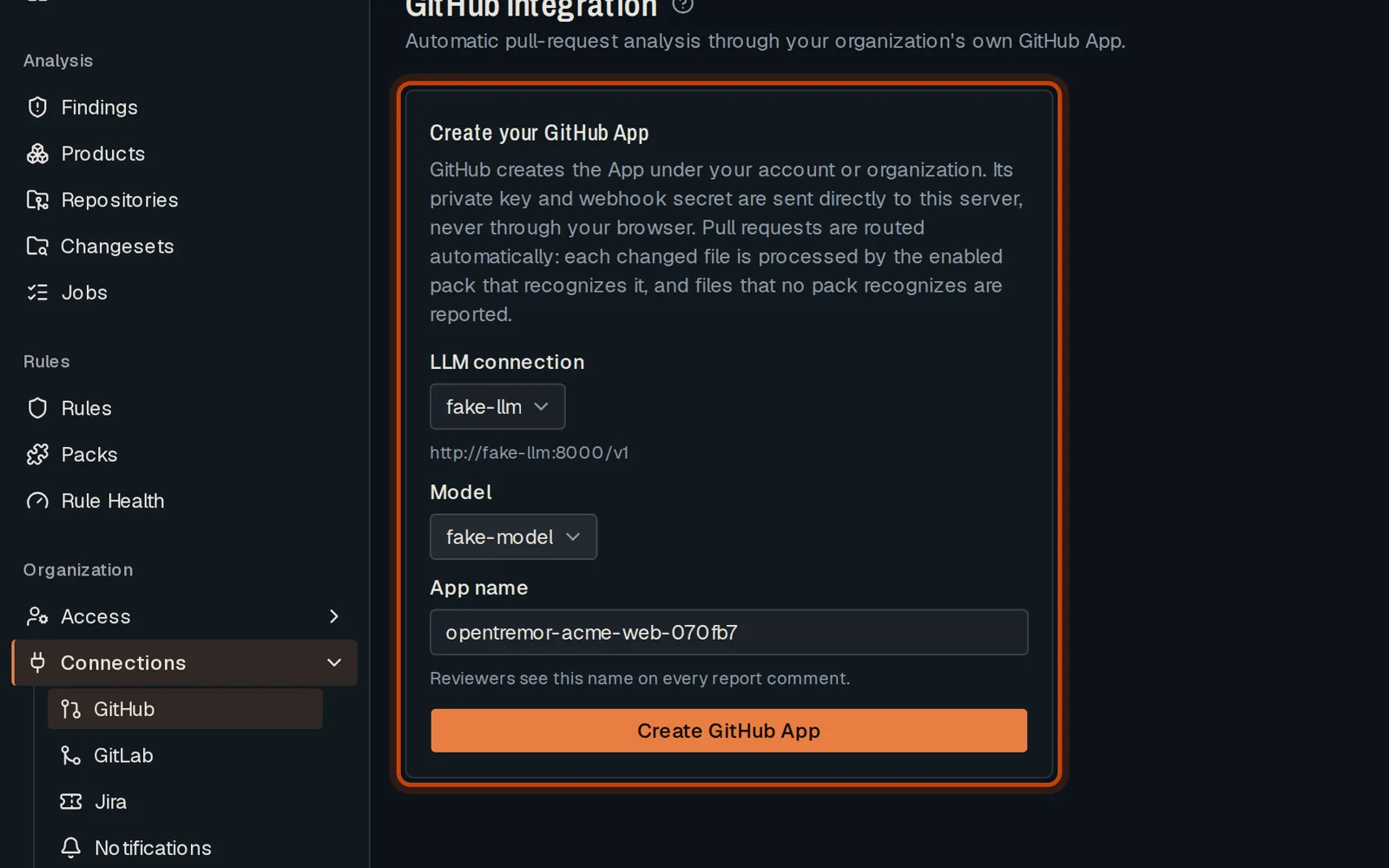
-
Click Create GitHub App. GitHub opens: create the app, then install it on your repositories.
-
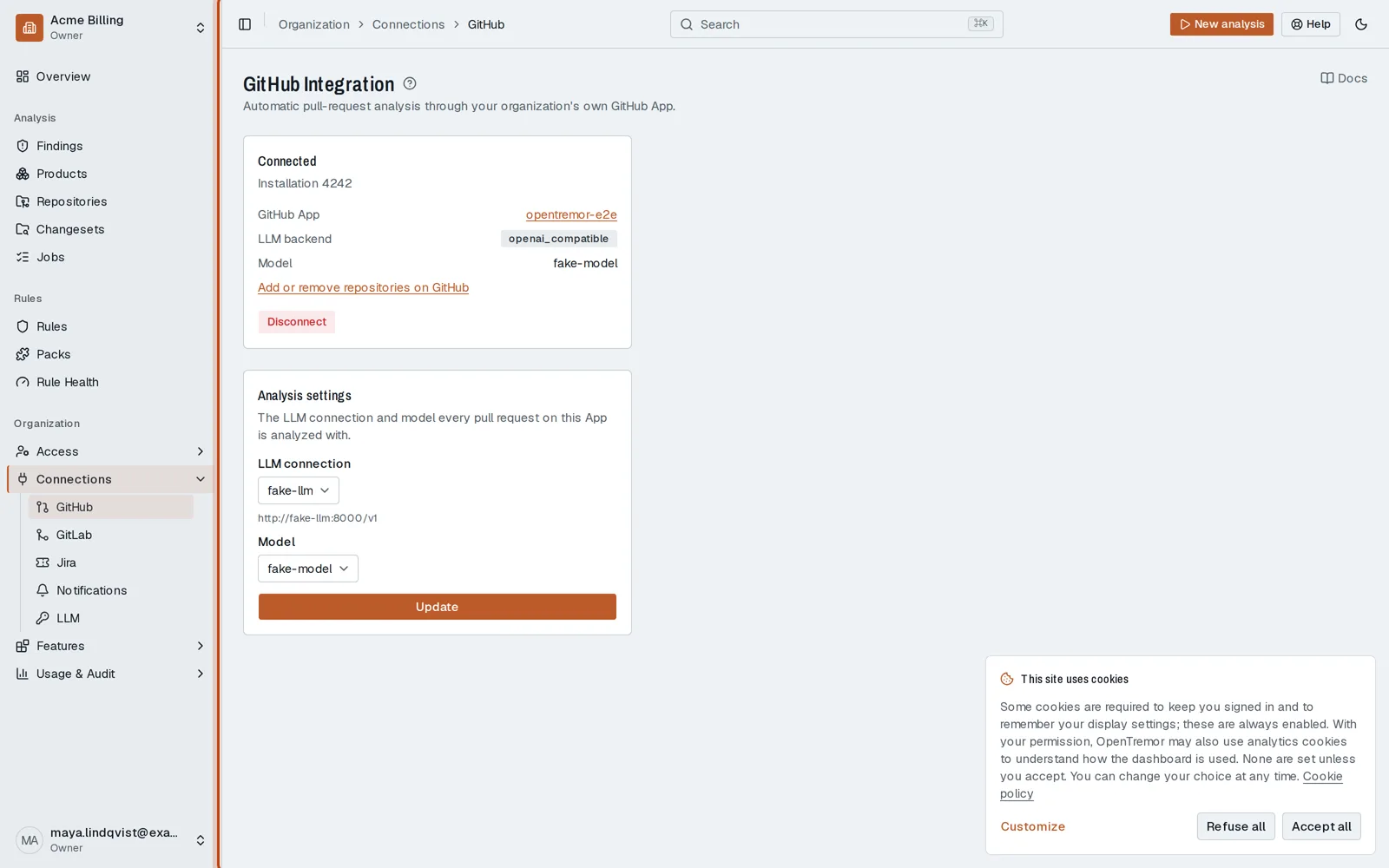
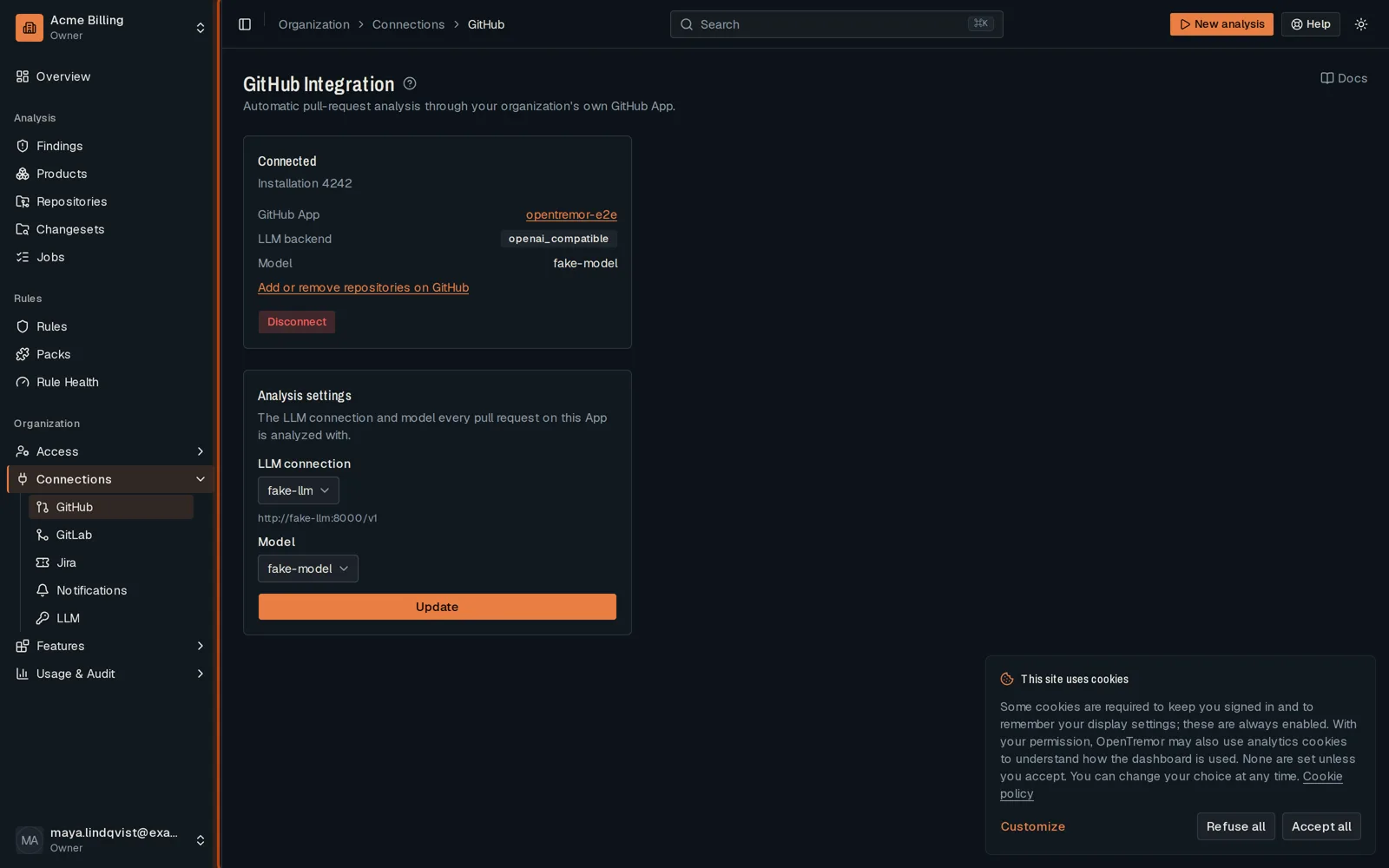
Back in OpenTremor, the page shows the app. Its repositories appear in Repositories.
Good to know
Section titled “Good to know”- The app is your organization’s own: GitHub asks you to confirm its name and permissions.
- To review more repositories later, change the installation on GitHub.
Go further
Section titled “Go further”GitHub App integration explains how it works, and how to do it from the API.