Choose which findings get a code suggestion
Open in the dashboardWhen you are done: the next review posts suggested fixes on the pull request.
-
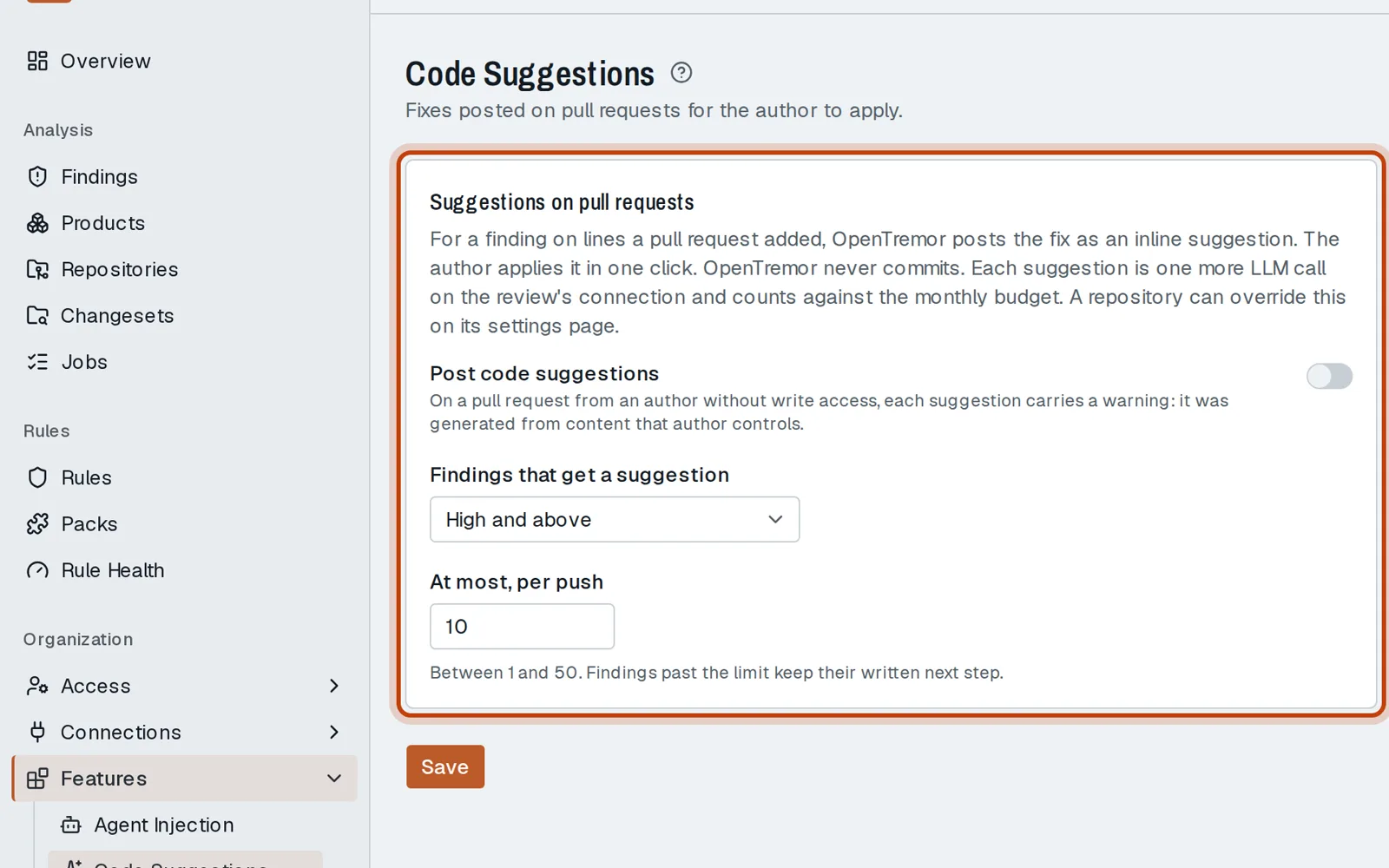
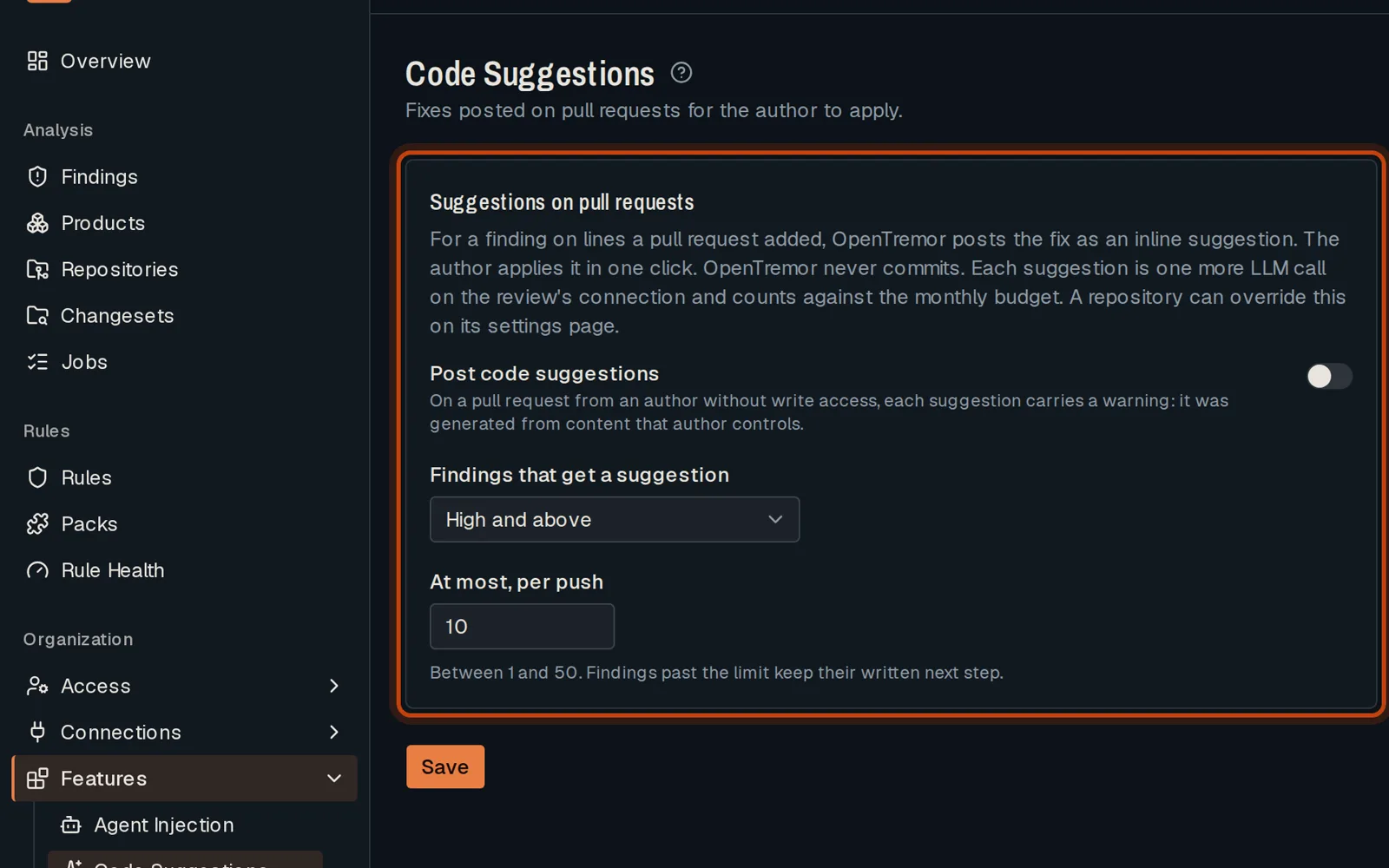
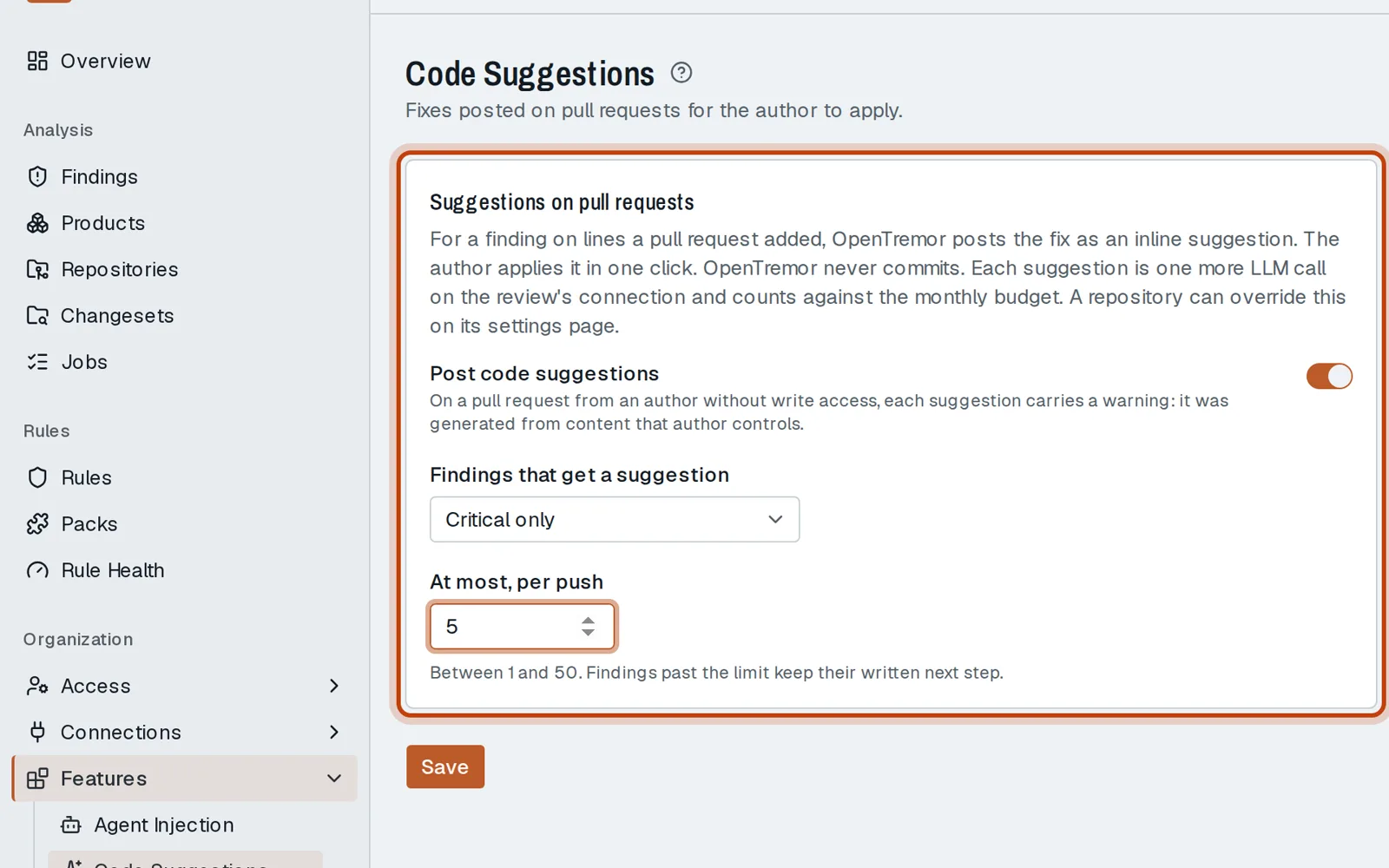
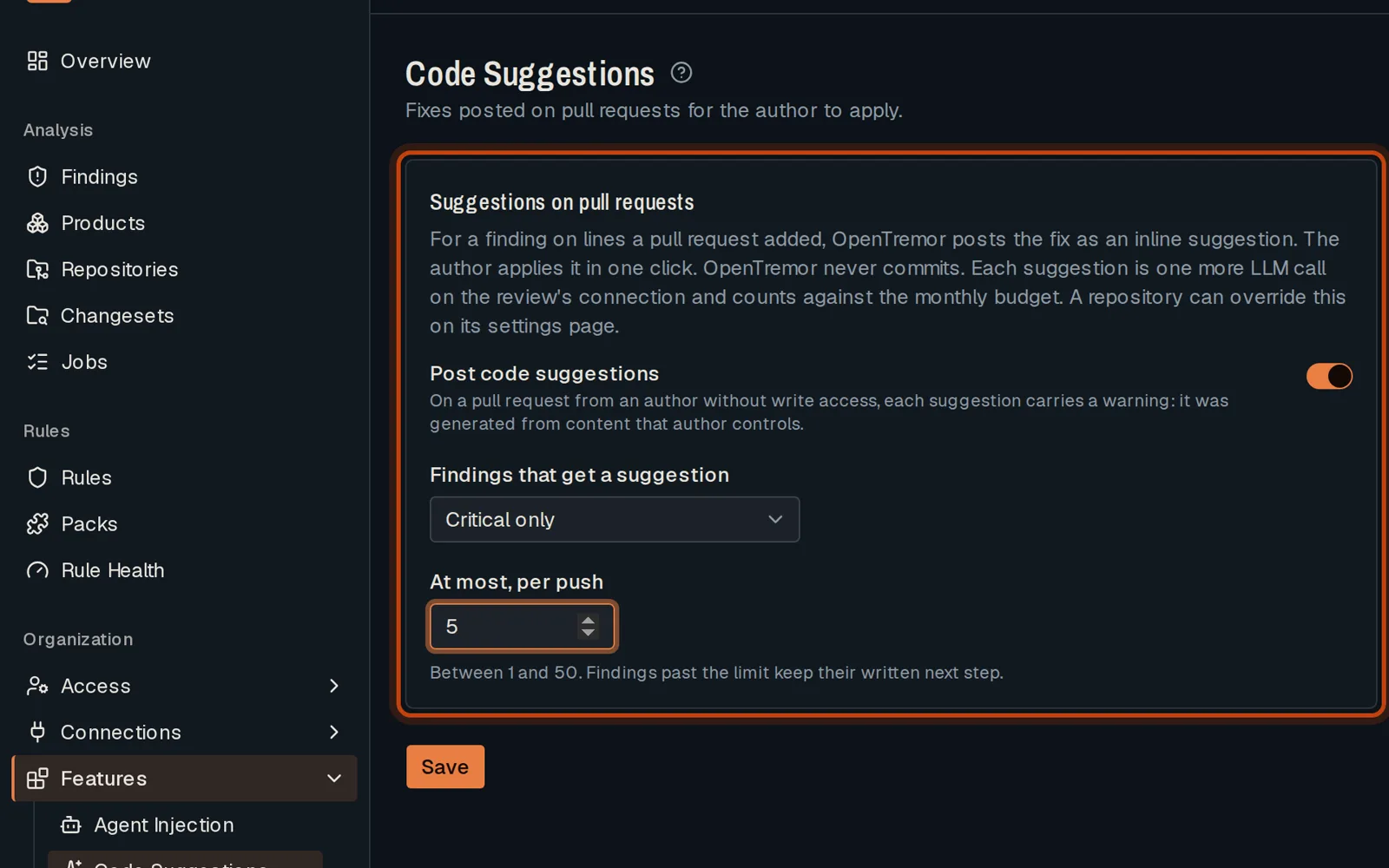
Open Features, then Code Suggestions.
-
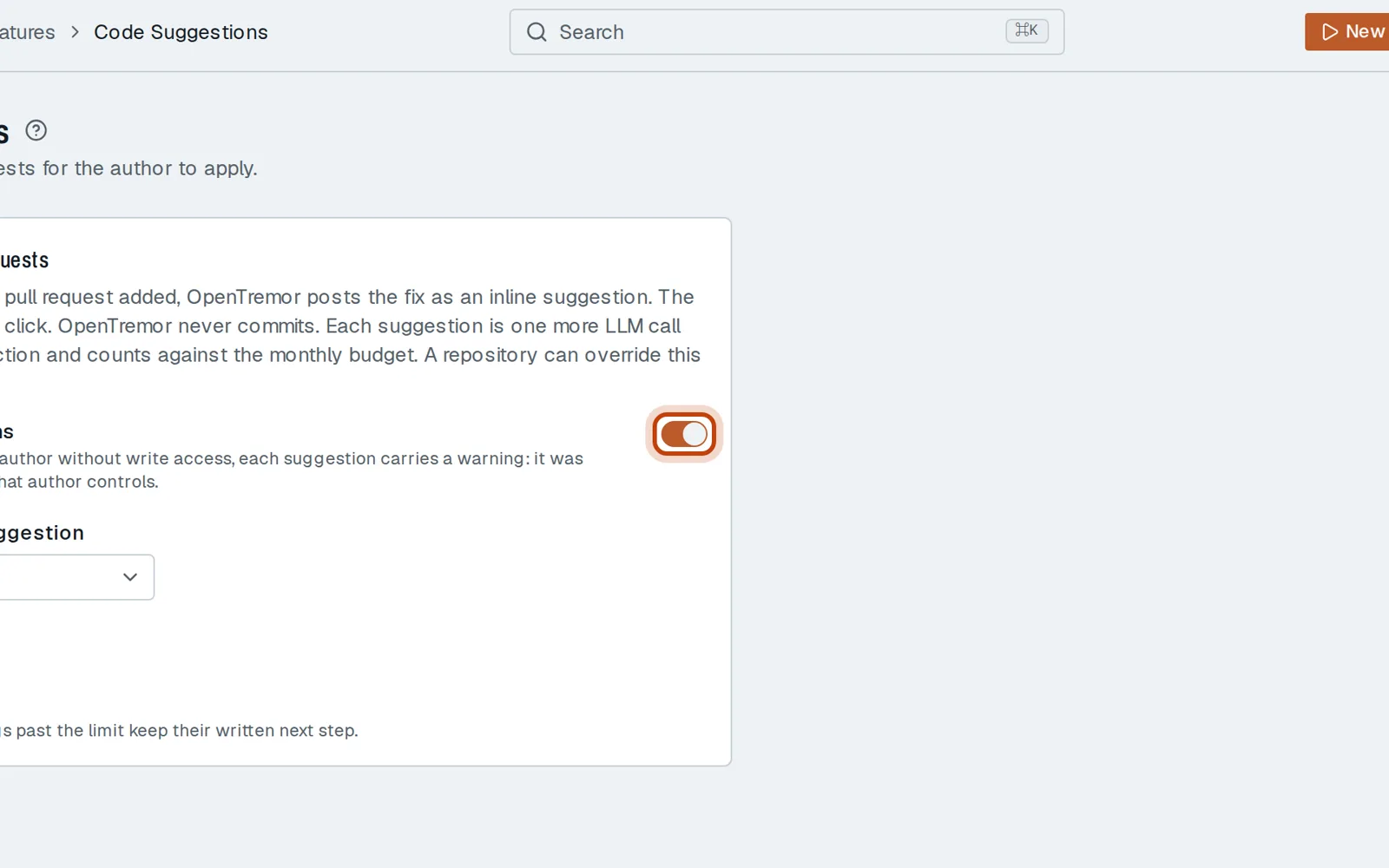
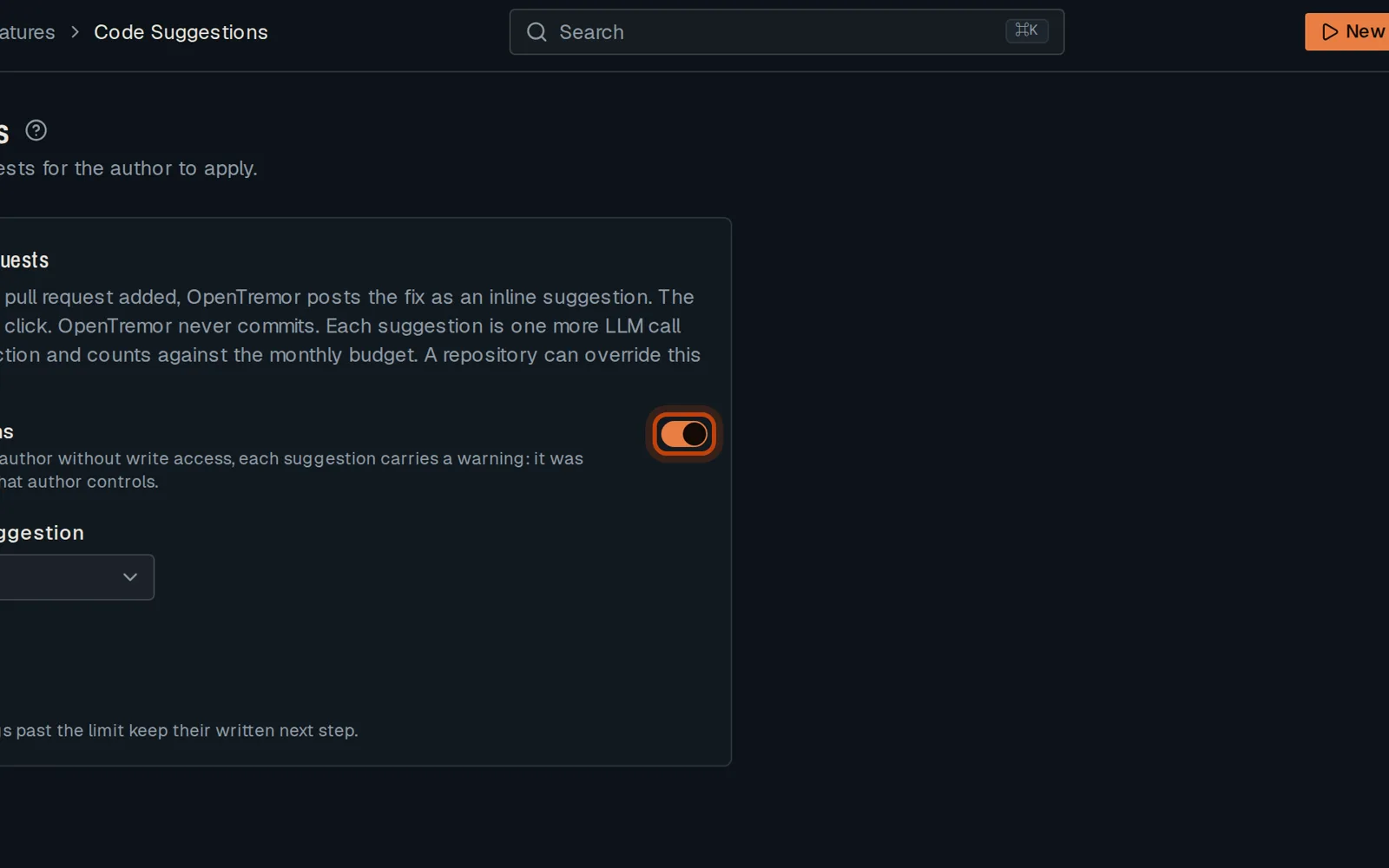
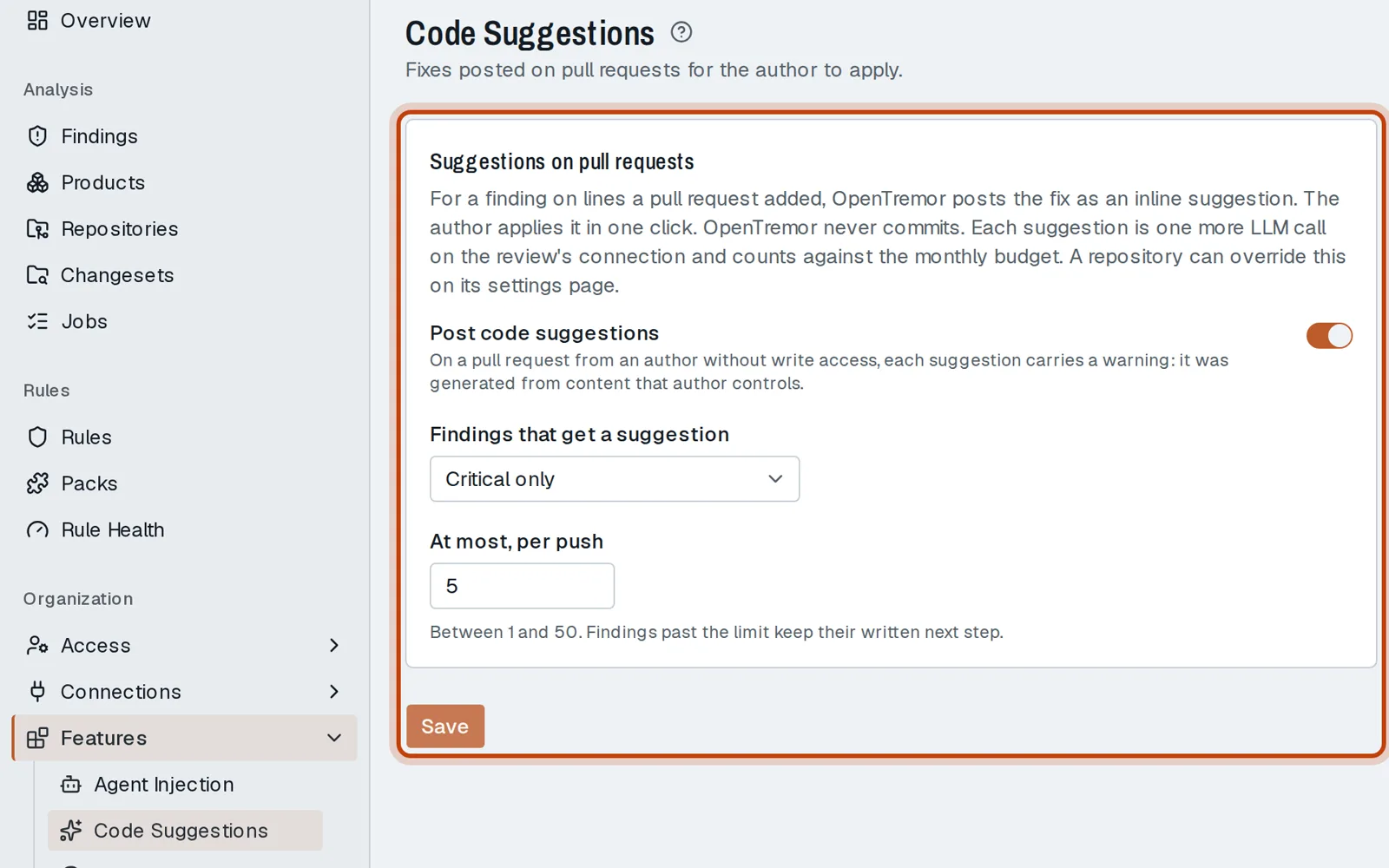
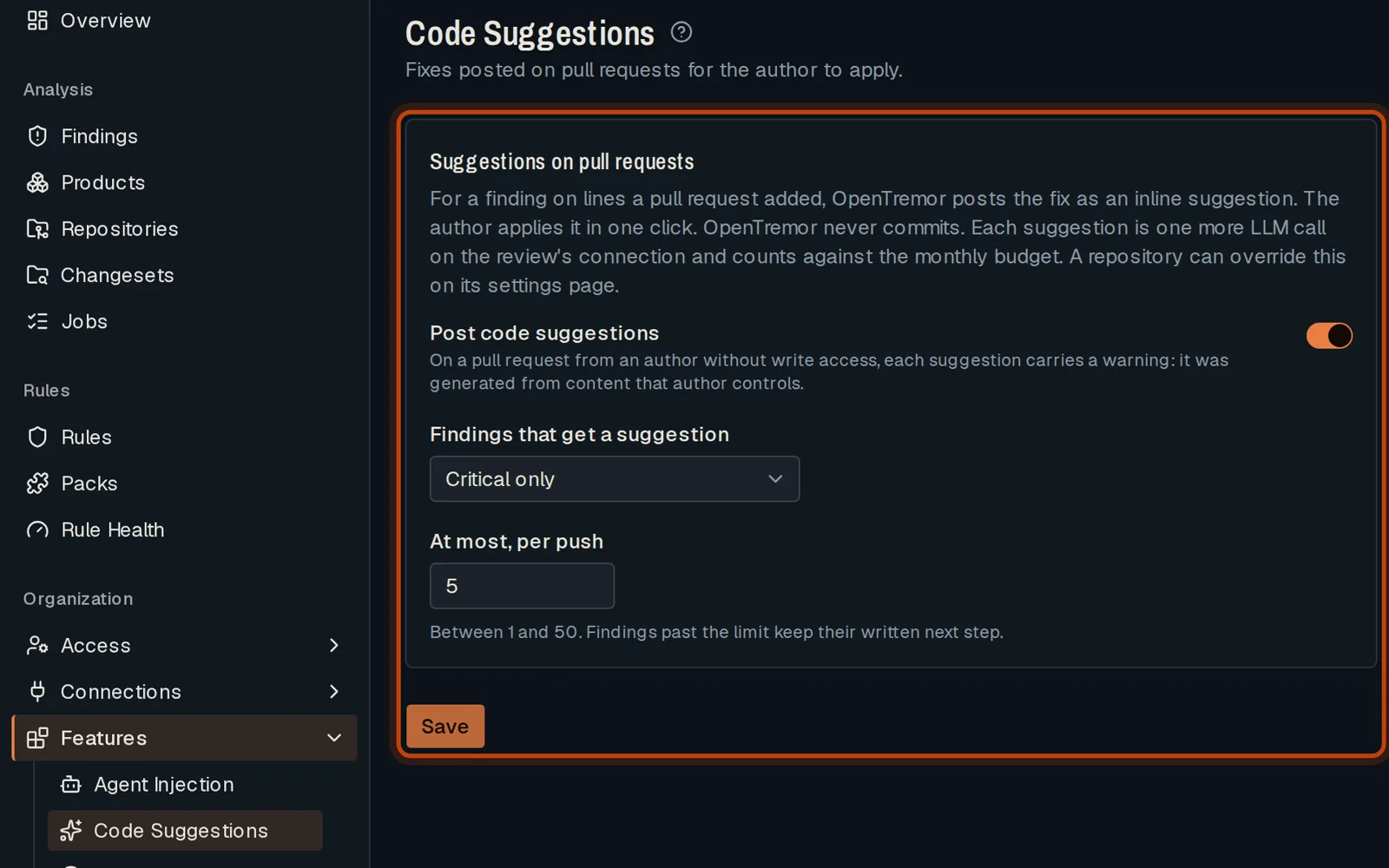
Turn on Post code suggestions.
-
Choose which findings get a suggestion, and how many at most per push.
-
Click Save. The next review posts its fixes on the pull request.
Good to know
Section titled “Good to know”- The author applies a suggestion in one click on GitHub. Nothing is pushed for them.
Go further
Section titled “Go further”Code suggestions explains how it works, and how to do it from the API.