Follow a review while it runs
Open in the dashboardWhen you are done: you saw the review’s steps, and it reads Report ready.
-
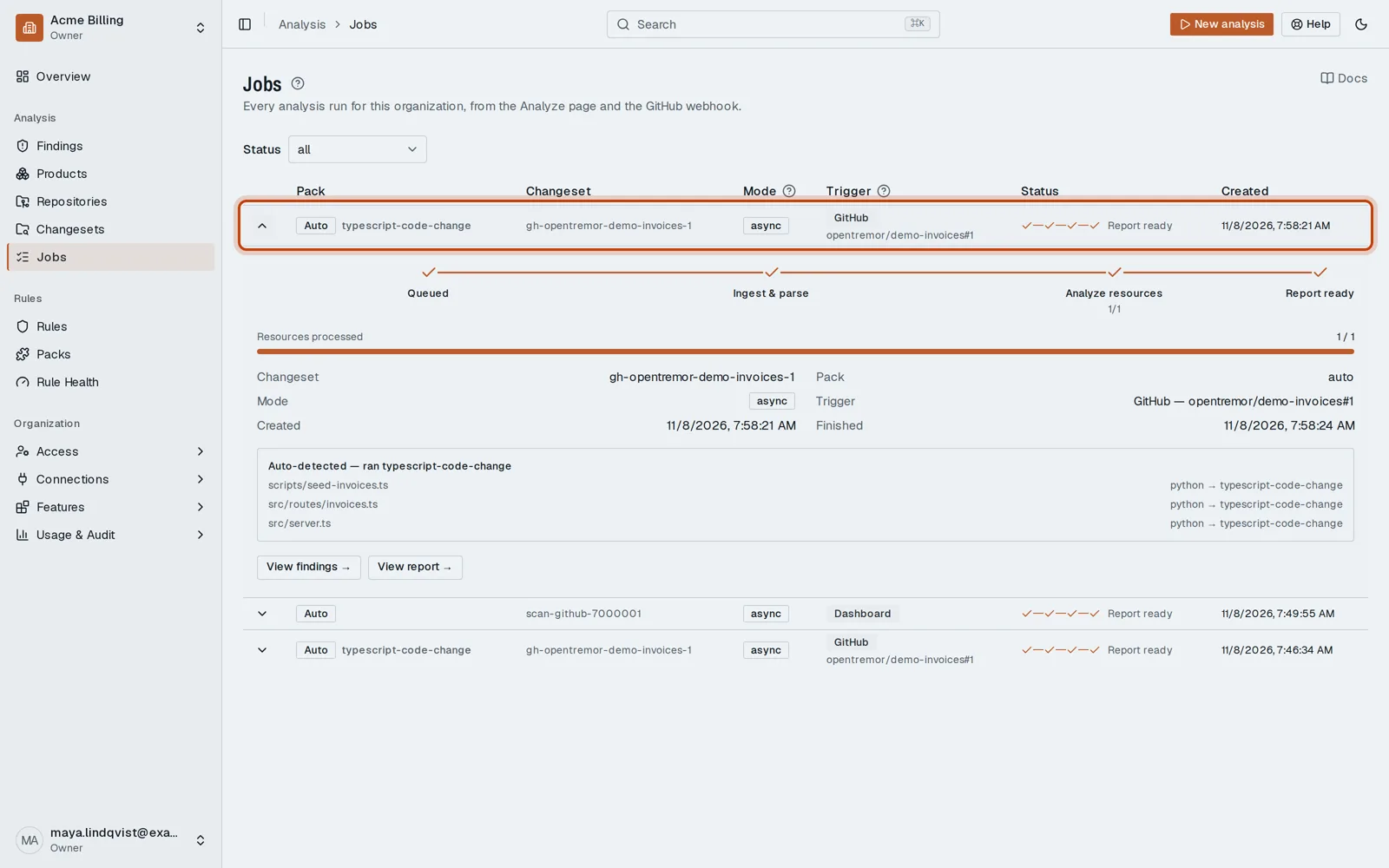
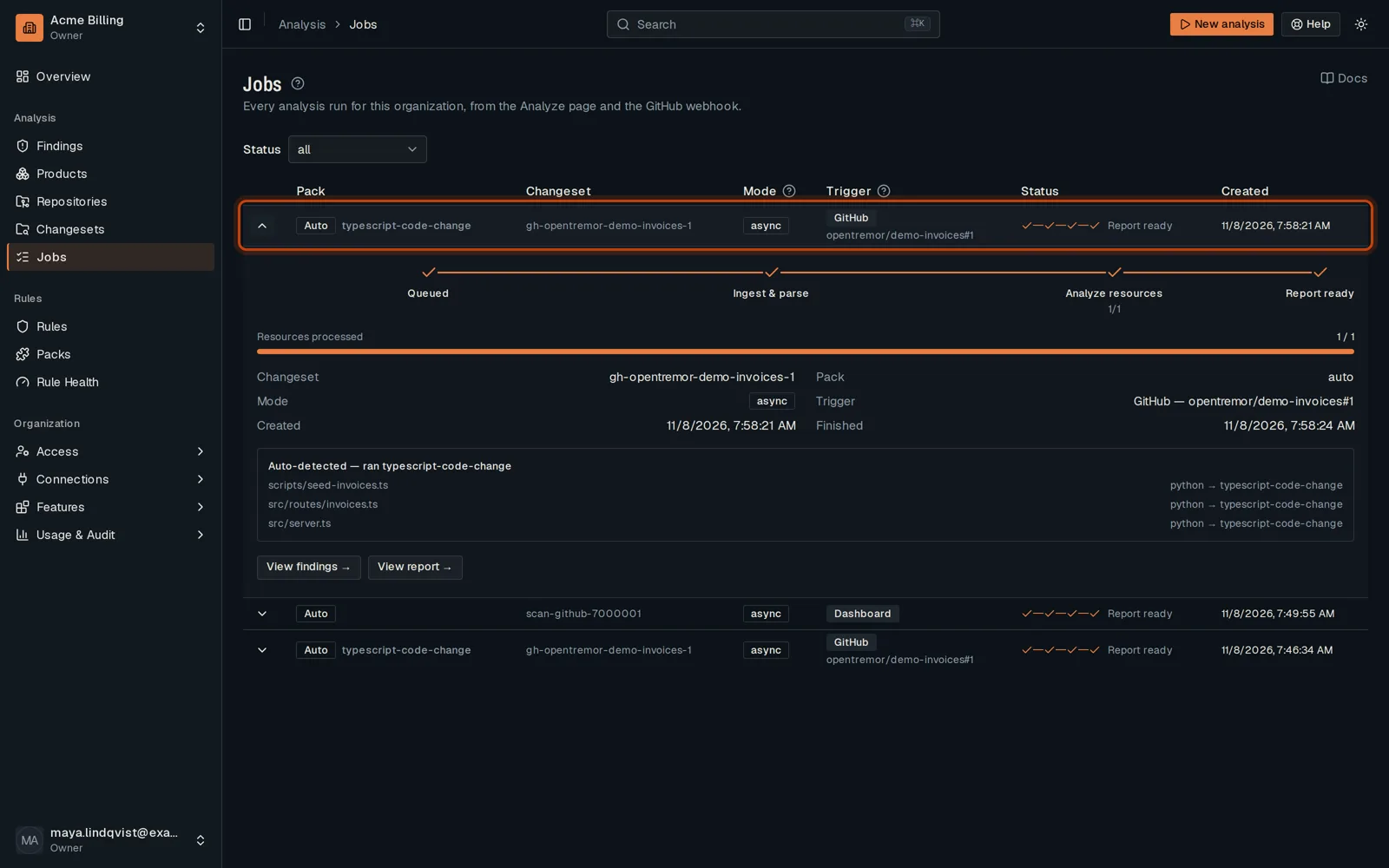
Open Jobs in the sidebar. The newest review is at the top.
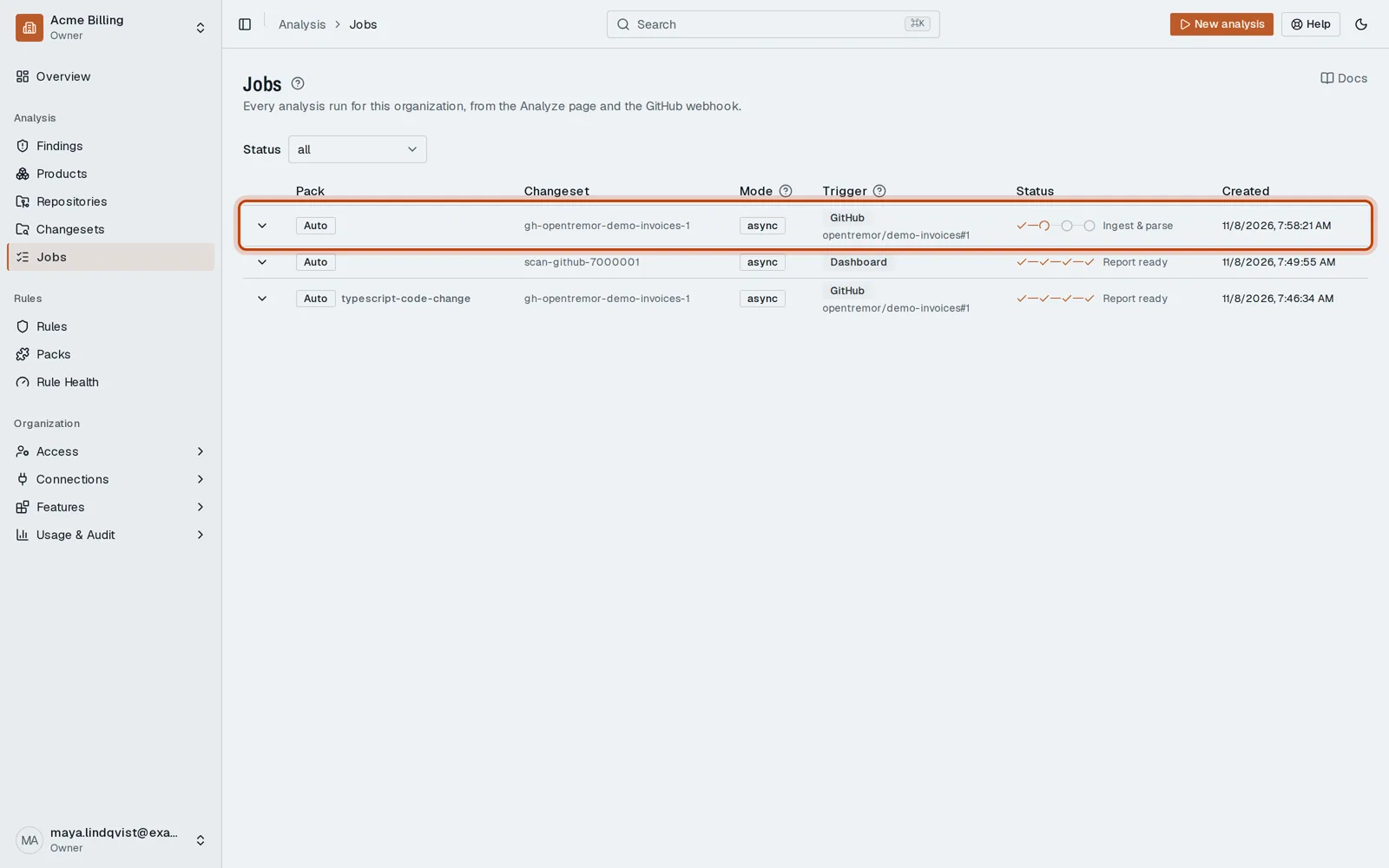
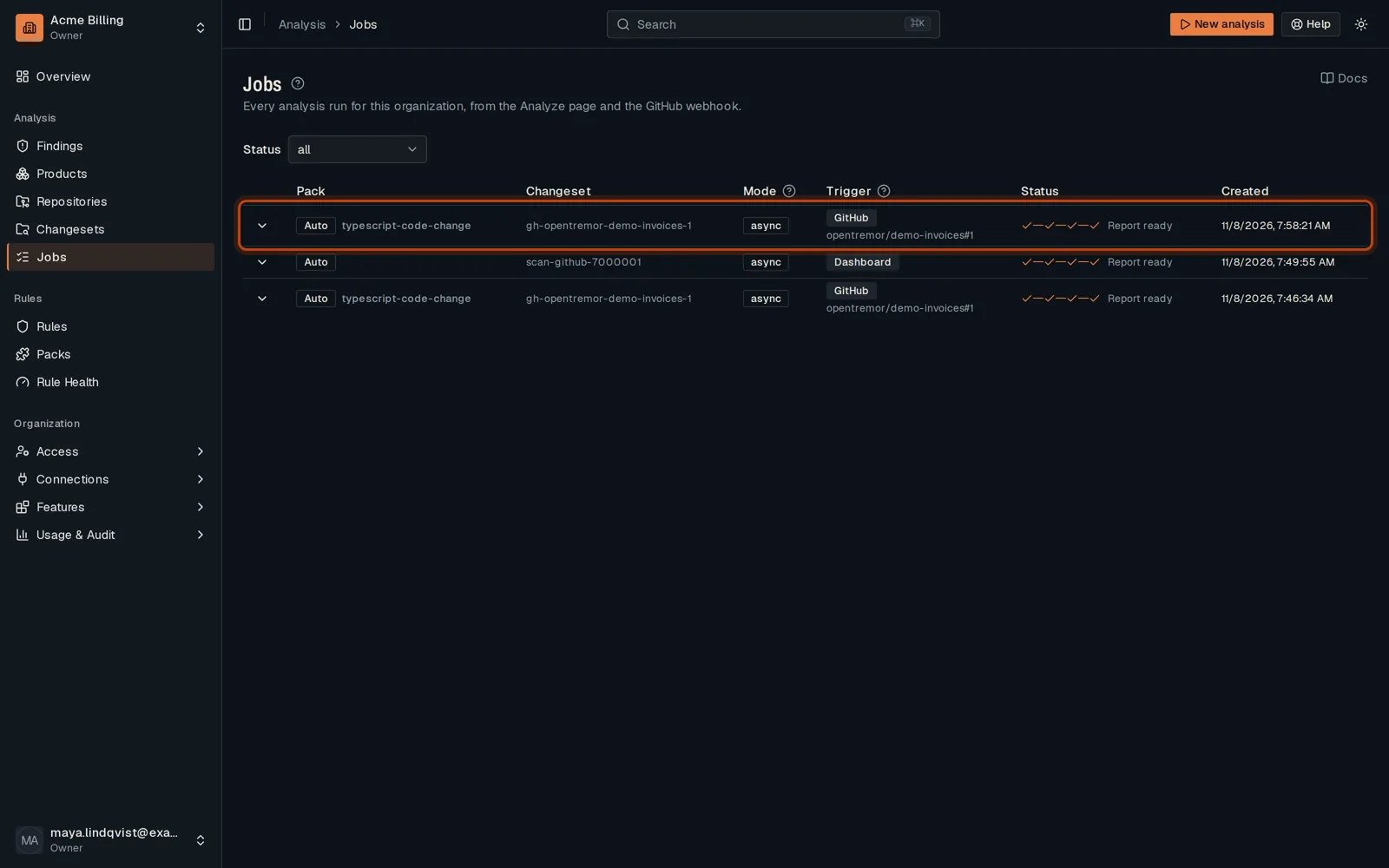
-
Click Show details to follow its steps as they run.
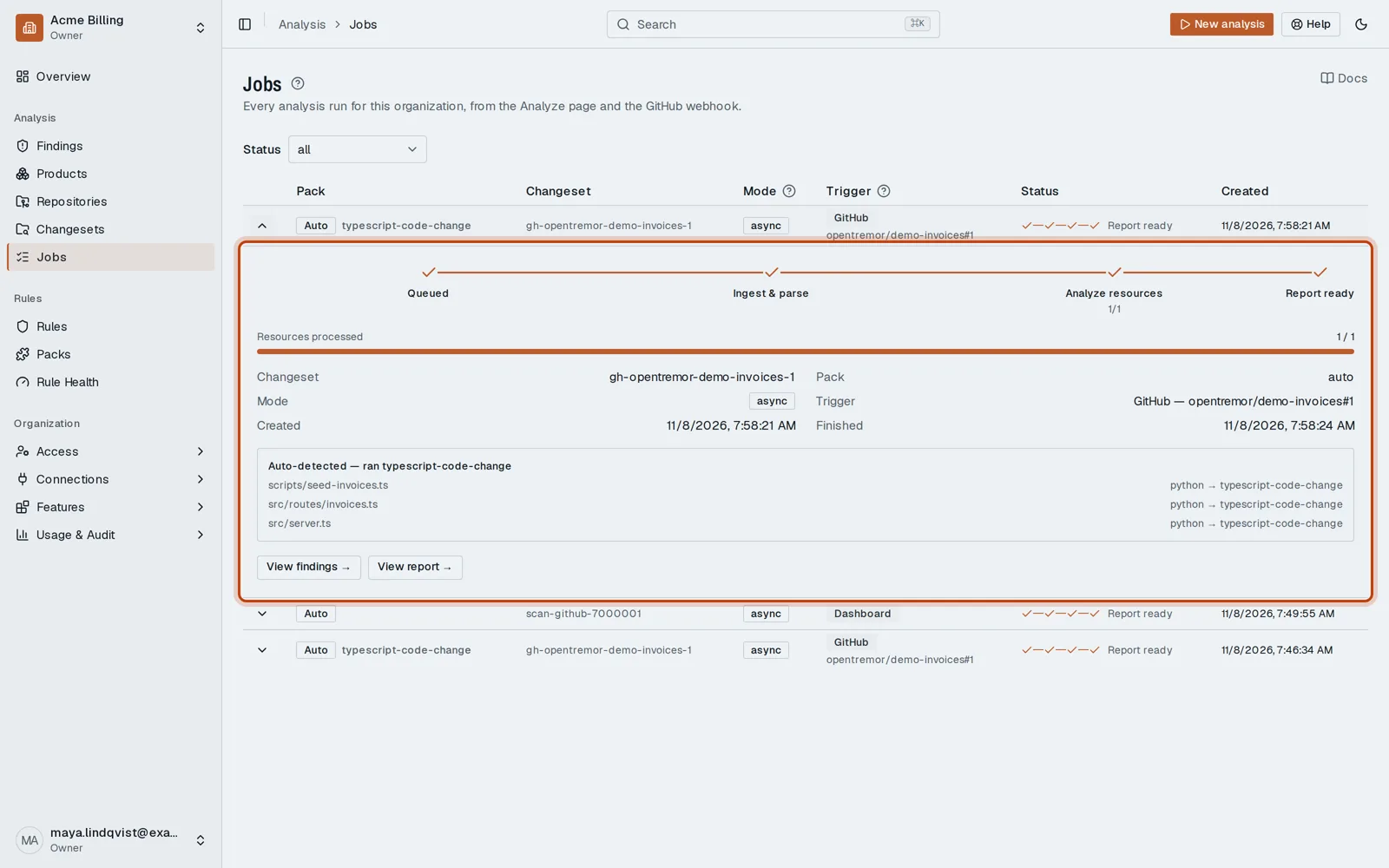
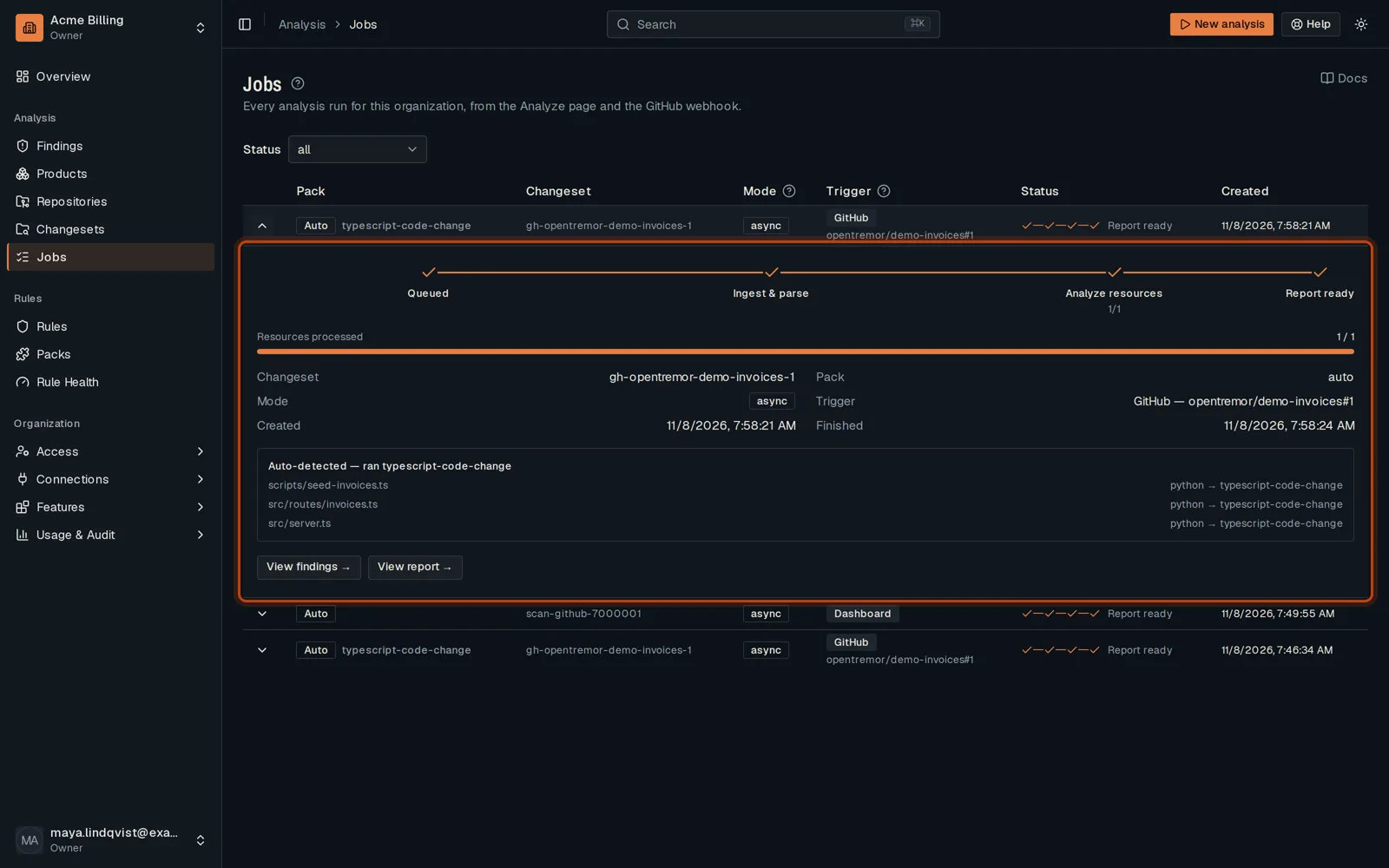
-
When it reads Report ready, the review is done and its findings are in.
Good to know
Section titled “Good to know”- The page refreshes on its own while a job runs.
Go further
Section titled “Go further”How an analysis runs explains how it works, and how to do it from the API.