Choose which models the orgs can use, and their price
Open in the dashboardWhen you are done: organizations can choose the model, and its spend is counted at the price you set.
-
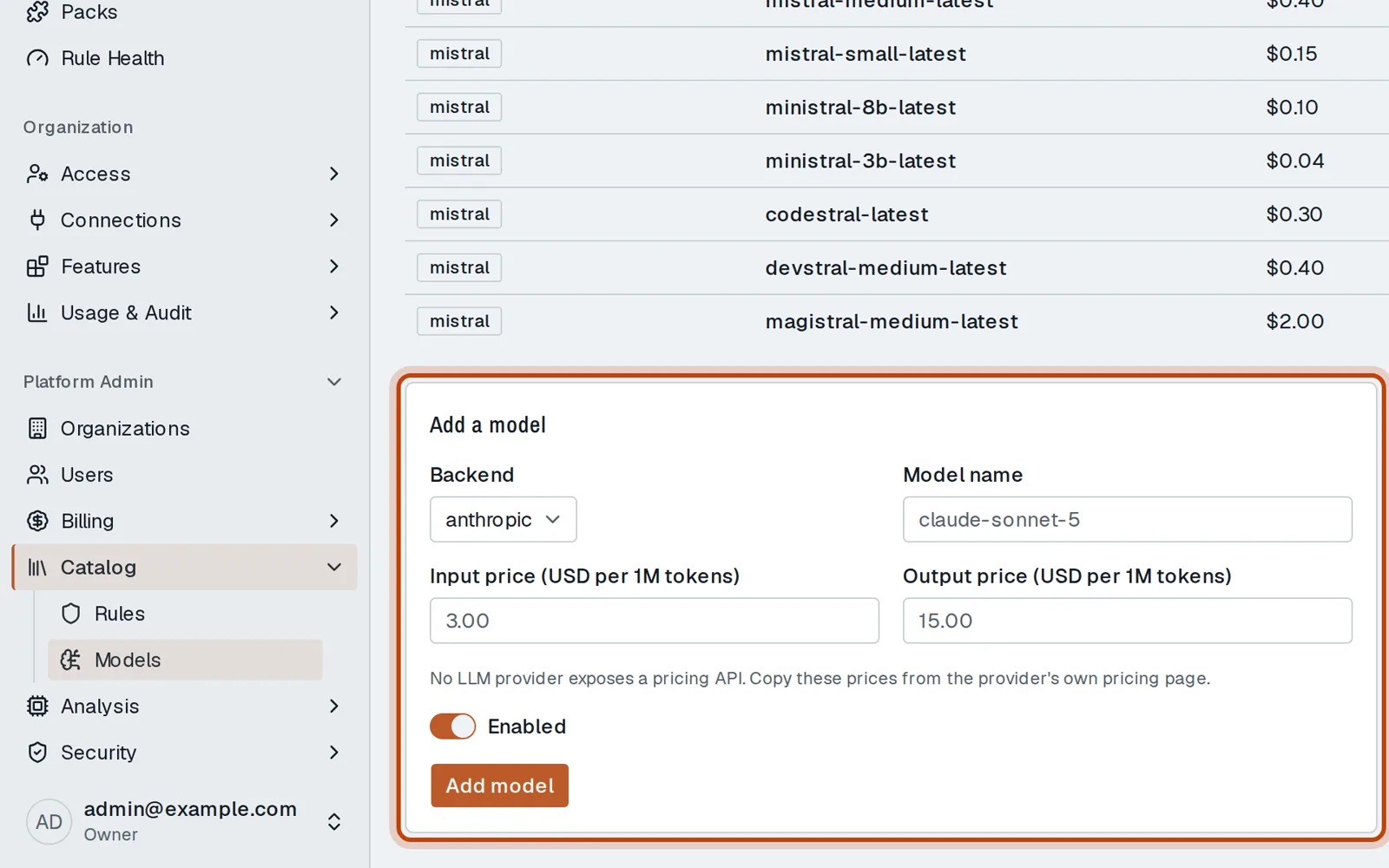
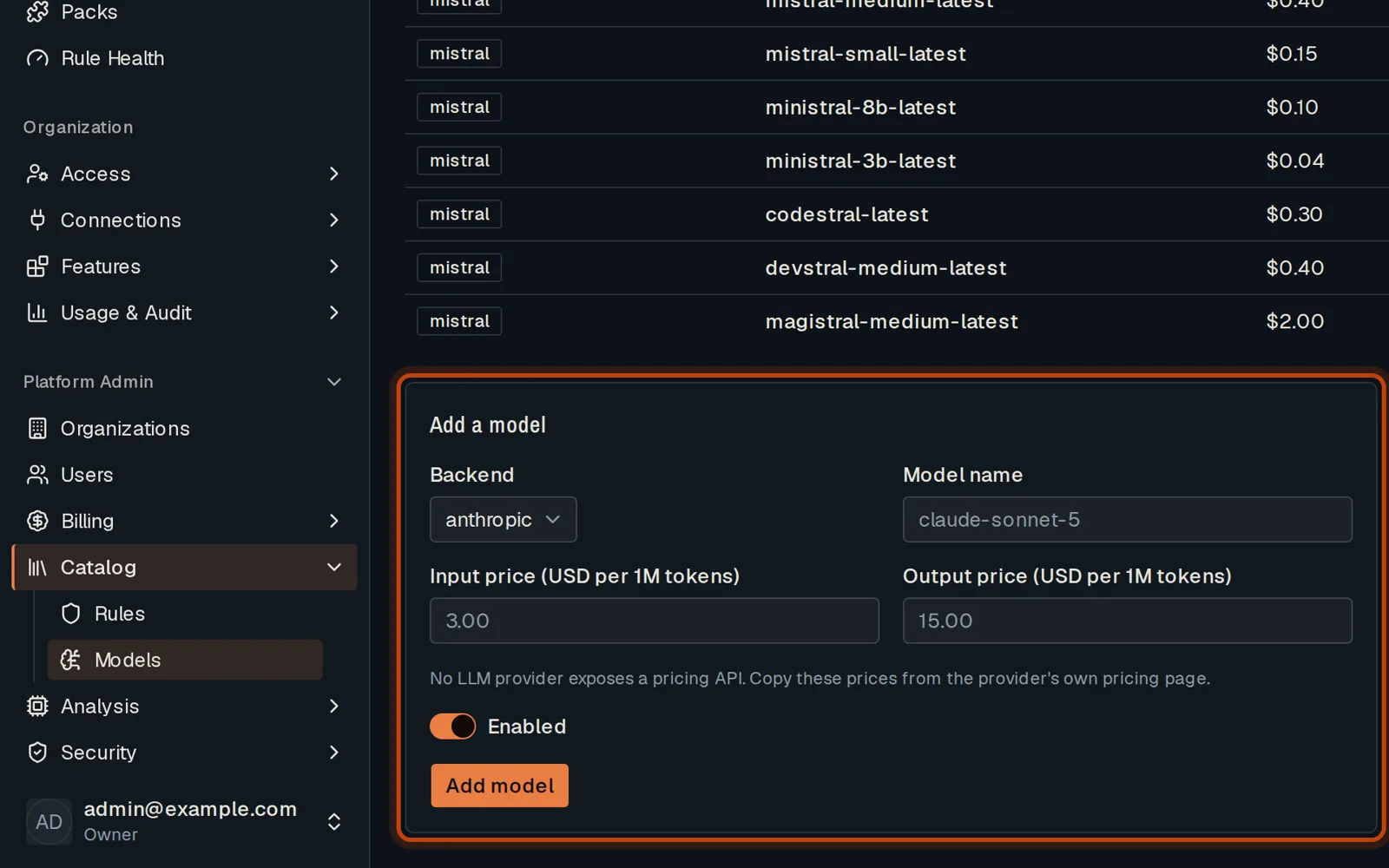
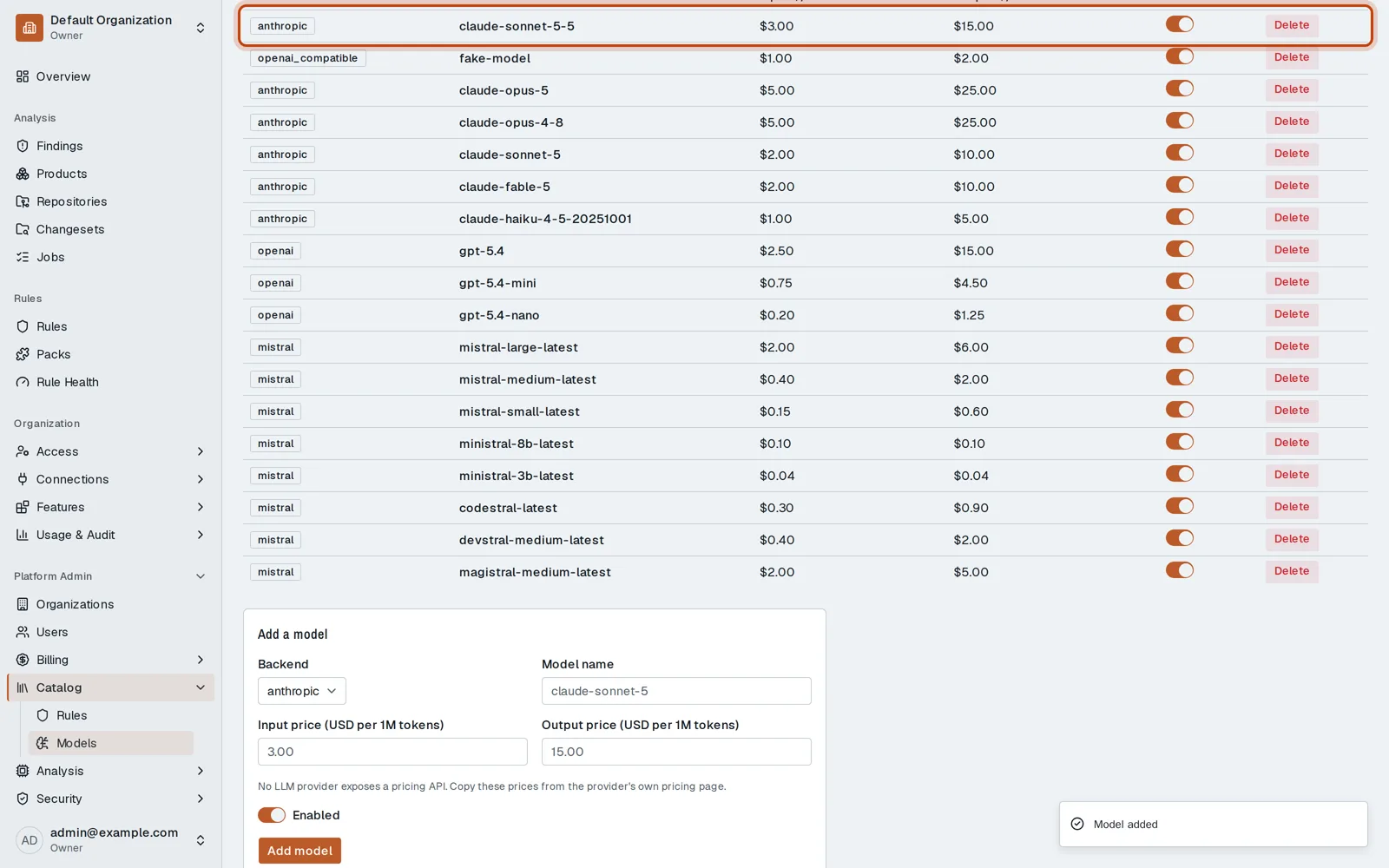
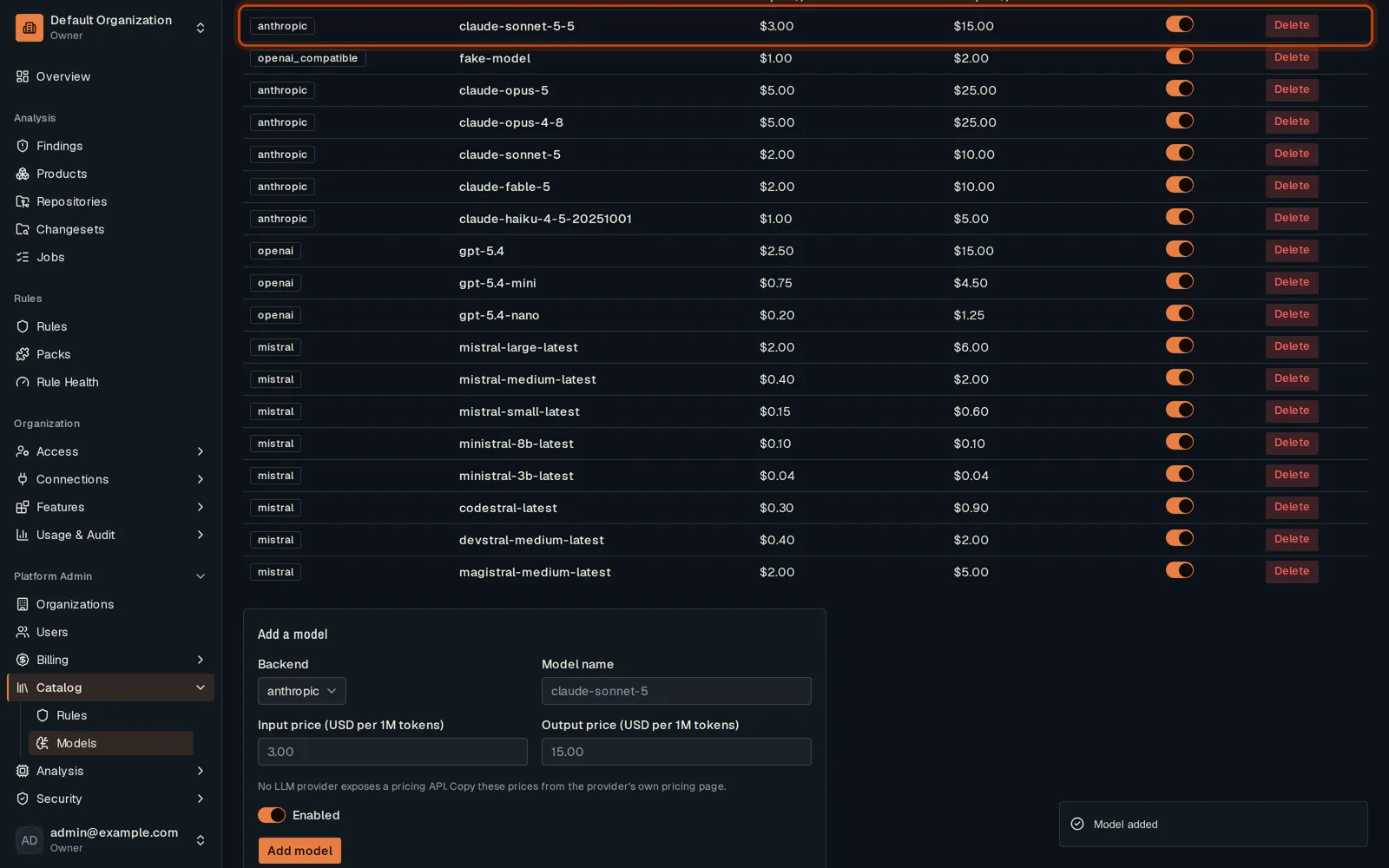
Open Platform Admin, then Catalog, then Models.
-
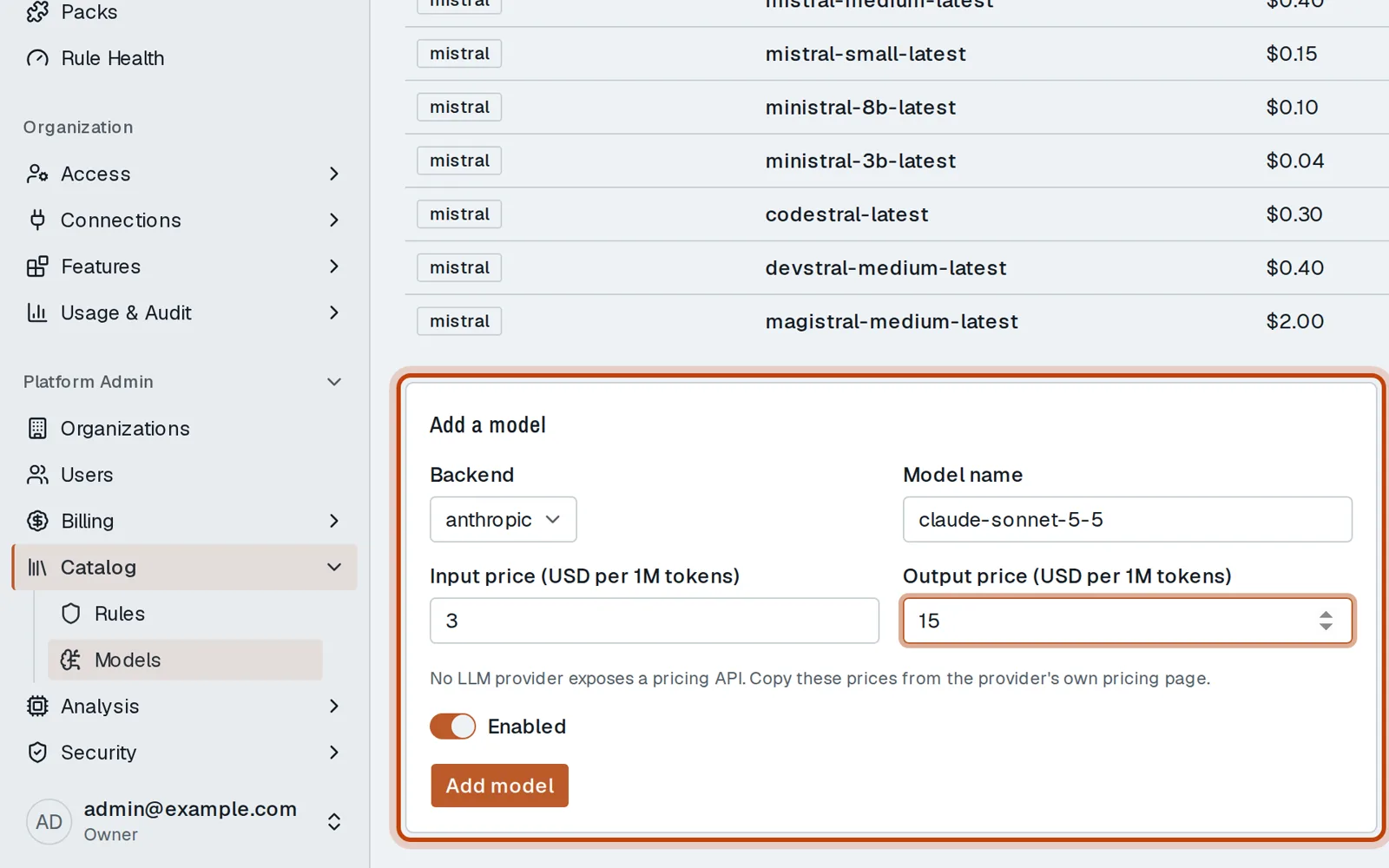
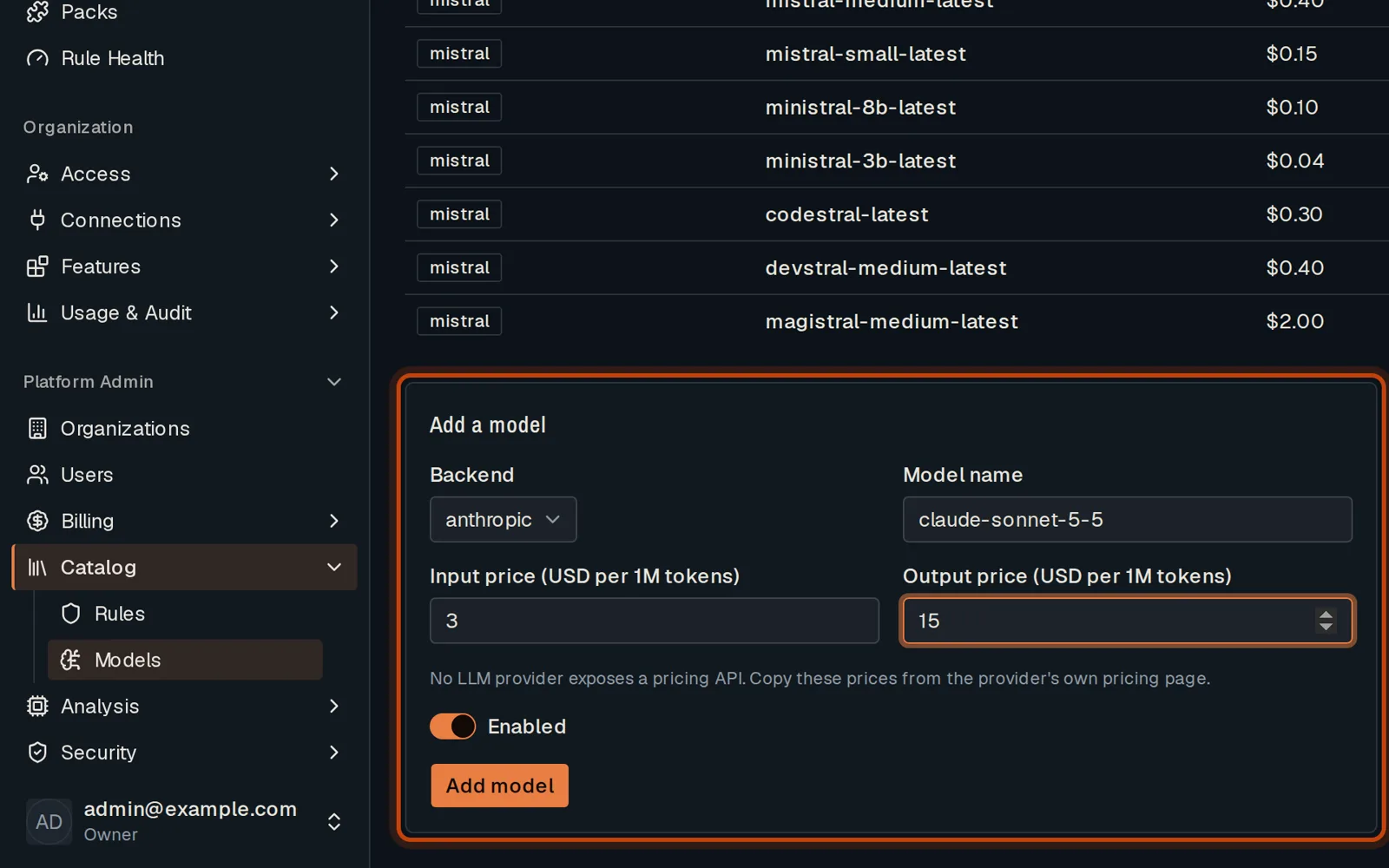
Pick the provider, type the model’s name and its prices from the provider’s pricing page.
-
Click Add model. Organizations can now choose it.
-
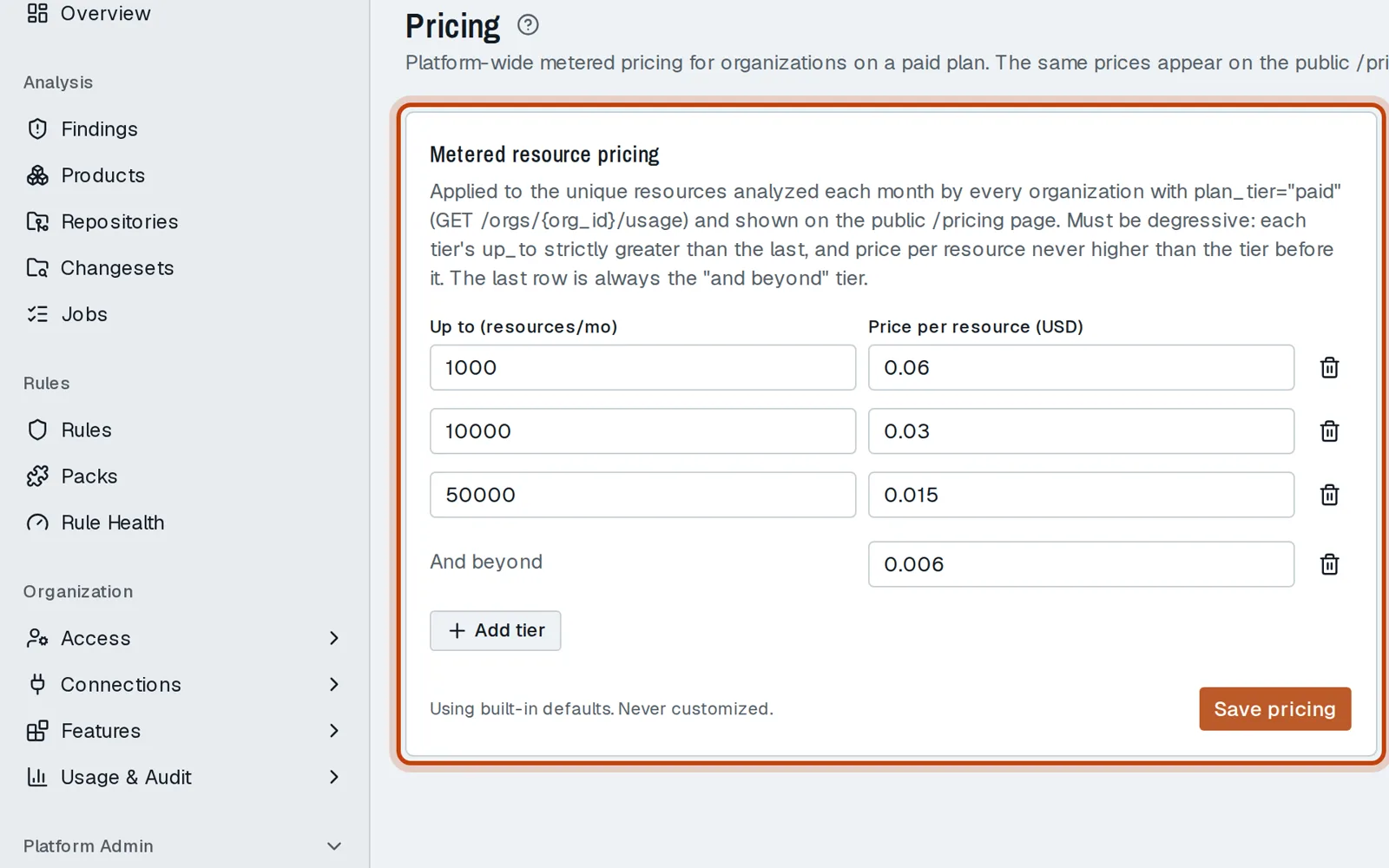
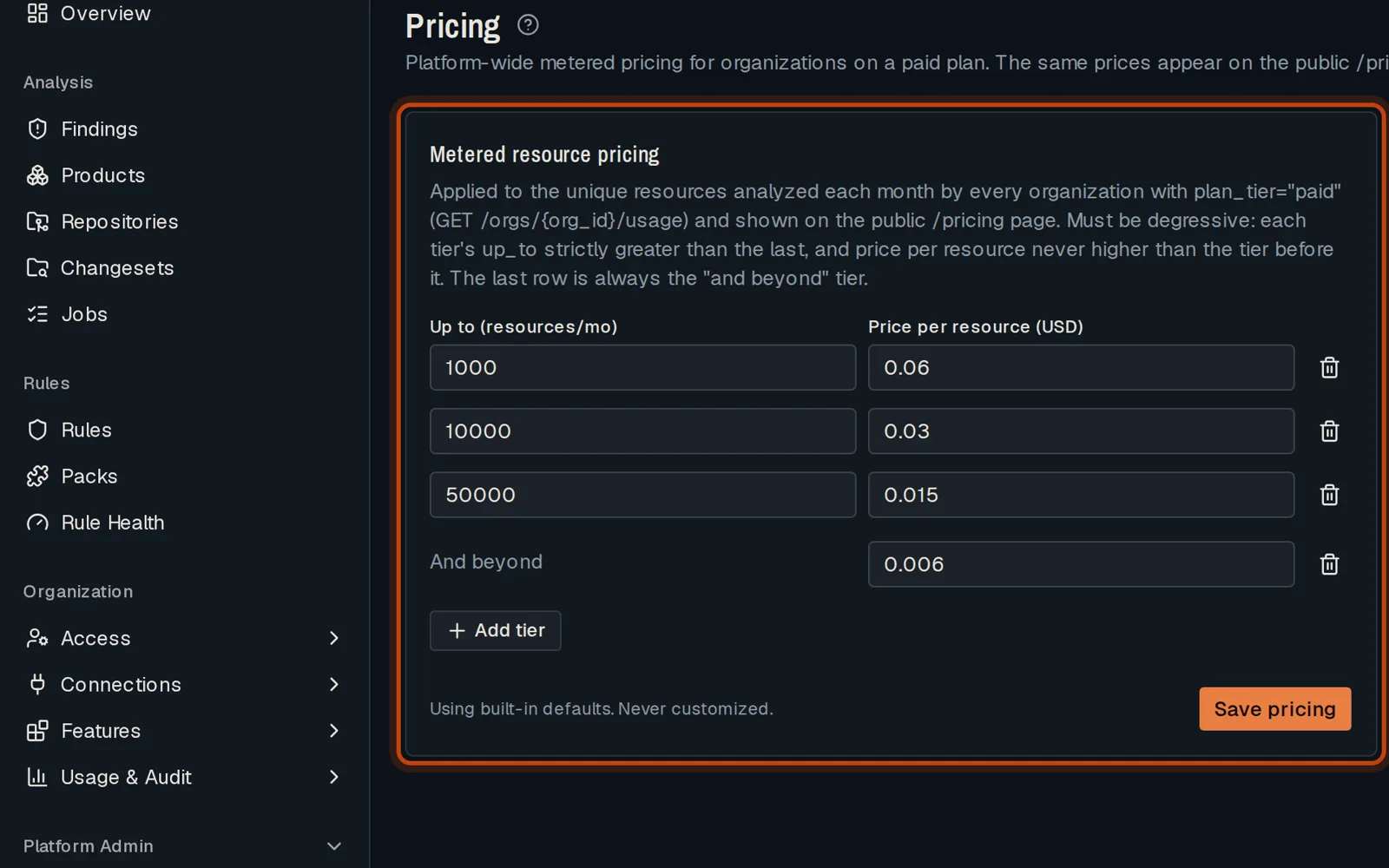
In Billing, then Pricing, set what a paid plan pays per resource analyzed.
Good to know
Section titled “Good to know”- No provider publishes prices through an API: copy them from the provider’s pricing page.
Go further
Section titled “Go further”Billing explains how it works, and how to do it from the API.