Read the platform audit log
Open in the dashboardWhen you are done: you know who did what, anywhere on the deployment.
-
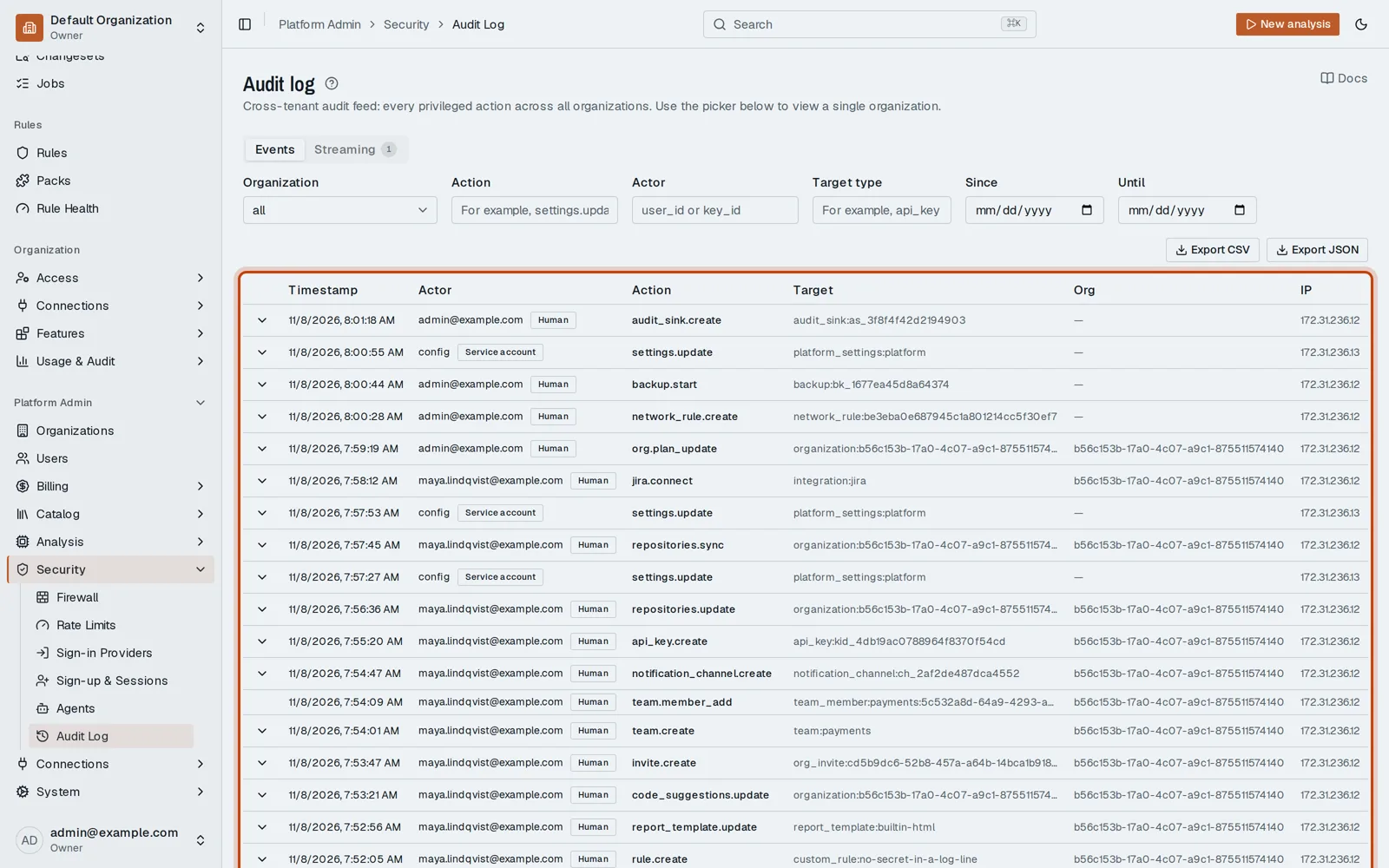
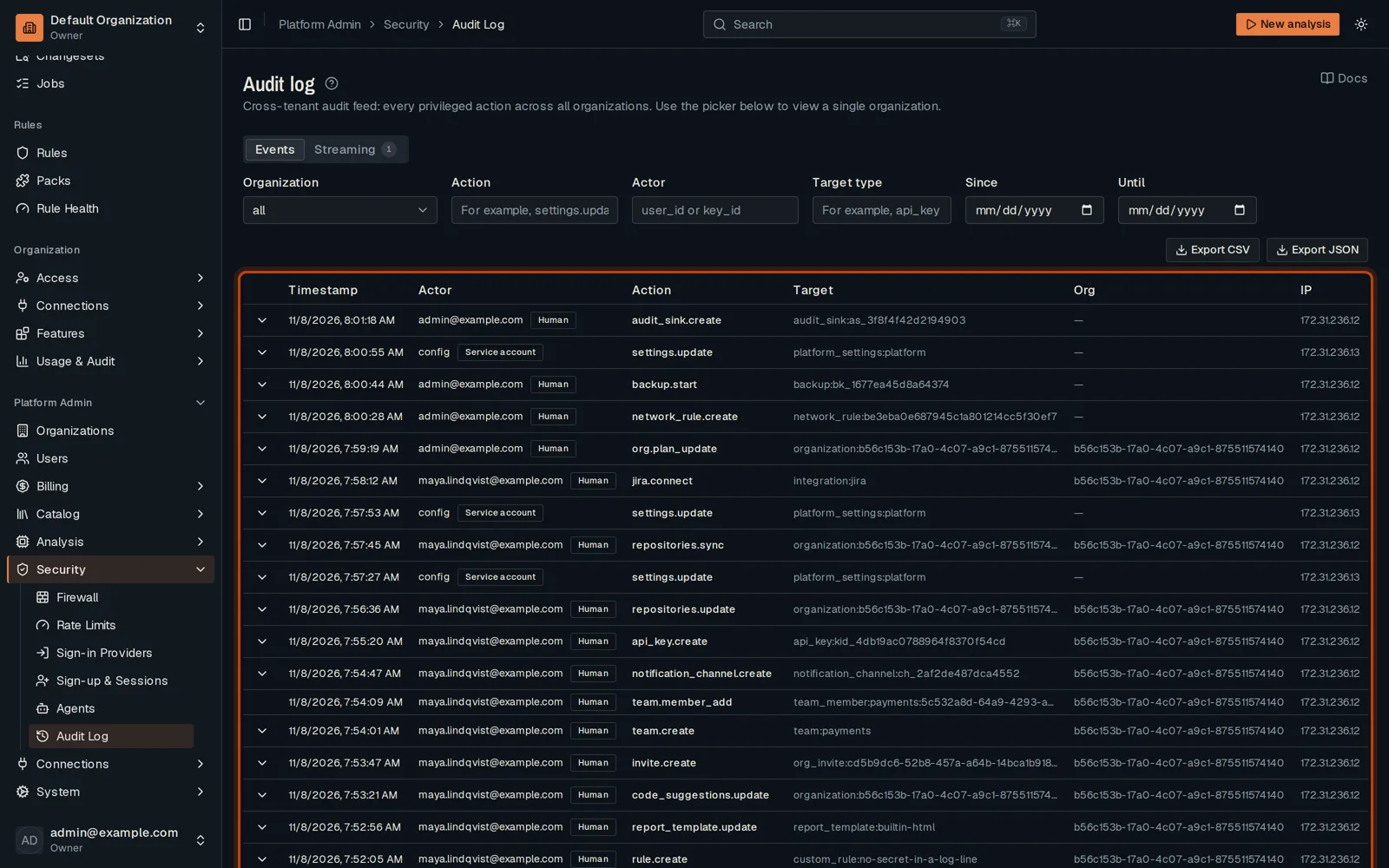
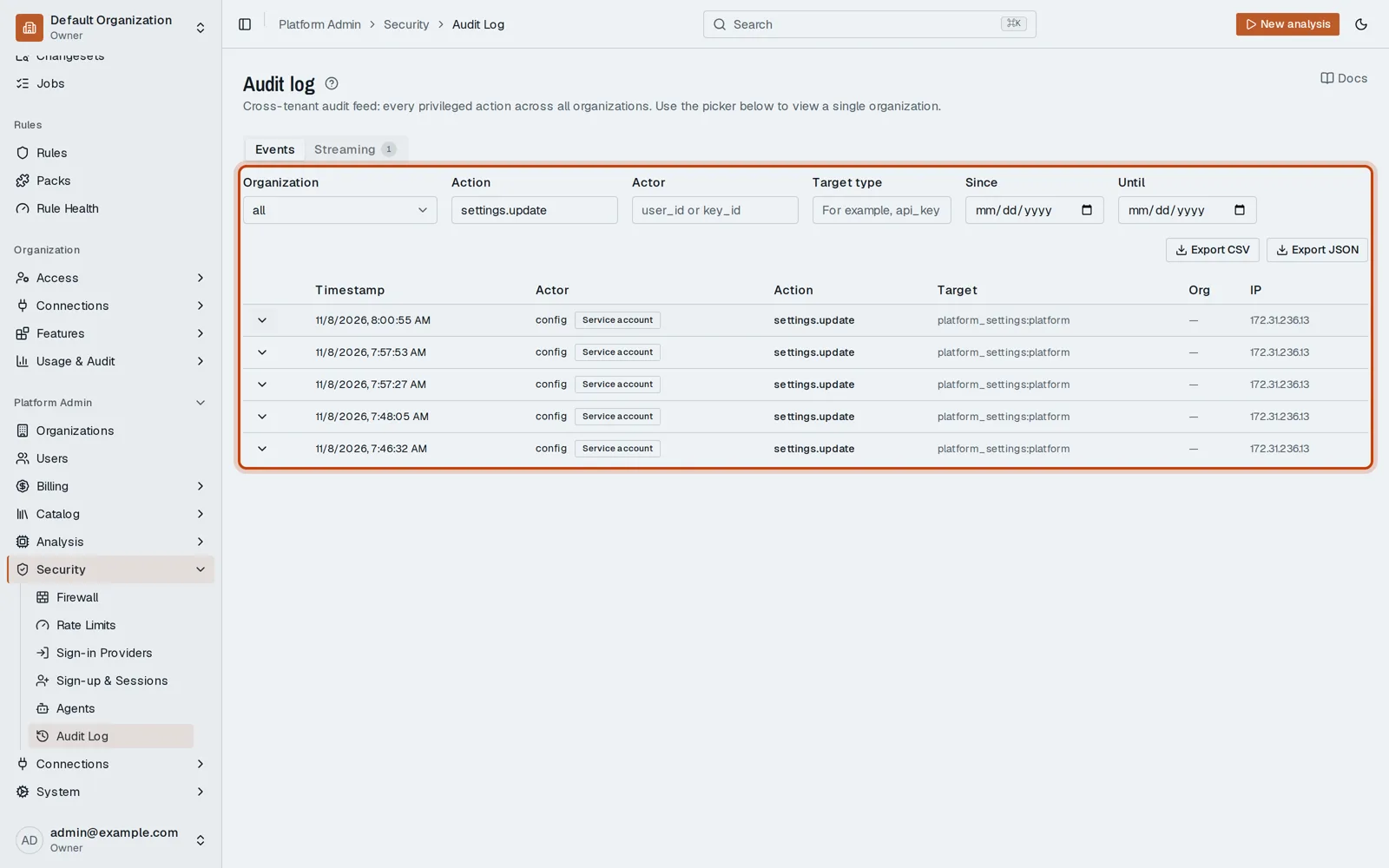
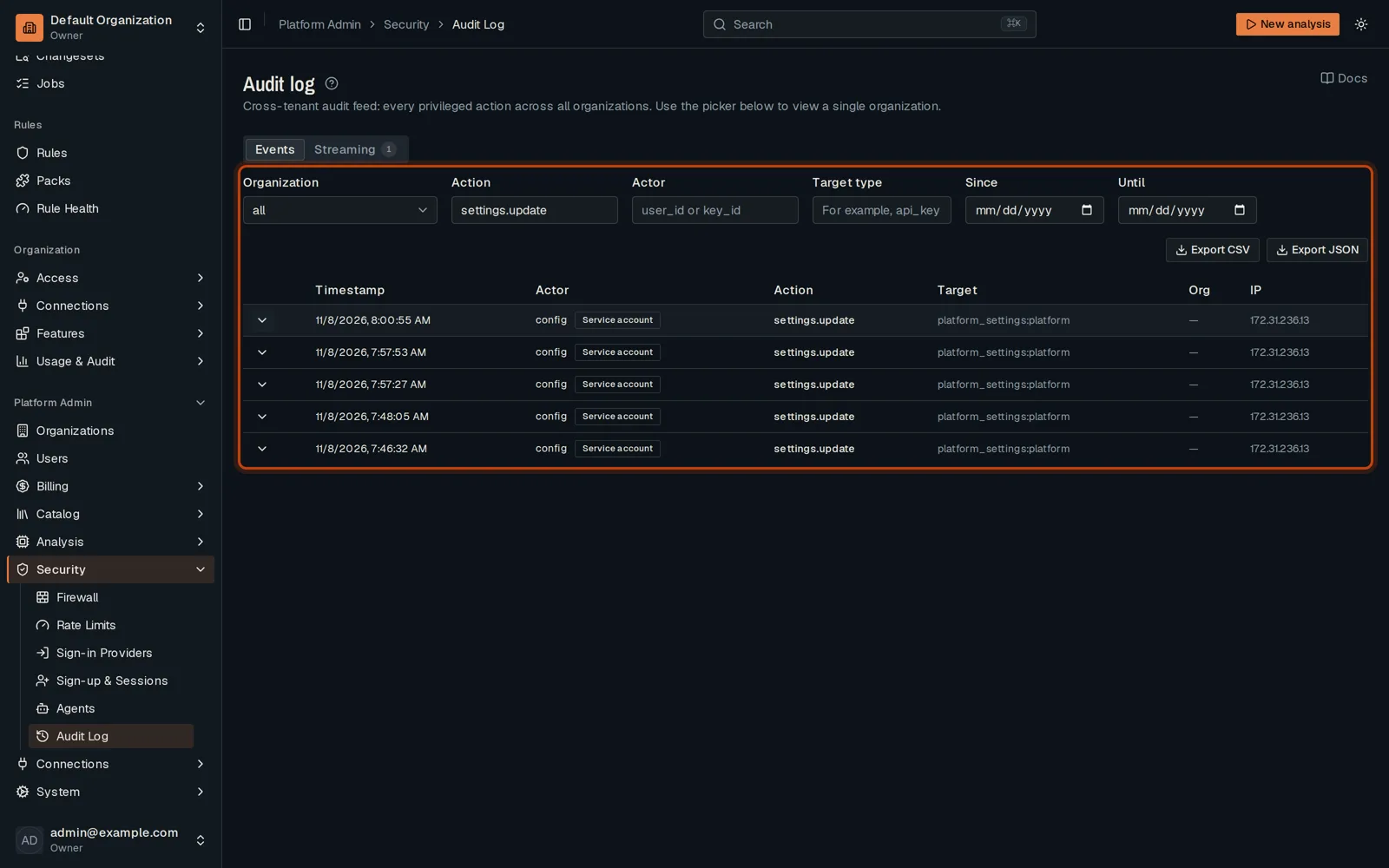
Open Platform Admin, then Security, then Audit Log: every privileged action, in every org.
-
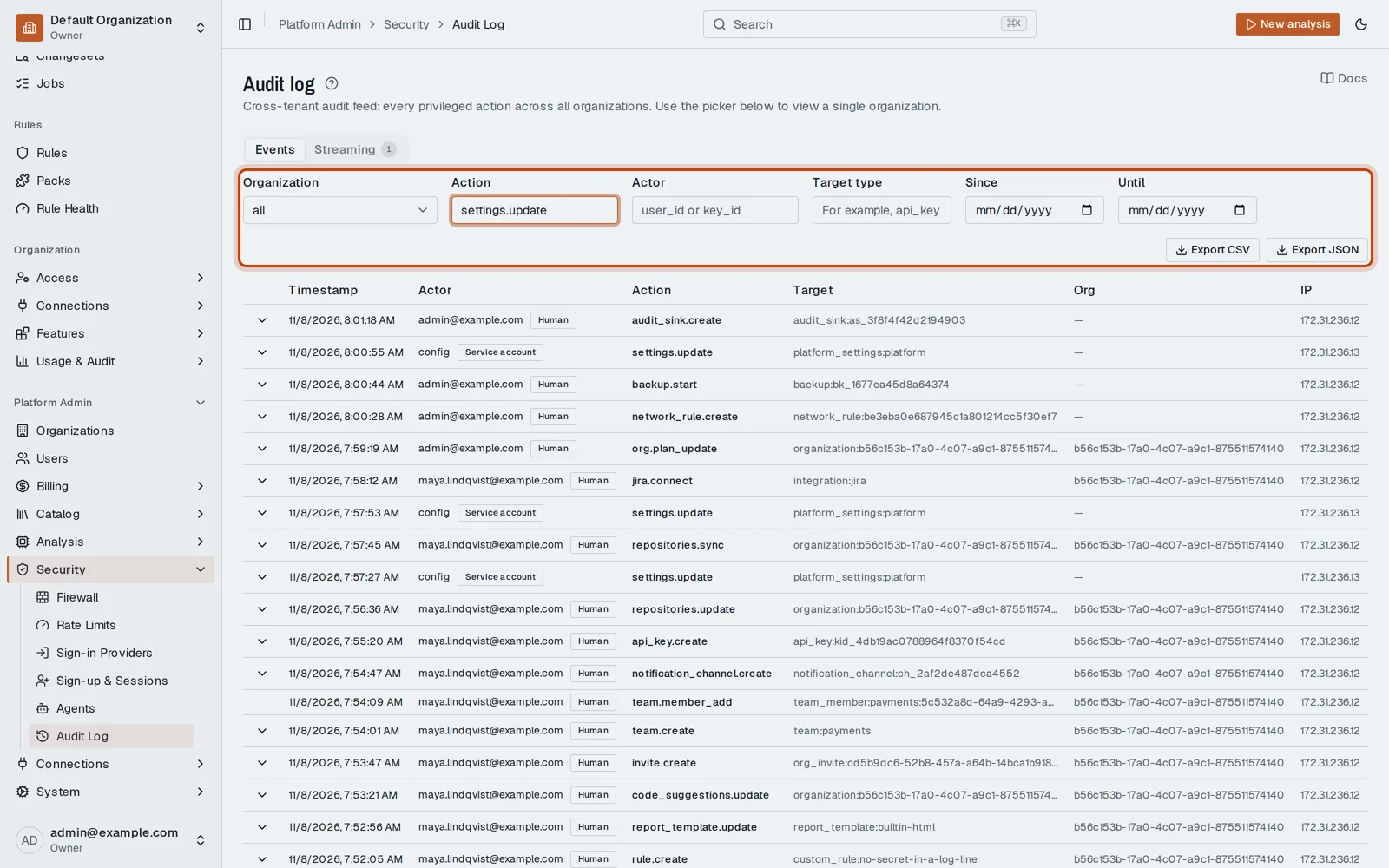
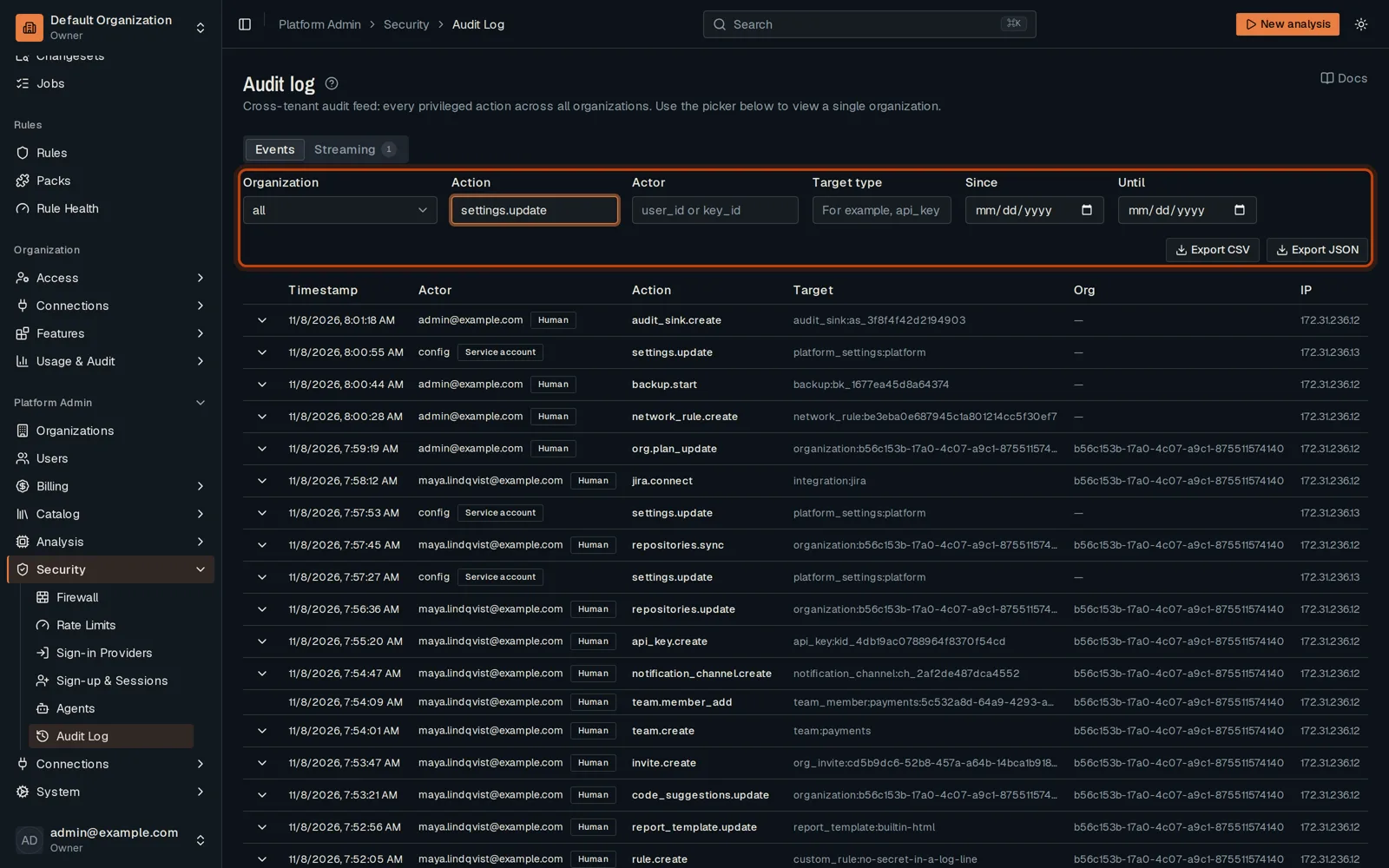
Filter by organization or action, for example settings.update.
-
Click Show details on an event to see what changed.
Go further
Section titled “Go further”Audit streaming explains how it works, and how to do it from the API.