Create a service account for CI
Open in the dashboardWhen you are done: your pipeline has a key, with a role that does only what it needs.
-
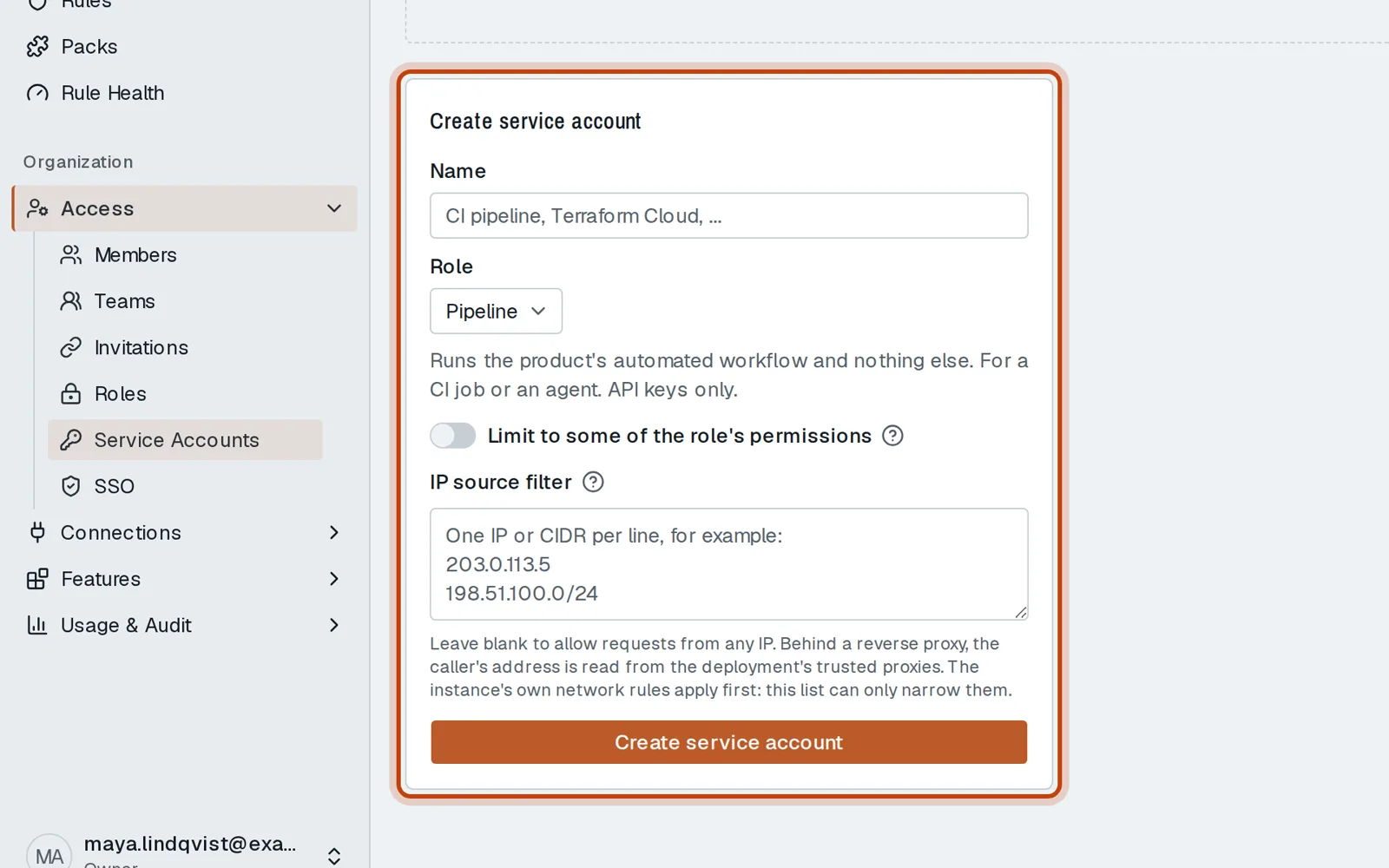
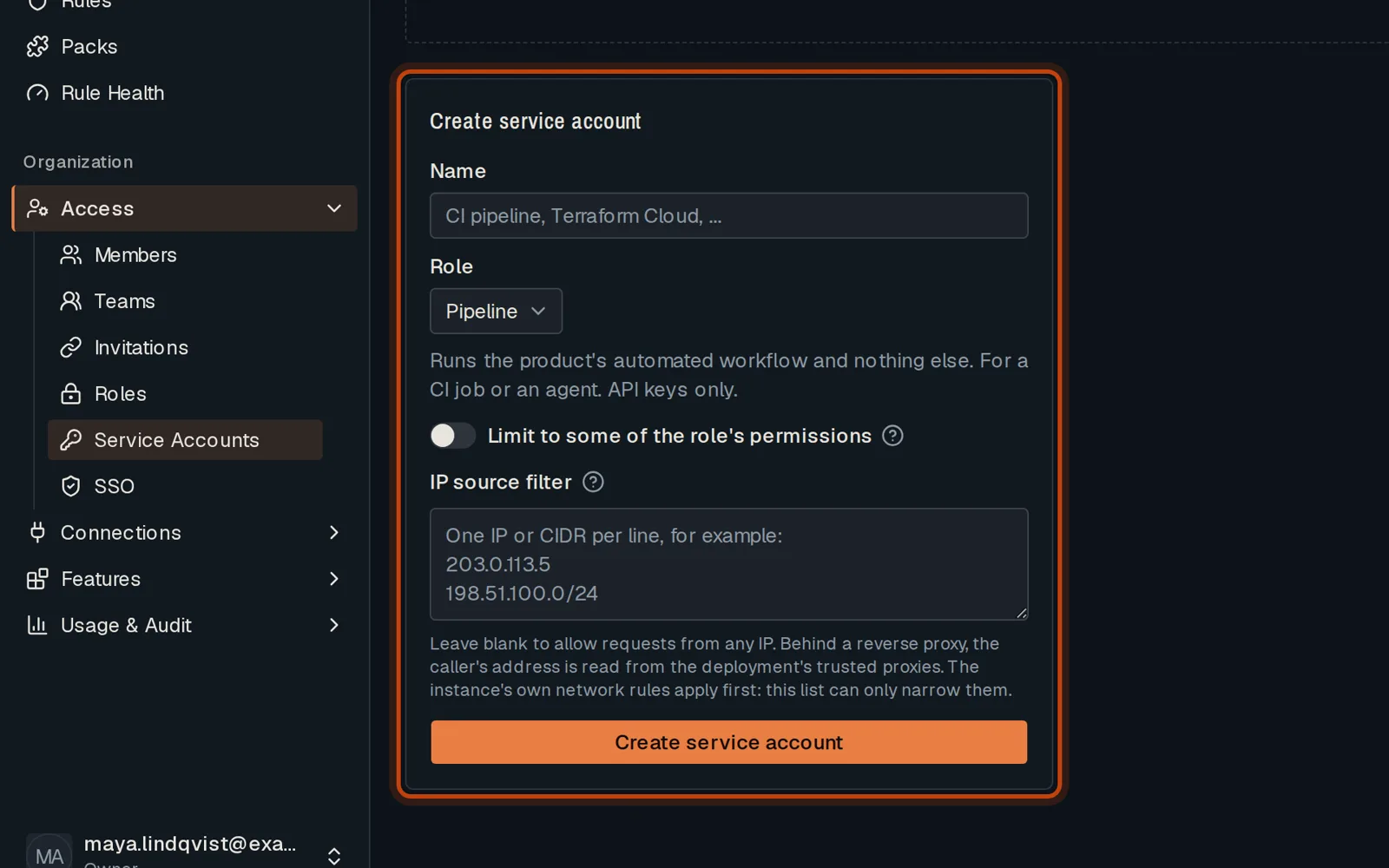
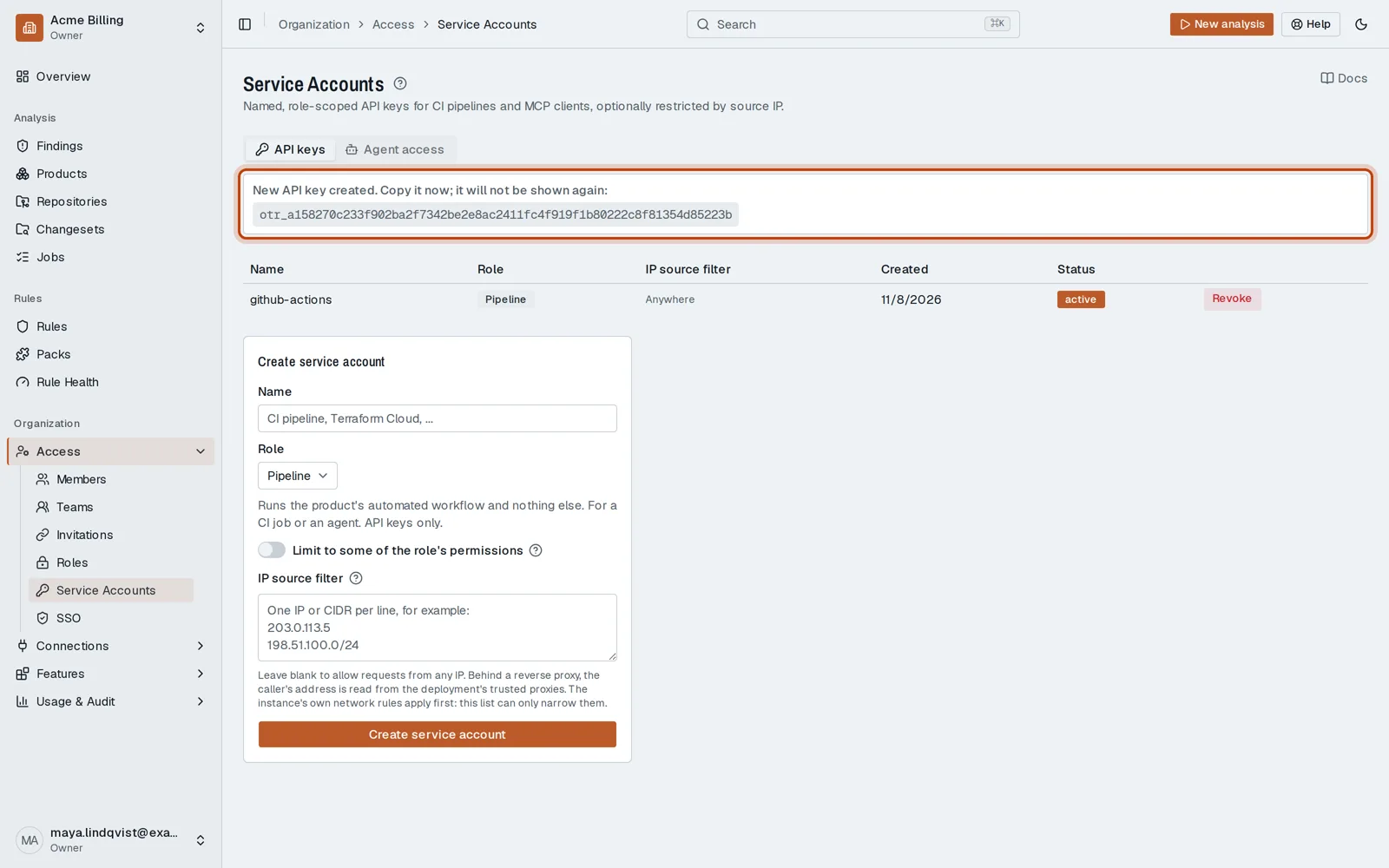
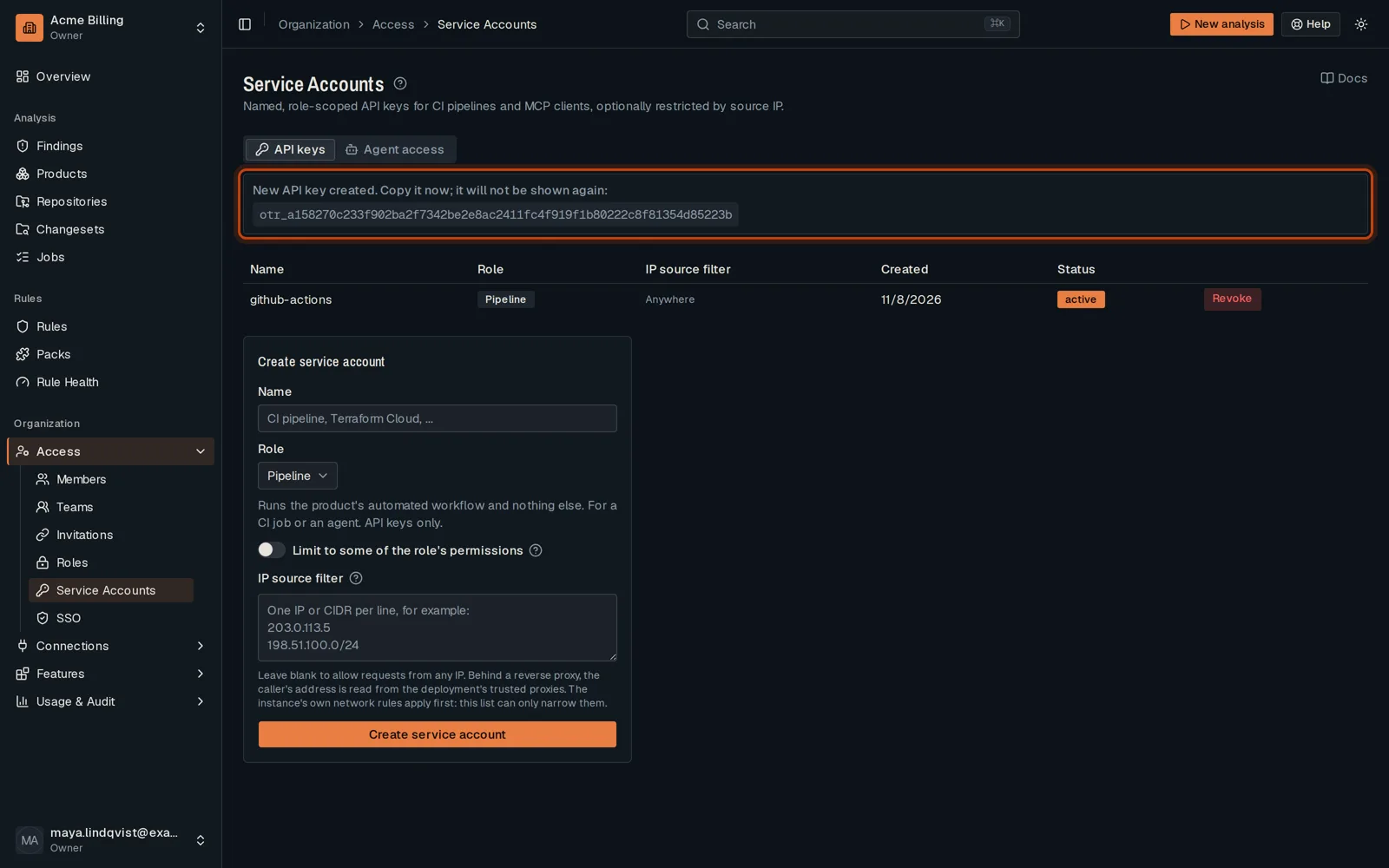
Open Access, then Service Accounts.
-
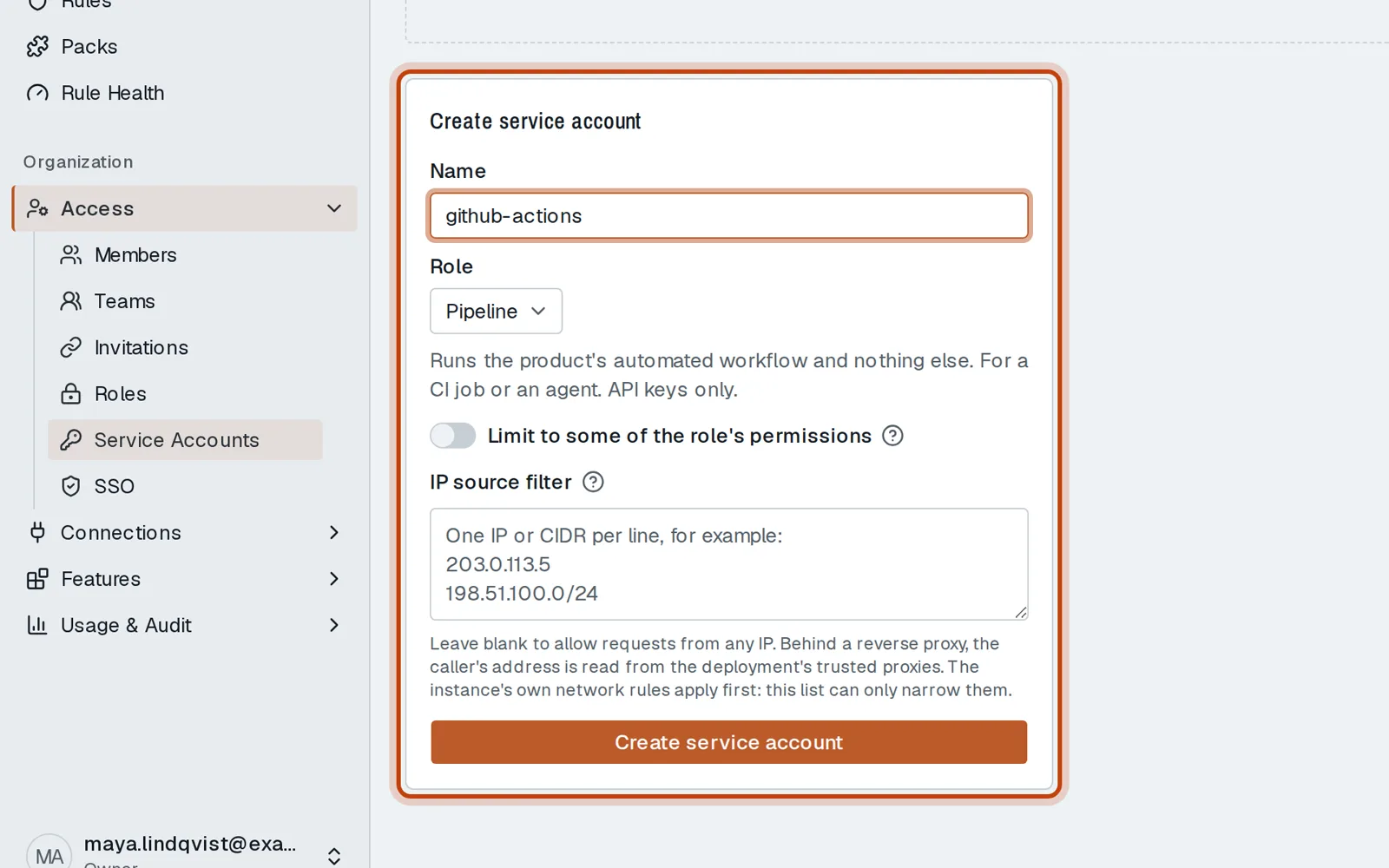
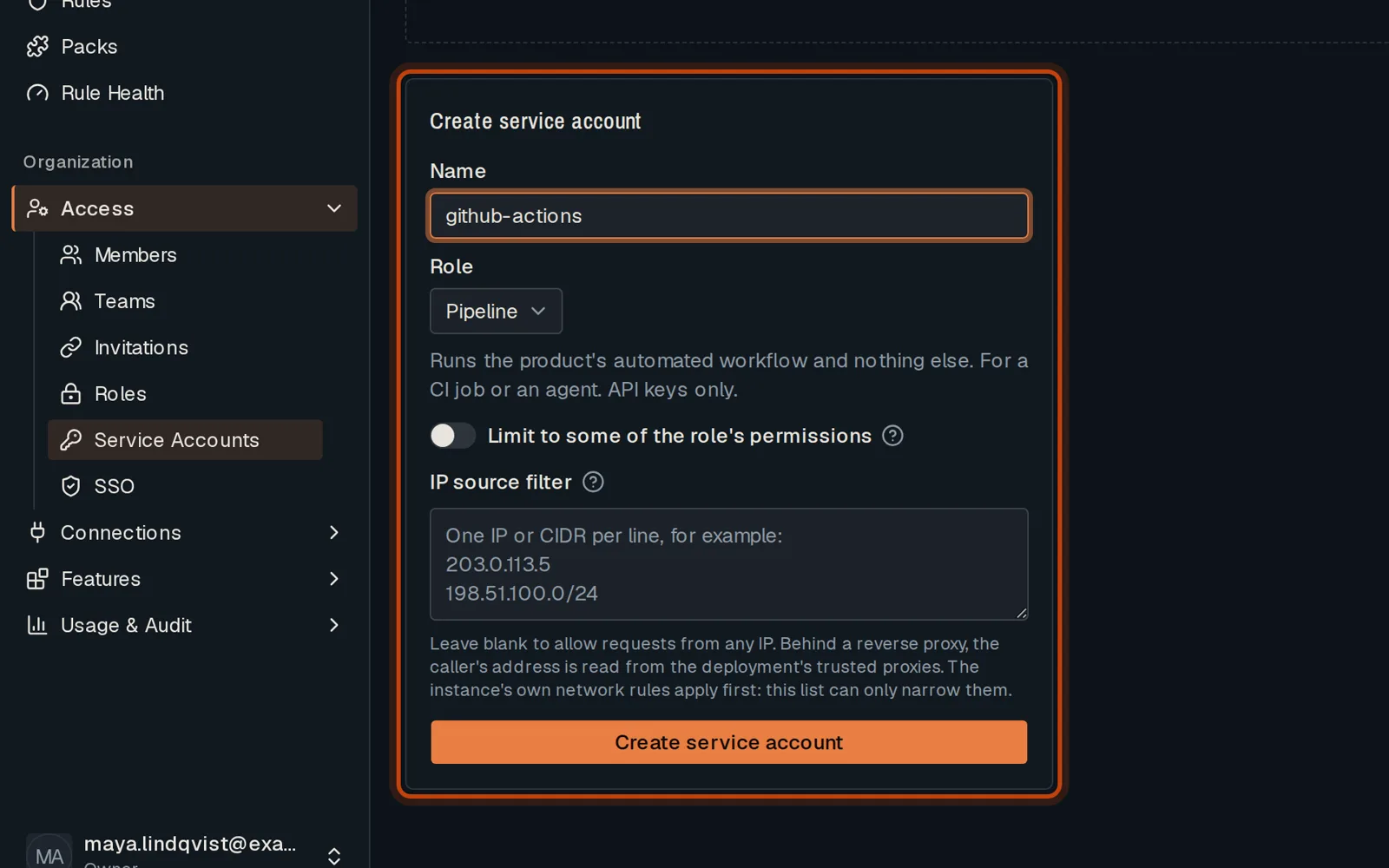
Name it and choose its role. Pipeline fits a CI job: it can run reviews and nothing else.
-
Click Create service account. Copy the key now: it is shown once.
Good to know
Section titled “Good to know”- You can limit a key to the addresses your CI calls from.
Go further
Section titled “Go further”Merge gate from any CI explains how it works, and how to do it from the API.