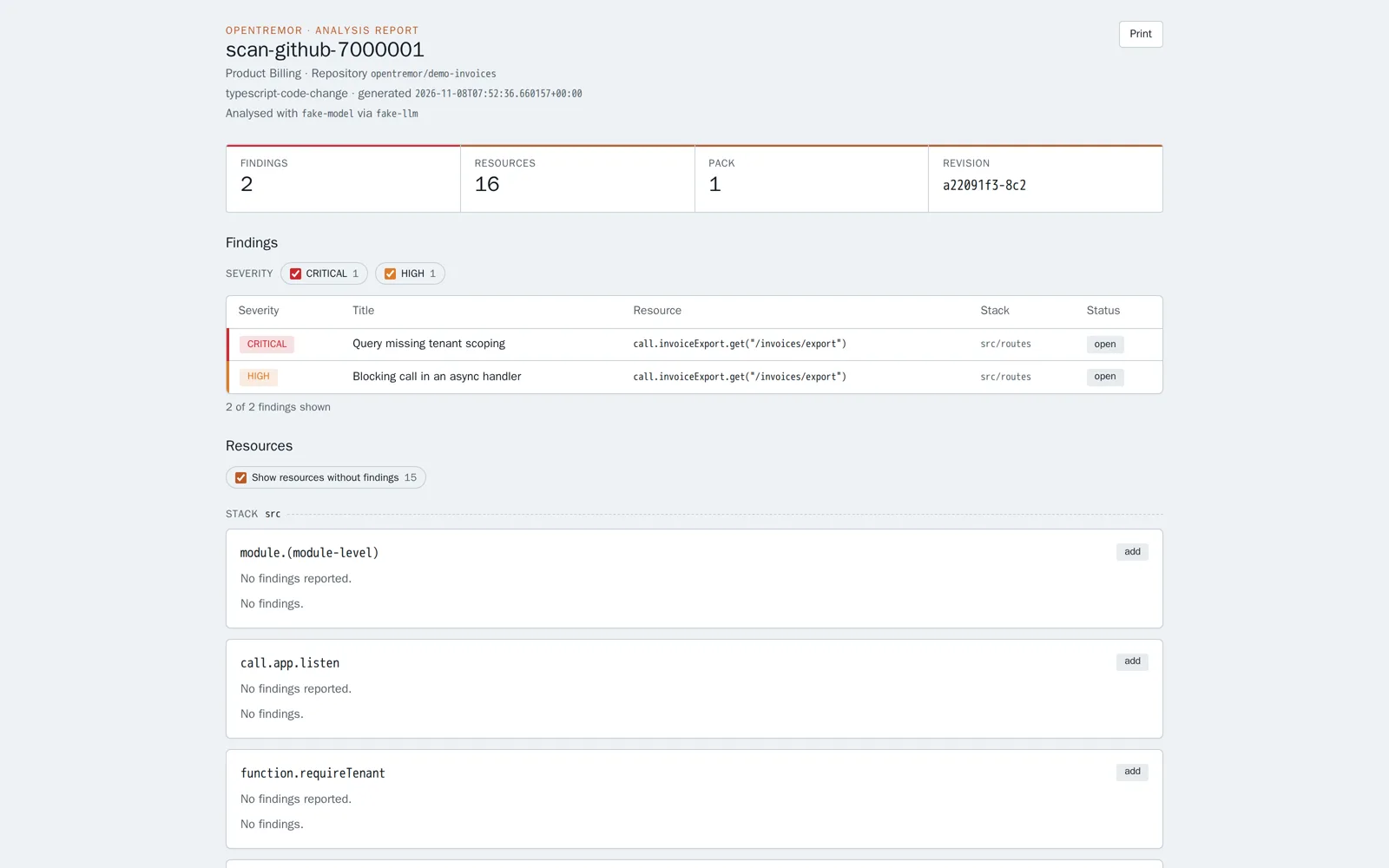
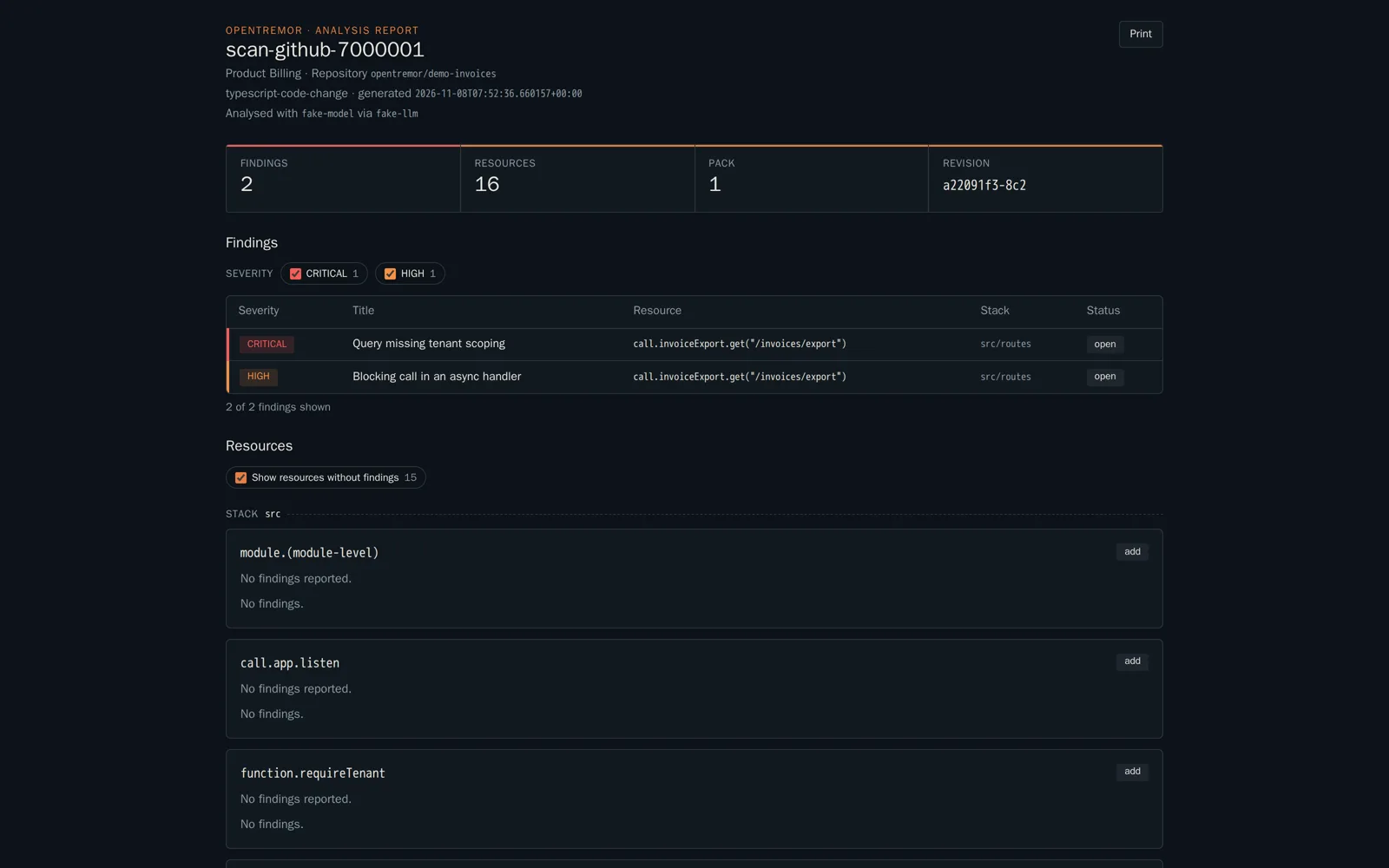
Share a report with someone outside the org
Open in the dashboardWhen you are done: the person you sent the link to can read the report.
-
Open Changesets, then the changeset whose report you want to share.
-
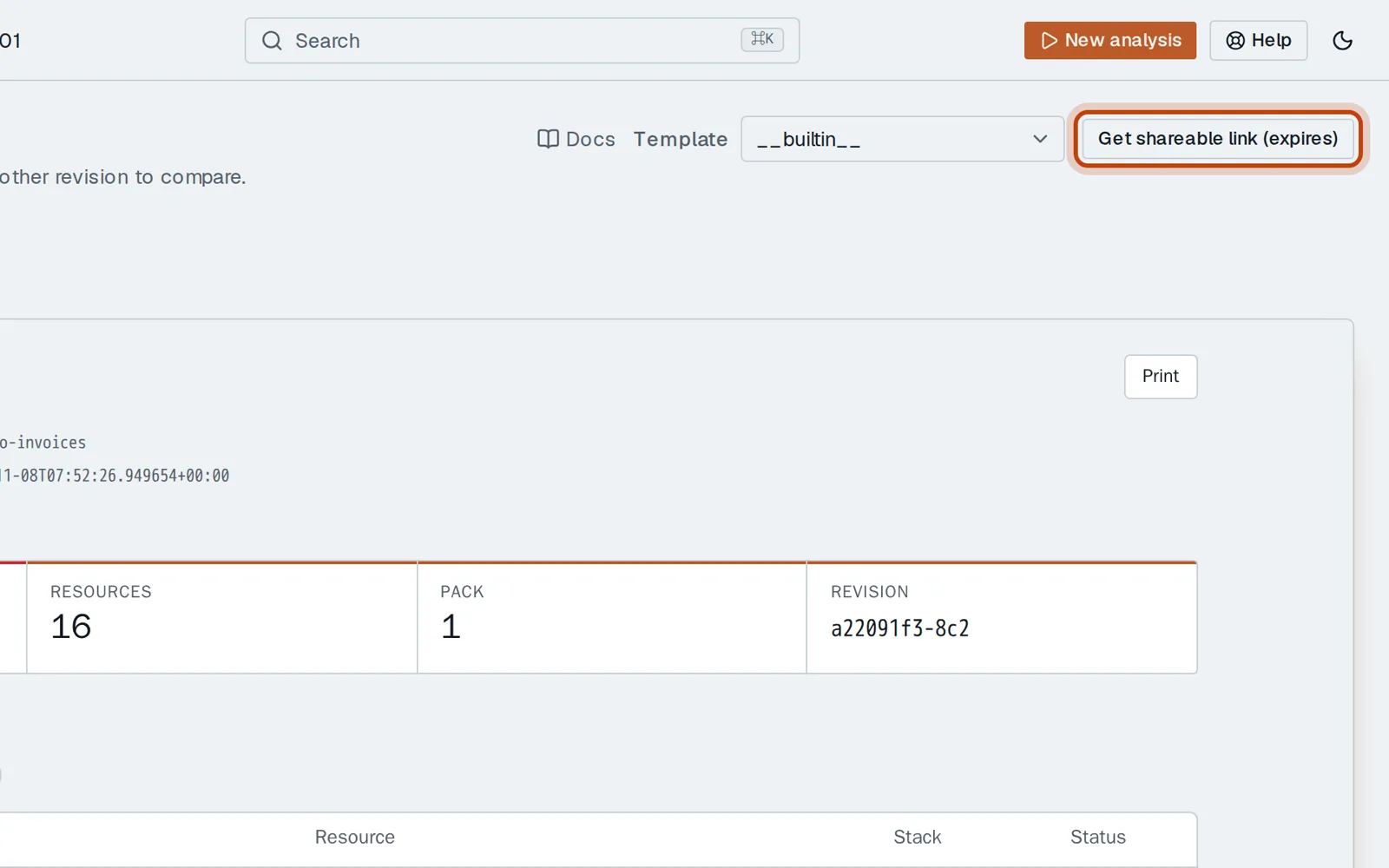
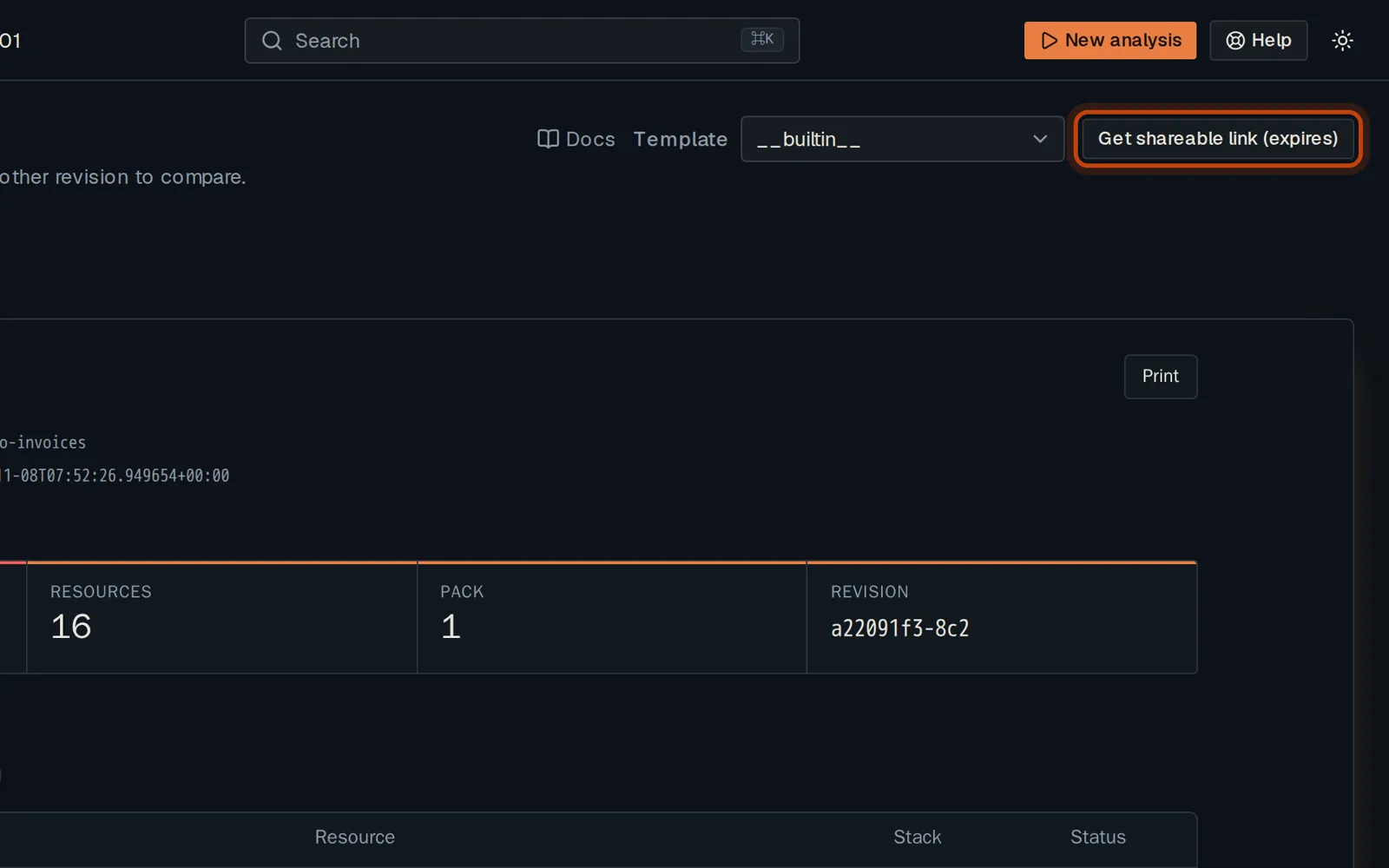
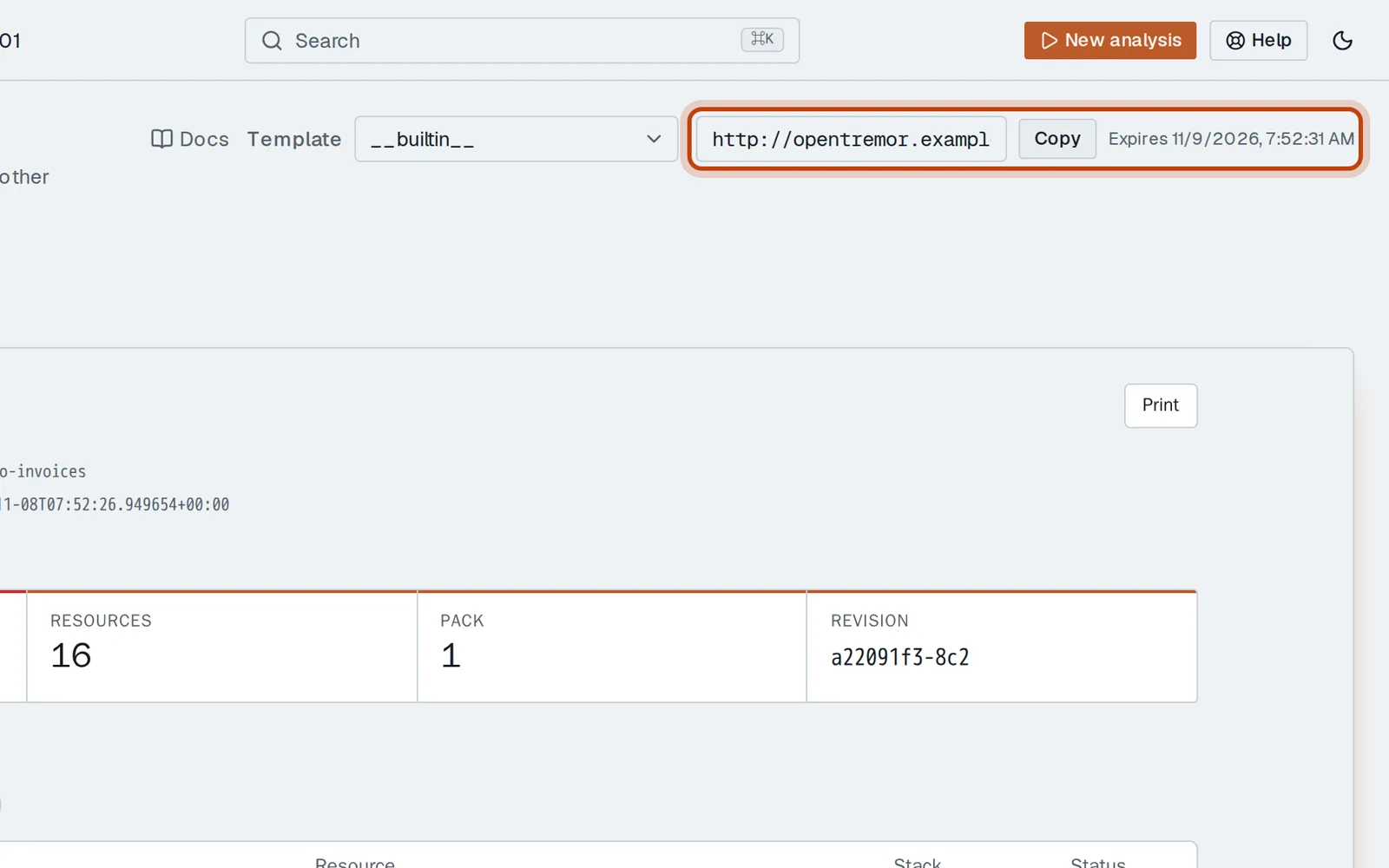
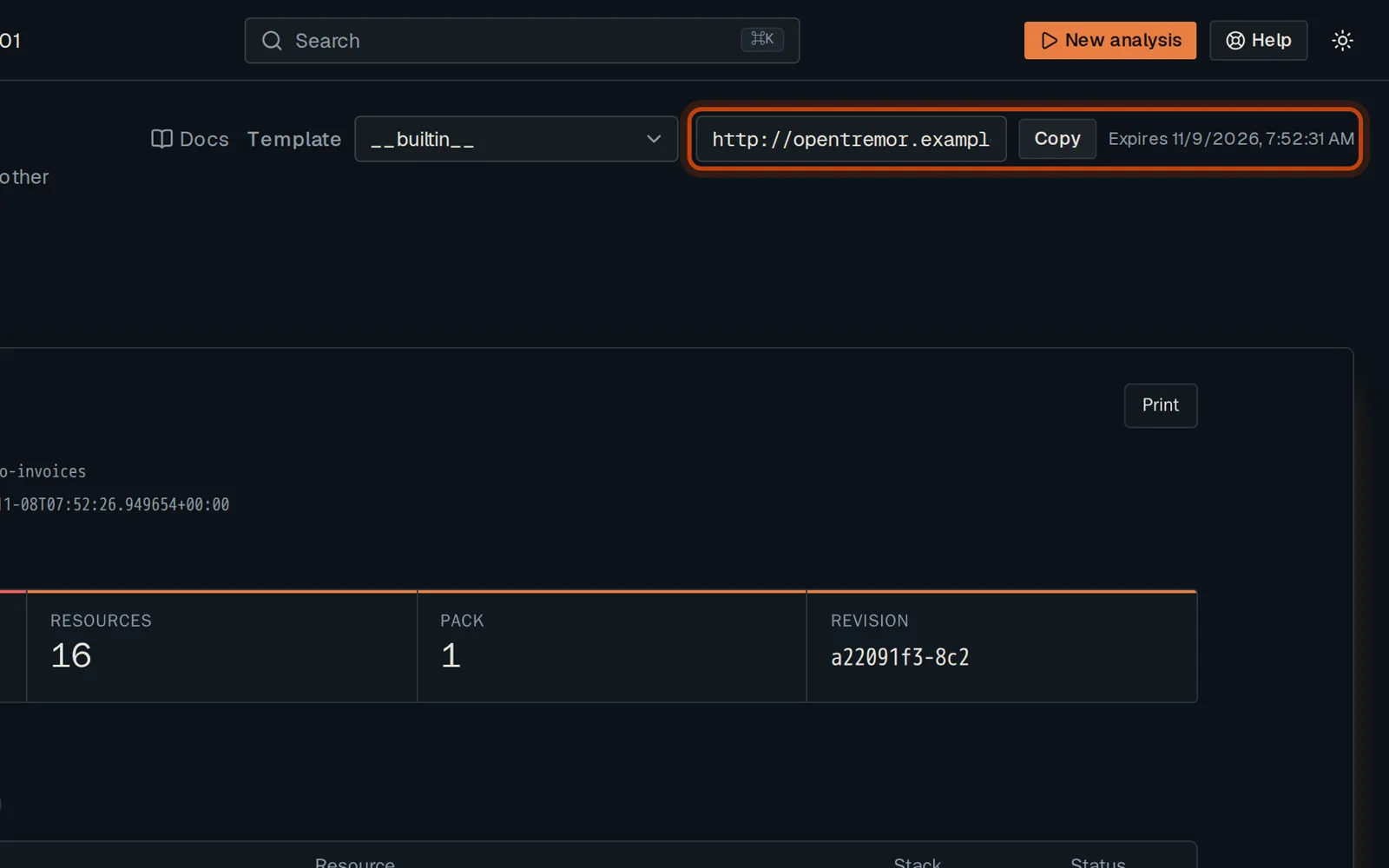
Click Get shareable link, then Copy.
-
Anyone with the link can read the report, without an account, until the link expires.
Good to know
Section titled “Good to know”- The link shows this report only, nothing else in the organization.
Go further
Section titled “Go further”The dashboard explains how it works, and how to do it from the API.