Turn on the support assistant
Open in the dashboardWhen you are done: each organization can turn the assistant on.
-
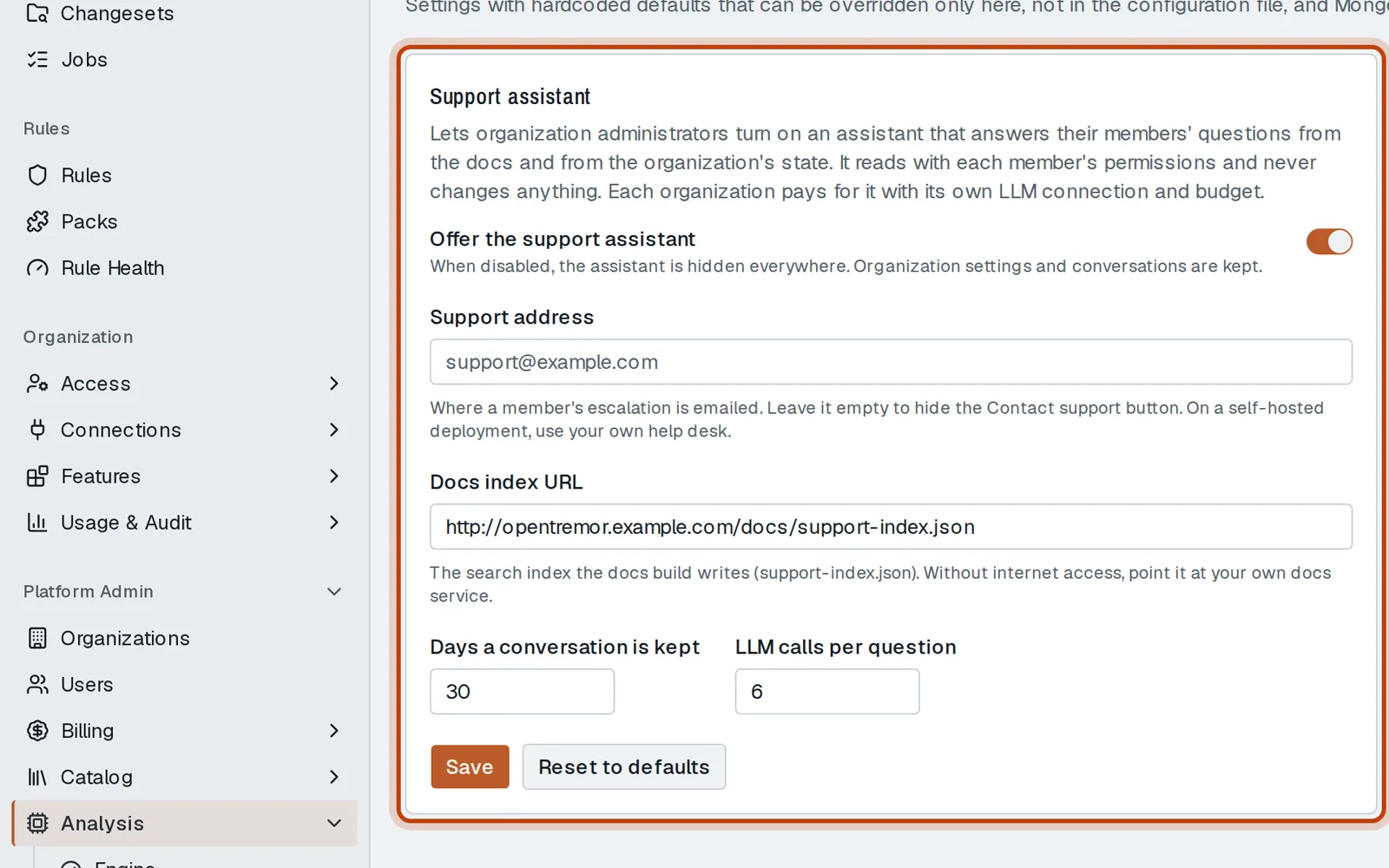
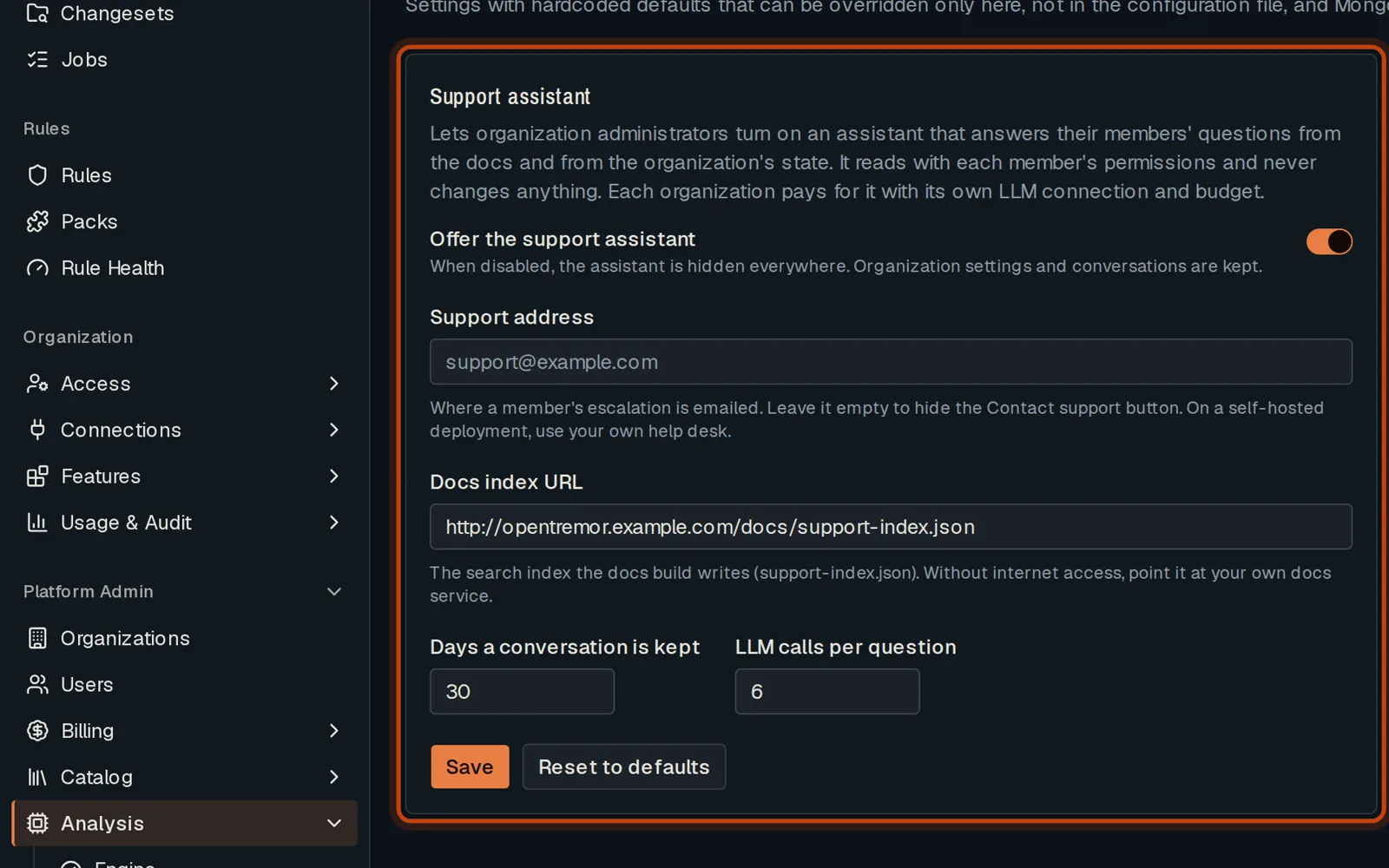
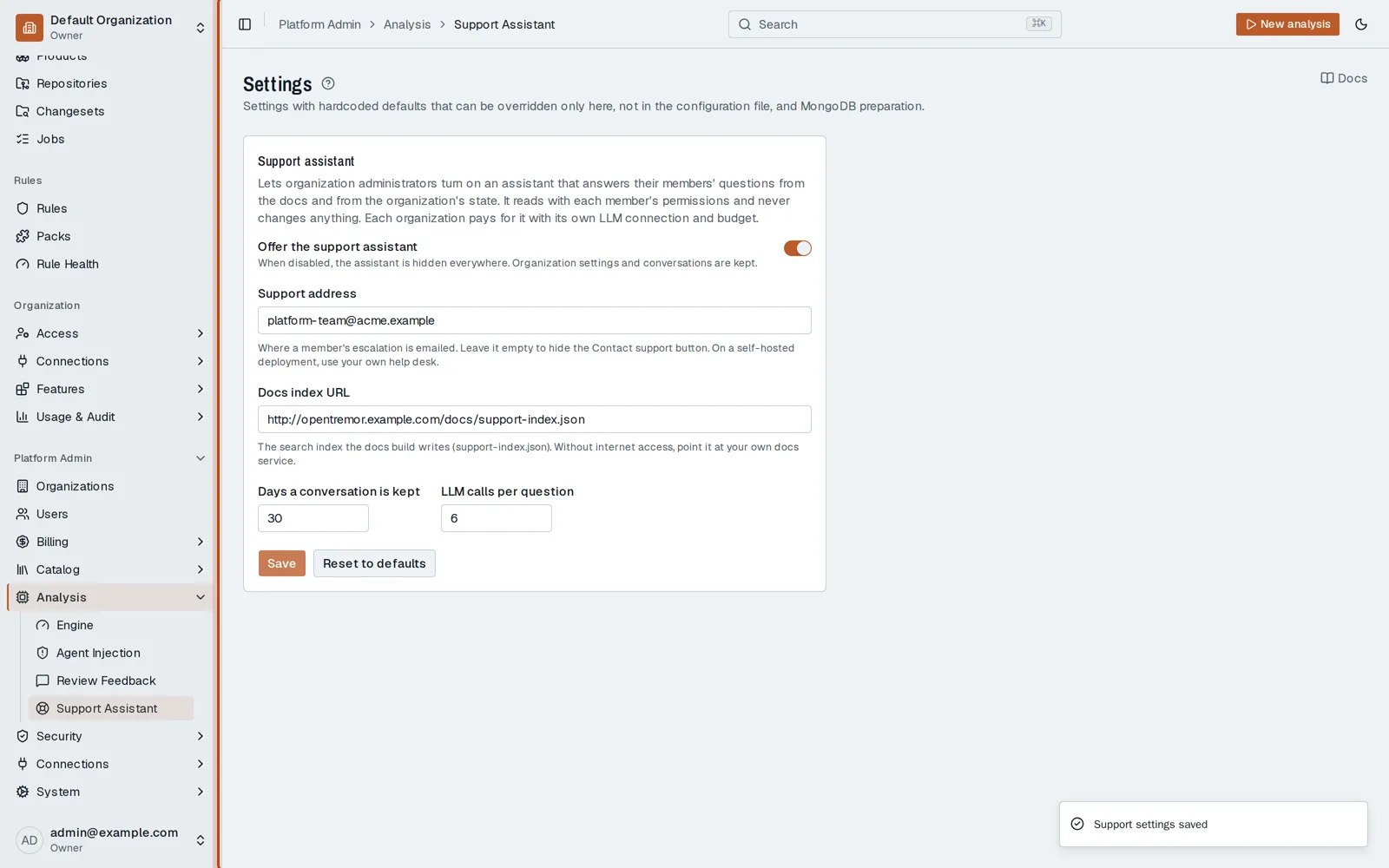
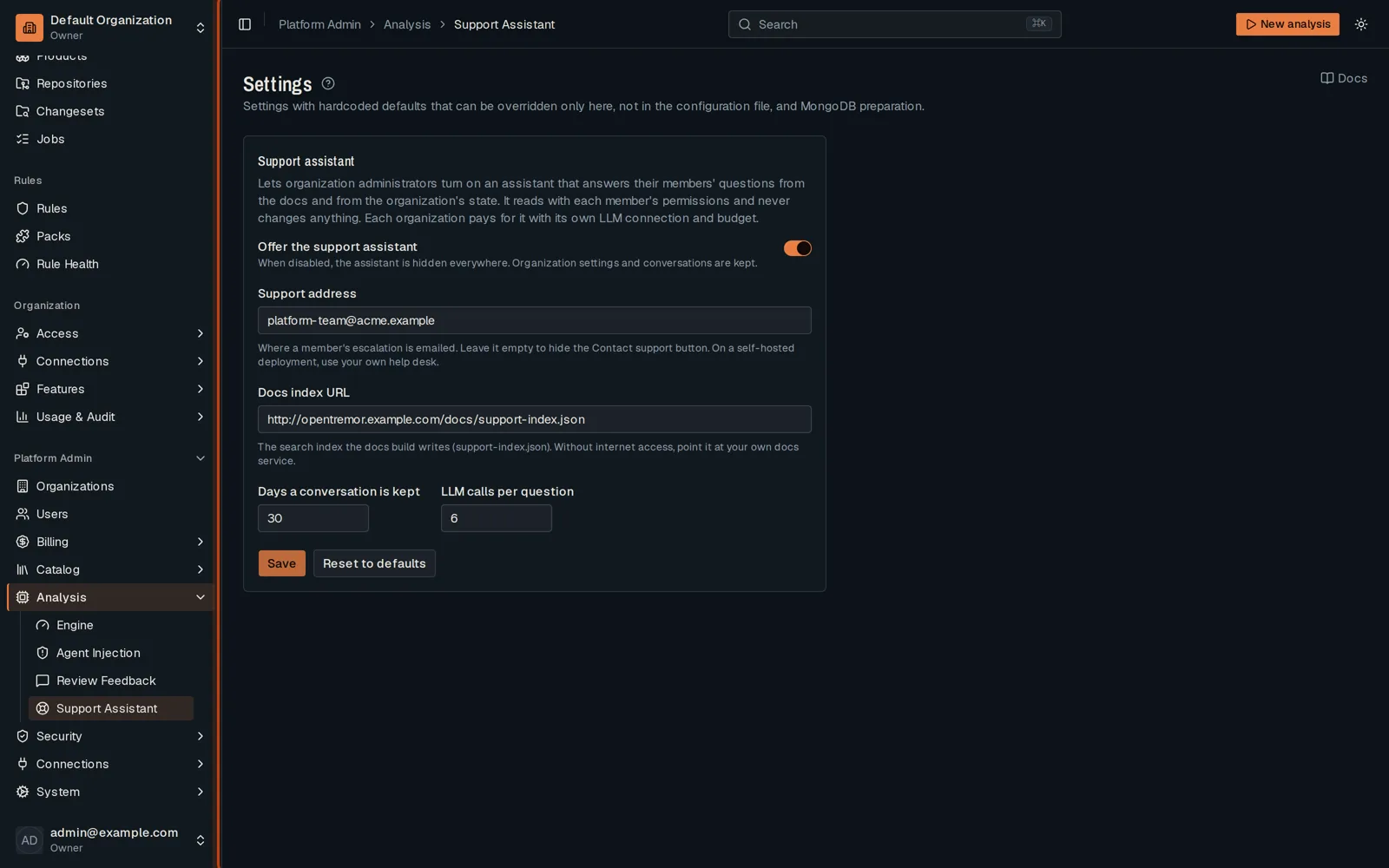
Open Platform Admin, then Analysis, then Support Assistant, and turn on Offer the support assistant.
-
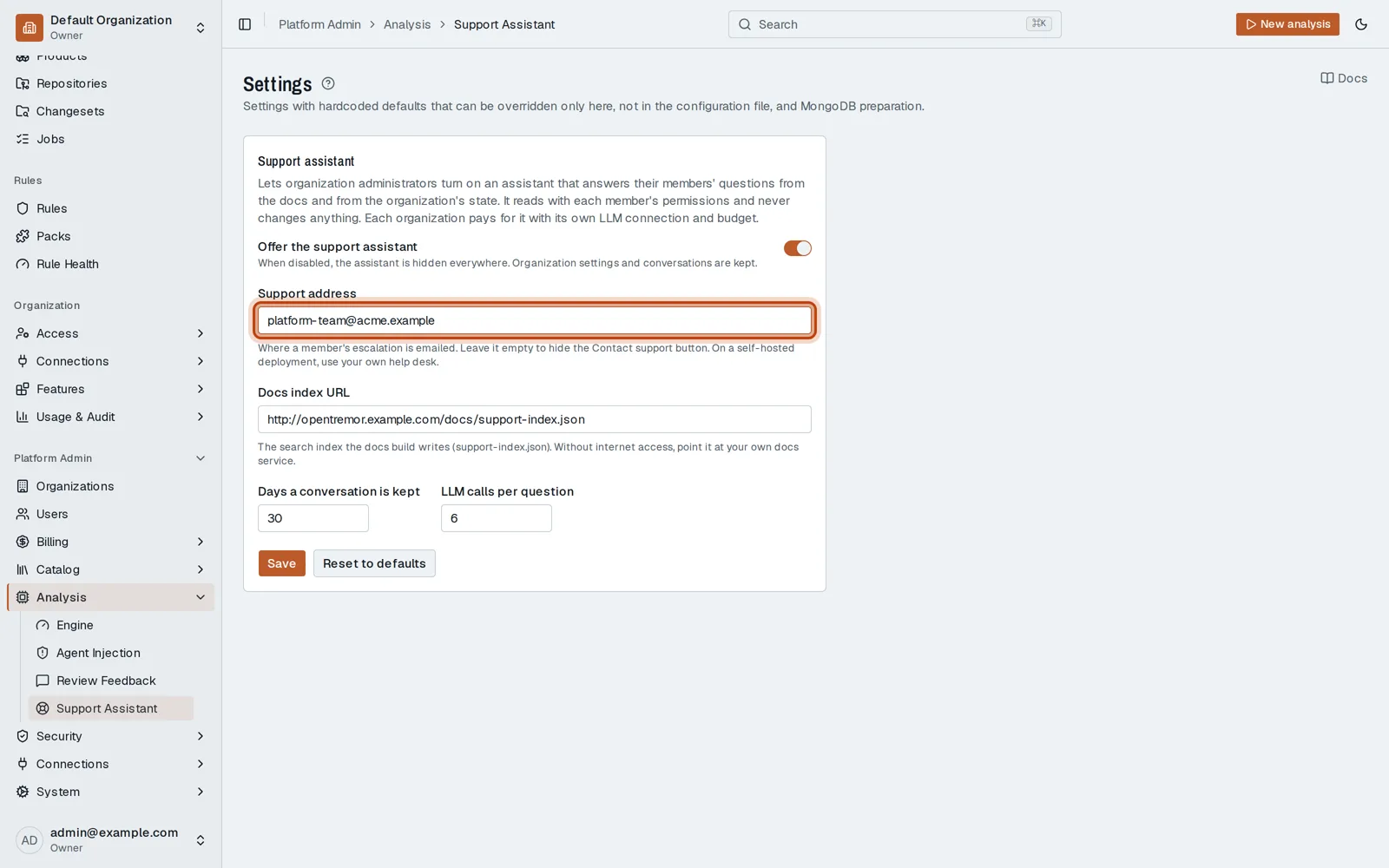
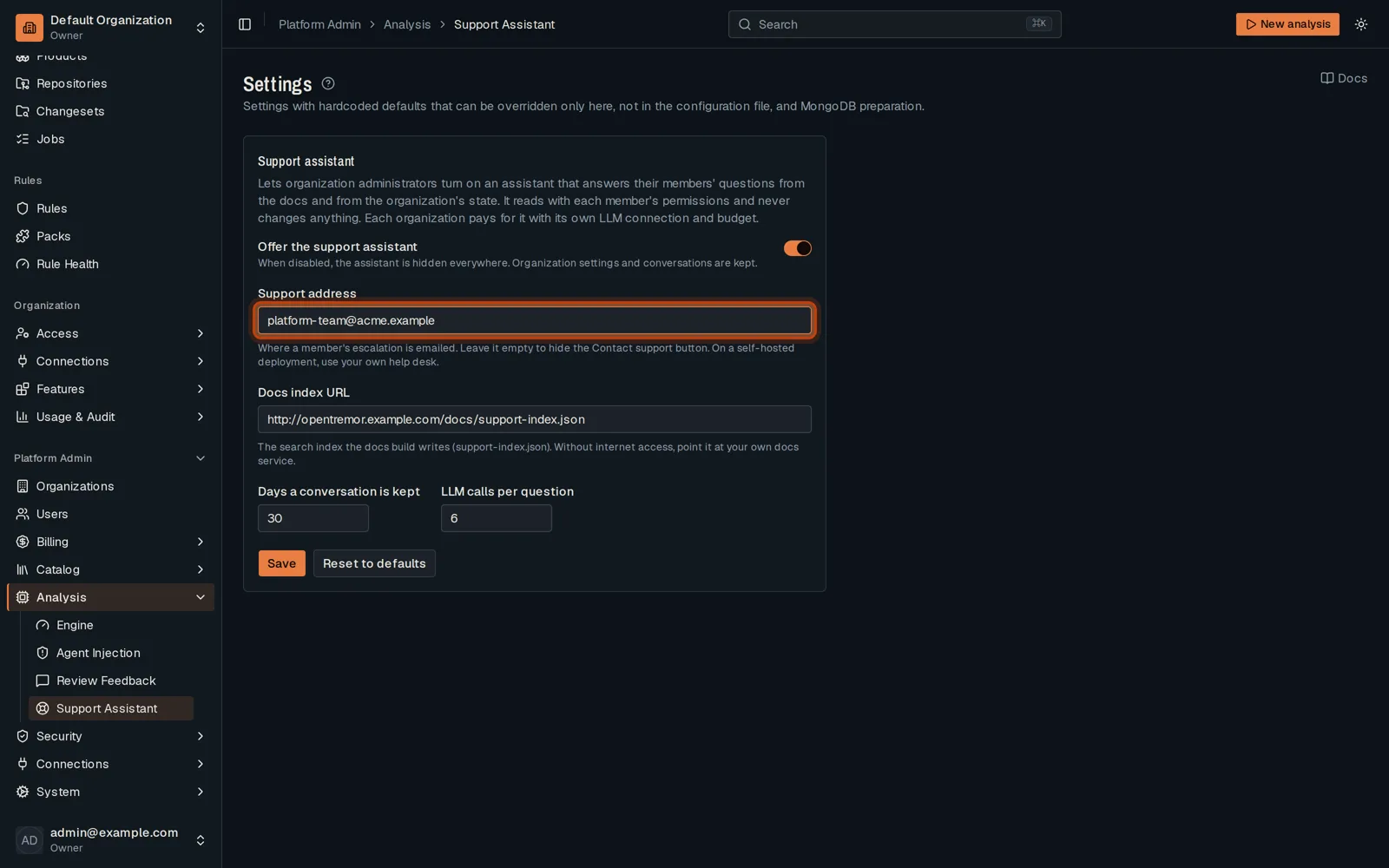
Give the address a member’s escalation is emailed to.
-
Click Save. Each organization then turns it on, with its own model.
Good to know
Section titled “Good to know”- Without internet access, point the docs index at the deployment’s own docs.
Go further
Section titled “Go further”Support assistant explains how it works, and how to do it from the API.