Restrict access by IP address
Open in the dashboardWhen you are done: a rule reports, then refuses, the requests from other addresses.
-
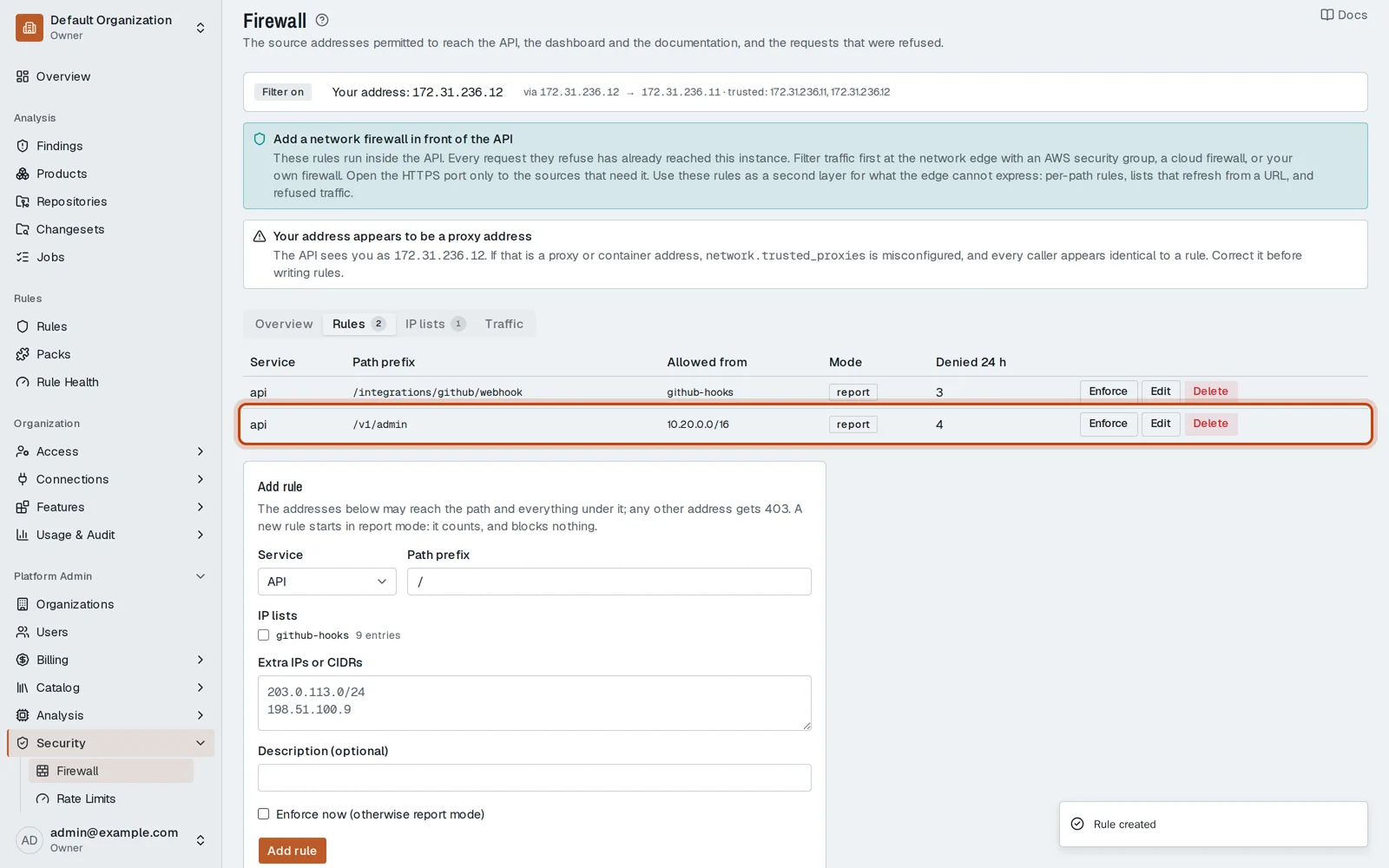
Open Platform Admin, then Security, then Firewall, and its Rules tab.
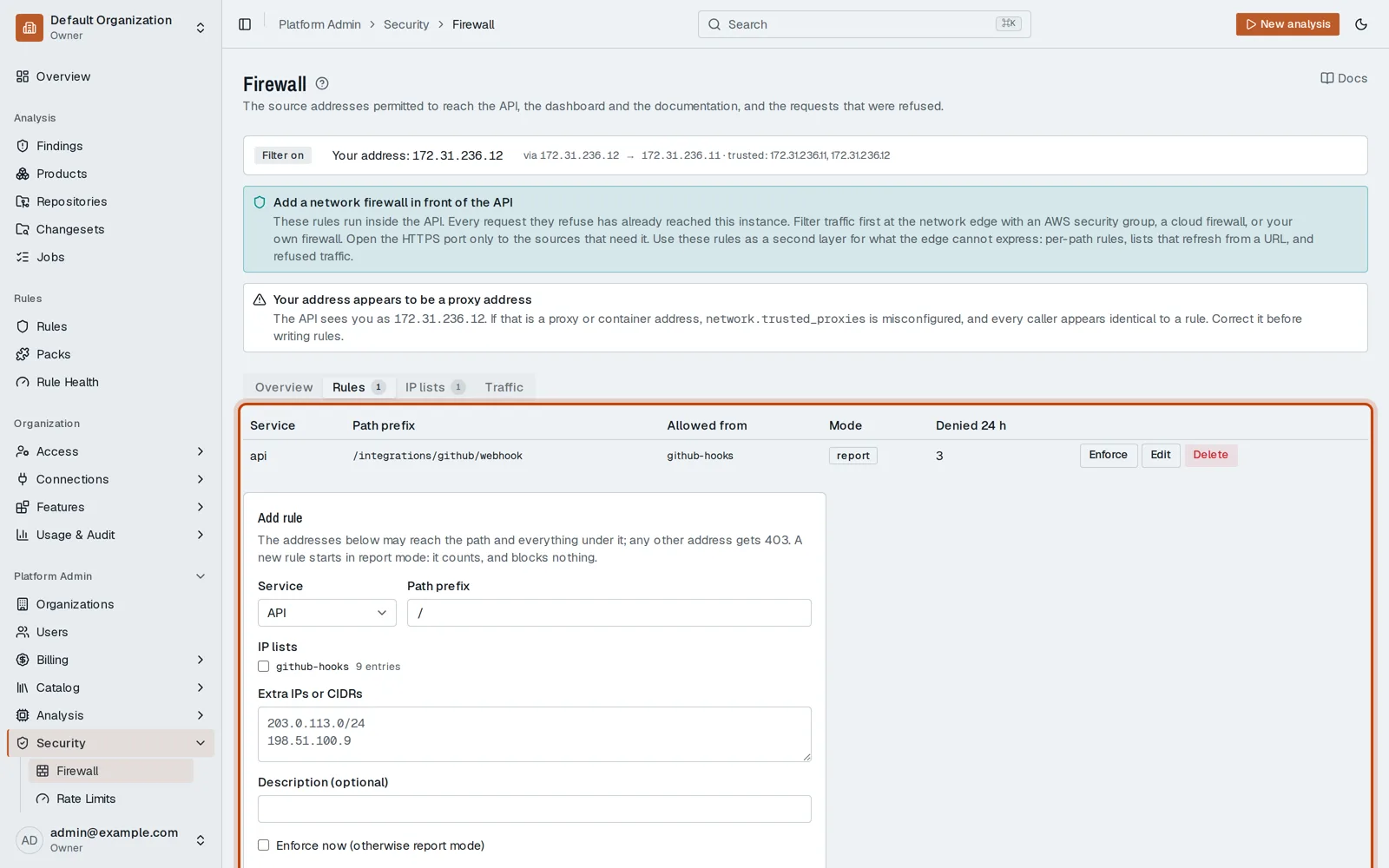
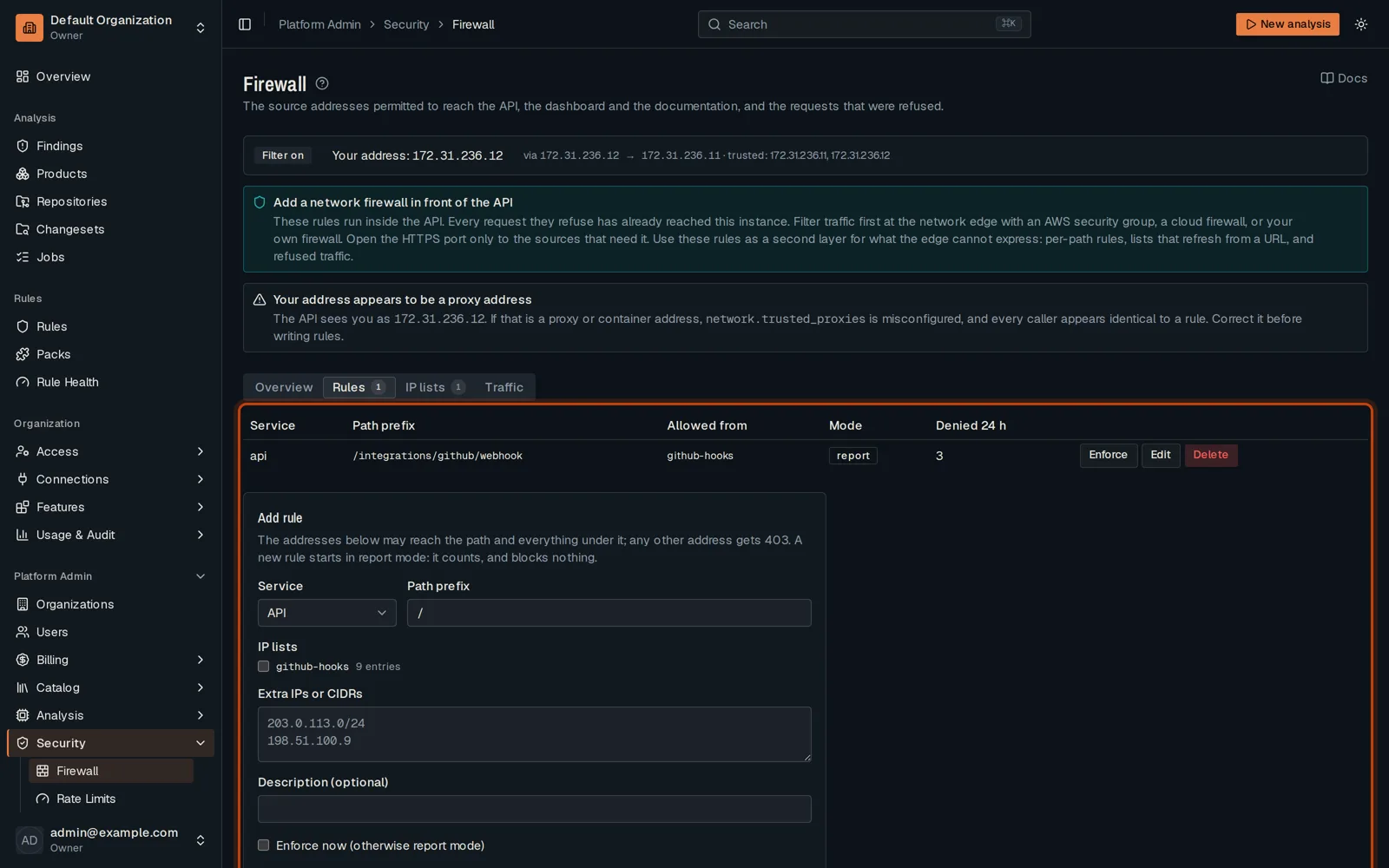
-
Pick the service and the path, and list the addresses allowed to reach it.
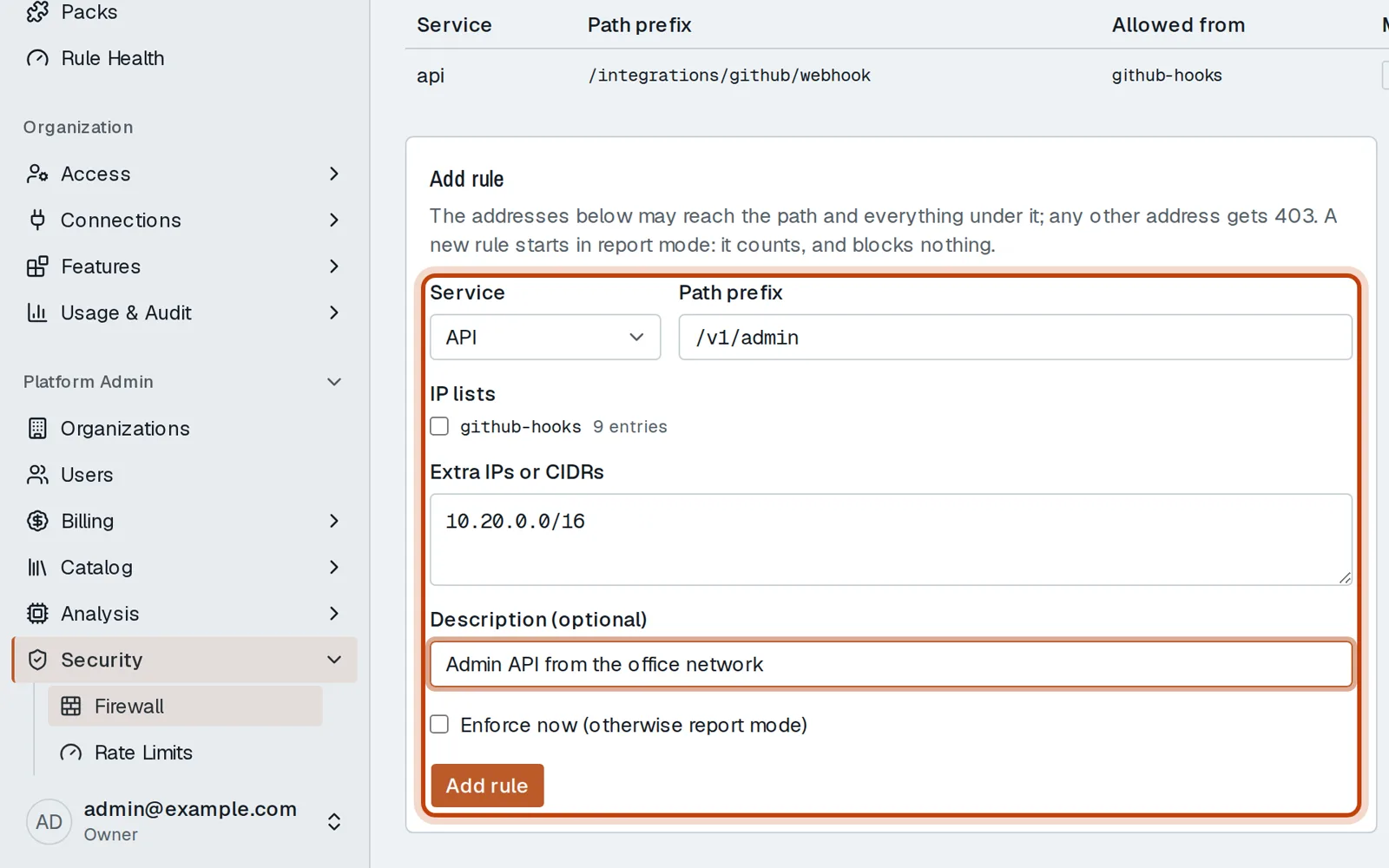
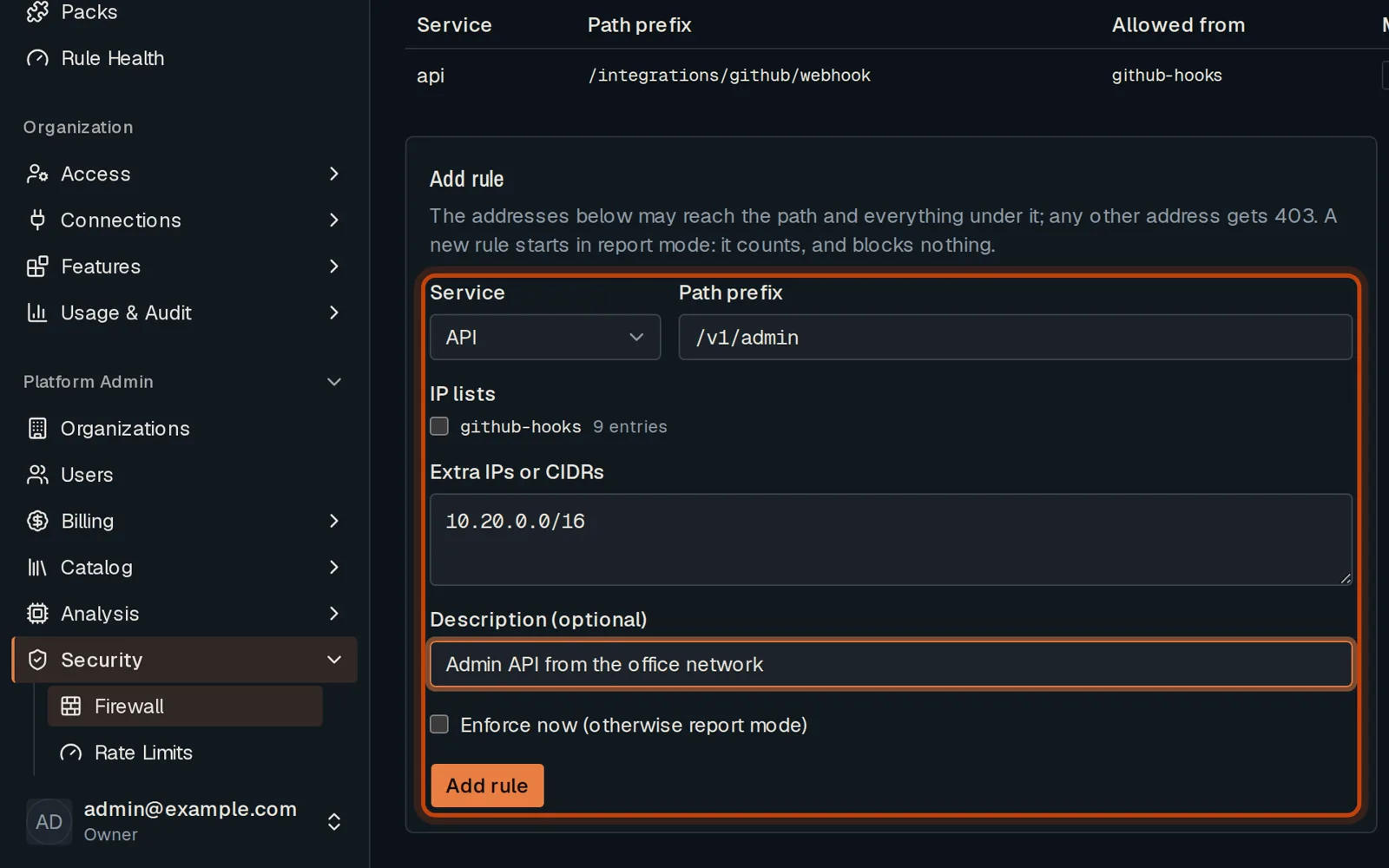
-
Click Add rule. It starts by reporting what it would refuse; click Enforce to apply it.
Good to know
Section titled “Good to know”- Check that the page sees your real address first: behind a proxy it may not.
Go further
Section titled “Go further”Network access explains how it works, and how to do it from the API.