Turn on a pack and pick its rules
Open in the dashboardWhen you are done: the pack reviews its files, with the rules you kept.
-
Open Packs in the sidebar. A pack reads one kind of file: a language, IaC or CI.
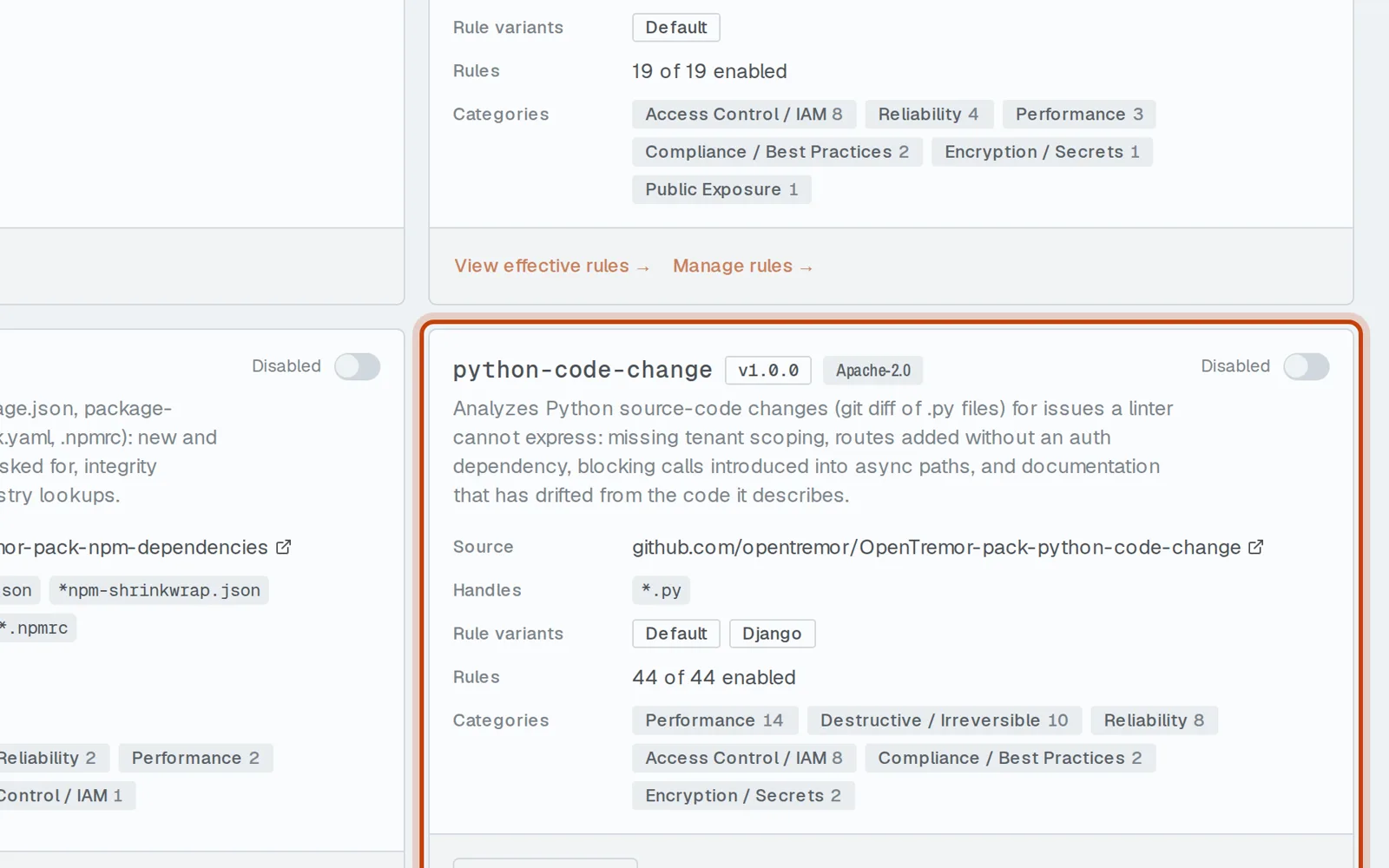
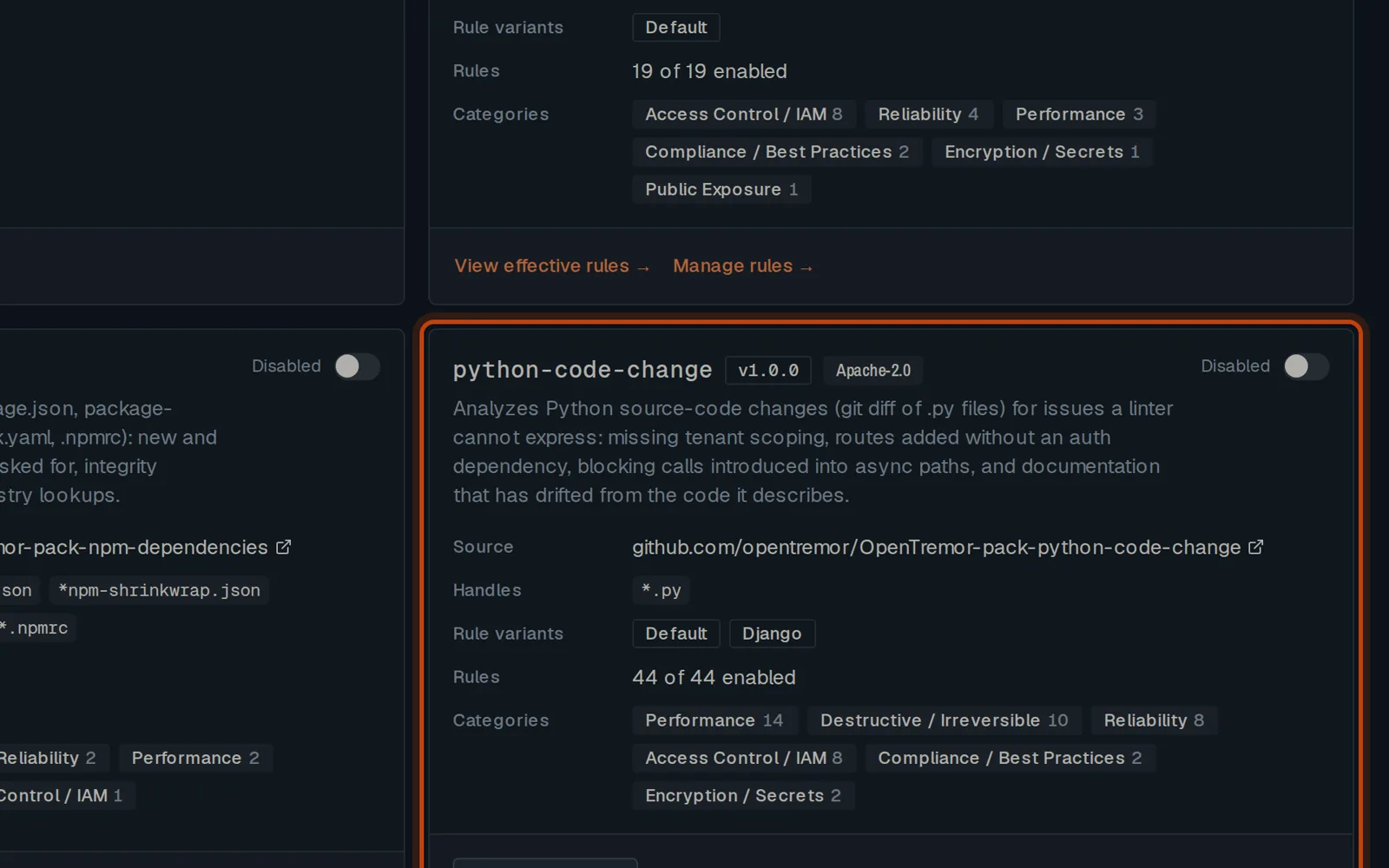
-
Turn the pack on with its switch. Pull requests that touch its files are now reviewed.
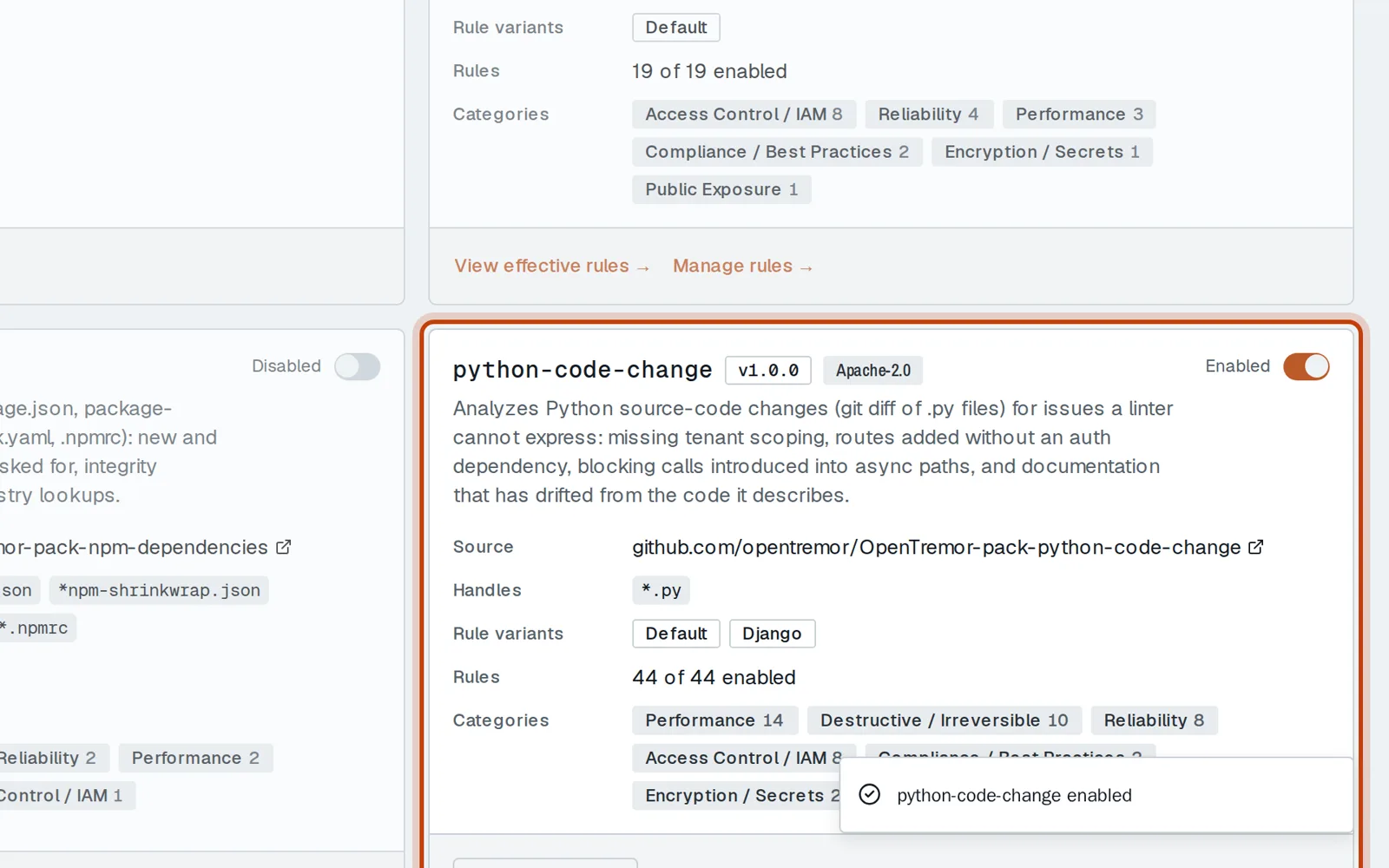
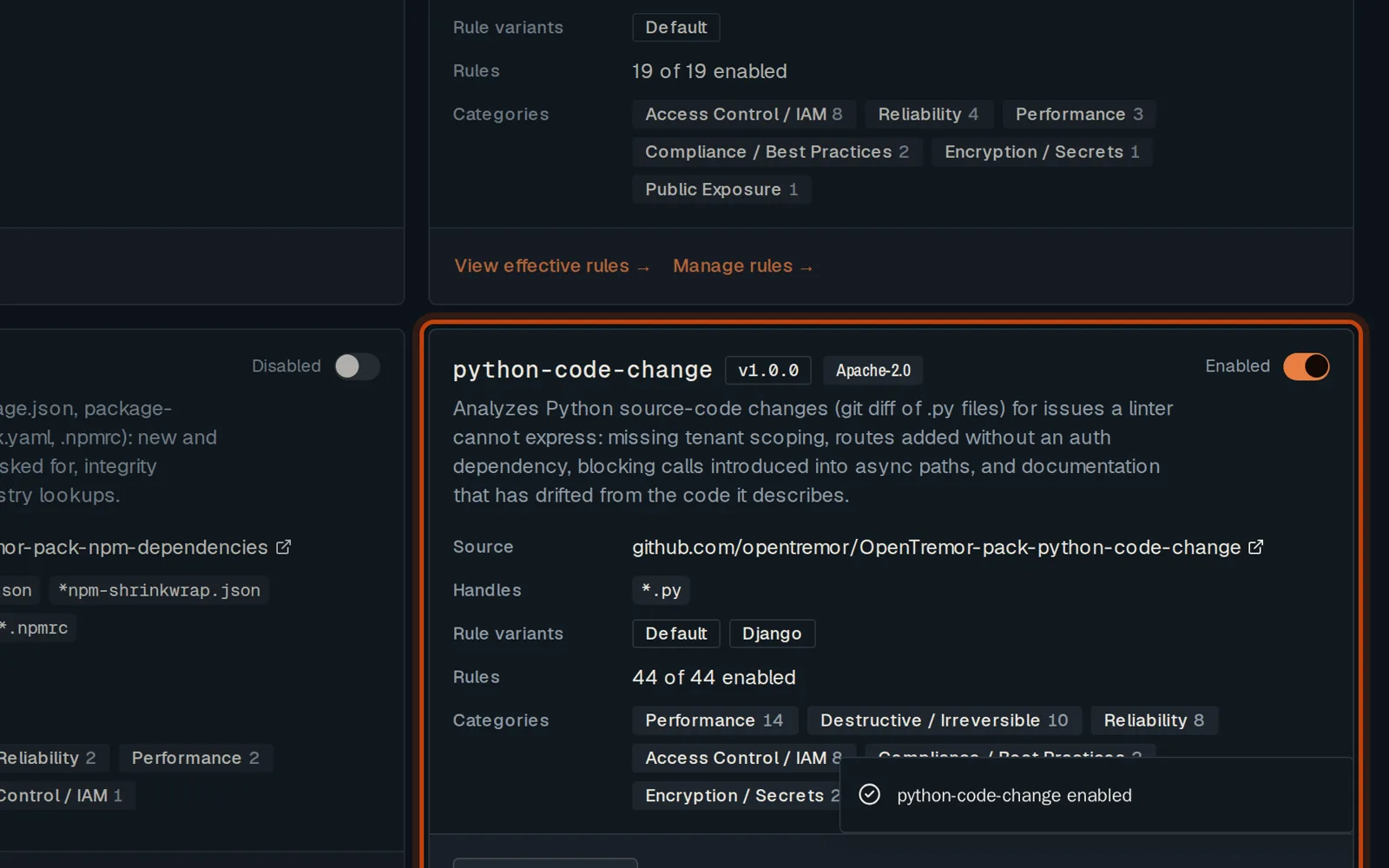
-
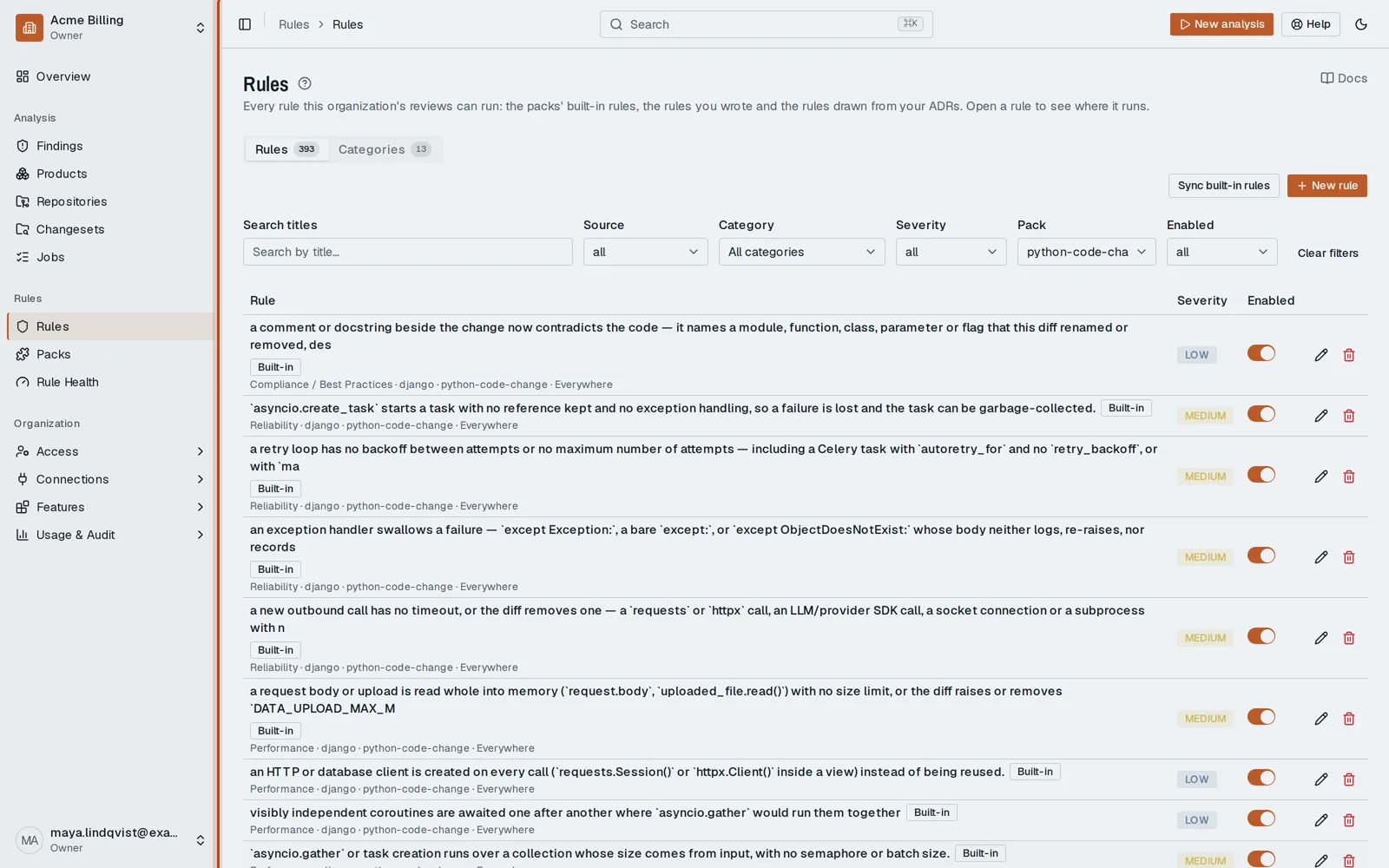
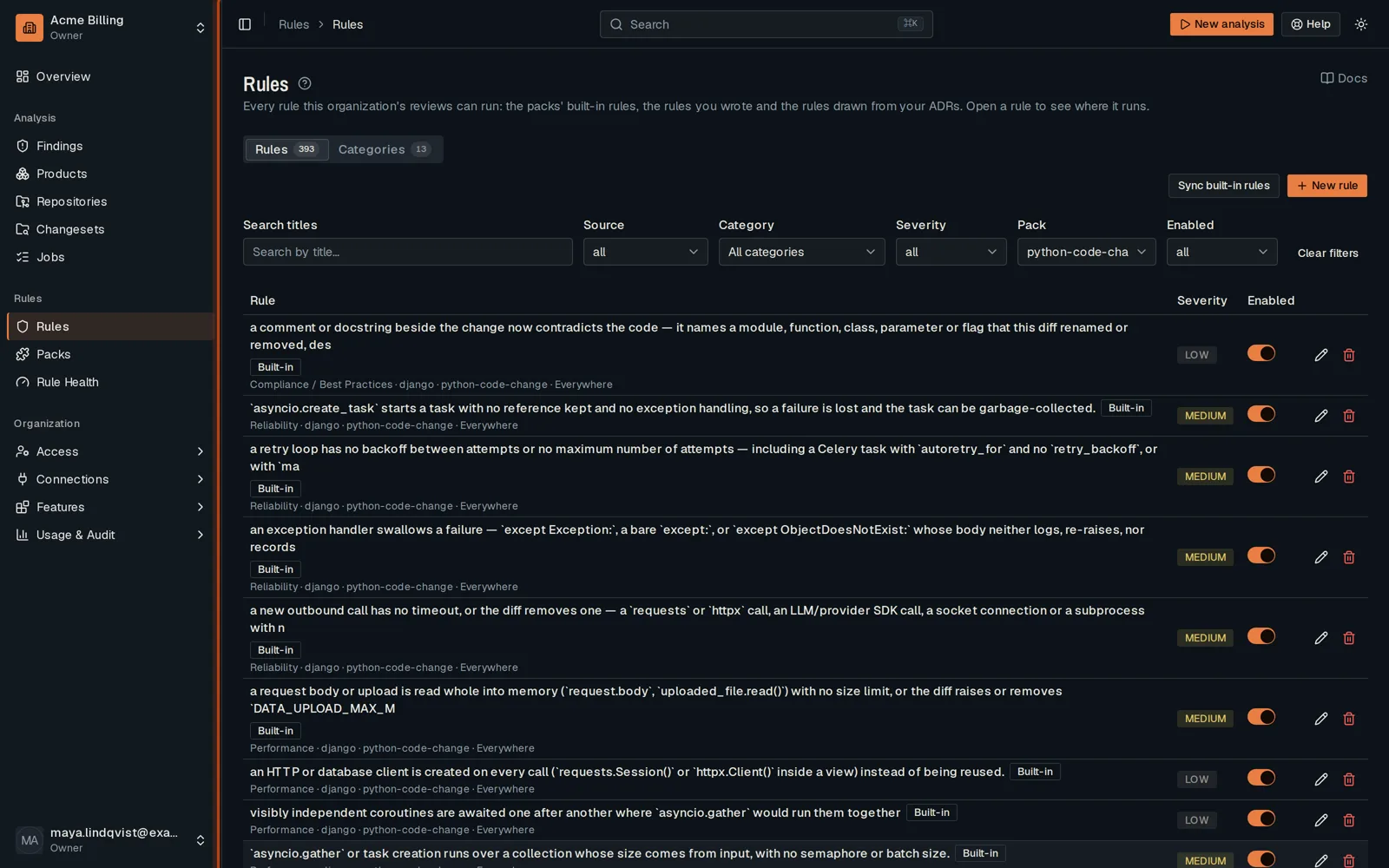
Click Manage rules → to see the rules it runs.
-
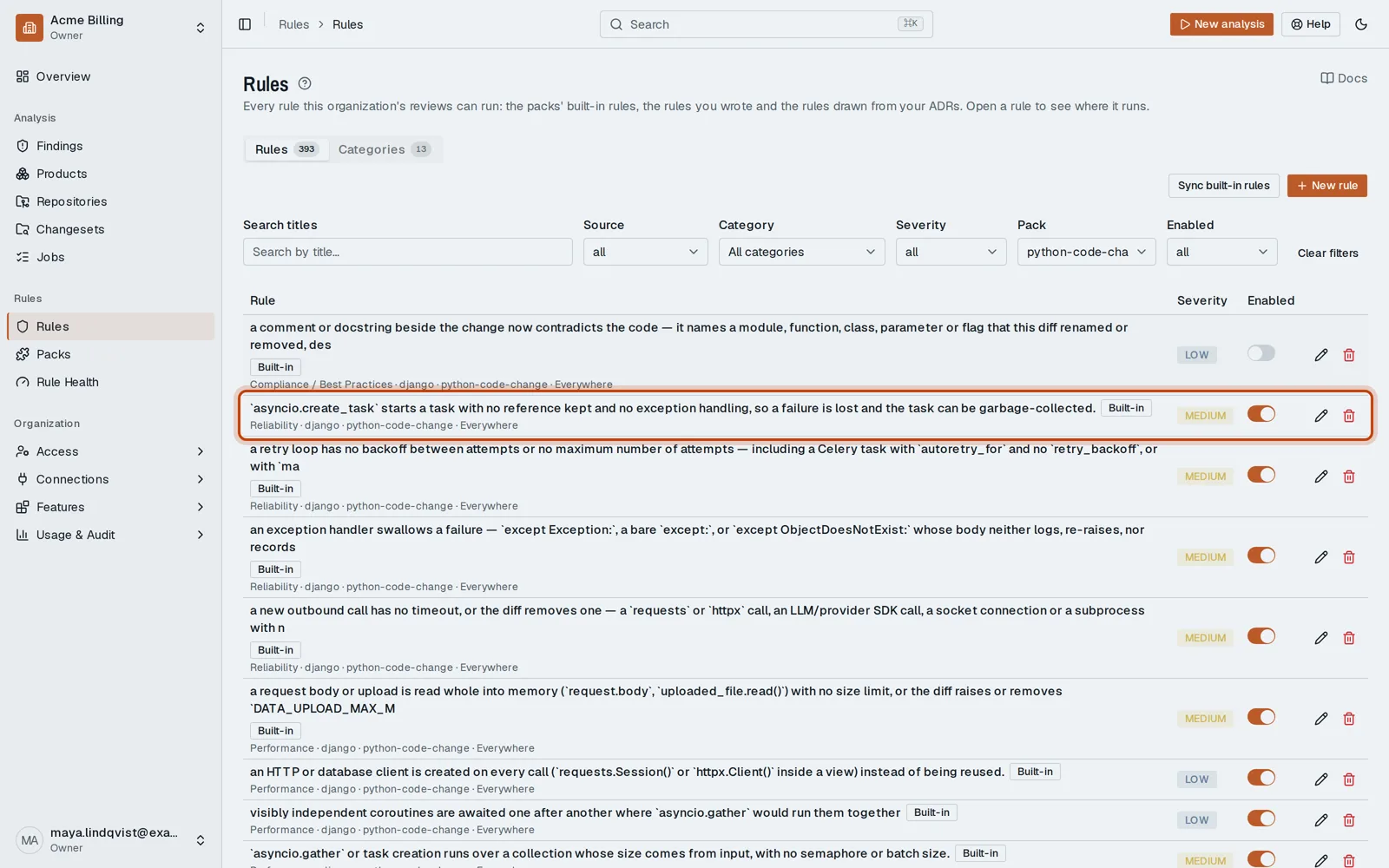
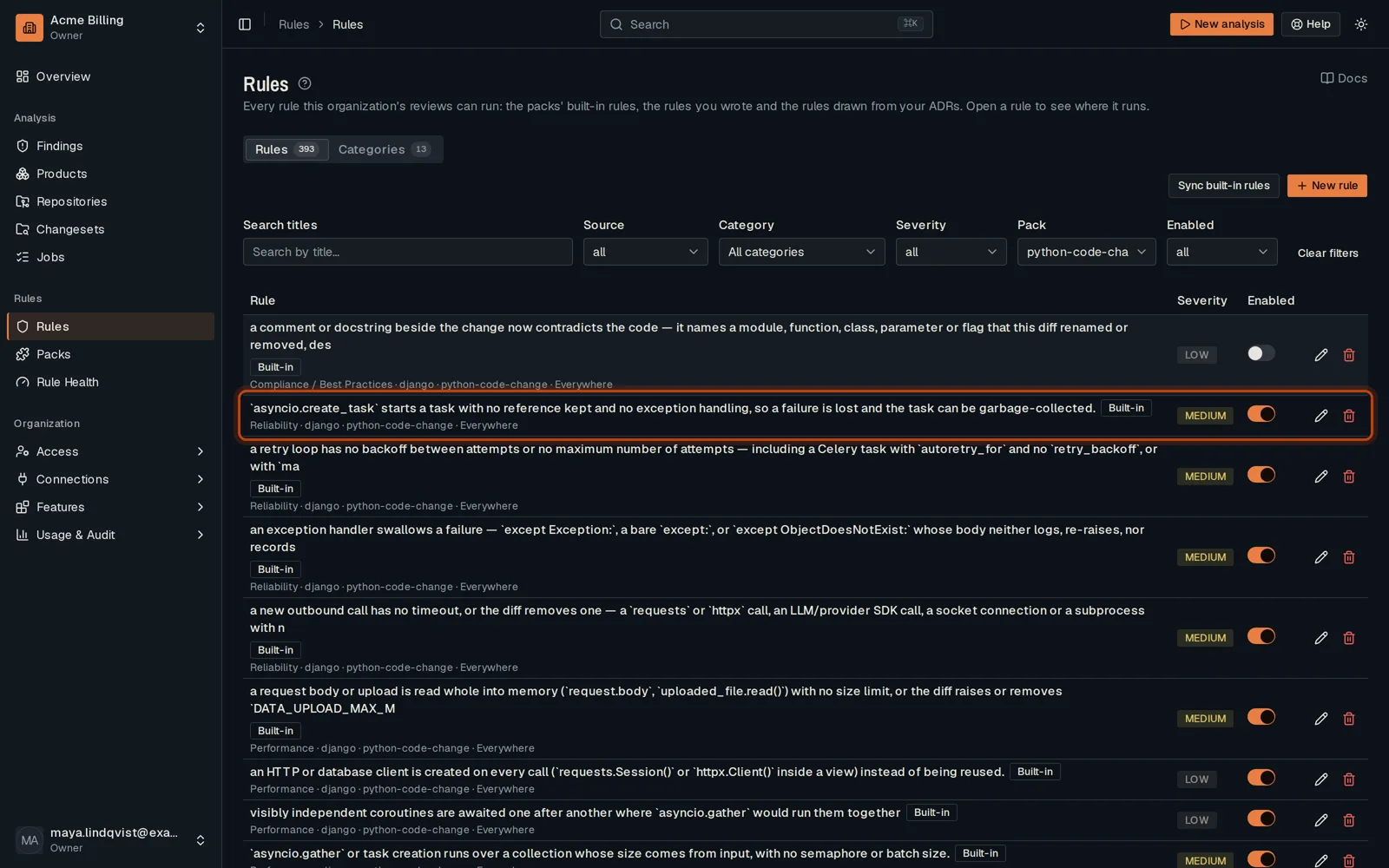
Turn off a rule your team does not want. Every other rule keeps running.
Good to know
Section titled “Good to know”- Packs are off until you turn them on: an org reviews nothing before that.
Go further
Section titled “Go further”How rules apply explains how it works, and how to do it from the API.