Get alerts in Slack, by email or on a webhook
Open in the dashboardWhen you are done: the channel is told when a pull request check is blocked.
-
Open Connections, then Notifications. Pick Slack, Microsoft Teams, email or a webhook.
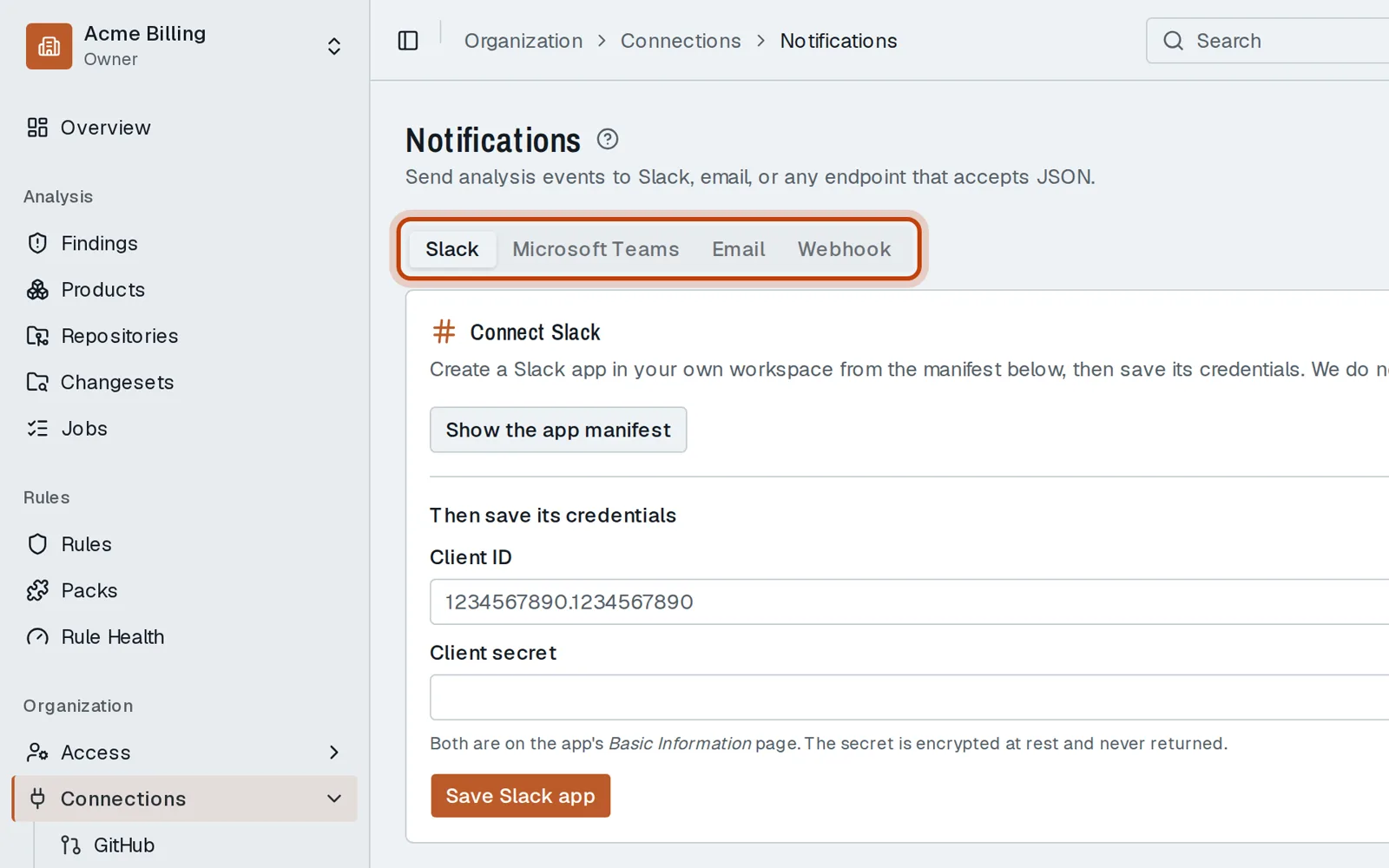
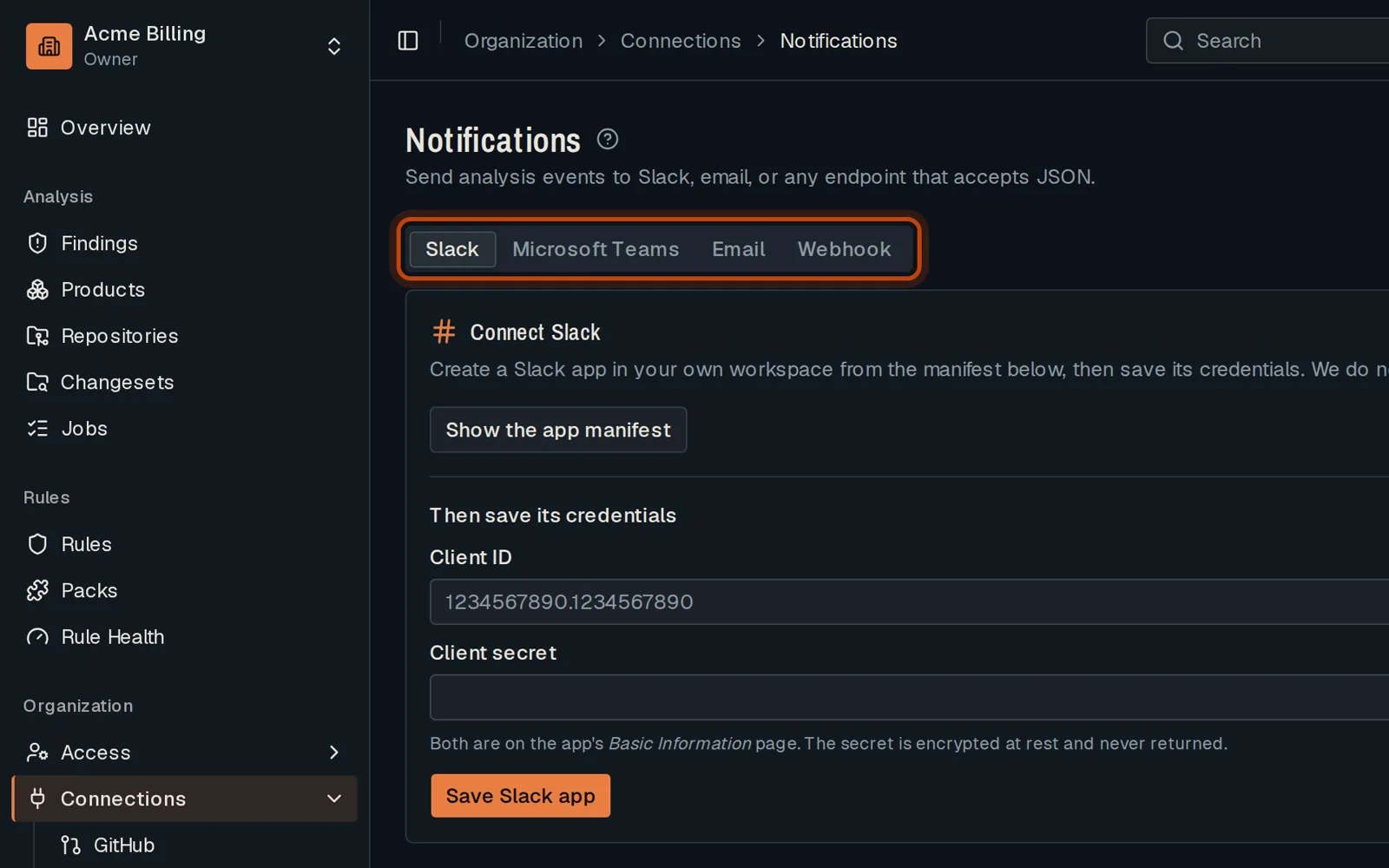
-
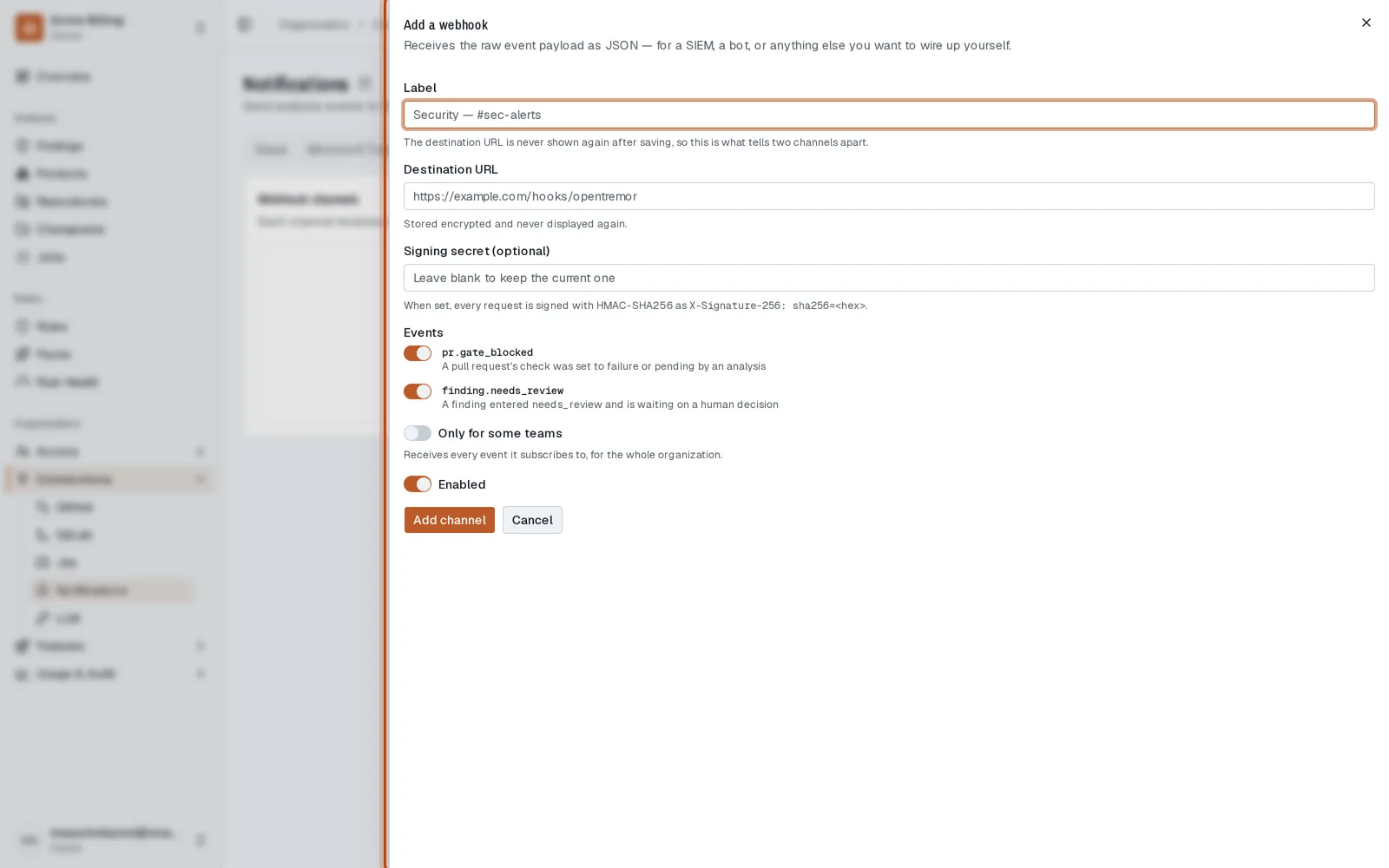
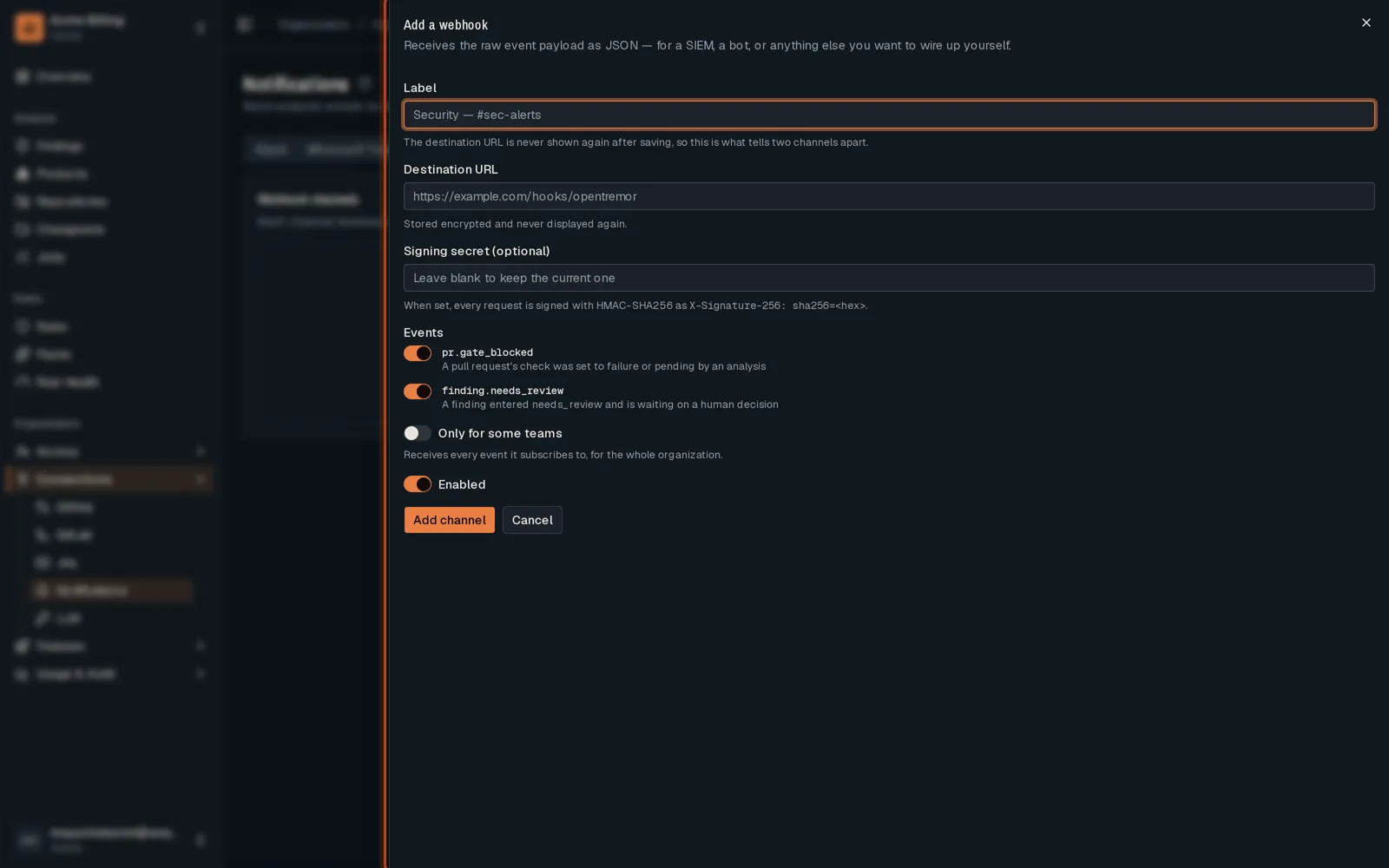
Open Webhook and click Add a webhook.
-
Name the channel and give the address that receives the events.
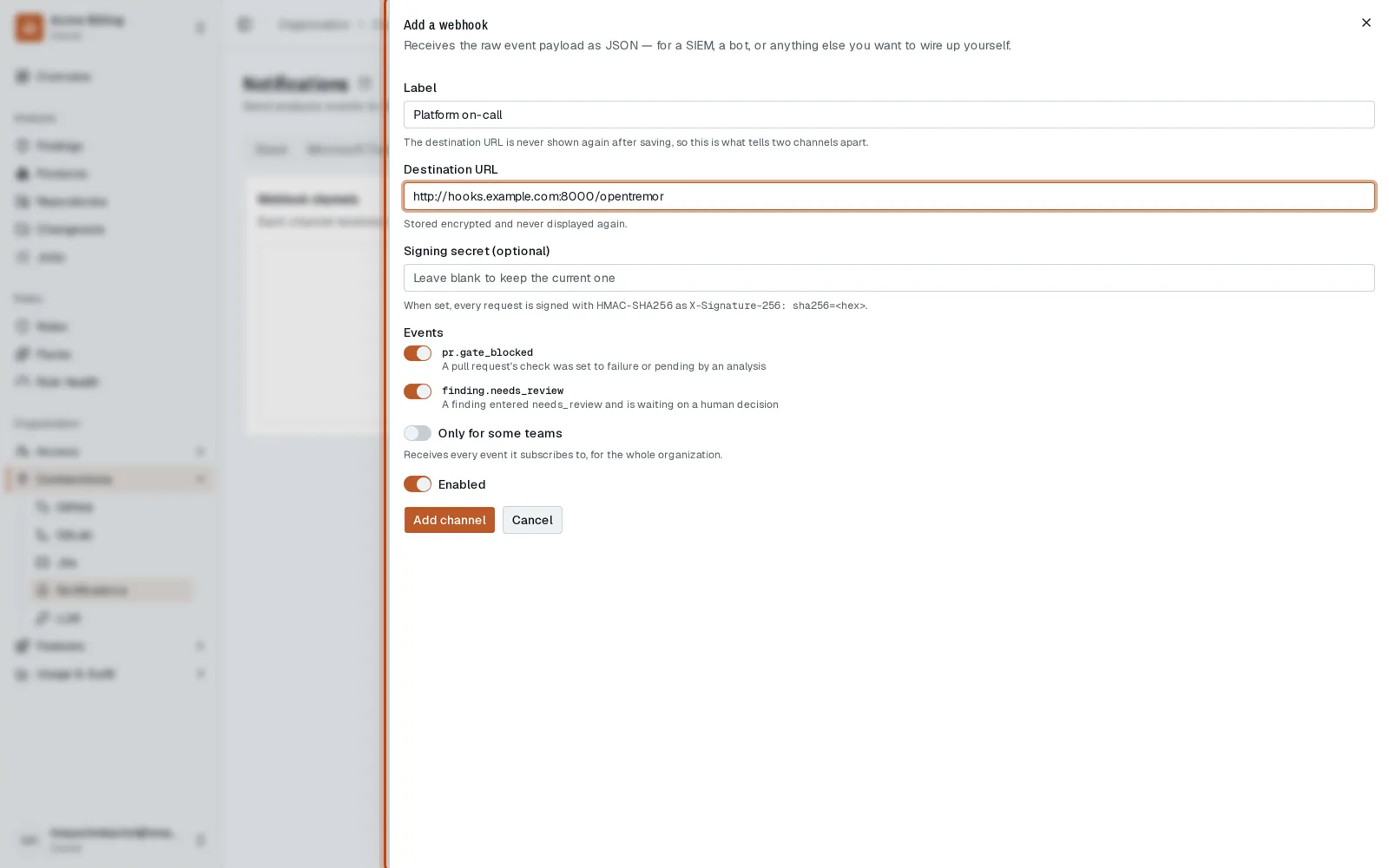
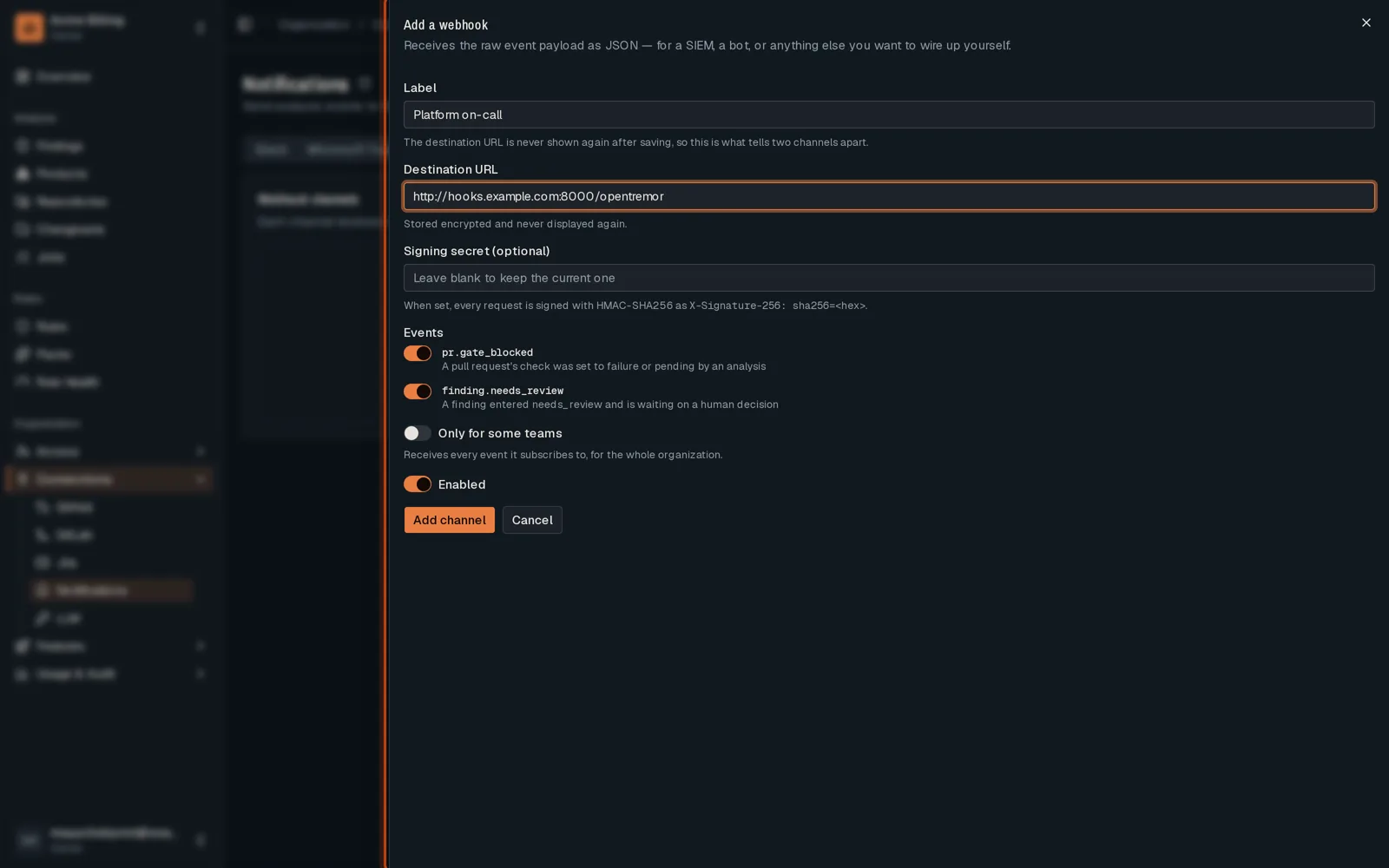
-
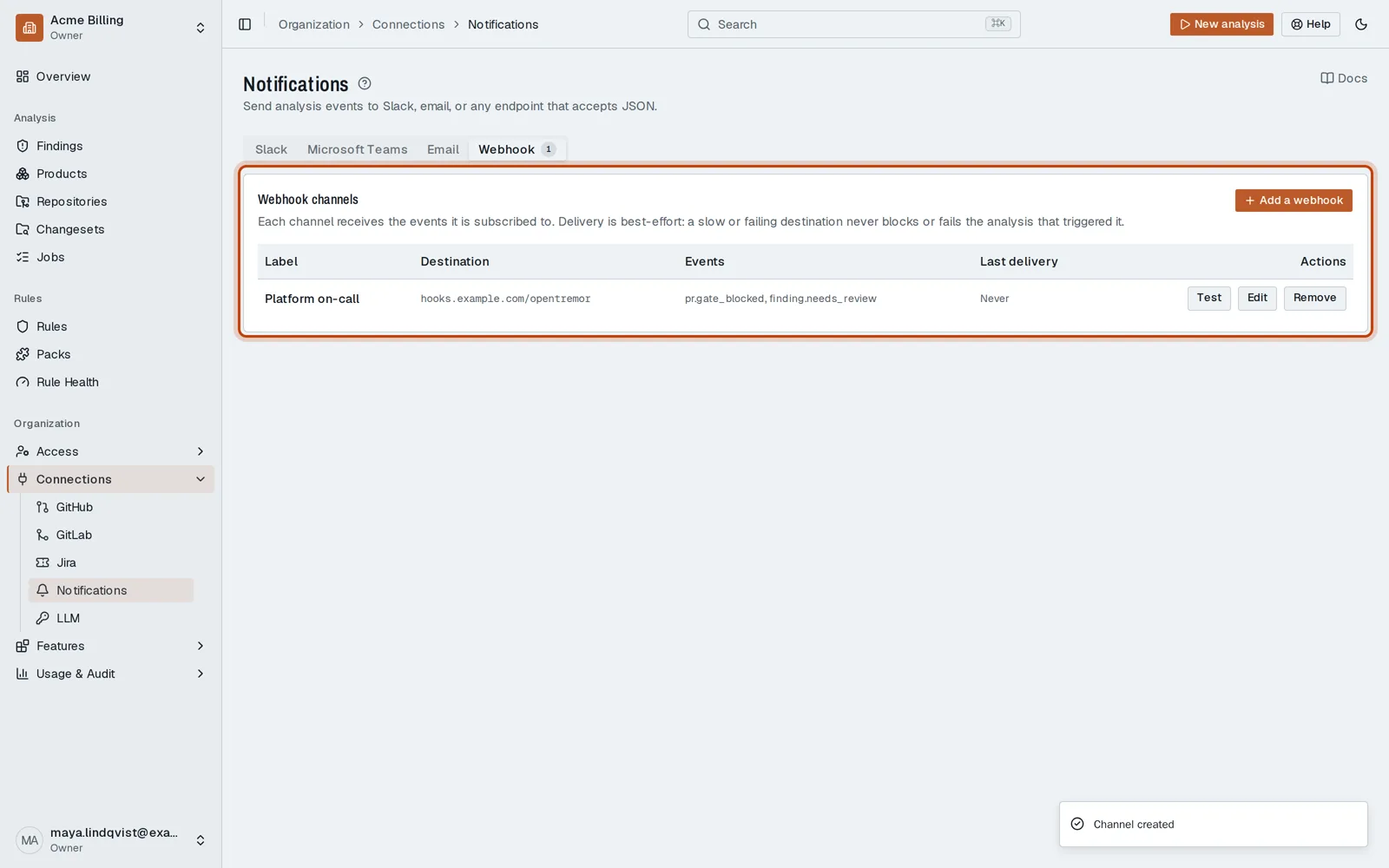
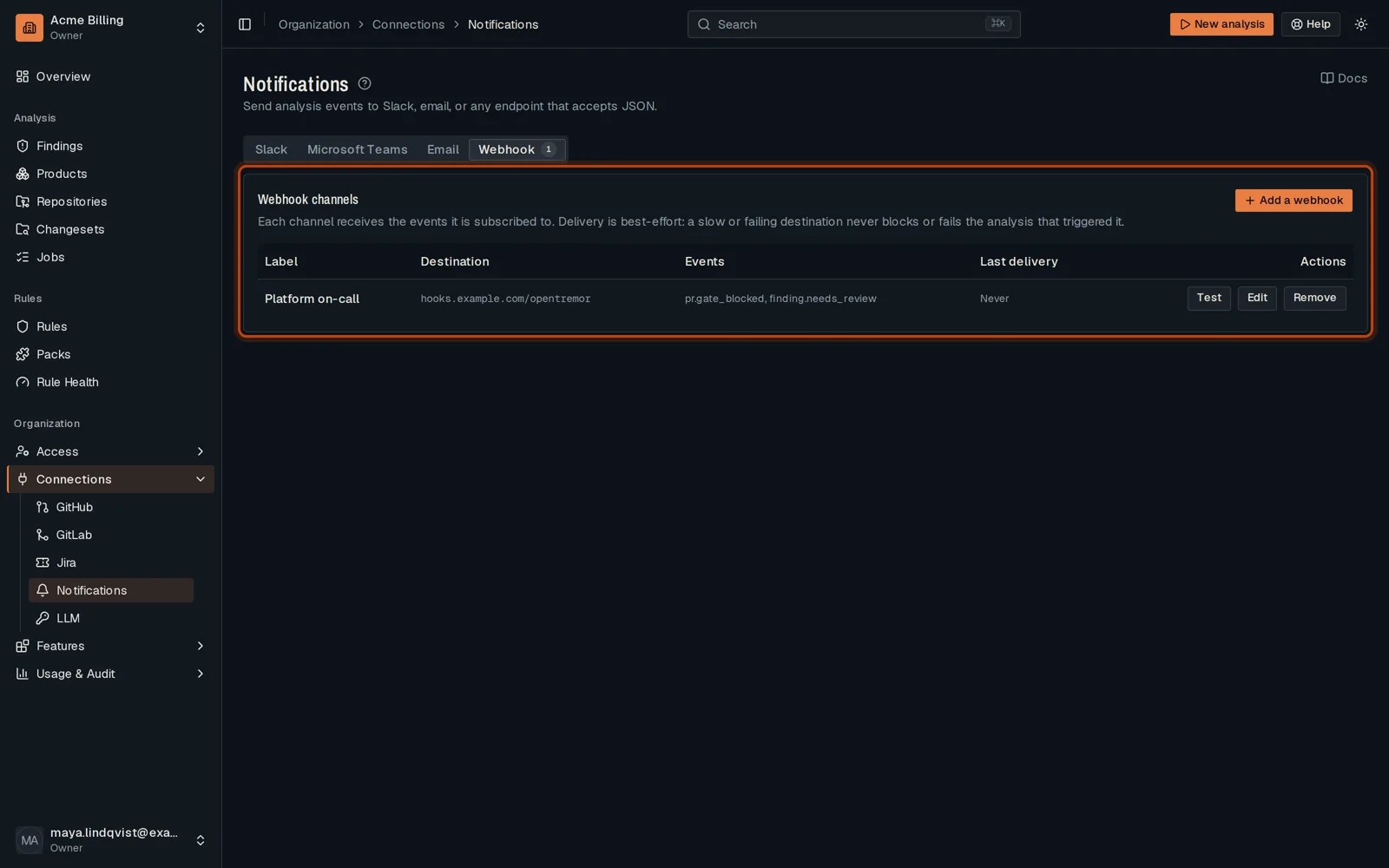
Save. The channel gets a message each time a pull request check is blocked.
Good to know
Section titled “Good to know”- Each channel picks the events it receives.
Go further
Section titled “Go further”Notifications explains how it works, and how to do it from the API.