Ask the support assistant why a check failed
Open in the dashboardWhen you are done: you have an answer, with links to the findings and docs pages it used.
-
Click Help, at the top of any page.
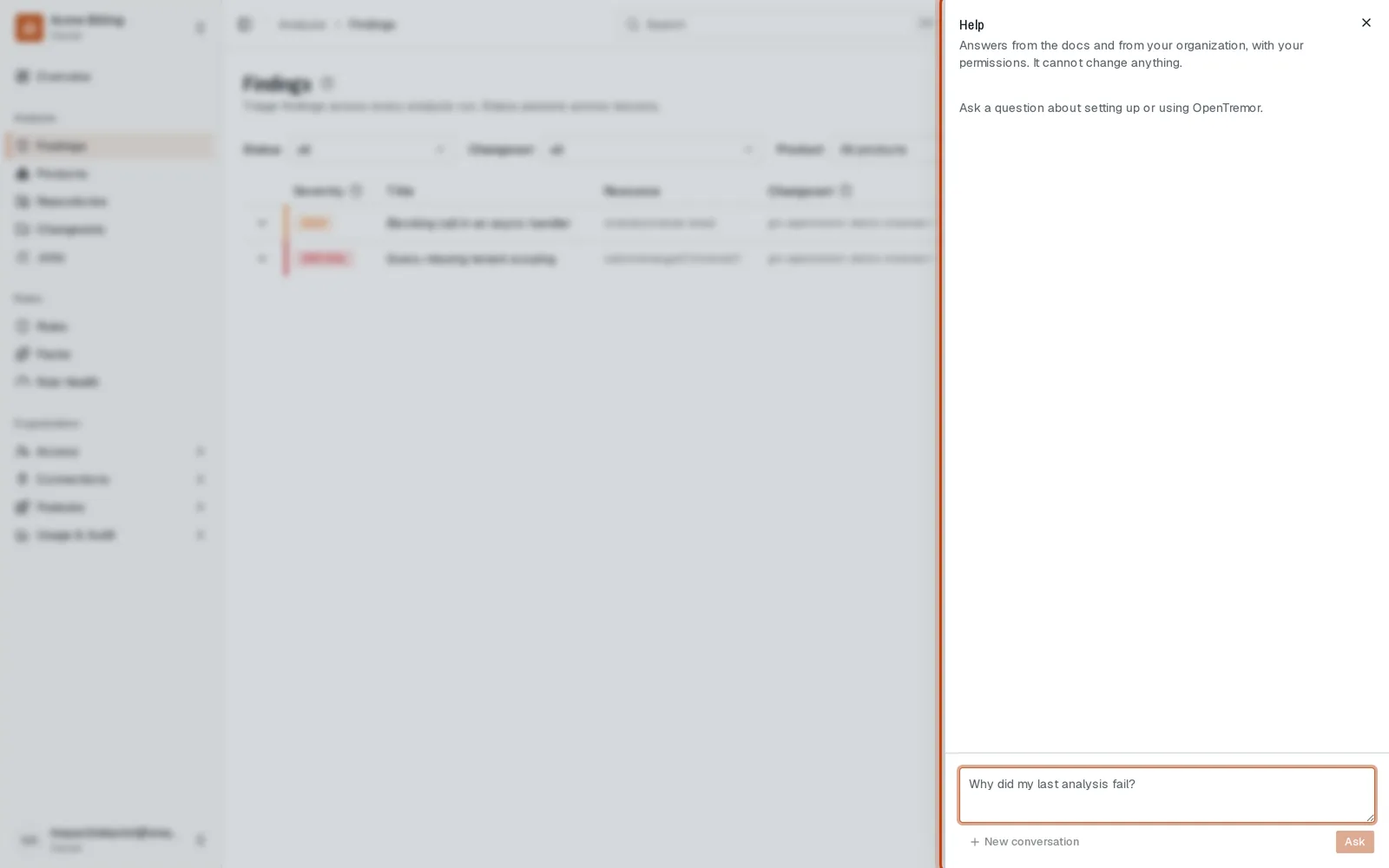
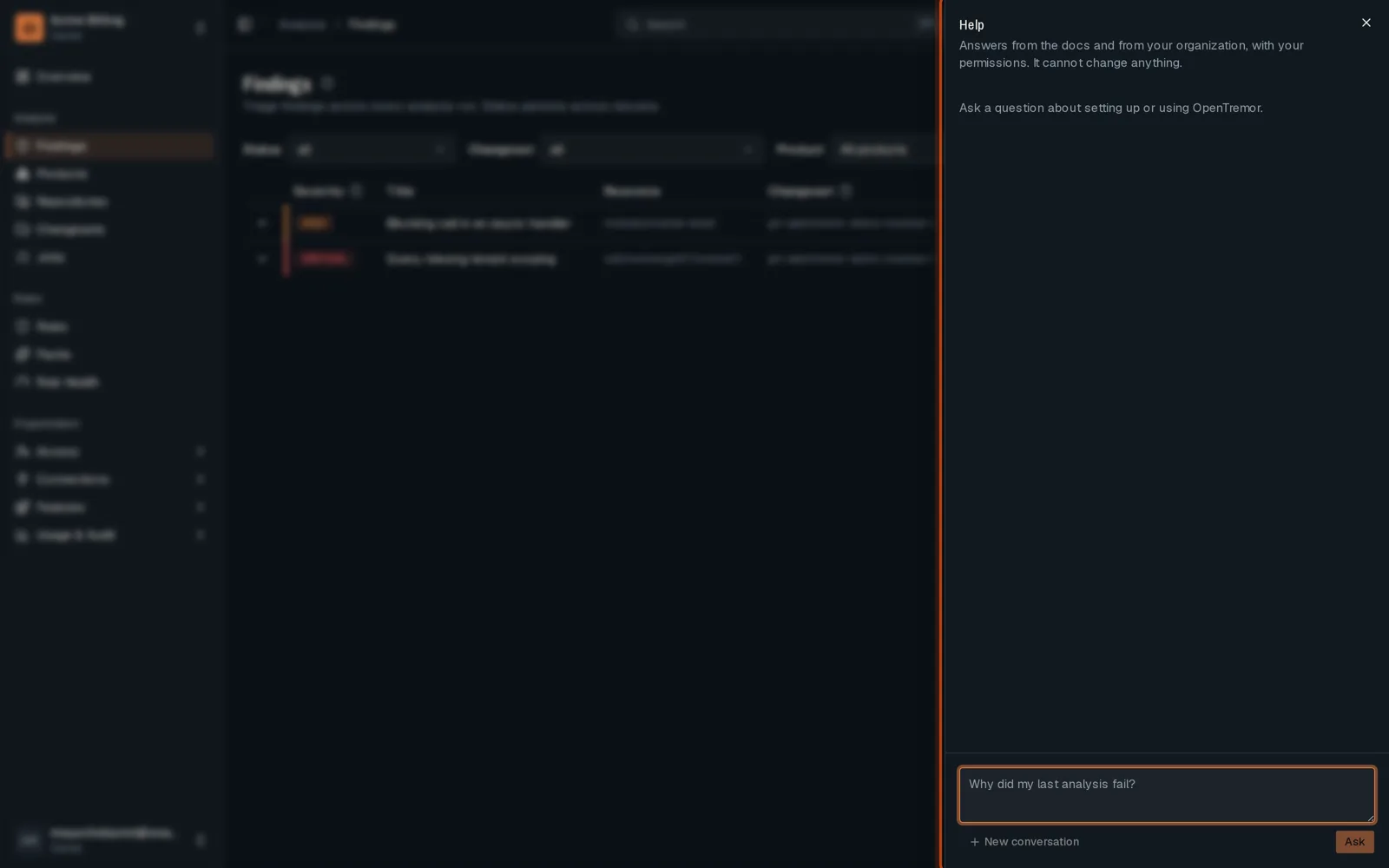
-
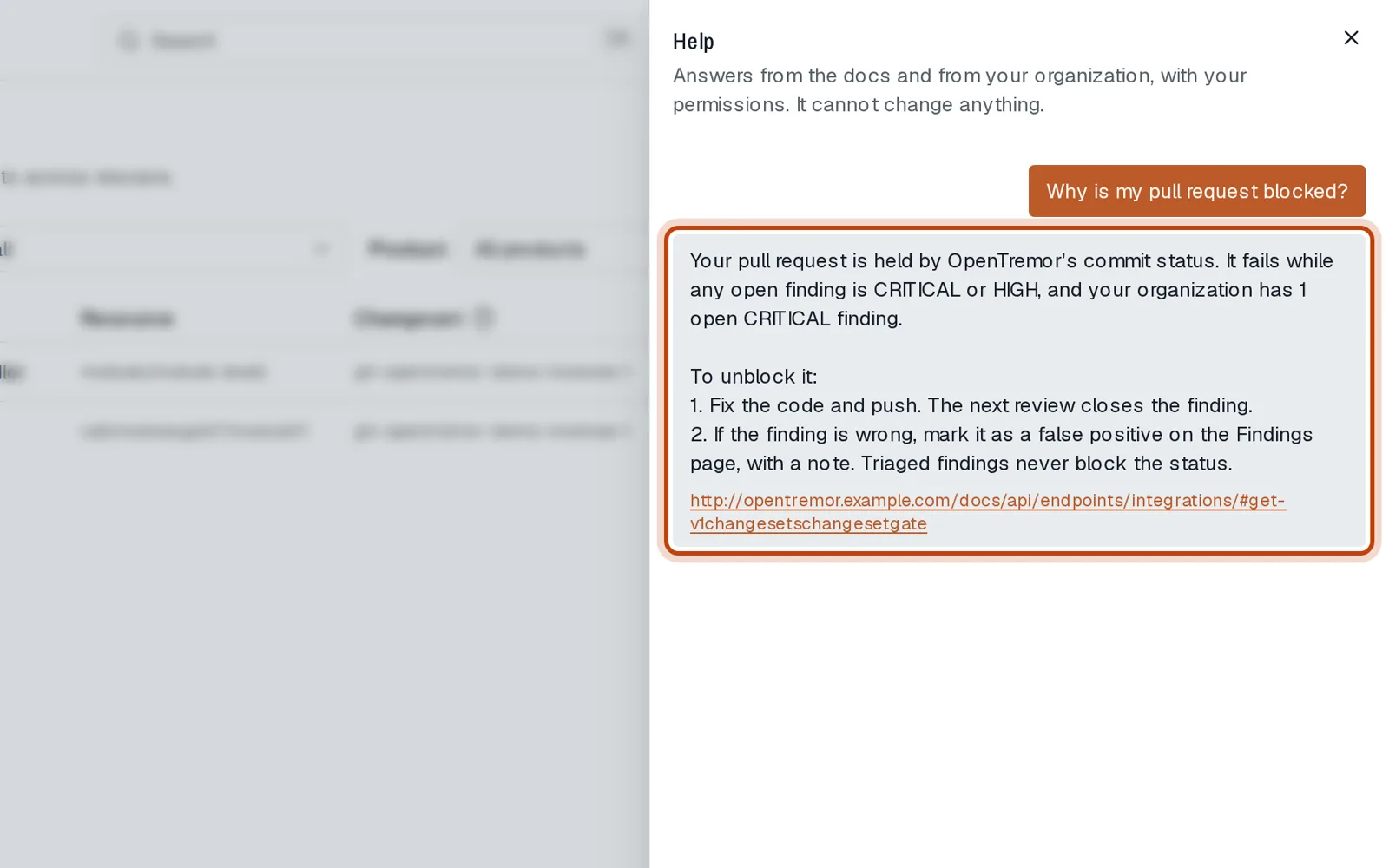
Type your question, for example why your pull request is blocked.
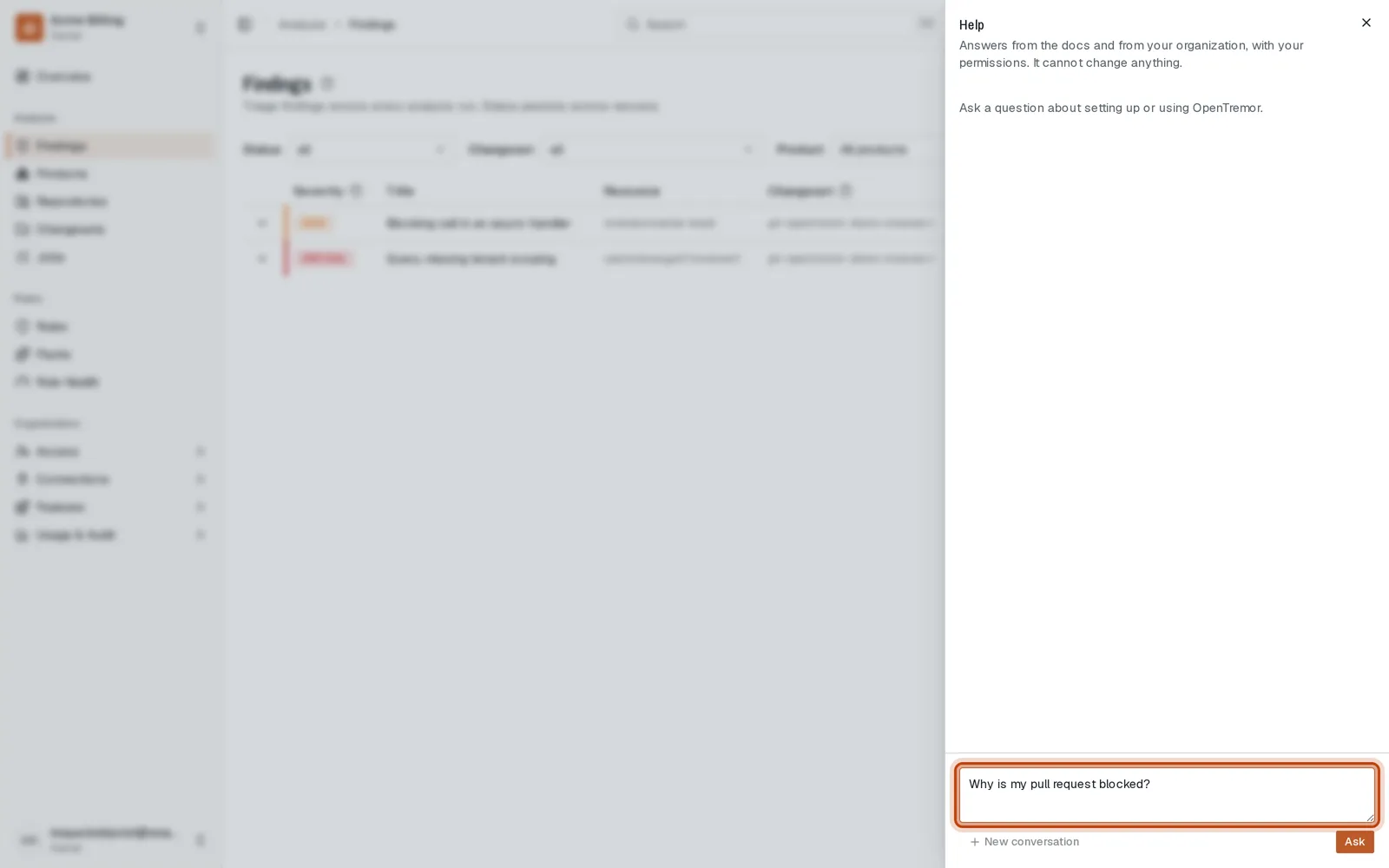
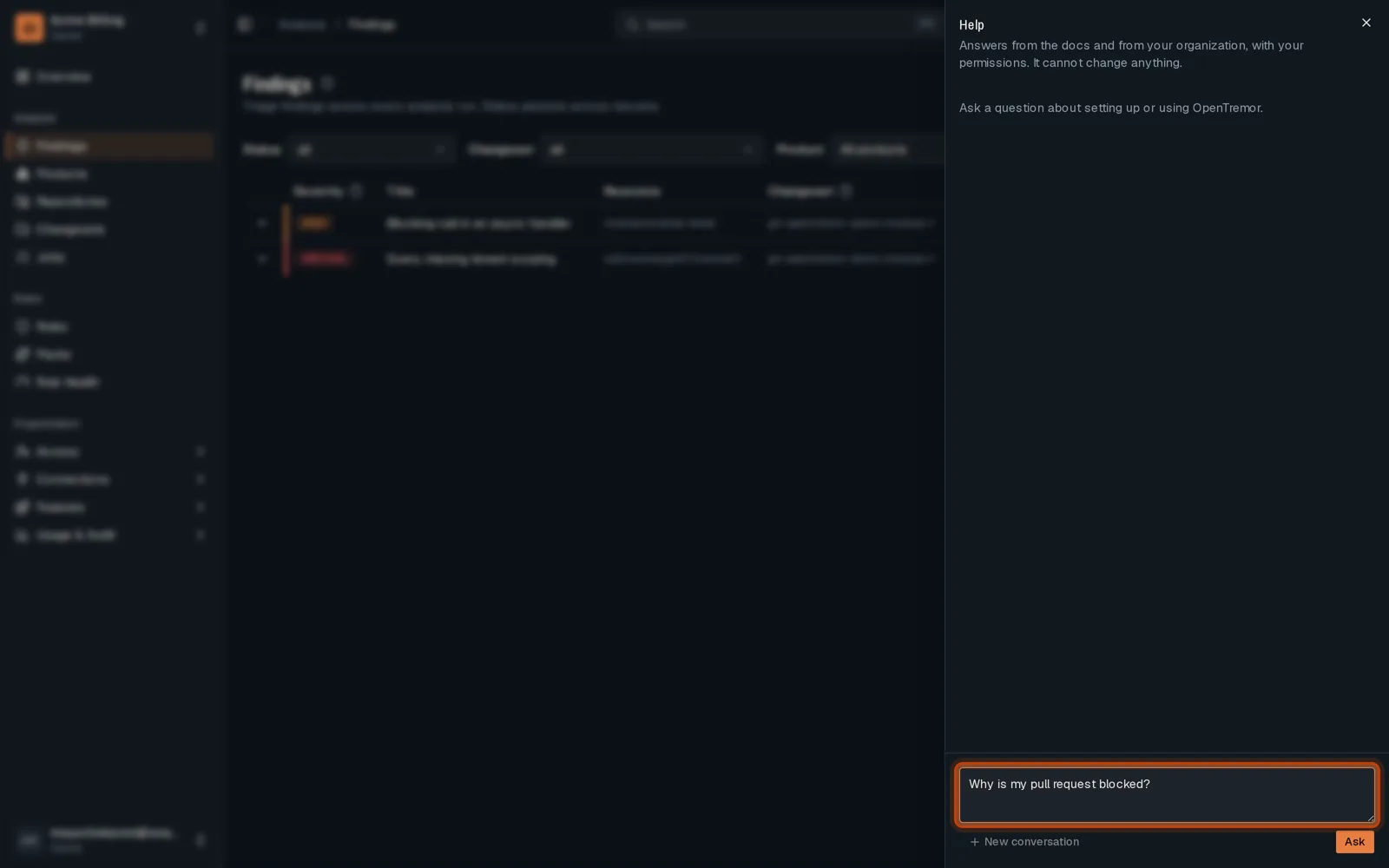
-
Click Ask. The answer uses your findings and the docs, and links to its sources.
Good to know
Section titled “Good to know”- An org admin turns the assistant on, and chooses its model.
- It reads what your role can read, and nothing else.
Go further
Section titled “Go further”Support assistant explains how it works, and how to do it from the API.