Decide who can sign up and how people sign in
Open in the dashboardWhen you are done: only invited people can join.
-
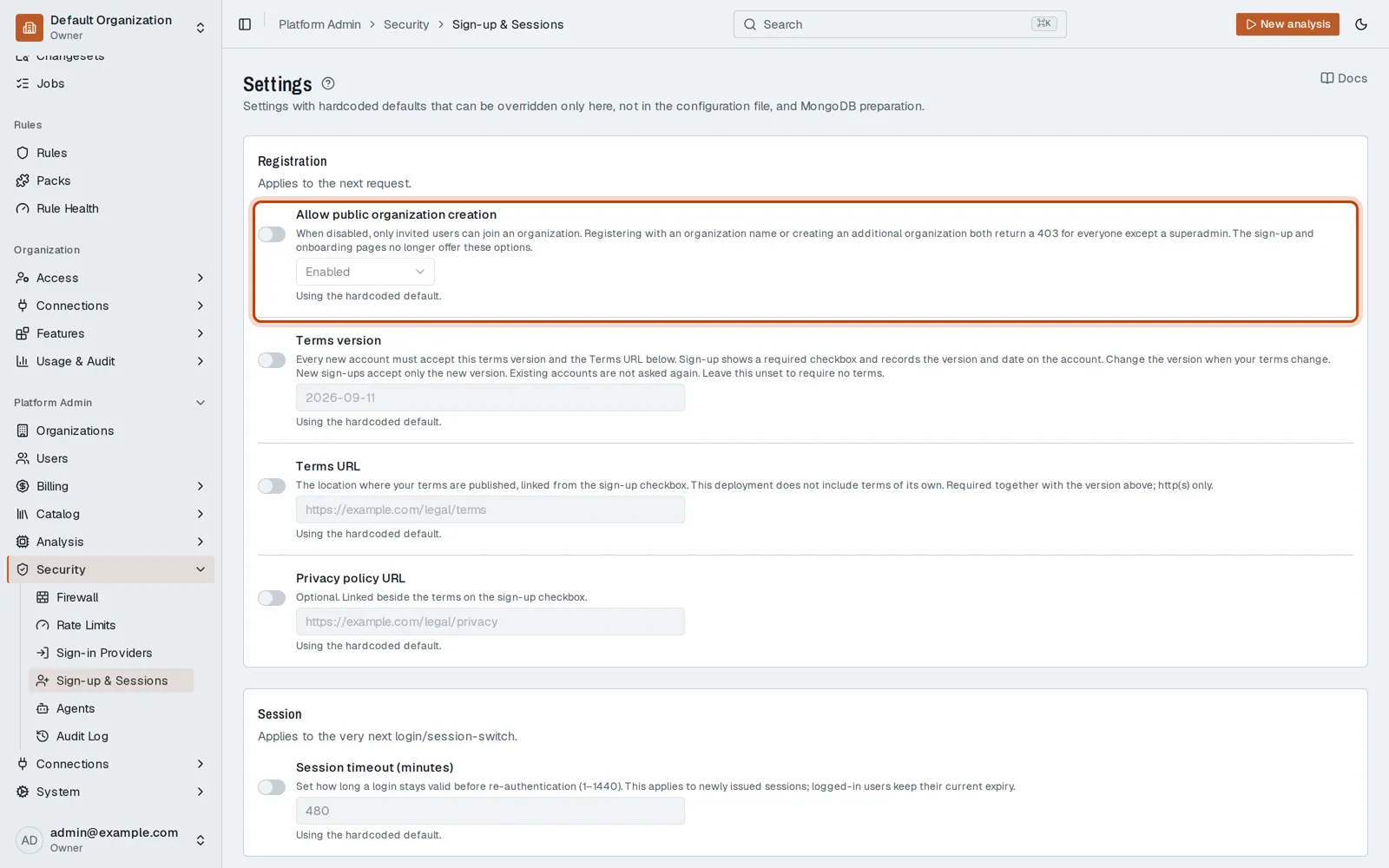
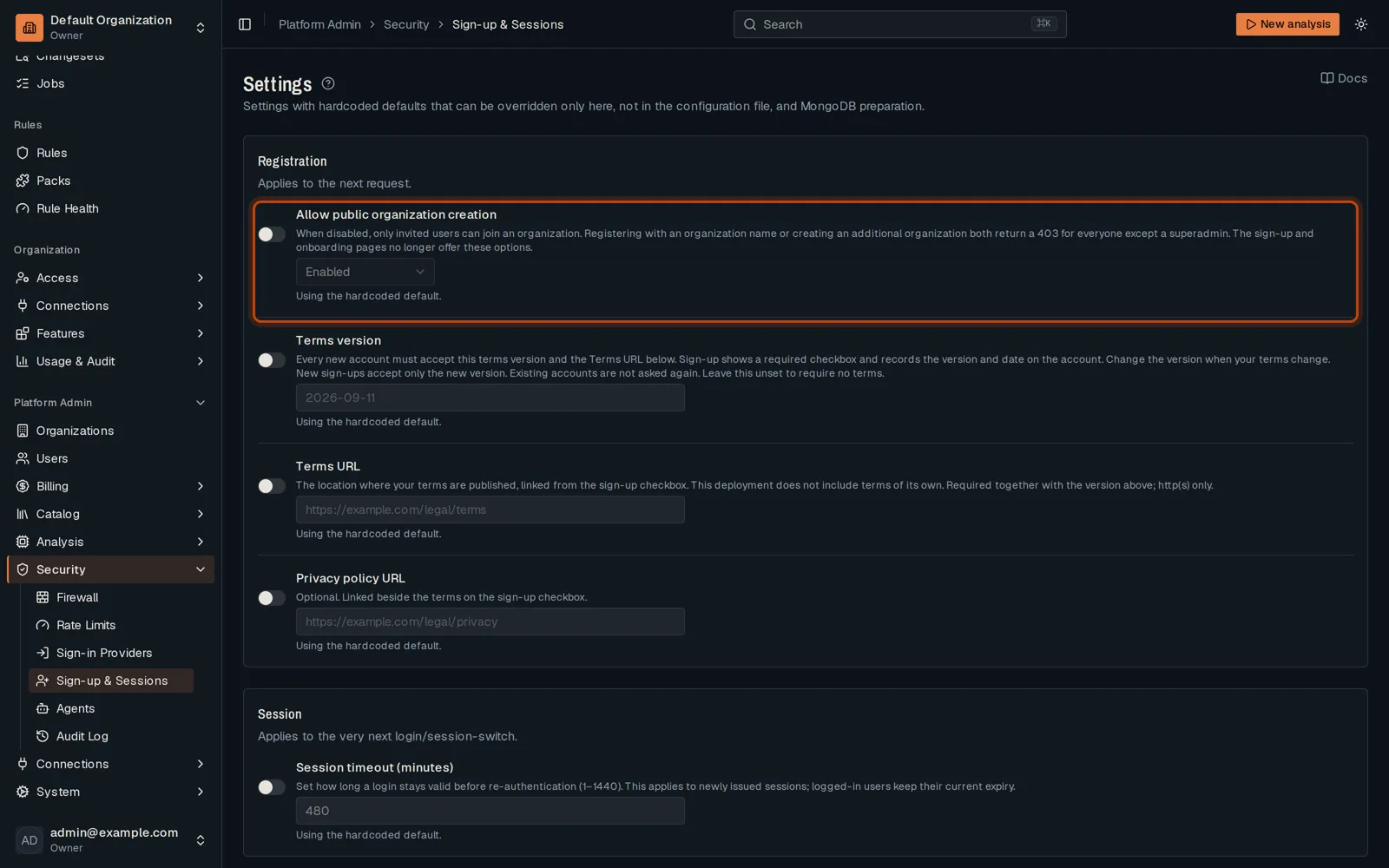
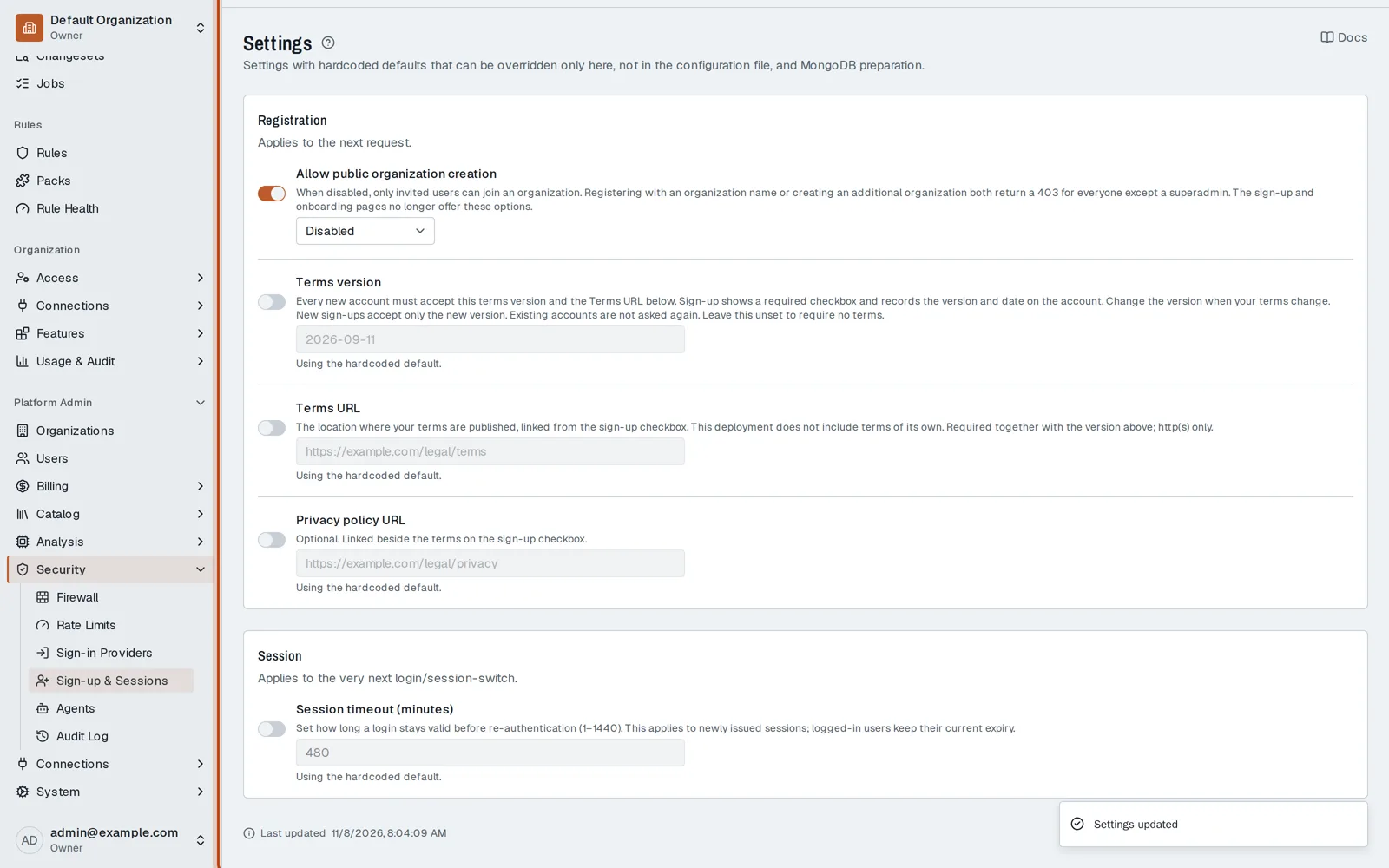
Open Platform Admin, then Security, then Sign-up & Sessions.
-
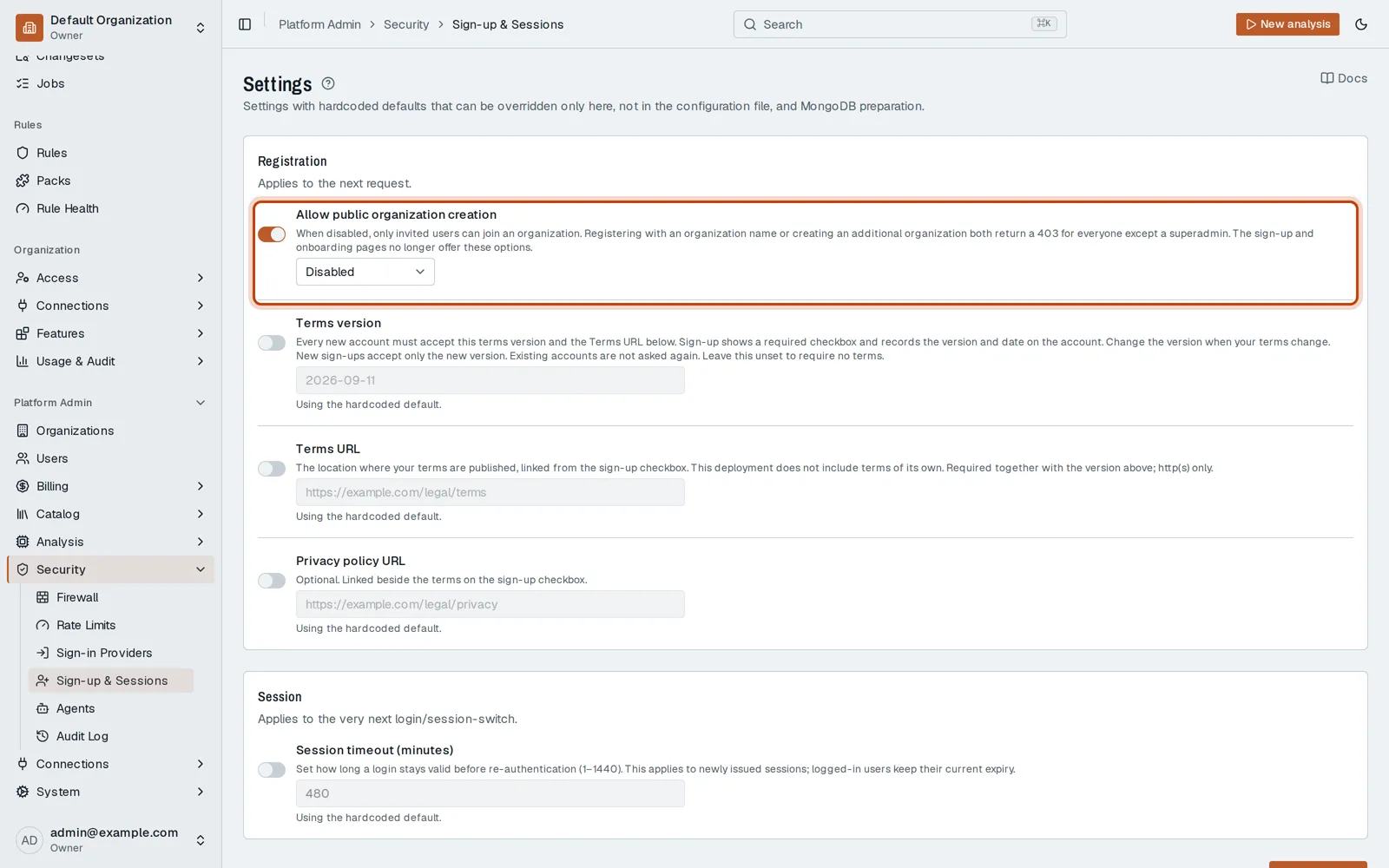
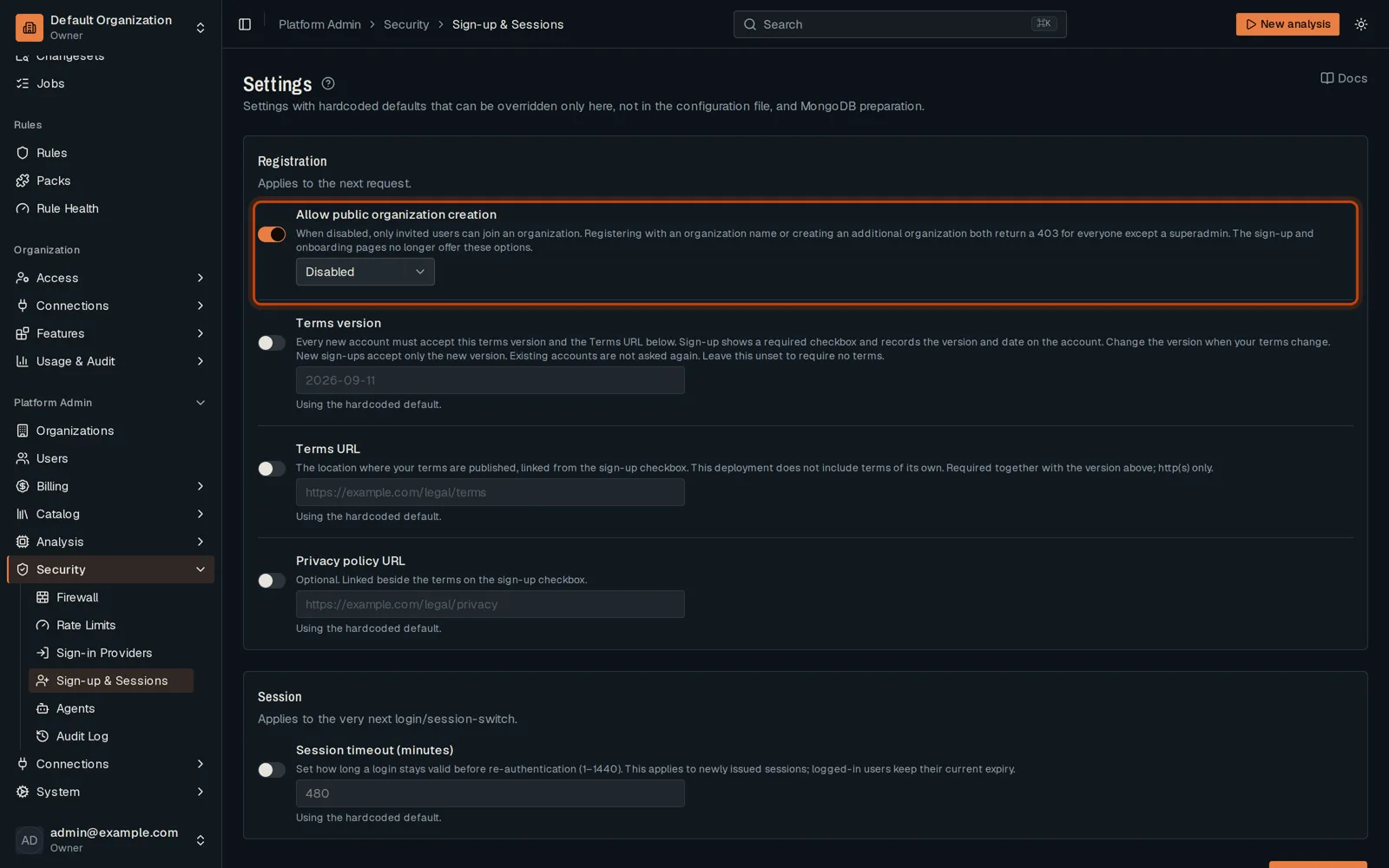
Turn on the switch beside a setting to change its default. Set sign-up to Disabled: only invited people join.
-
Click Save settings. Sign-in Providers turns on Google or Microsoft sign-in the same way.
Good to know
Section titled “Good to know”- A switch left off keeps the deployment’s default for that setting.
Go further
Section titled “Go further”Authentication explains how it works, and how to do it from the API.