Turn an ADR into a rule
Open in the dashboardWhen you are done: a decision your team wrote down is a rule every pull request is checked against.
-
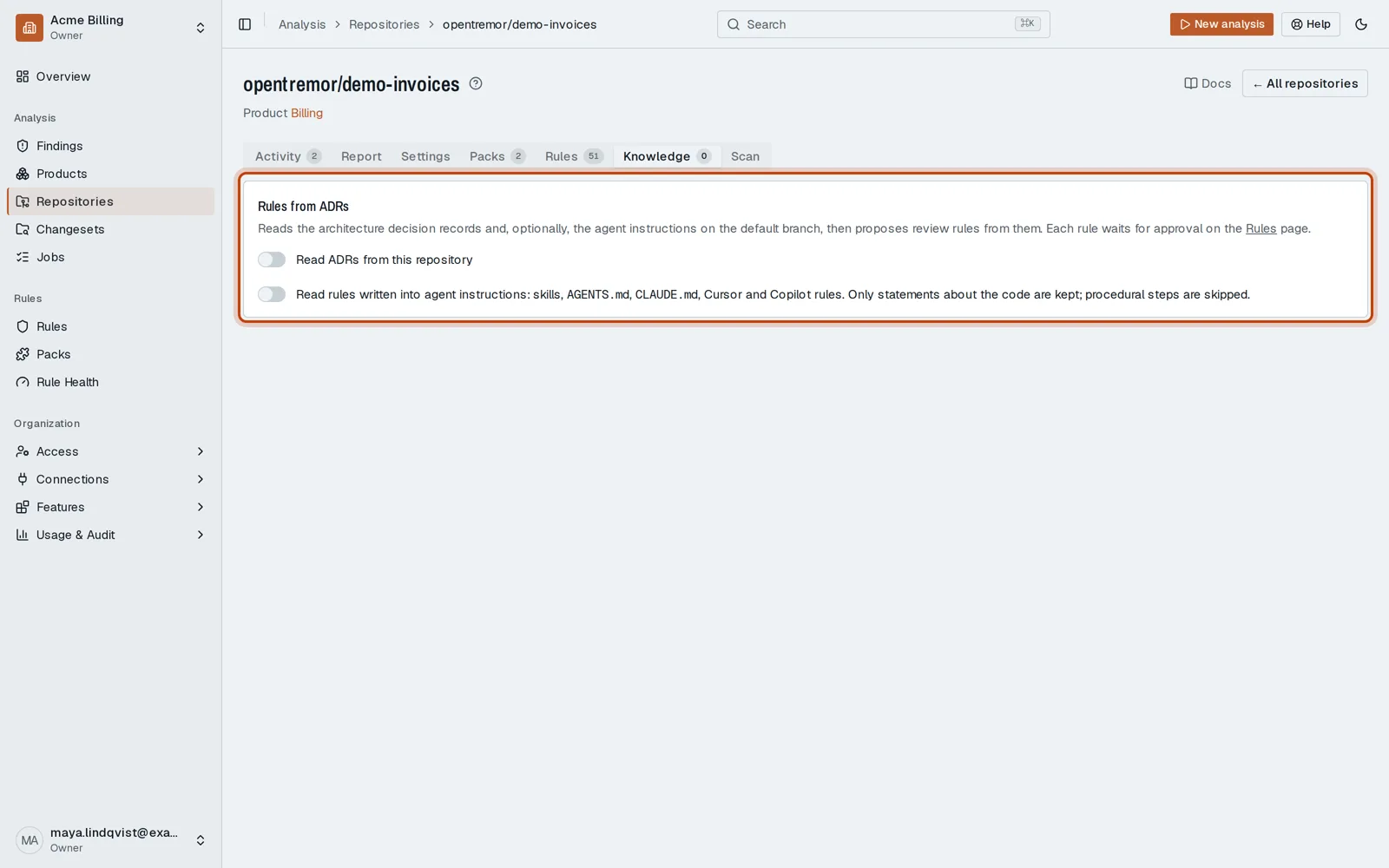
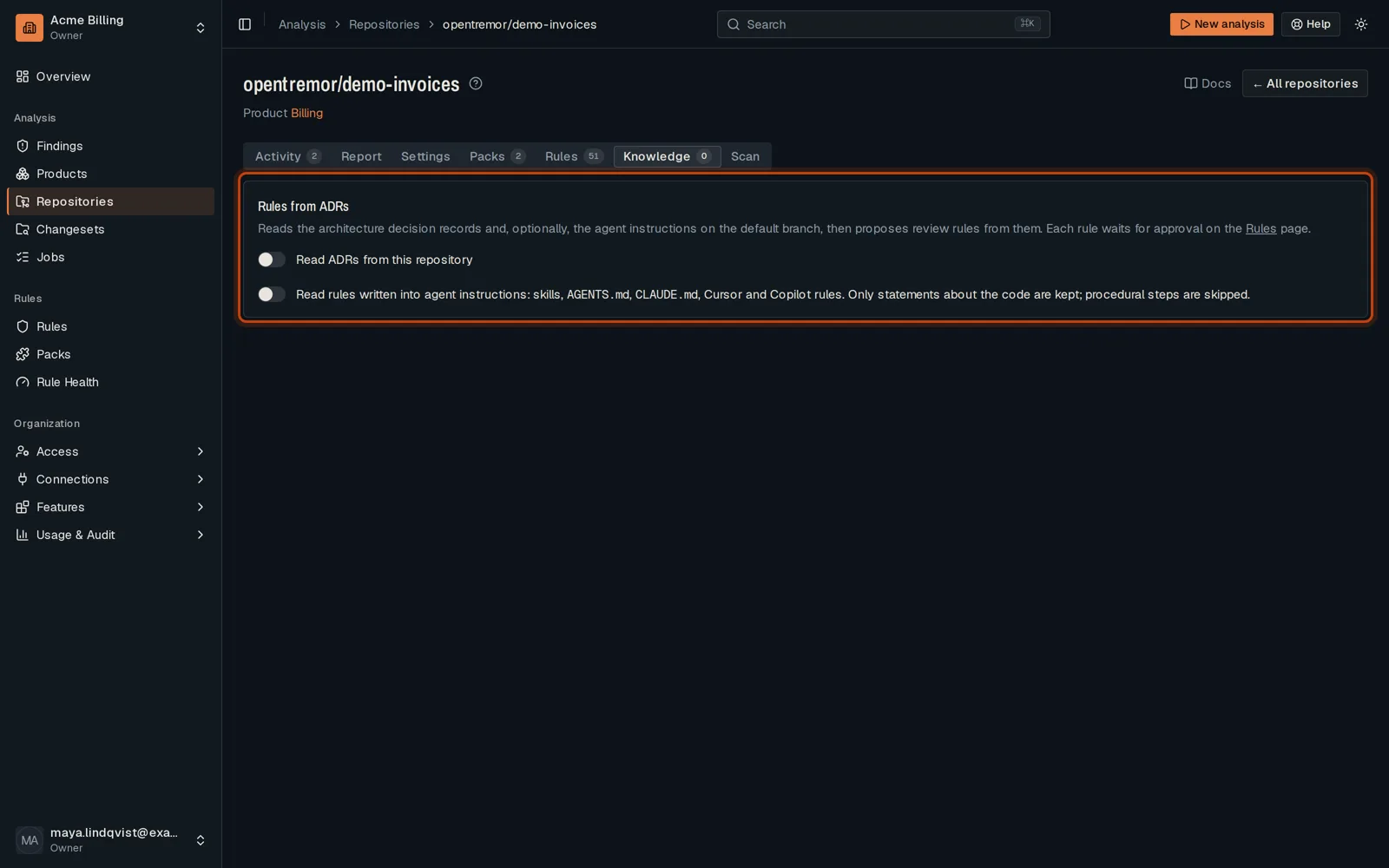
Open your repository, then its Knowledge tab.
-
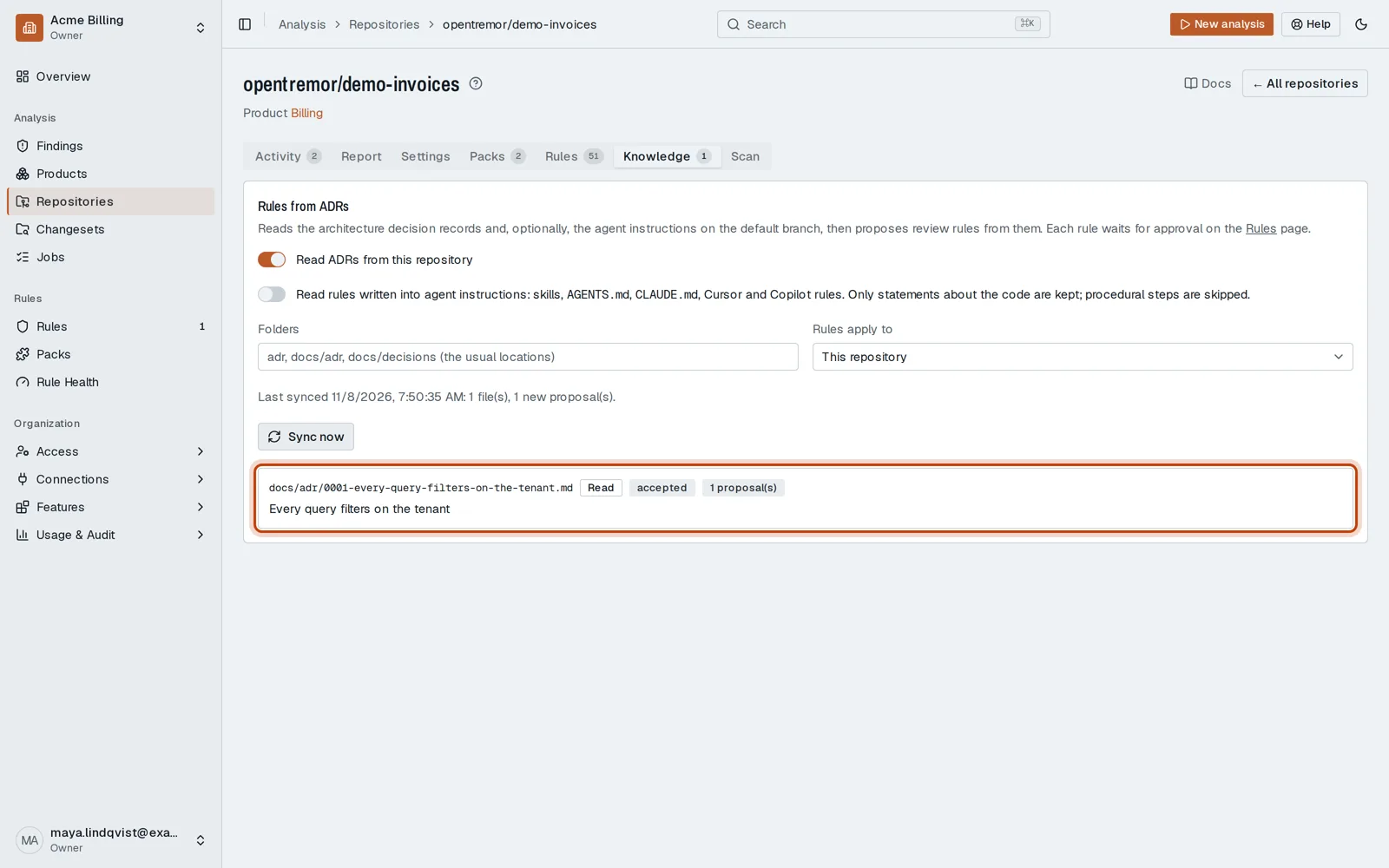
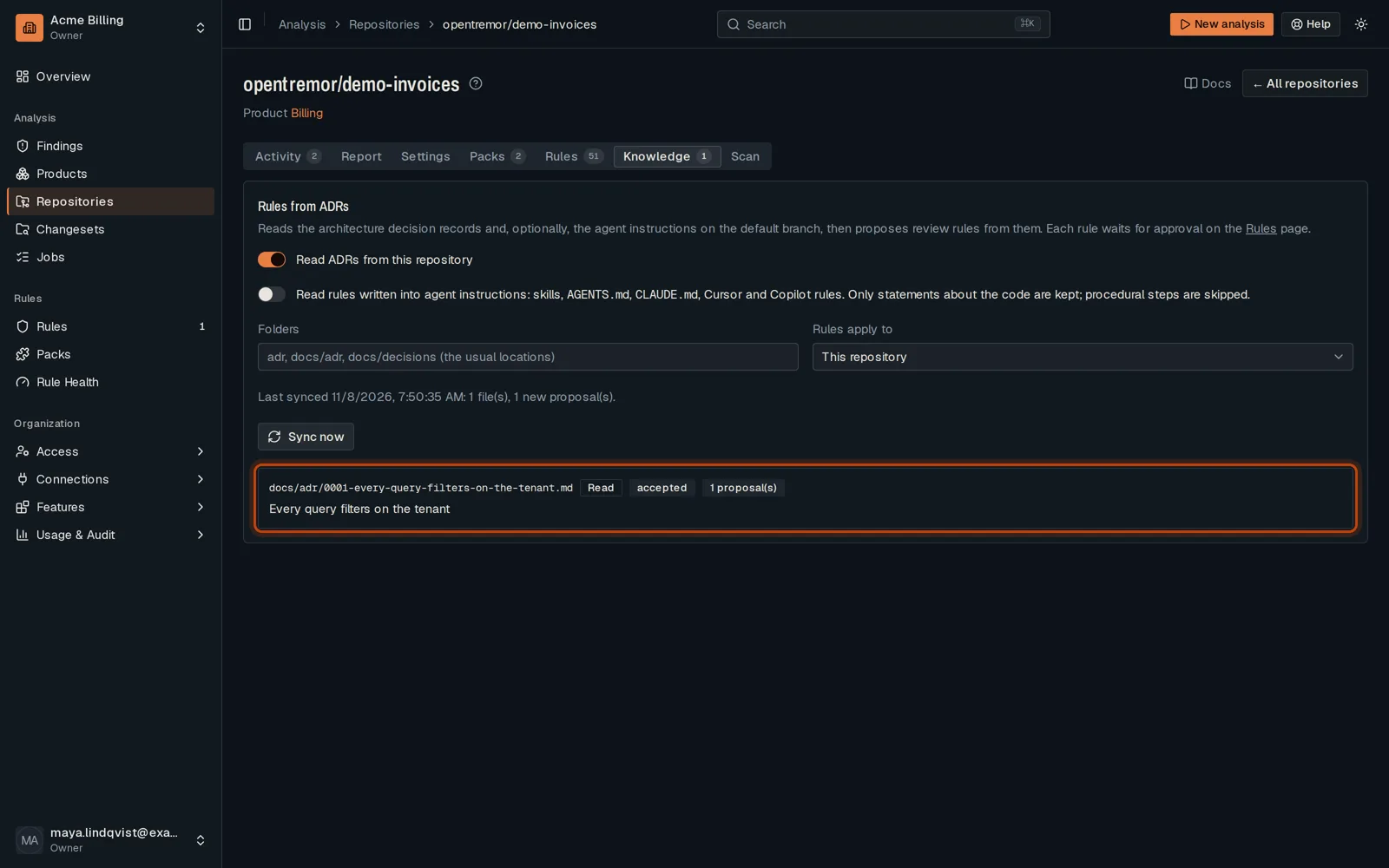
Turn on Read ADRs from this repository and click Sync now. Each decision becomes a draft rule.
-
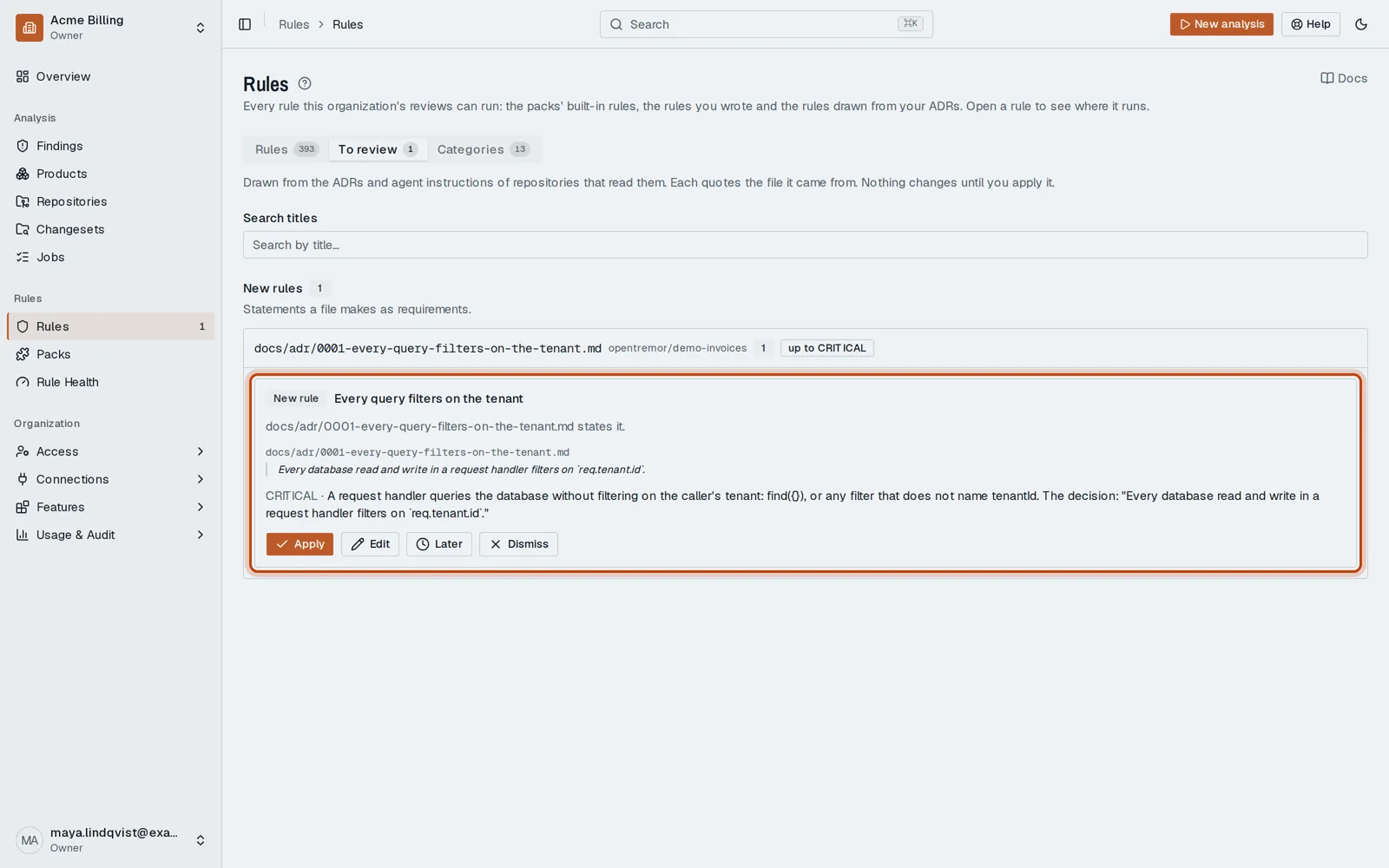
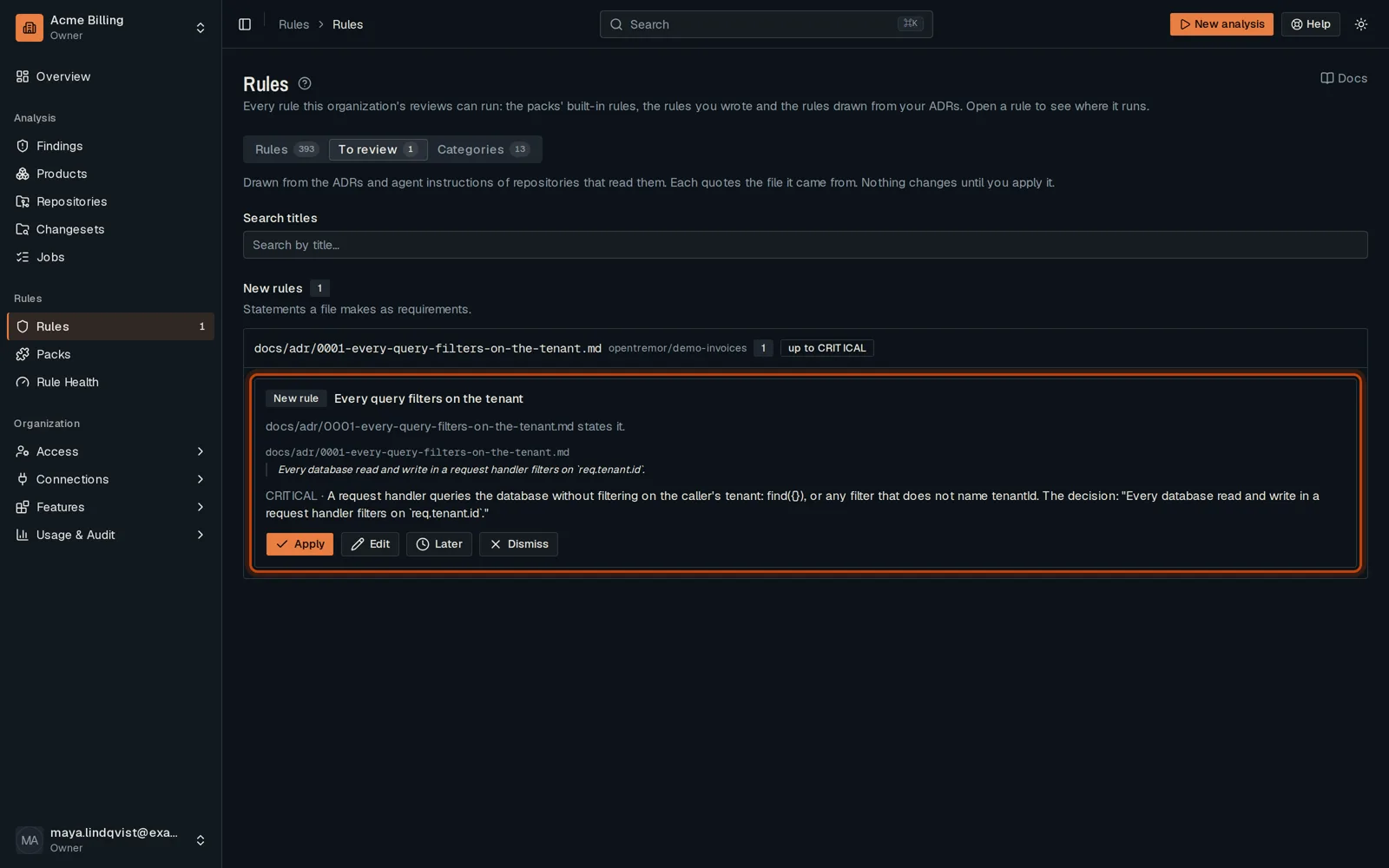
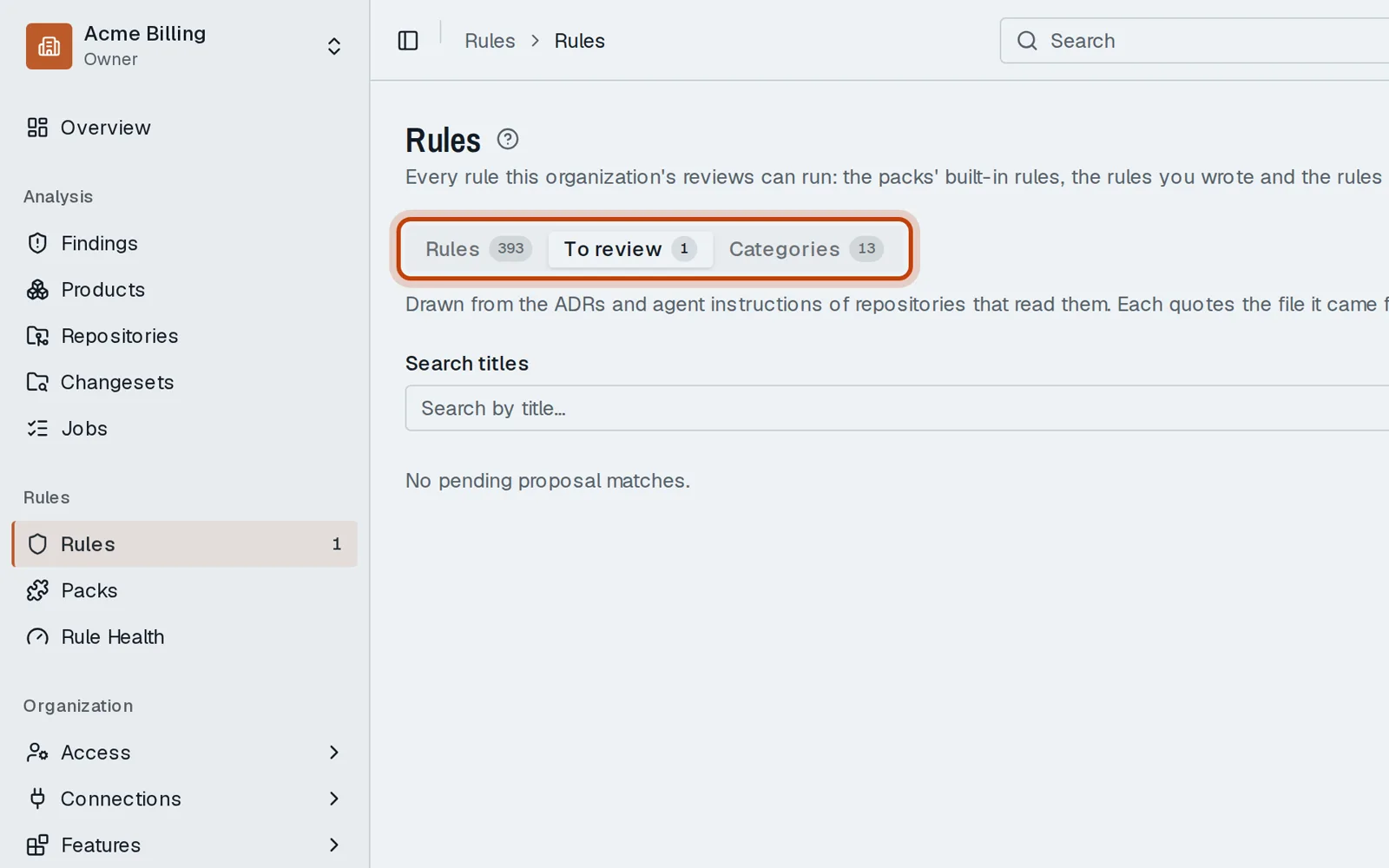
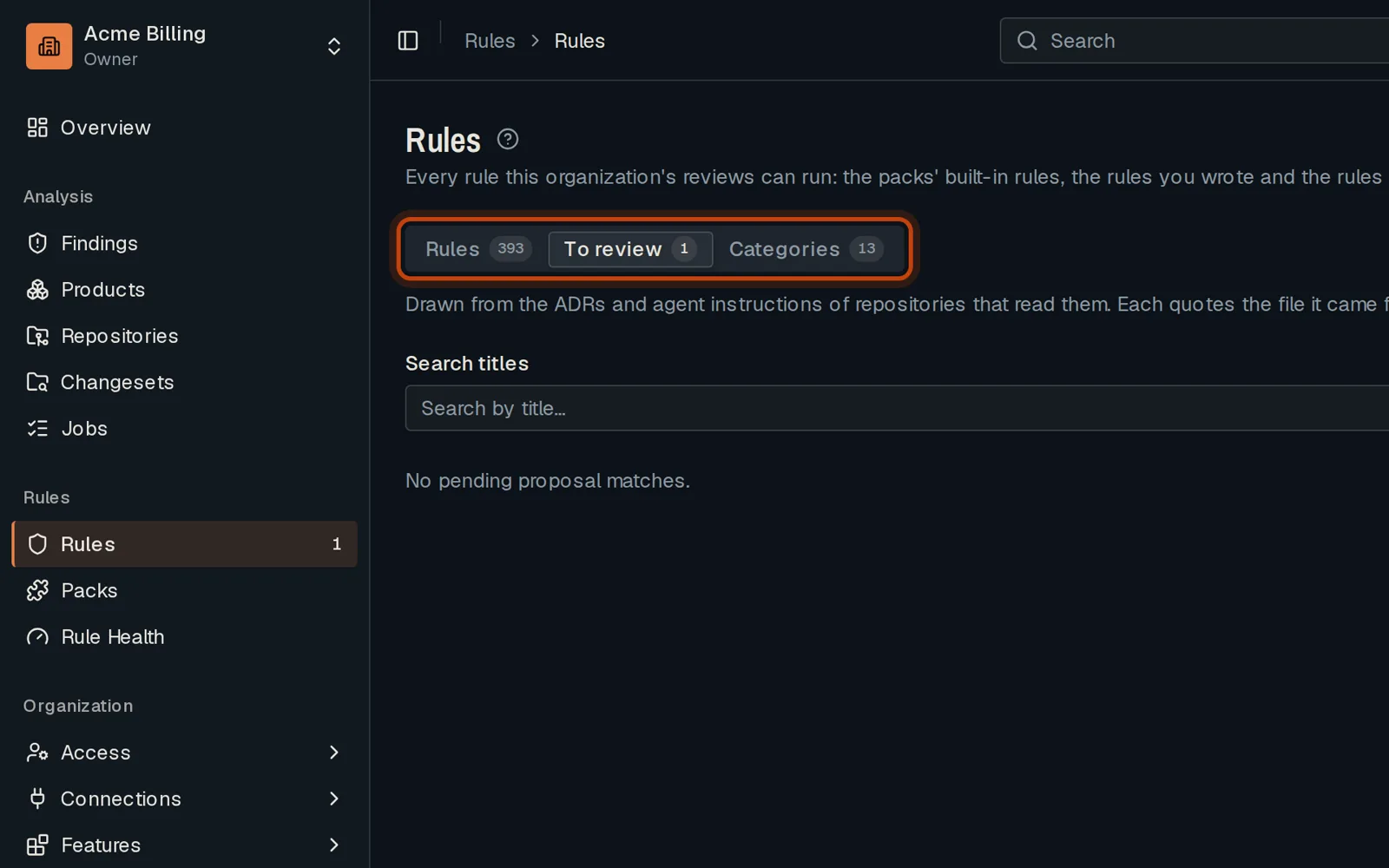
Open Rules, then the tab of rules to review, and open the file the draft came from.
-
Read the draft next to the decision, then click Apply. Nothing applies on its own.
Good to know
Section titled “Good to know”- Nothing is applied on its own: a person applies each draft.
- Agent instruction files, such as CLAUDE.md, are read the same way.
Go further
Section titled “Go further”Rules from ADRs explains how it works, and how to do it from the API.