Give your coding agent or a script access
Open in the dashboardWhen you are done: your agent or script has a token that acts as you, with the scope you chose.
-
Open the menu under your name, at the bottom of the sidebar, and choose Account.
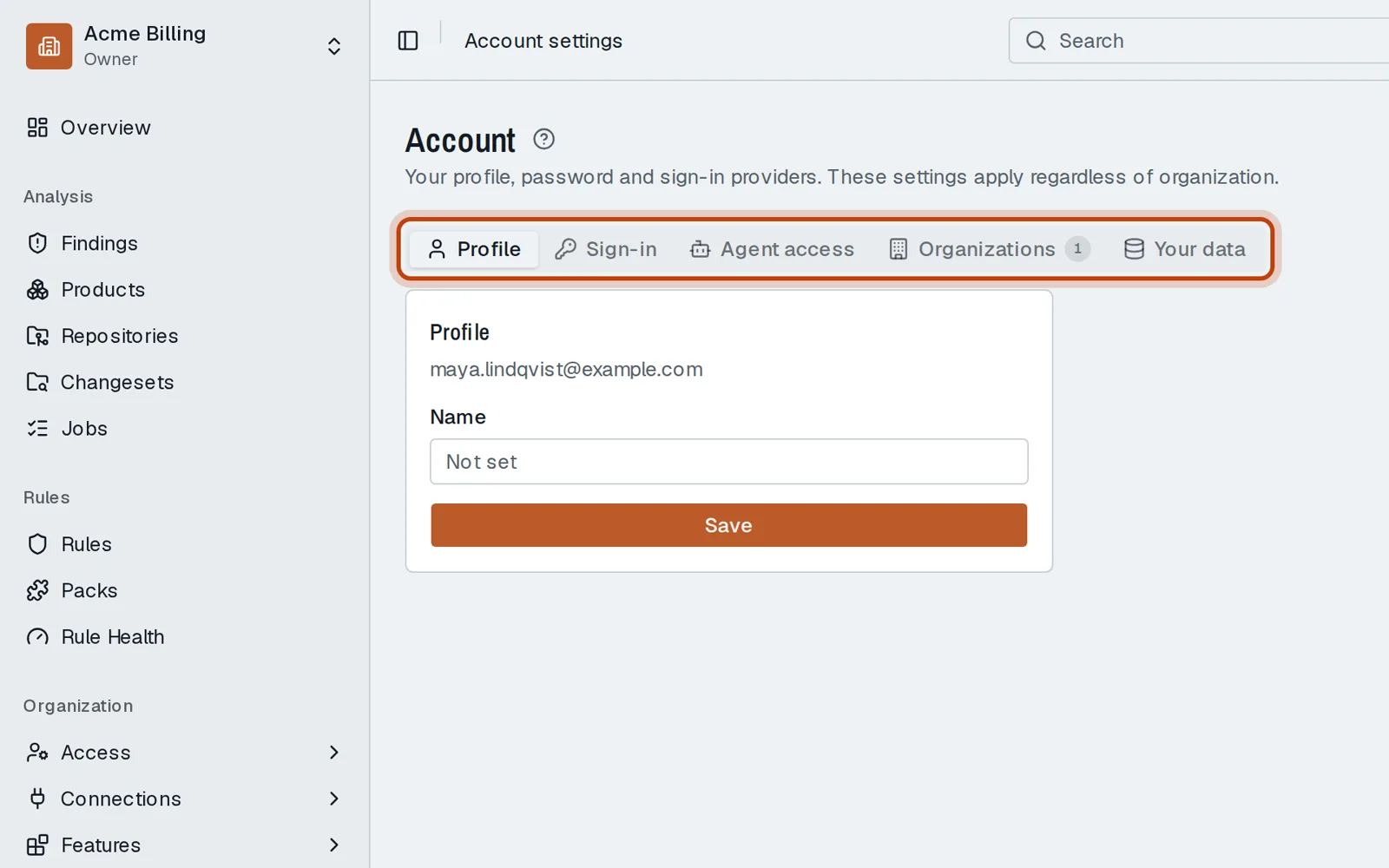
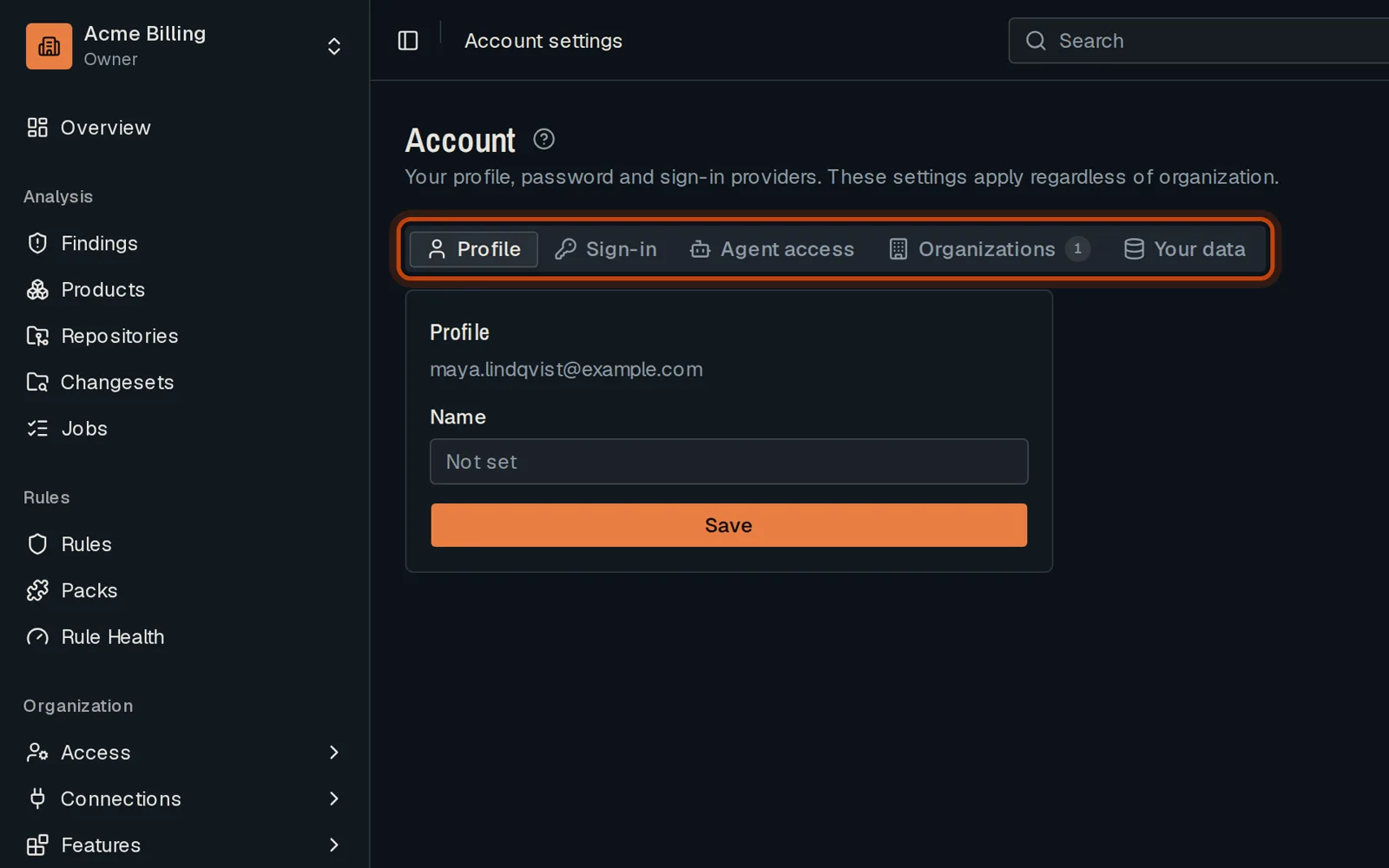
-
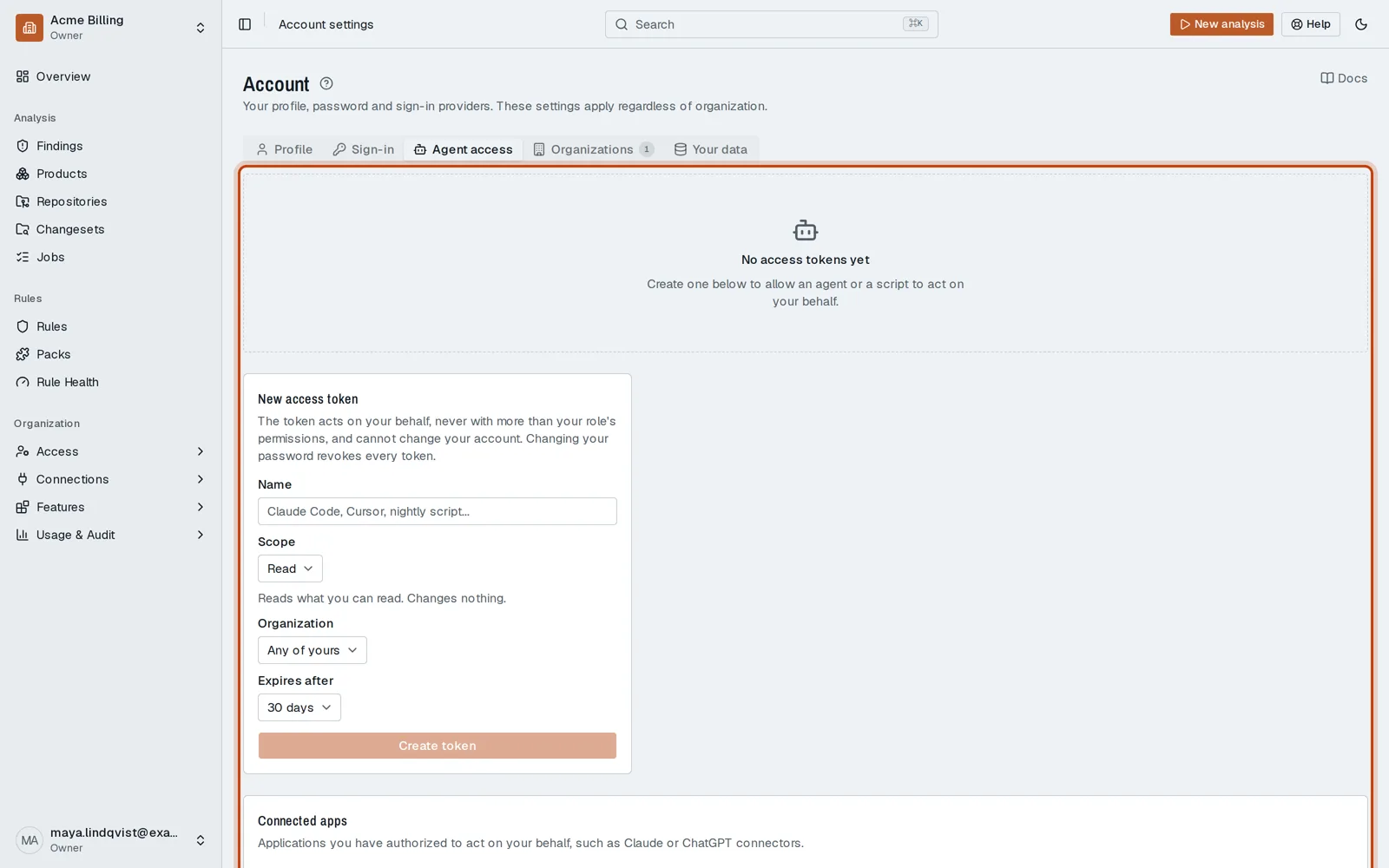
Open the Agent access tab.
-
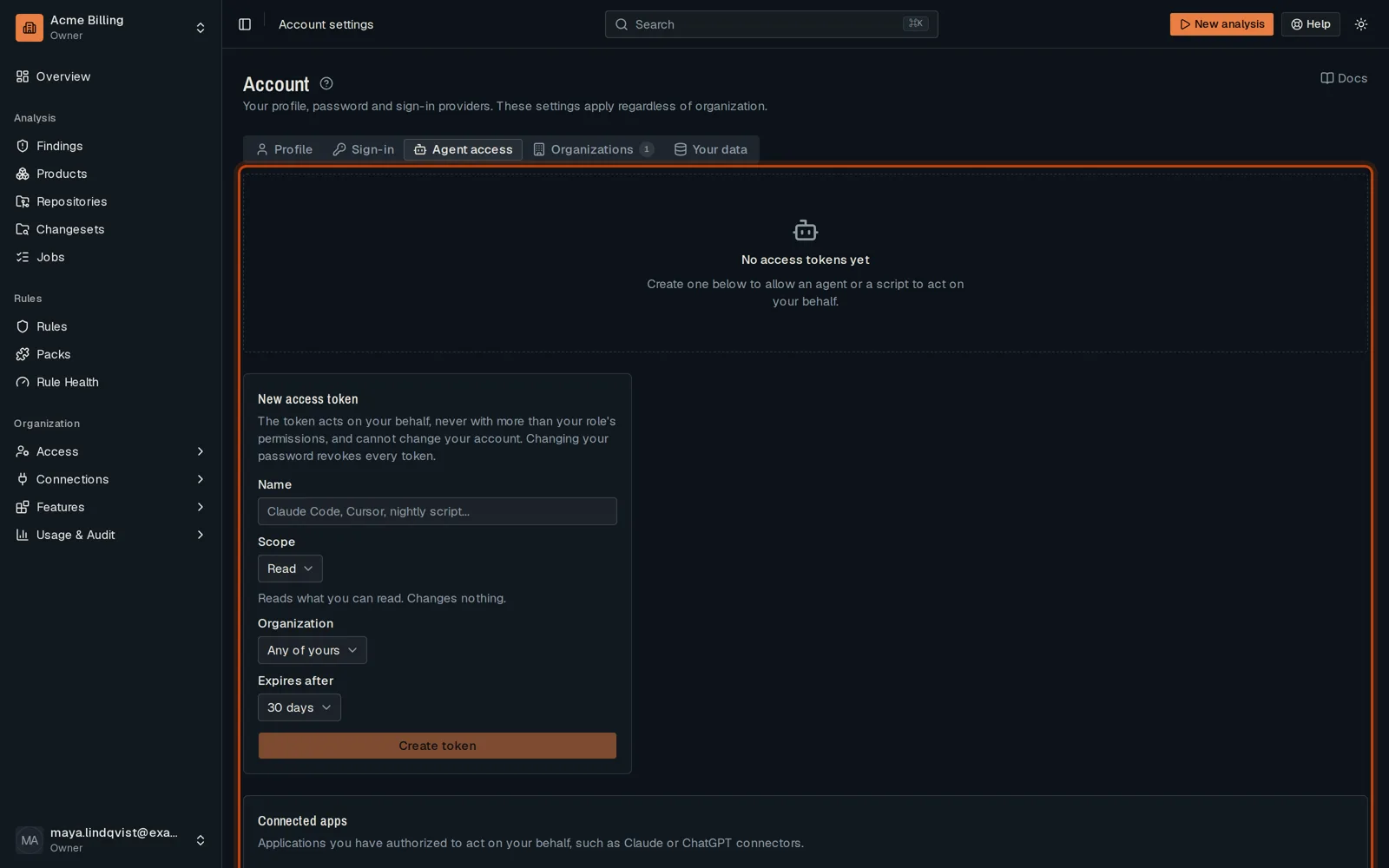
Name the token and choose its scope, its organization and when it expires.
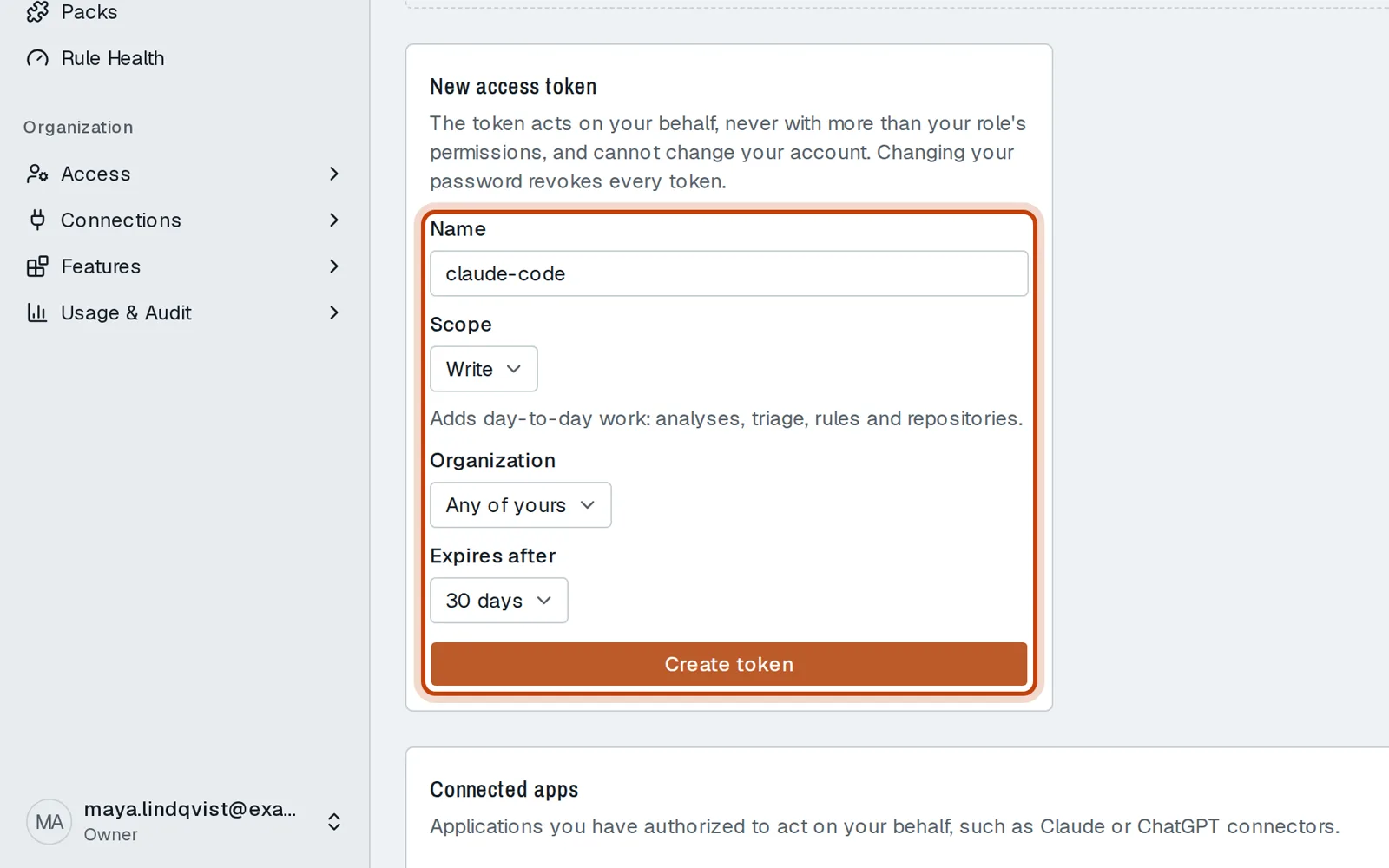
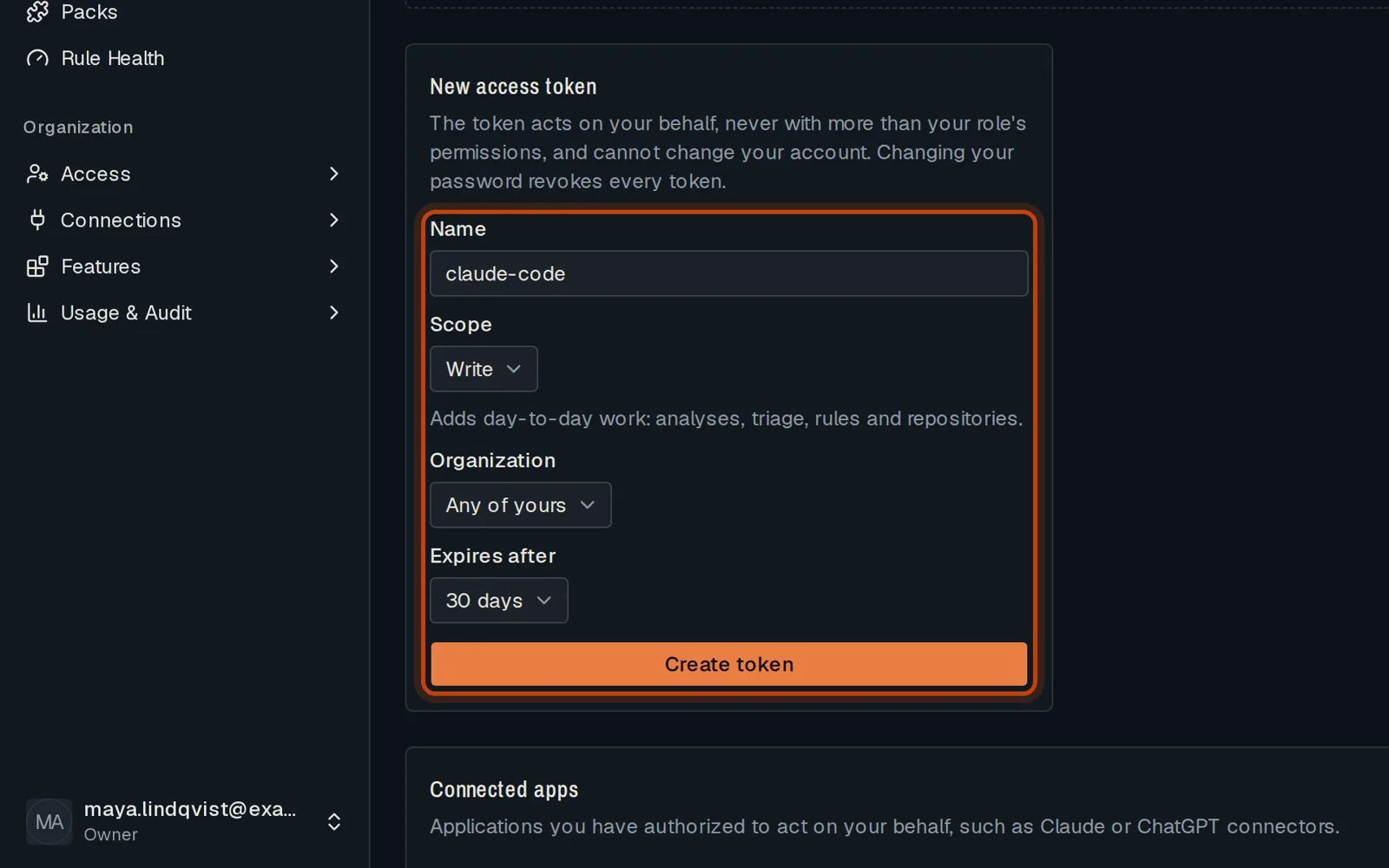
-
Click Create token. Copy it now: it is shown once.
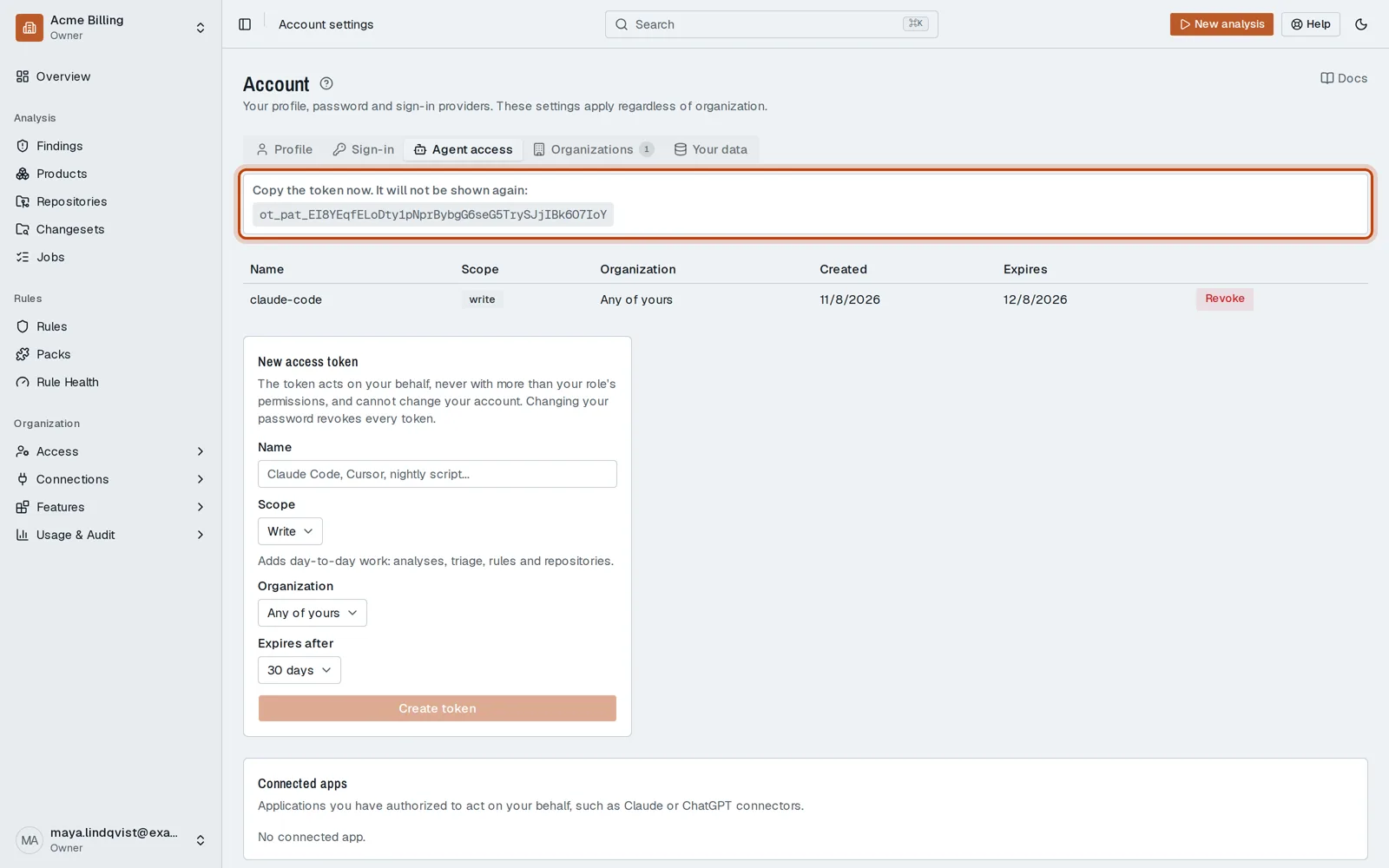
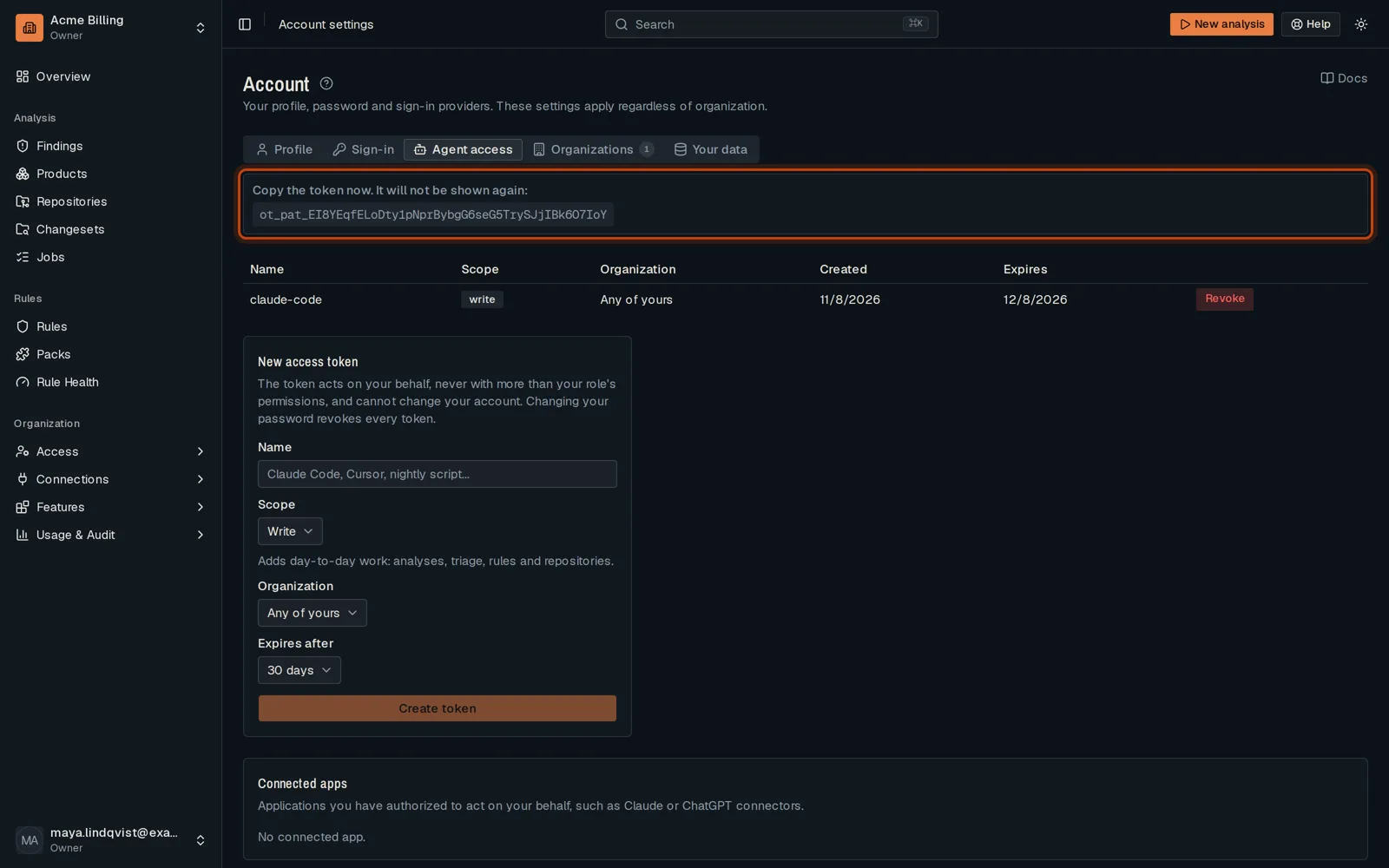
Good to know
Section titled “Good to know”- The token never has more rights than your role.
- Connected apps on the same tab lists the apps you signed in to OpenTremor, such as Claude, and lets you remove them.
Go further
Section titled “Go further”Agent access explains how it works, and how to do it from the API.