Read the review of a pull request
Open in the dashboardWhen you are done: you see every finding of one pull request, and the files they are in.
-
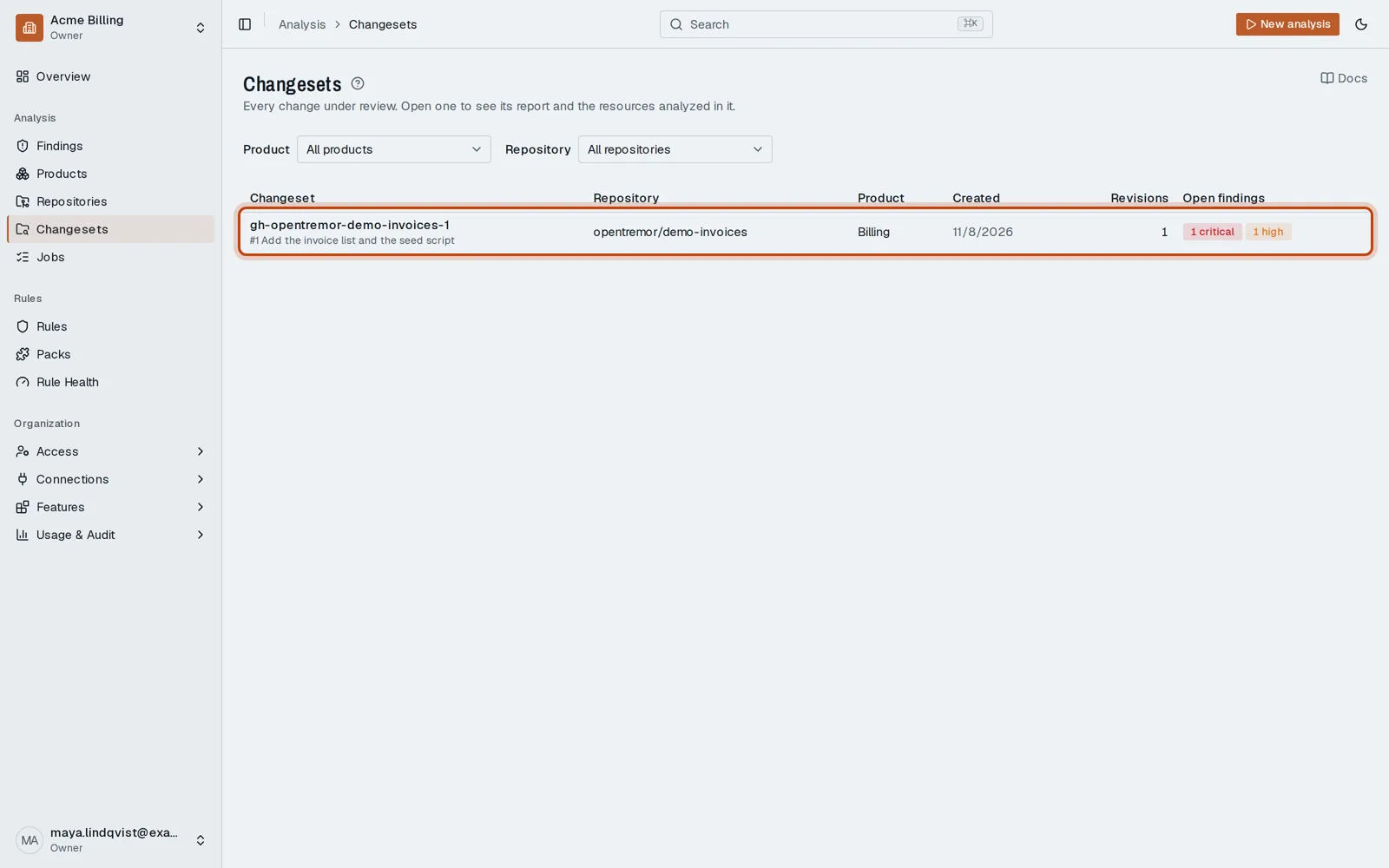
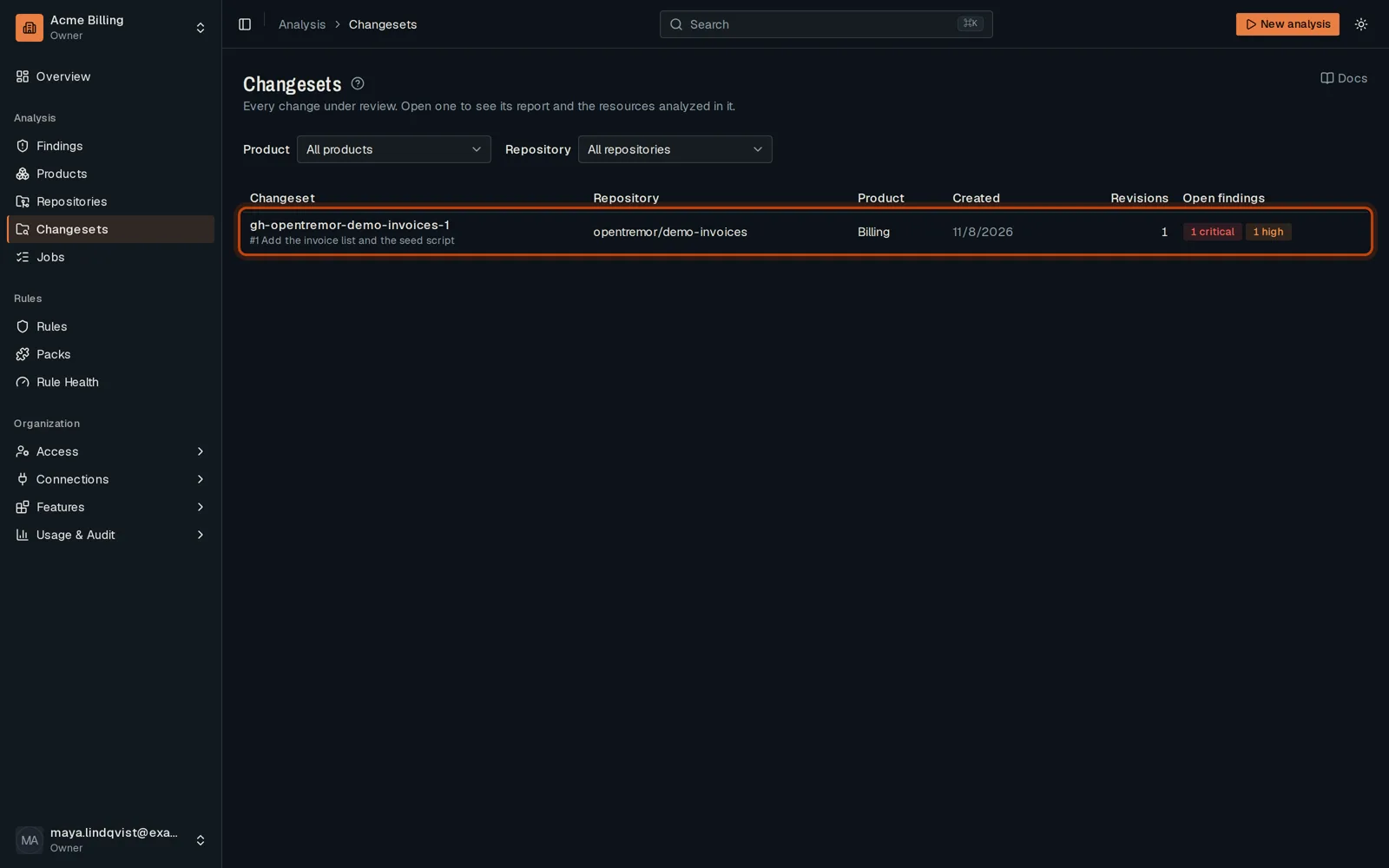
Open Changesets in the sidebar. Each row is one pull request, with its open findings.
-
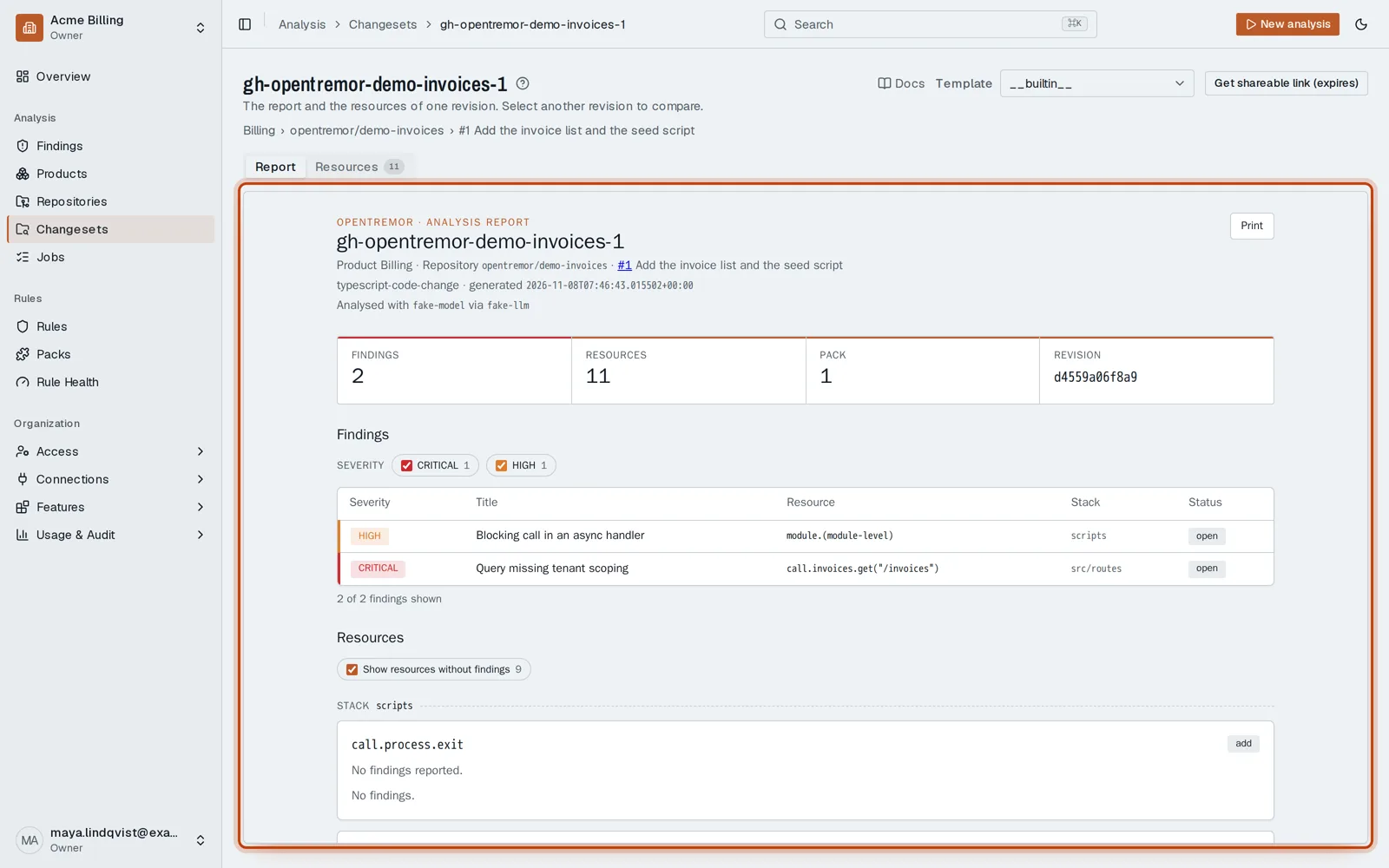
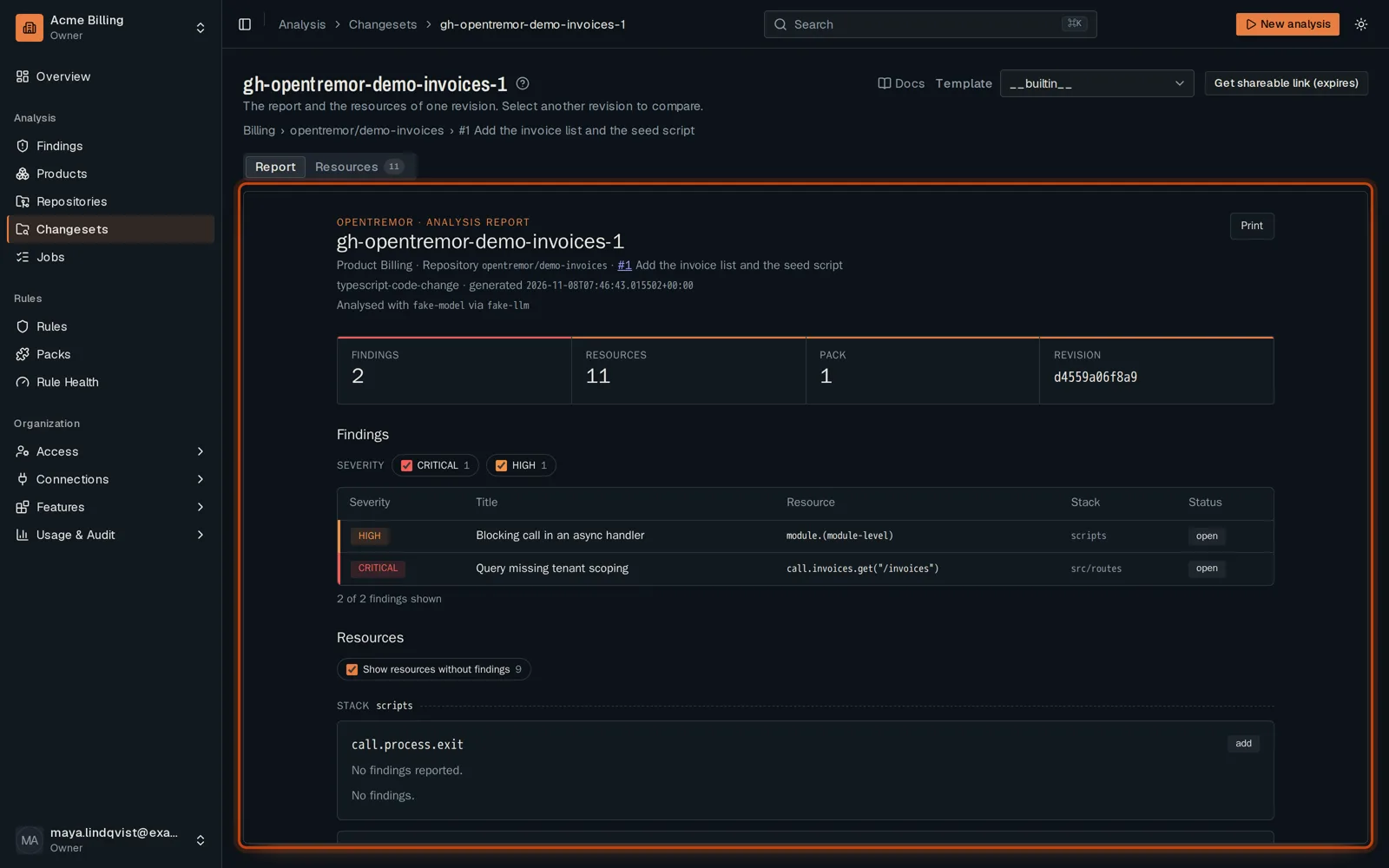
Click the changeset of your pull request. Its report opens: every finding, by severity.
-
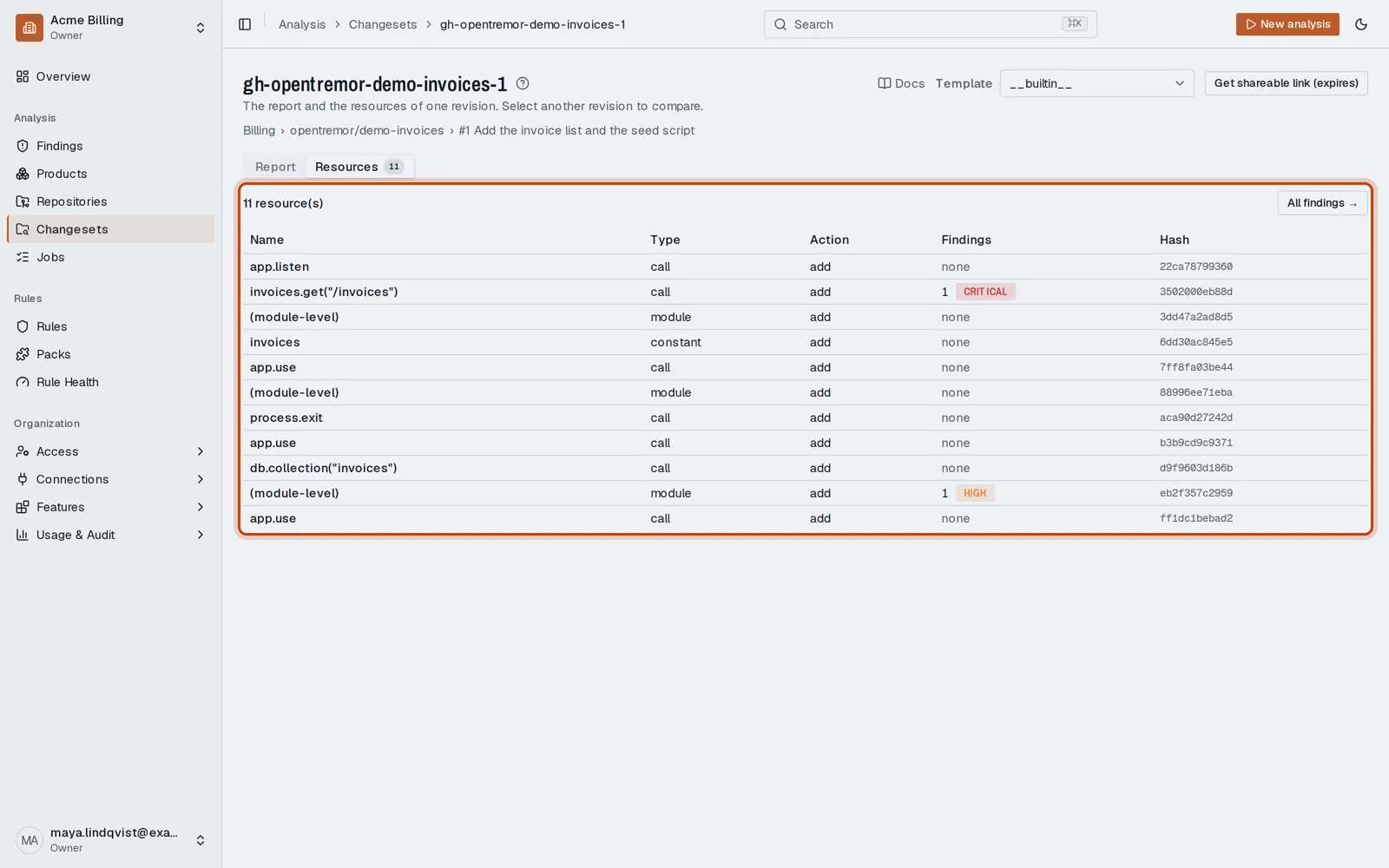
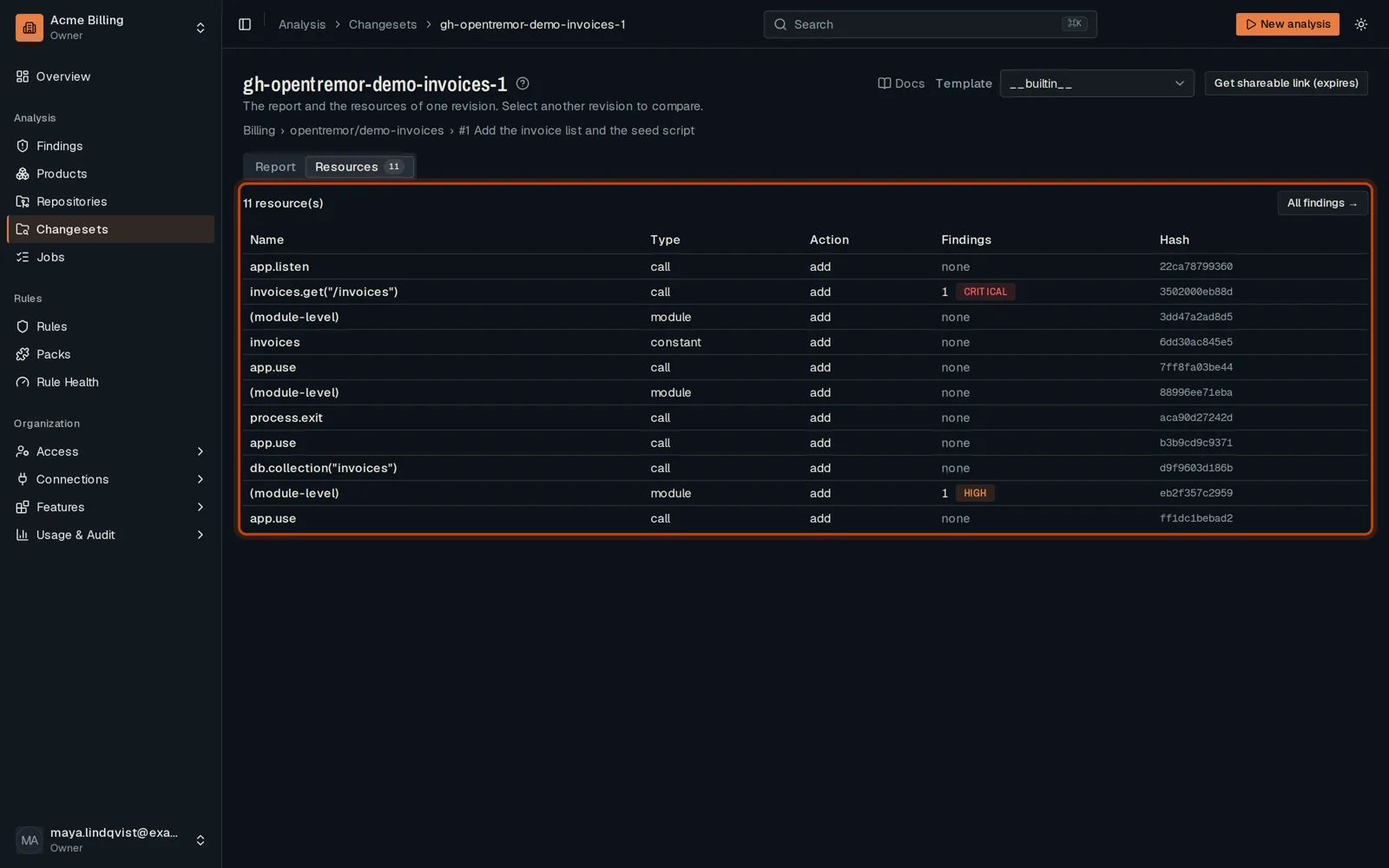
Open Resources to see each file that was reviewed, and what was found in it.
Good to know
Section titled “Good to know”- The same review is posted on the pull request as a comment and a check.
- A changeset keeps every revision of the pull request. Select another revision to compare.
Go further
Section titled “Go further”How an analysis runs explains how it works, and how to do it from the API.