Invite a colleague and give them a role
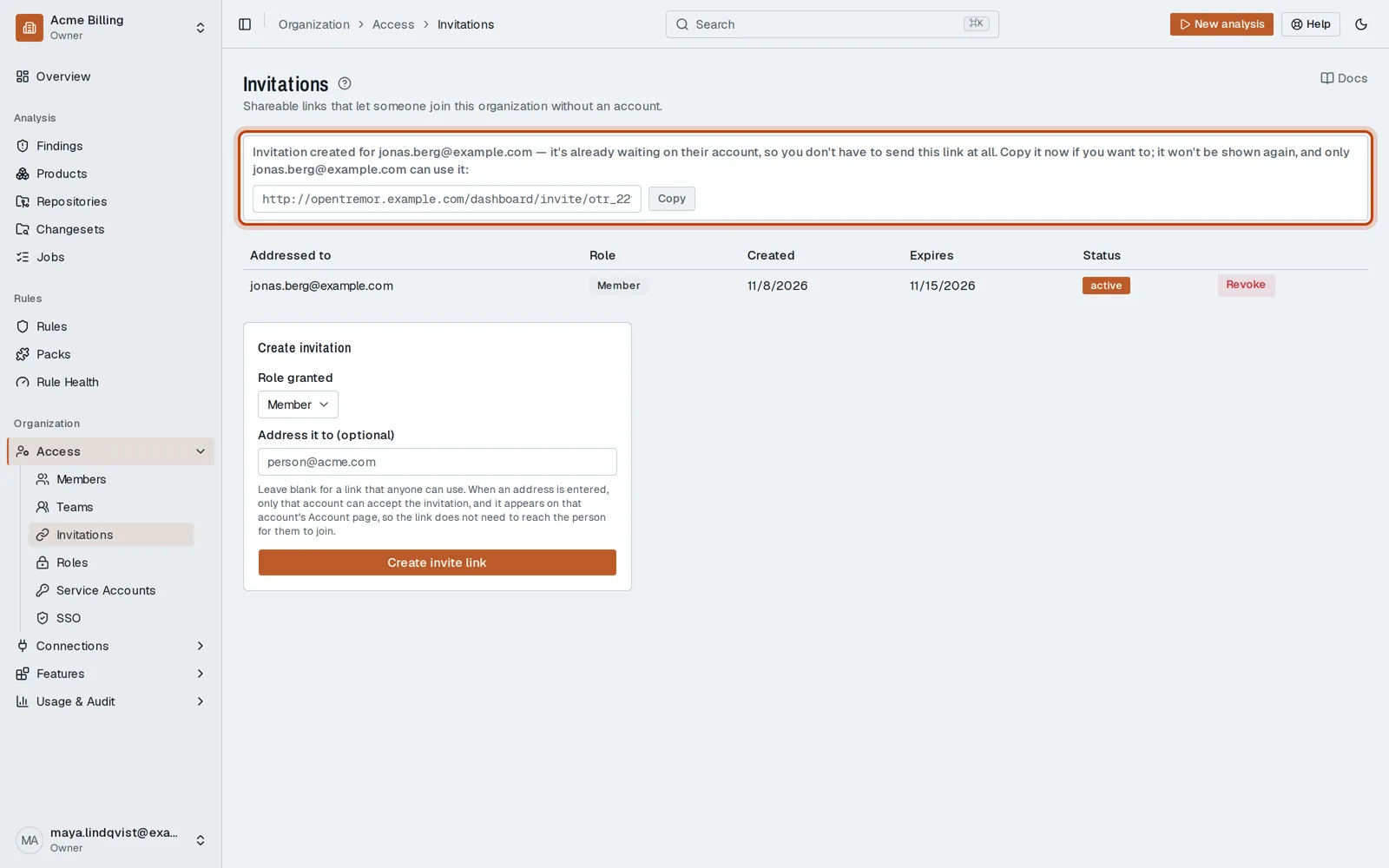
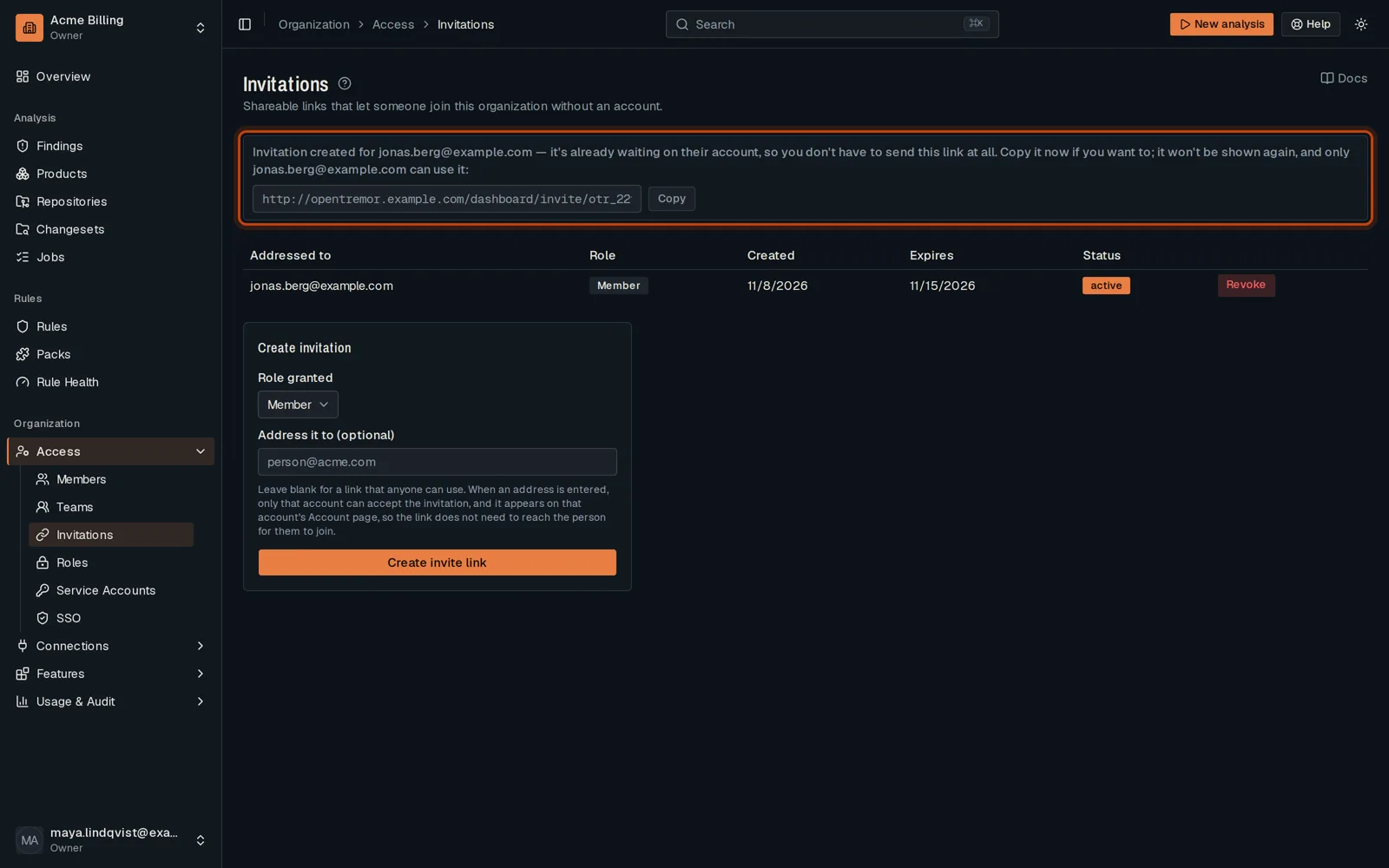
Open in the dashboardWhen you are done: the invitation waits on your colleague’s account, with the role you chose.
-
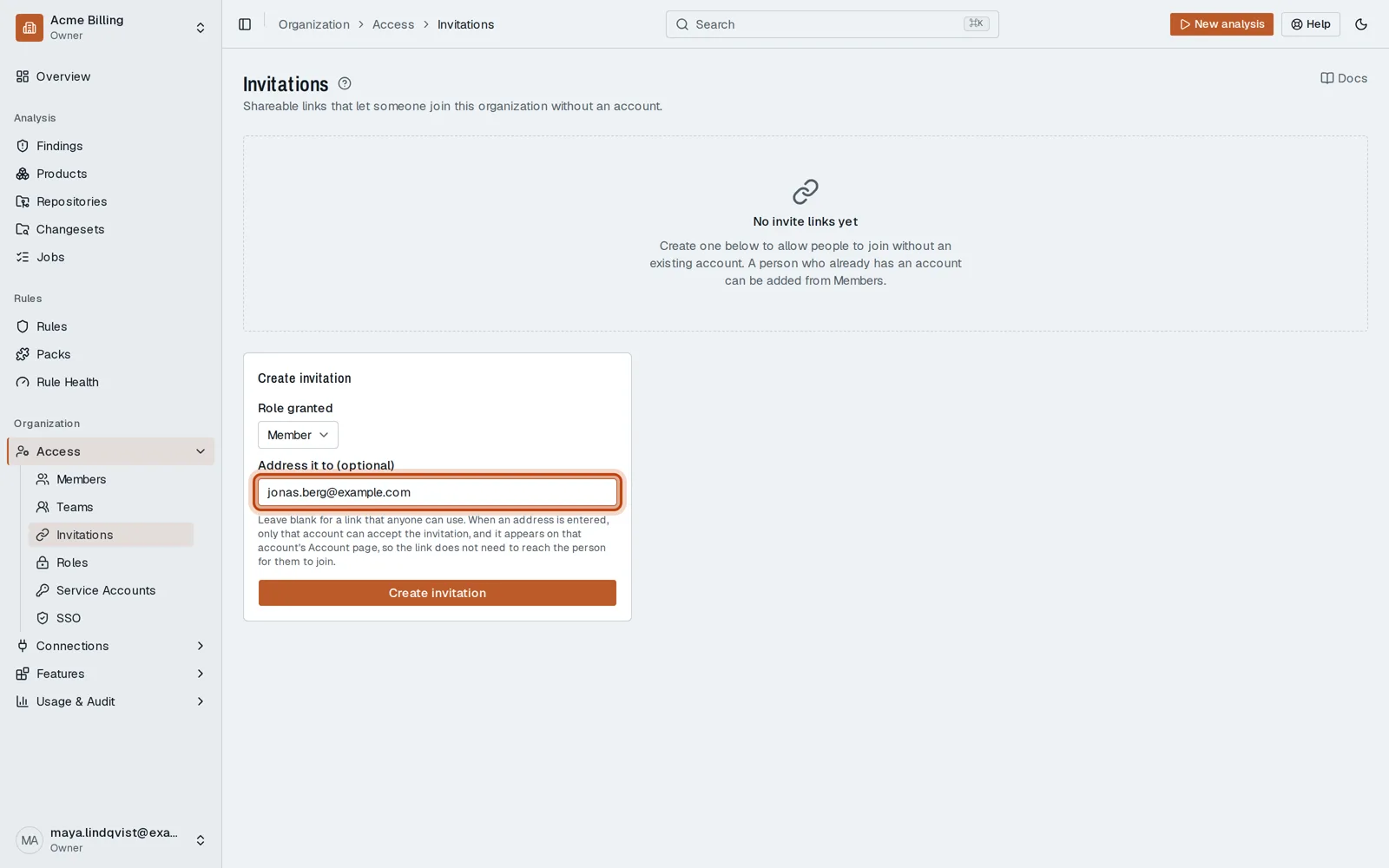
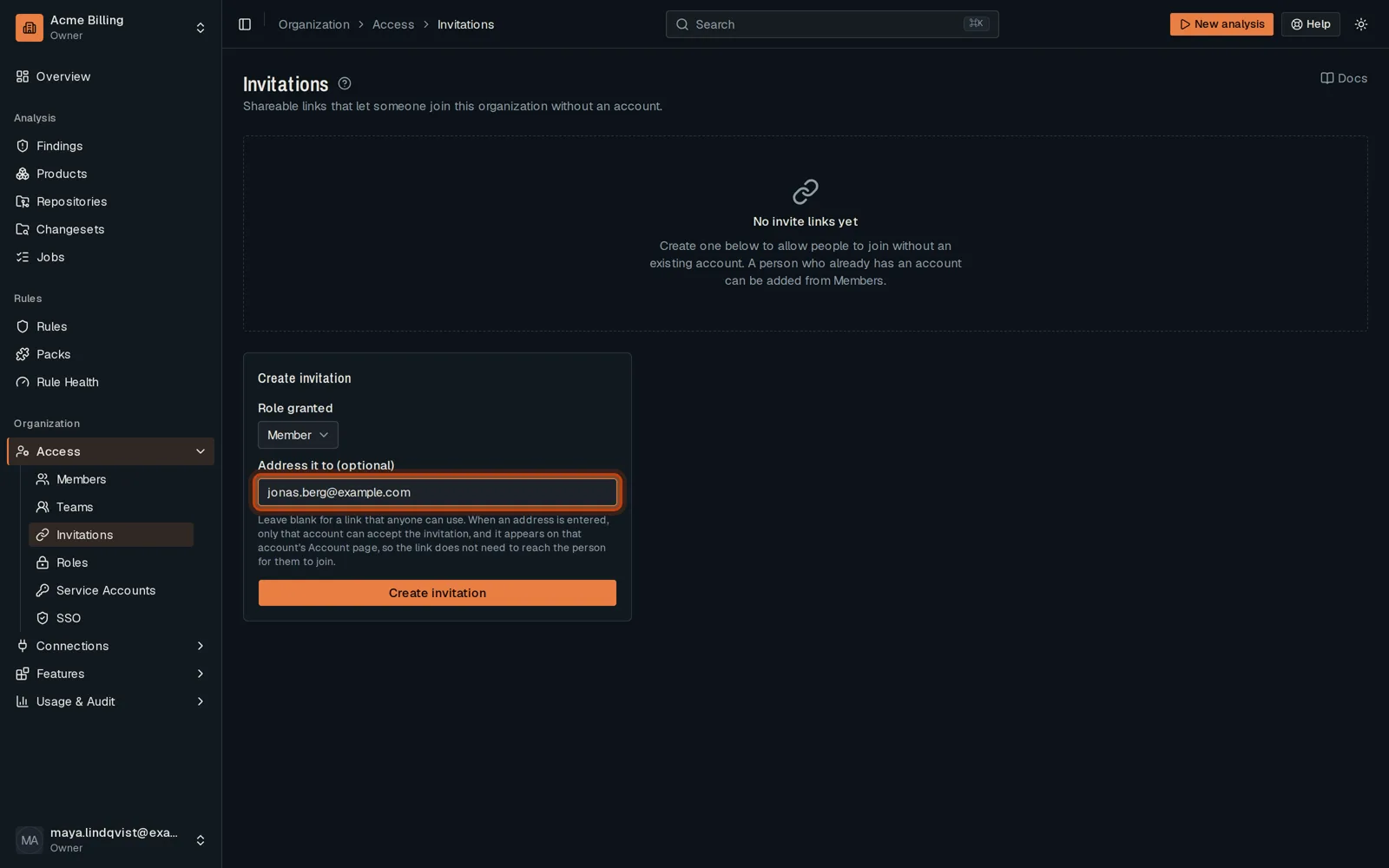
In the sidebar, open Access, then Invitations.
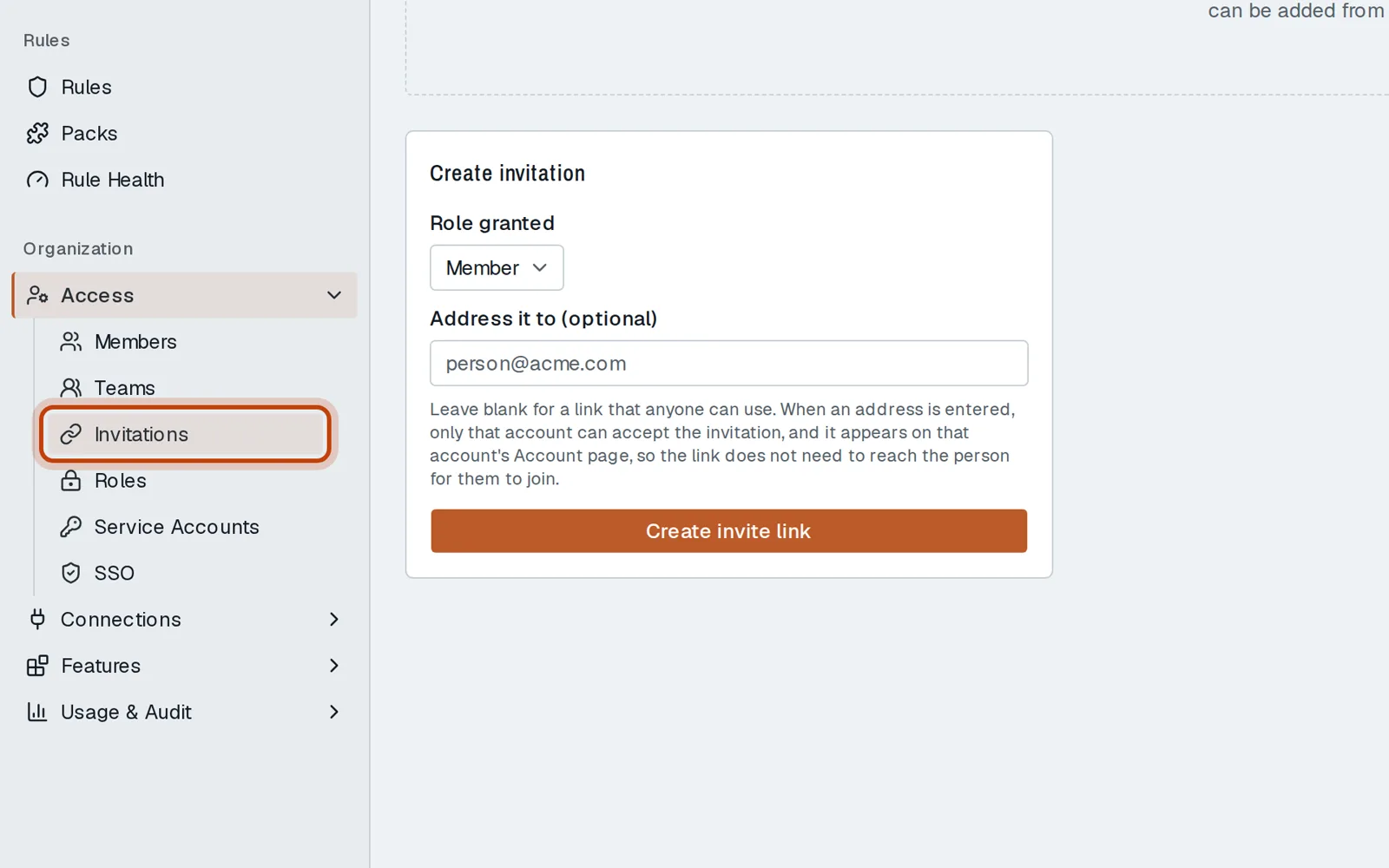
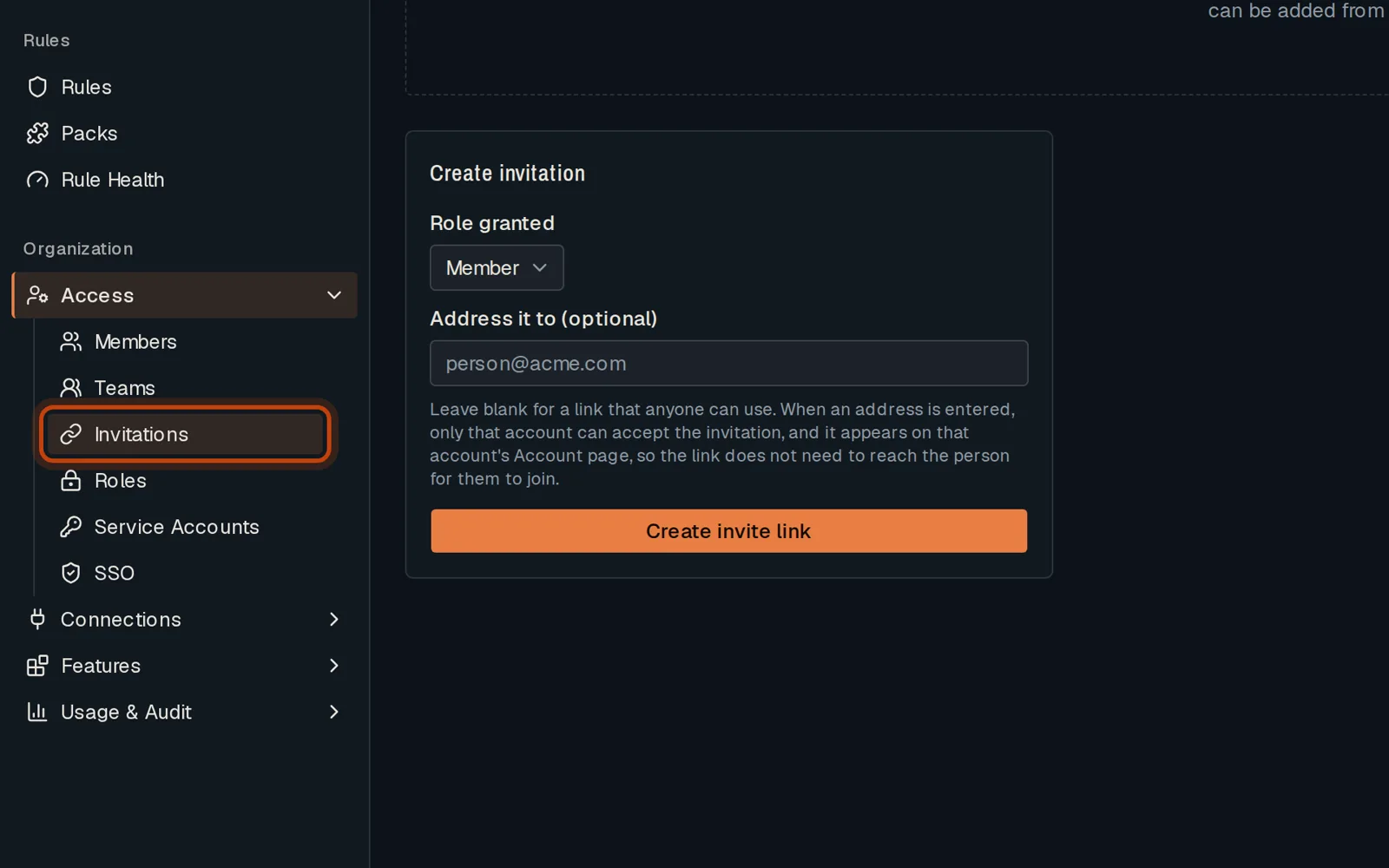
-
Under Role granted, choose the role the person gets.
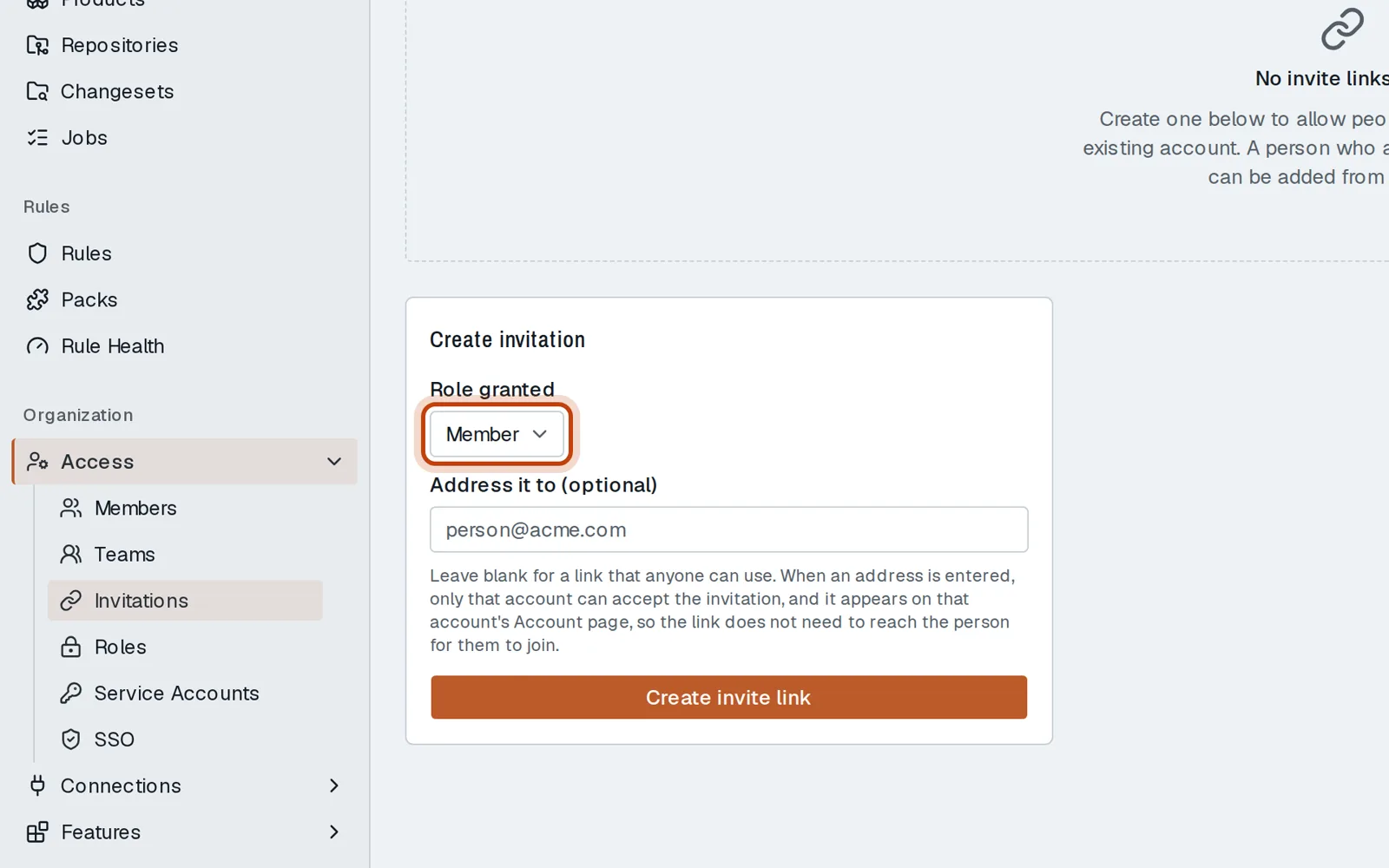
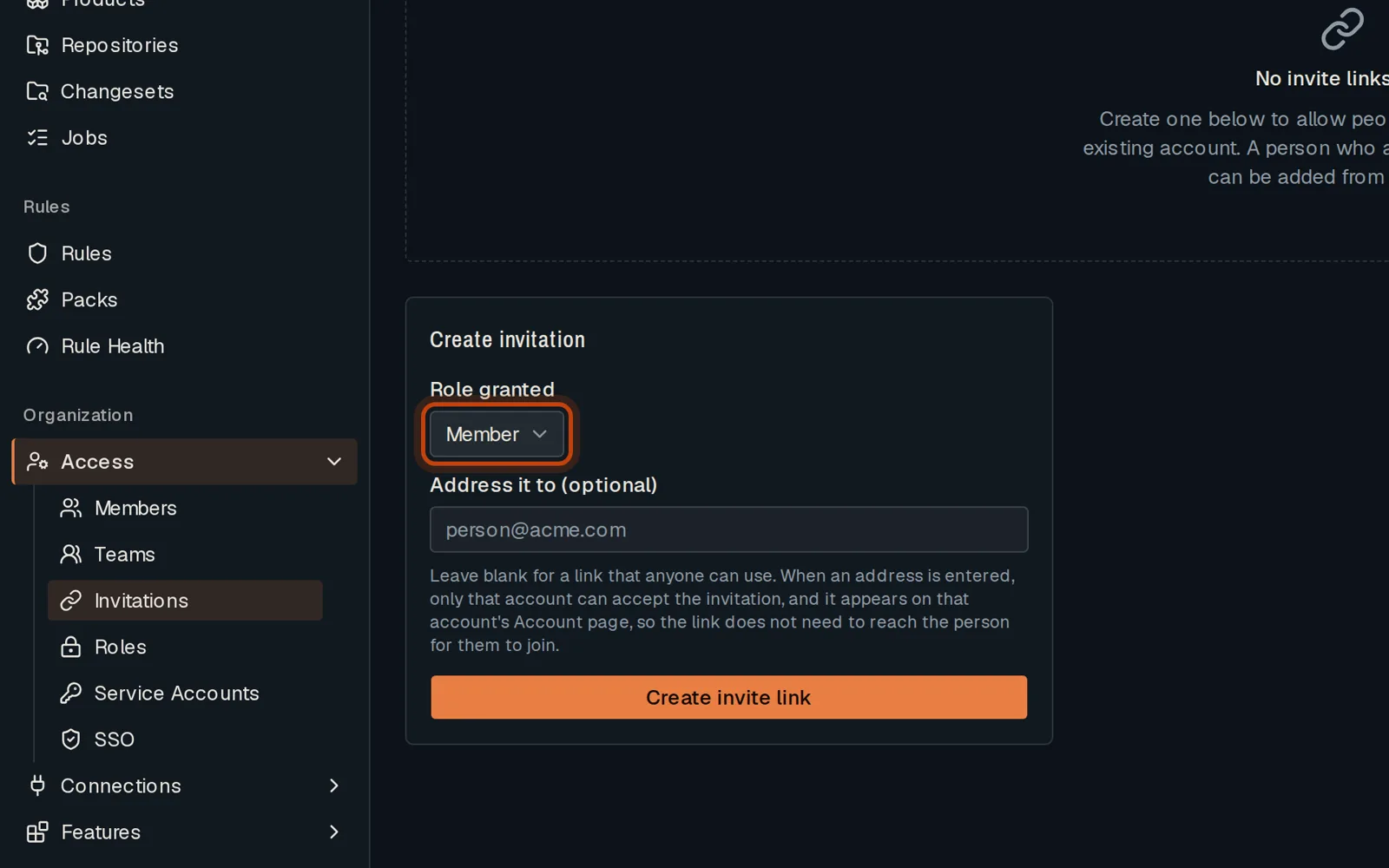
-
Type their email address. Only that account can accept the invitation.
-
Click Create invitation. It waits on their account; you can also copy the link.
Good to know
Section titled “Good to know”- You need the admin or owner role.
- Leave the address empty to get a link anyone can use. Share it with care.
- The link is shown once. The invitation stays in the list until it is used, expires or is revoked.
Go further
Section titled “Go further”Members and roles explains how it works, and how to do it from the API.