Read the rule behind a finding
Open in the dashboardWhen you are done: you know which rule raised the finding, and where to change it.
-
In Findings, click a finding to open it.
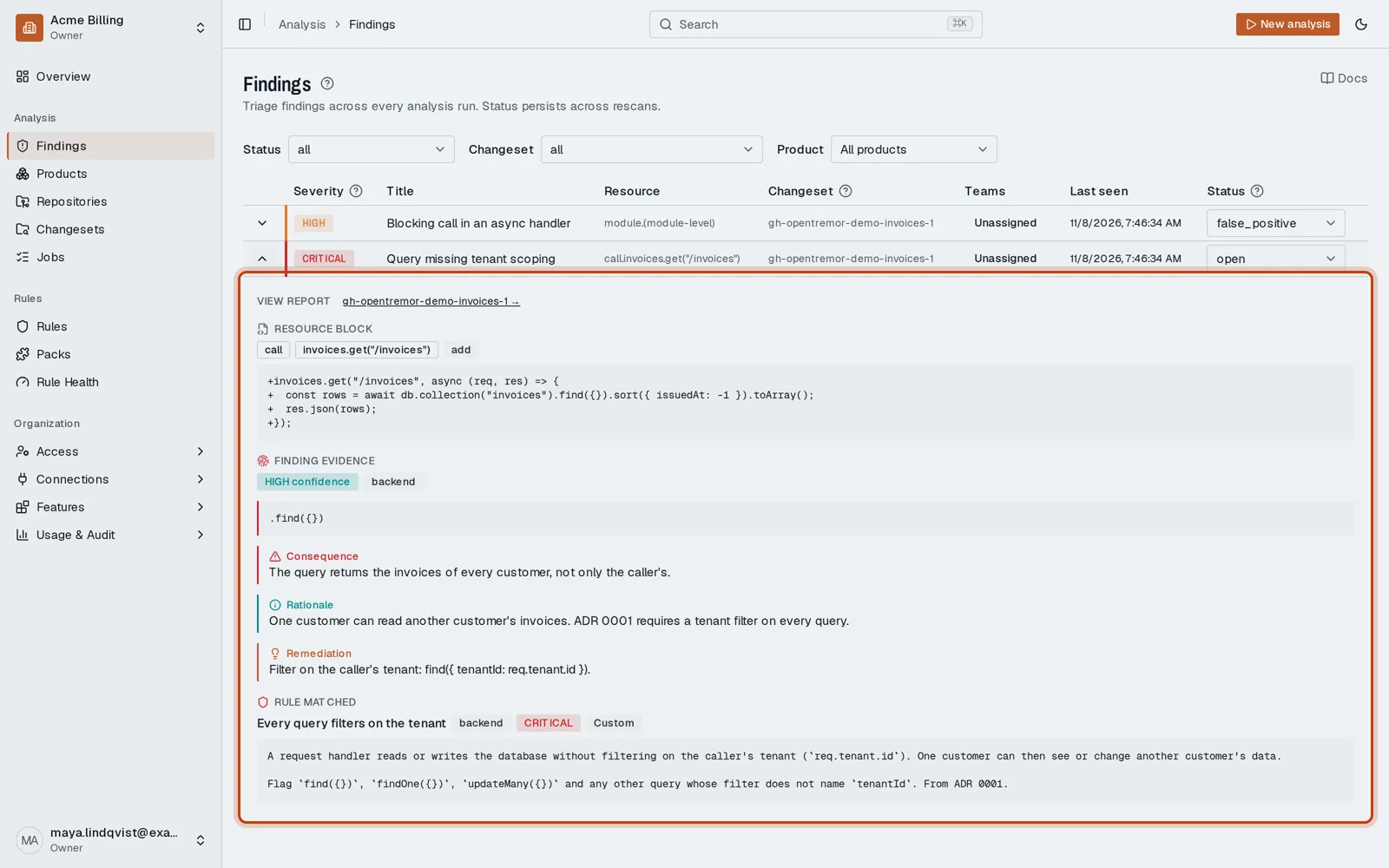
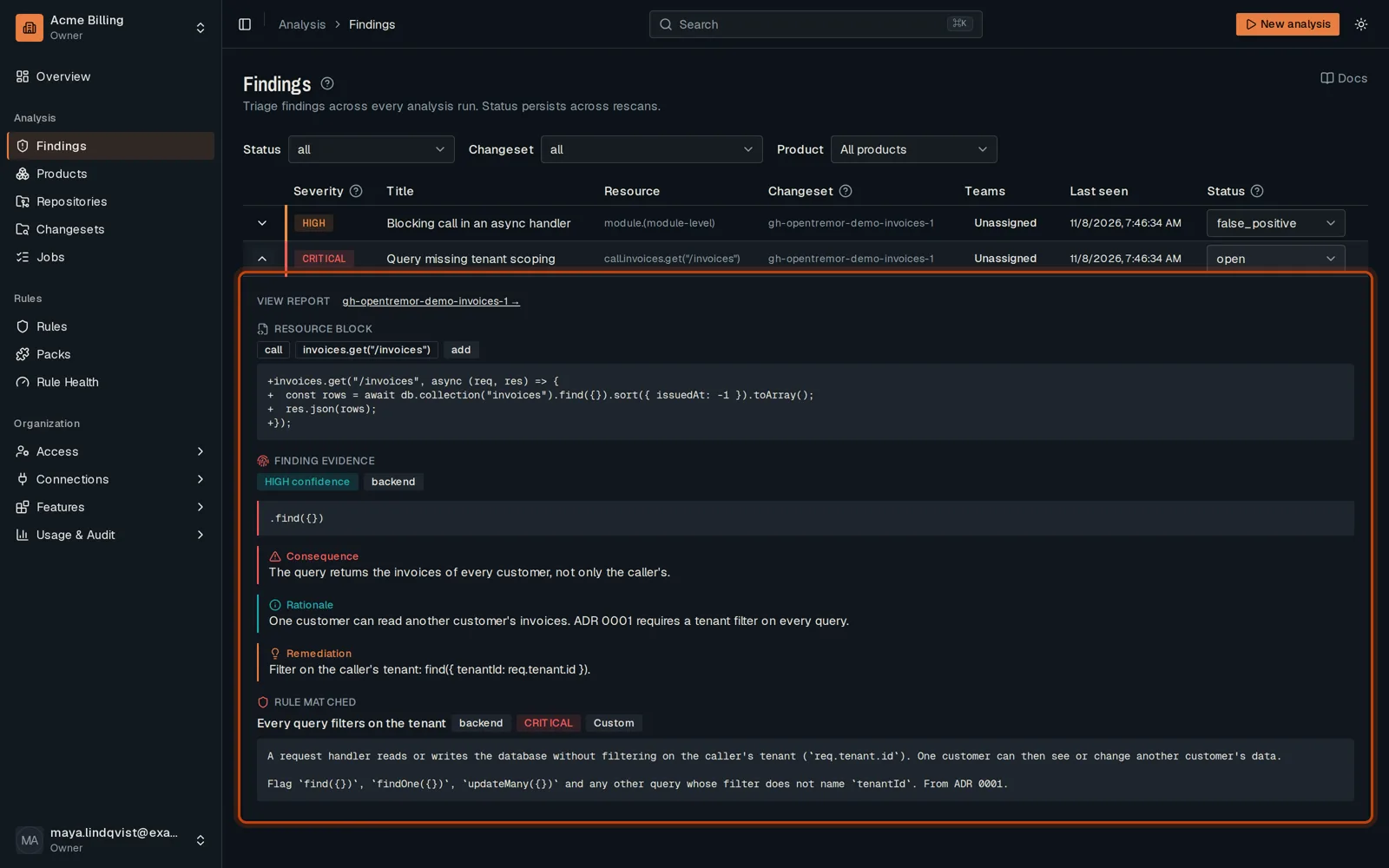
-
Under Rule matched, read the rule that raised it: its title, severity and text.
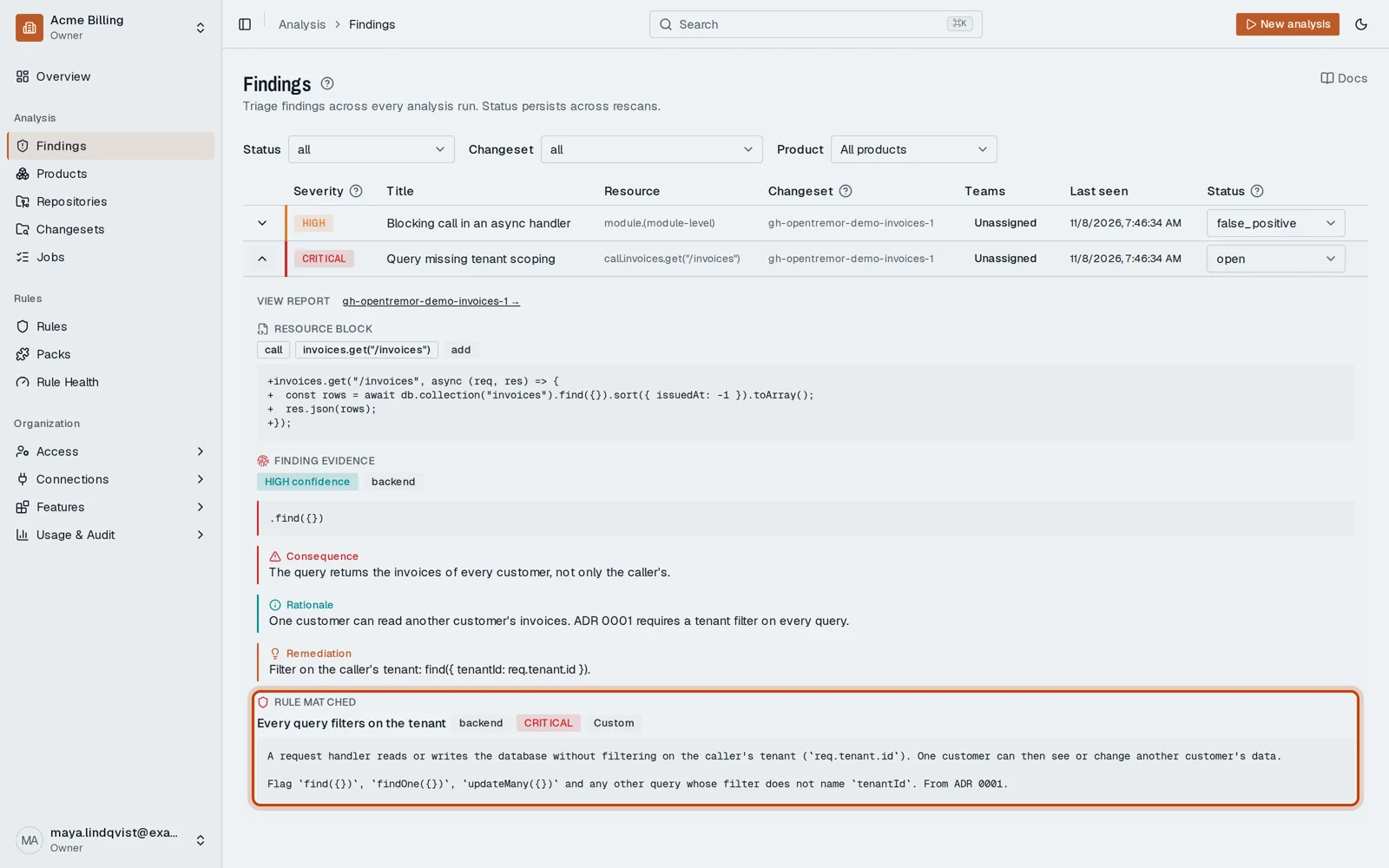
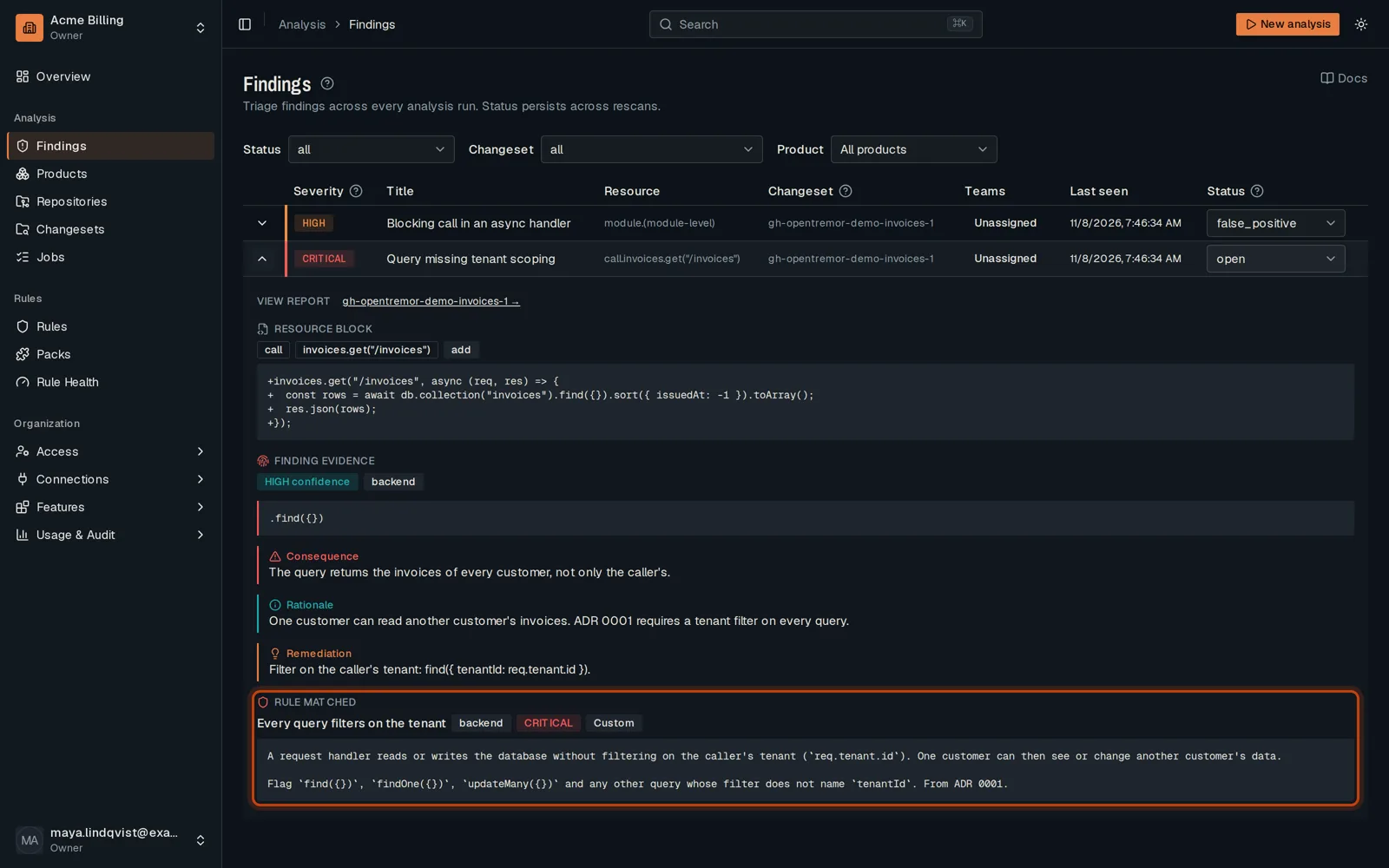
-
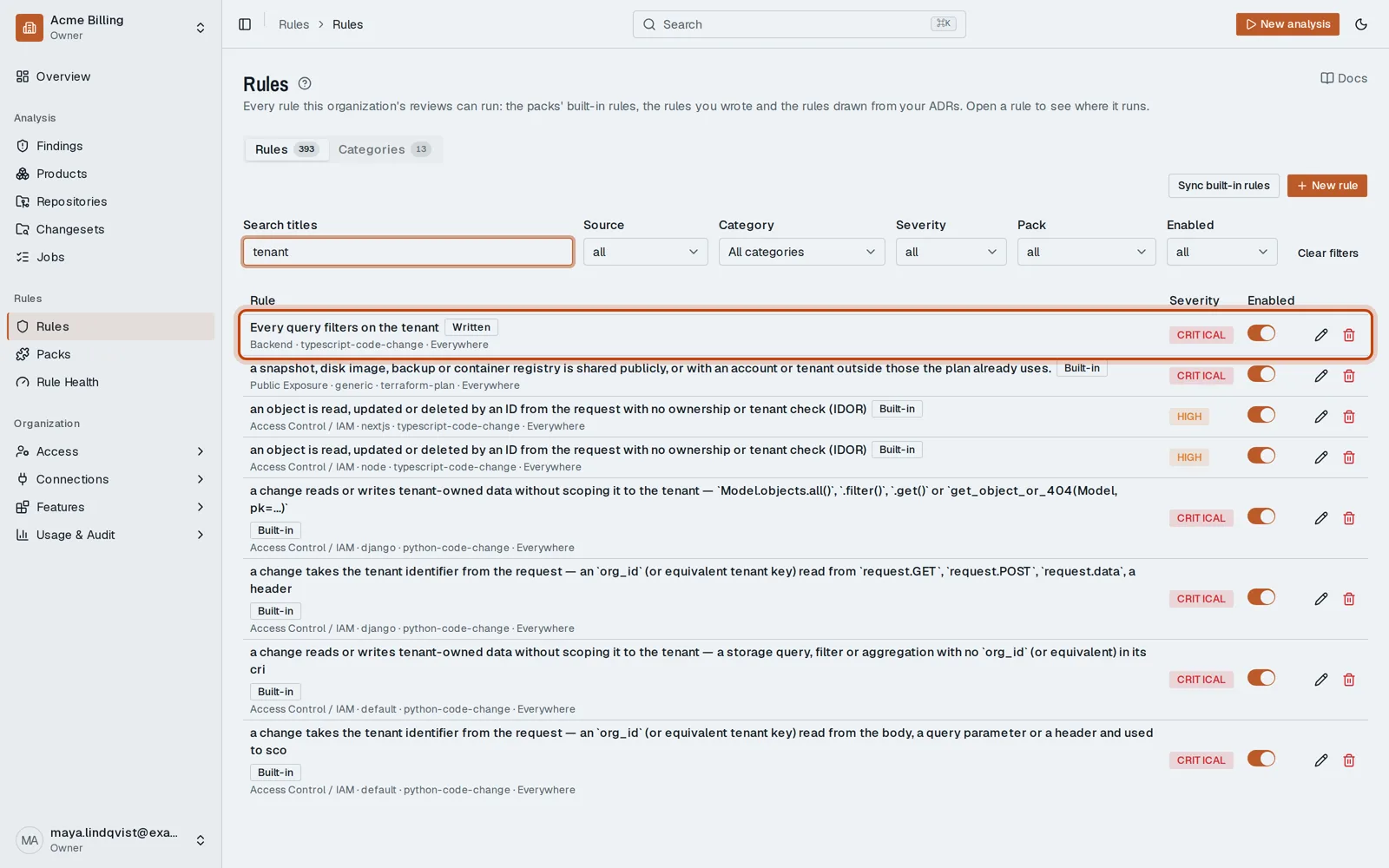
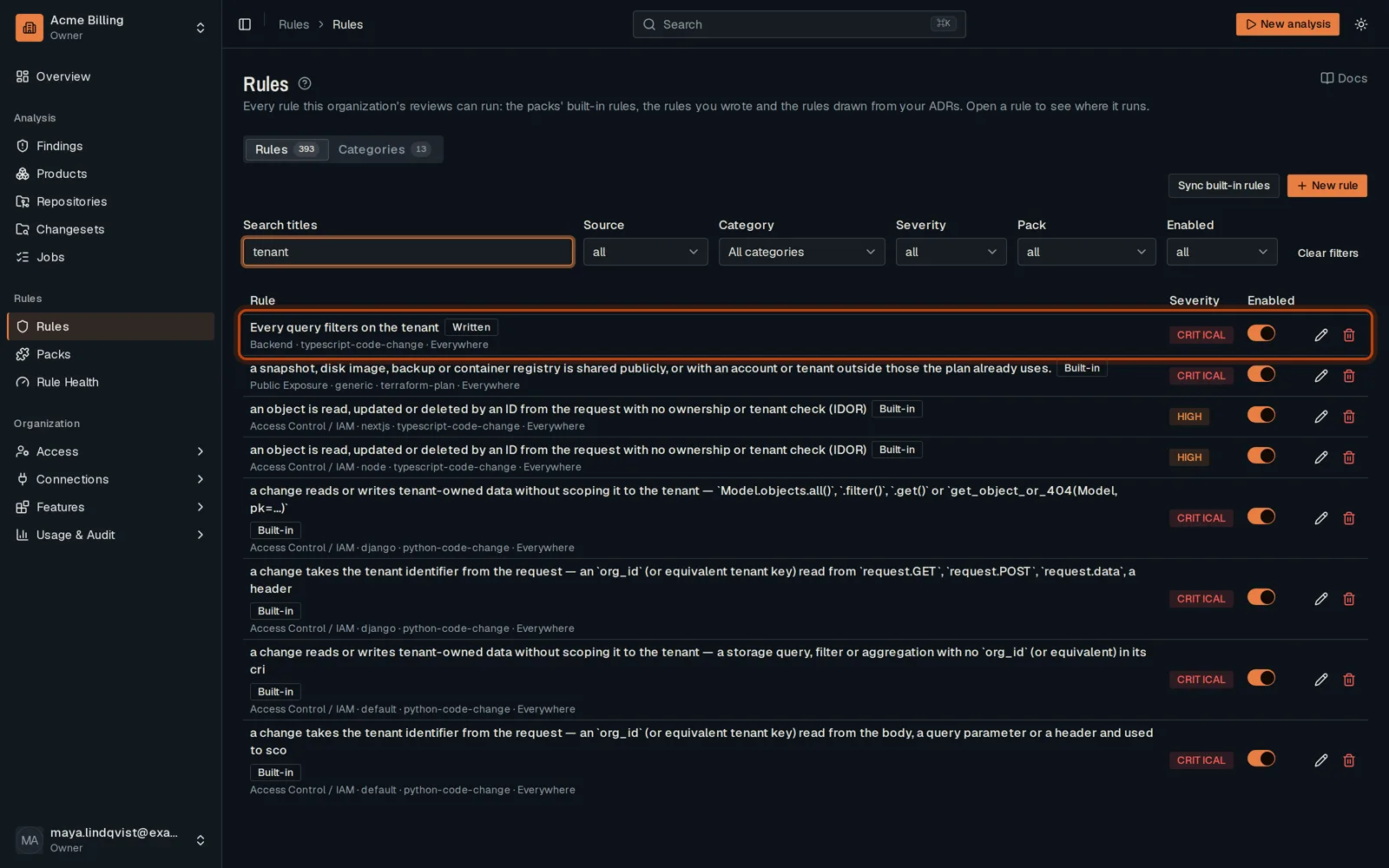
To change the rule, open Rules, search its title and click Edit.
Good to know
Section titled “Good to know”- Changing a rule needs the admin role. A member can say a finding is wrong instead: see Dismiss a false positive.
Go further
Section titled “Go further”How rules apply explains how it works, and how to do it from the API.