Make a report template
Open in the dashboardWhen you are done: reports use the layout you chose.
-
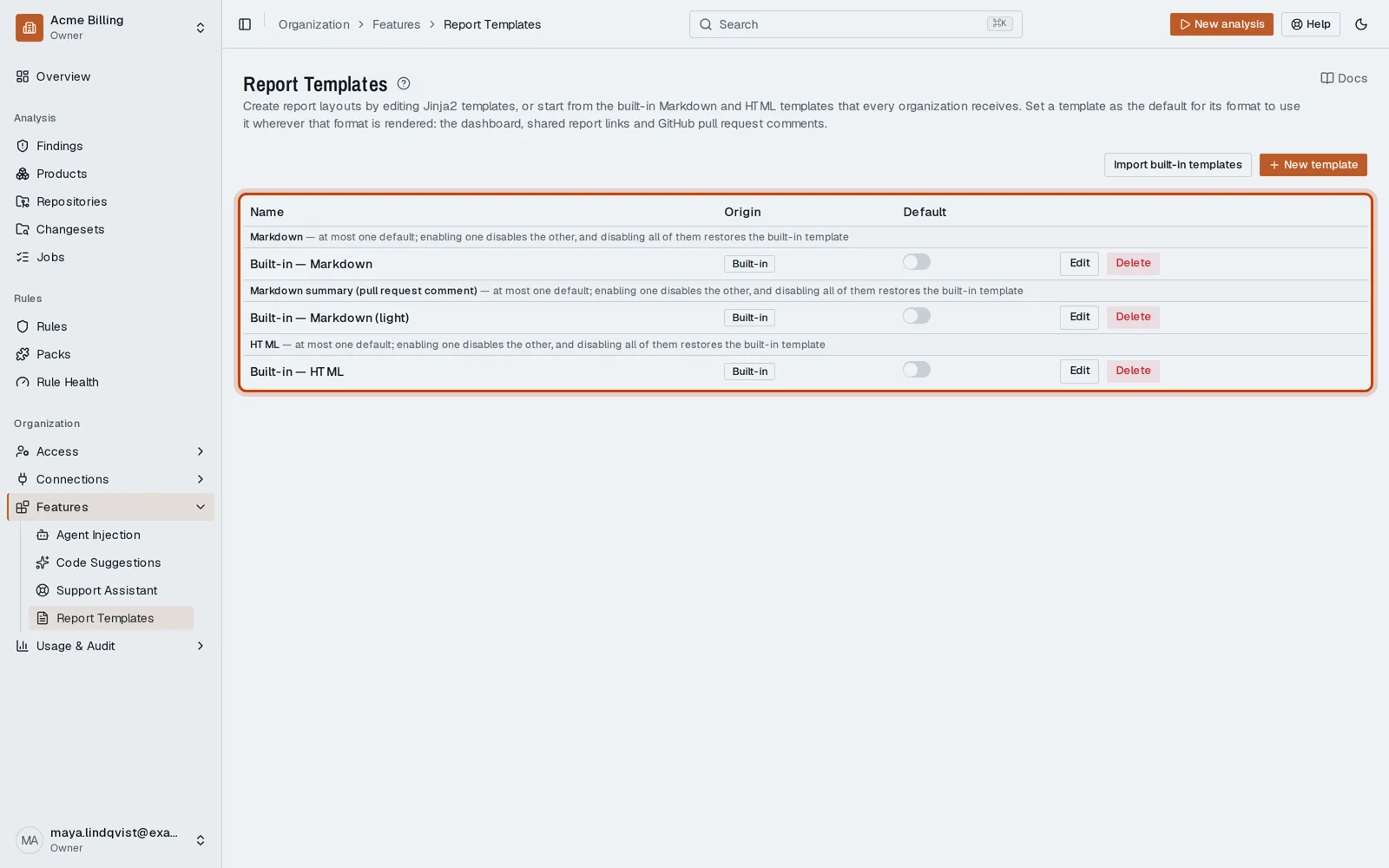
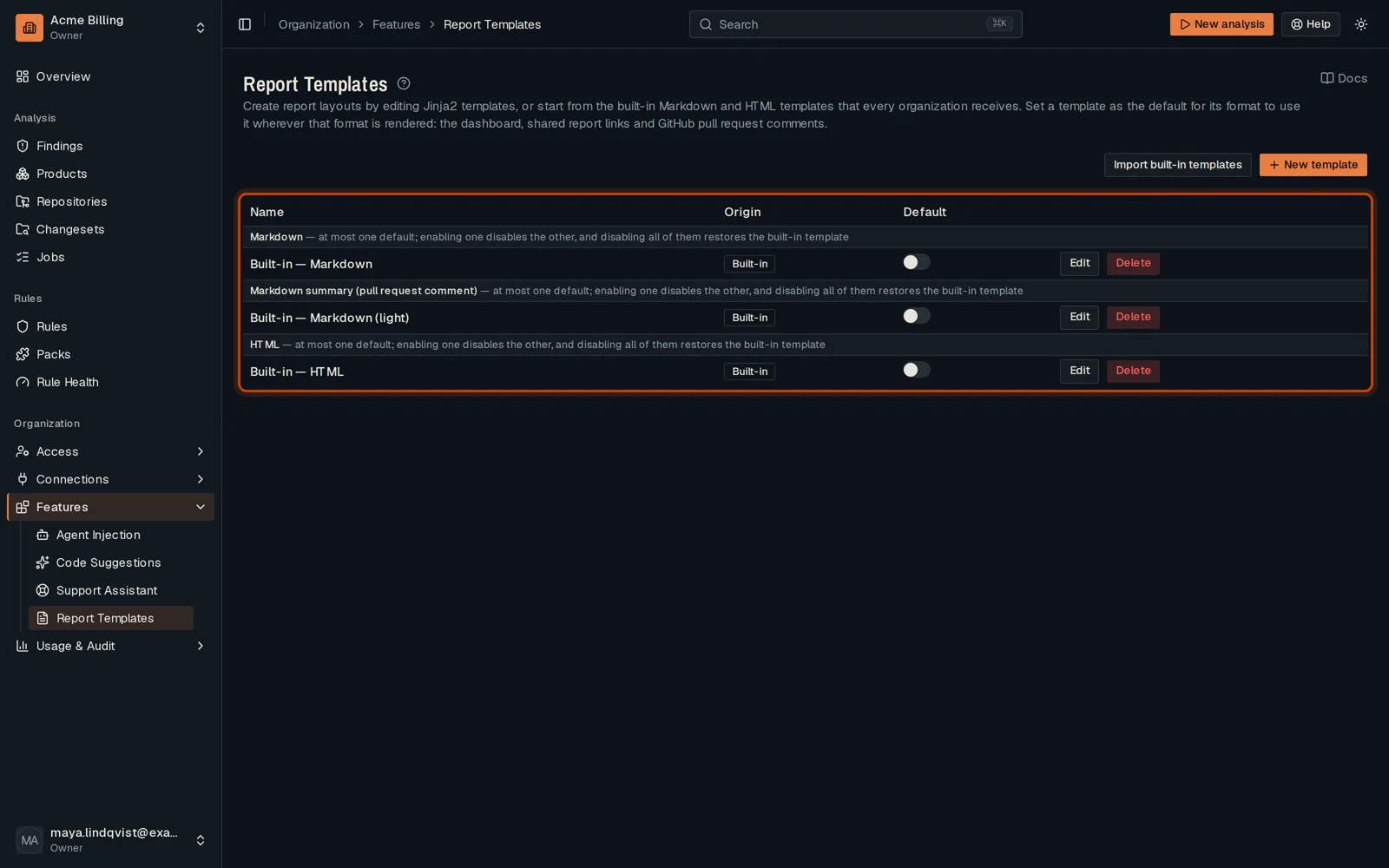
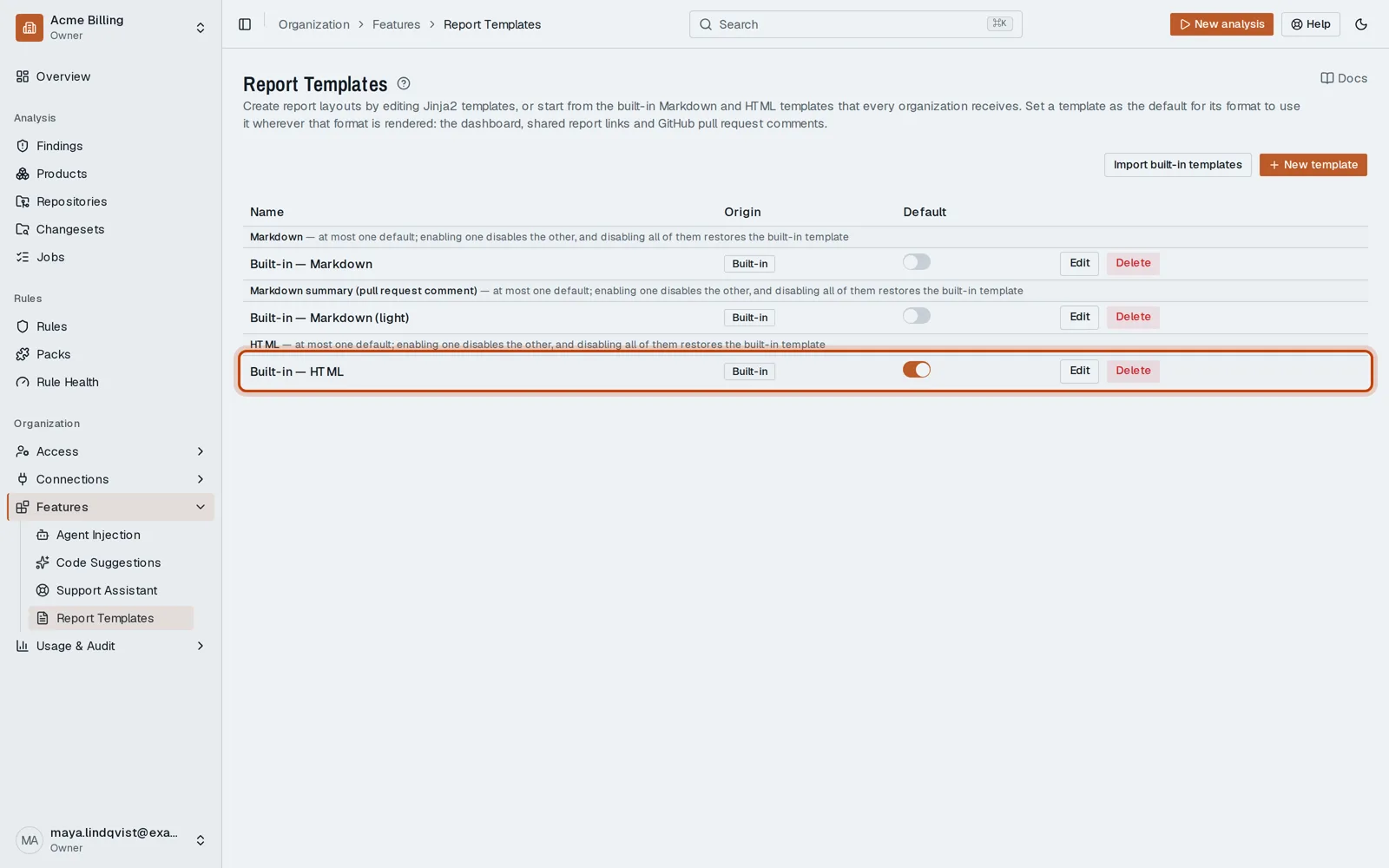
Open Features, then Report Templates.
-
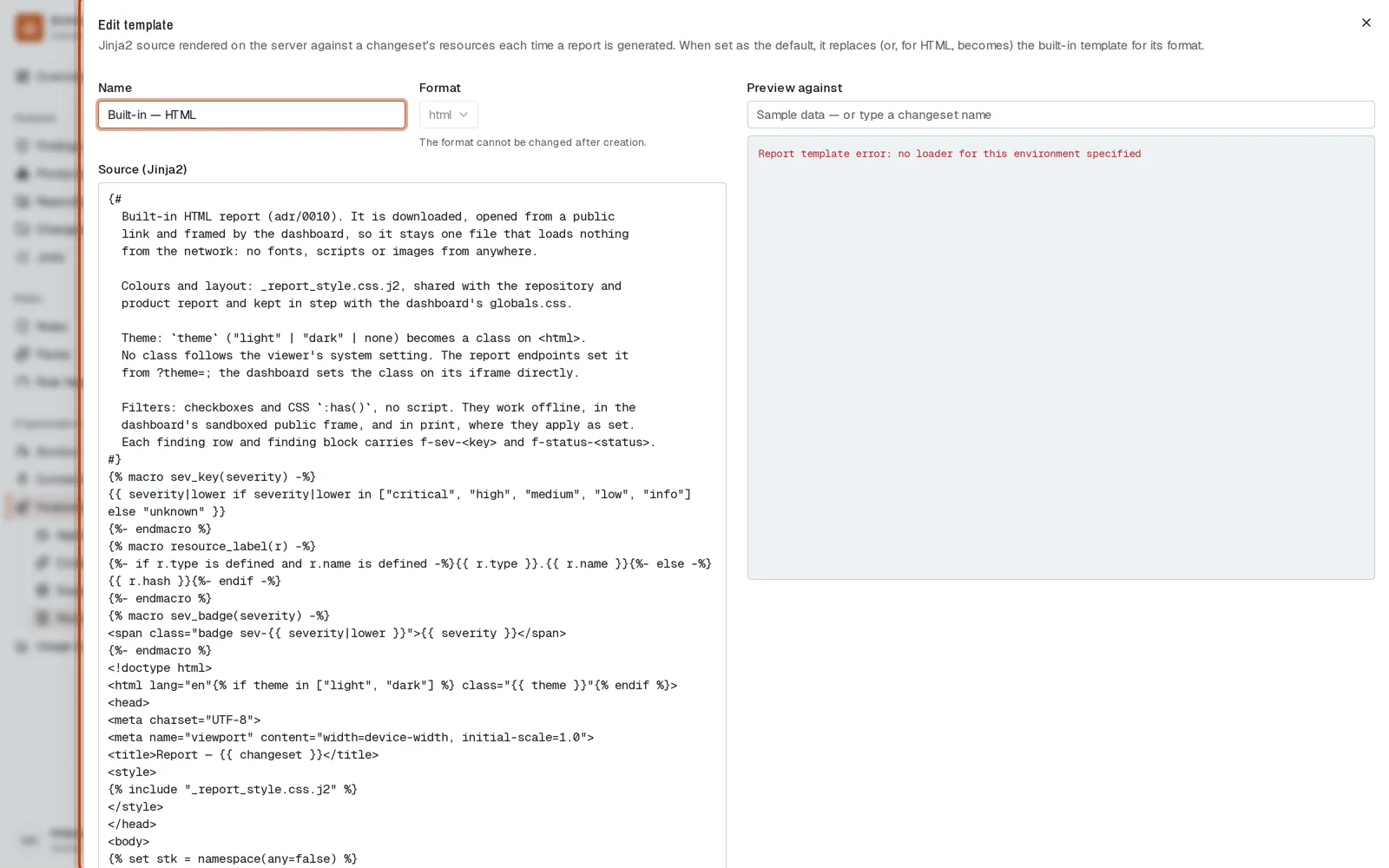
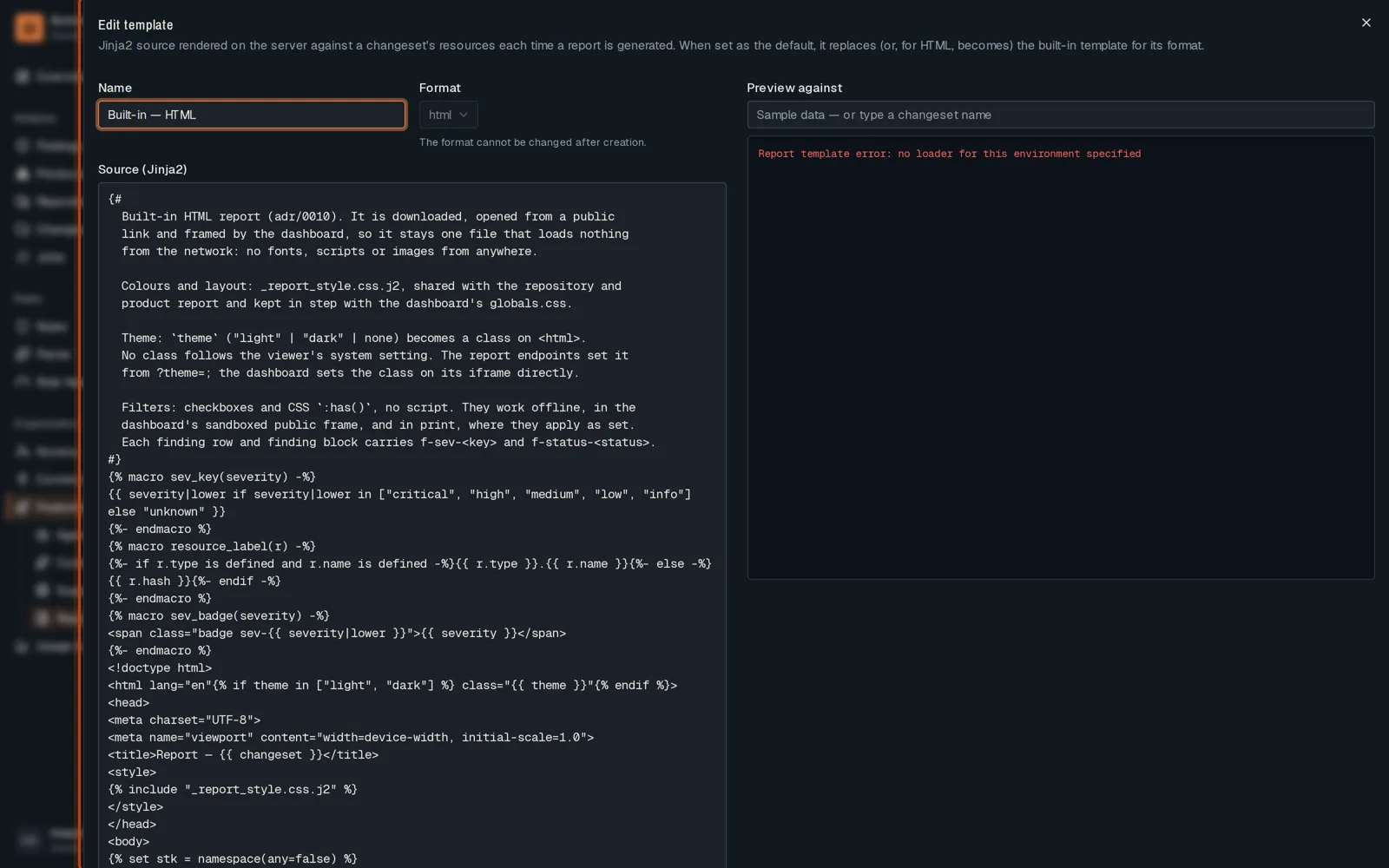
Click Edit on a template. A template is Jinja2: change the layout, then save.
-
Turn on a template’s default switch to use it for every report of that format.
Good to know
Section titled “Good to know”- A changeset page has a Template picker to view one report in another layout.
Go further
Section titled “Go further”The dashboard explains how it works, and how to do it from the API.