Find the findings of one pull request
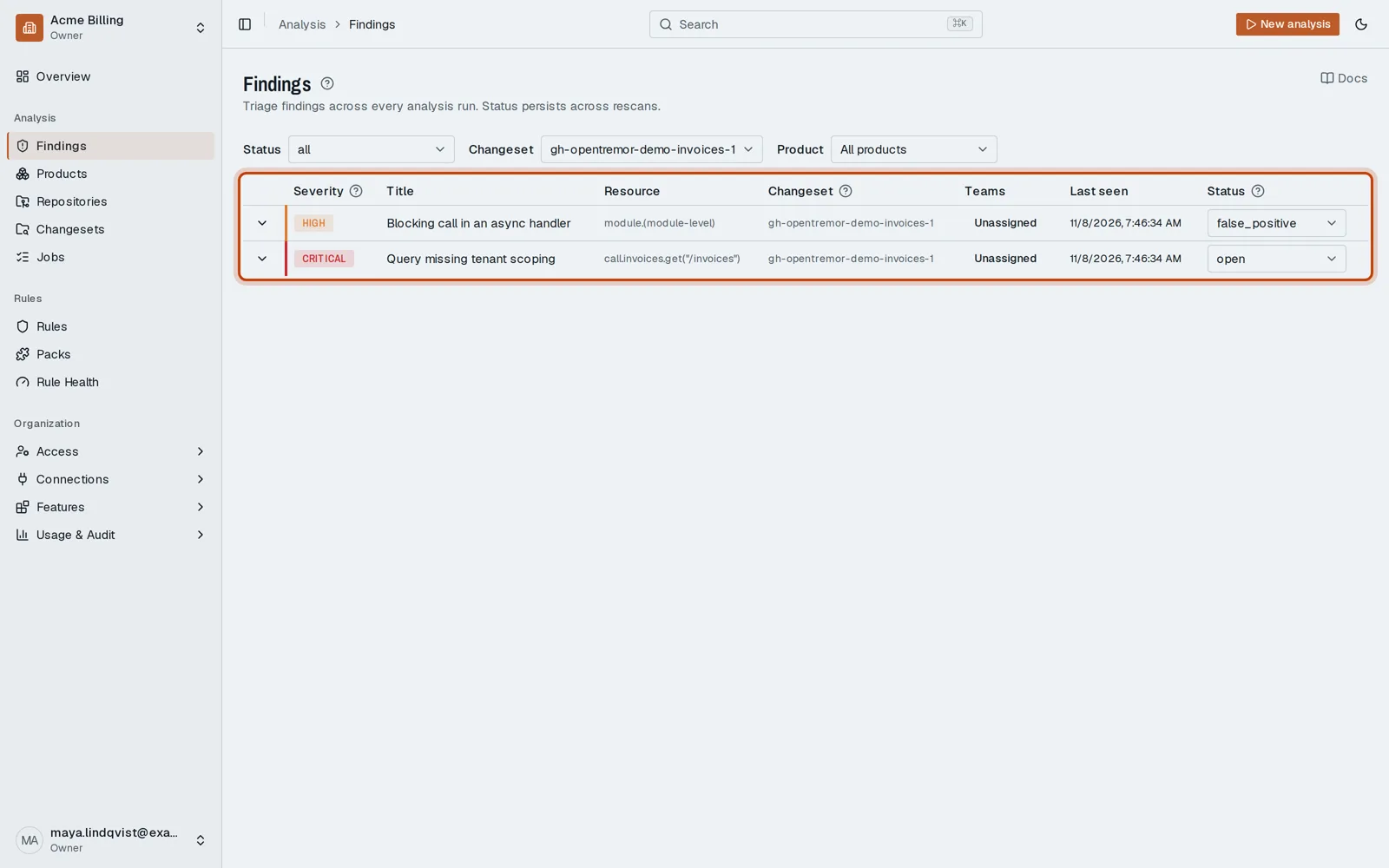
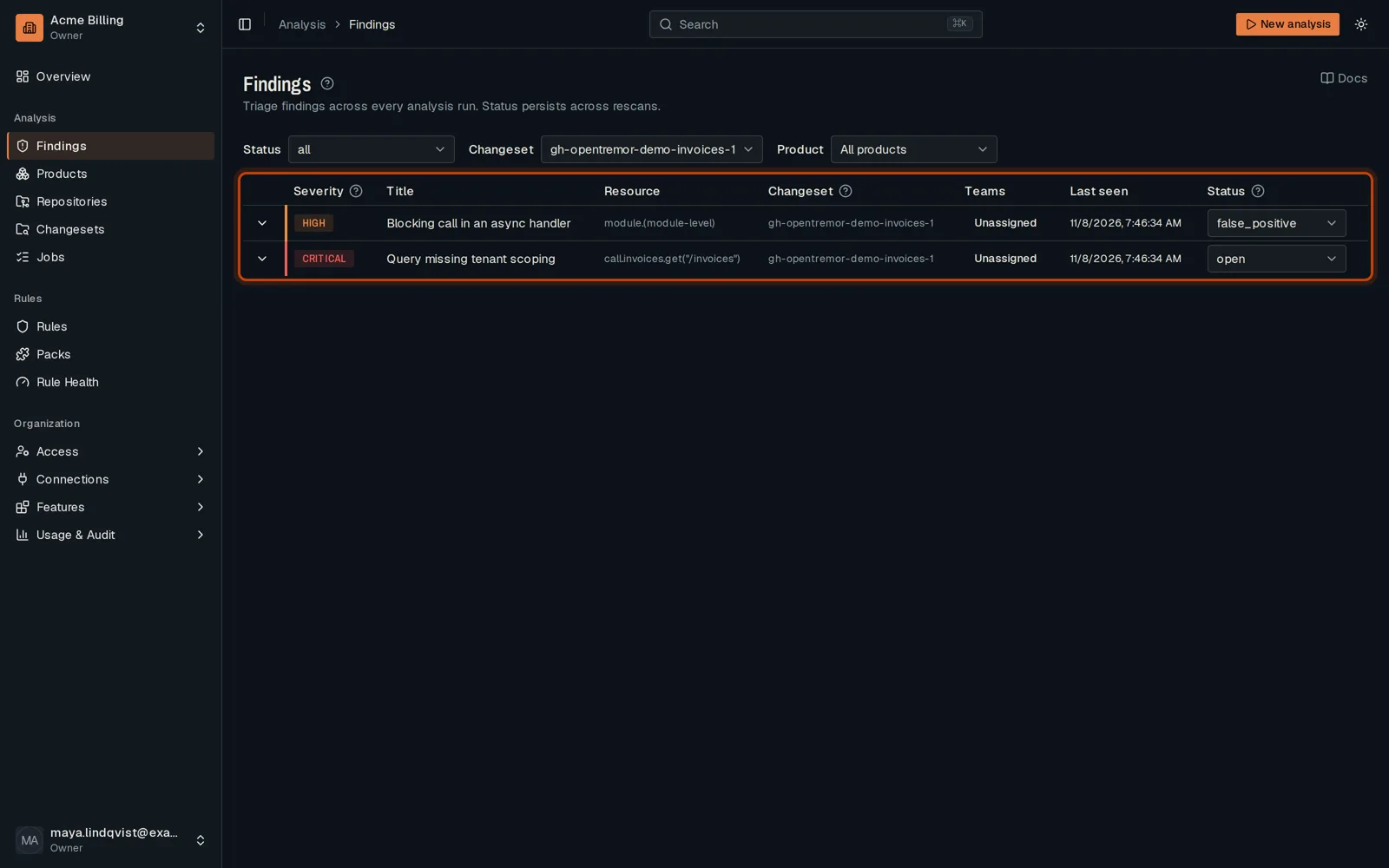
Open in the dashboardWhen you are done: the Findings page lists the findings of one pull request only.
-
Open Findings in the sidebar. It lists the open findings of every pull request.
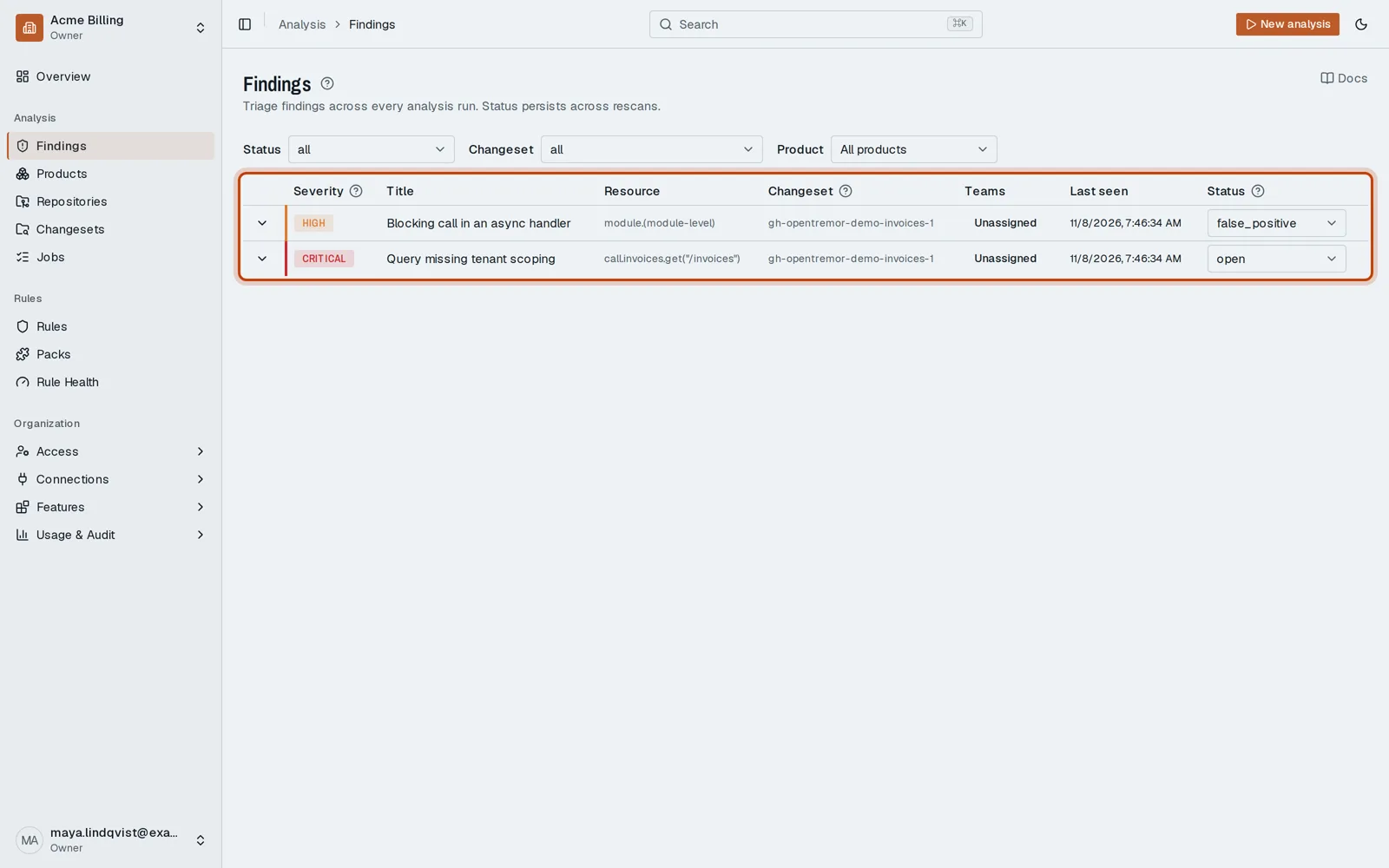
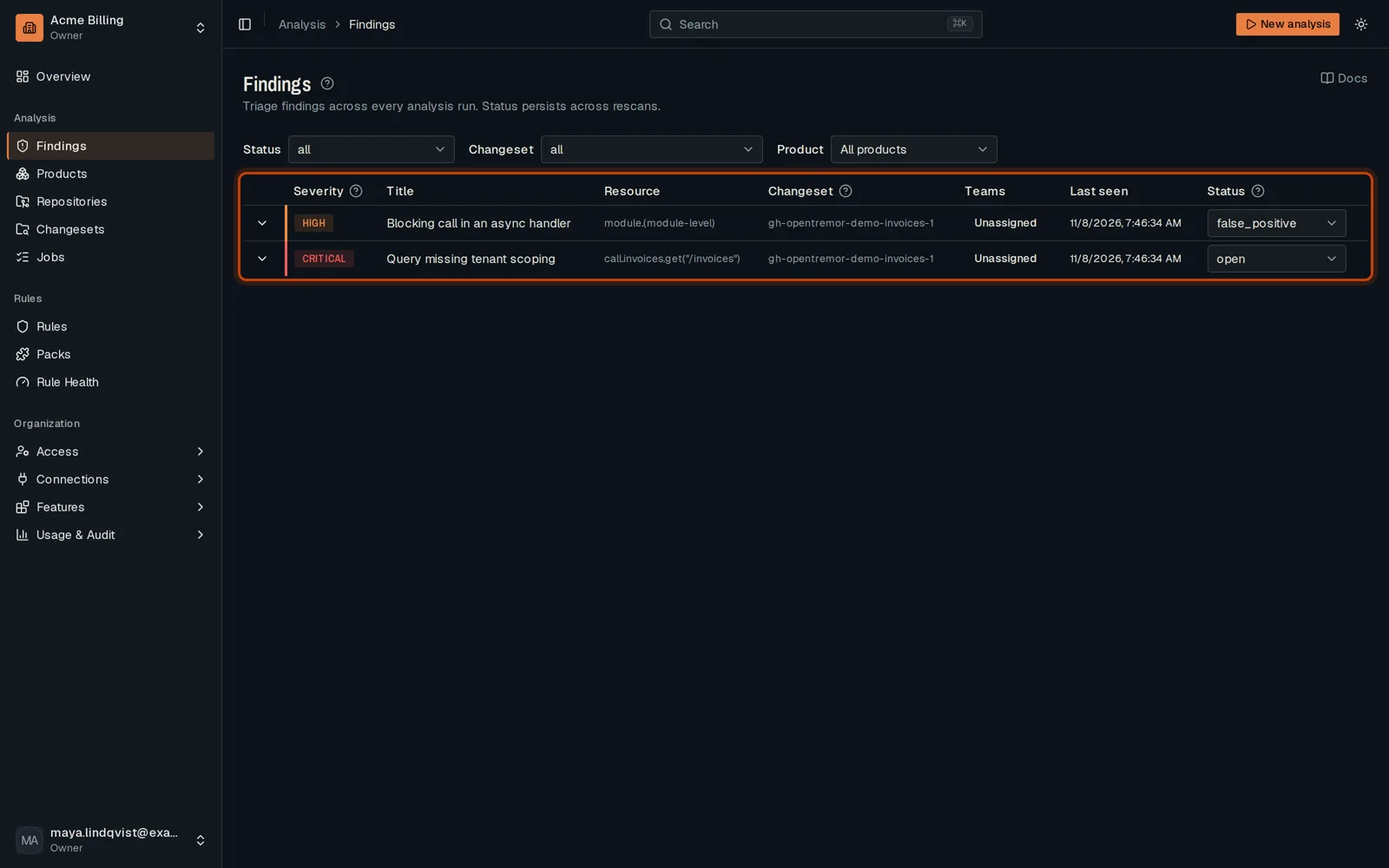
-
Under Changeset, choose your pull request’s changeset.
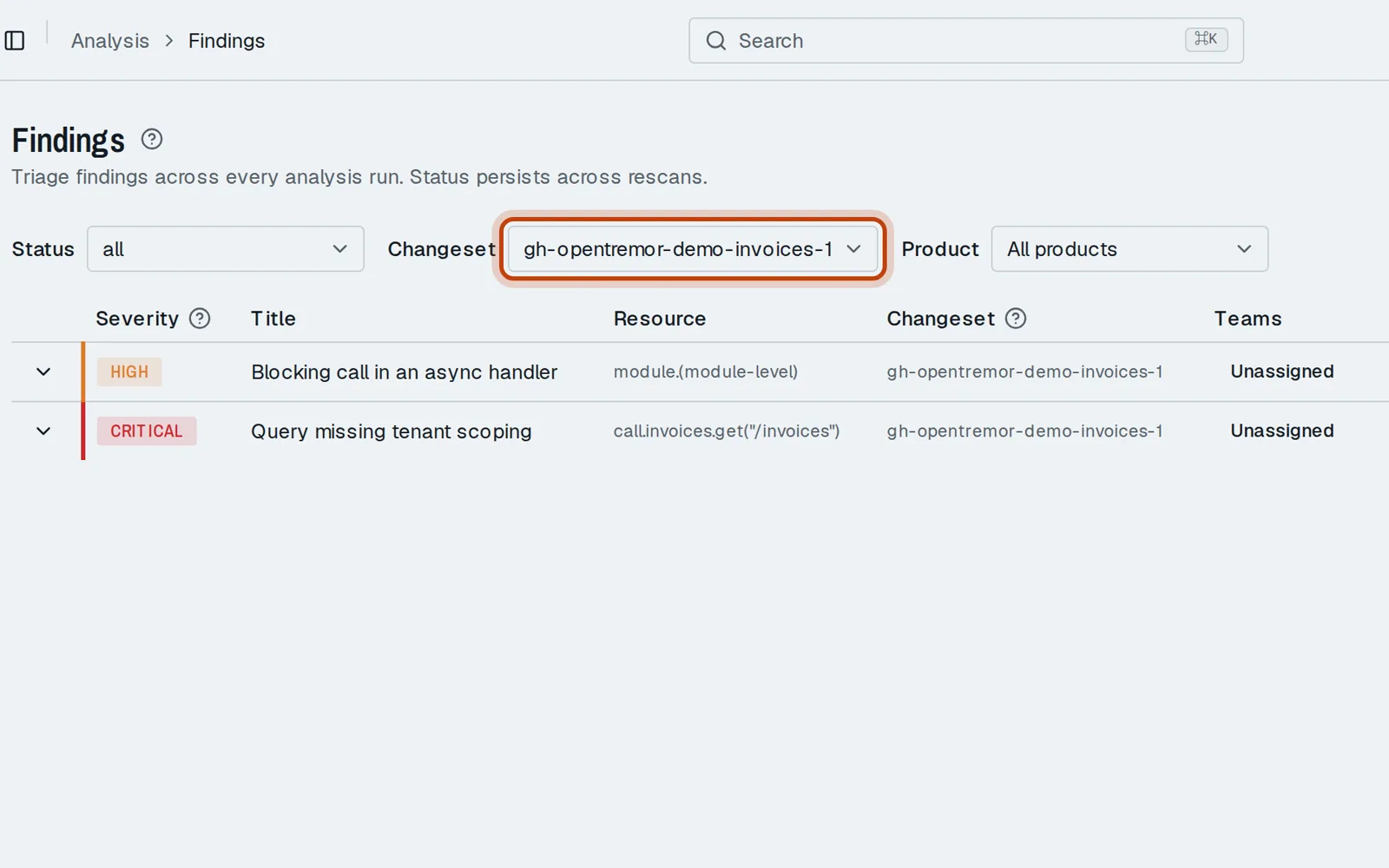
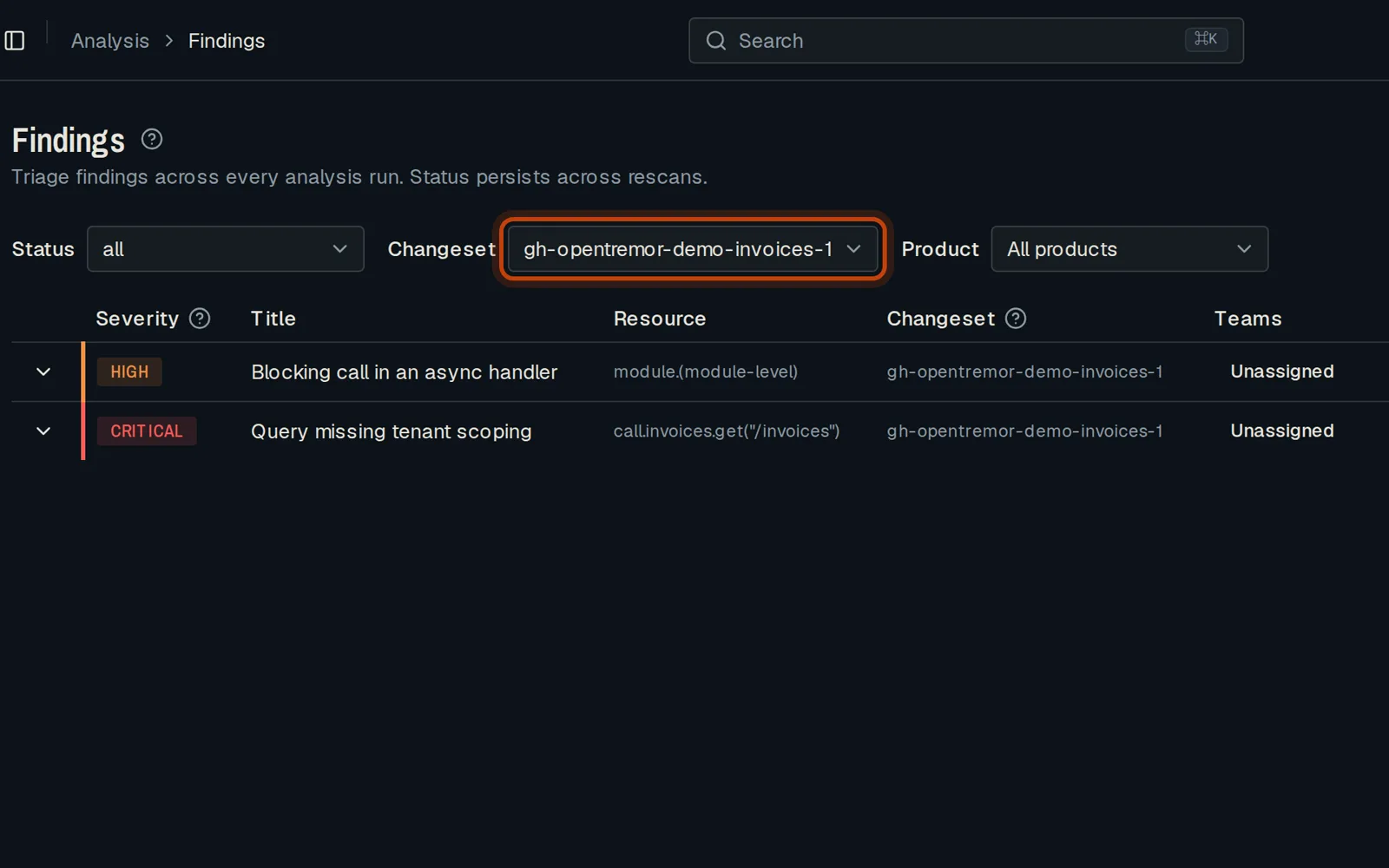
-
The list now shows that pull request’s findings only. Click one to open it.
Good to know
Section titled “Good to know”- The Status and Product filters combine with it.
Go further
Section titled “Go further”Triage a Finding explains how it works, and how to do it from the API.