Find an organization and change its plan
Open in the dashboardWhen you are done: the organization is on its new plan.
-
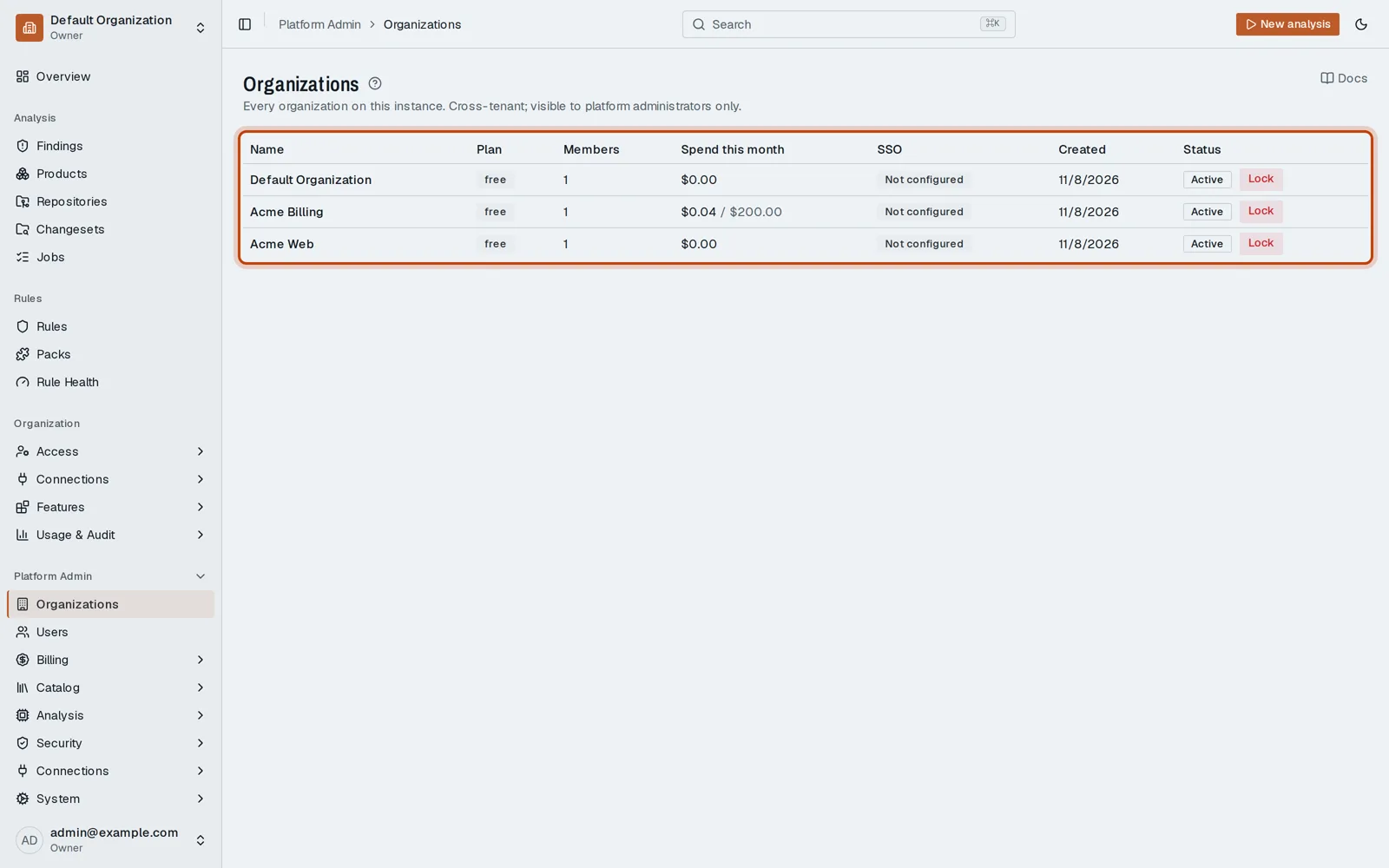
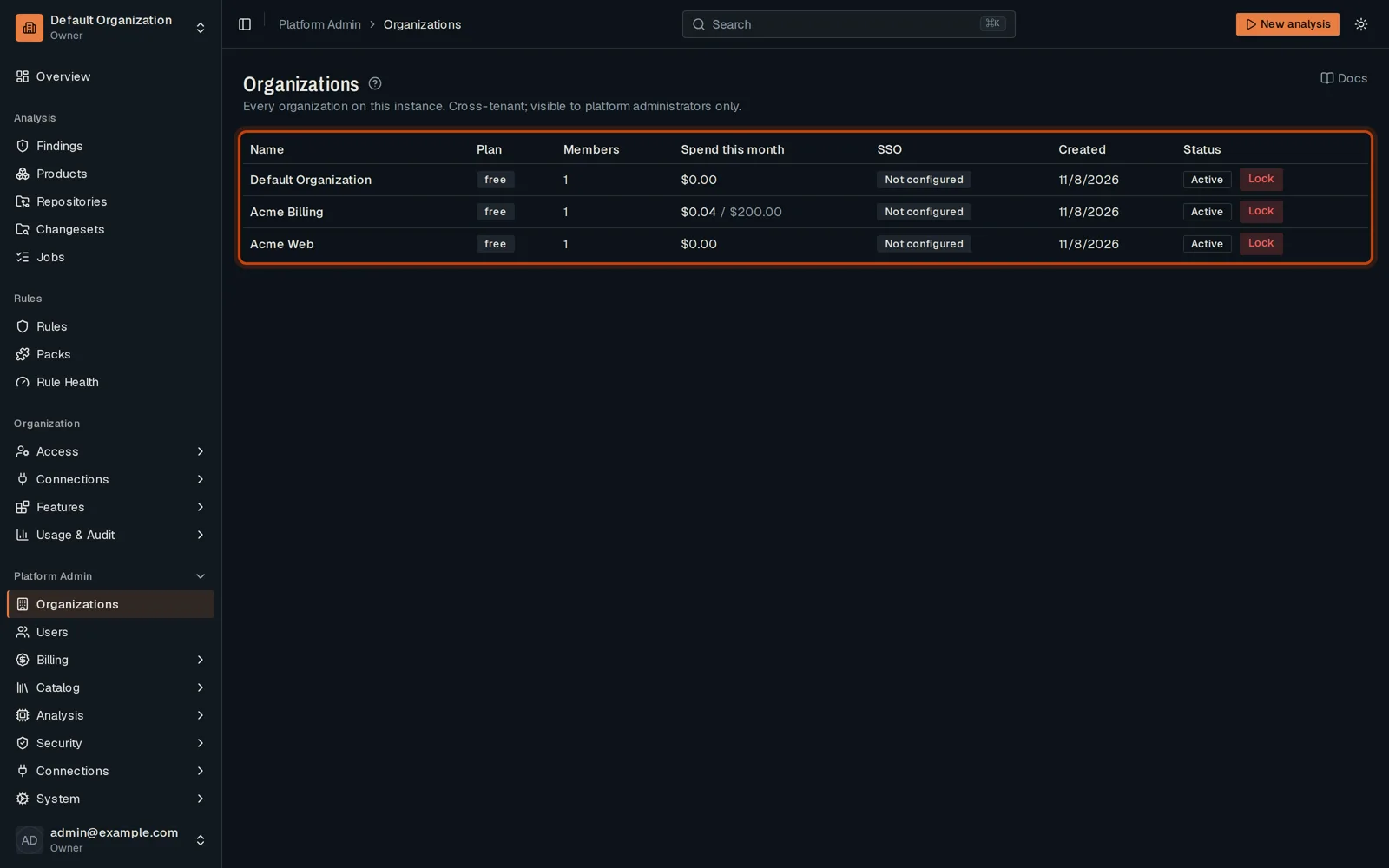
Open Platform Admin, then Organizations: every org on this deployment.
-
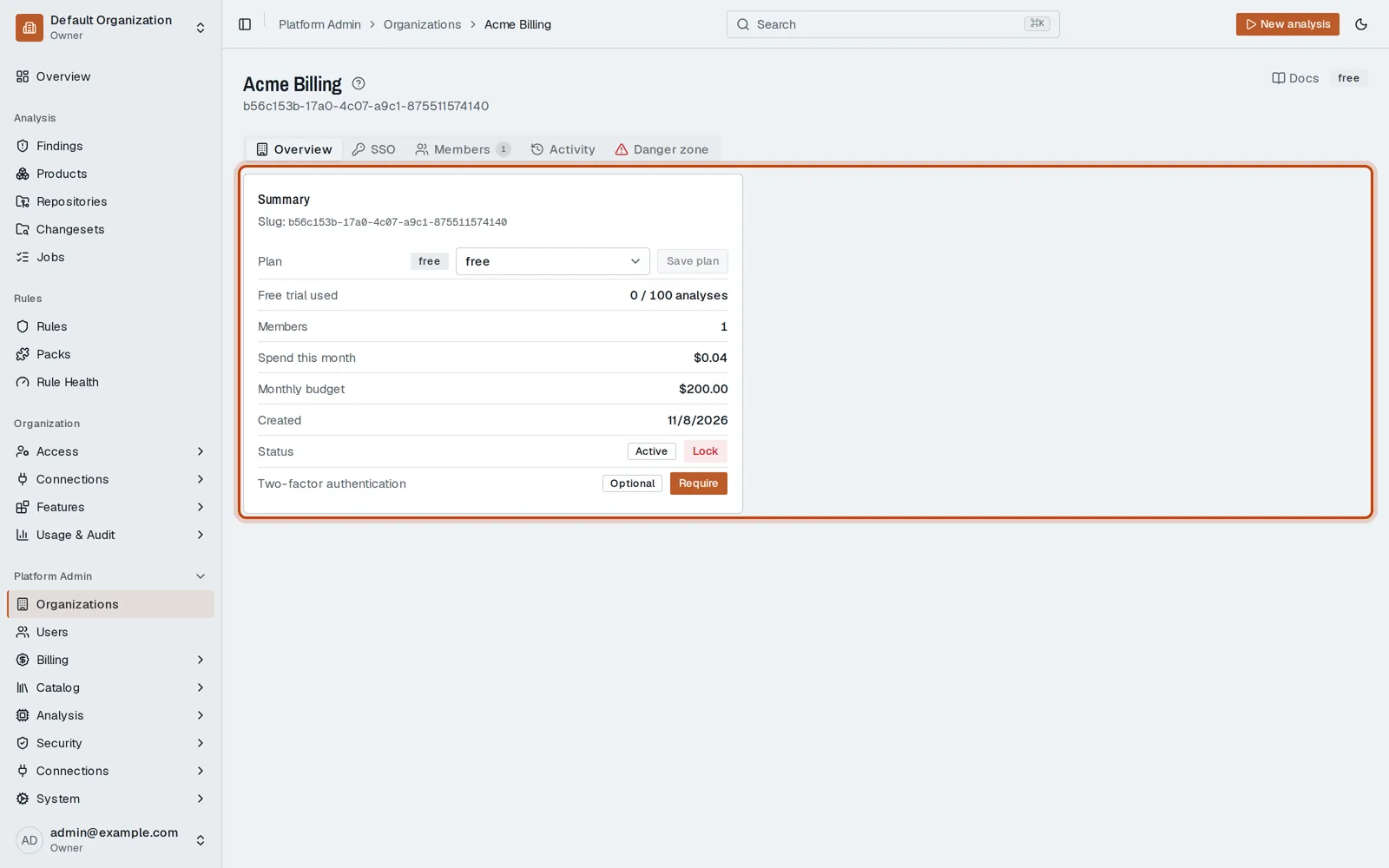
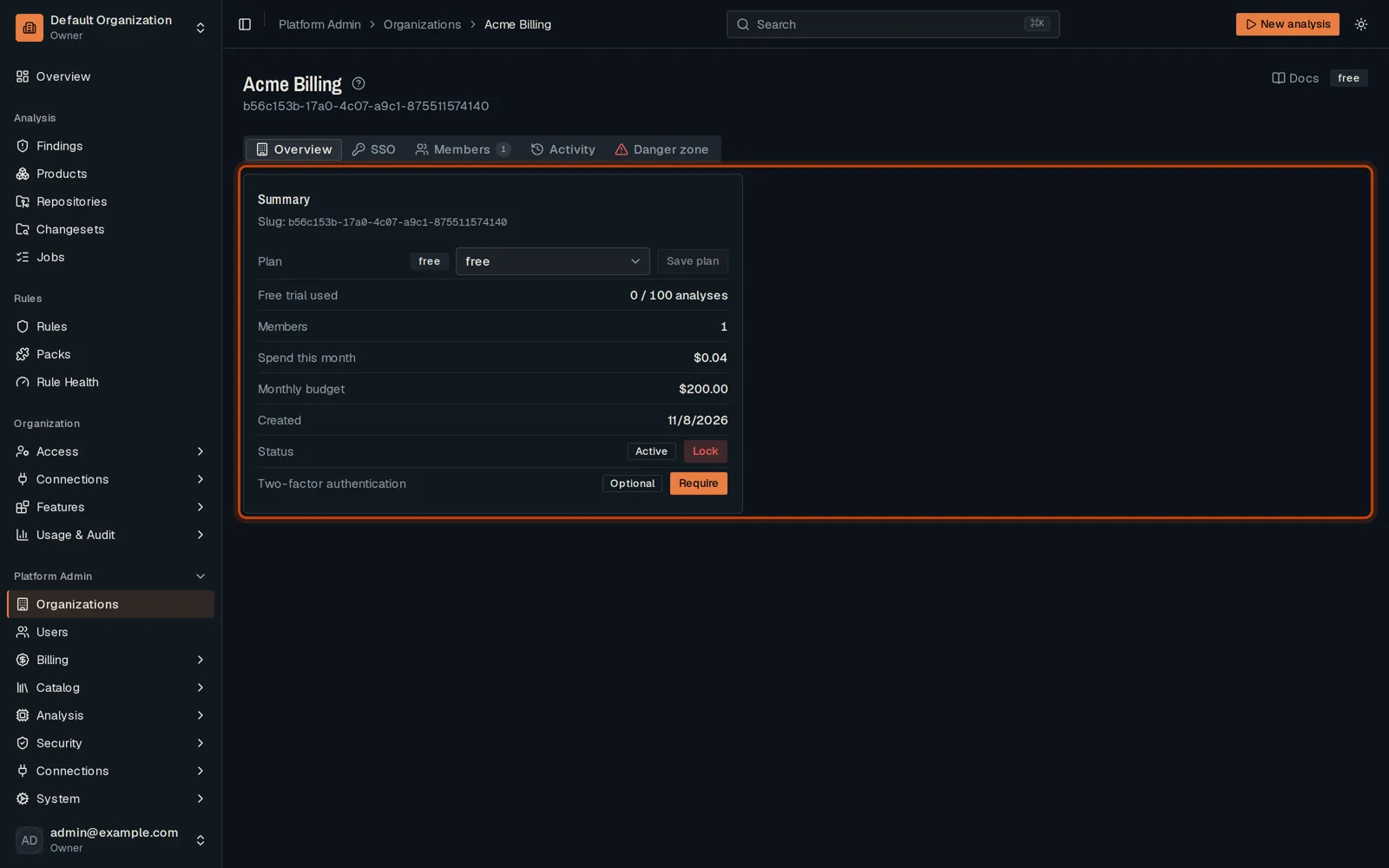
Click an organization to open it.
-
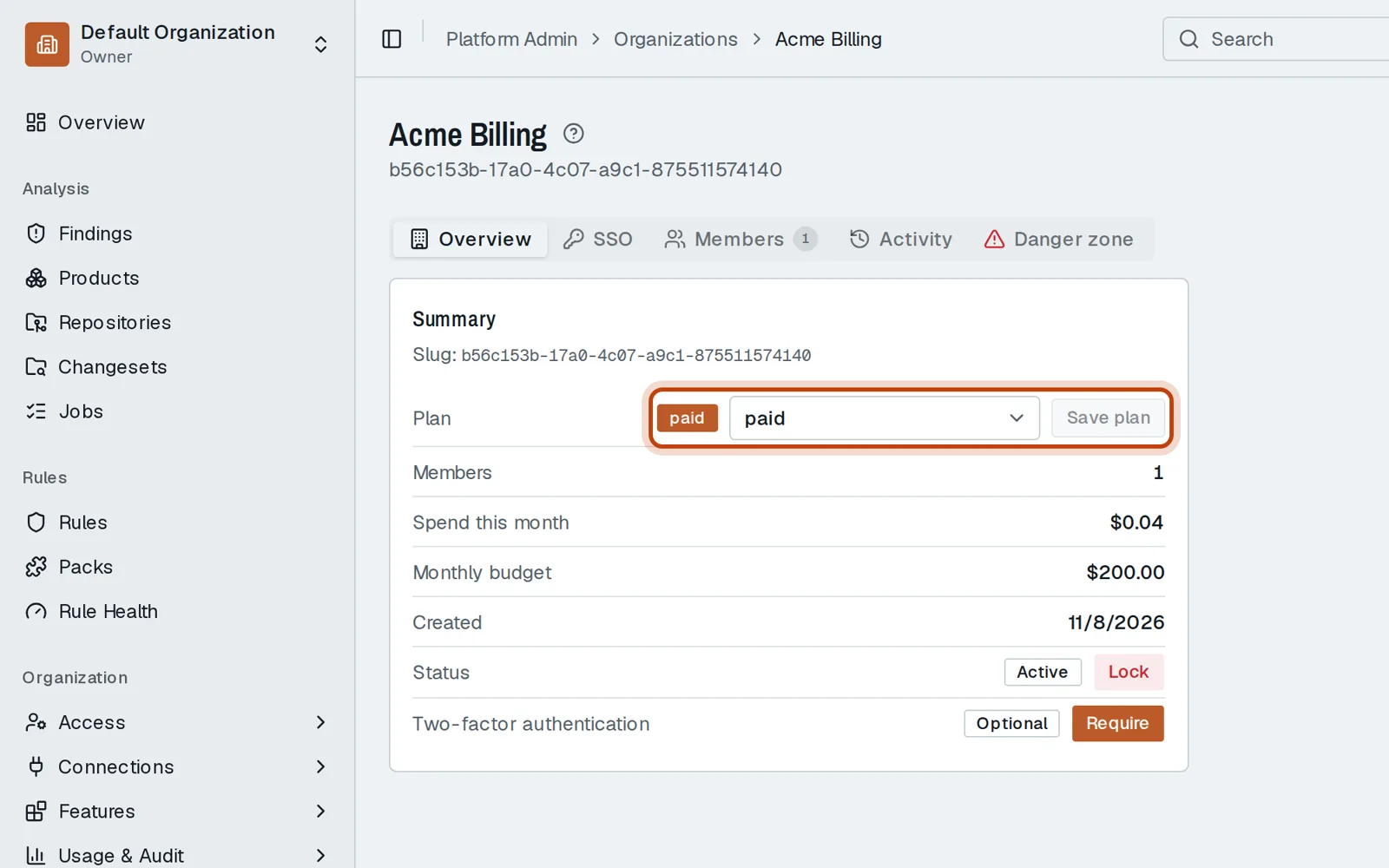
Choose its plan and click Save plan.
Good to know
Section titled “Good to know”- The same page shows the organization’s SSO, members and activity.
Go further
Section titled “Go further”Platform Admin explains how it works, and how to do it from the API.