Send findings to Jira
Open in the dashboardWhen you are done: findings can open Jira issues, which close when the finding closes.
-
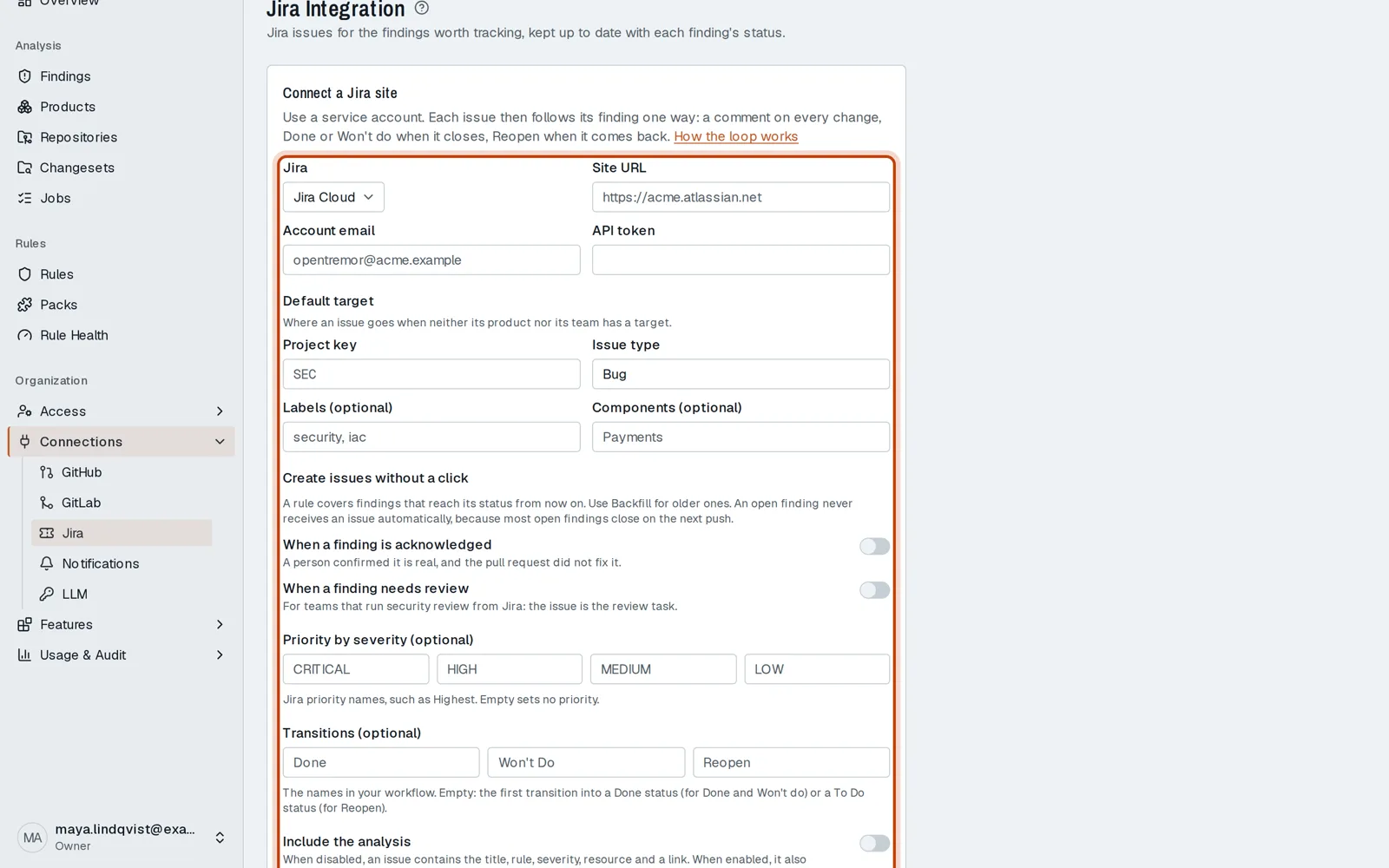
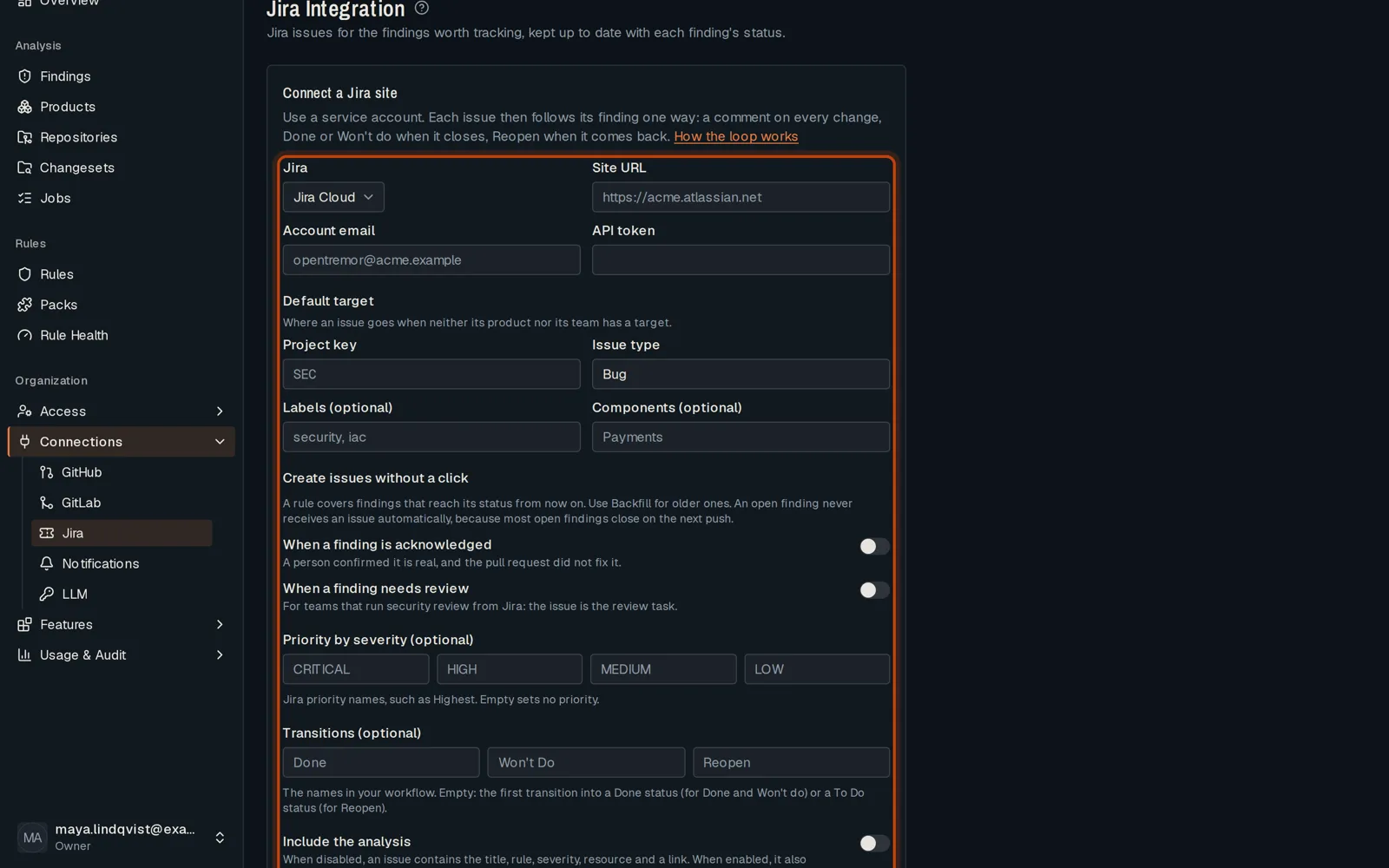
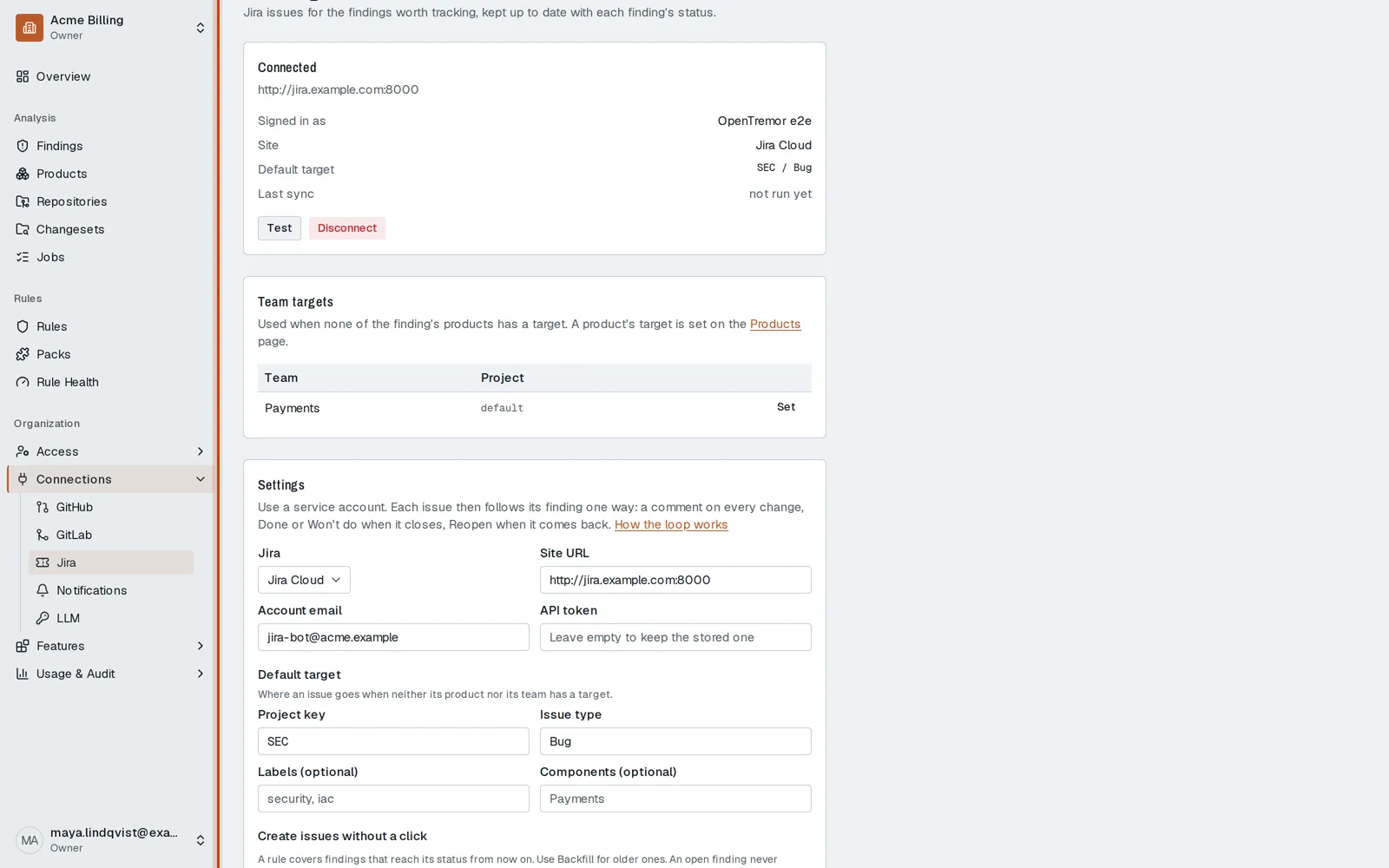
Open Connections, then Jira.
-
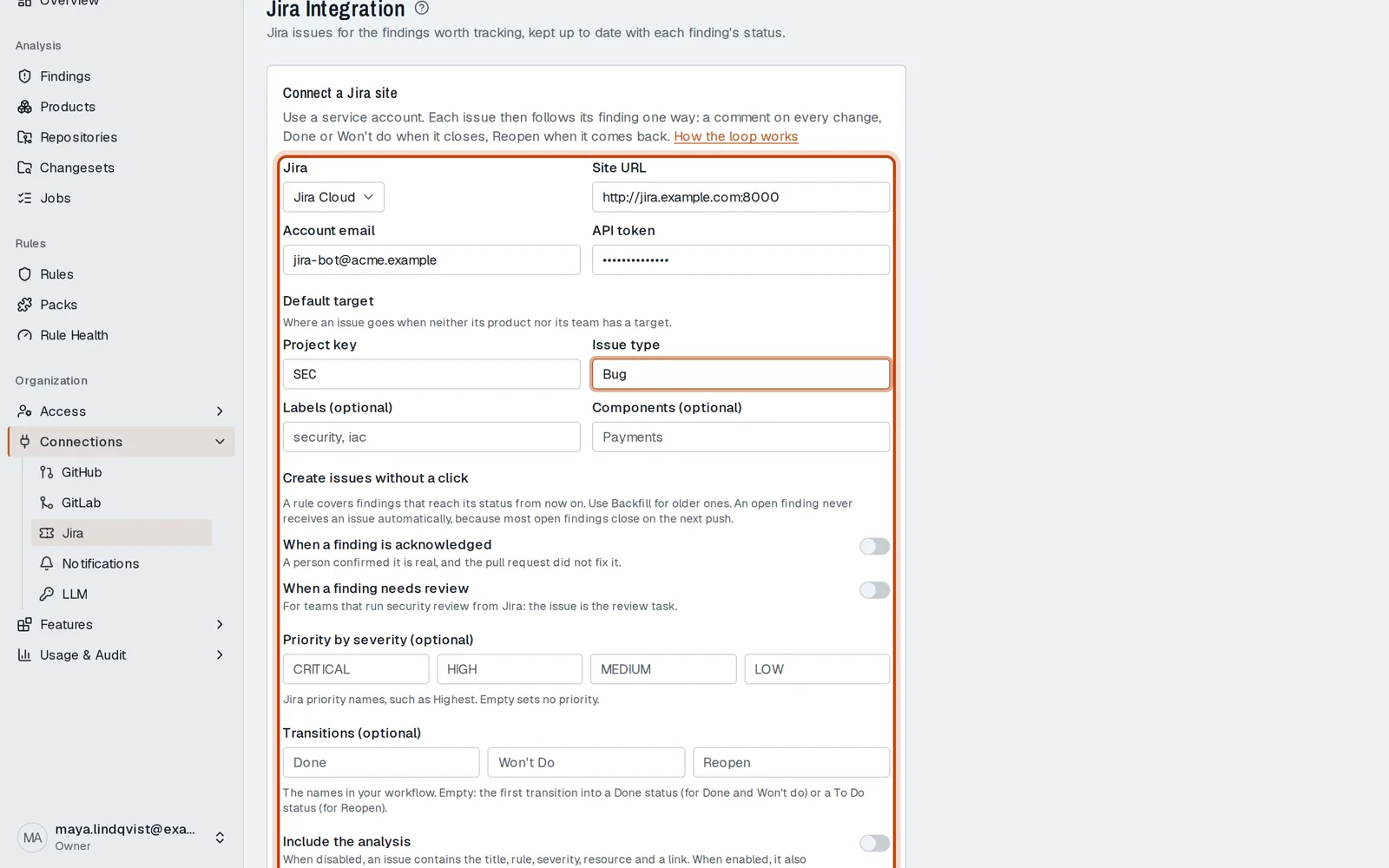
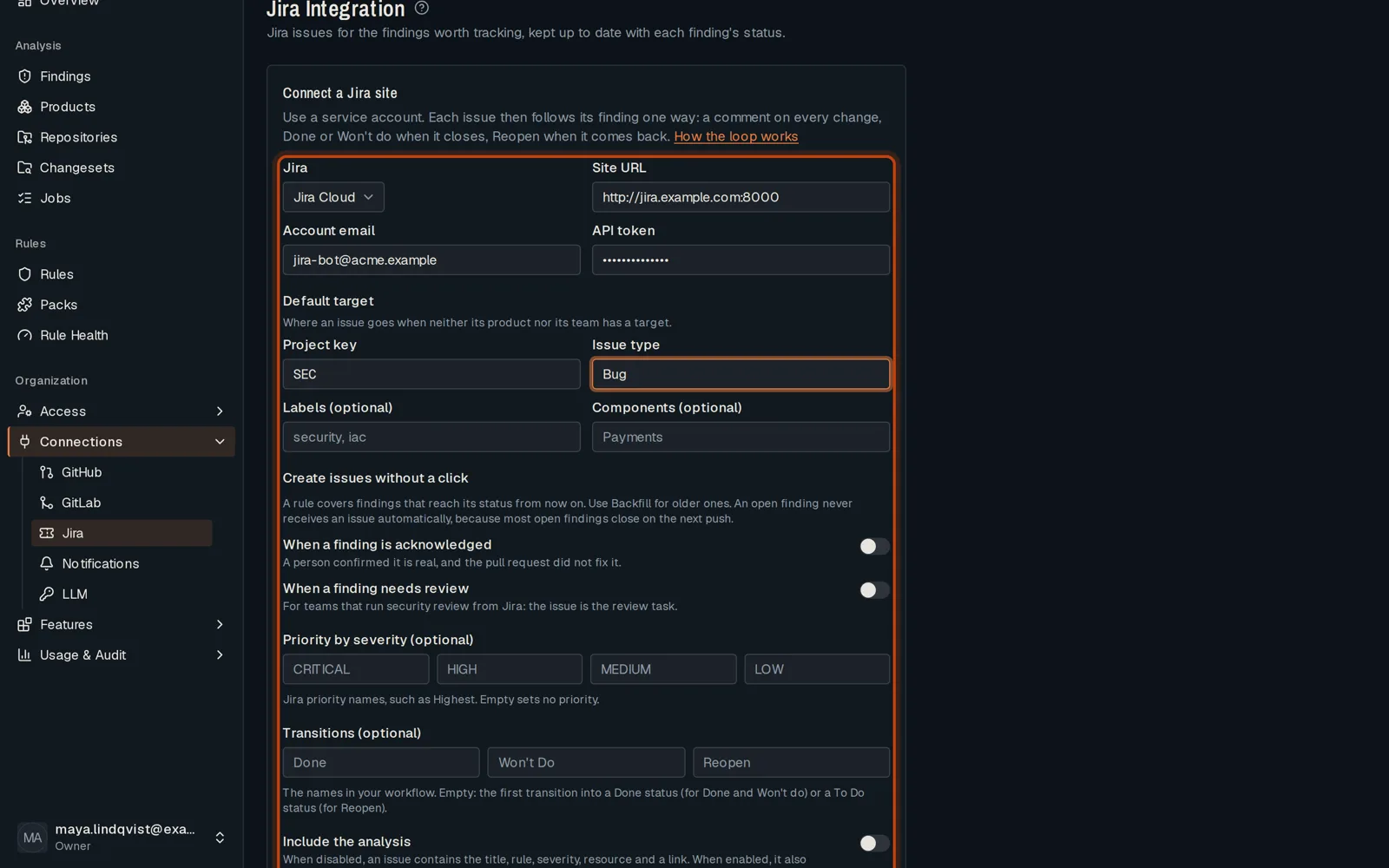
Enter your Jira site, the account’s email and an API token, then the project and issue type to use.
-
Connect. Then choose the project each product’s findings go to.
Good to know
Section titled “Good to know”- A platform admin first turns the Jira integration on.
Go further
Section titled “Go further”Jira integration explains how it works, and how to do it from the API.