Find who changed what
Open in the dashboardWhen you are done: you know who made a change, and what it changed.
-
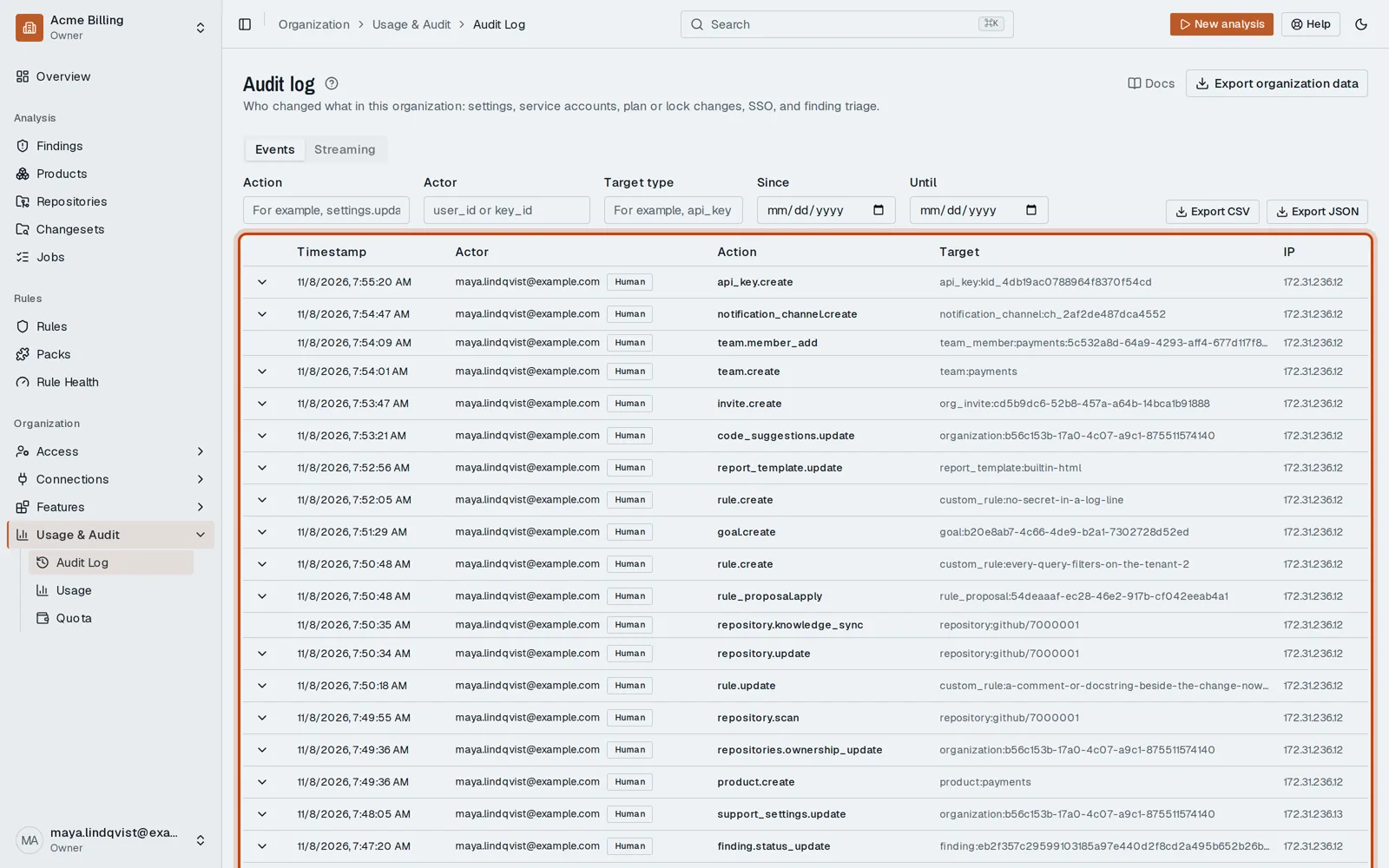
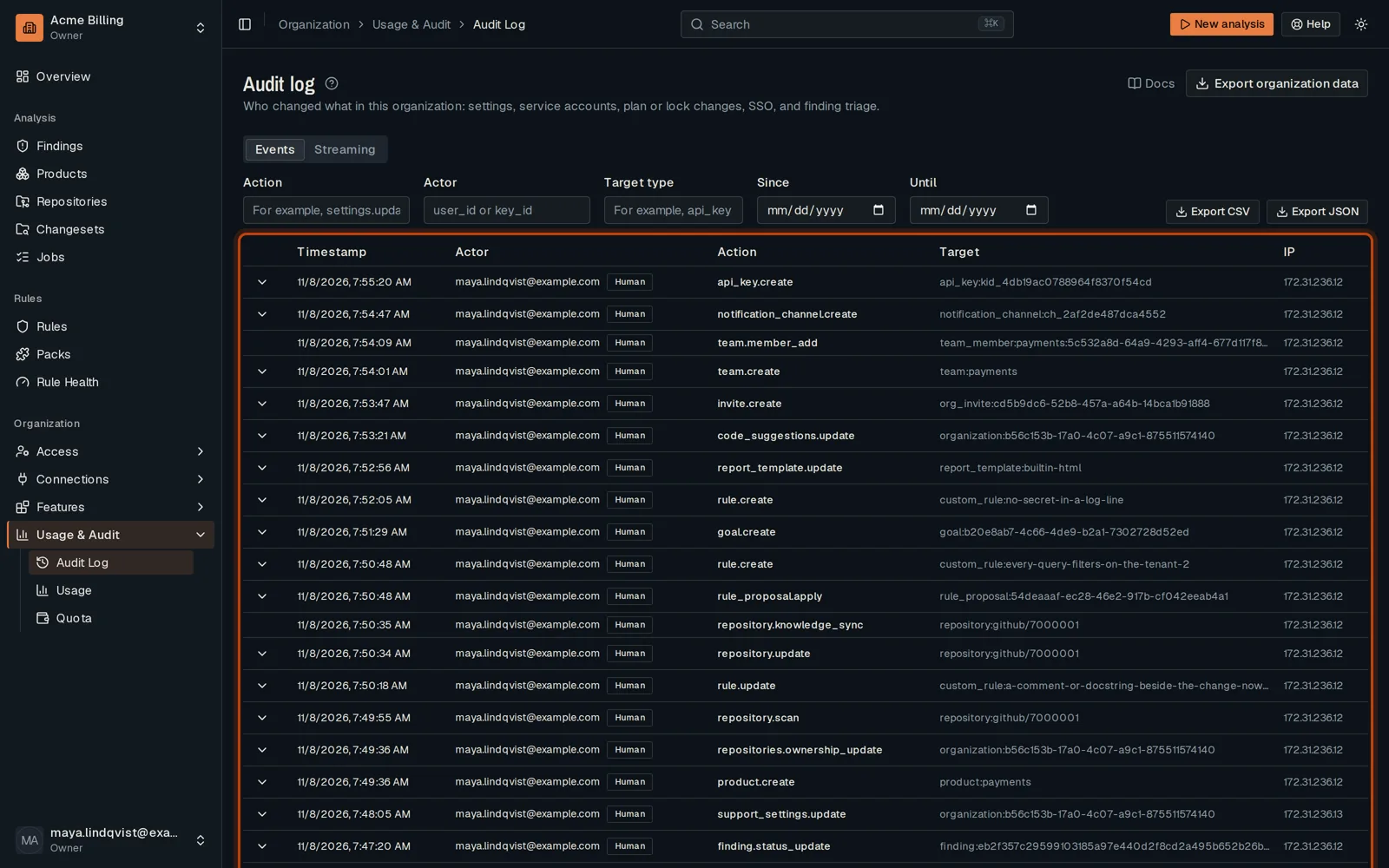
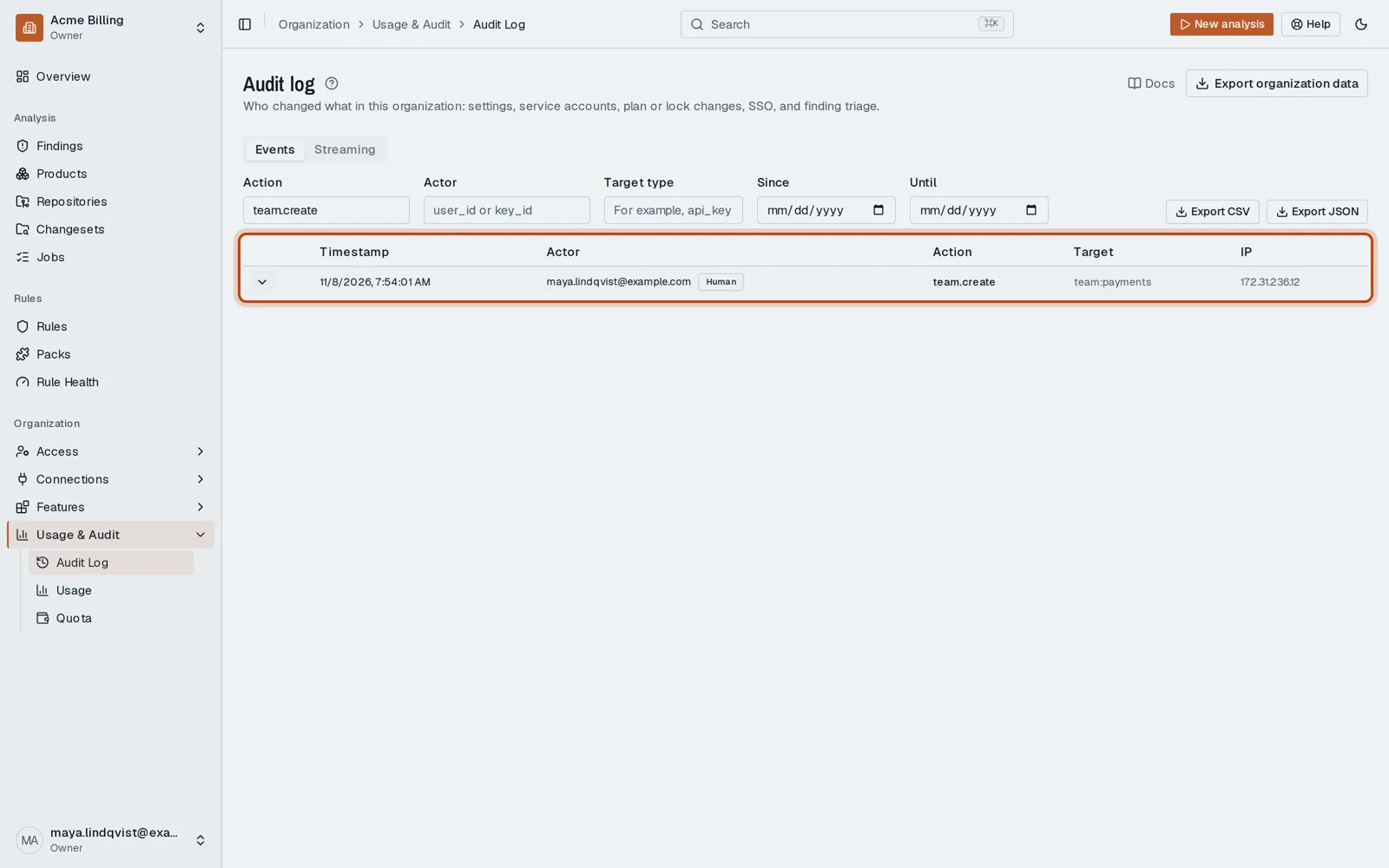
Open Usage & Audit, then Audit Log. Each row is one change, with who made it.
-
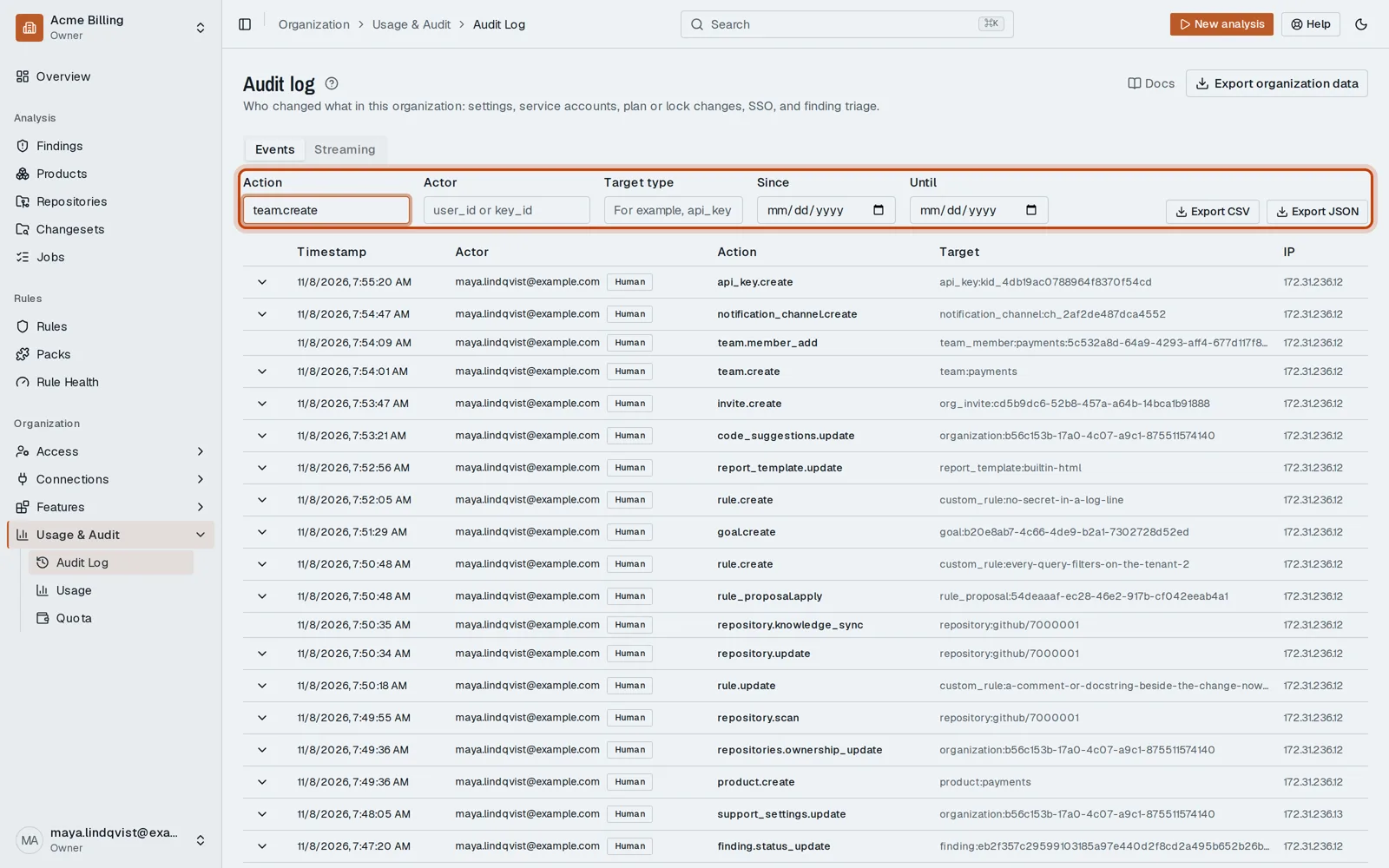
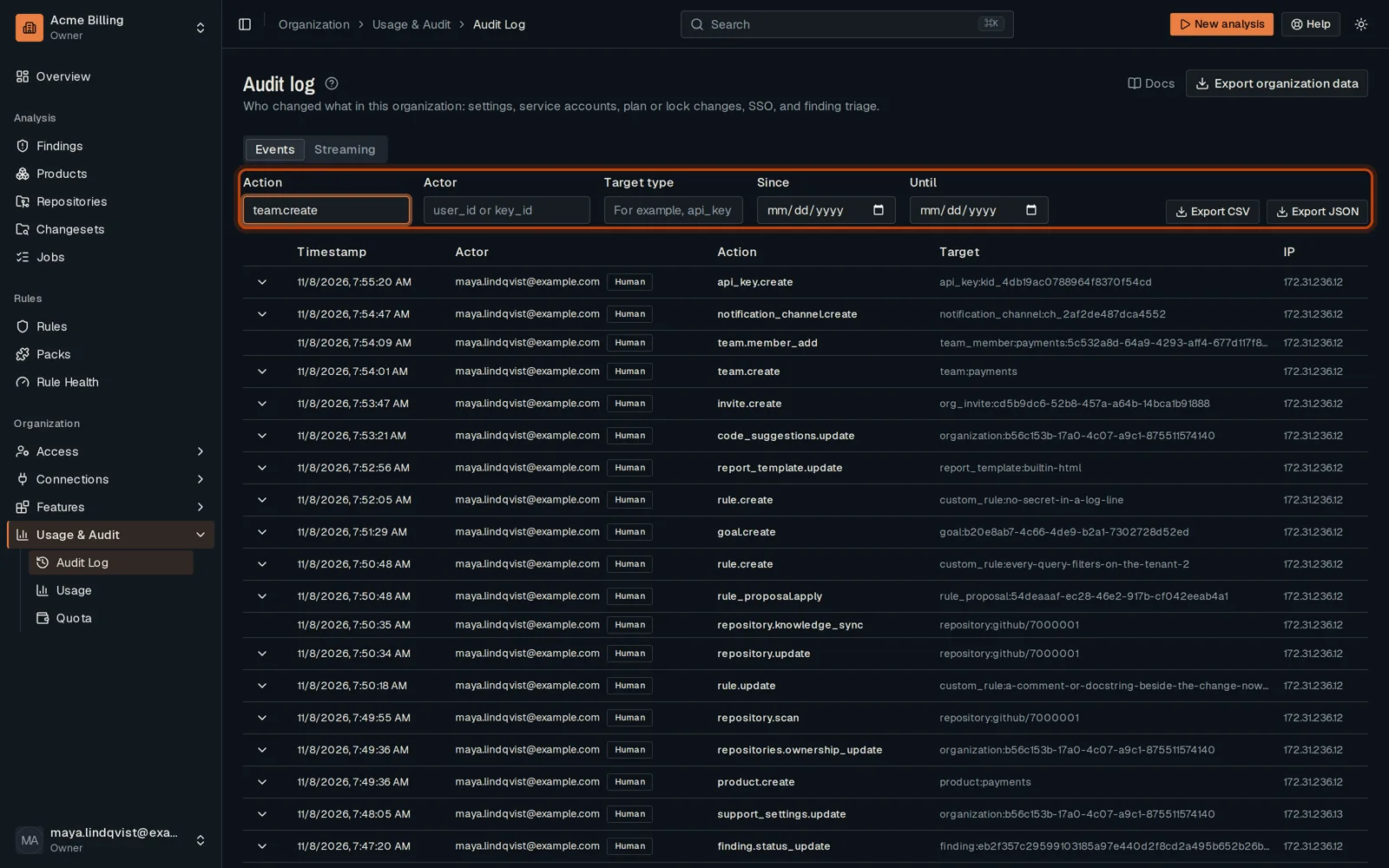
Filter by action, for example team.create.
-
Click Show details on an event to see what changed.
Good to know
Section titled “Good to know”- Export CSV and Export JSON download the log. Streaming sends every event to your SIEM.
Go further
Section titled “Go further”Audit streaming explains how it works, and how to do it from the API.