Find a user and deactivate them
Open in the dashboardWhen you are done: the person can no longer sign in.
-
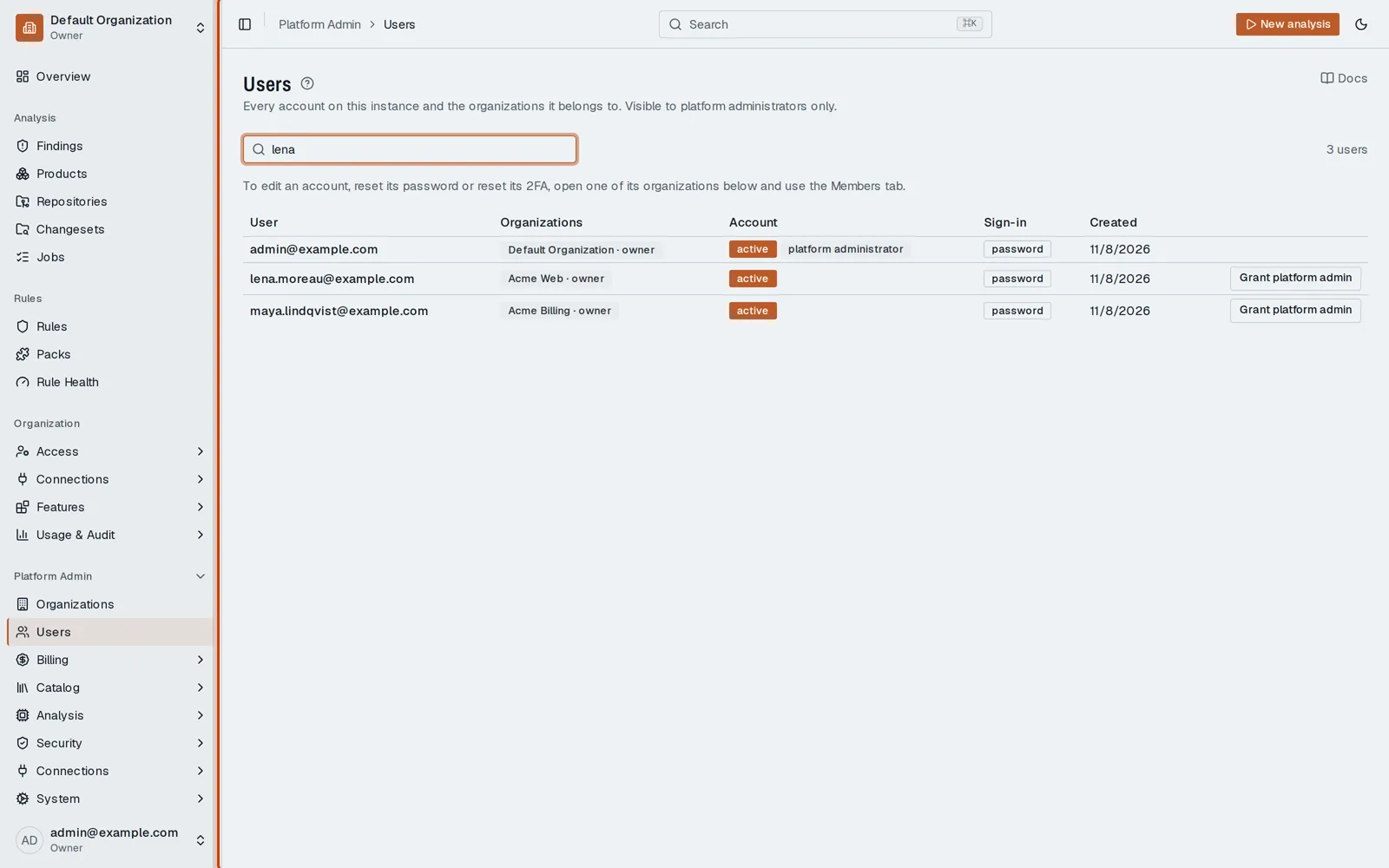
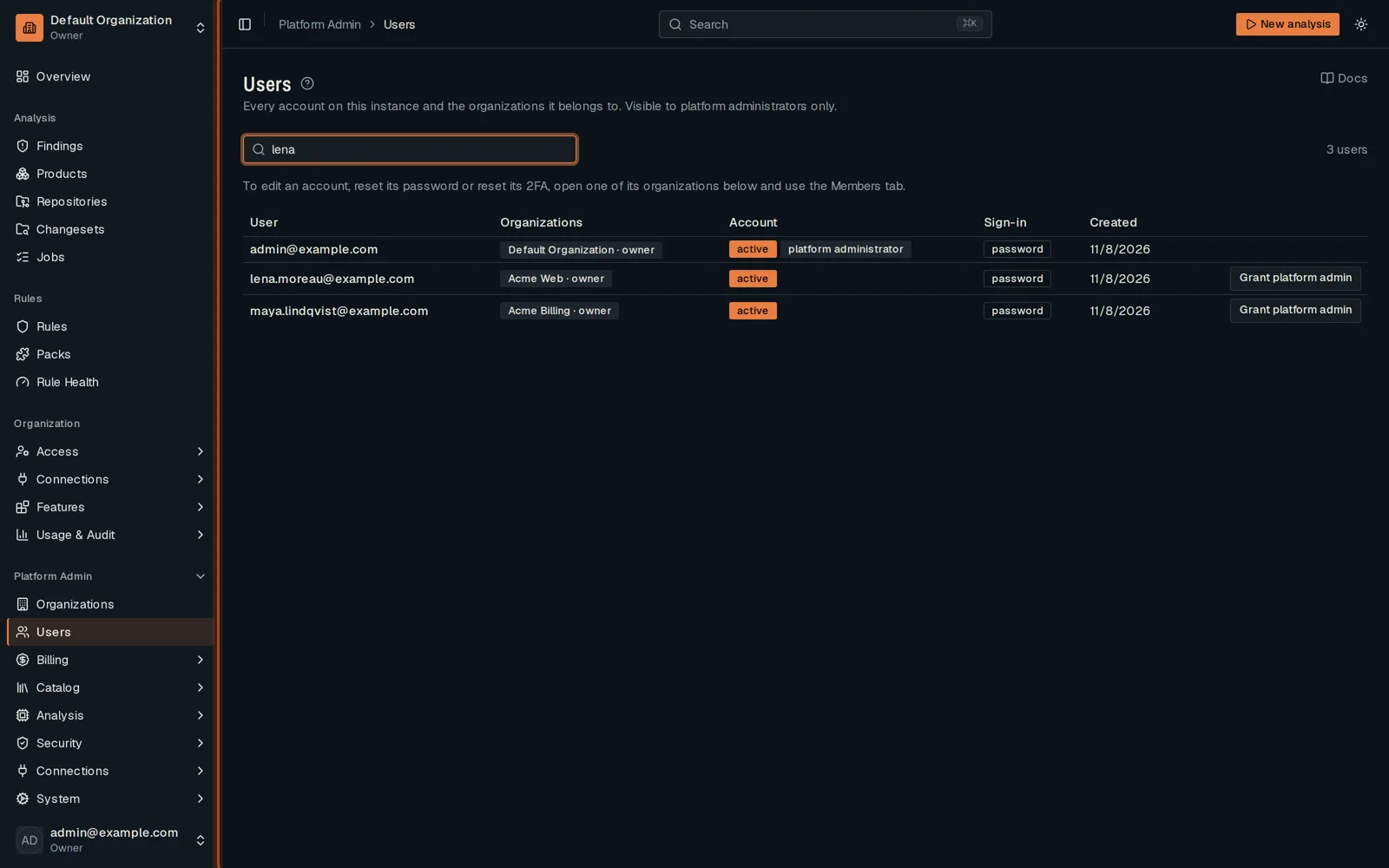
Open Platform Admin, then Users, and filter by name or email.
-
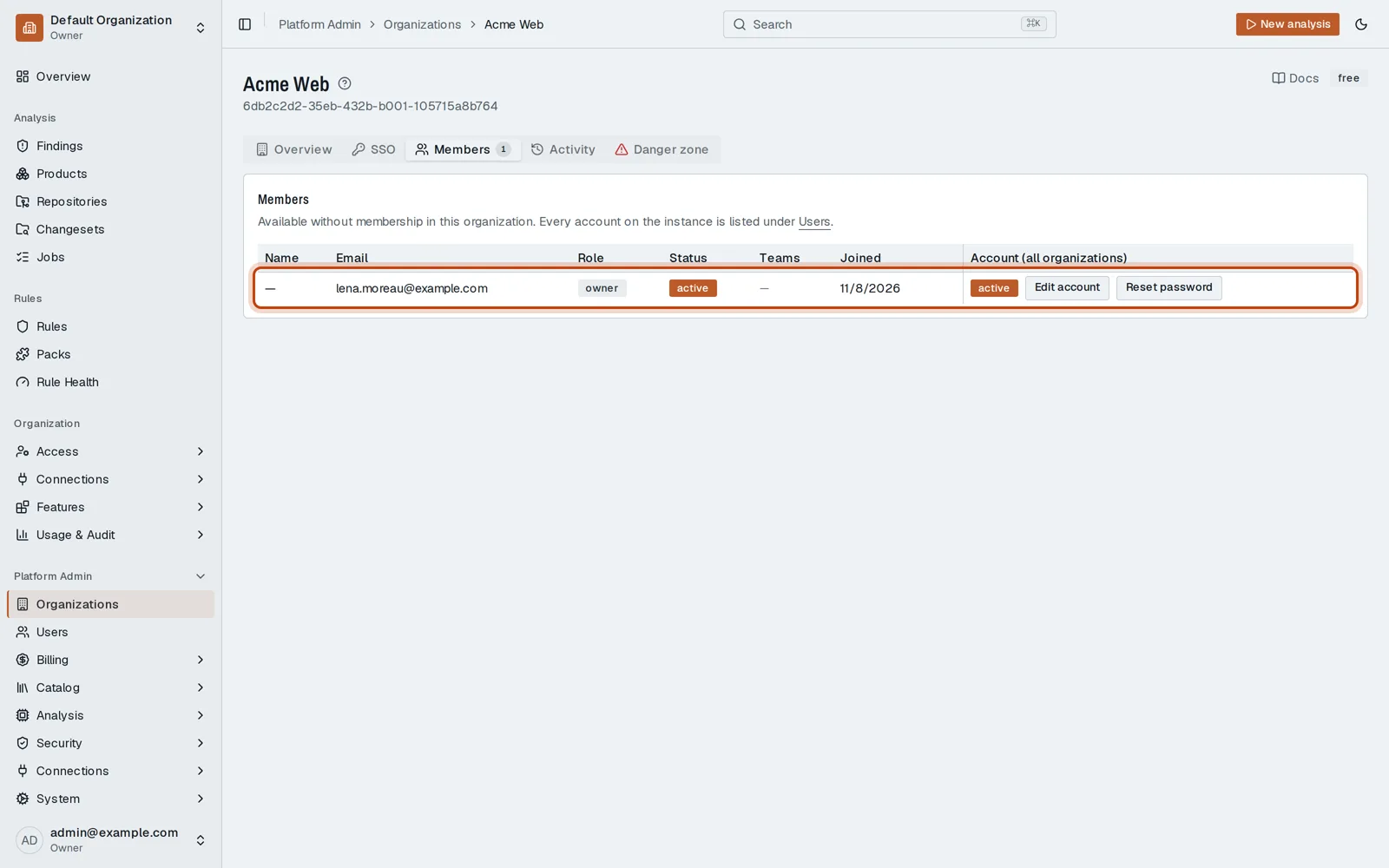
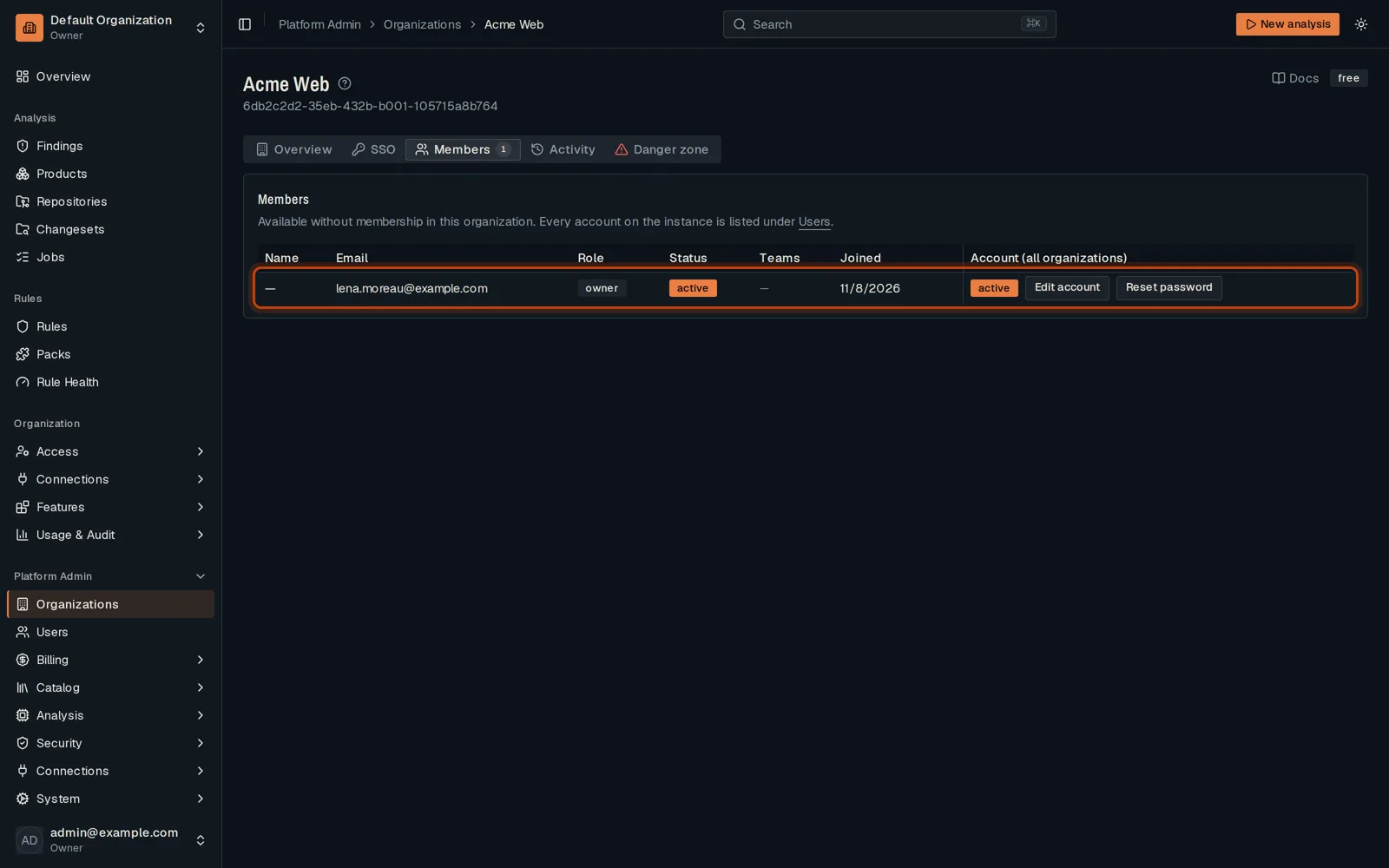
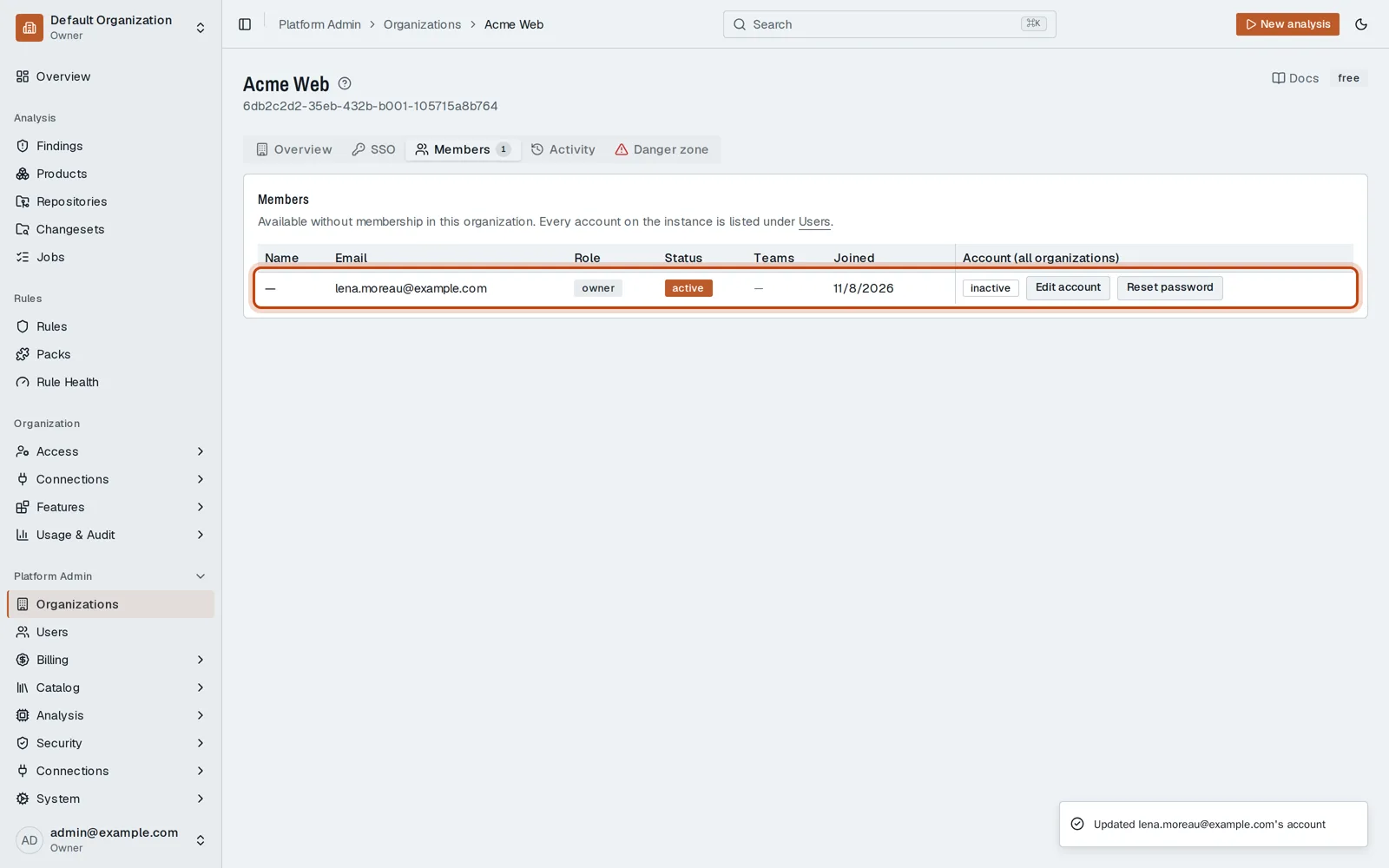
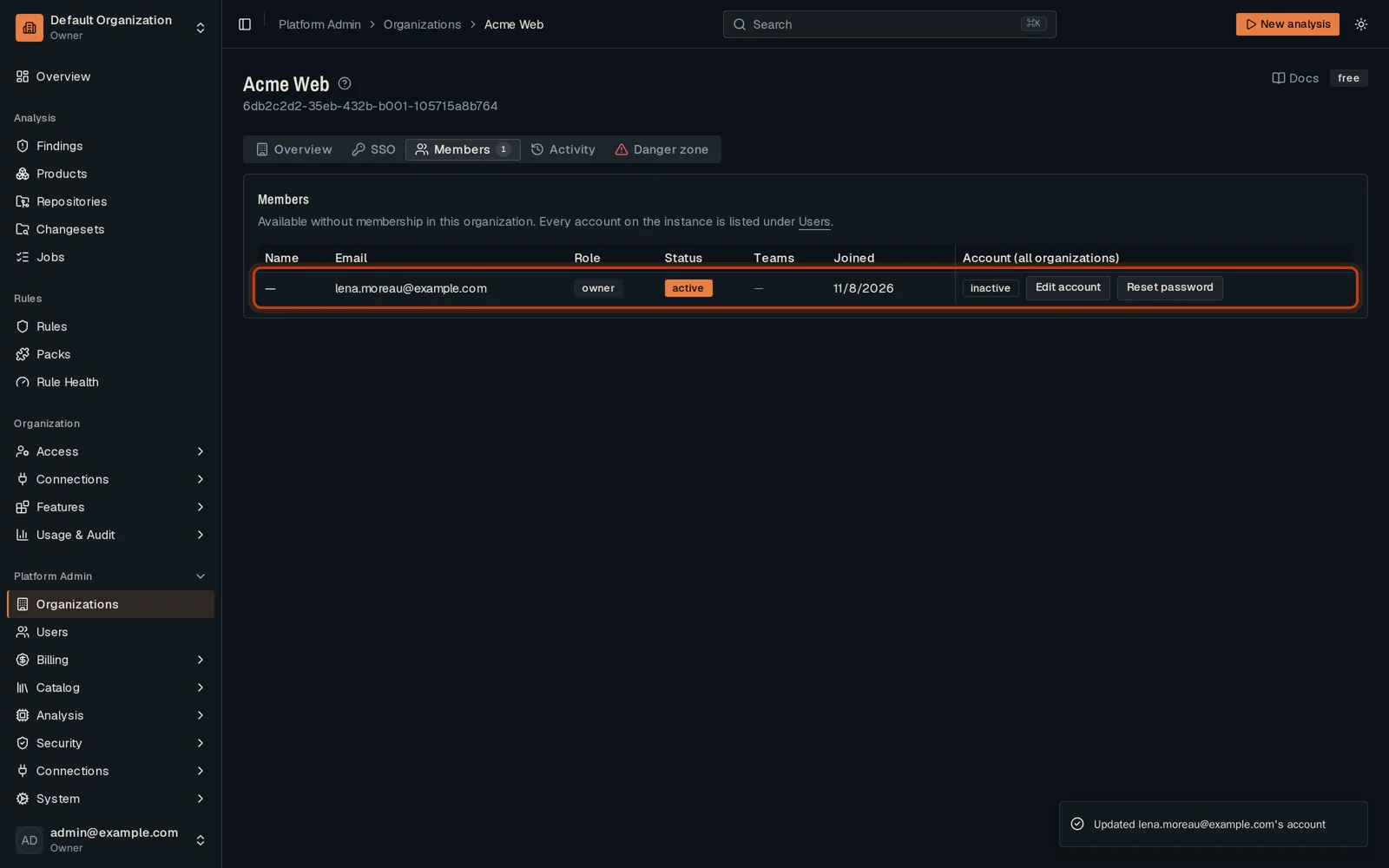
Click one of the user’s organizations, then its Members tab.
-
Click Edit account, turn off Account active and save. The person can no longer sign in.
Good to know
Section titled “Good to know”- Turn the account back on the same way.
Go further
Section titled “Go further”Platform Admin explains how it works, and how to do it from the API.