Bring your own LLM connection
Open in the dashboardWhen you are done: reviews can run on your own model account.
-
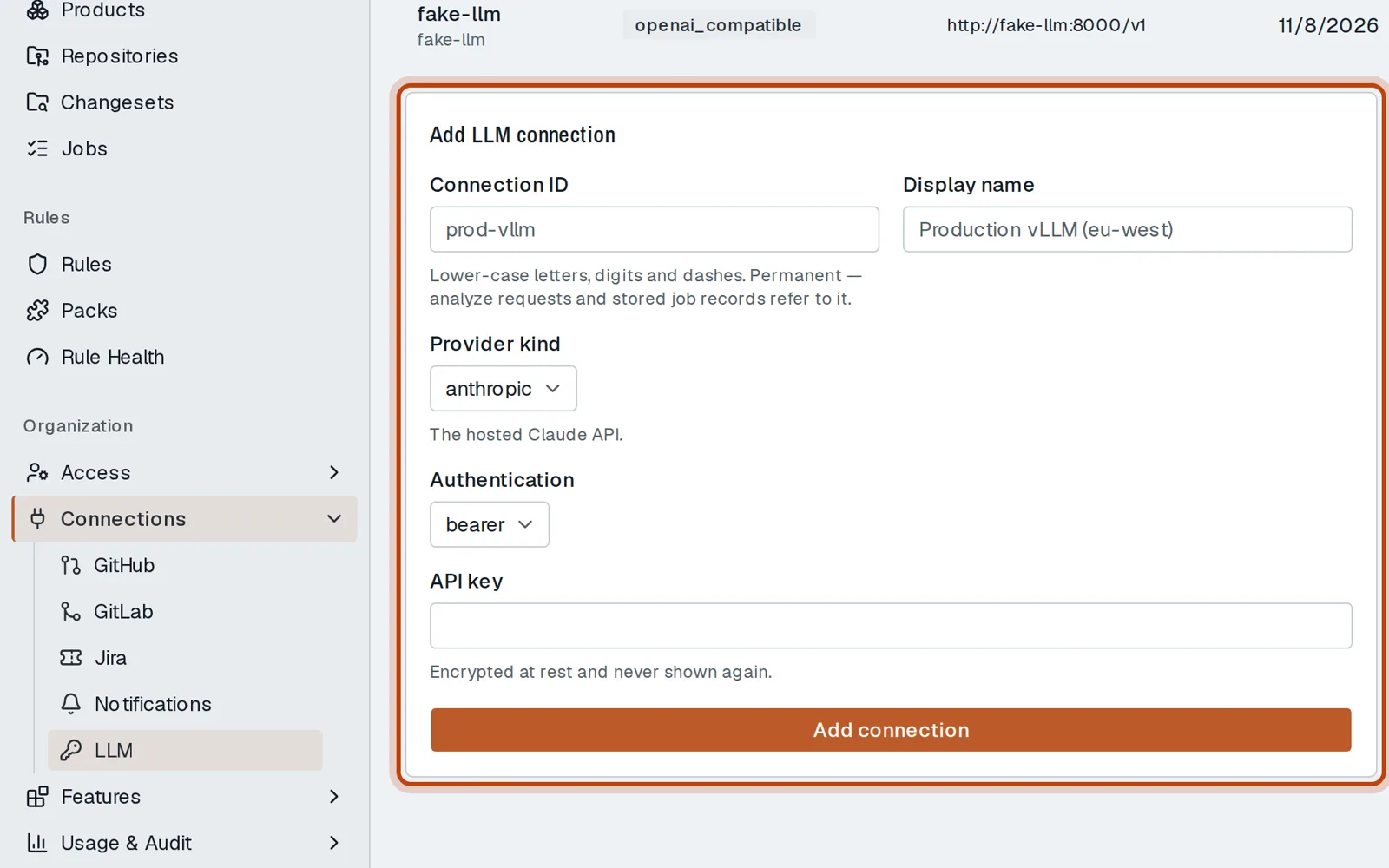
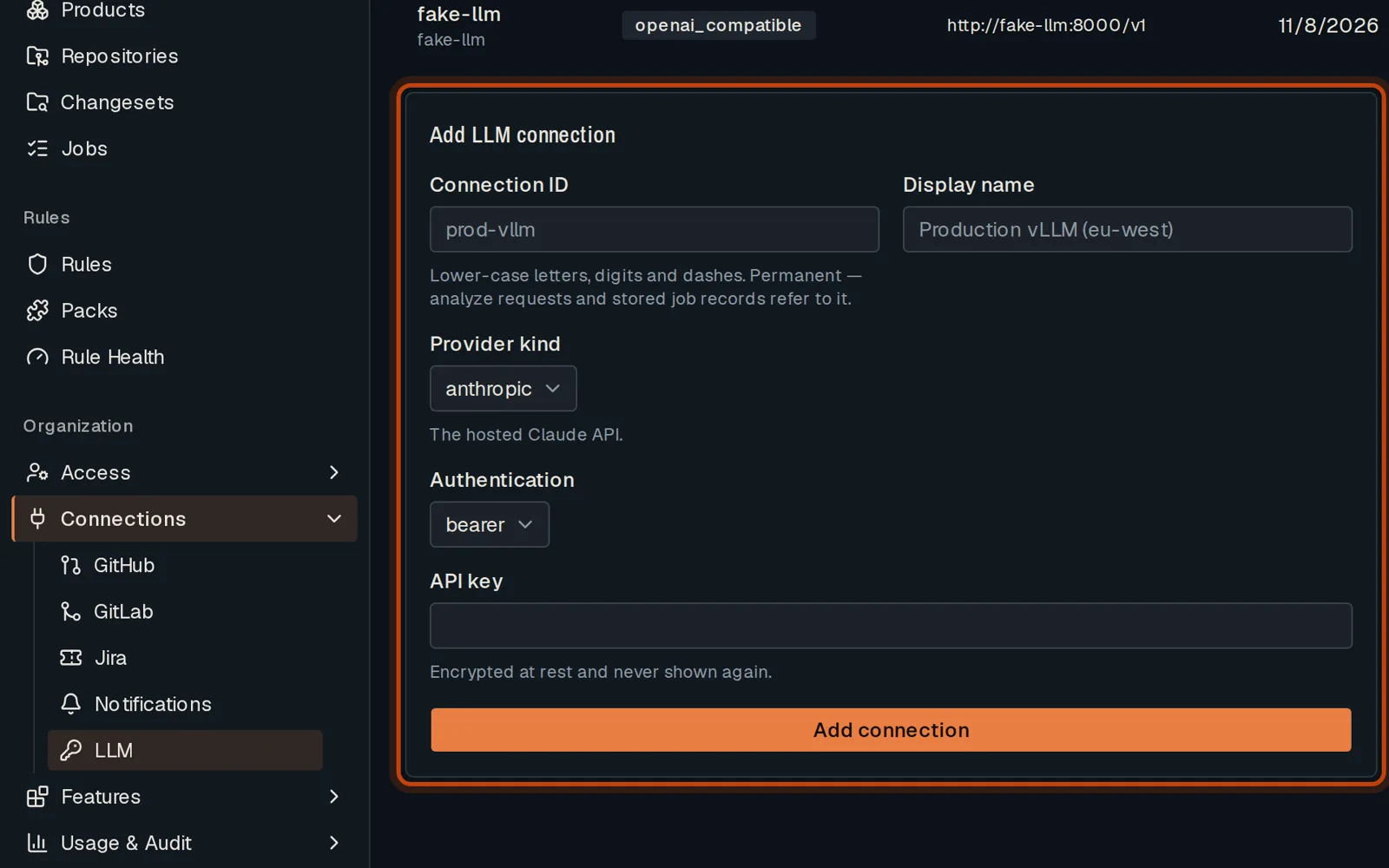
Open Connections, then LLM. Scroll to the form that adds a connection.
-
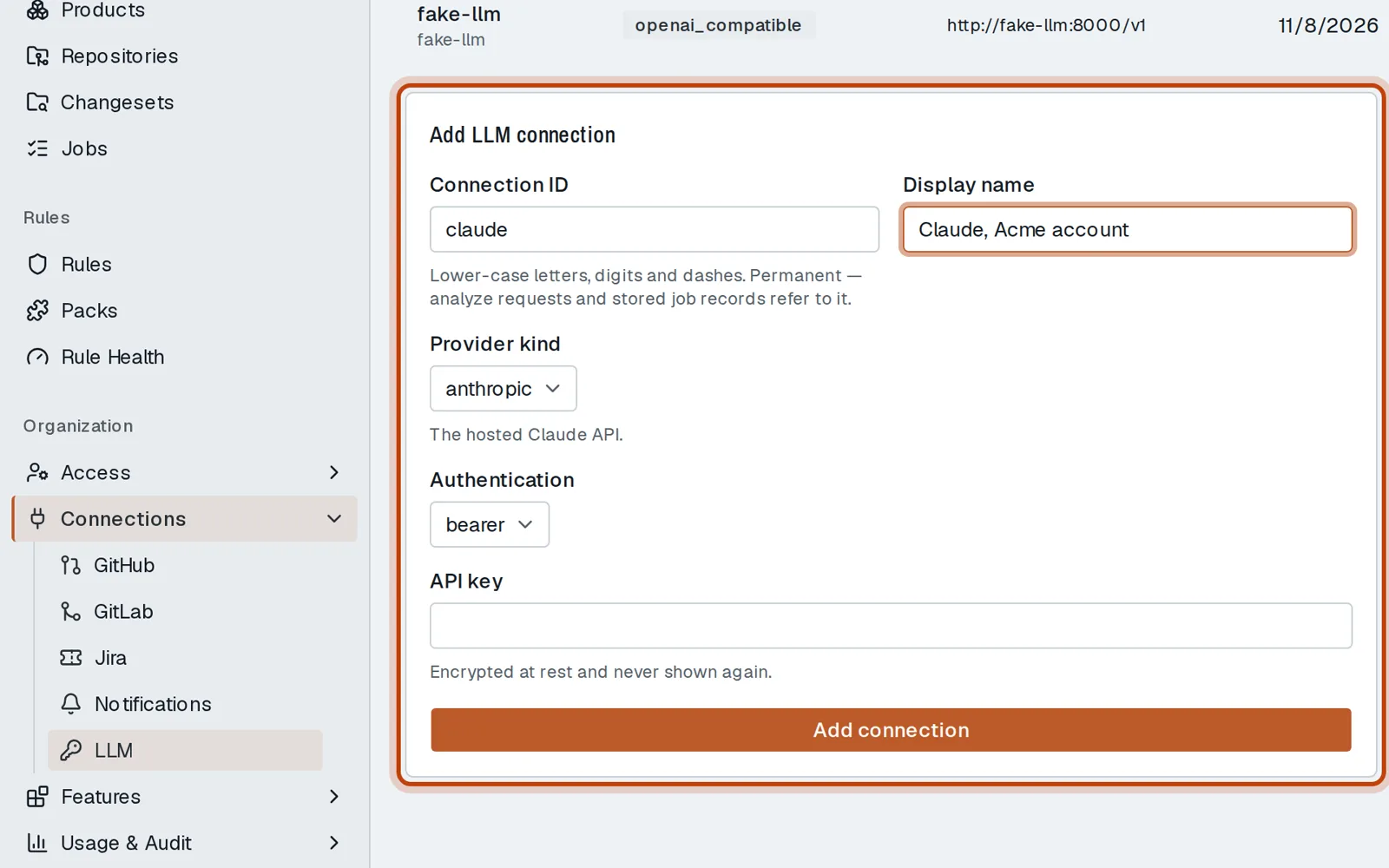
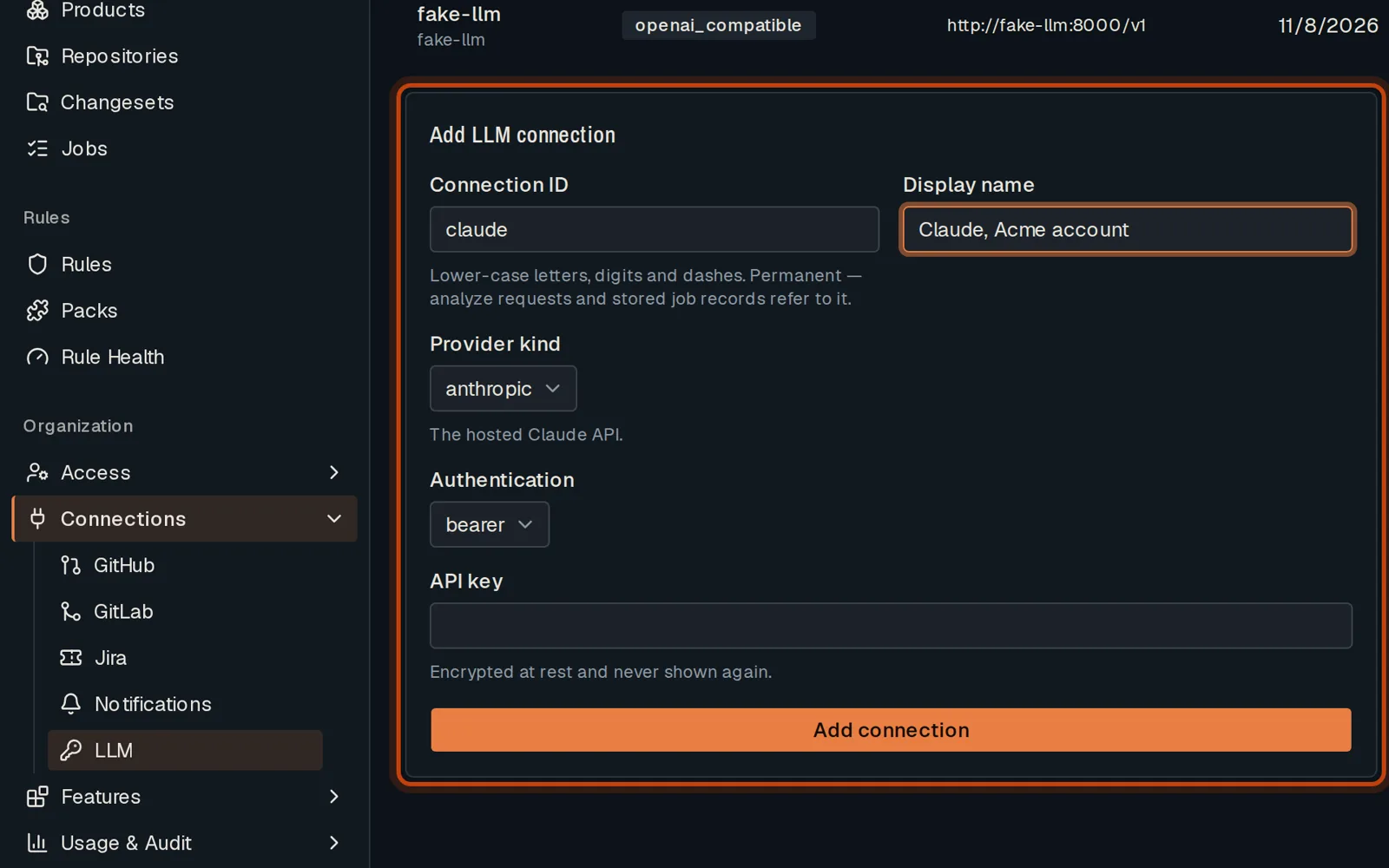
Give it an ID and a name, and pick the provider: a hosted API or your own endpoint.
-
Paste the API key. It is encrypted and never shown again.
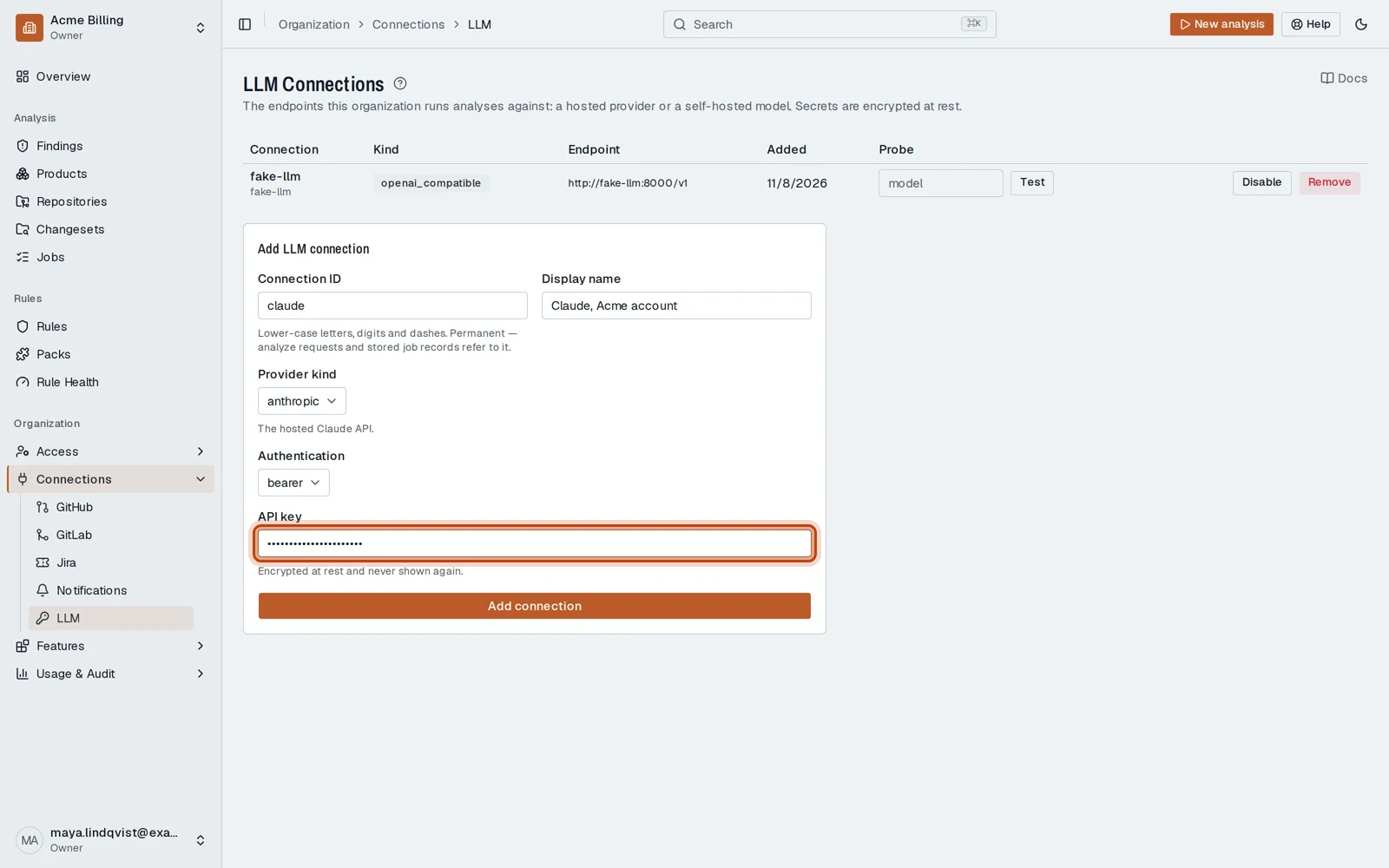
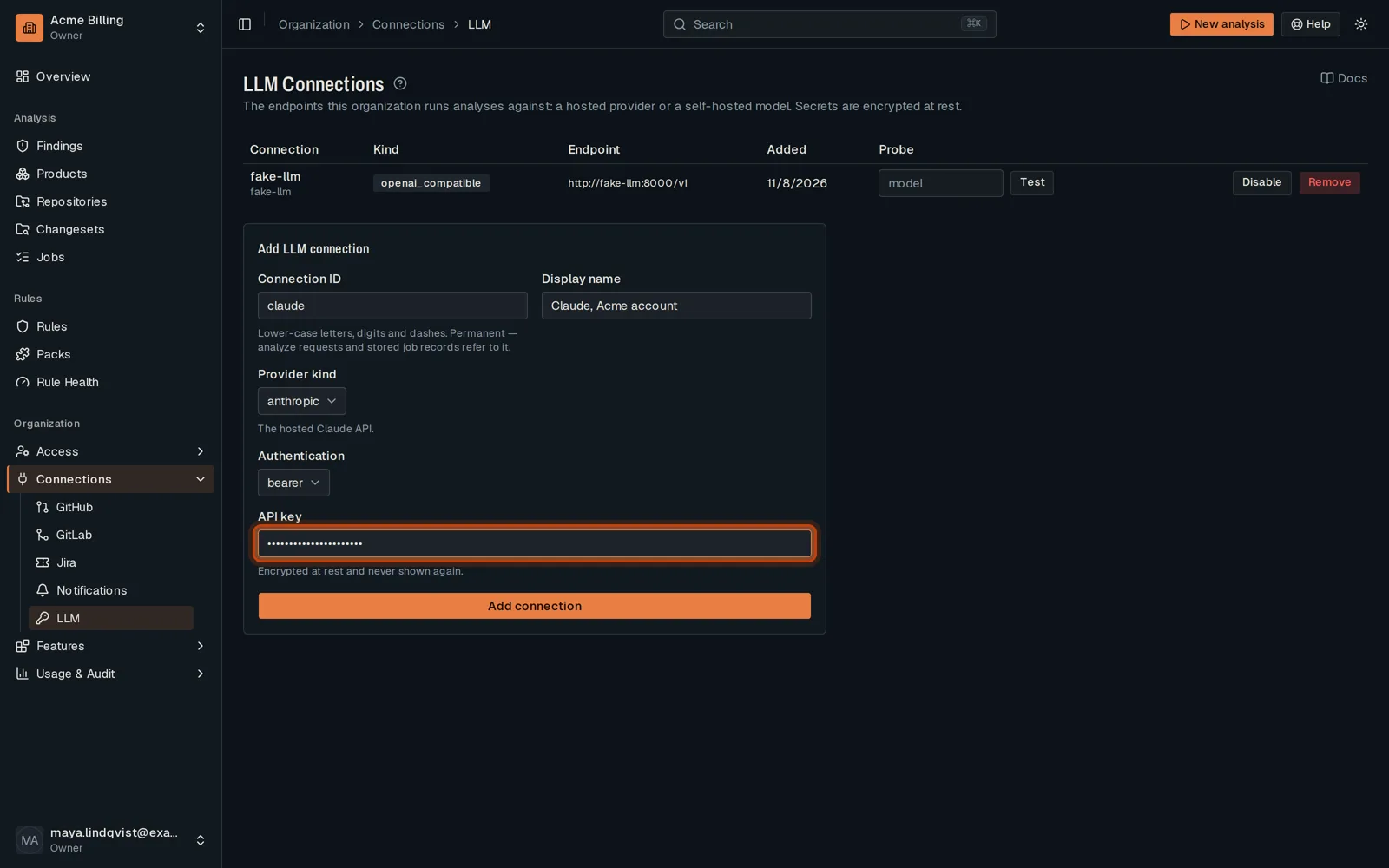
-
Click Add connection. Then Test it with a model name before you use it.
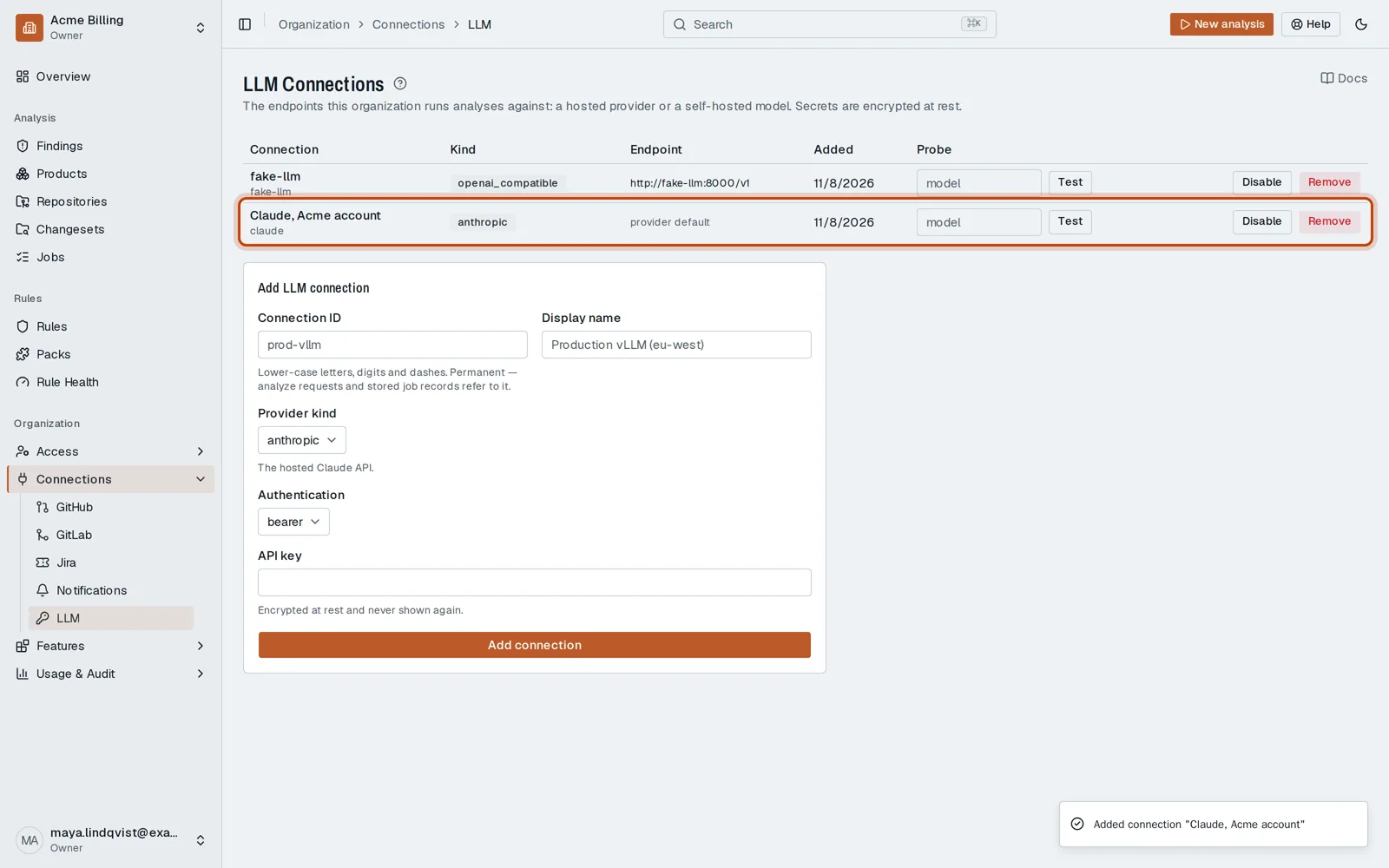
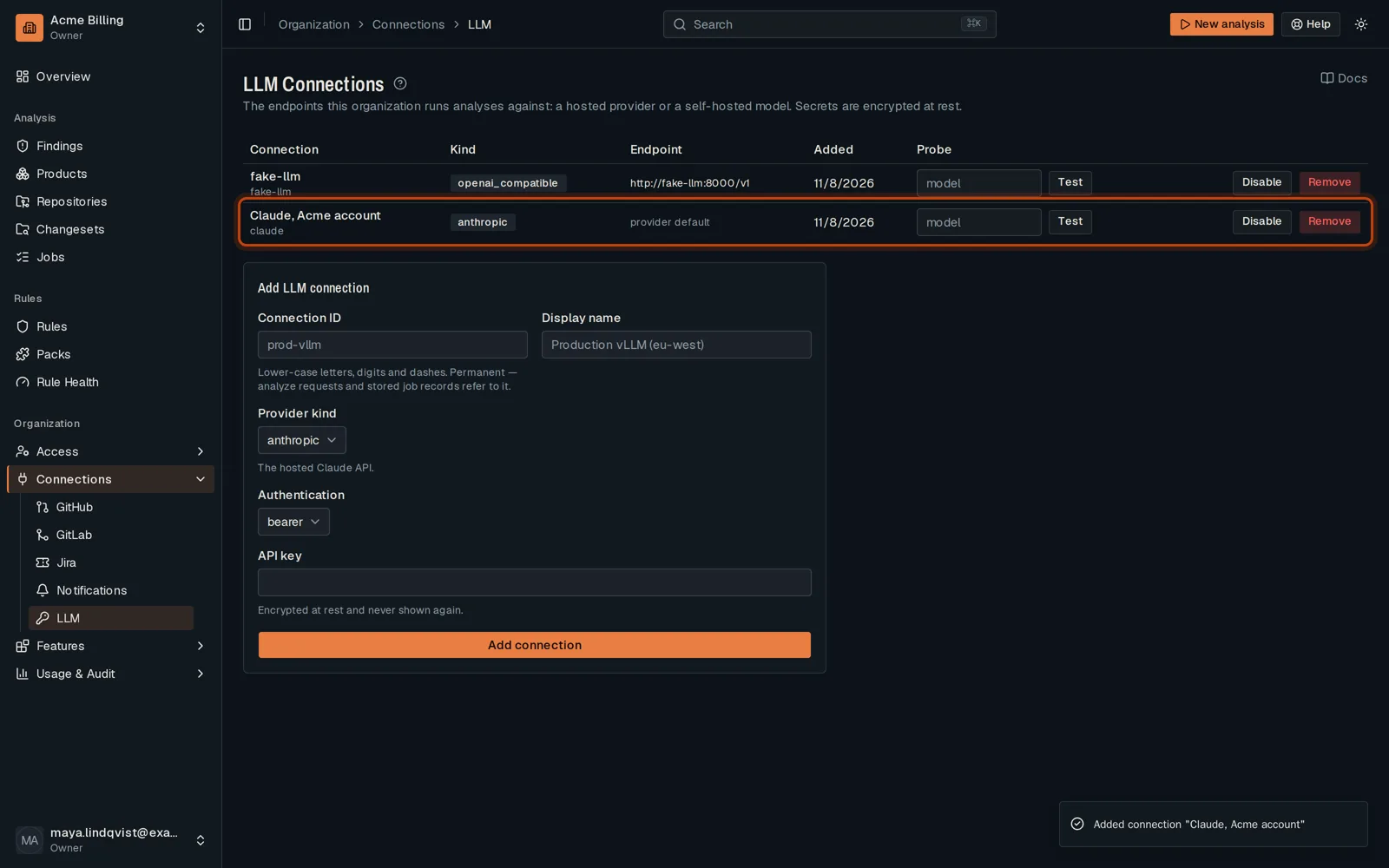
Good to know
Section titled “Good to know”- A platform admin decides which hosts a custom endpoint may use.
Go further
Section titled “Go further”LLM providers explains how it works, and how to do it from the API.