Stream the audit log to your SIEM
Open in the dashboardWhen you are done: your SIEM receives every audit event.
-
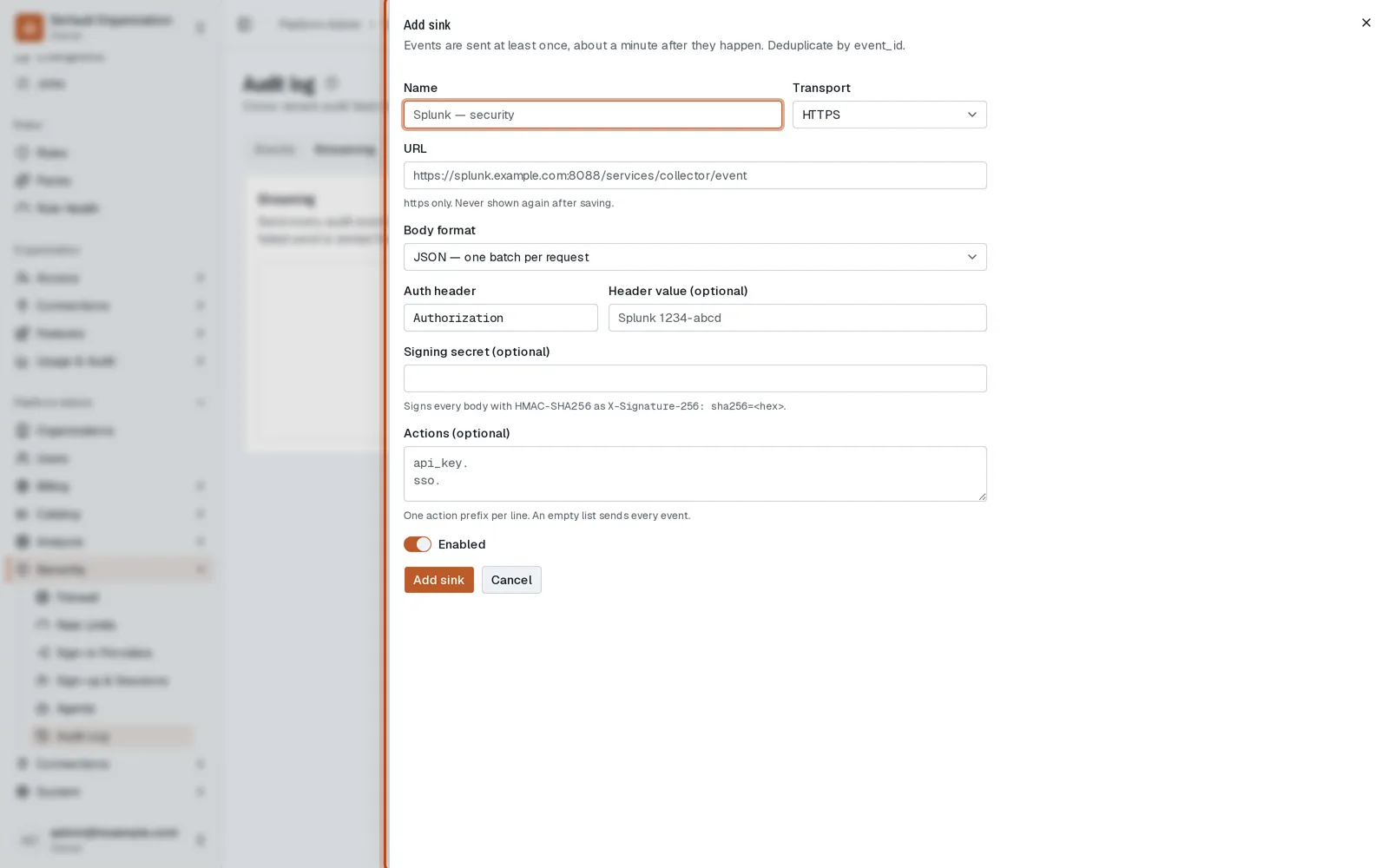
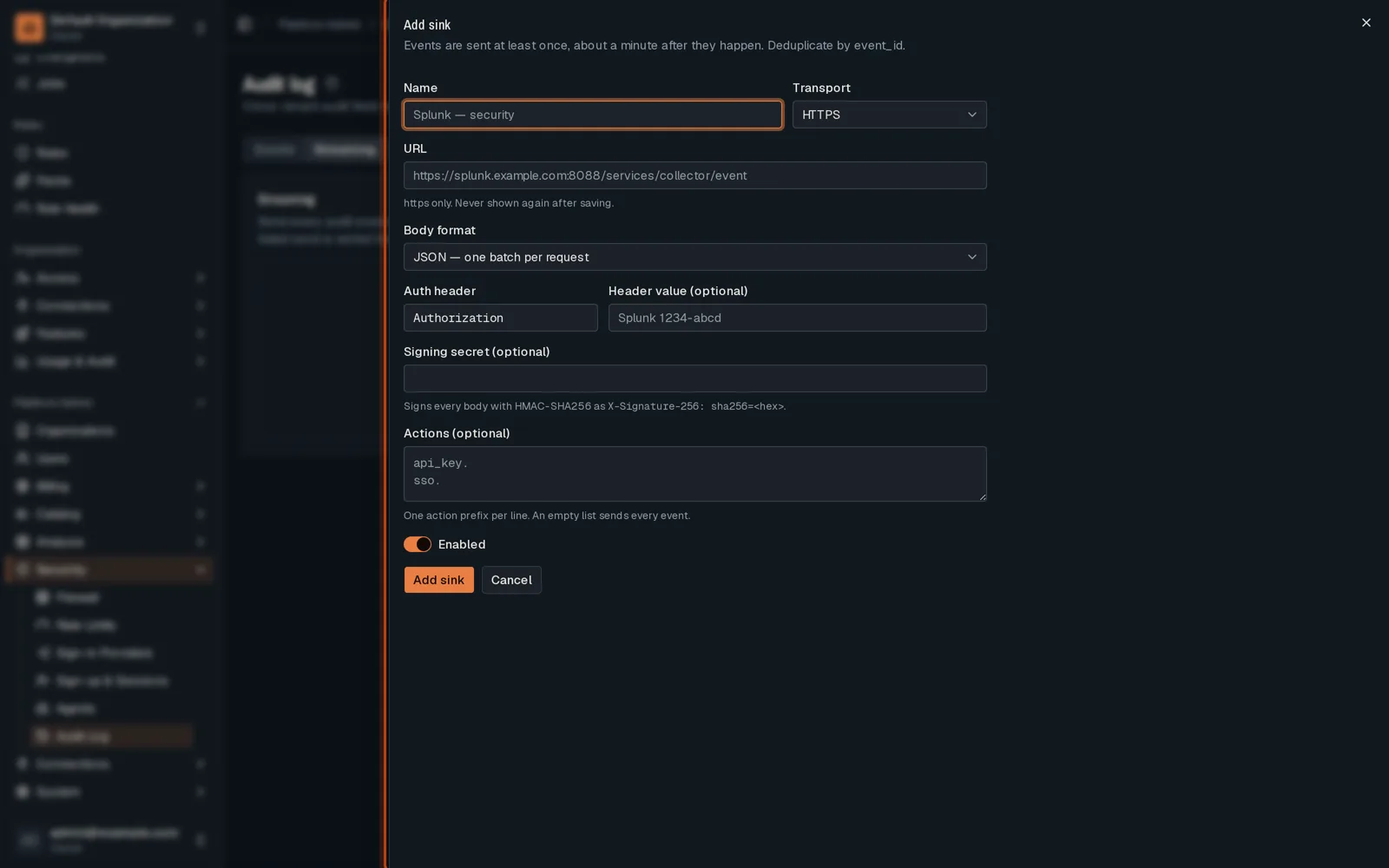
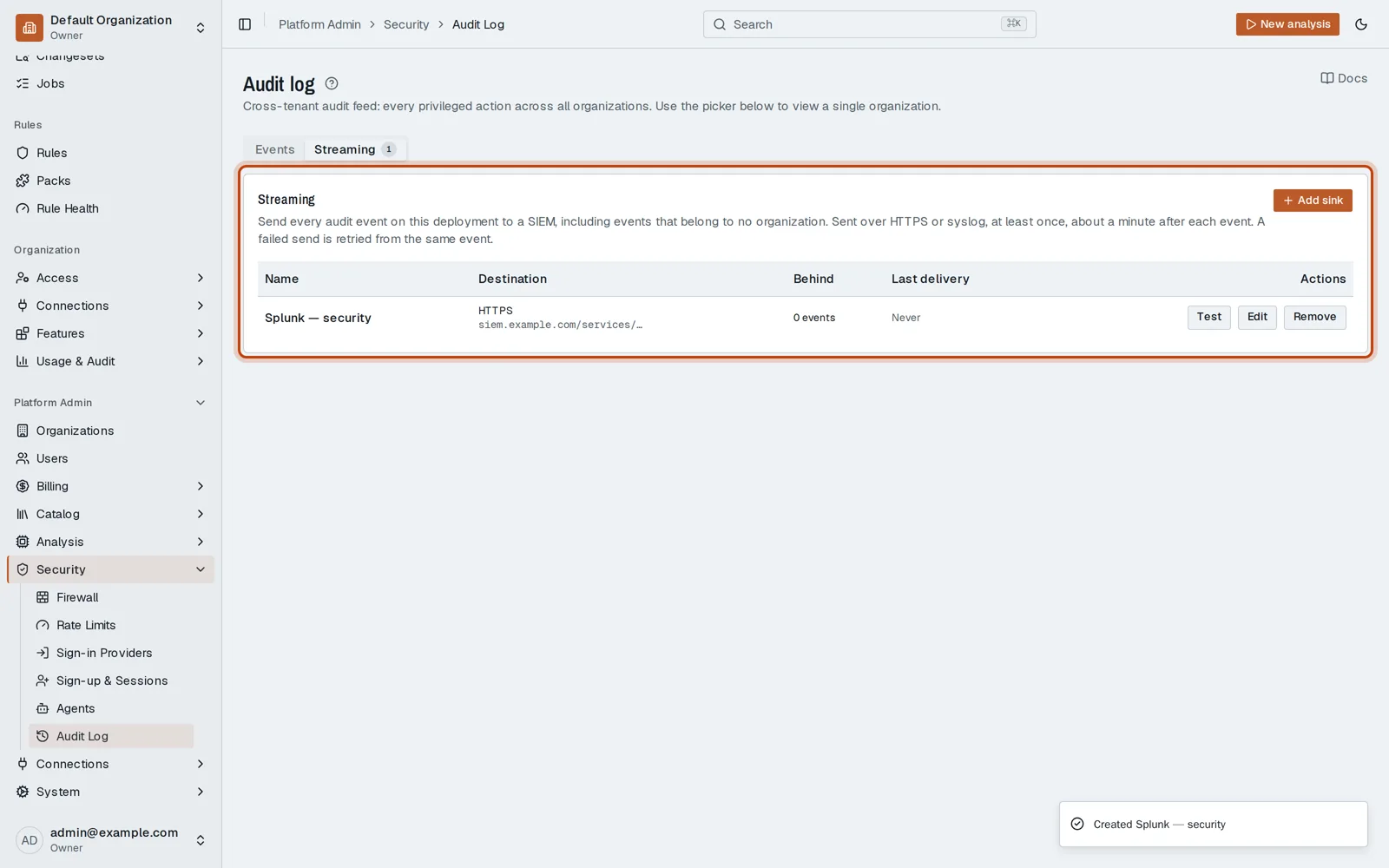
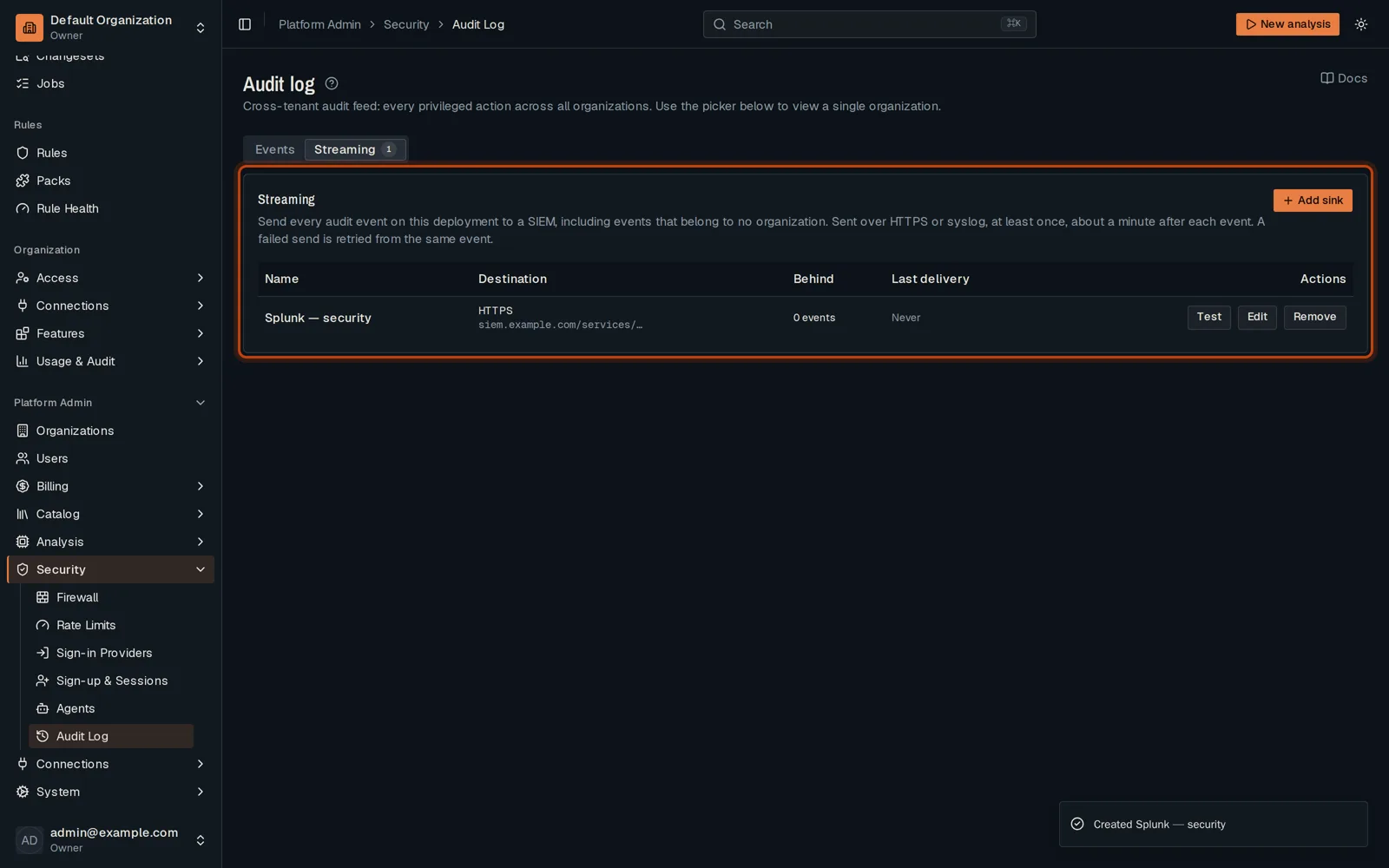
Open Platform Admin, then Security, then Audit Log. Open Streaming and click Add sink.
-
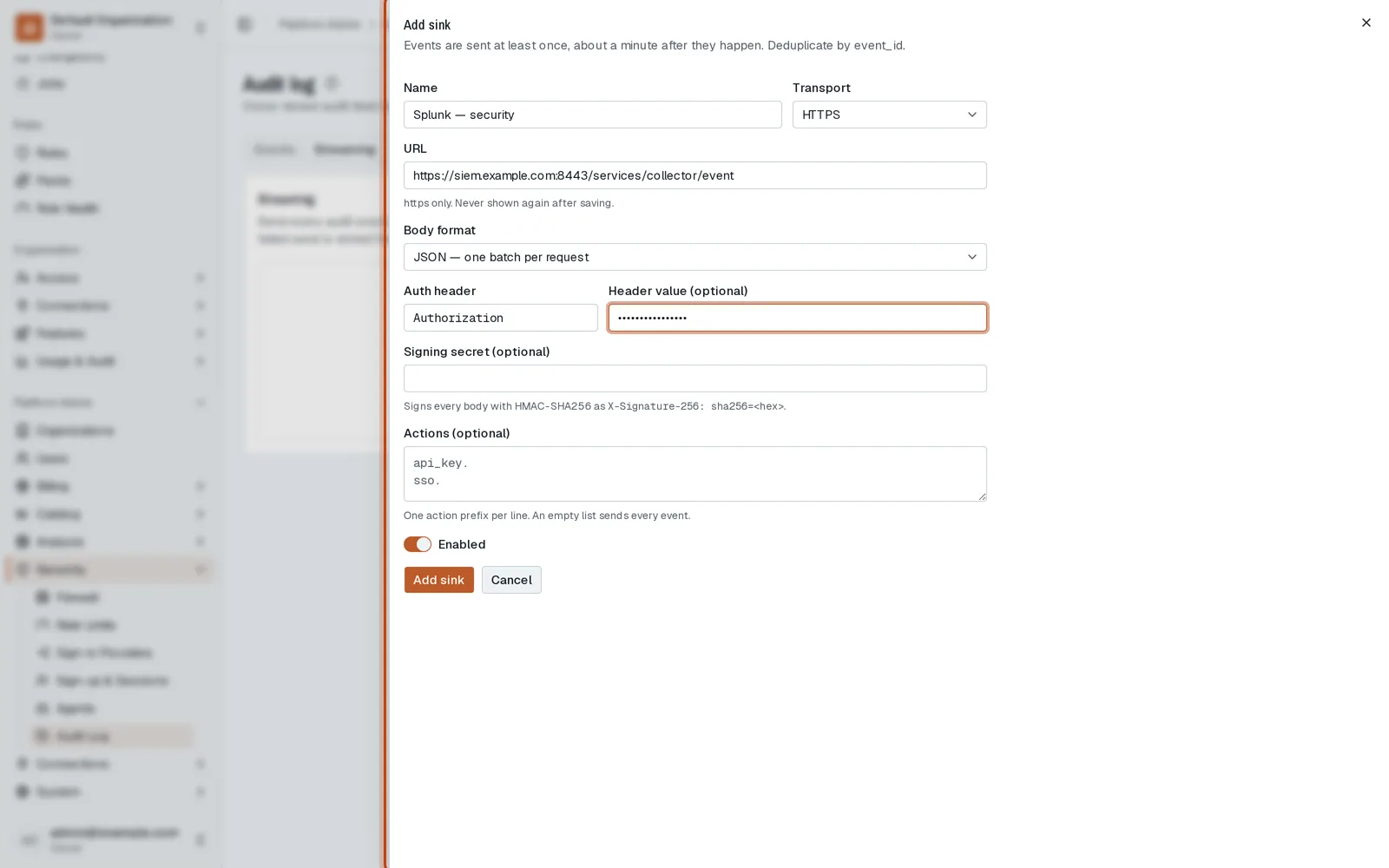
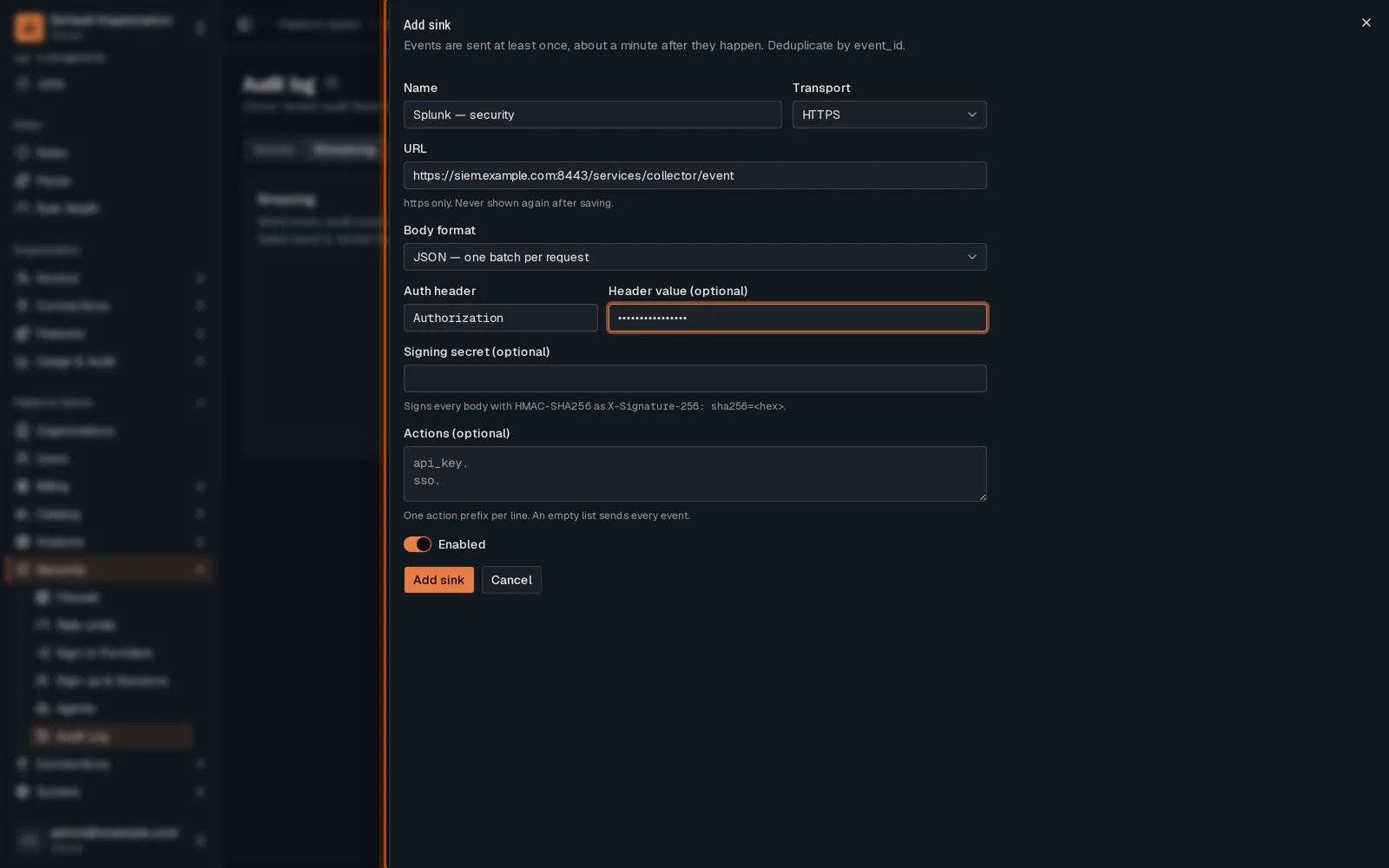
Name it, keep HTTPS, and give your SIEM’s collector address and token.
-
Click Add sink. Every audit event of the deployment is sent to it, about once a minute.
Good to know
Section titled “Good to know”- Each organization can also stream its own events, from its Audit Log.
Go further
Section titled “Go further”Audit streaming explains how it works, and how to do it from the API.