Lock an organization
Open in the dashboardWhen you are done: the organization is locked, and nothing is lost.
-
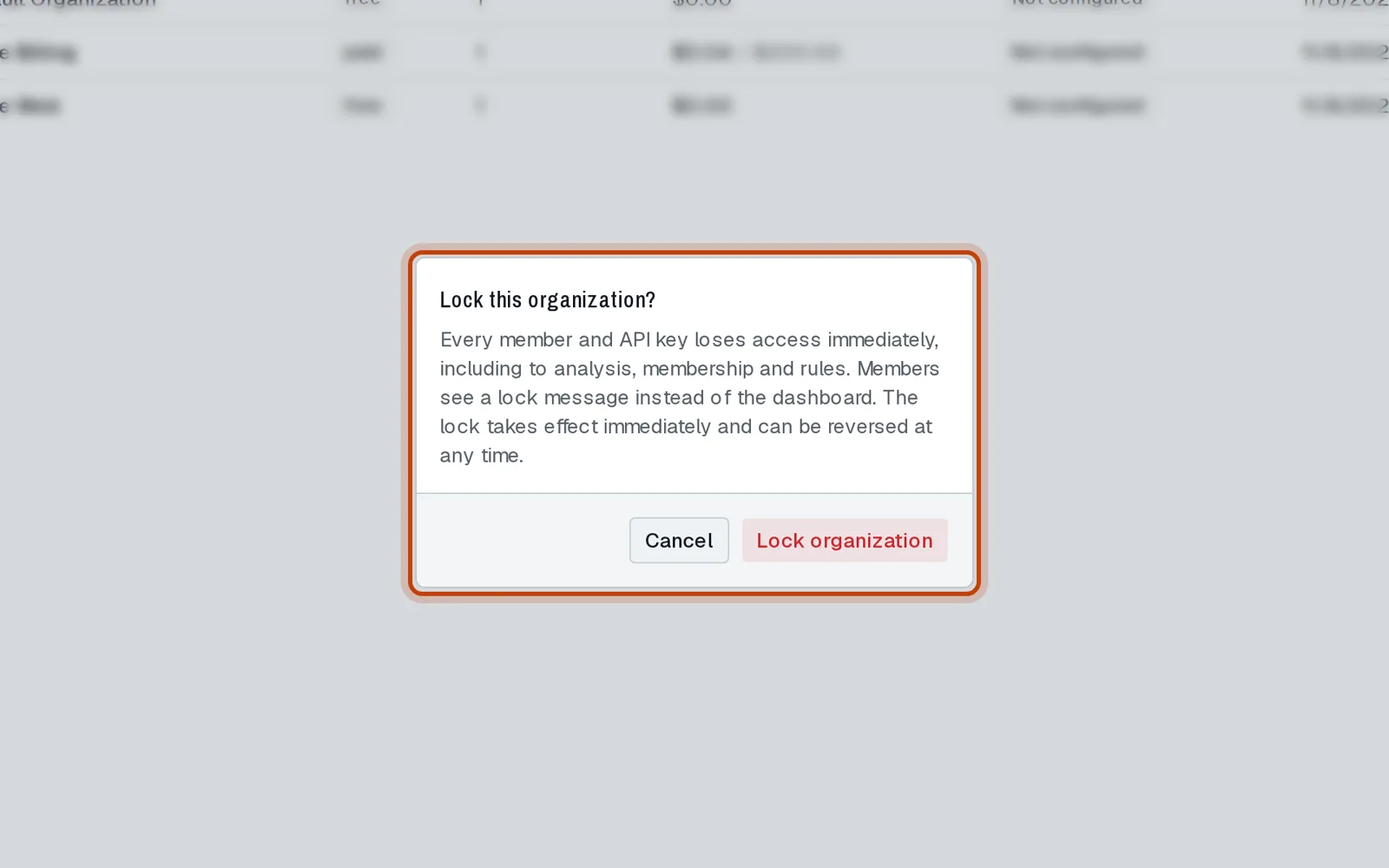
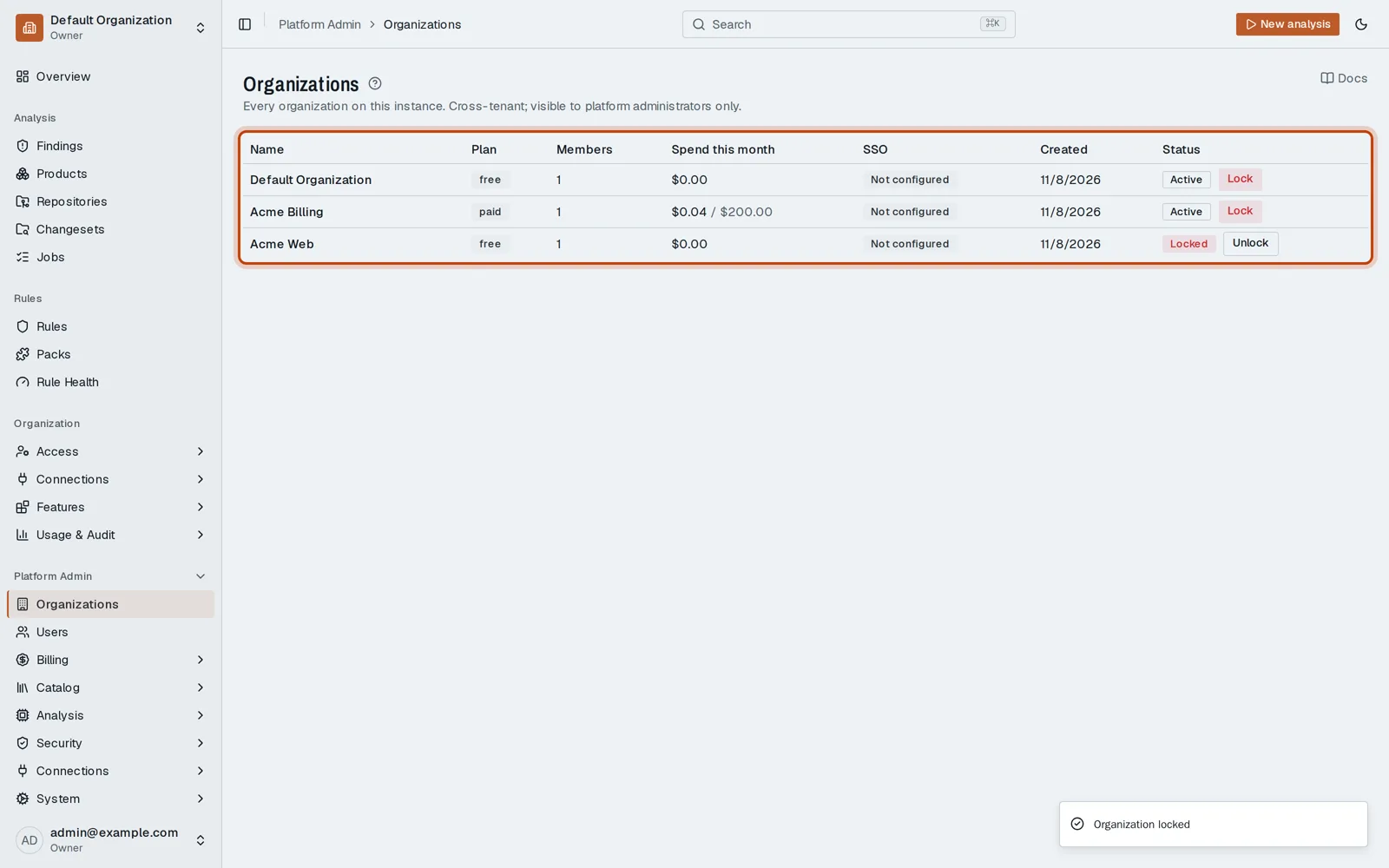
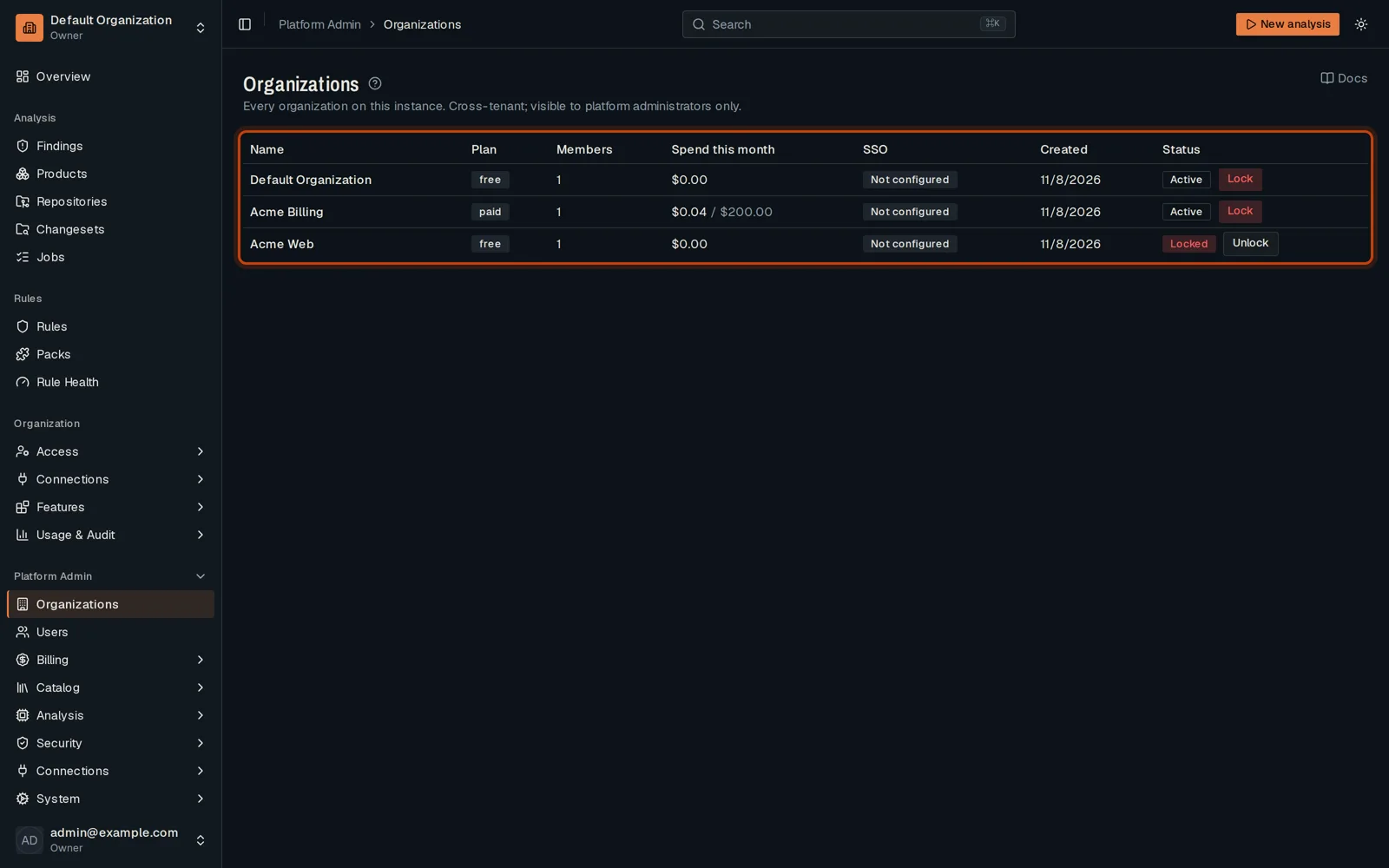
In Organizations, click Lock on the organization’s row.
-
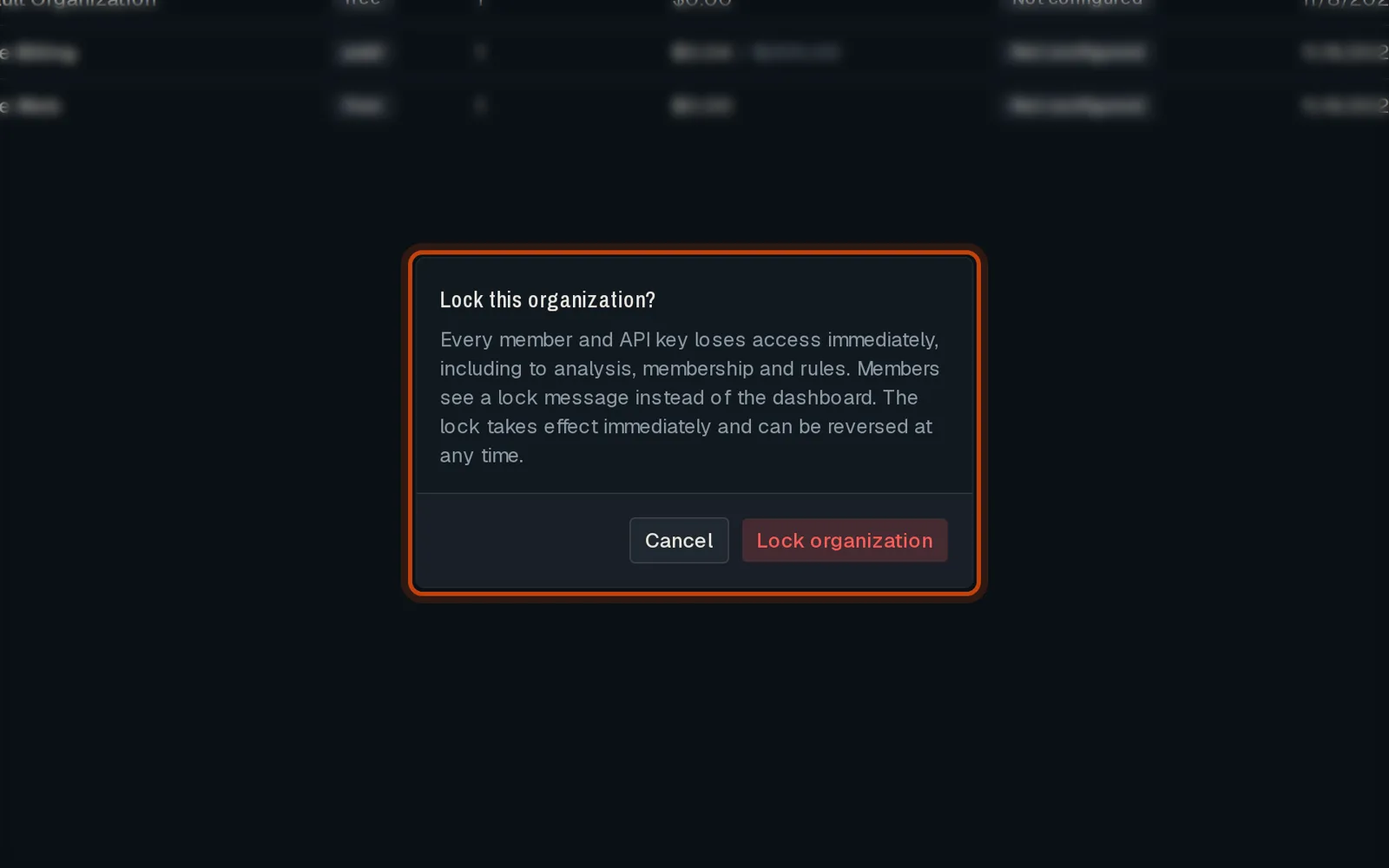
Confirm. Its members can no longer use it. Unlock gives access back.
Go further
Section titled “Go further”Platform Admin explains how it works, and how to do it from the API.