Open your product's overview and its report
Open in the dashboardWhen you are done: you see where a product stands, across all its repositories.
-
Open Products in the sidebar. Each product groups the repositories of one service.
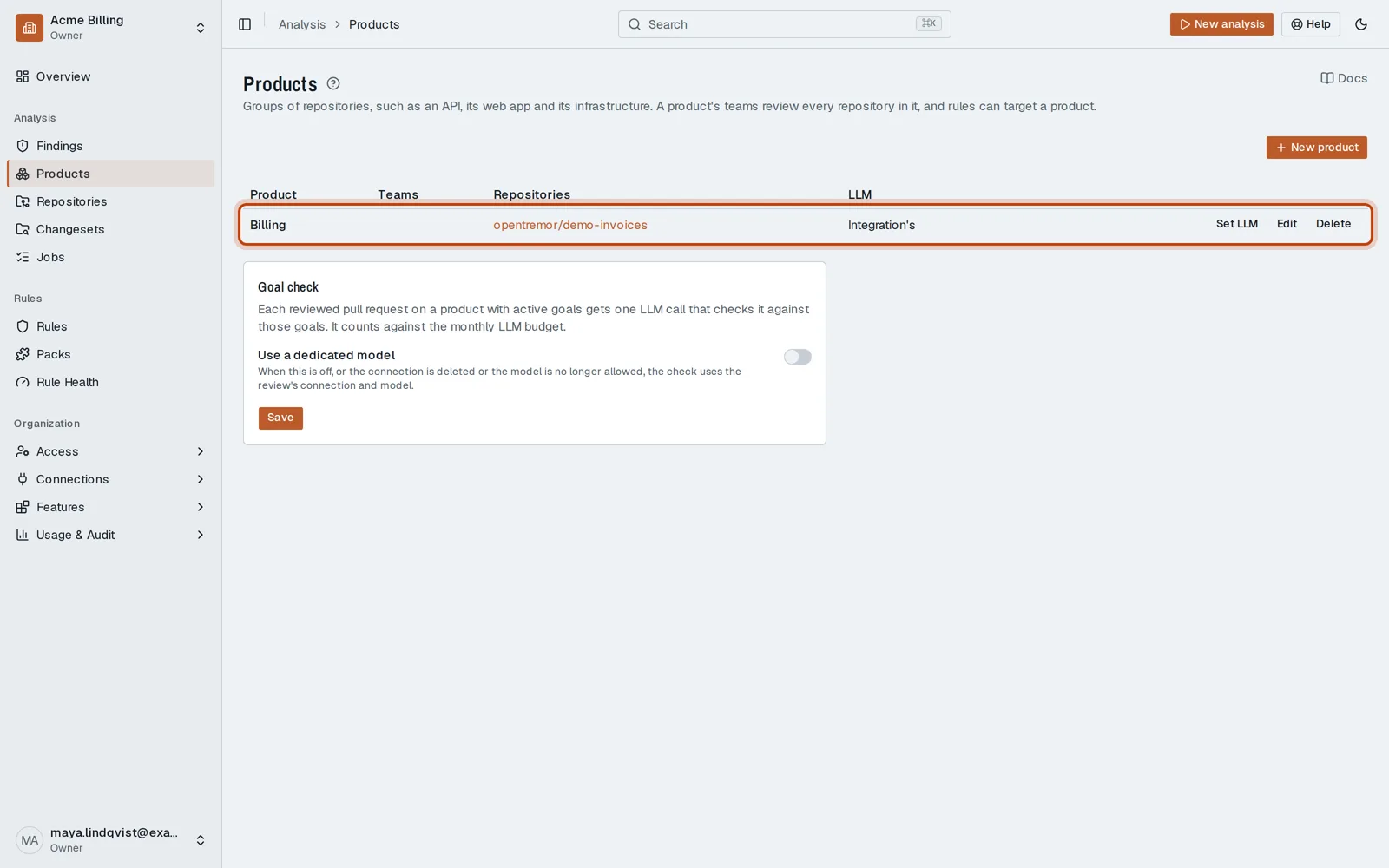
-
Click your product. Repositories lists them, with their open findings.
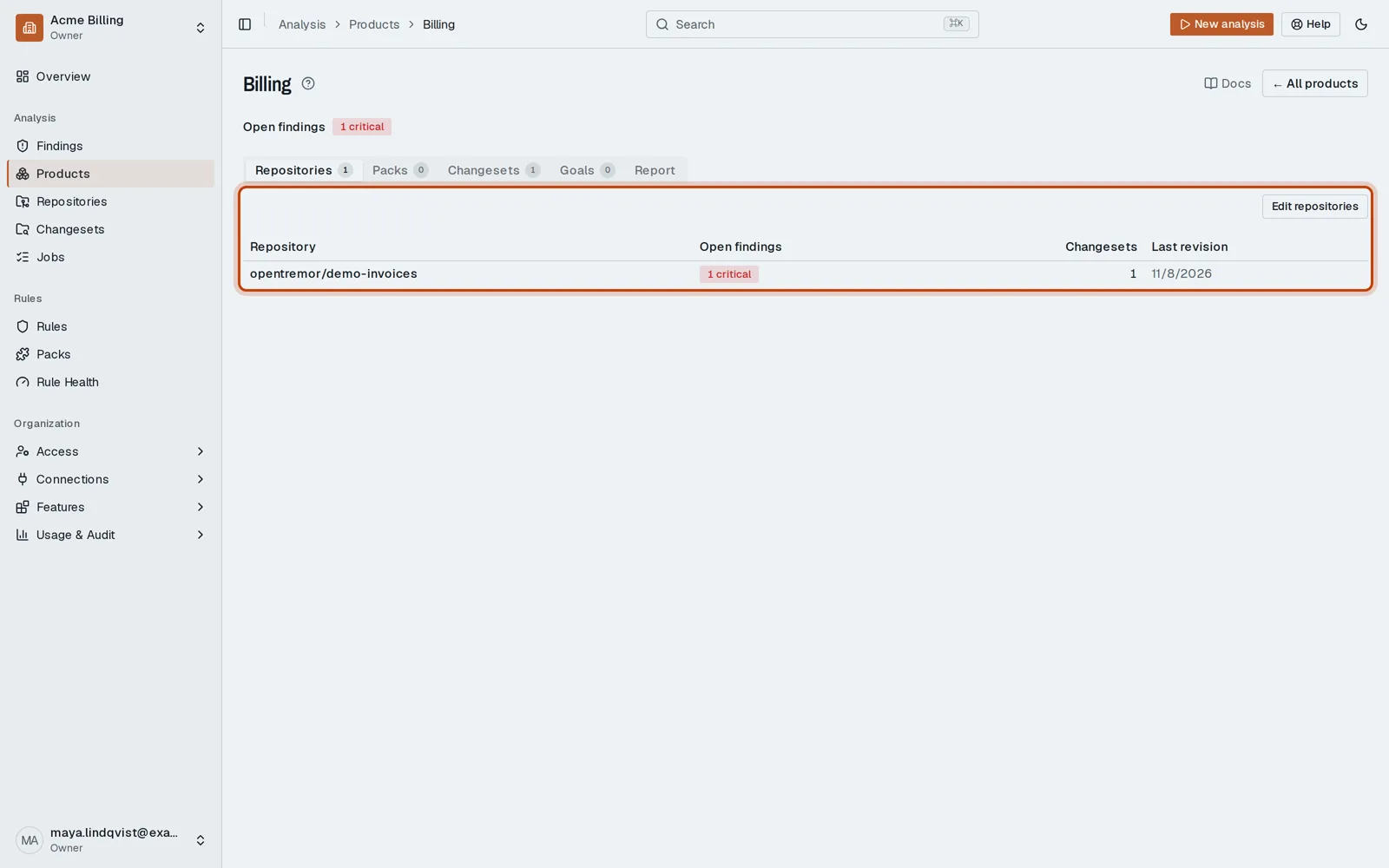
-
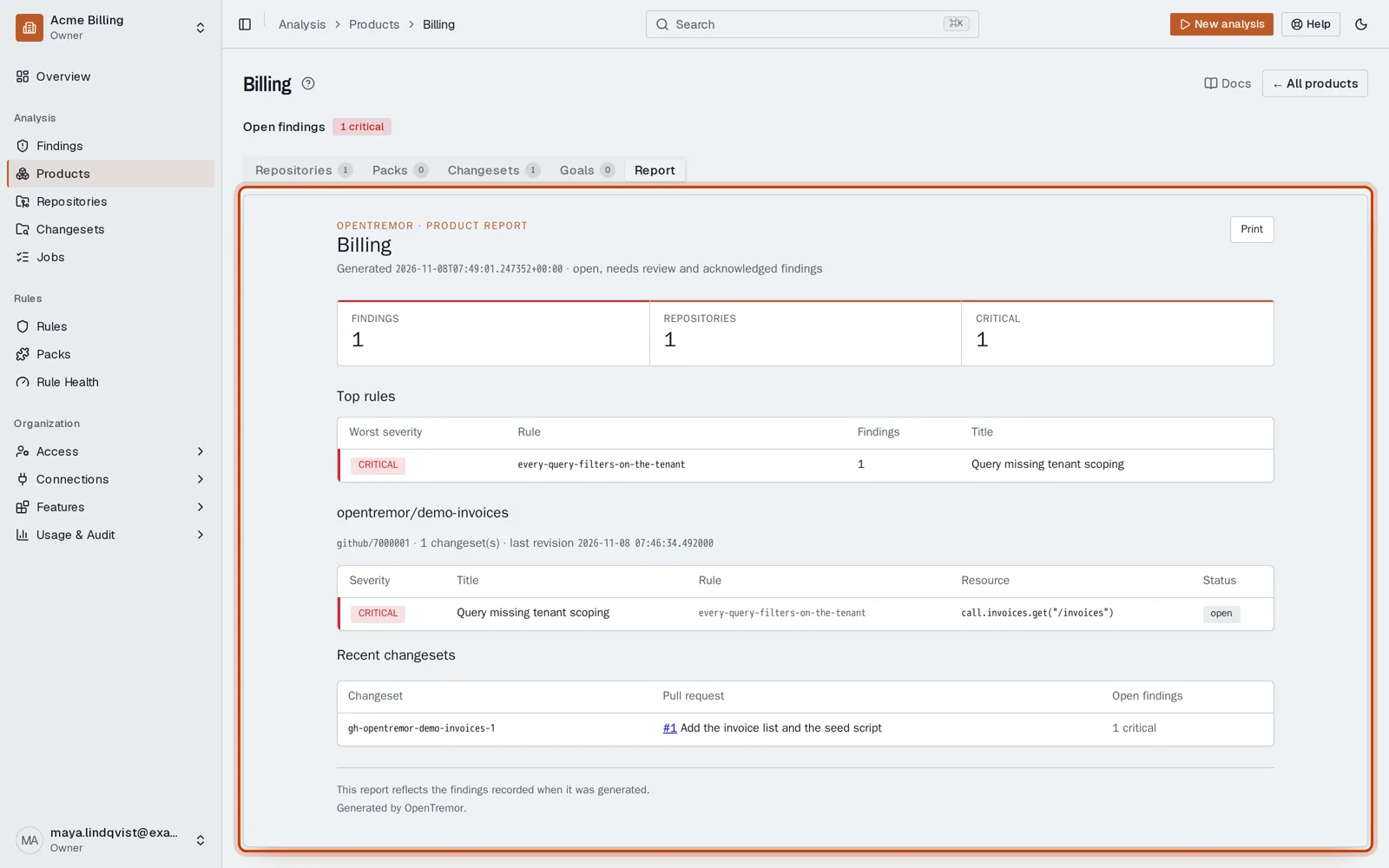
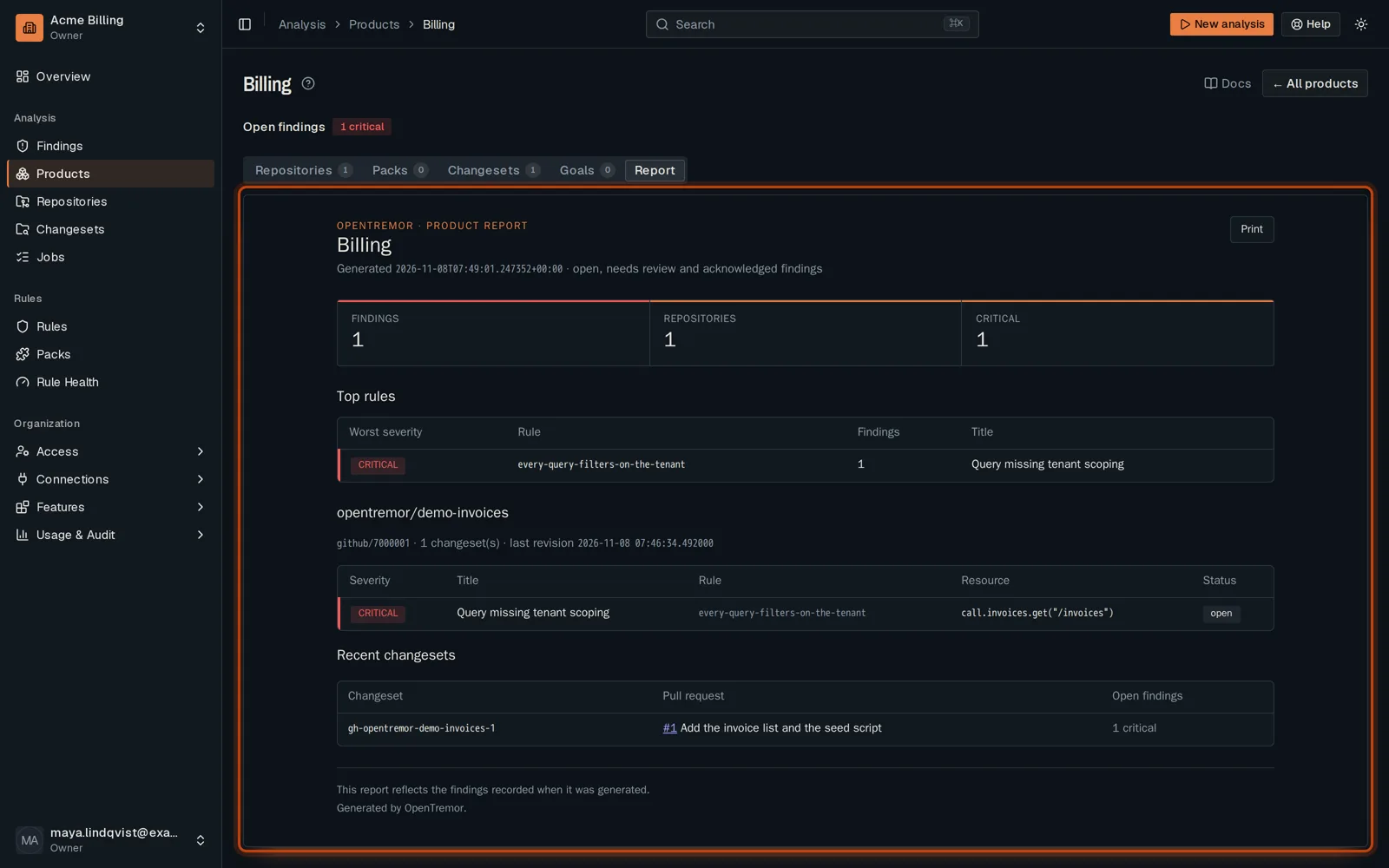
Open Report for one report that covers every repository in the product.
Good to know
Section titled “Good to know”- Packs, Changesets and Goals sit on the same page, one tab each.
Go further
Section titled “Go further”Data model: products and repositories explains how it works, and how to do it from the API.