See what the org uses and spends
Open in the dashboardWhen you are done: you know what the organization spends and reviews.
-
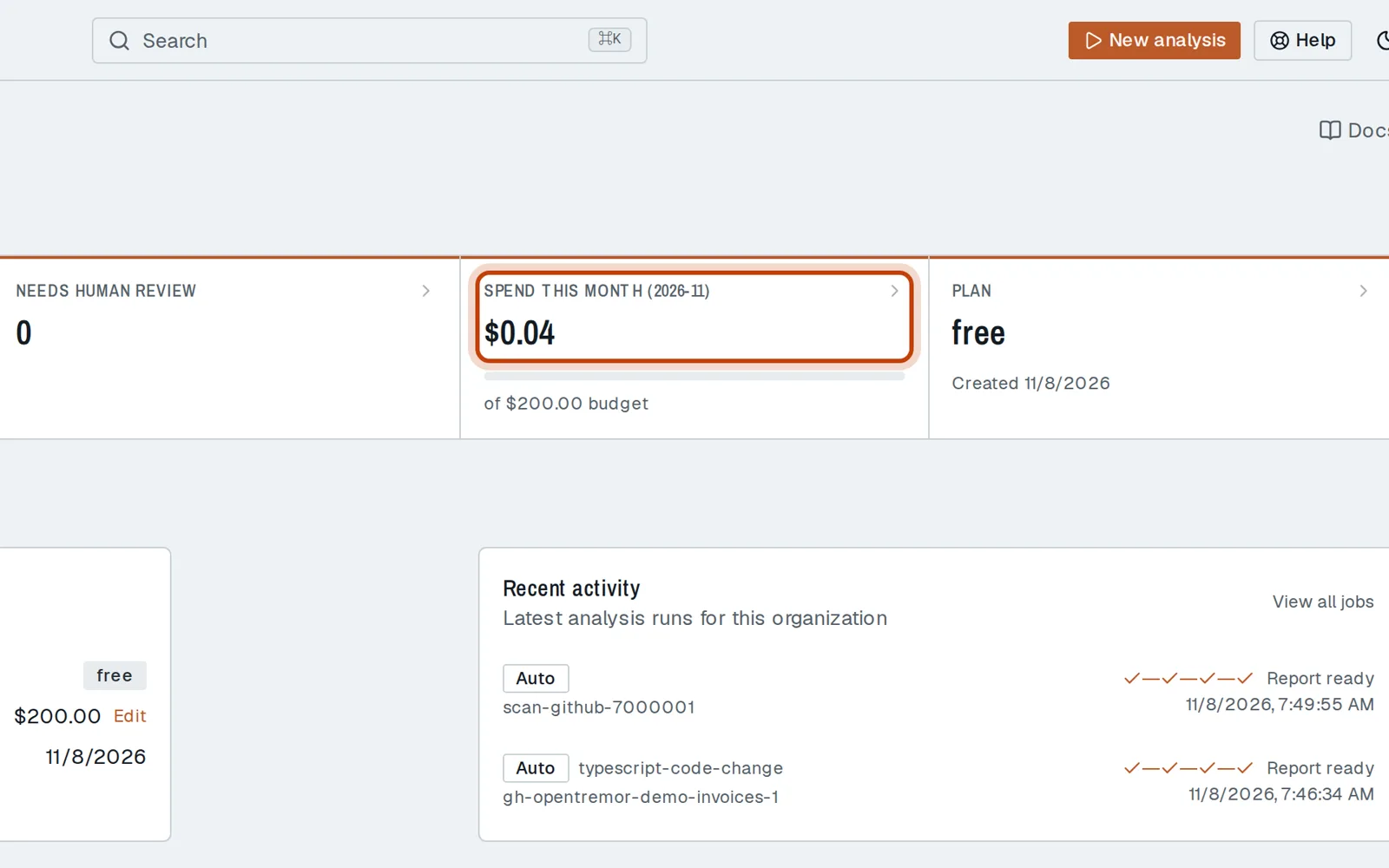
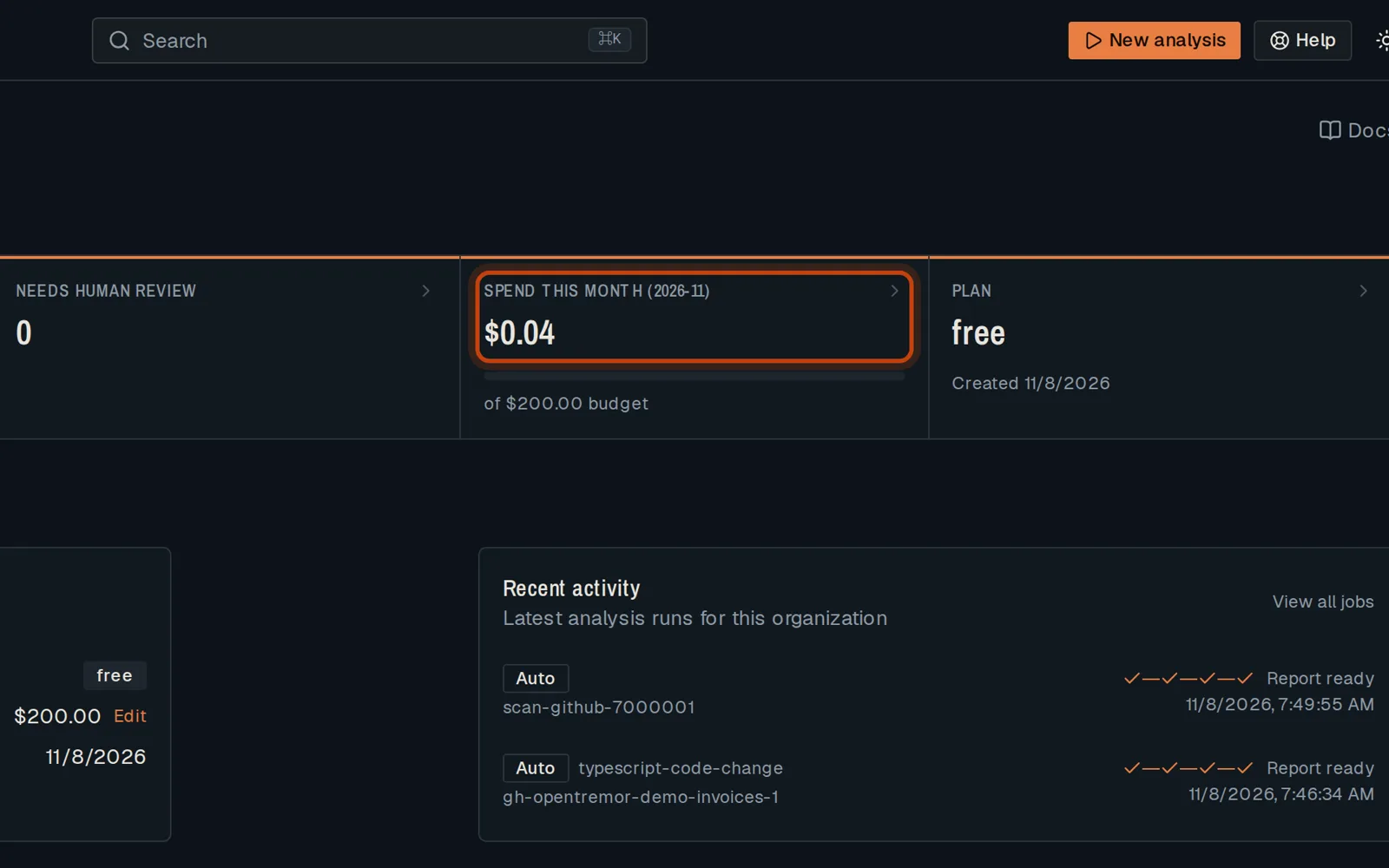
Open Usage & Audit, then Usage: this month’s model spend, against your budget.
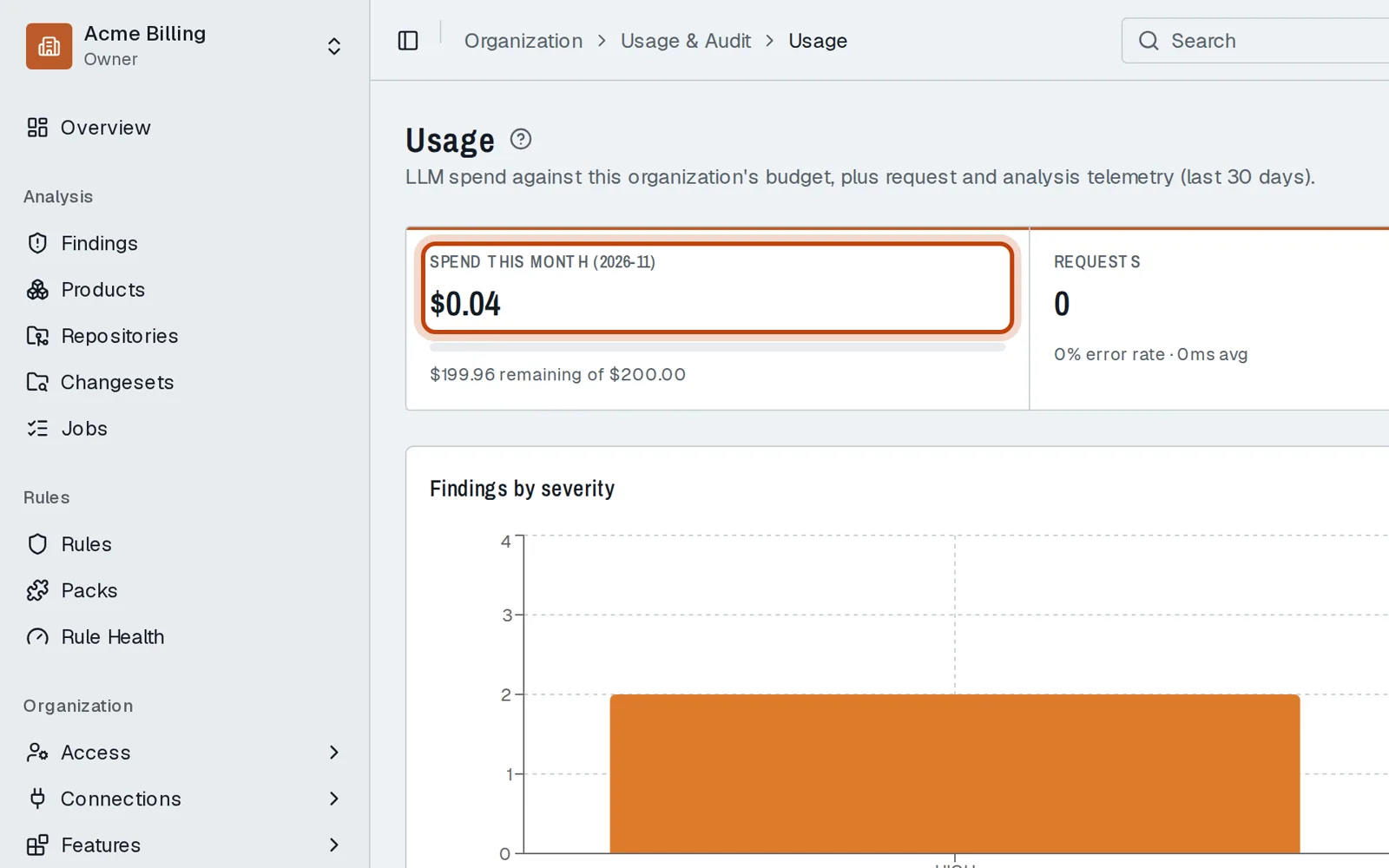
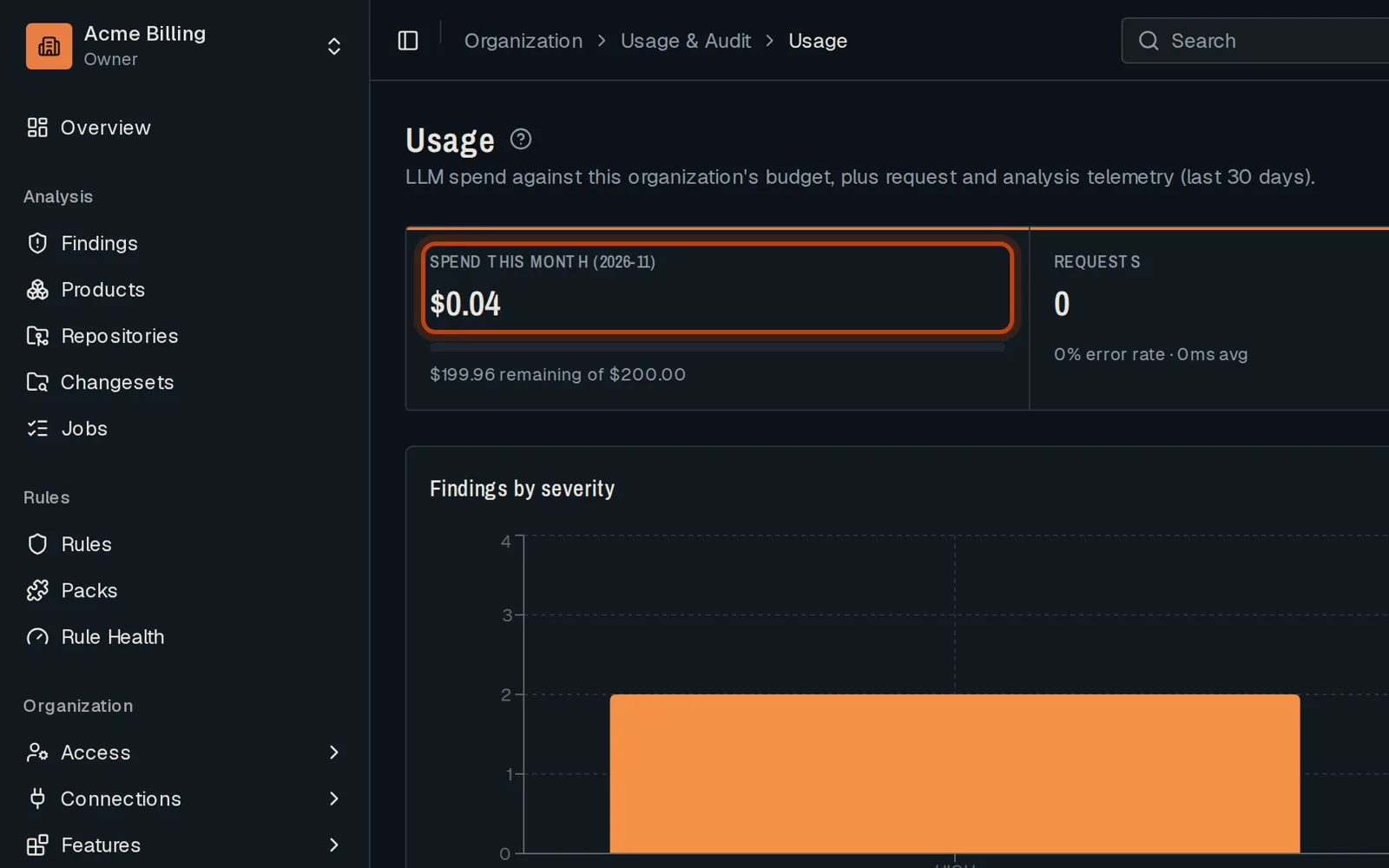
-
Below, the requests, the resources analyzed and their trend over 30 days.
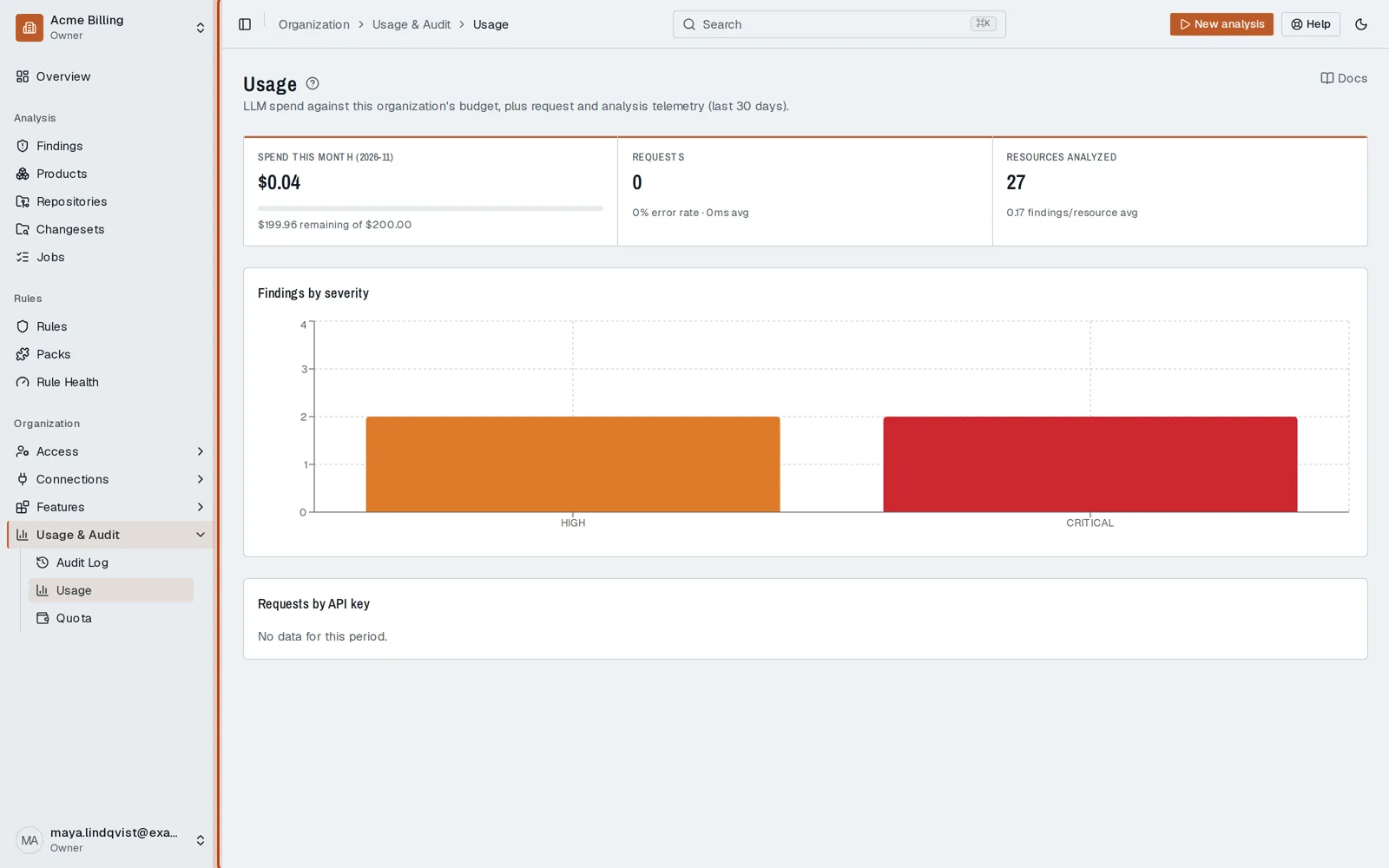
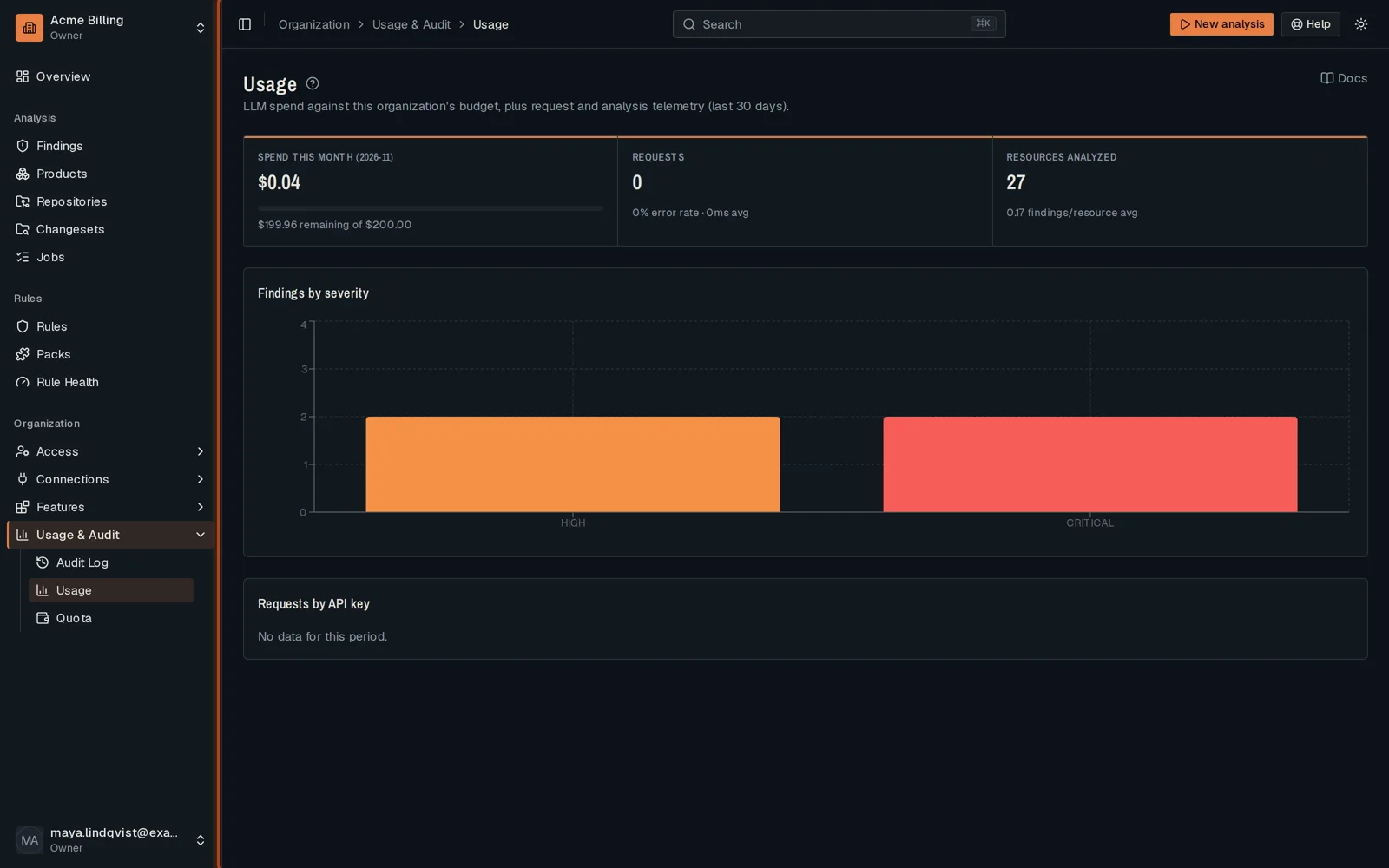
-
Overview shows the same spend next to your open findings.
Go further
Section titled “Go further”Billing explains how it works, and how to do it from the API.