Dismiss a false positive, and say why
Open in the dashboardWhen you are done: the finding is marked as a false positive, and your reason is recorded against the rule.
-
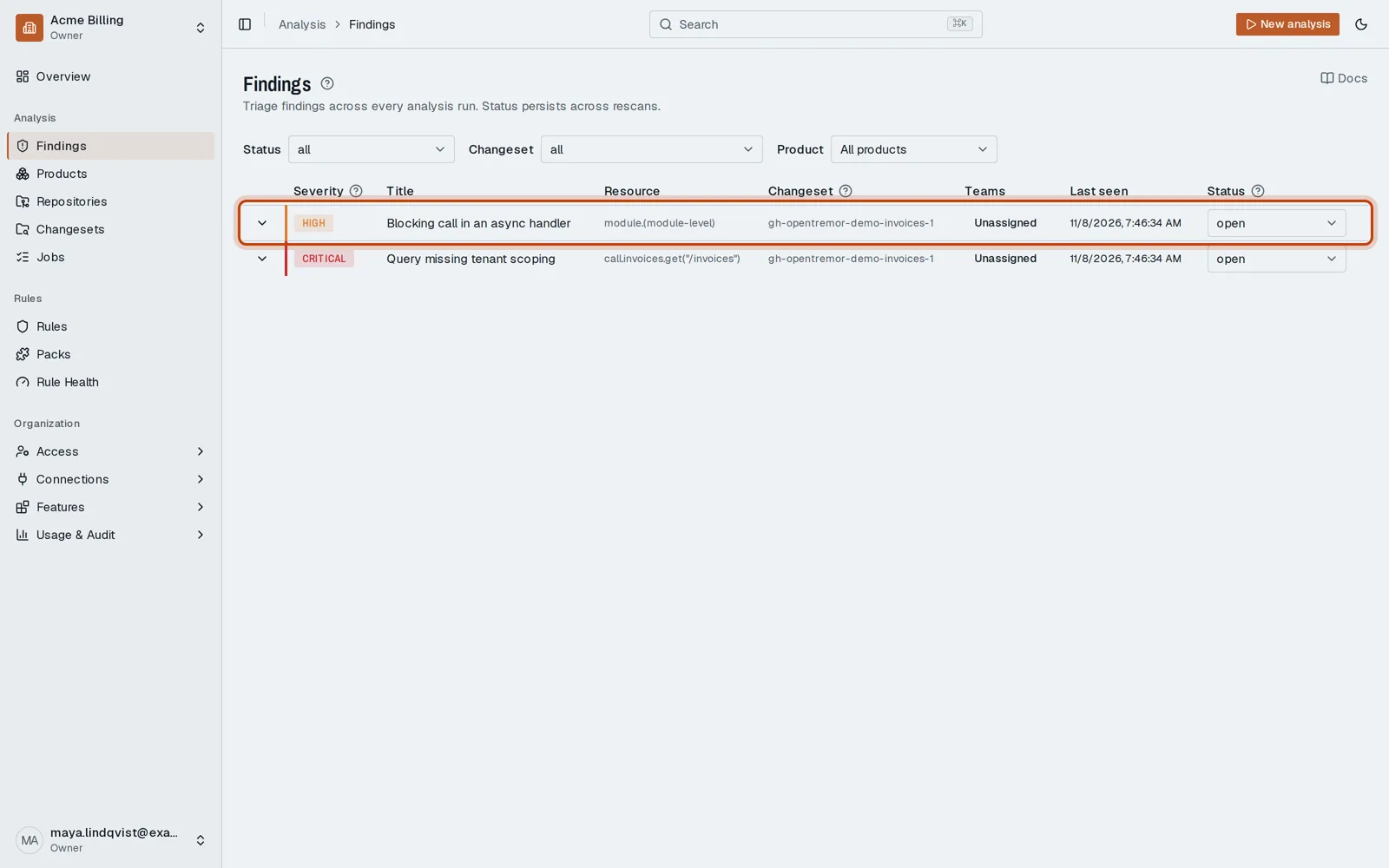
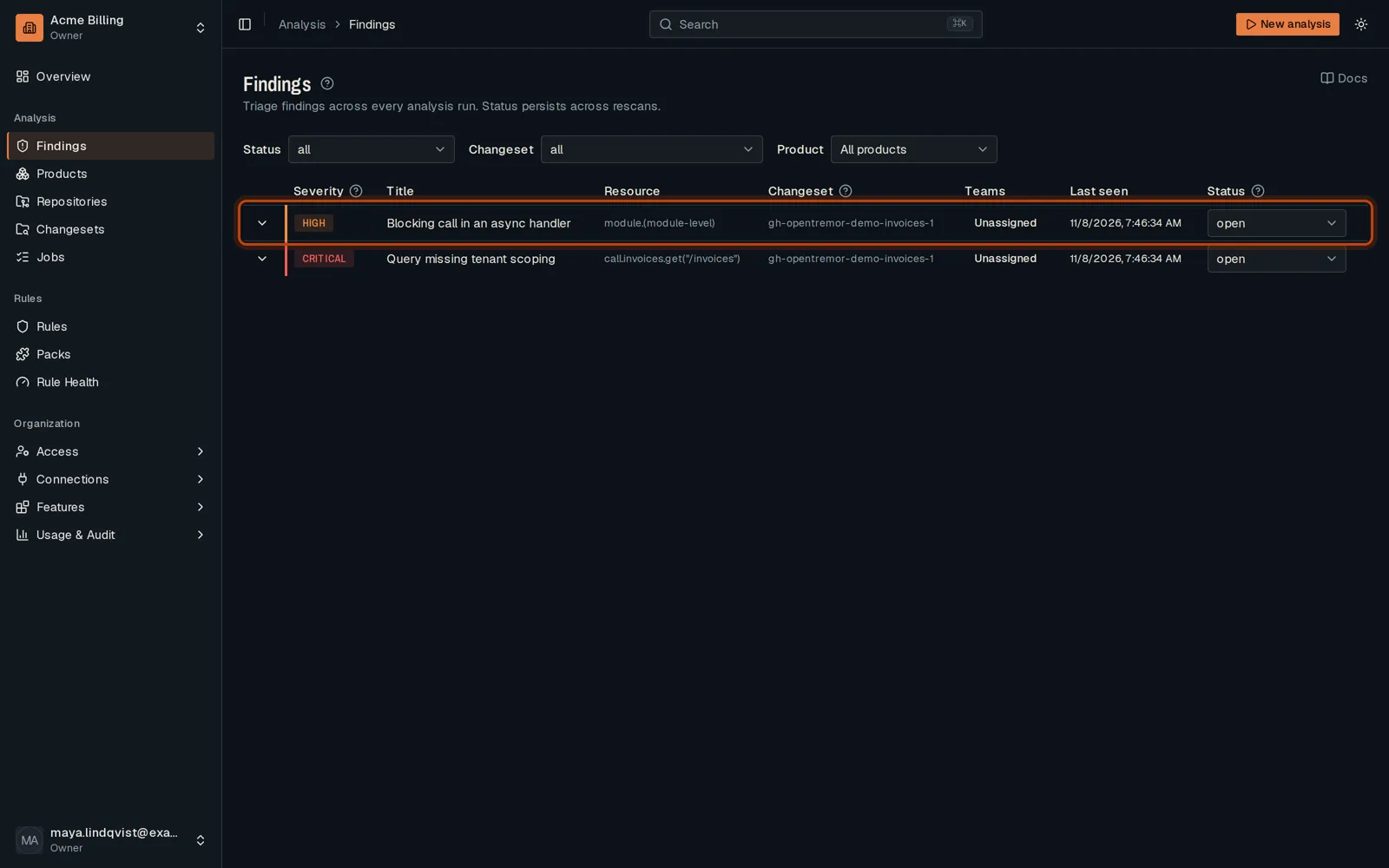
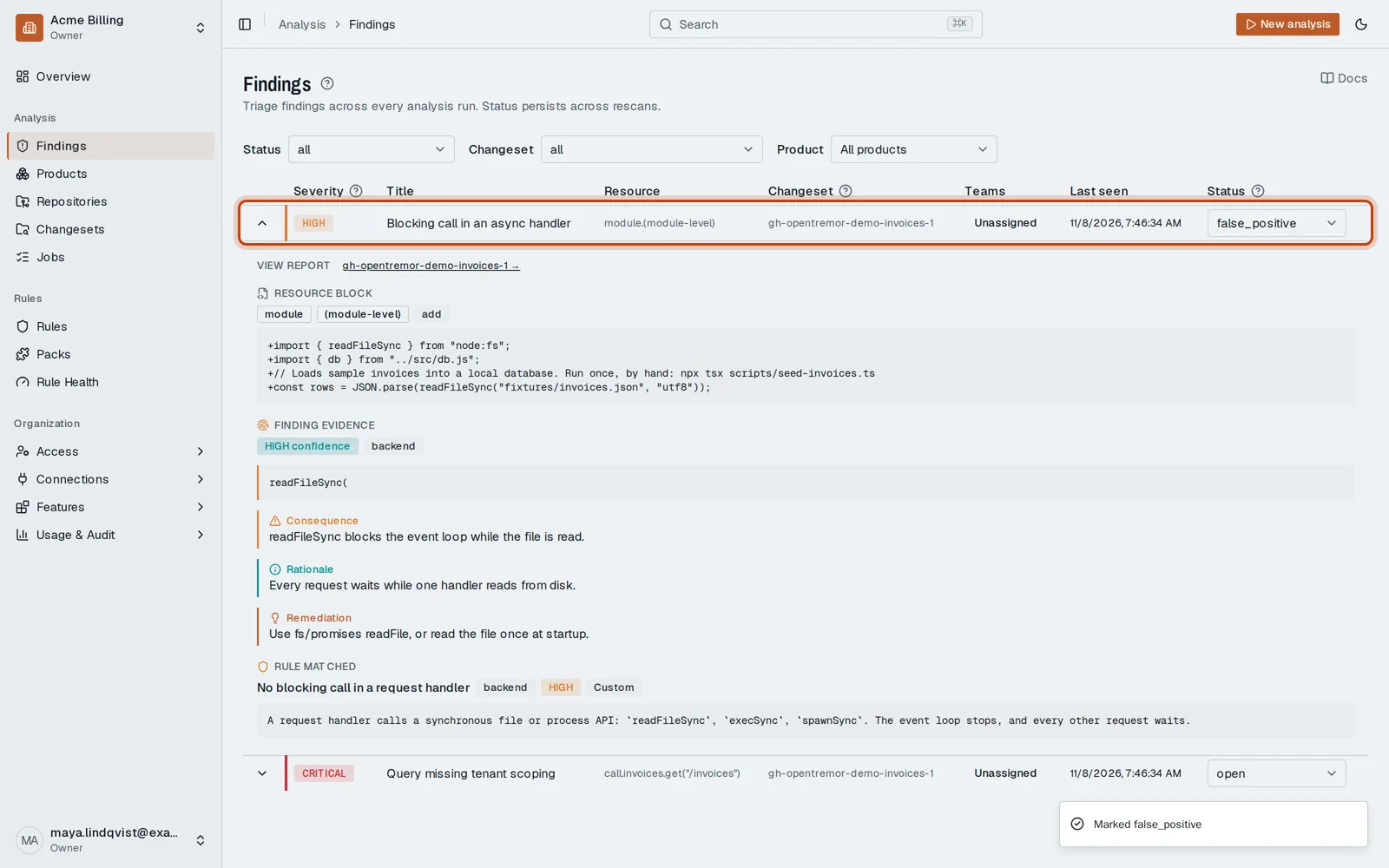
Open Findings in the sidebar. Each row is one problem found in your code.
-
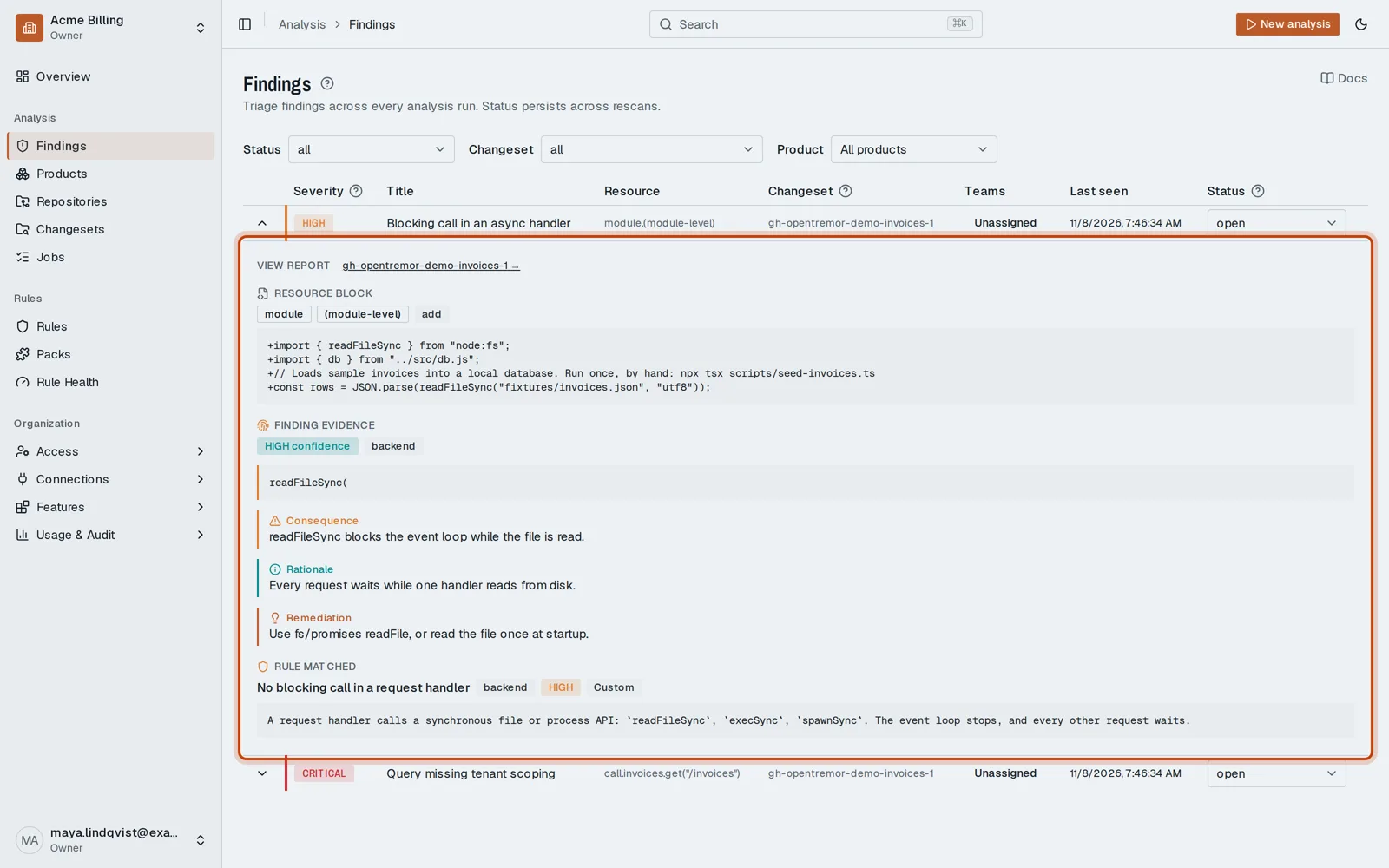
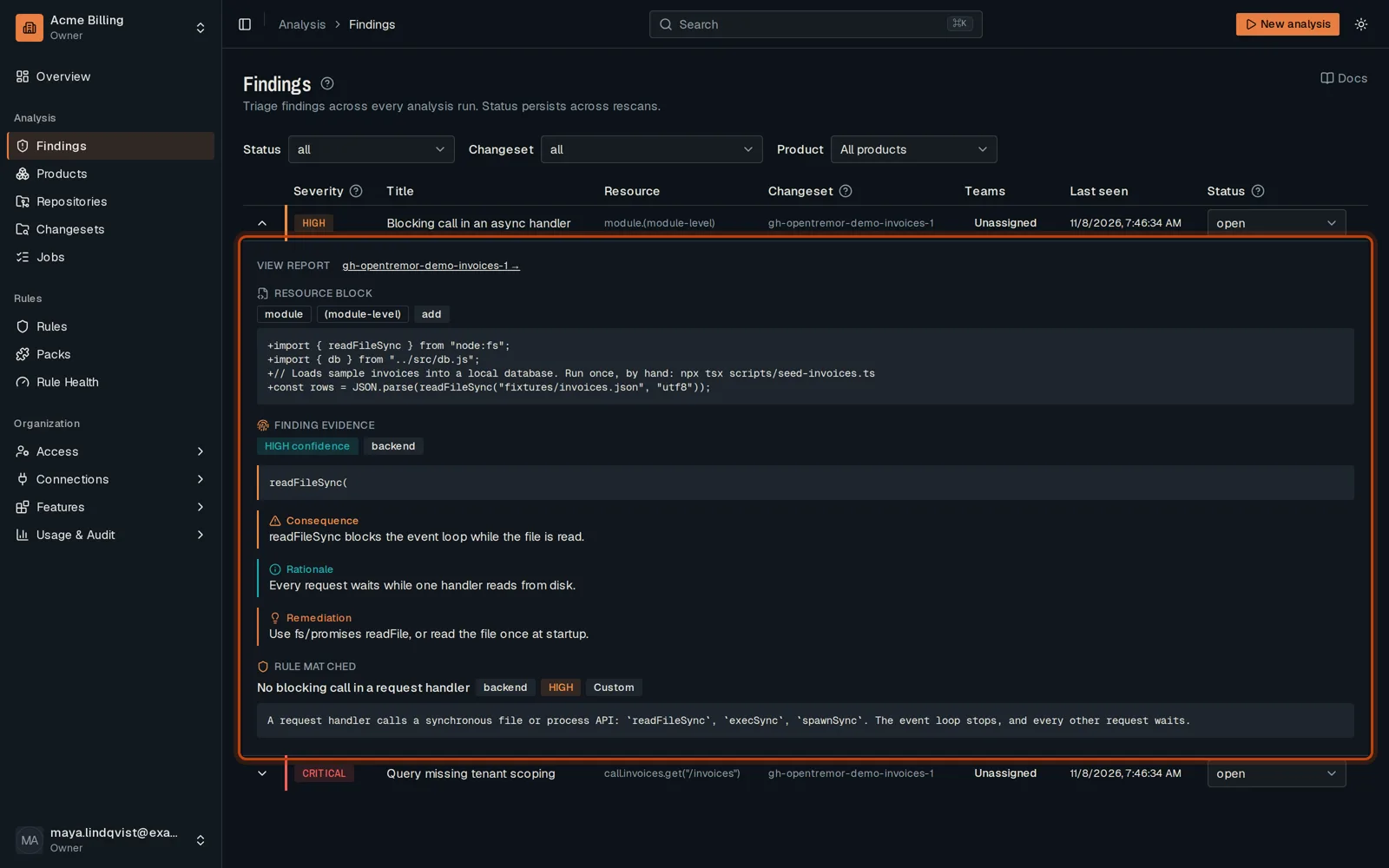
Click the finding to read what was found and why it matters.
-
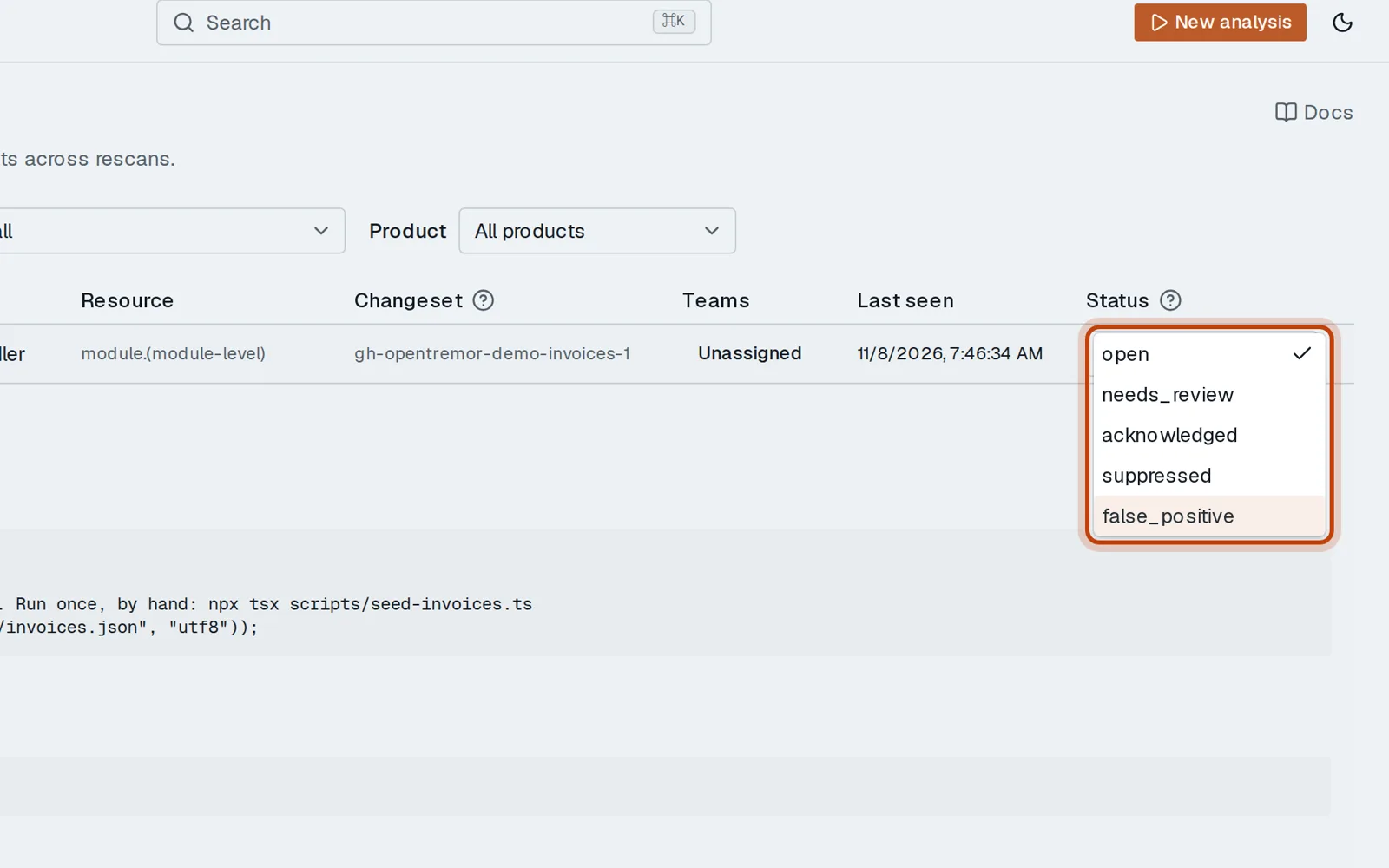
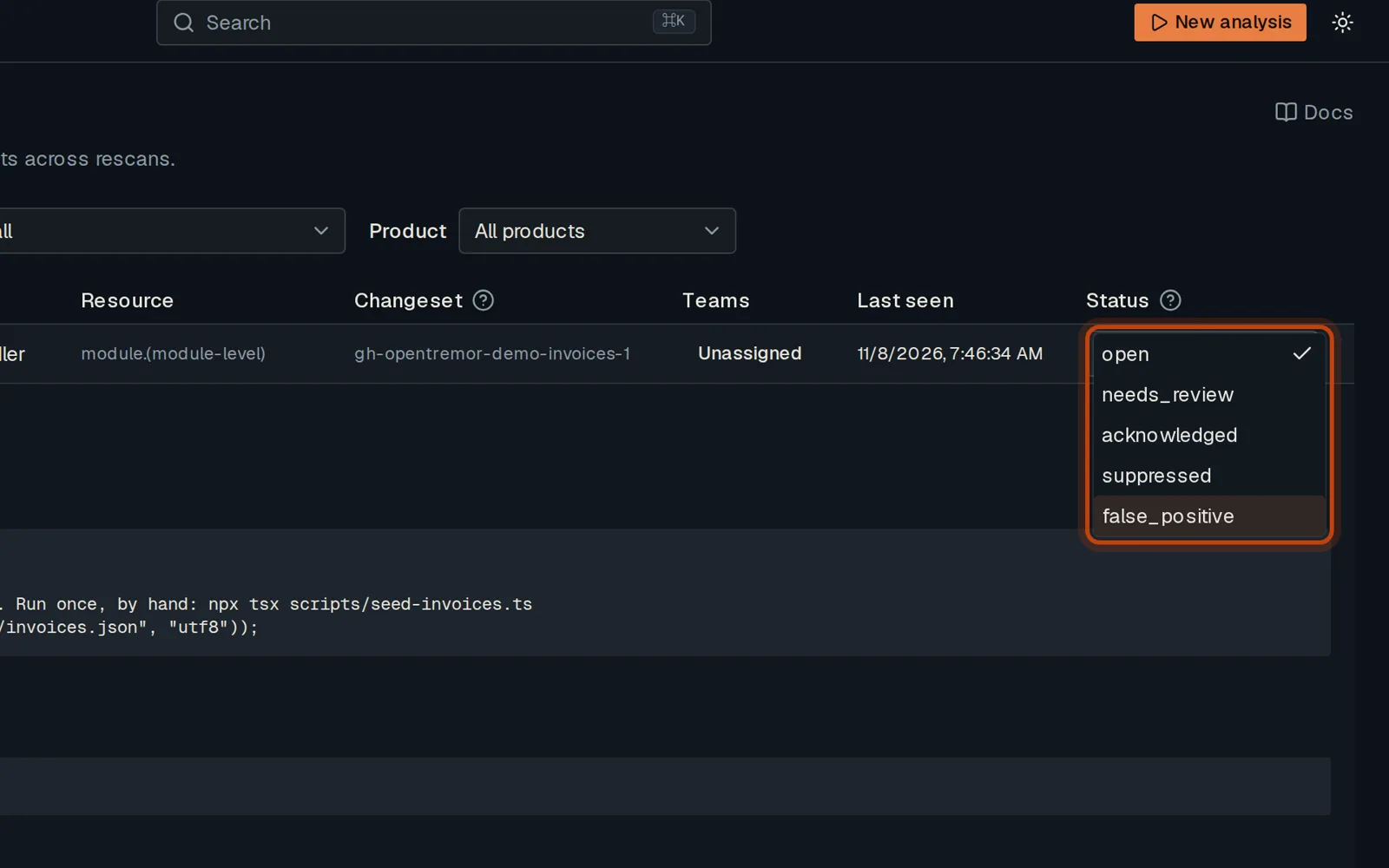
Open its status menu and choose false_positive.
-
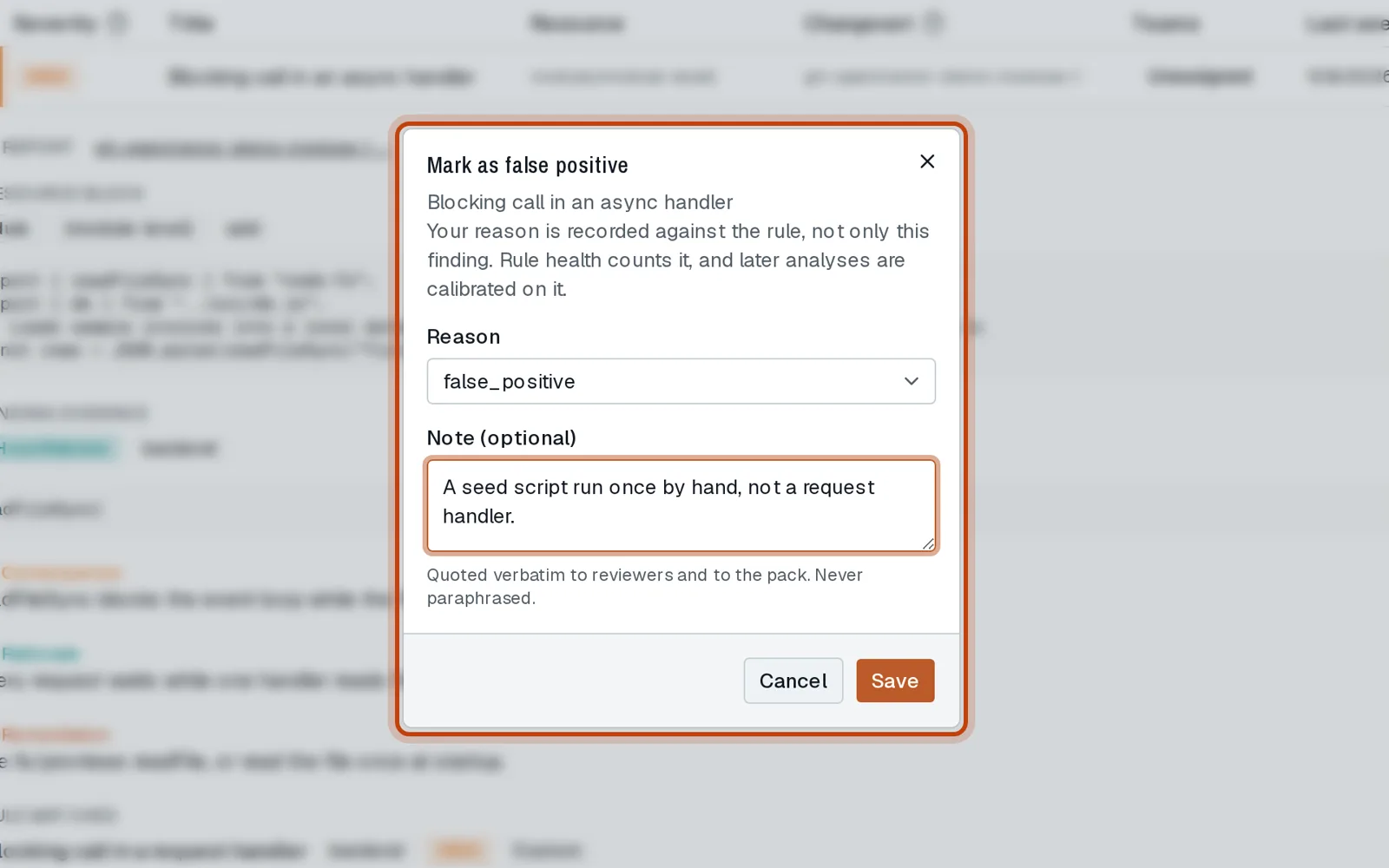
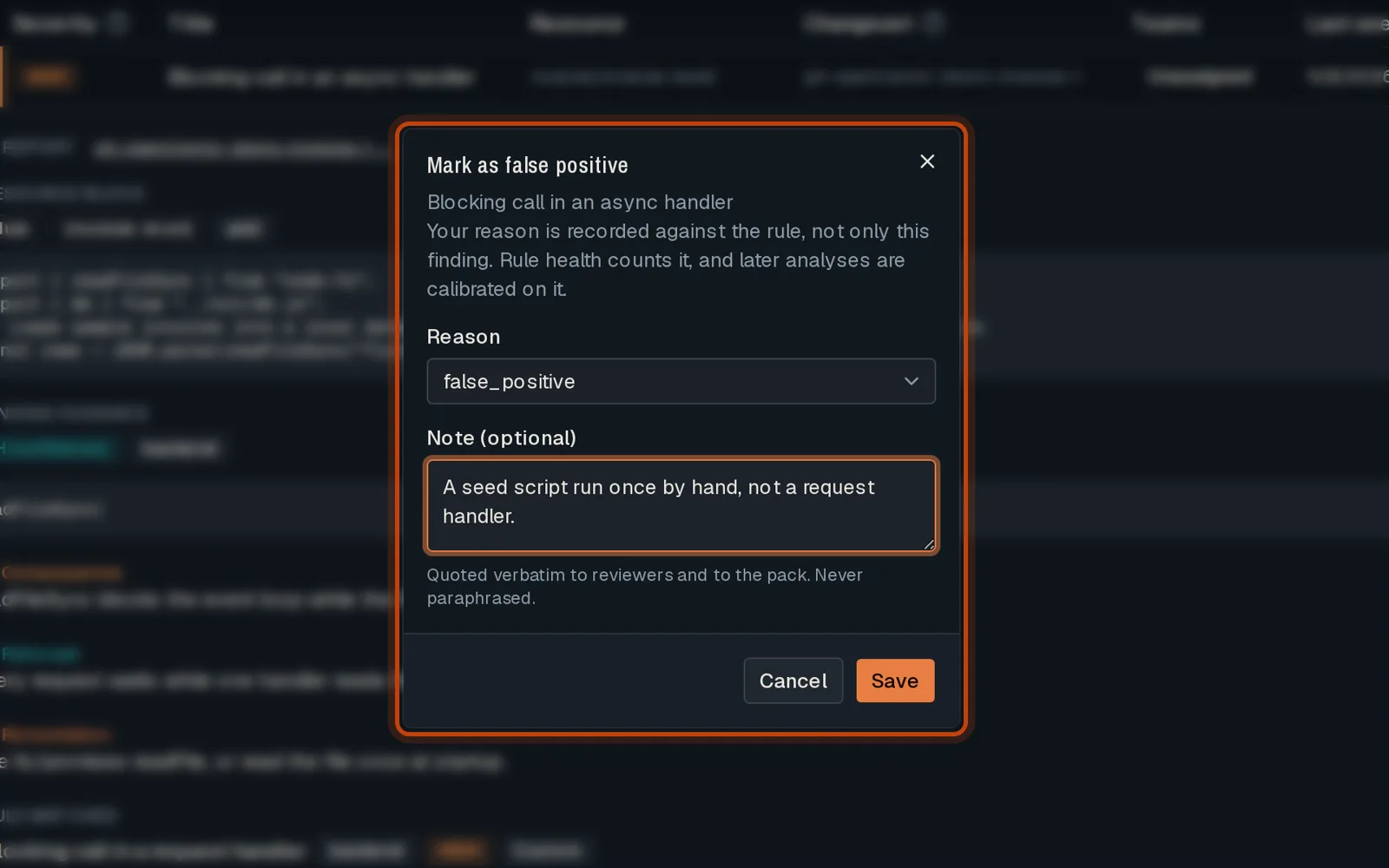
Keep the reason OpenTremor suggests, or pick another, and add a short note.
-
Click Save. The finding is marked, and your reason counts against the rule.
Good to know
Section titled “Good to know”- You need the member role or higher.
- The decision stays on the next push: the same finding is not raised again.
- If the finding is real but you accept it, choose acknowledged instead.
Go further
Section titled “Go further”Triage a Finding explains how it works, and how to do it from the API.