Set a product goal and follow it
Open in the dashboardWhen you are done: each pull request on the product says whether it advances or sets back the goal.
-
Open your product, then its Goals tab.
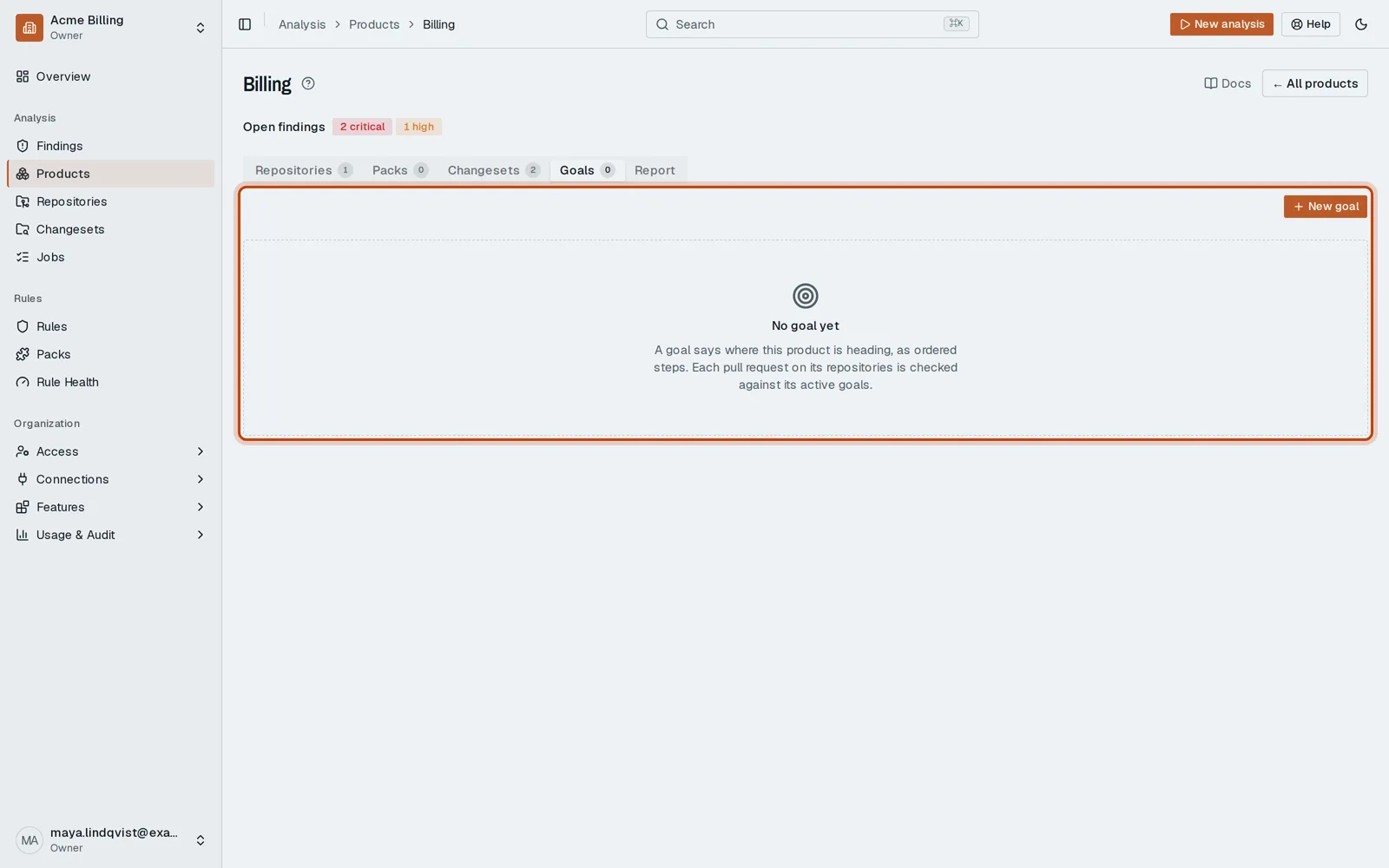
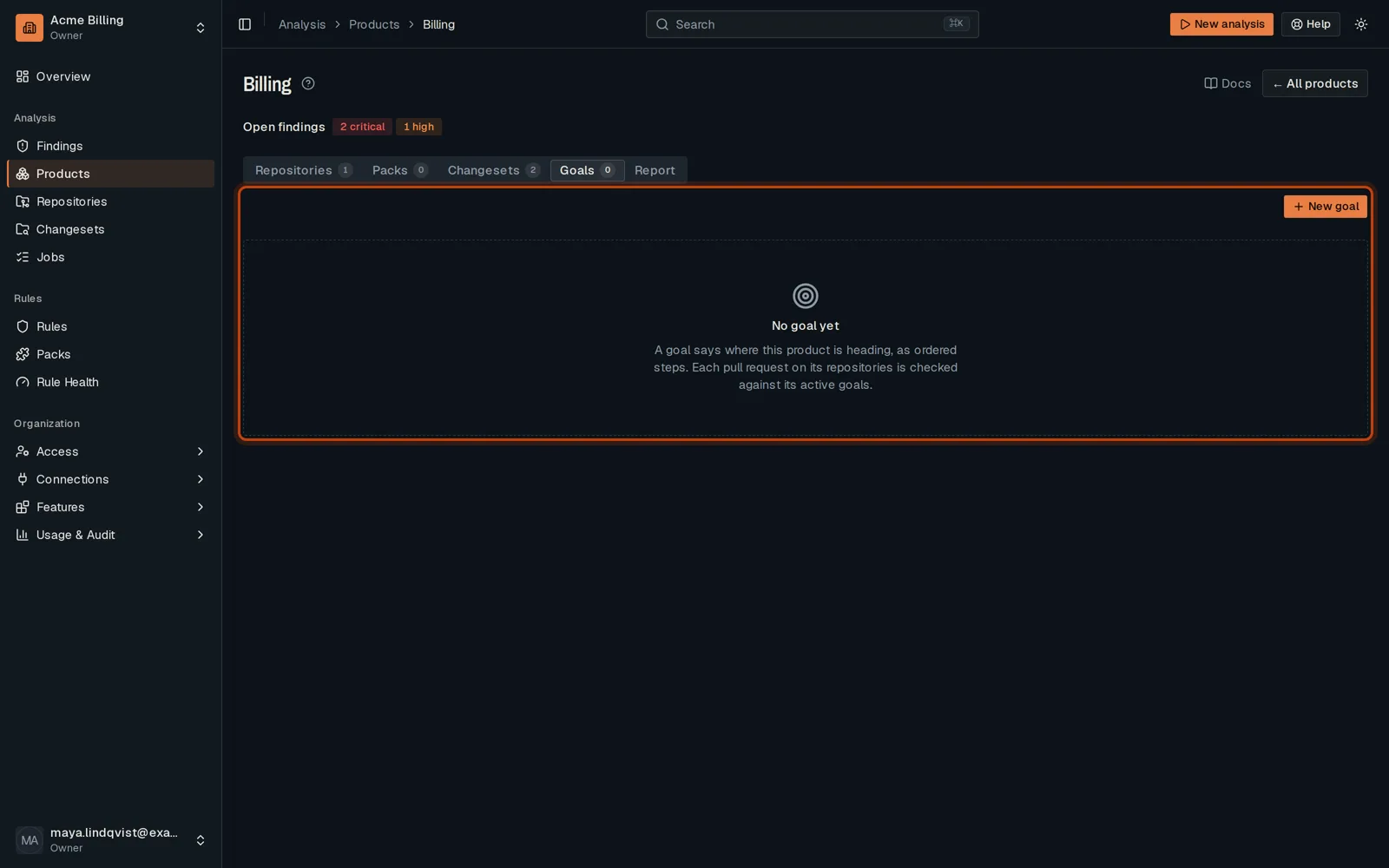
-
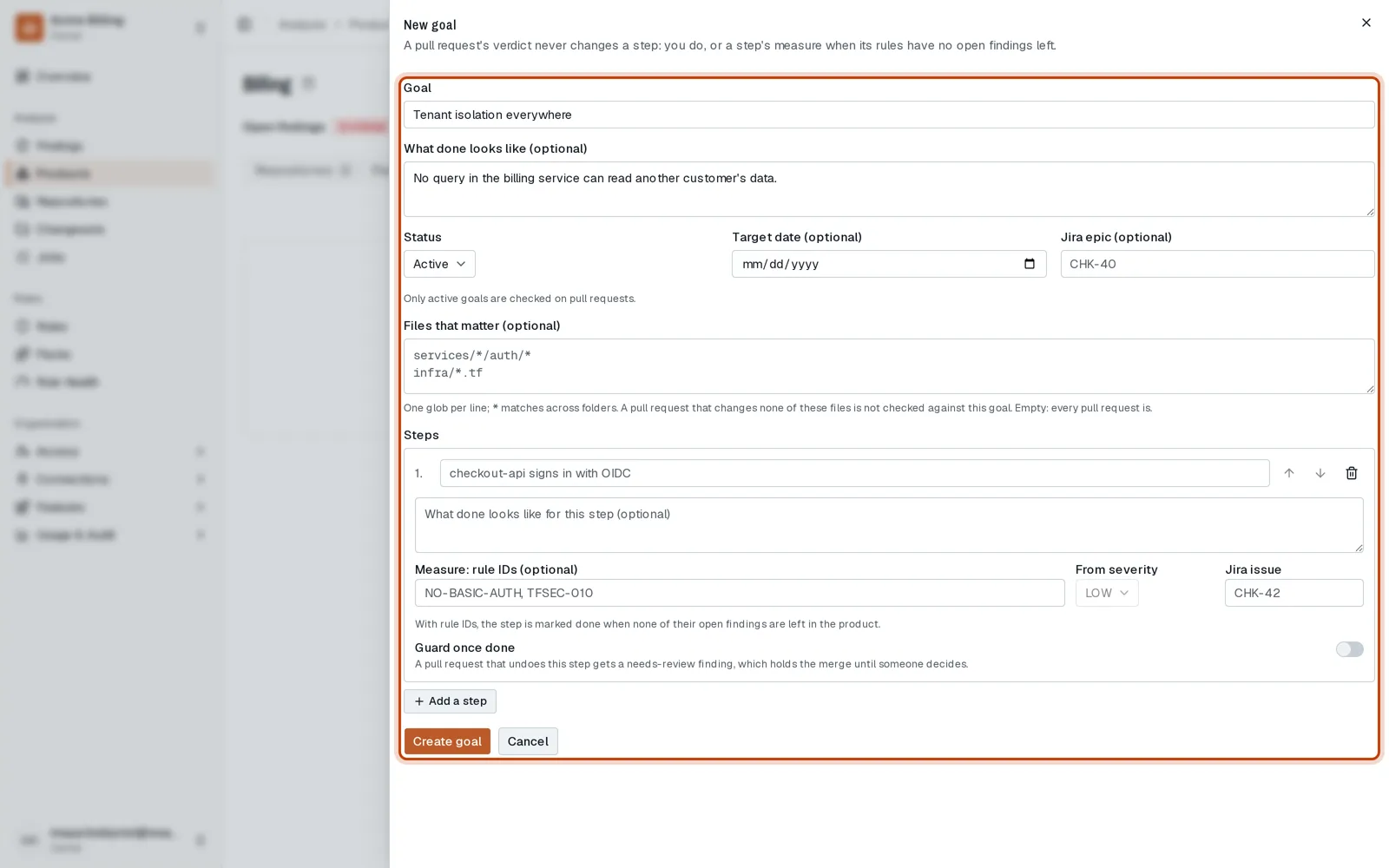
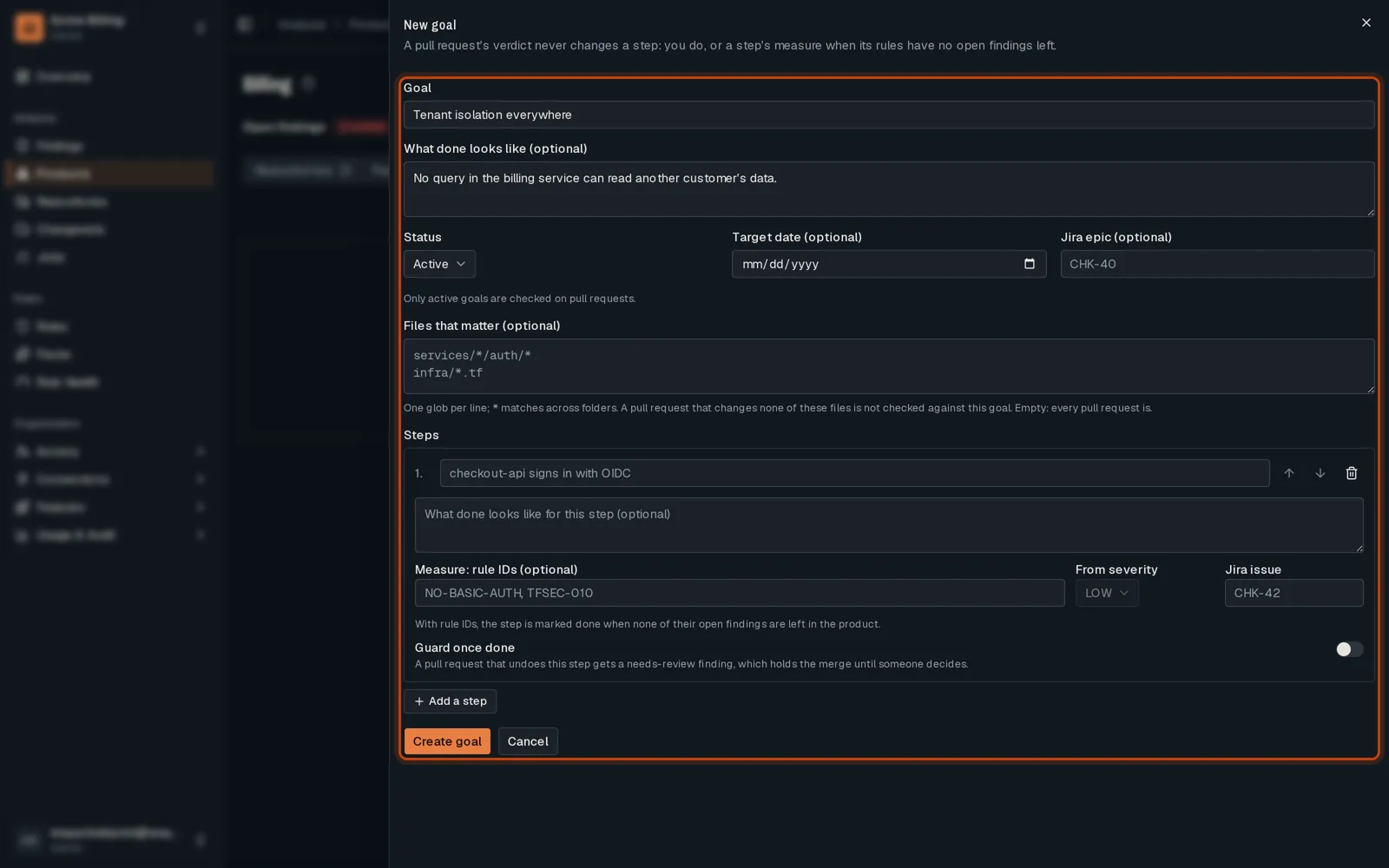
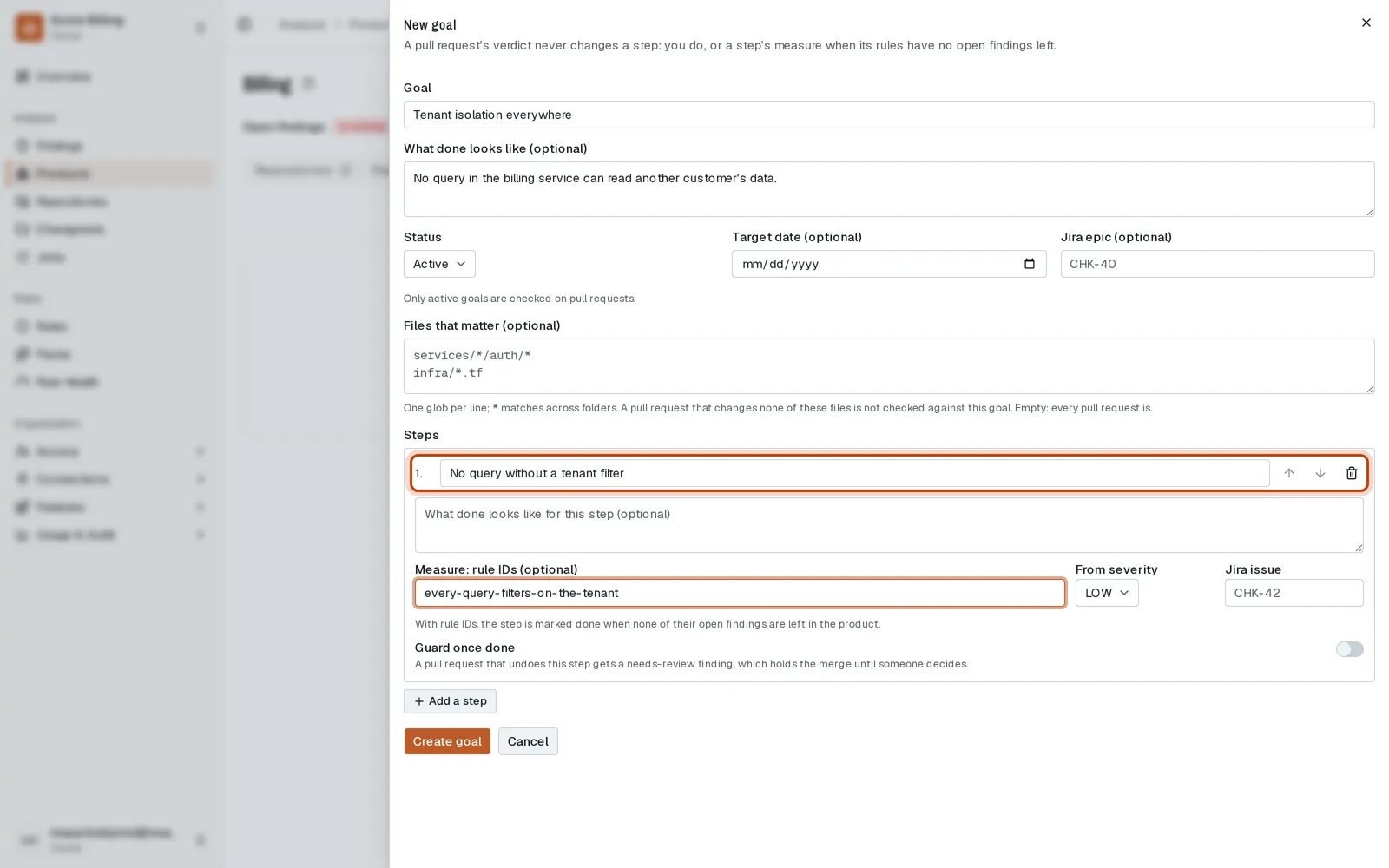
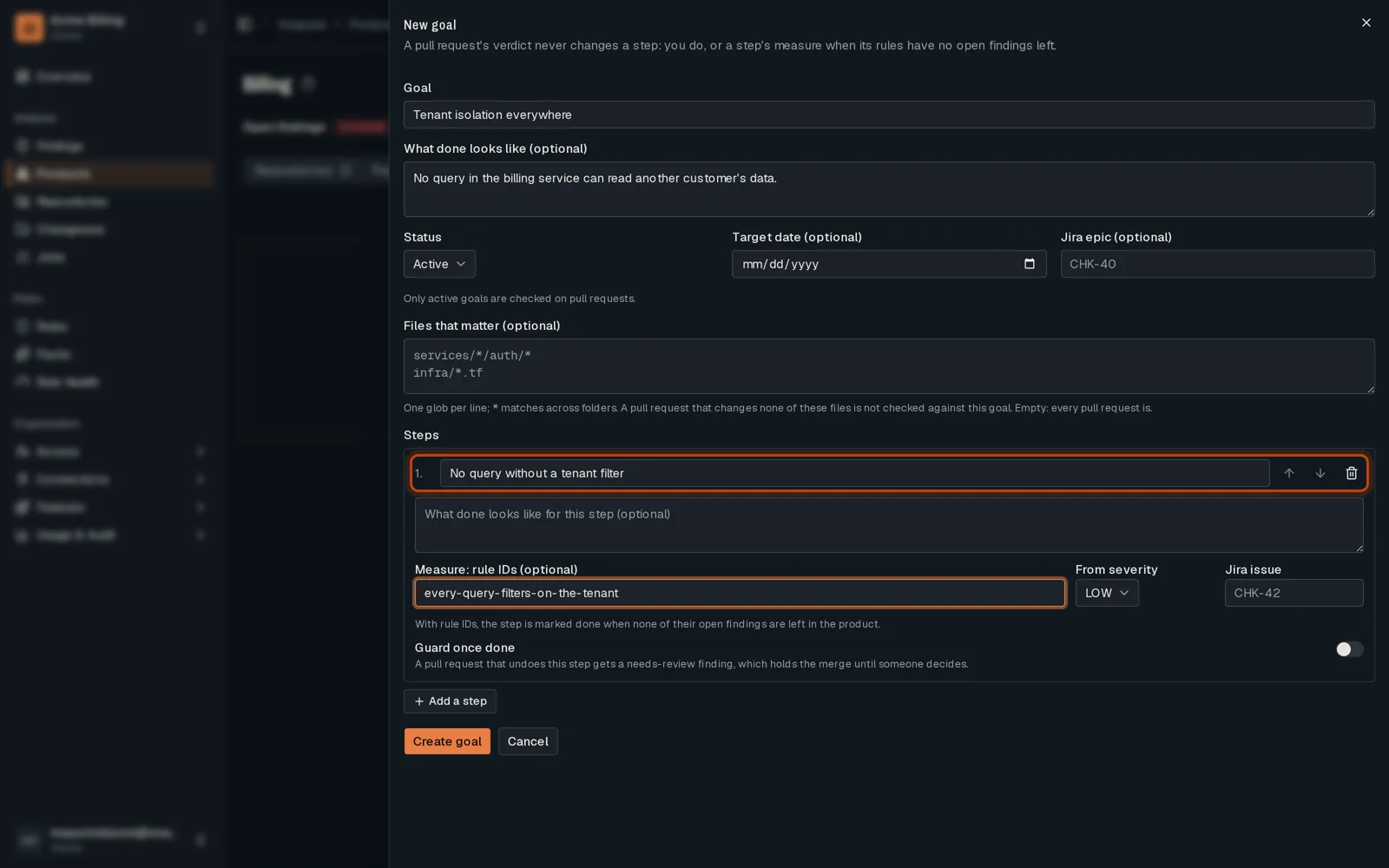
Click New goal. Say where the product is heading, and set it to Active.
-
Add a step. Give it rule IDs and OpenTremor measures it from the open findings.
-
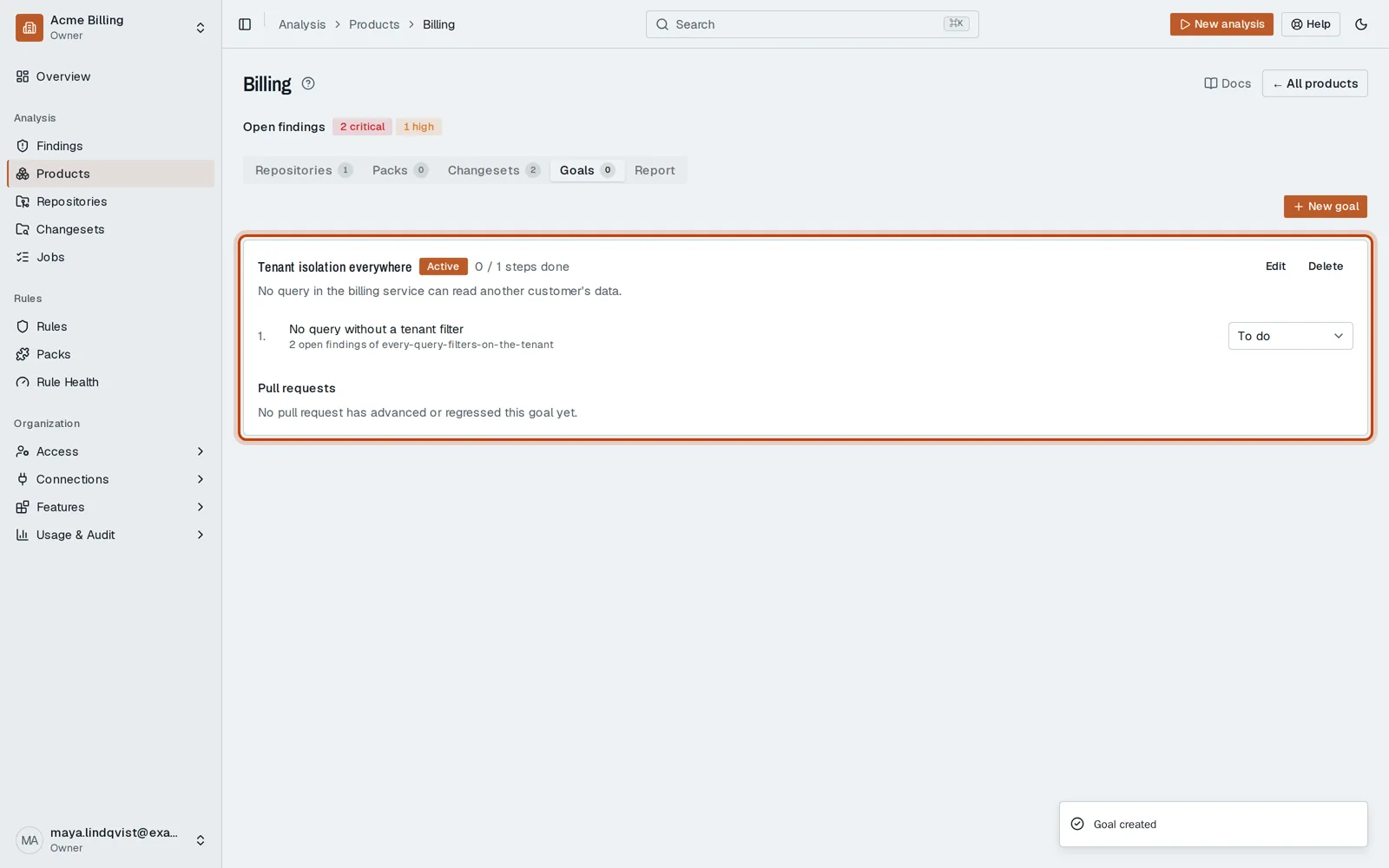
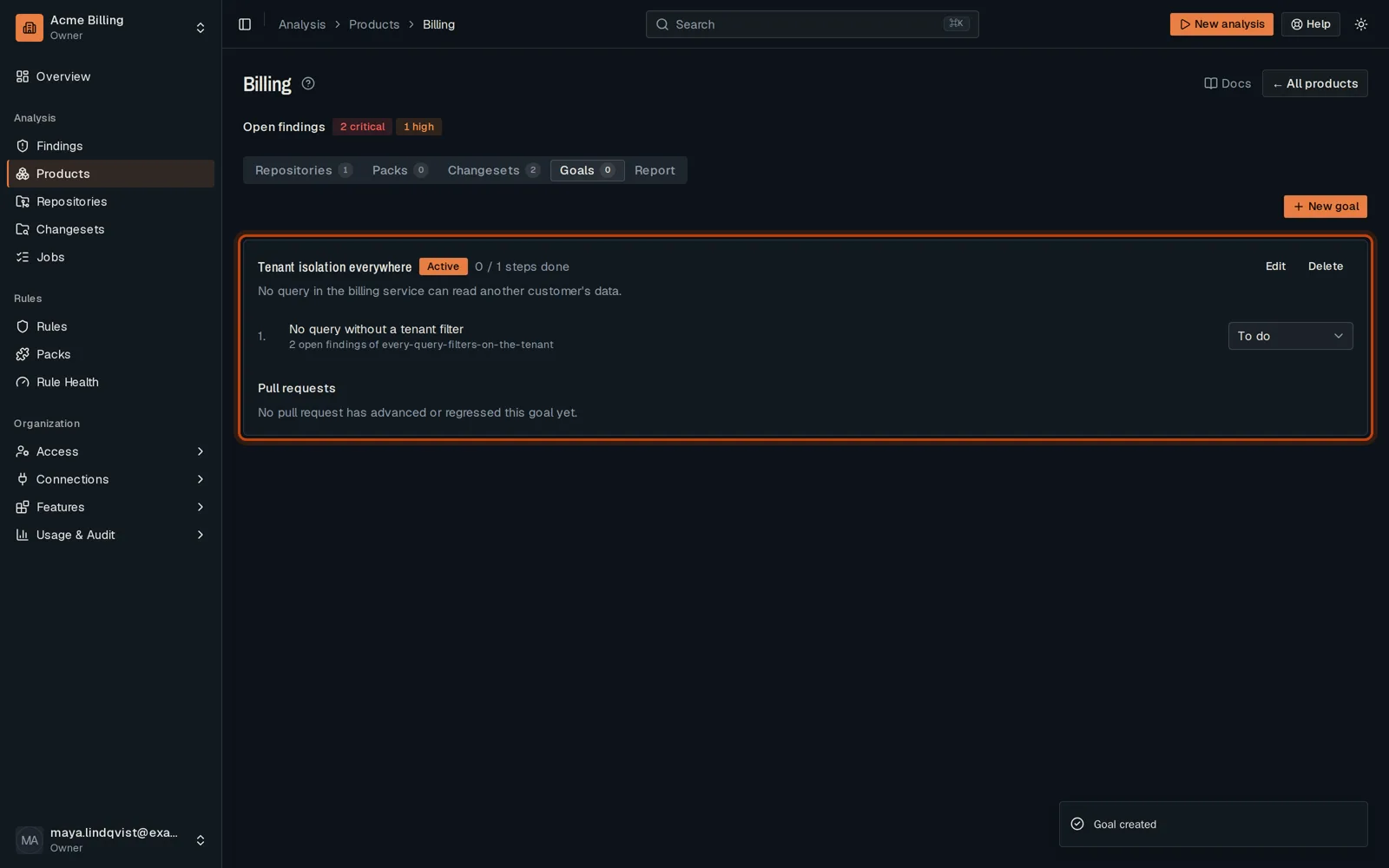
Save the goal. Each pull request on the product is now checked against it.
Good to know
Section titled “Good to know”- Only Active goals are checked on pull requests.
- A step with rule IDs is done when those rules have no open finding left.
Go further
Section titled “Go further”Product goals explains how it works, and how to do it from the API.