Turn on single sign-on for the org
Open in the dashboardWhen you are done: members sign in through your identity provider.
-
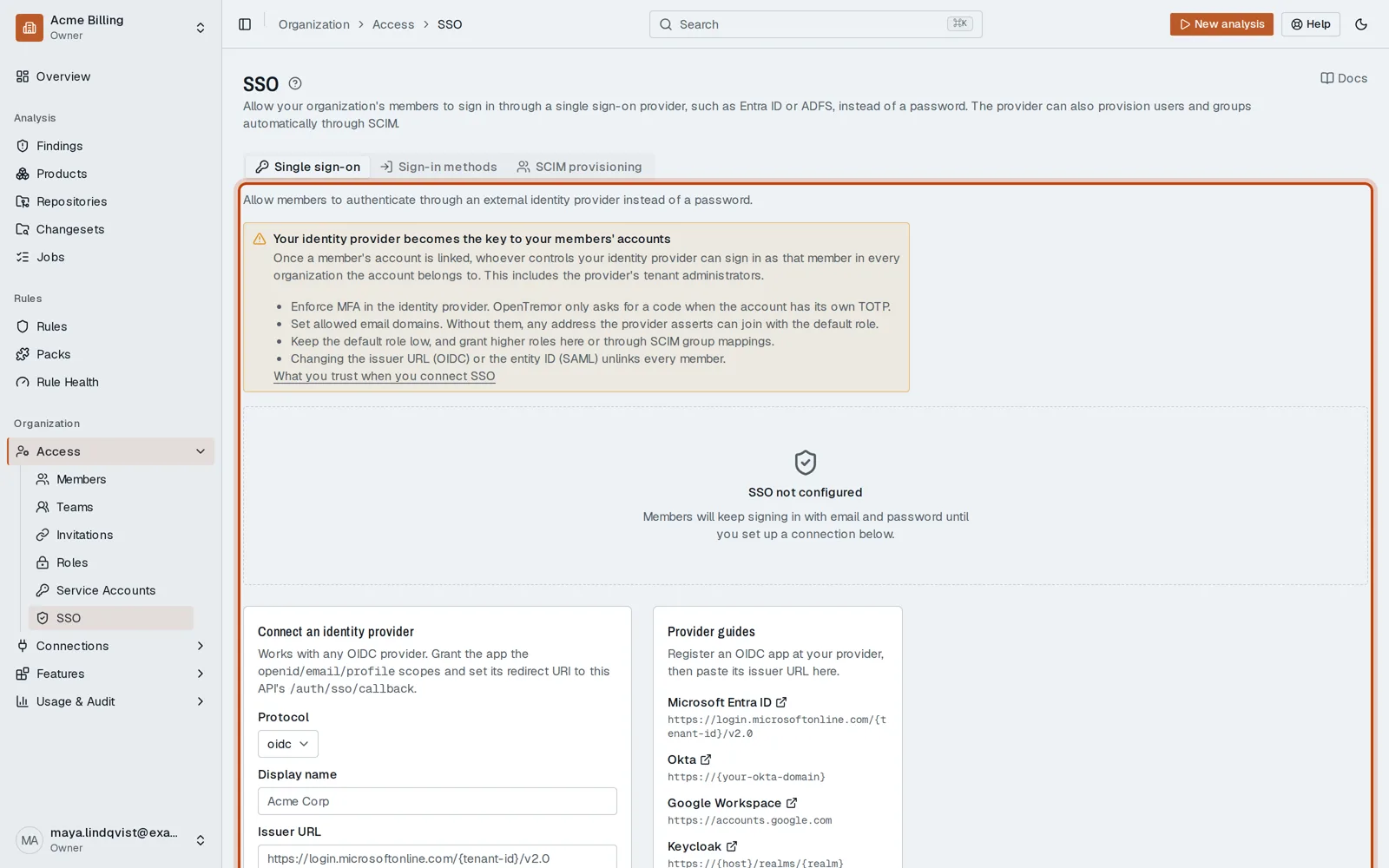
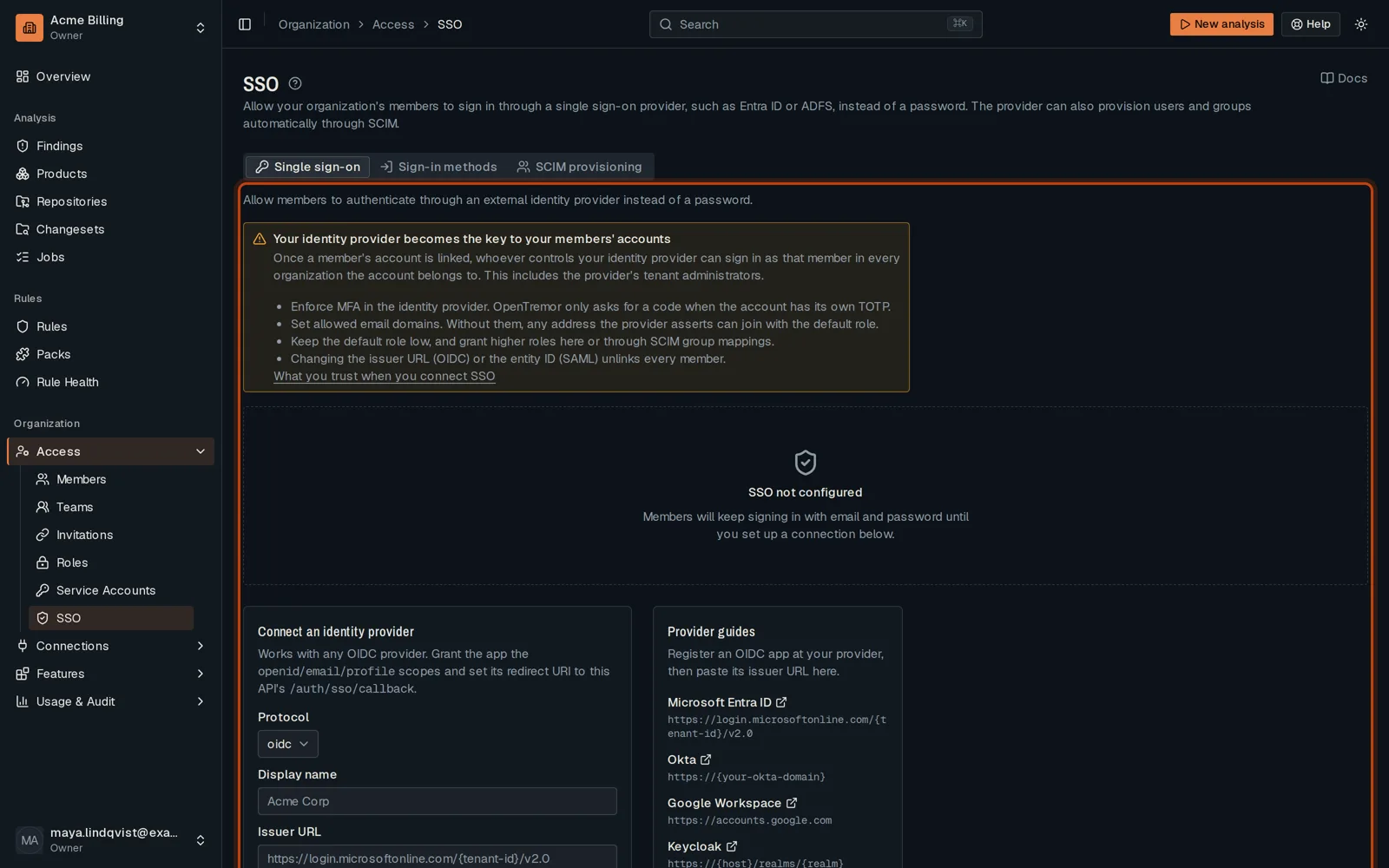
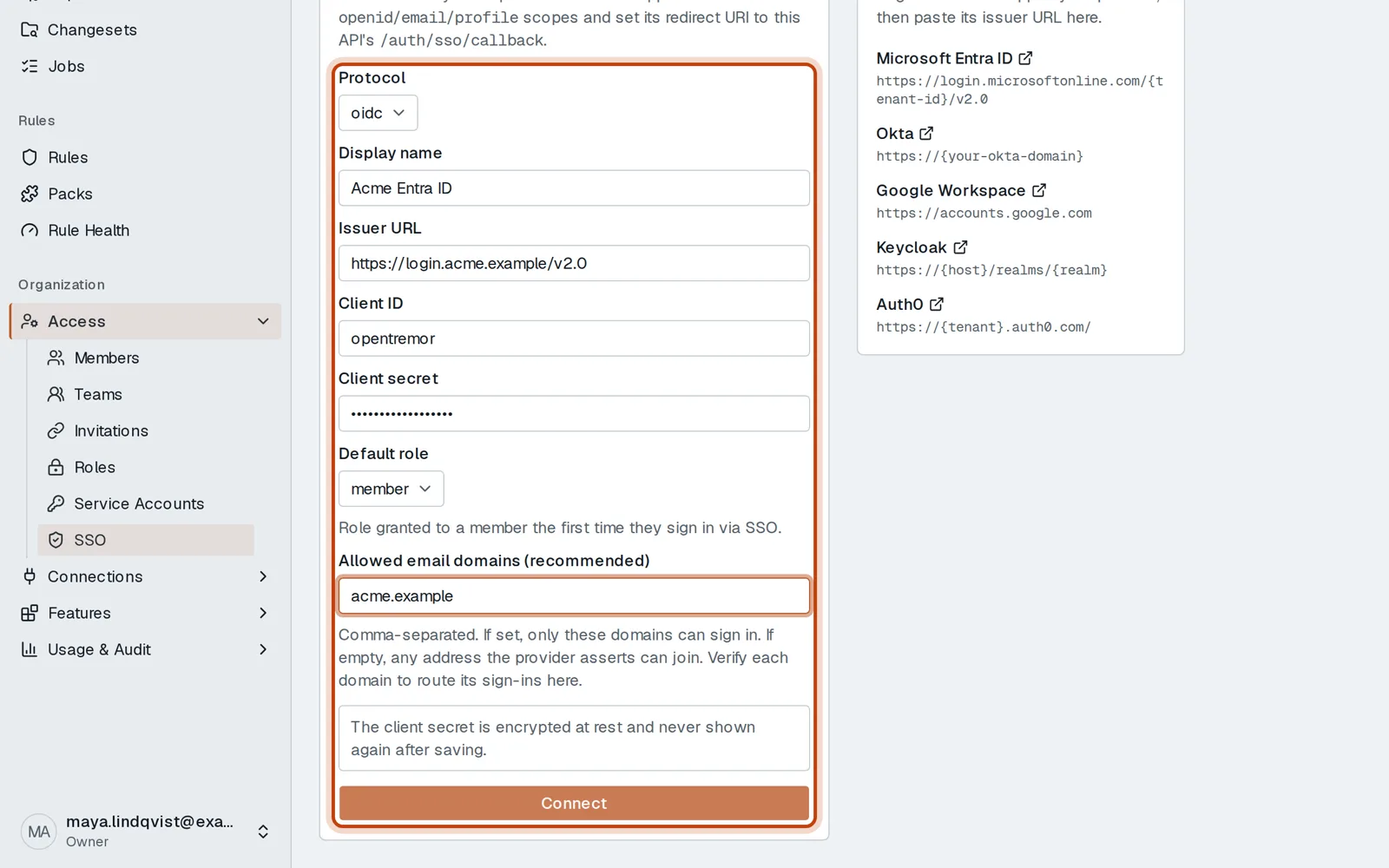
Open Access, then SSO.
-
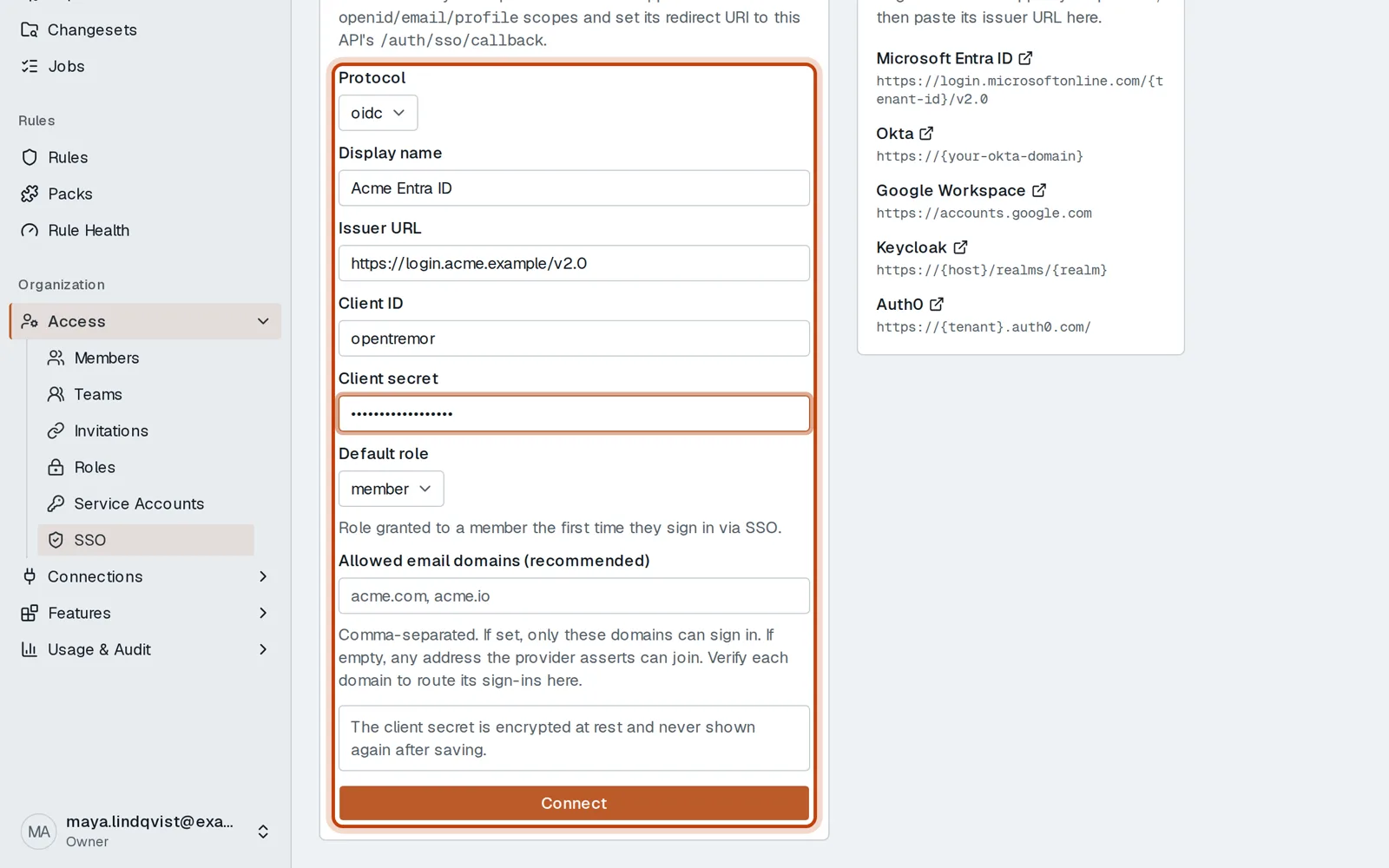
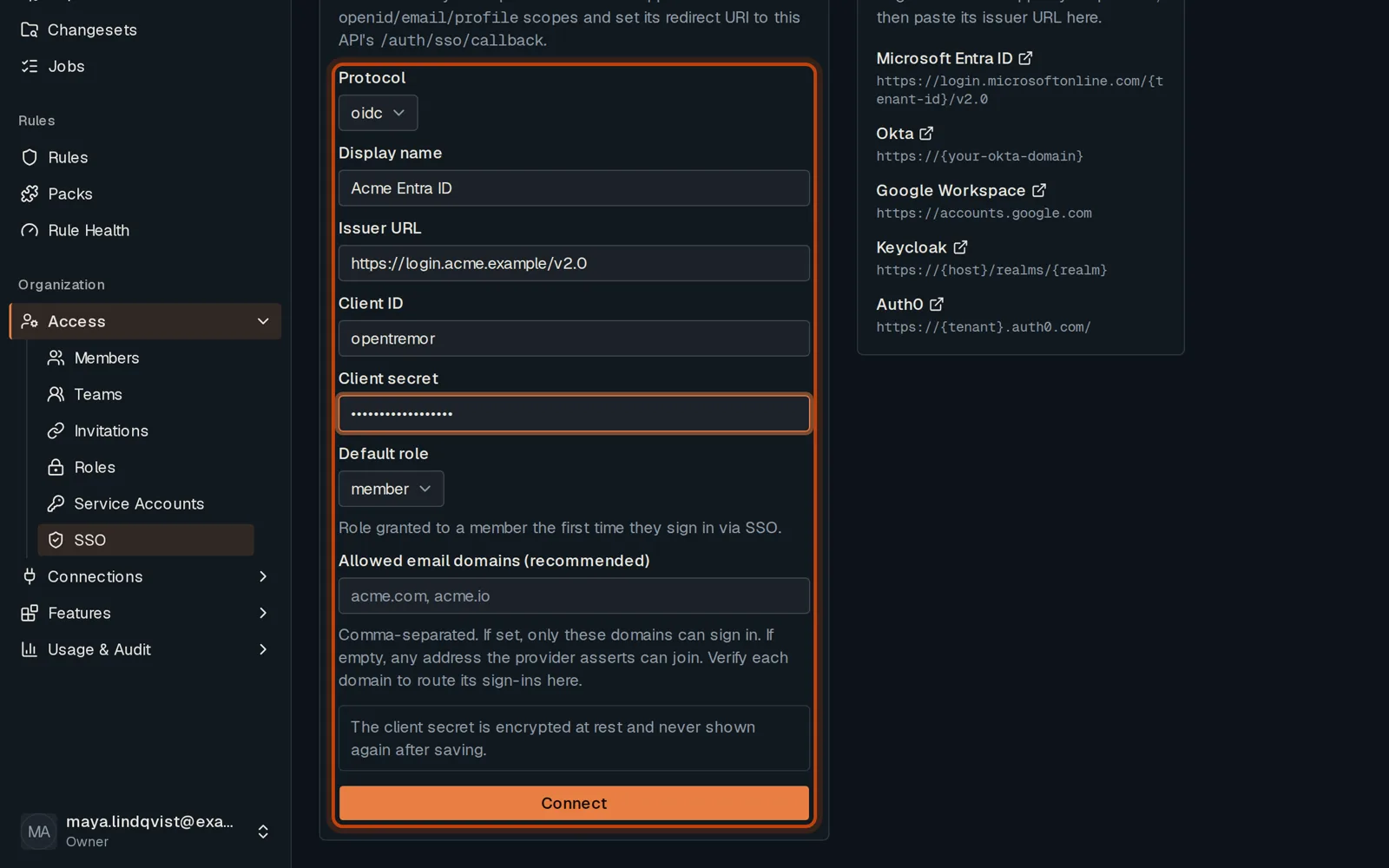
Choose oidc or saml, then enter your identity provider’s issuer, client ID and secret.
-
Choose the role new members get and the email domains allowed, then click Connect.
Good to know
Section titled “Good to know”- SCIM provisioning, on the same page, creates and removes members from your identity provider.
Go further
Section titled “Go further”SSO and SCIM explains how it works, and how to do it from the API.