Set up backups
Open in the dashboardWhen you are done: a backup has run, and the next ones follow your schedule.
-
Open Platform Admin, then System, then Backups. Schedule & storage sets when backups run and where they go.
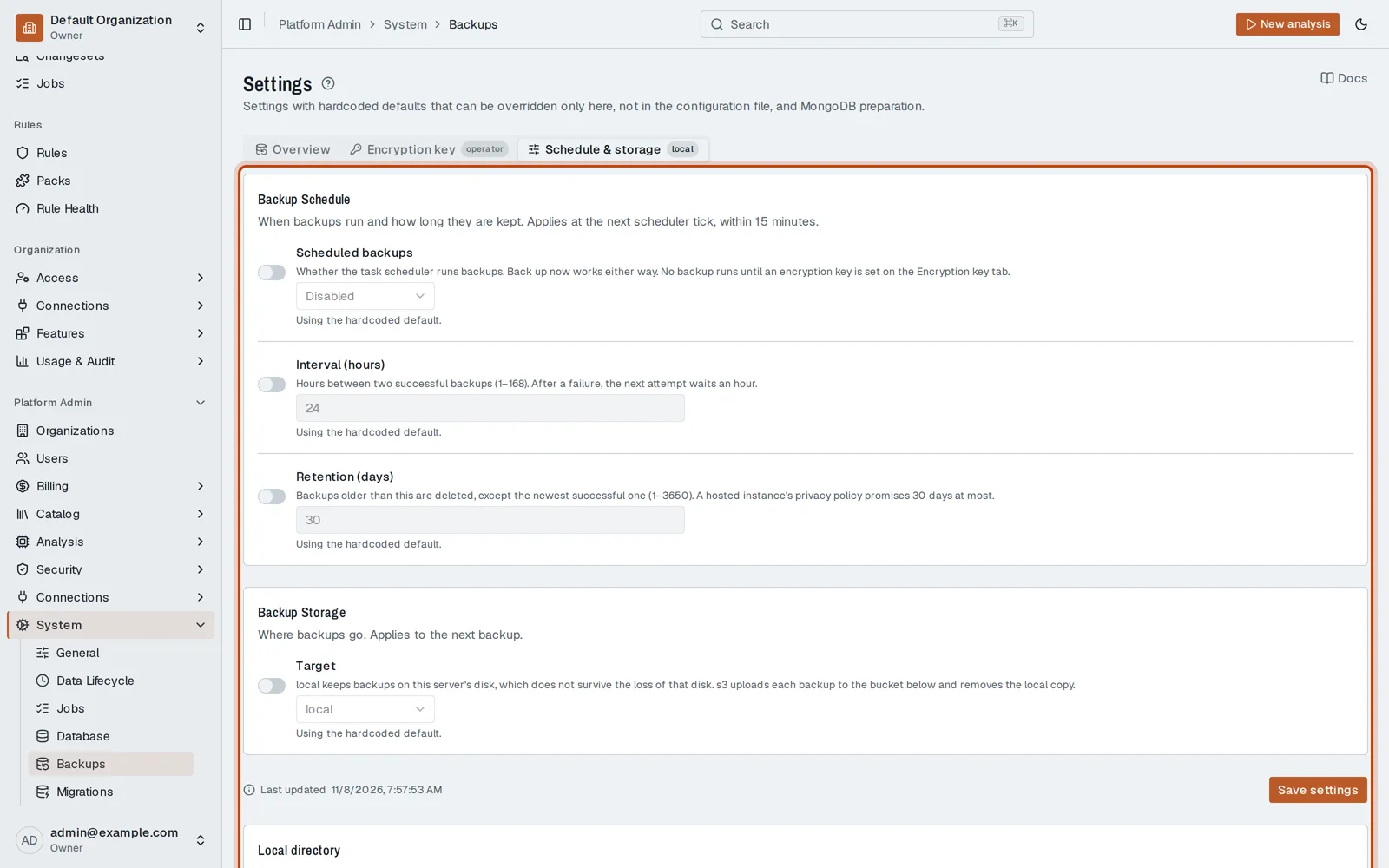
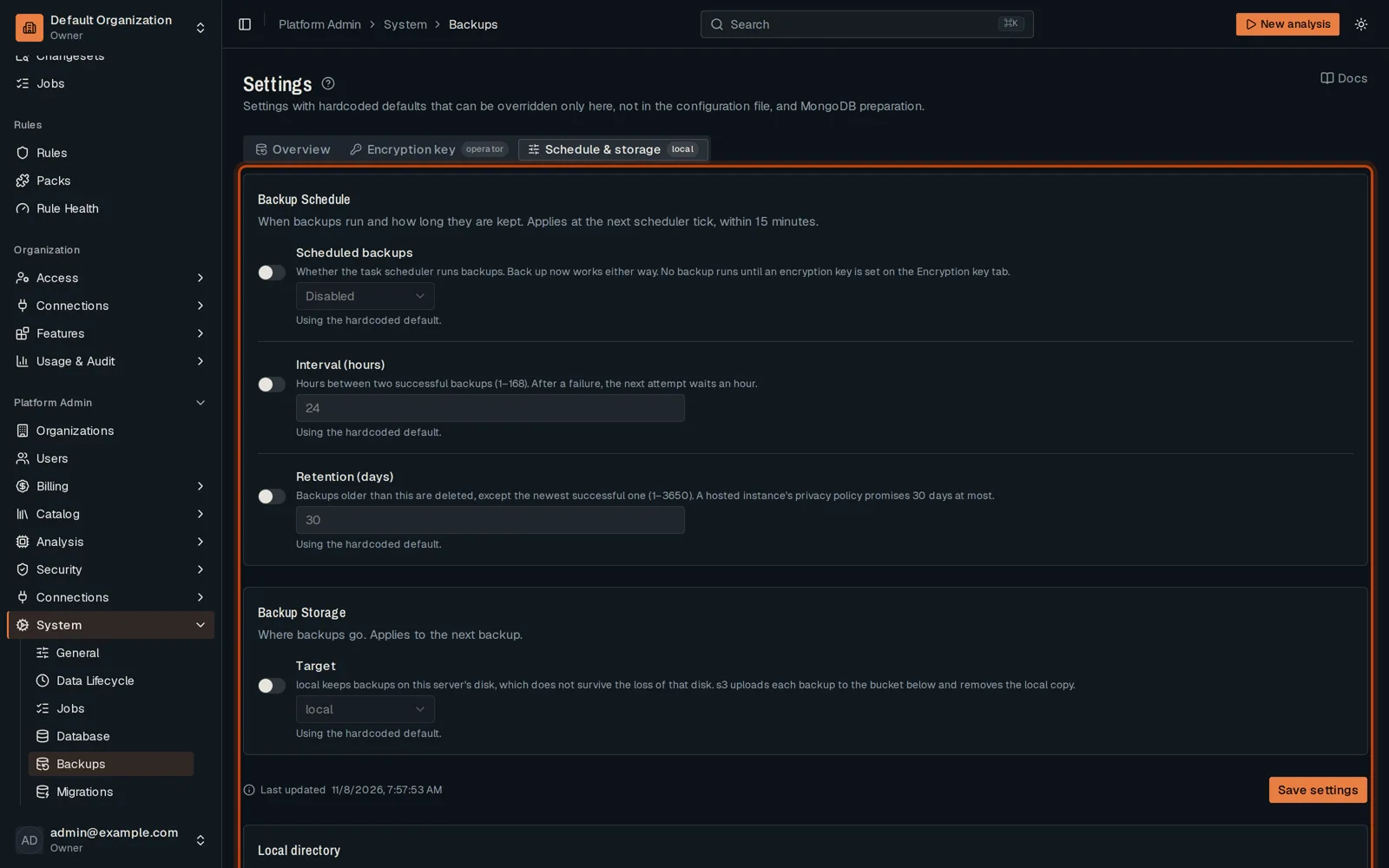
-
On Overview, click Back up now to run one at once.
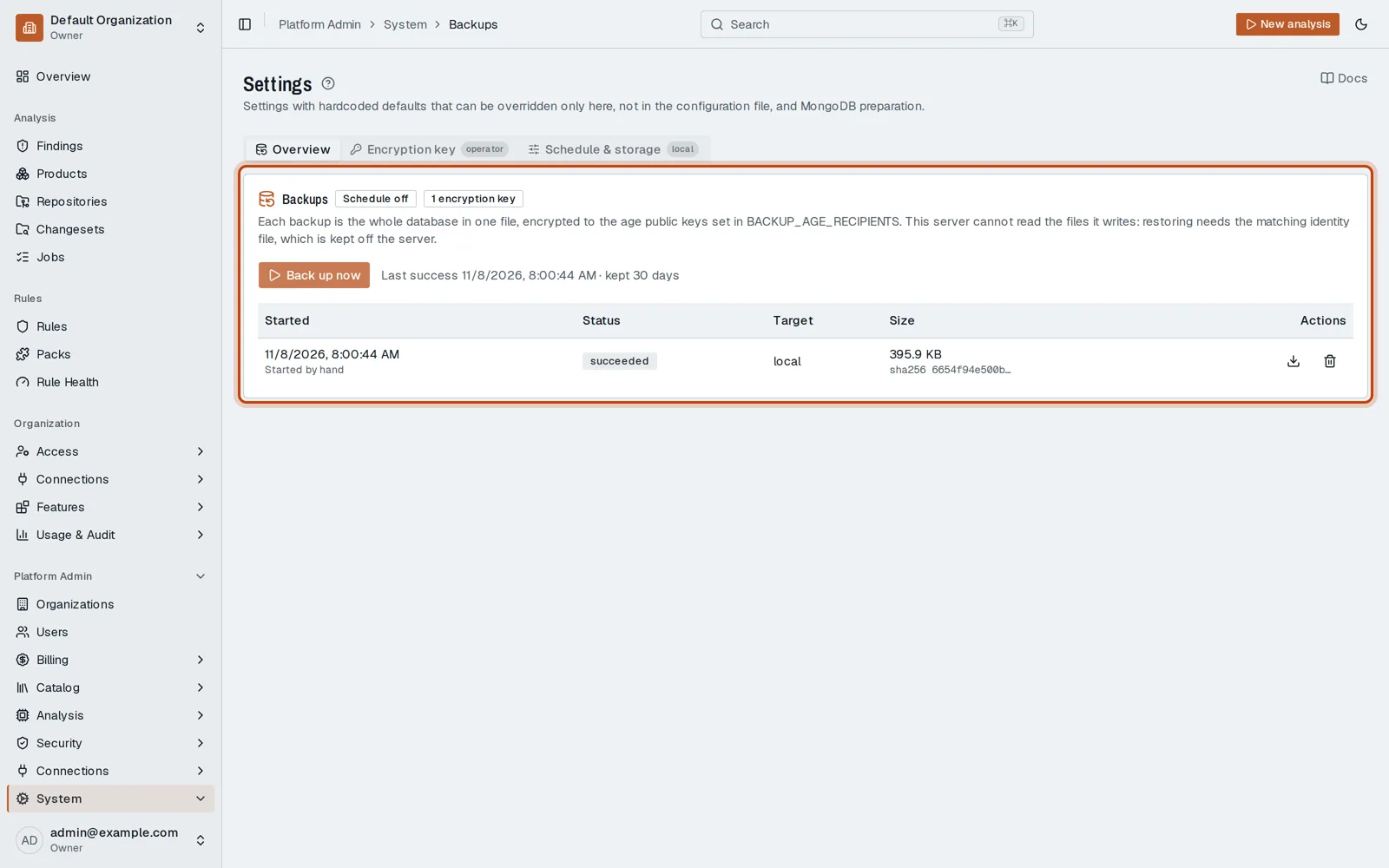
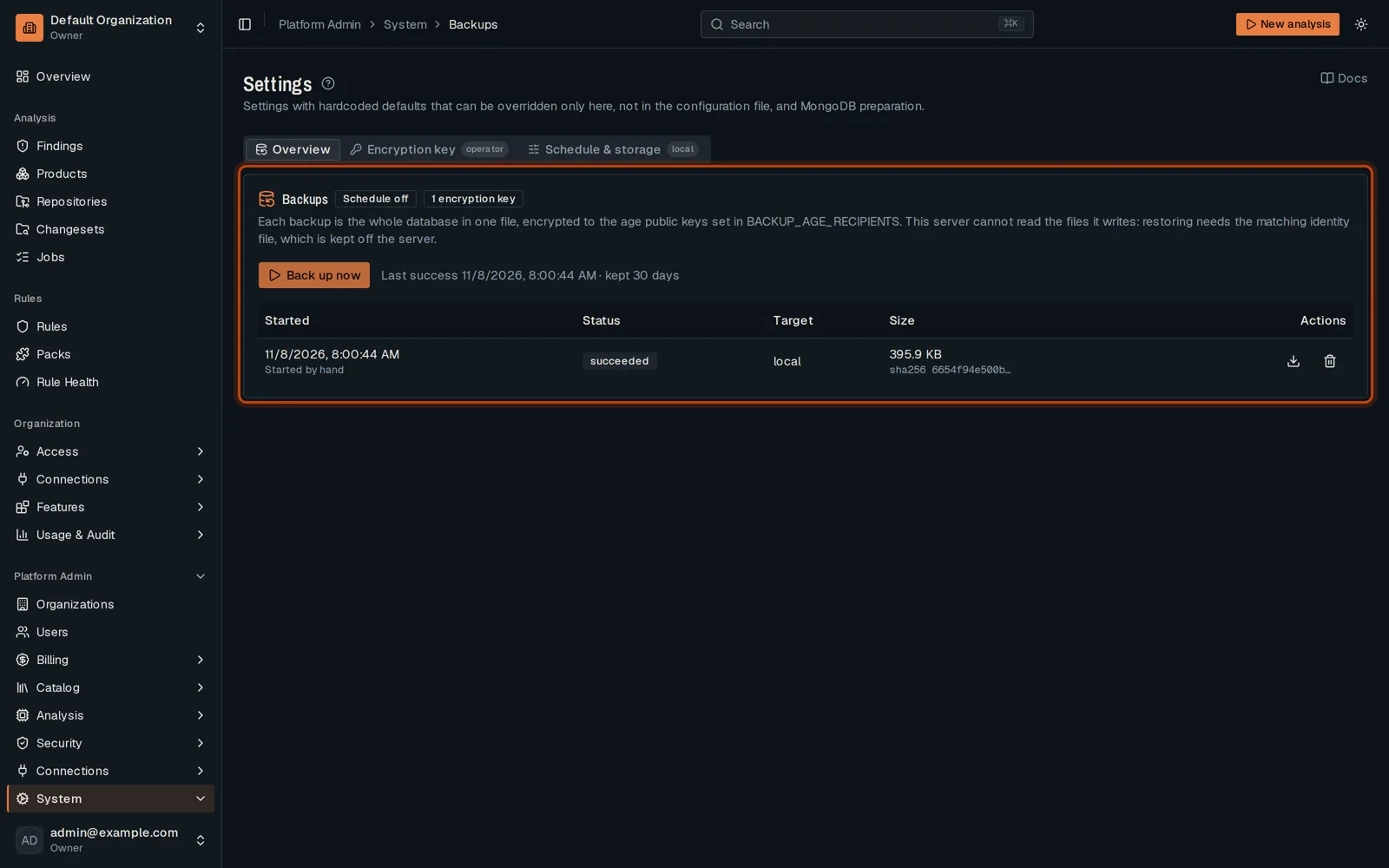
Good to know
Section titled “Good to know”- Backups are encrypted with the key set on the Encryption key tab.
Go further
Section titled “Go further”Backups explains how it works, and how to do it from the API.