Cap the LLM spend and choose a model
Open in the dashboardWhen you are done: reviews stop calling the model once the month’s budget is spent, and each product uses the model you chose.
-
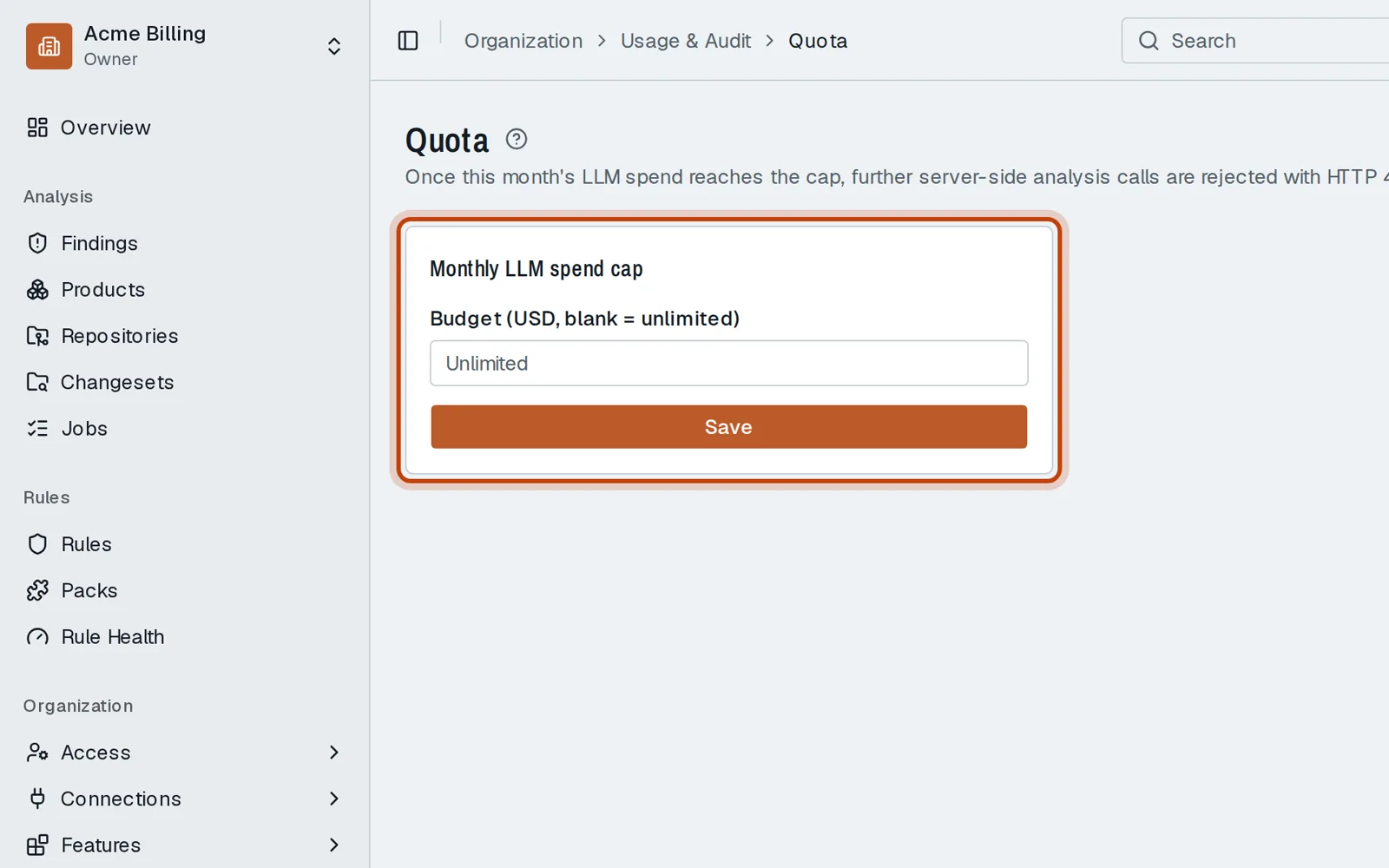
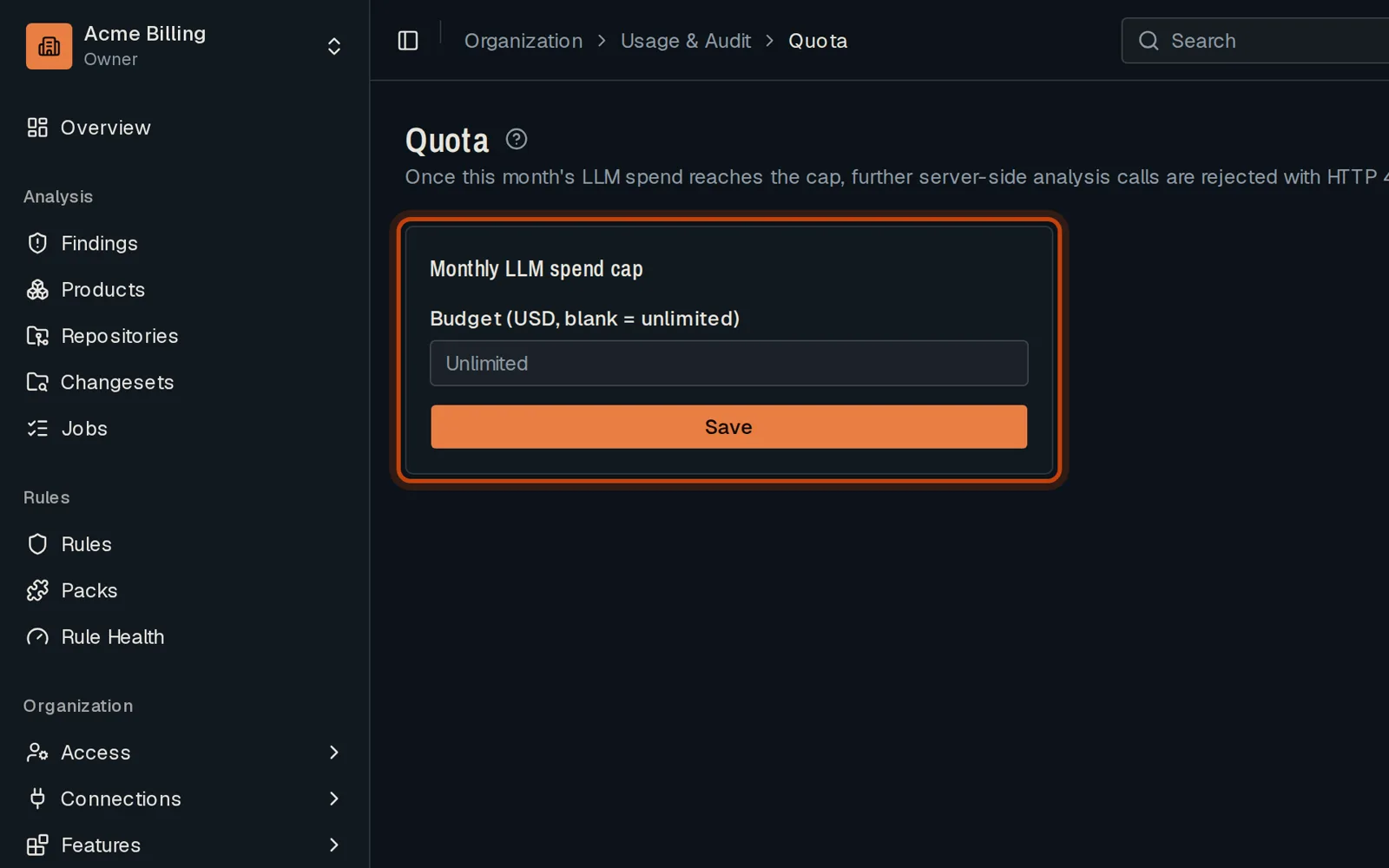
Open Usage & Audit, then Quota.
-
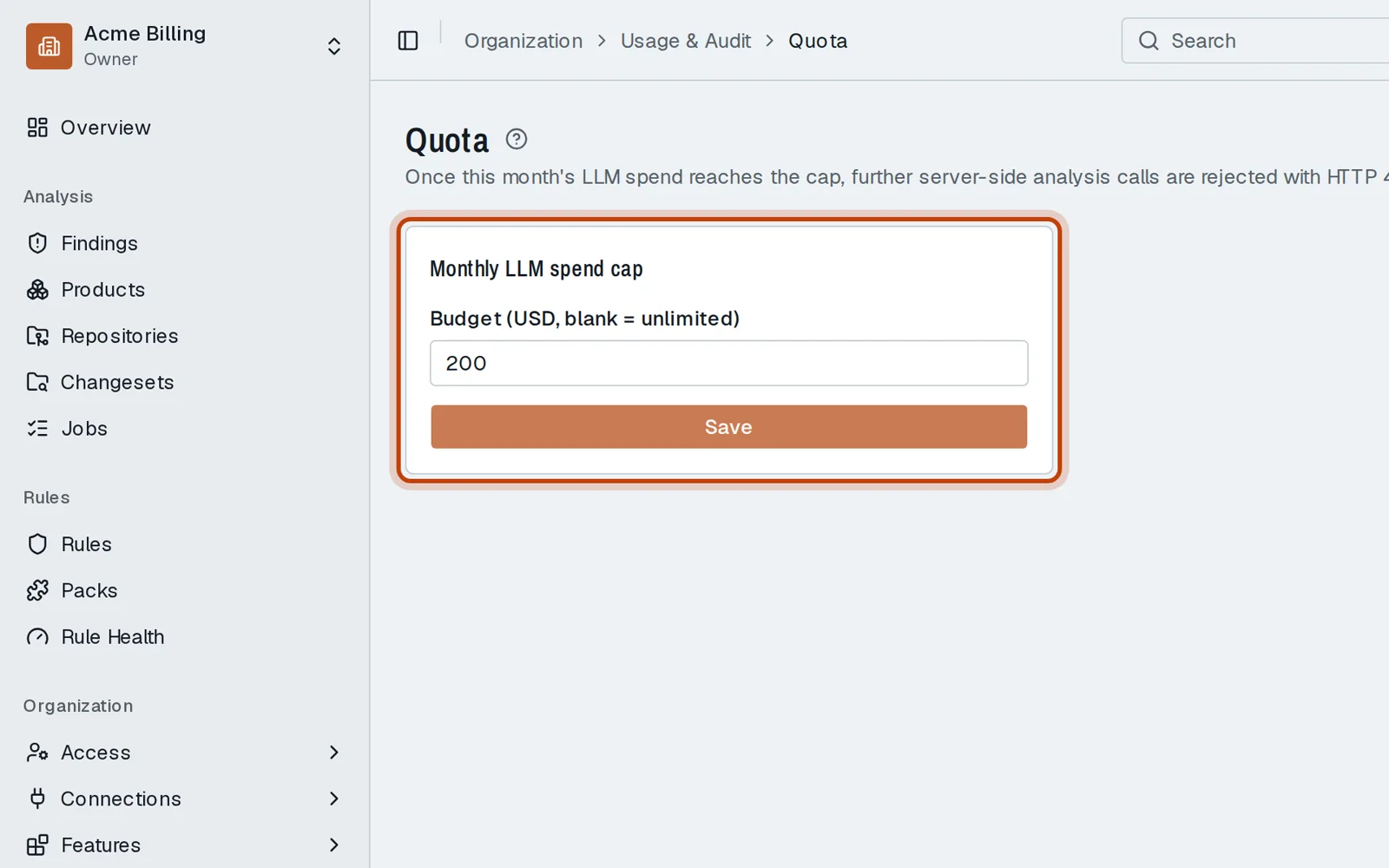
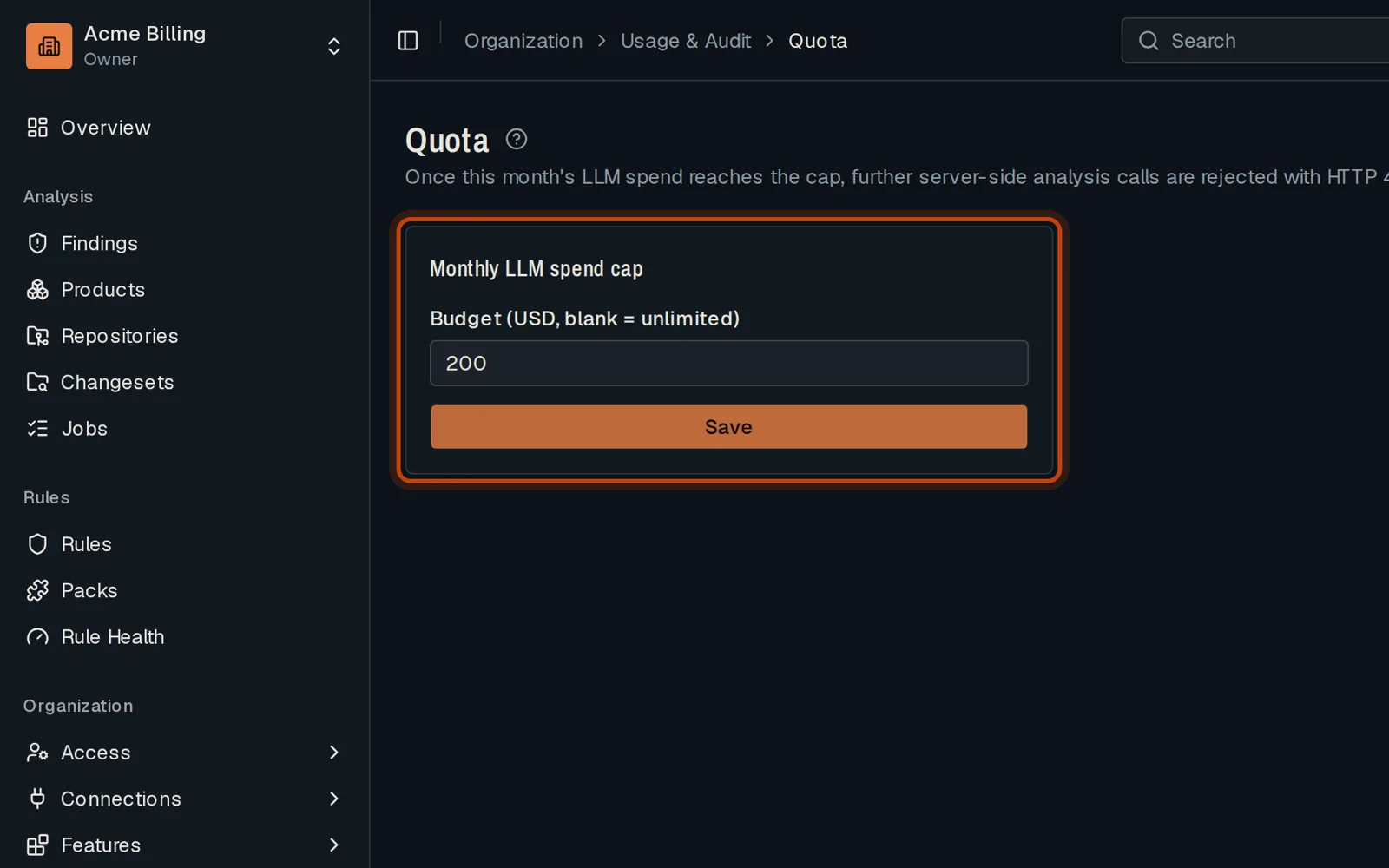
Enter a monthly budget in US dollars and click Save. Past it, reviews stop calling the model.
-
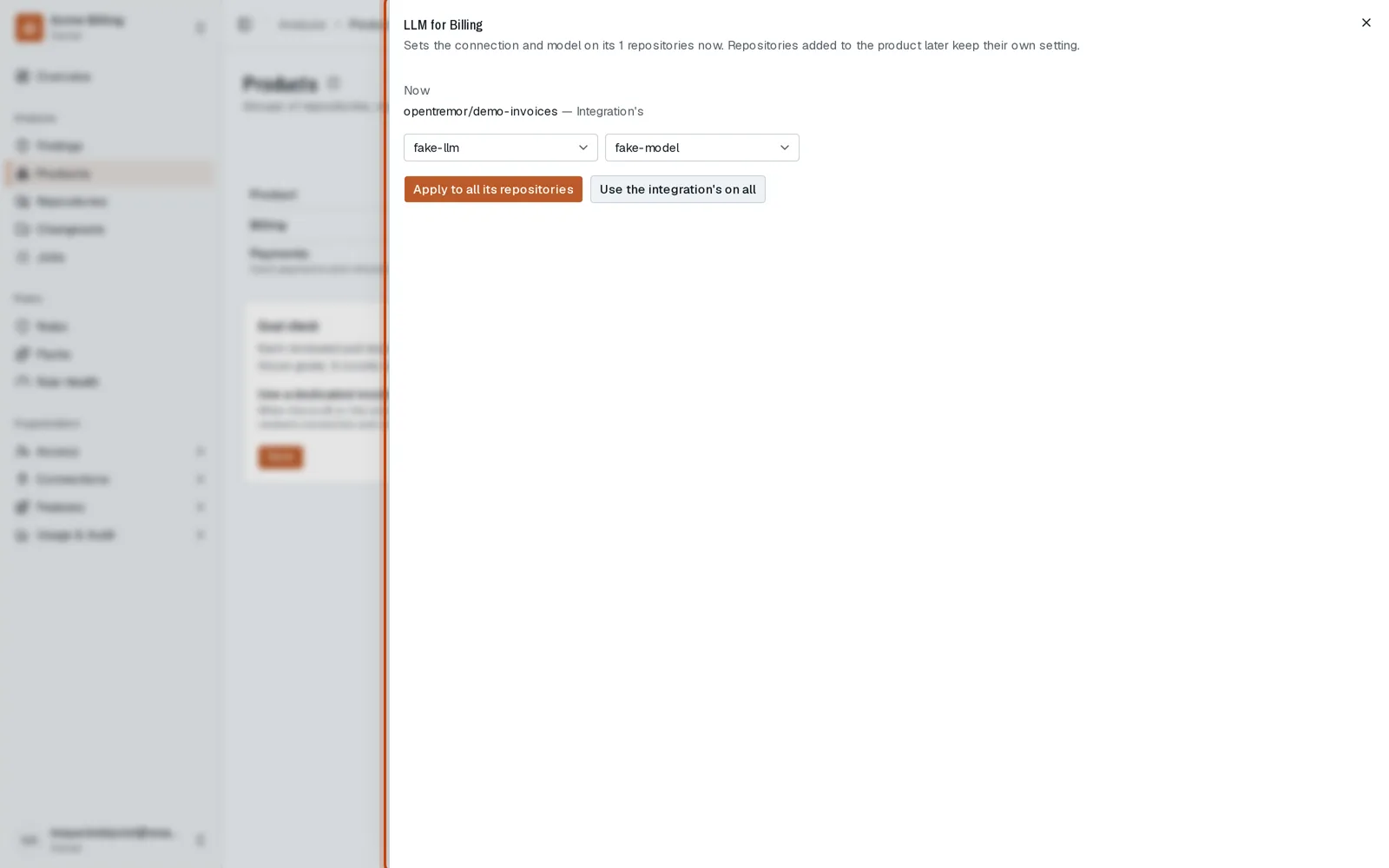
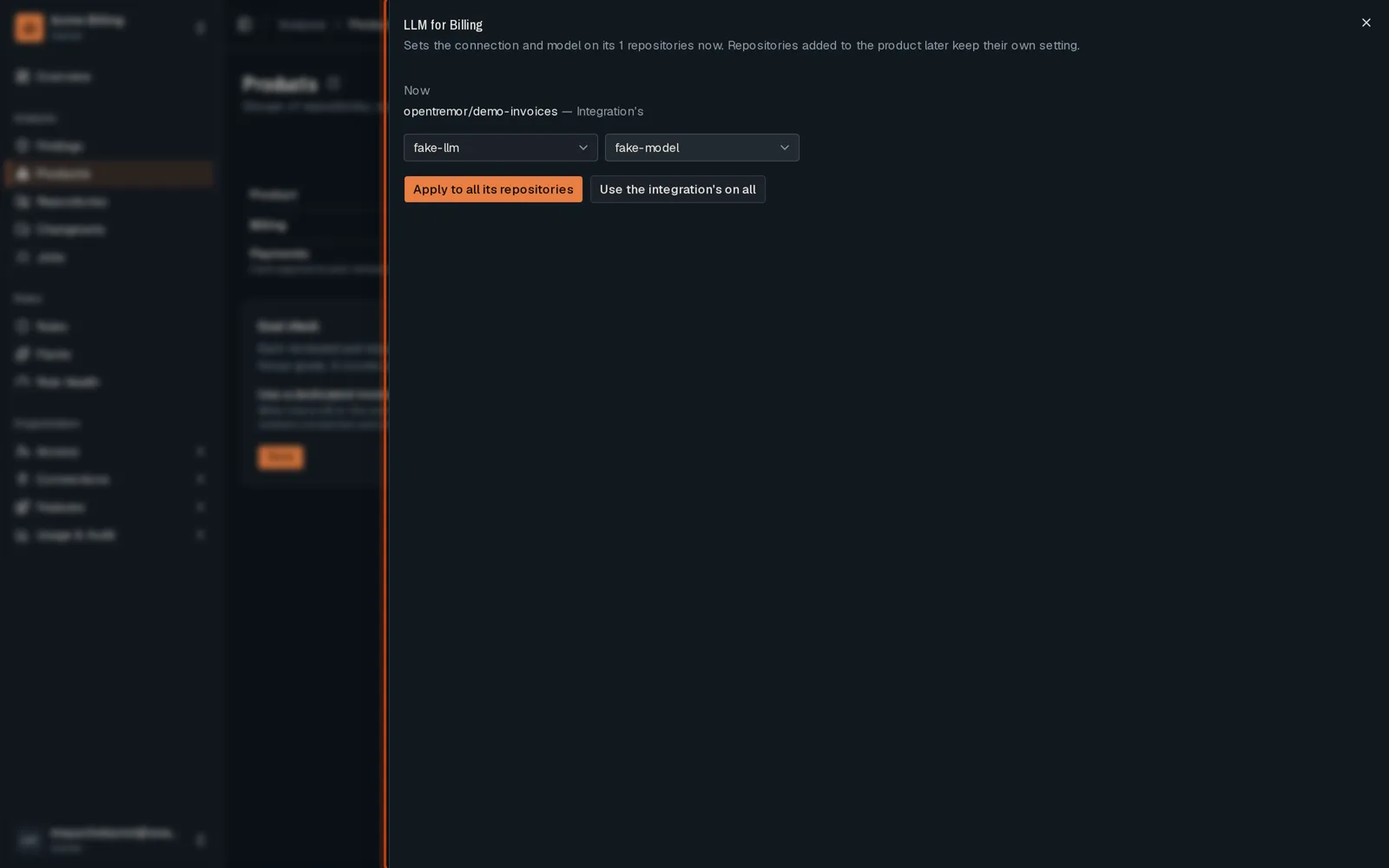
To choose the model a product uses, open Products and click Set LLM on its row.
-
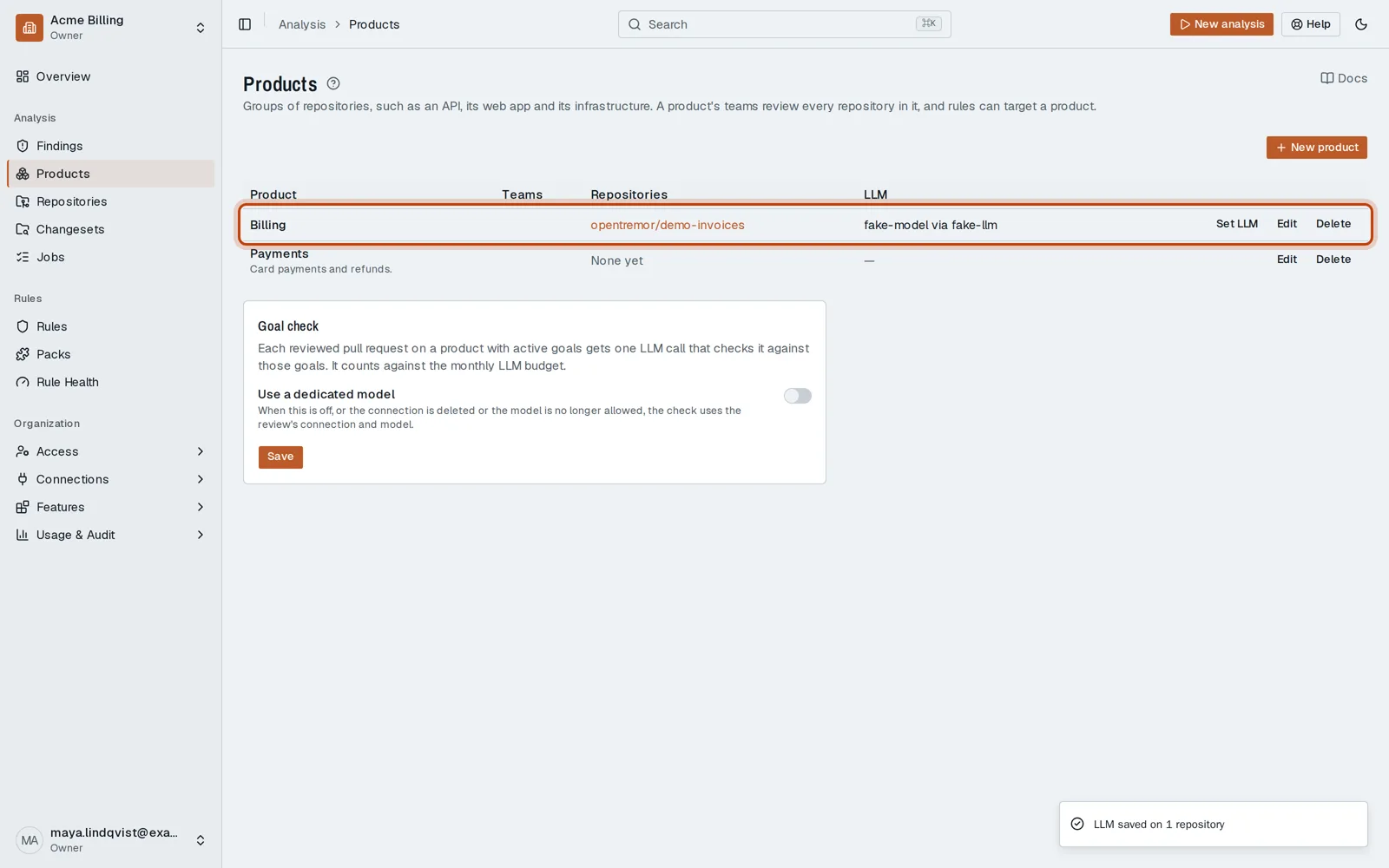
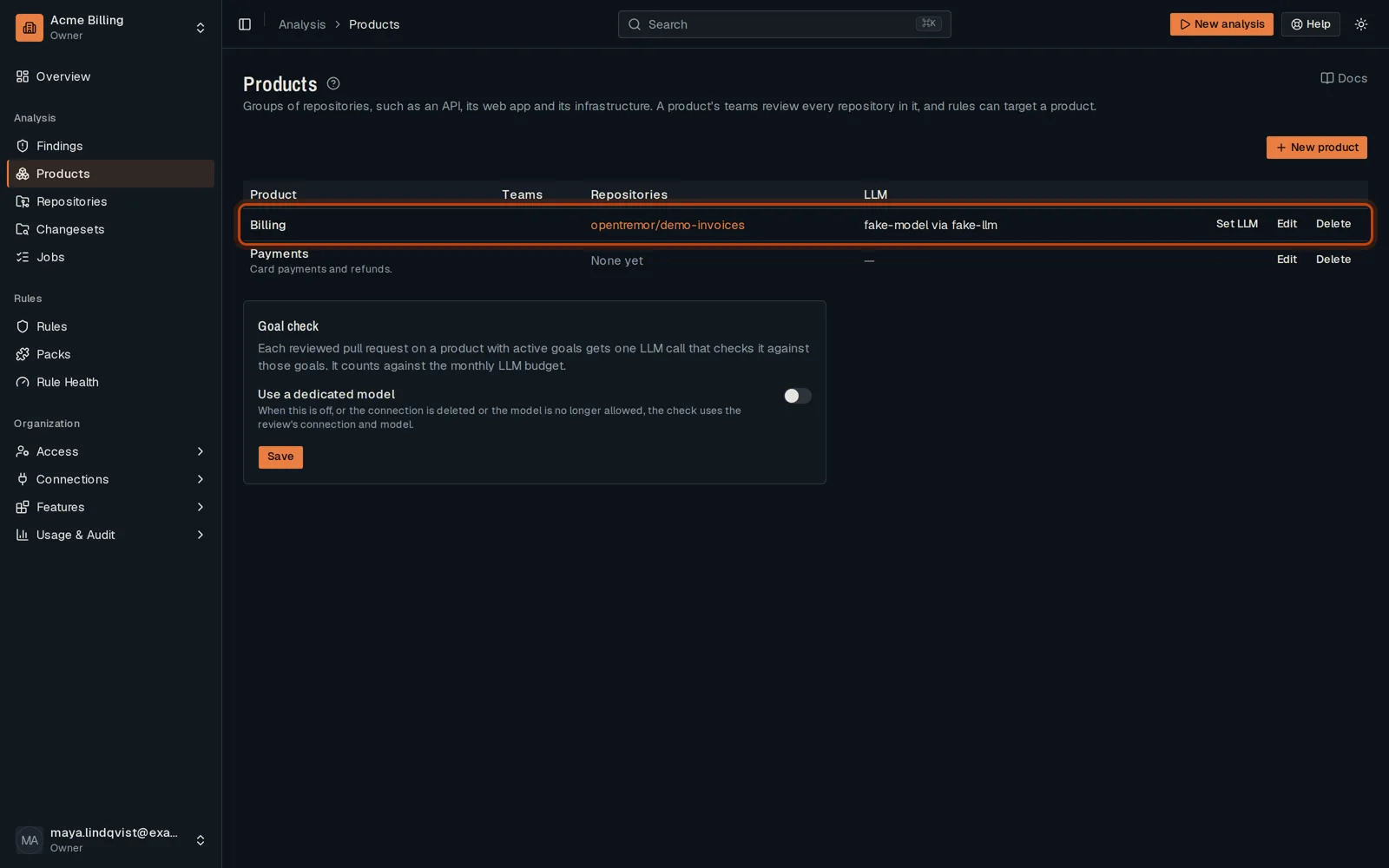
Pick the connection and the model, then click Apply to all its repositories.
Good to know
Section titled “Good to know”- Leave the budget empty for no cap.
Go further
Section titled “Go further”LLM providers explains how it works, and how to do it from the API.